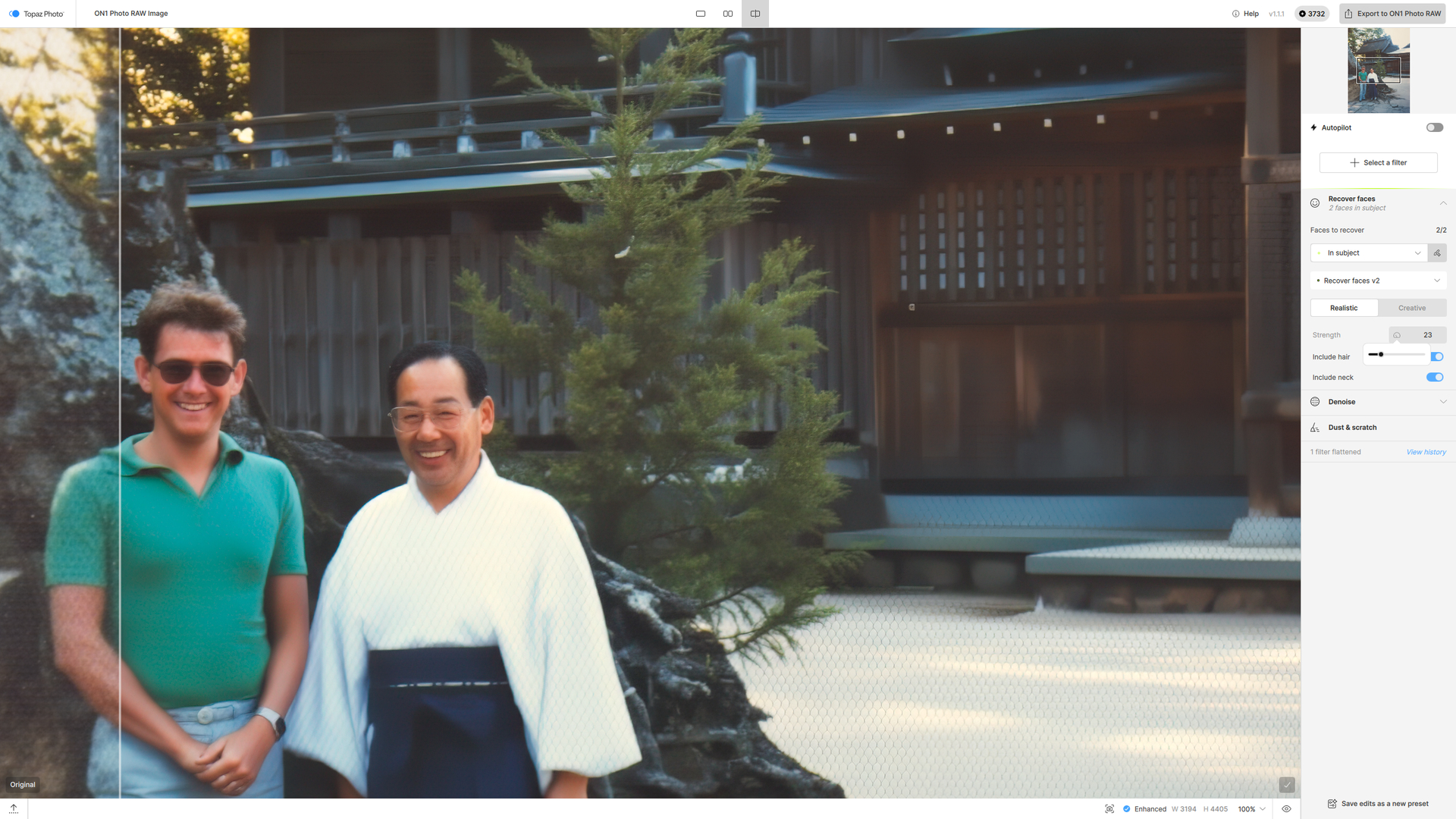
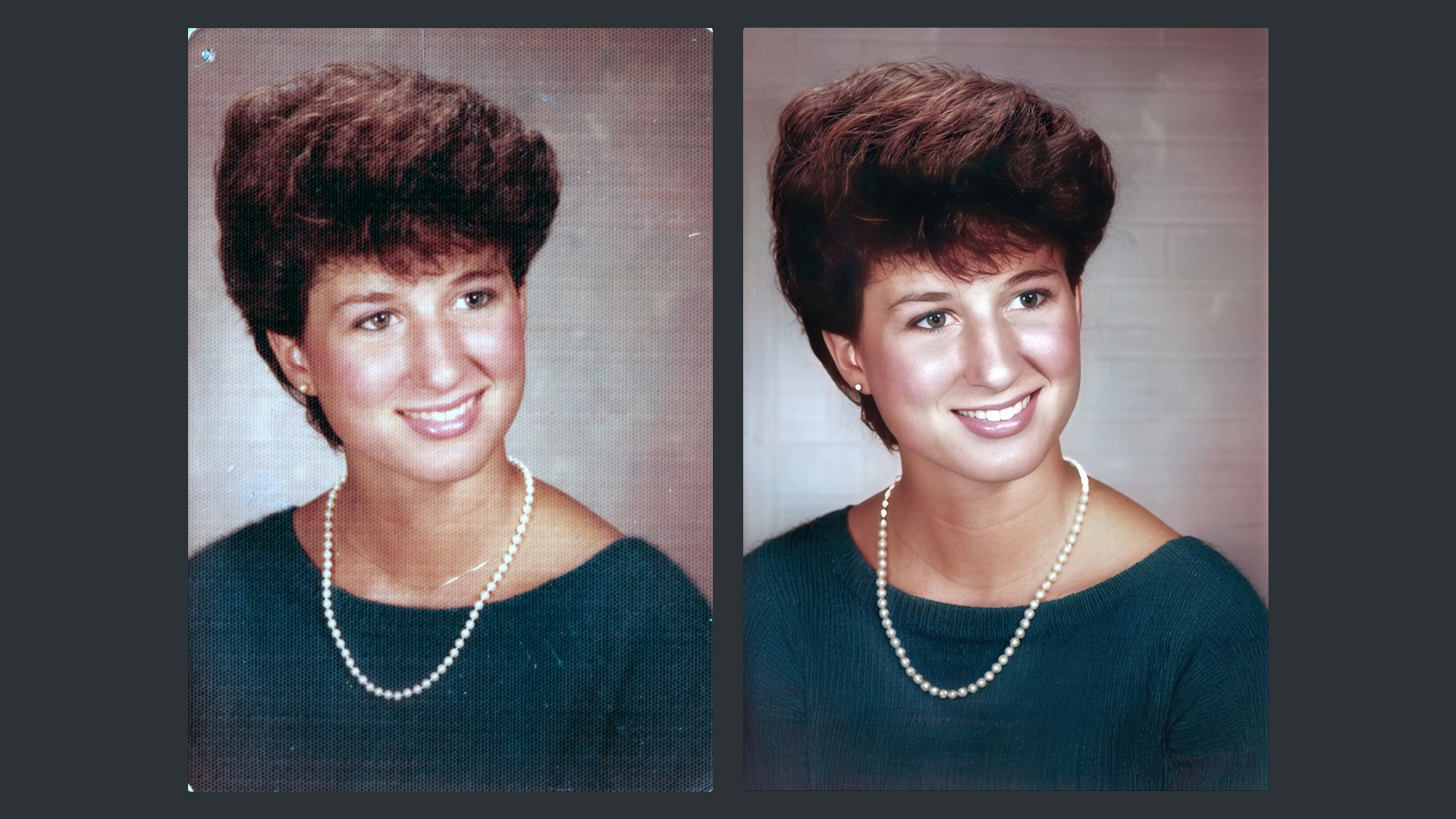
I continue to be somewhat preoccupied with moiré patterns on some old 4x3 inch prints of mine. It occurred to me that, if Topaz were going to address this, maybe the best place would be within the dust and scratches feature of TopazPhoto. Here’s what happens if the current version of dust and scratches is applied. It seems to work almost in some of the darker areas:
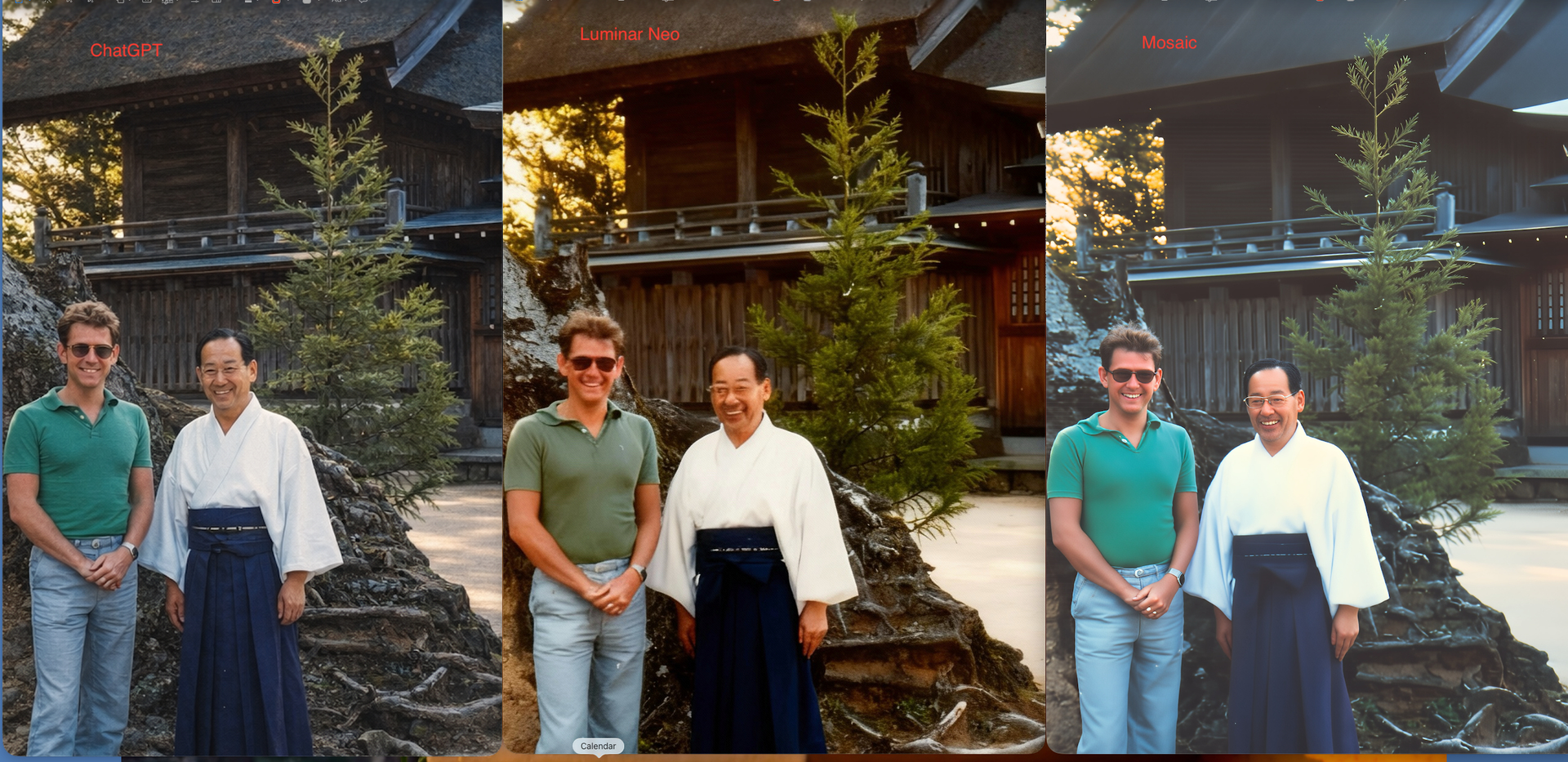
All of these got rid of the moiré, but with varying success in rendering a pleasing image. I also used Gemini (NanoBanana), but the downloaded image is of much lower resolution (741x1024). Only Mosaic matches the original, at 3404x4692, but the results are poor.
So, my conclusion: use ChatGPT and then Gigapixel to upscale if necessary, and possibly layer in more accurate faces from TopazPhoto.
Or, they could rename that category to ‘Photo Restoration’ and include features for: Dust removal, Scratches removal (plural, unless someone only needs to remove one scratch …), and Pattern Removal (probably best not to label the feature as moire b/c Pattern Removal is a broader term & the description of the feature, in their updated documentation, could mention whether moire & other types of repeating patterns would be addressed by whatever capability they develop or repurpose).
Ultimately, if they’re still going independently - they could add a Recolor feature into that Photo Restoration category too.
Indded a moiré/pattern removal/descreening function would be great to have, espescially one that only applies it where its needed. Would be invaluable on mixed content. I scan a lot of pages with images, vector art and text mixed, and regular descreening/fft applies it wholesale to the image, killing text and other objects that might not have any patterns in them at all.
The challenge I set myself was how far could I Restore an image only using the Studio Collection and no Nano Banana, Flux Kontex or Firefly and certainly no prompting the only thing I couldn’t do was the Blending.
To be honest Robyn, I was expecting to use Photoshop all most certainly right away but, no not until the end, it was wow right from the start I was impressed with Dust & Scratch in fact I was really impressed with all the Topaz Applications we couldn’t have done this a couple of years ago.
Thanks once again take care and enjoy your weekend