Small for testing is a good idea. Otherwise can take a long time. Even via “Cloud”.
It’s so interesting to see what AI can do for something like this scanned textural photo. I haven’t tried Bloom yet. Used the “auto” (choose AI model for pic editing) on Freepik for this result. It’s a site I use to get stock for my YouTube Ps demos.

Prompt was: Make this image clean and pristine. Remove the overall texture pattern.
This is straight from Freepik. I bet TL Phot could improve on this output tremendously.
Okay, I couldn’t stand it. I had to see what would happen ….
Brought the Freepik output (immed. above) into TL Phot (via Ps layer). Used 2 rounds of Phot Denoise, Face Recovery, then Sharpen - Portrait (none of the tools I tried were able to completely remove pattern from her hair - Freepik models or TL Phot)
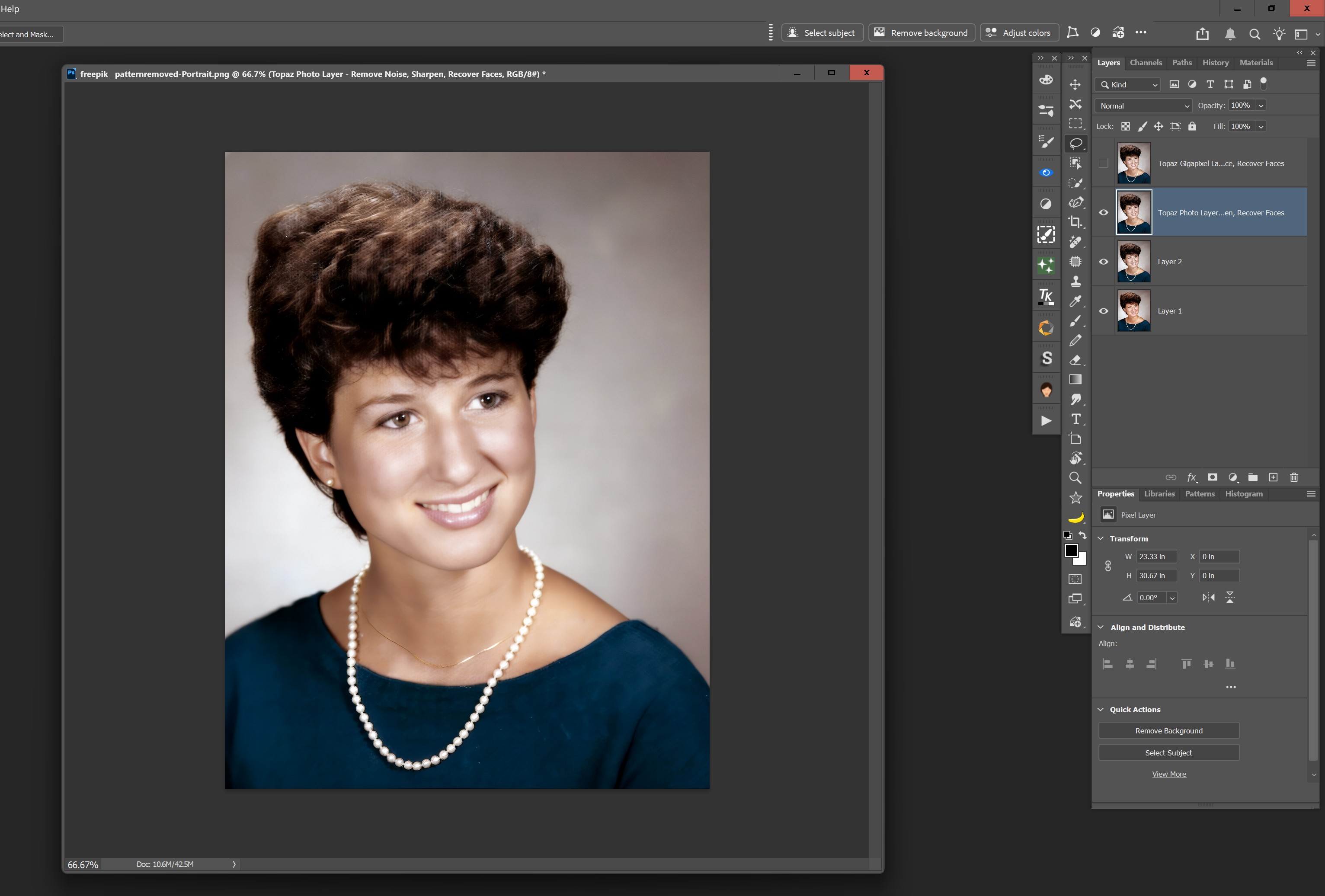
Took that TL Phot output into TL Giga - ran Recovery (I have Face Recovery set to on in Giga). Definitely sharpened the eyes. But the curly hair is still an issue: [To @Lingyu I still think - at least for my taste - the Sharpen-Portrait model is too aggressive (as rptd during ‘beta’ - it’s very intense by the 12-14 level]
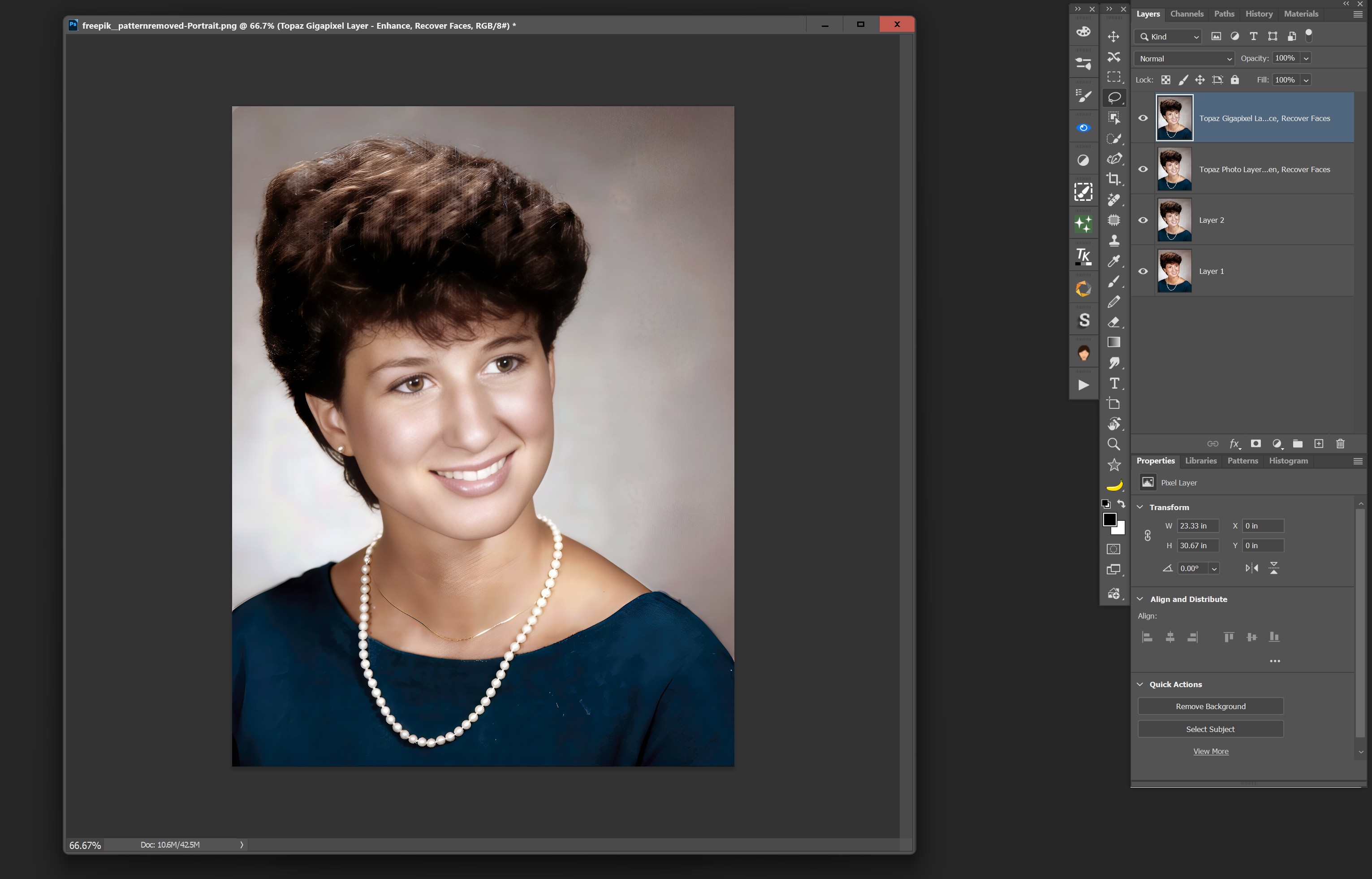
I like that the various tools I used maintained the delicate gold necklace. But the residual texture in the hair isn’t great. p.s. I desaturated some of the red in her skin that was intensified in the AI processing with Freepik. So that wasn’t stripped out by TL processing. I did that b4 sending to TL products.
Could you try kaze.ai on the same image, and let’s share with the topaz team. This foto restoration here is absolutely behind the leading edge.
I tried Kaze.AI. Don’t like the result relative to my previous Freepik + TL run or others’ tests above (especially the result after Neat Video denoising above…).
Plus, I got this one shot with the test image then Kaze had their palm out asking for $$$. Not a great way to incent potential users if no reasonable way to kick the tires….

Excellent Advice Robyn
Just because it’s called one thing or placed in a category doesn’t mean it can’t be categorised or used somewhere else.
Topaz gives us the Tools let’s explore and try for ourselves and as you suggested let’s remove those constraints.
Thanks that’s will certainly make life a lot easier
Have a great 2026 Ange
In order to give equal time to the men… and see what happens with a BW image. I just tried the scan-textured image of the man from above.
Again, starting with AI for the initial cleanse. Then into Topaz Phot for the finishing.
Output from an AI prompt in Ps using Flux Kontext Pro:
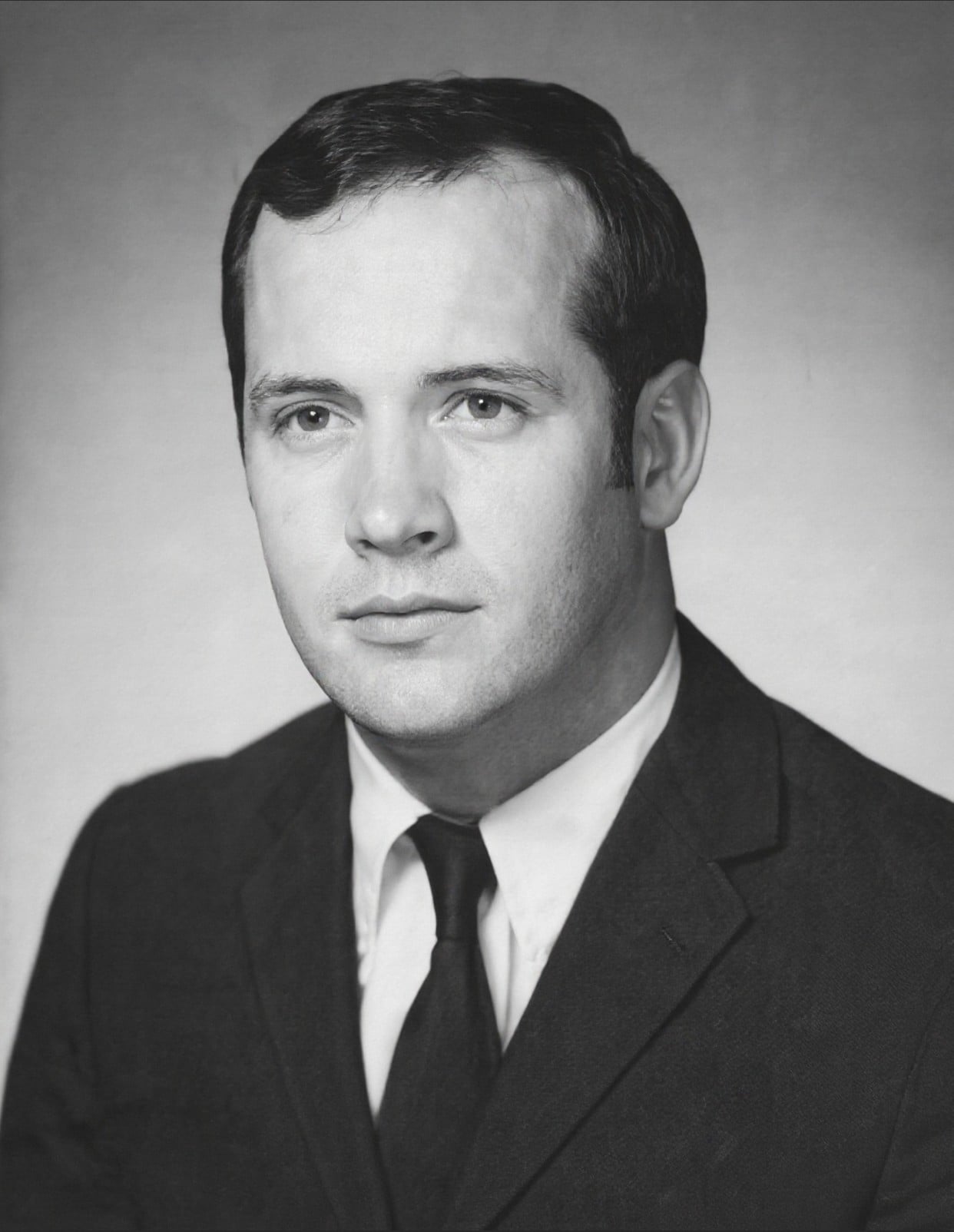
Because still in my Ps workflow mode … opened the Flux cleansed output (File > Automate) into TL Phot plugin and started with only Phot Denoise - output from that: [I’m trying to maintain some skin-like texture, not totally smooth anybody out]
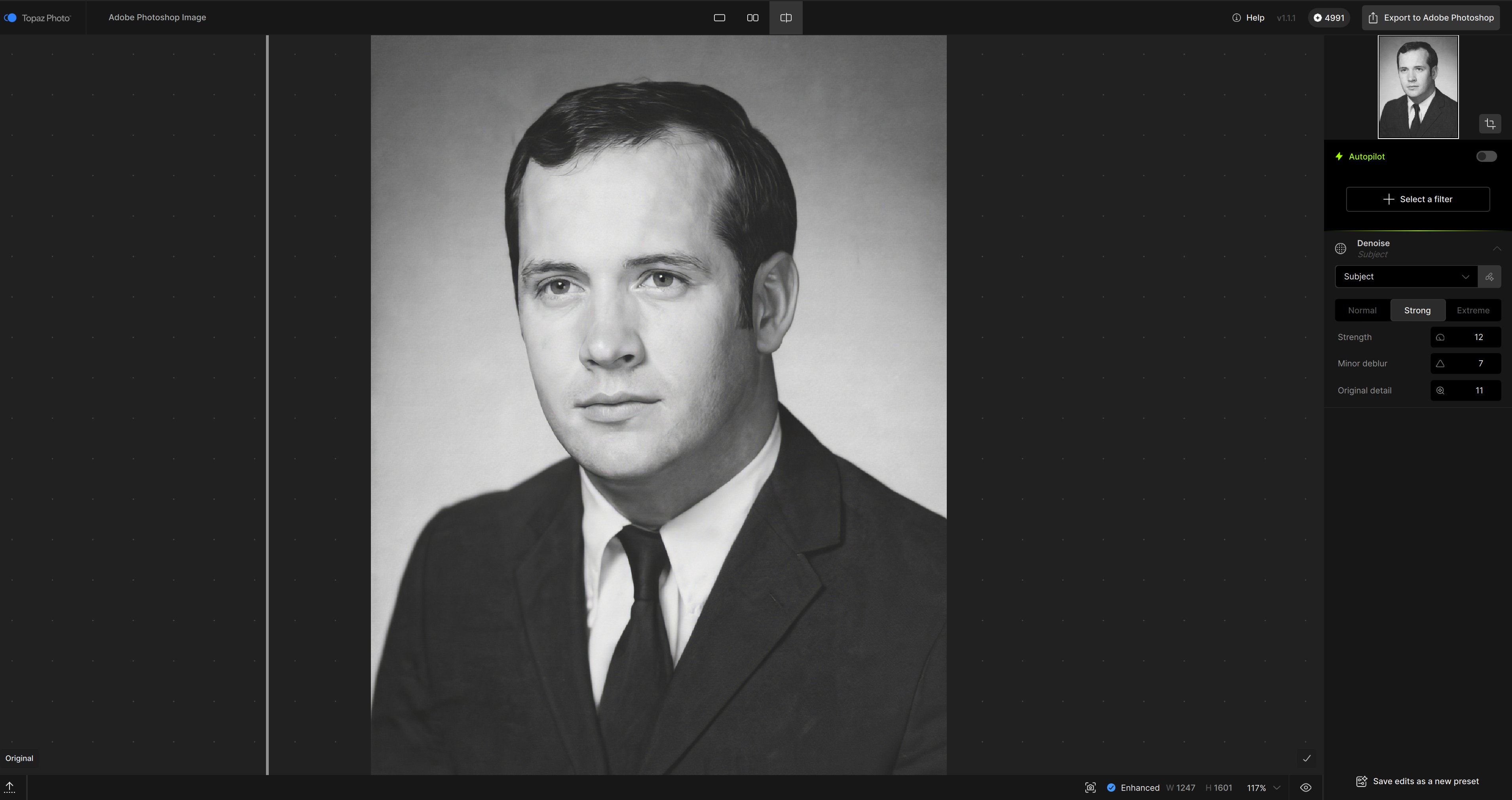
Then wrapped up with TL Phot Sharpen - Portrait (on the cumulative result of those two prior steps) :
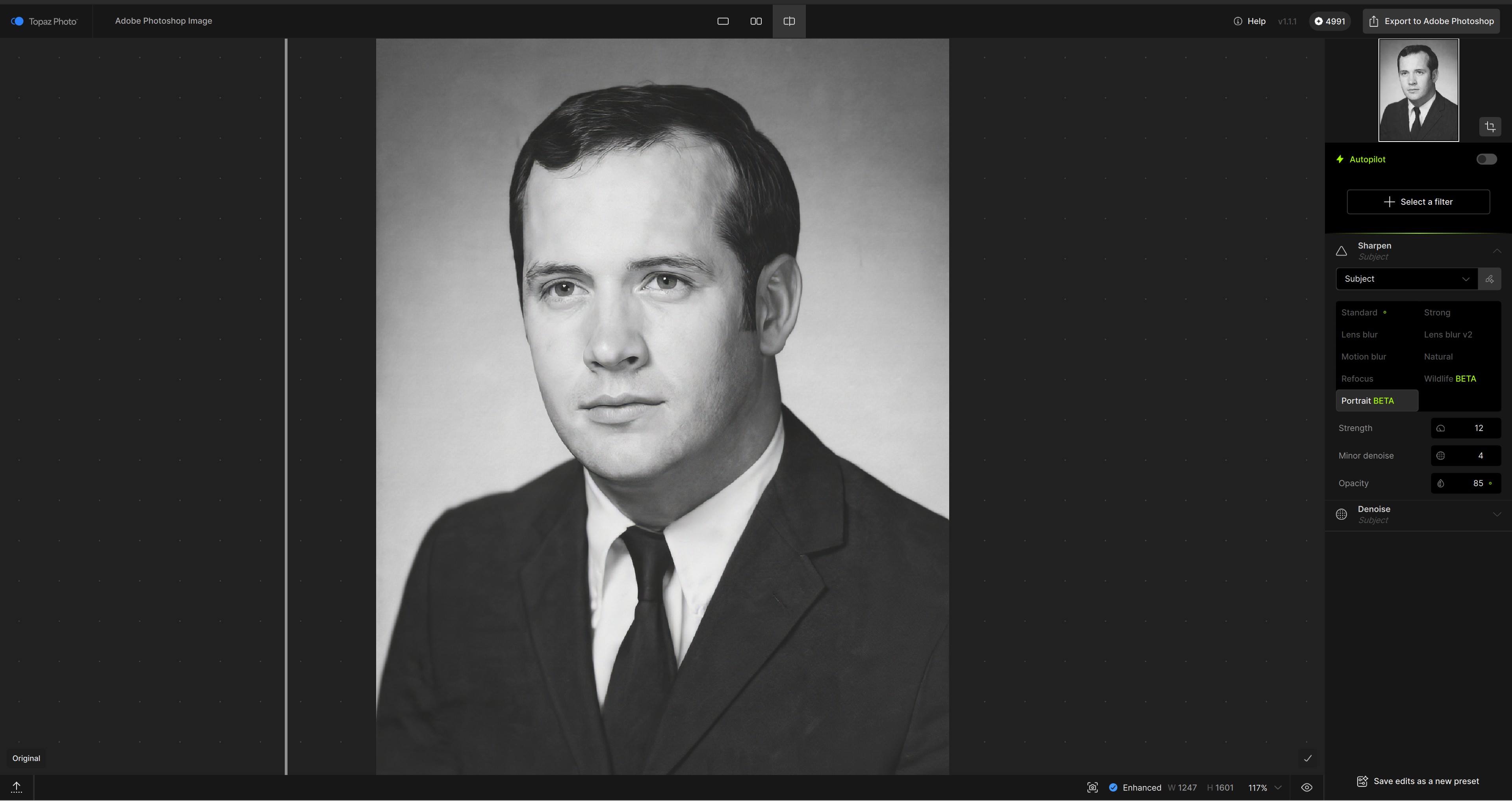
Finally, just to see how far I could go with the AI stuff - (still in Ps) I asked Nano Banana Pro (Gemini 3) to recolor the man:
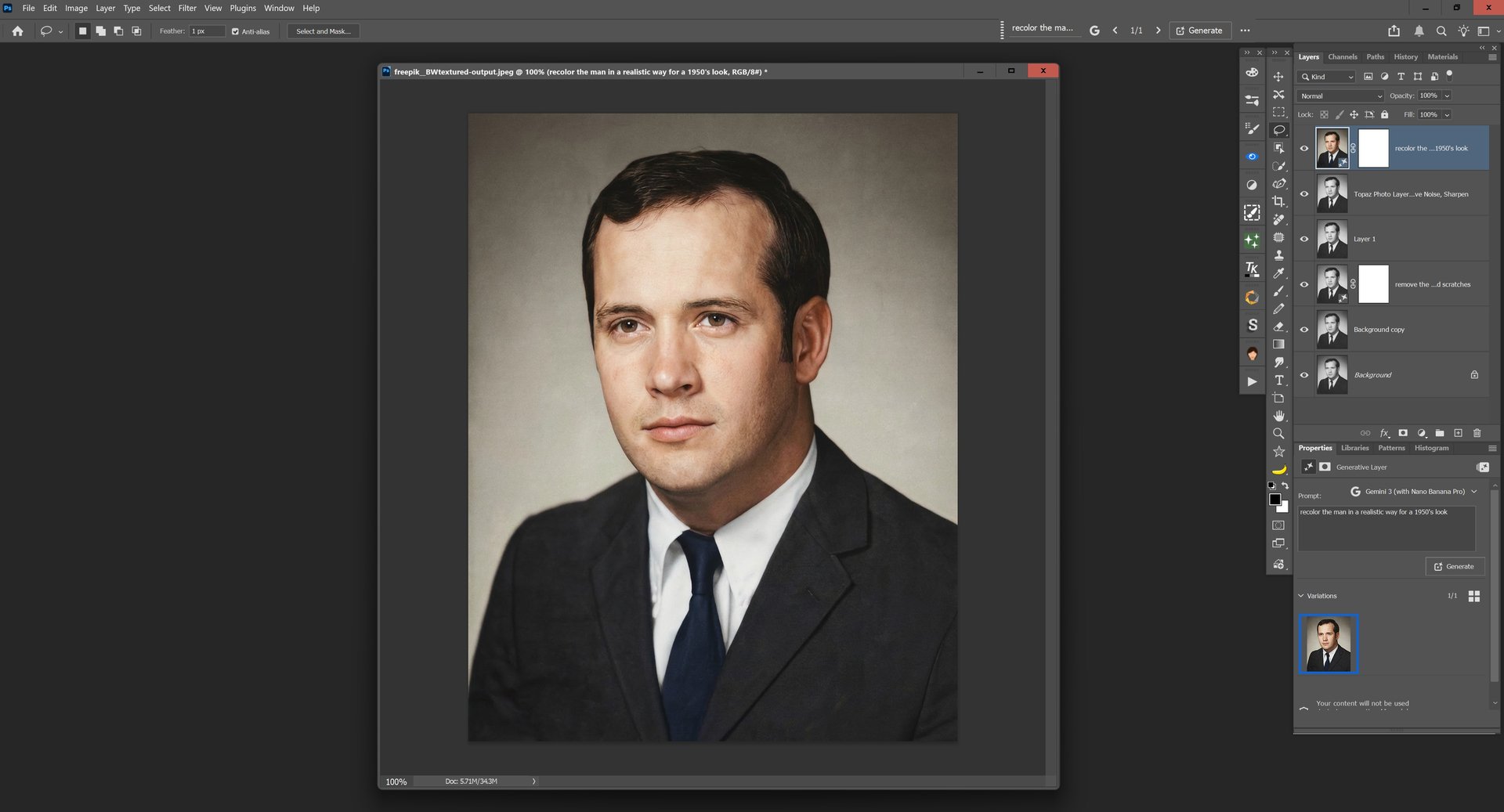
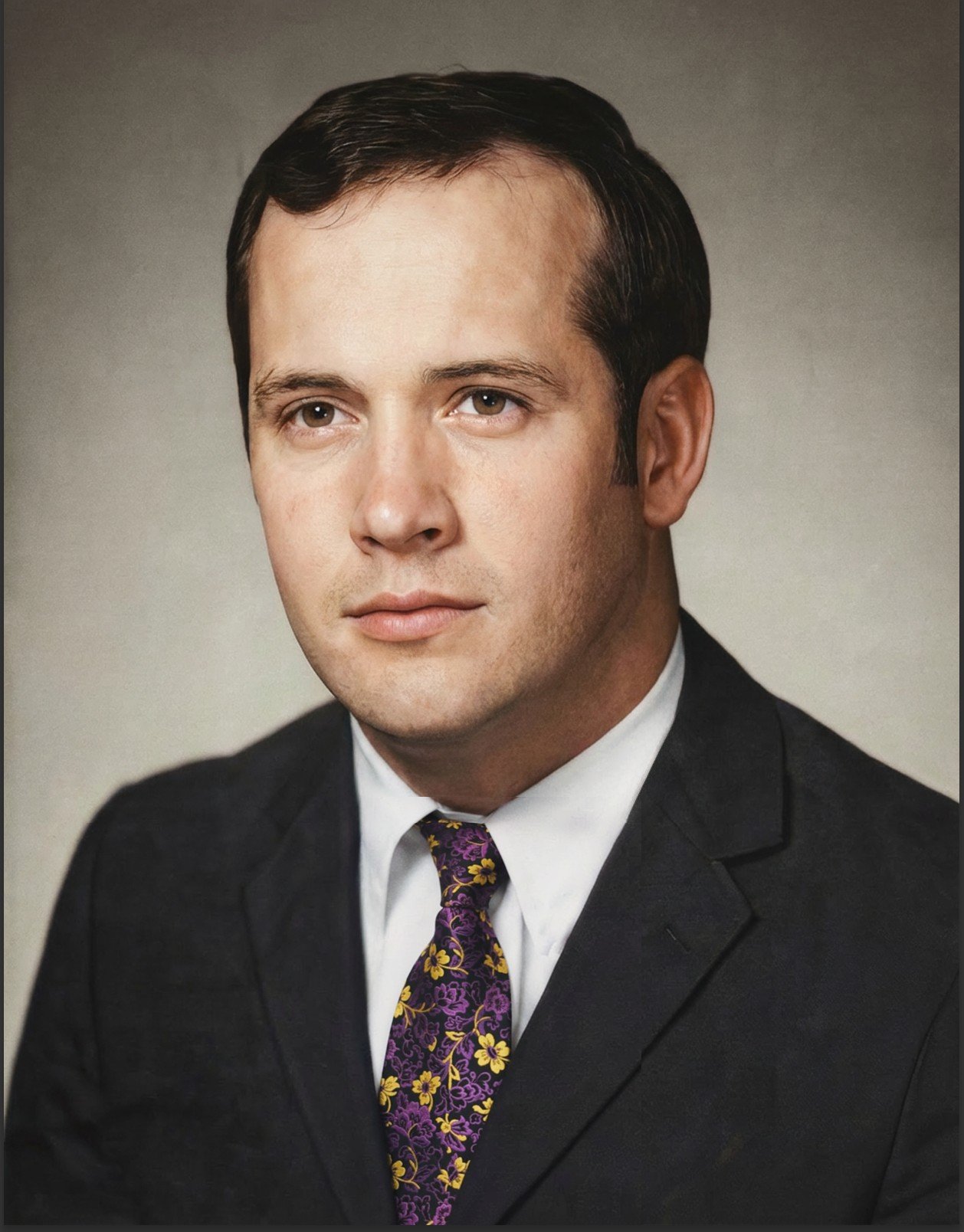
Now, I don’t know if I’d pair a navy tie with a black suit. But Nano may be more fashion forward than I … Having worked in the ‘rag trade’ in NYC (fashion biz) many moons ago I just had to restyle him a tad:
Apps like comfy look great at first glance, but according to the internet (feedback from IT administrators), they are a security disaster due to custom nodes.
I would prefer to be able to load third-party models at topazlabs as well, without any hassle.
Ultimately, you are trying to reach a broad customer base through your collaboration with Adobe, etc.
You are trying to spread the financial burden and pool your knowledge because the free models from your competitors in the land of the rising sun are taking your money through open source.
Nice. And that flower-power tie is definitely better than the navy-blue one! 
Right on Man, like Cool Man 

That’s why they IMO won’t ever be able to compete in the cloud market: they’re too bad, too slow and MUCH too expensive.
There are lots of AI cloud services that quite wipe the floor with what TL software can accomplish at faster speed, MUCH faster updated models/quality and being cheaper, partly (still) even for free - which for sure will change in the future.
Thus it’s IMO a crucial fault from TL to emphasise on cloud renderings as there they just cannot compete.
It really is local rendering where they still don’t have real competition and therefore I strongly do believe they should concentrate on that. I’m not a fan of cloud services at all and would about always prefer the local solution - and I’m quite sure I am not the only one.
I’m not a fan of cloud services too, i don’t want to throw my life or that of others into the mouth of big tech.
Its enough that they get the data via the Smartphones.
I’m not a fan of cloud services either. The example I posted above was processed locally on my computer—no cloud service was used. 
Nice to know. That result is simply astonishingly great - even more so if done locally.
But only on windows for NVidia, I guess?
Yeah man! LIke gravy boobie.

There are still a few flaws, such as the white round panel. The test isn’t what it was supposed to be. And I can see the image has been cropped a bit. The original looks sharper.
What’s great about the Qwen Image Edit 2511 workflow is that it preserves the original image’s resolution. And that’s a huge plus. It prevents degrading the source photo and causing a loss of resolution.
There is a slight height difference of a few pixels.
ComfyUI can now support AMD GPUs. 
