Denoise Max — 1 week beta

Hello everyone!

We’re excited to share an early look at Denoise Max, our most powerful denoising model to date. Starting today, Denoise Max is available in beta on the cloud for one week until April 23rd, free for all users with a Topaz Labs account. No credits needed.

To gain access to the open beta, please fill out this form with your email and we will grant you access.

Once we have granted you access and notified you by email, access the model from this link after logging in to your Topaz Labs account.
Express Beta with Denoise Max

You can find the Denoise Max model from the “+ More” dropdown.
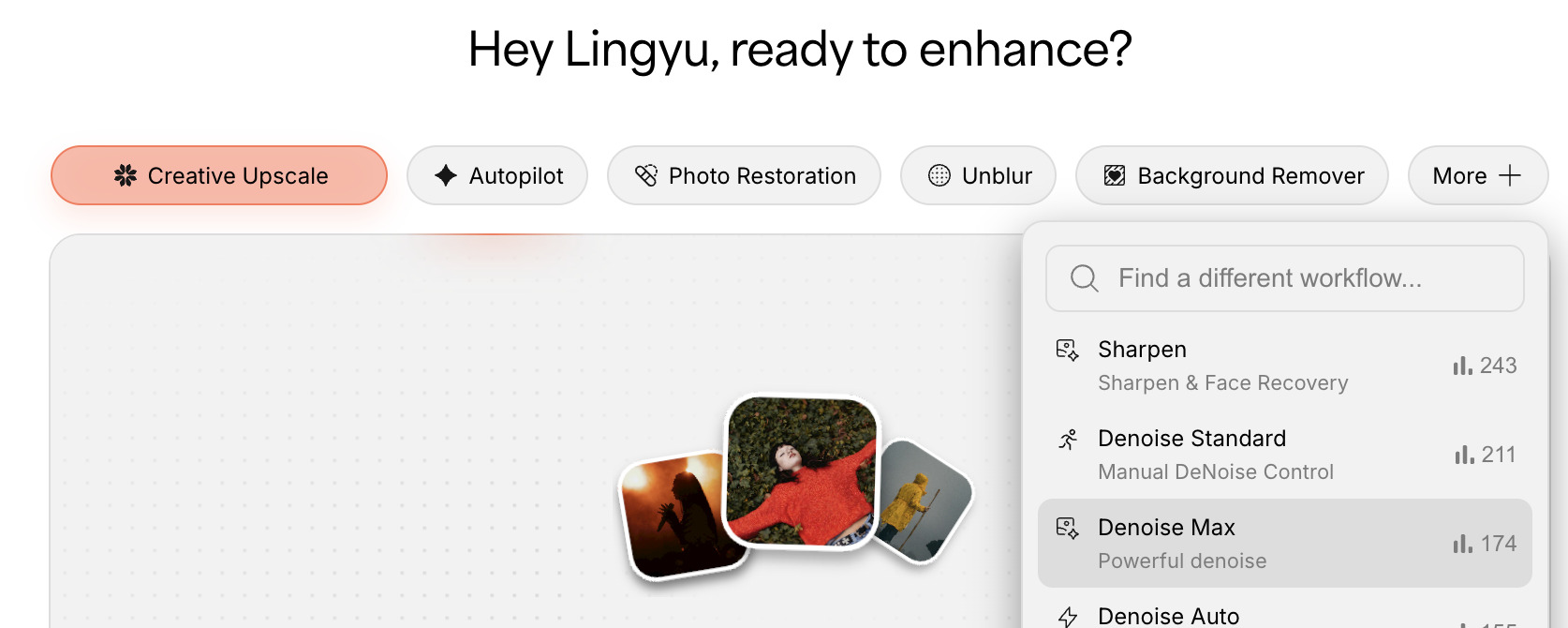
After trying this model, please fill out the following survey for feedback on the model.
Survey here

Denoise Max — Generative Denoising for Extreme Noise

Our existing denoise models handle low and medium noise well. But at the high end of the noise spectrum, results can get patchy, and even a technically clean image can come out looking soft. That softness isn’t a processing artifact. It’s missing information. Heavy noise doesn’t just sit on top of an image, it buries the detail that was there in the original scene. Once that detail is obscured, a standard denoise pass has nothing to recover it from.
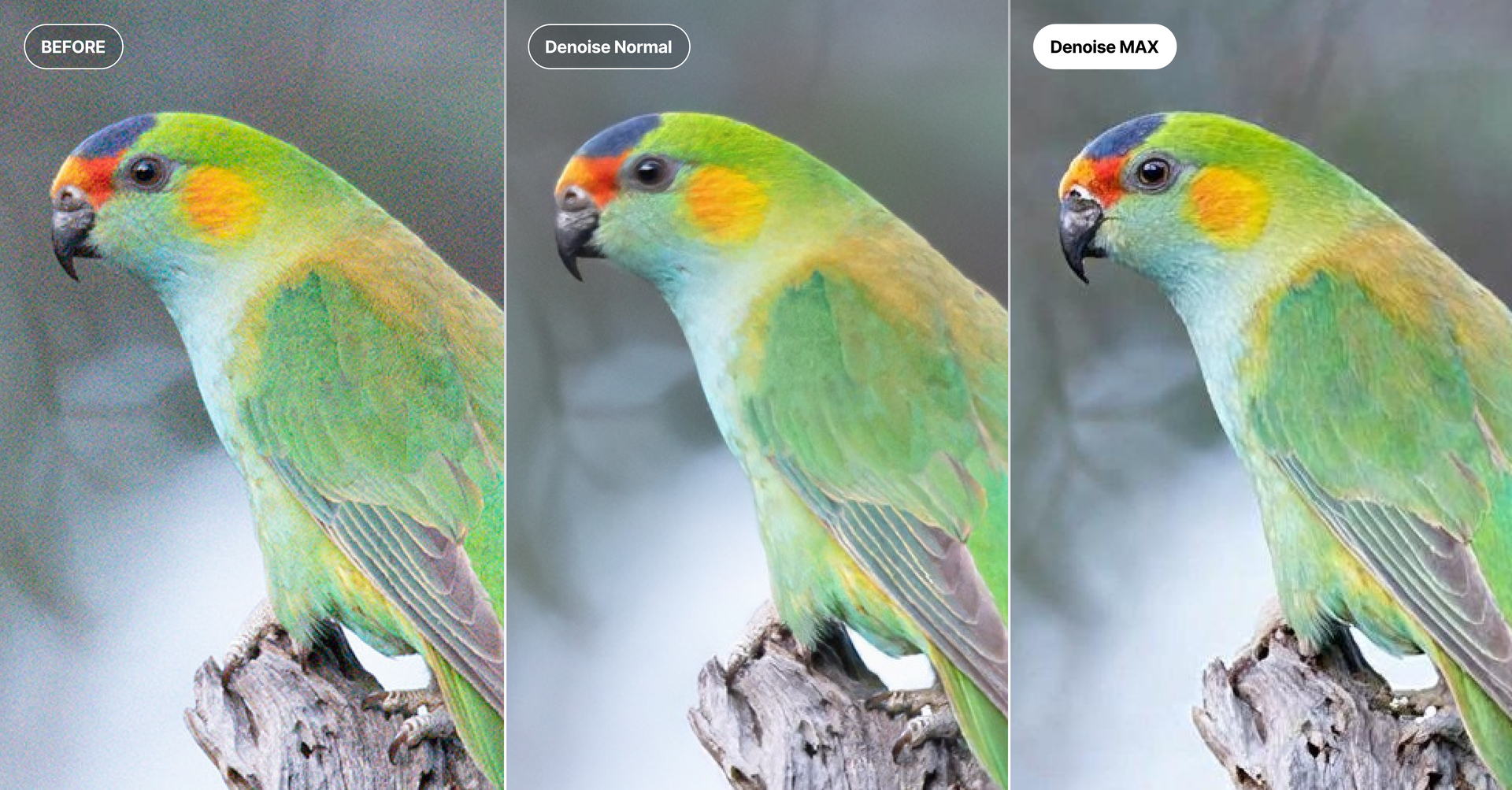
Denoise Max approaches this differently. Built on the same generative foundation as Wonder 2, it uses the full context of the image to reconstruct detail that noise has hidden rather than simply filtering noise away. The result is a clean image with sharpness and texture restored, not just a smoother version of a damaged one.
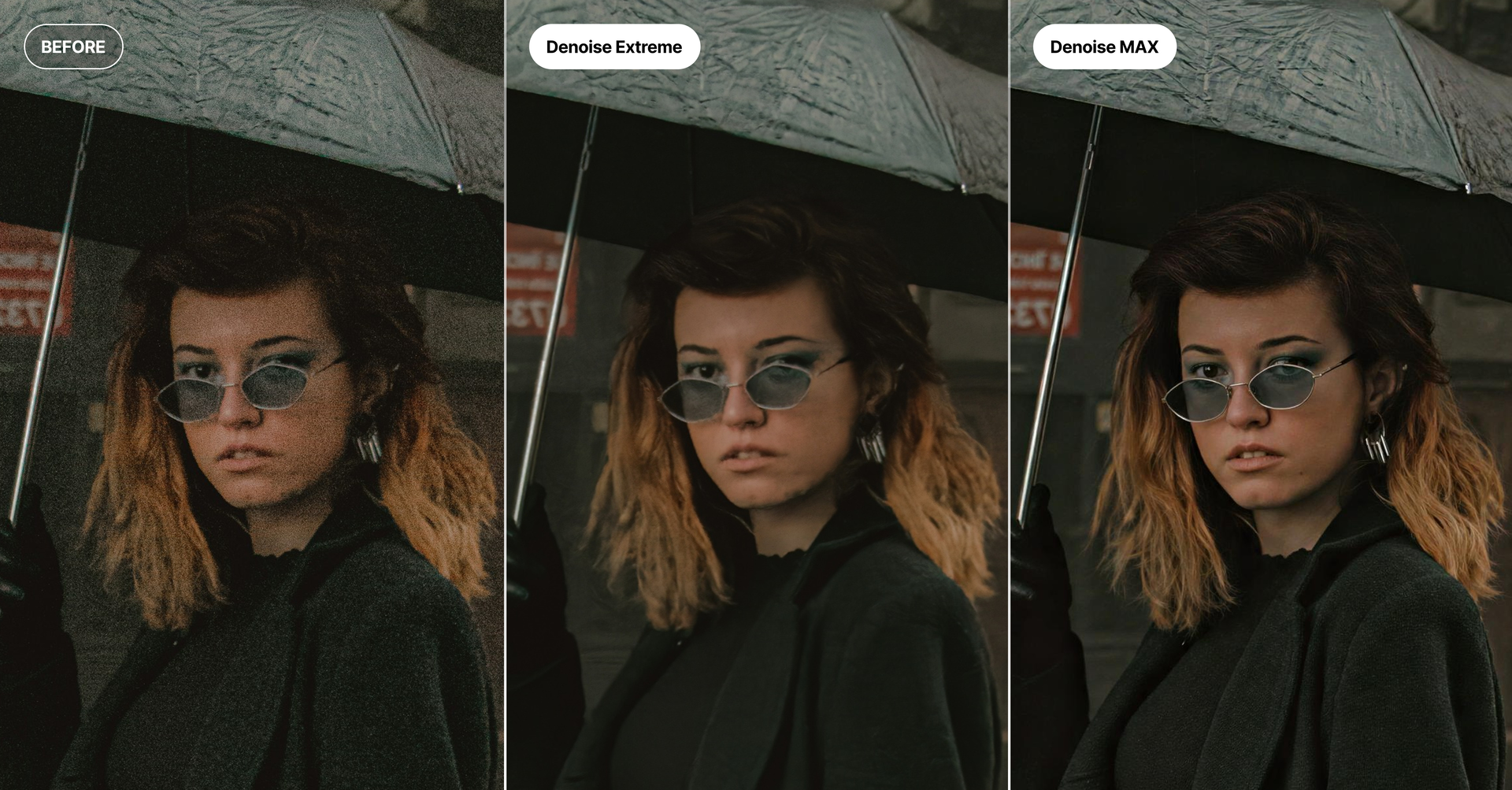
Denoise Max runs on the same underlying model as Wonder 2, so processing speed is similar. In practice it tends to feel faster, since it’s processing at your image’s native resolution rather than upscaling to a larger output.

If your images have high ISO noise, were shot in low light, or just haven’t responded well to standard denoise models, Denoise Max is the place to start.
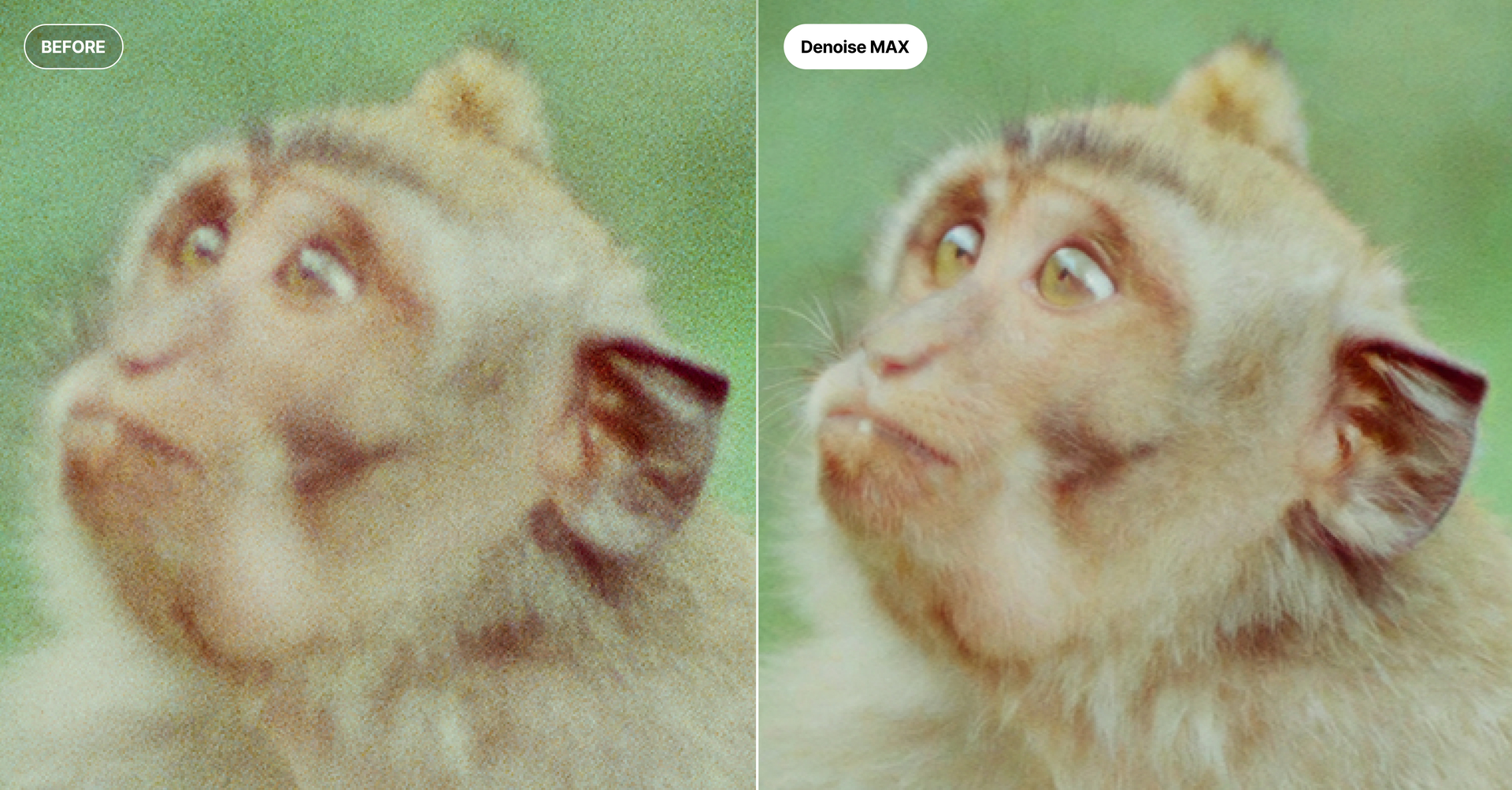
Try it and share your feedback

Denoise Max is available on the cloud today through April 23rd.

We want to hear how it performs on your images, especially on shots that have given standard denoise models trouble in the past. Drop your results and feedback in this thread.

3 Likes

I am lost. I picked 4 images, uploaded them and let them run. I really do not know what it did. Did it it run the DeNoise MAx. I really do not know. I am guessing I did not implement correctly. What was I suppose to do?

James L. Gray

It is hard to tell with a program that only handles jpegs and online at that. Are we testing something that will be part of our software packages? If it is online only, it’s of no use to me. Testing it I find it still screws up high iso sports action where text on uniforms is hard for the software to deal with. I don’t see any practical use for myself.

Does the tool only allow jpgs? Will it accept CR3 files?

I’m sceptical when i look at the samples.

The Bird looks like a cutout from the background and is surounded by a border of something like a mask.

I will see, later that day.

1 Like

The model doesnt show anymore in Other here, after a handful of tries.

EDIT: Totally missed its now part of the main selection at the top, disregard.

1 Like

It should show in the UI that your images are being processed with Denoise Max.

Looks like this:

The tool handles both jpgs & pngs. CR3 files are not supported in this beta at the moment.

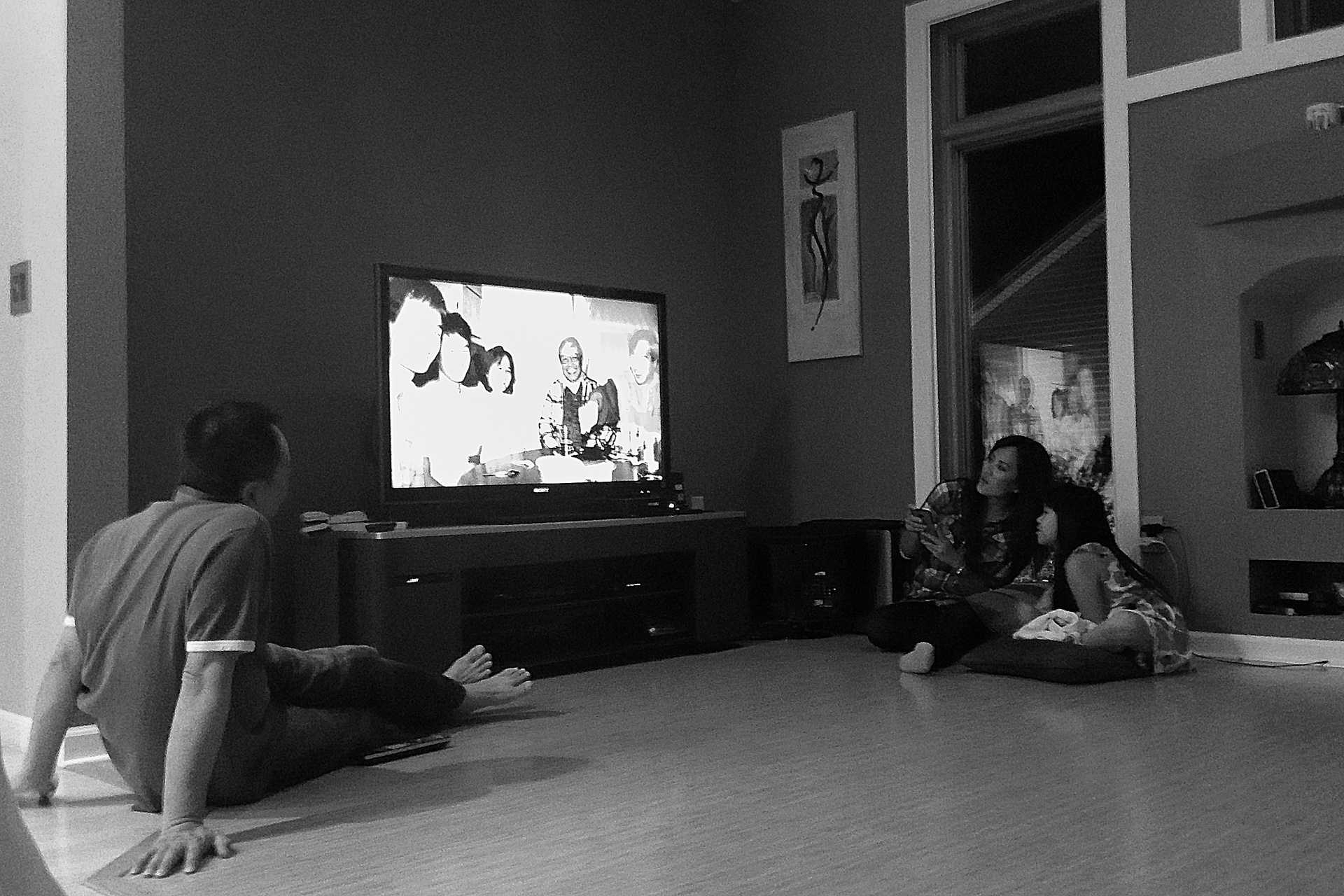
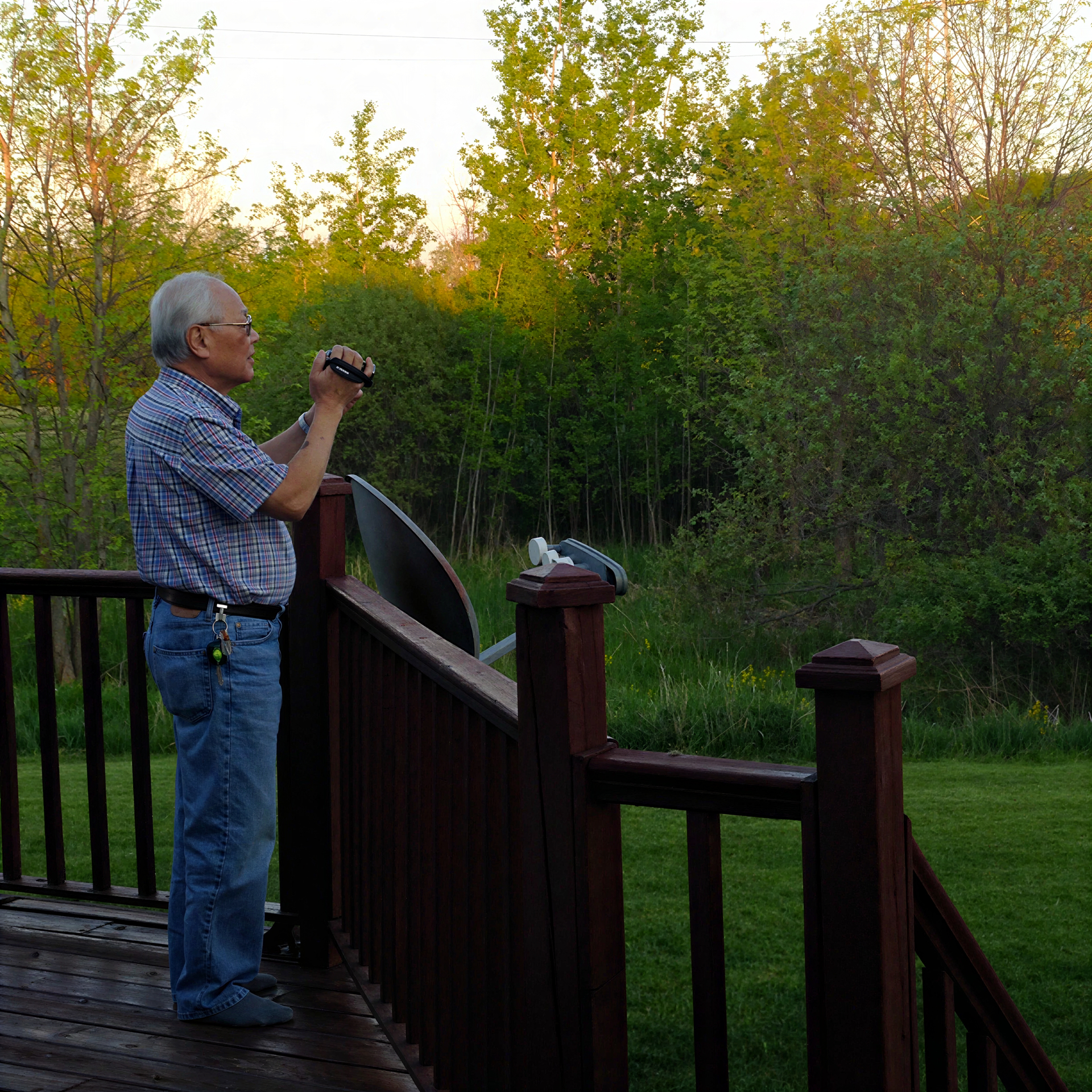
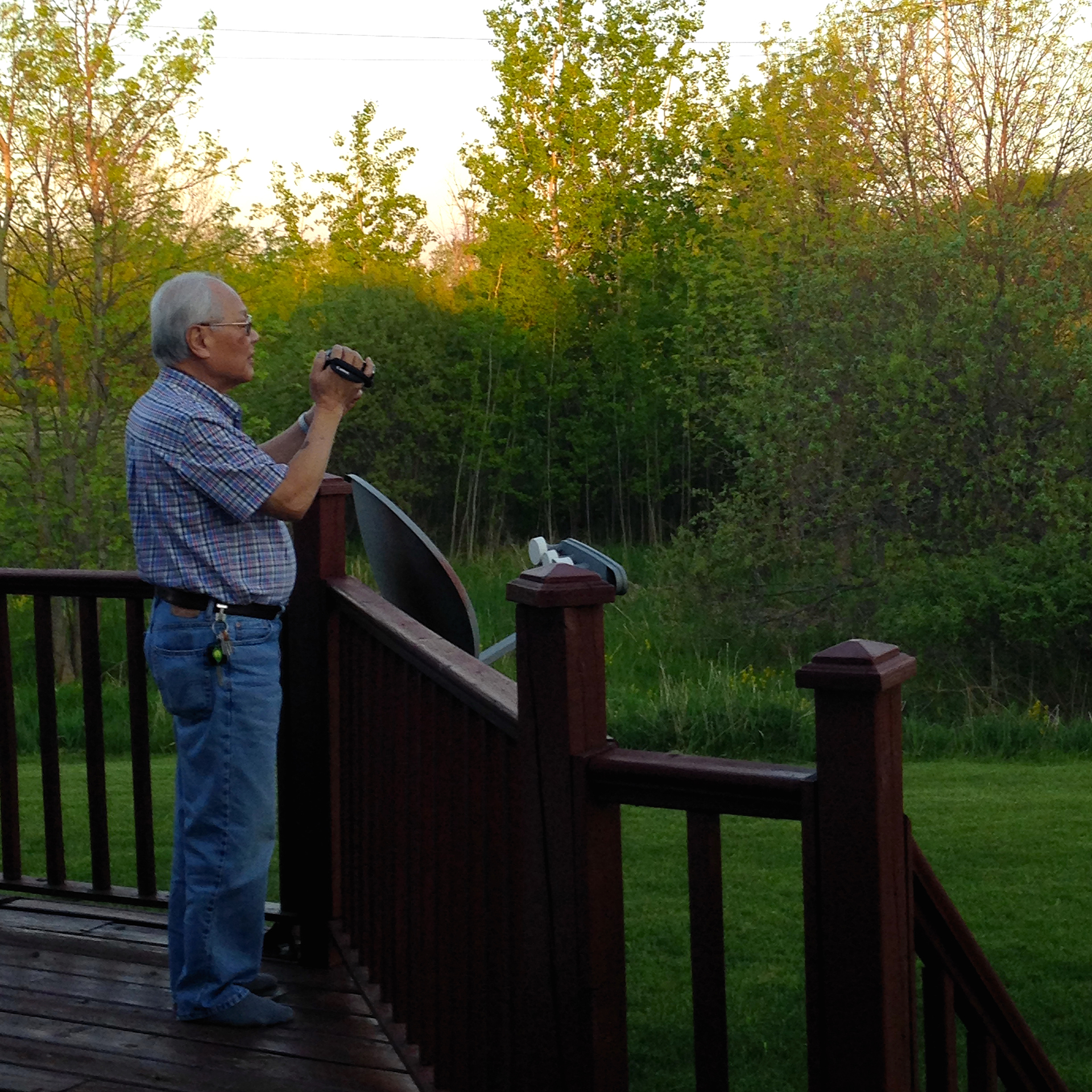
I have tried the following photos in both Upscale, Wonder 1 and 2, and did not get satisfactory results. Denoise Max offers great result for these photos. I have similar photos where grainy noise is present along with some blur; Denoise Max is great for these cases. FYI, I use setting 1 instead of the default .56. You need to see the photos at 100% resolution to see the differences. In my case, Denoise Max has rescued several photos that I was about to discard.

1 Like

If you want me to give my opinion, you have to let me in.

My request has probably been out there for two hours already.

Hi Quixle.

Very nice, may I ask how long did it take to Render each image

Thanks :+1:

Each image takes about 20 seconds, a lot faster than Wonder 1 or 2.

2 Likes

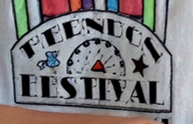
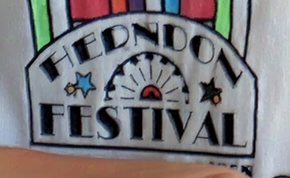
One thing to note is that Denoise Max doesn’t handle text very well. In my experience, Wonder 1 is the only one that handles text accurately. With Wonder 2 or Denoise Max, you still need to run Preserve Text after to recover the text. It should also be able to handle the star and ferris wheel lines accurately, strange that it didn’t. However, its original goal is good: still preserves the sharpness and details of the original image instead of just smoothing them out from the denoising.

Coming your way - sorry for the delay!

1 Like

Update to my text post. I upscale the photo using Wonder 2, 1.429x (scale recommended by Auto), then run Denoise Max. This time, it renders the text accurately. The overall photo is sharper than the original. It would be nice that Denoise Max can also sharpen the text accurately. Being that this is still Beta, it is a very good start (for my experience). For now, if the text renders poorly, try upscaling the image first.

2 Likes

That’s good to know nice one :blush:

The only thing Wonder, is a one stop shop meaning it does Denoising, Sharpening and Upscaling in one Process so, did you still need Denoise MAX

For me, if Wonder 1 or 2 gives the results I want, I stop there. Same with Denoise Max. Like I mentioned in my previous post, I usually try Wonder first. If Wonder doesn’t give me good results, I try Denoise Max. I need to use combo Wonder/Denoise Max only if the text doesn’t render accurately from Denoise Max. As it stands right now, Denoise Max doesn’t render text well if the image is “small”; therefore, I upscale it first. From Lingyu’s original post, Denoise Max runs on the image native resolution (no upscale). If the original image is “large enough”, Denoise Max works well. If the original image is “small”, there are some artifacts (like text) that doesn’t render well.

2 Likes

Thanks very much appreciated

Now i get an idea of what you are working on, not because of Denoise Max. :wink:
If i’m not wrong.


Denoising hangs at about 25%.

It should go complete, skipping the rest of the %. The time varies by photos.