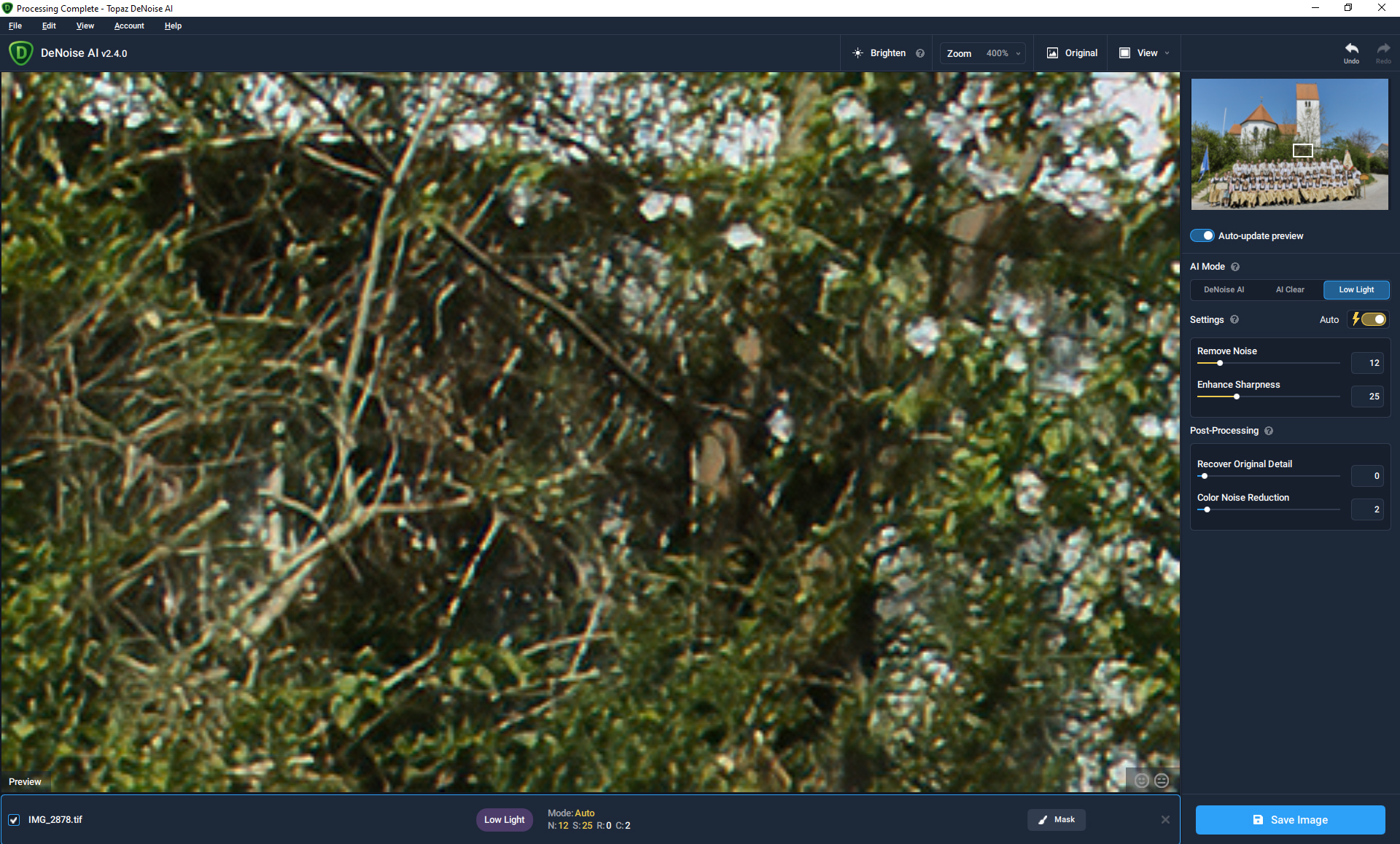
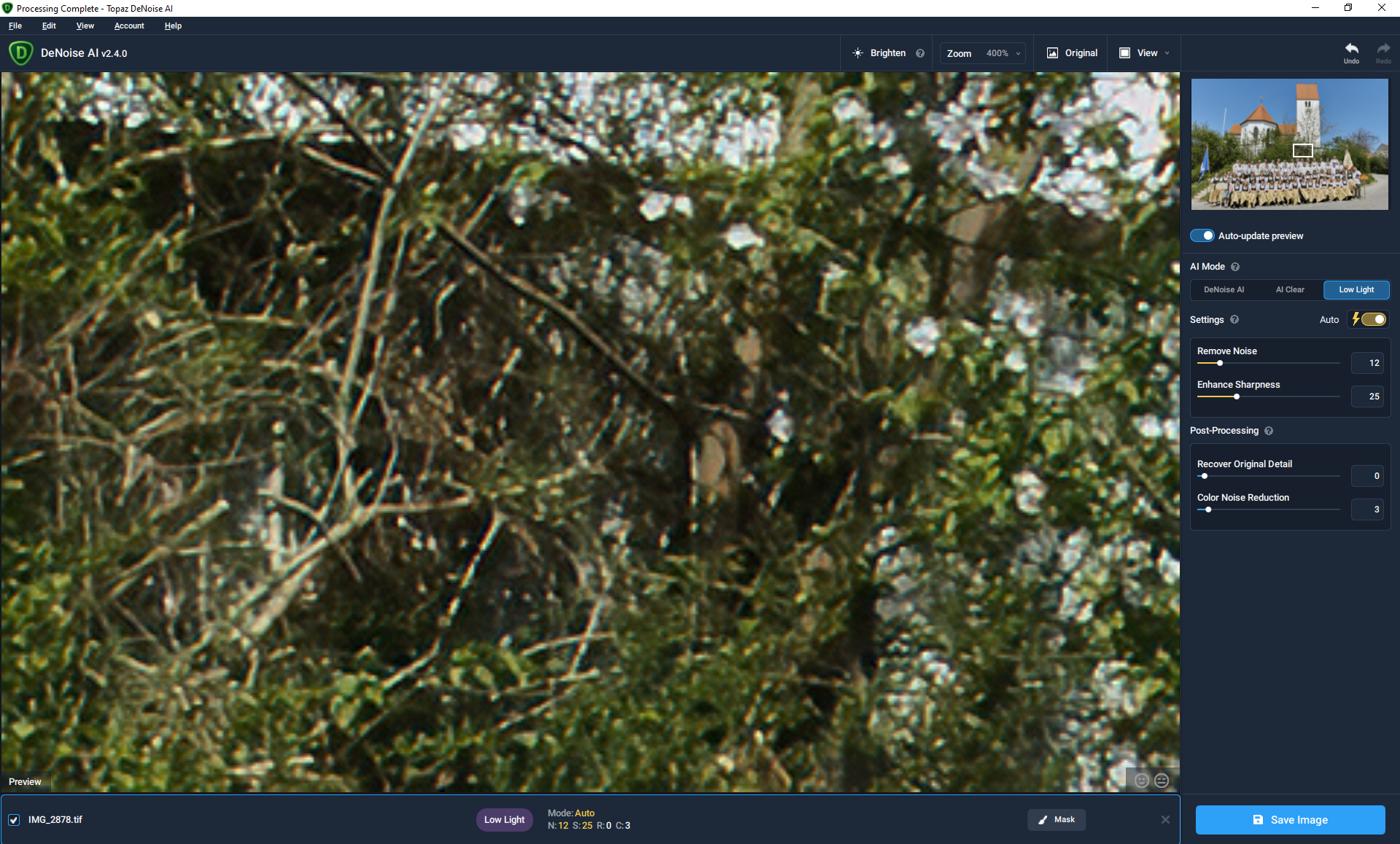
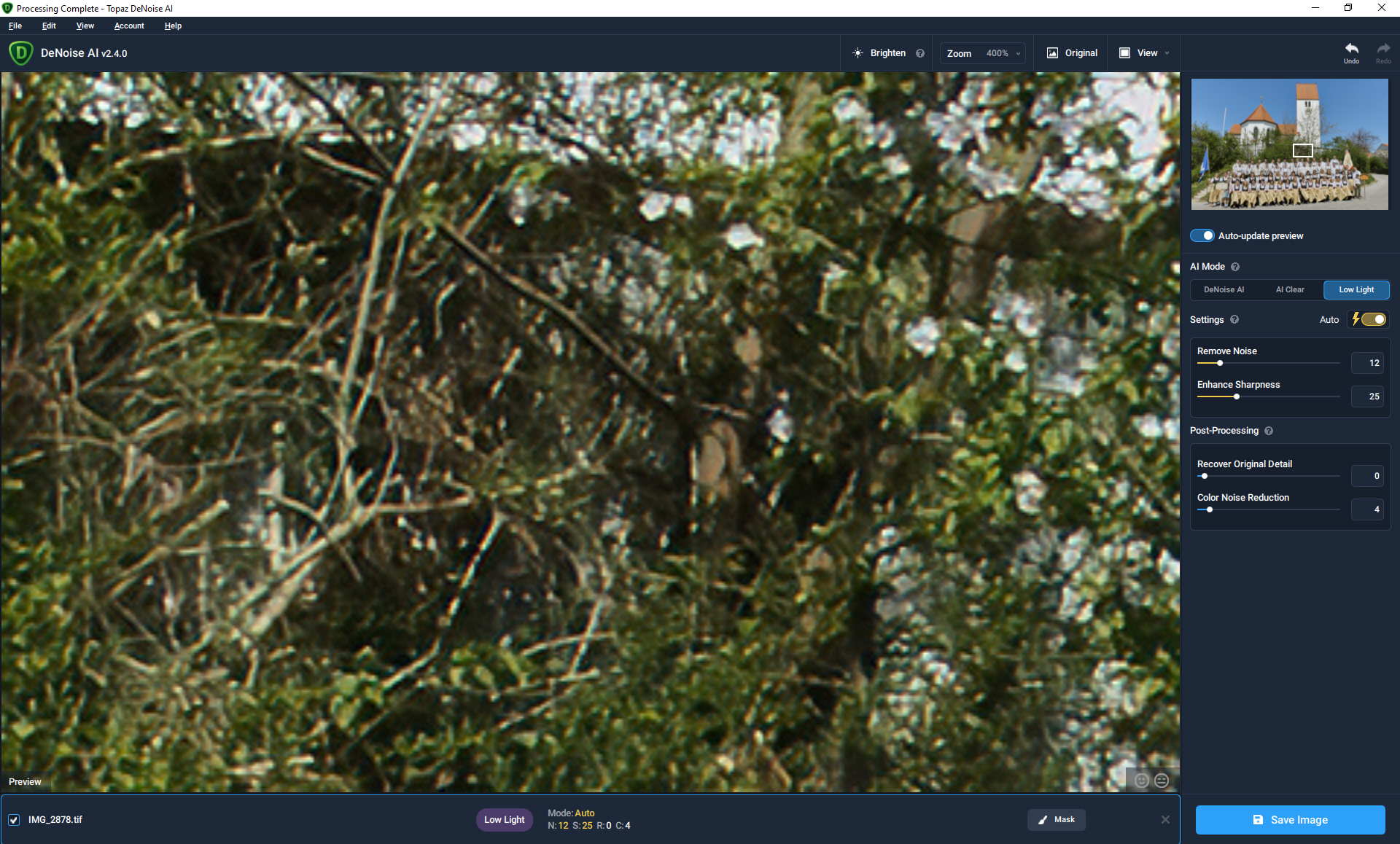
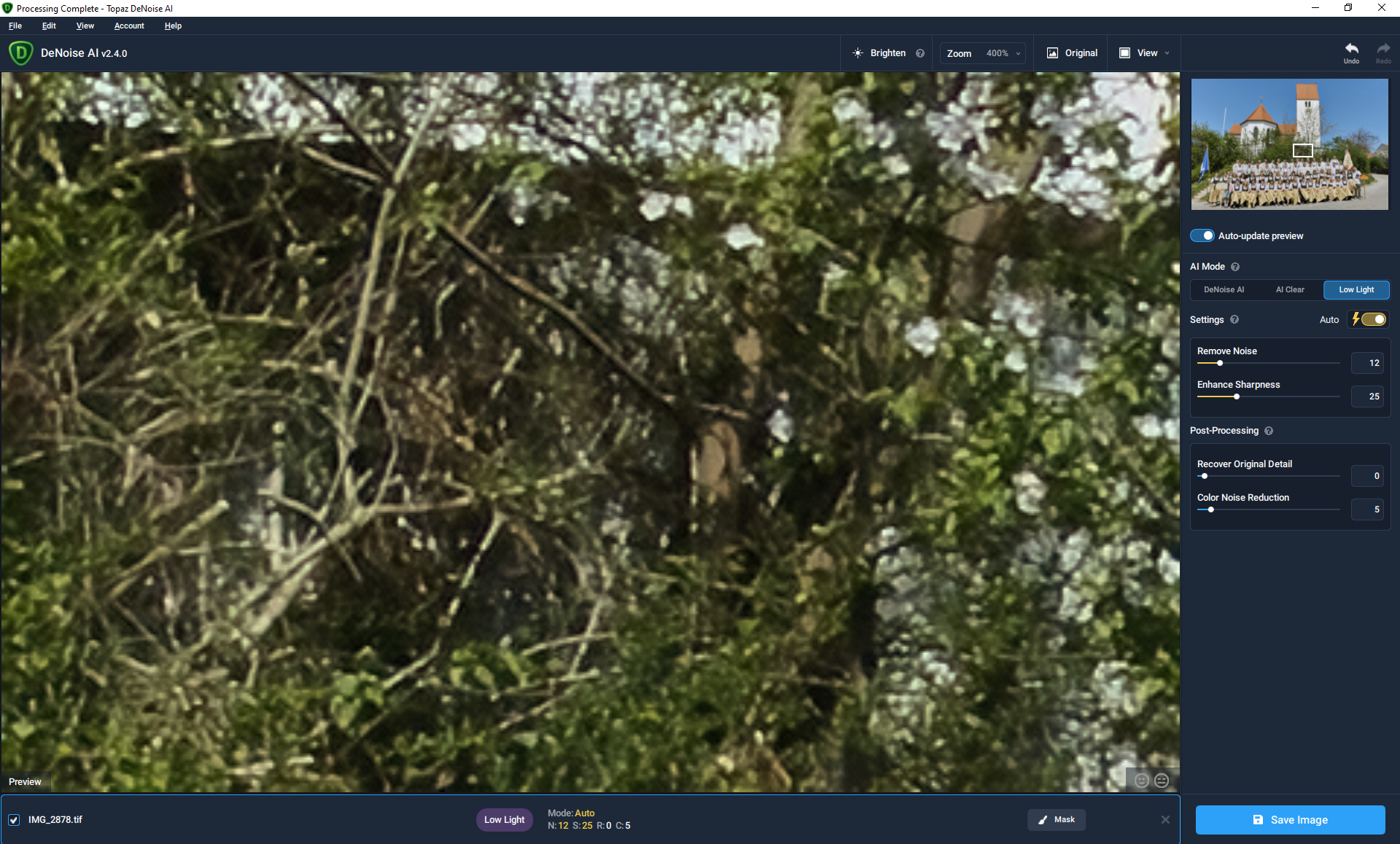
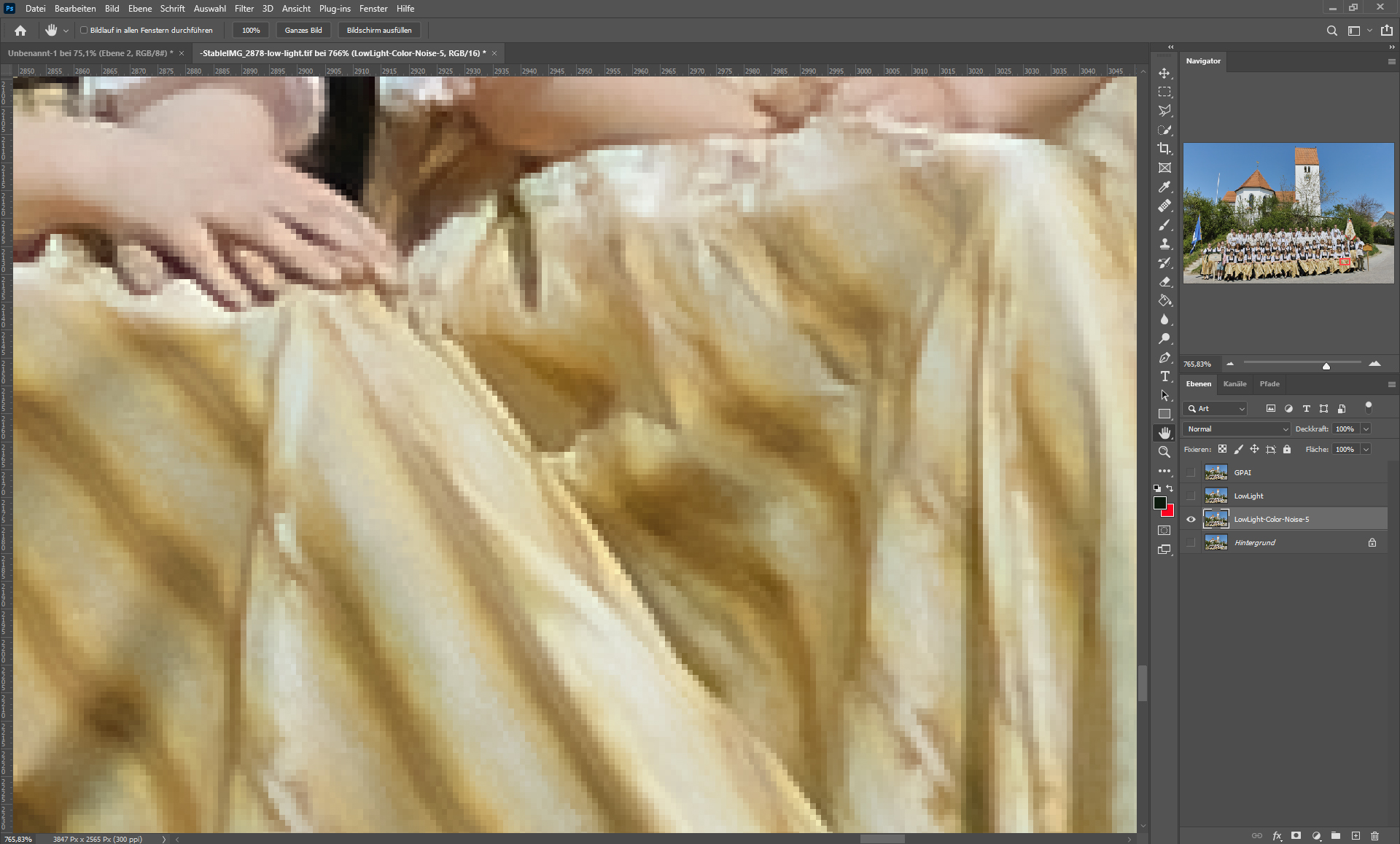
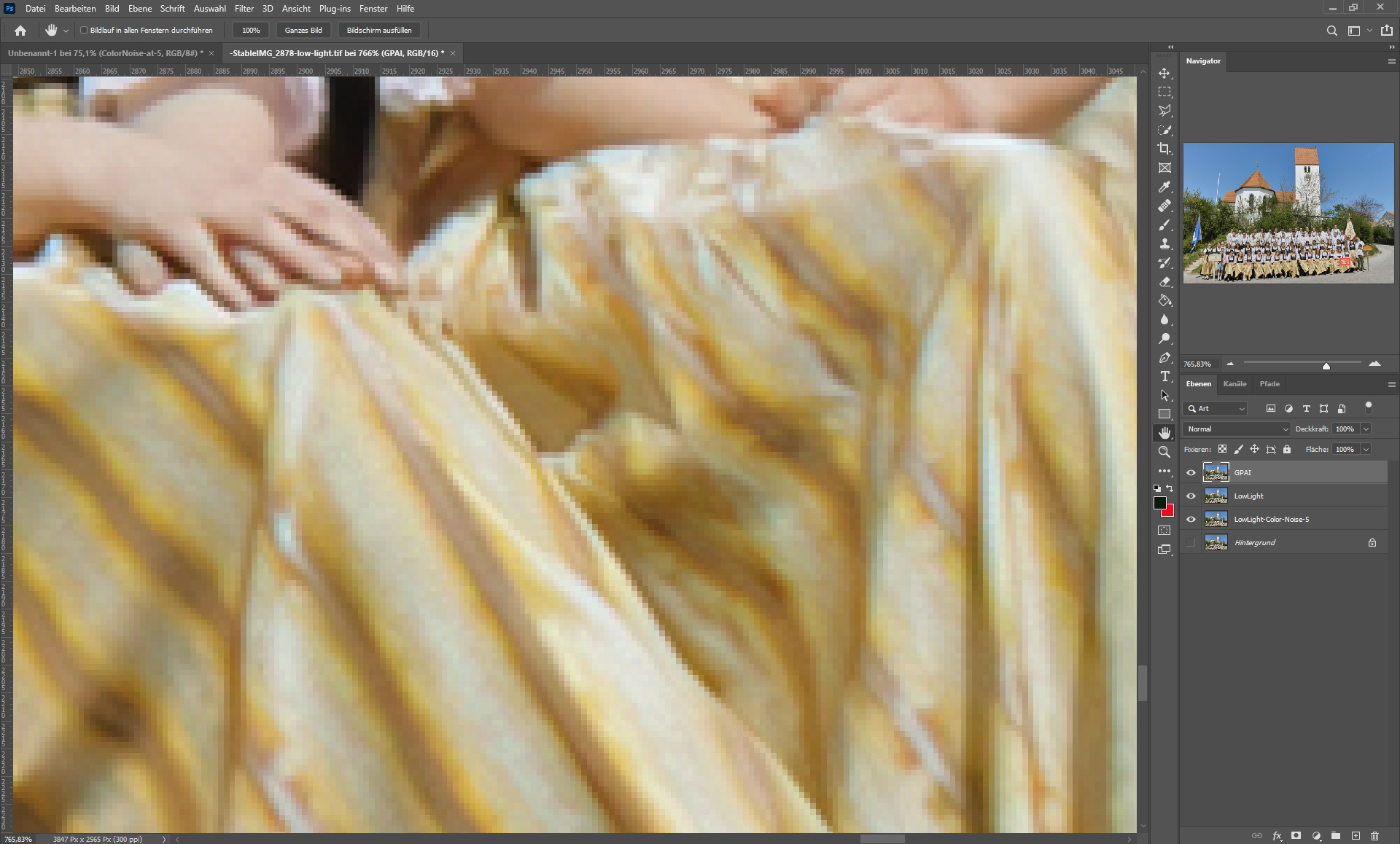
What still bothers me is that the color noise slider only starts to work from “5”, before that nothing happens, although you could fix the color artifacts with it.
At “5”, however, the color accuracy already suffers because colors mix with each other.
You can also see that from 100%, you don’t have to zoom in that far.
Here is another example where you can see it better.
I know this is at almost 800%.
It’s like if you print this and the very smallest pixel somewhere is an eye and it’s actually white it would turn slightly red due to the color noise slider.
like the hands in the picture, it makes them look a bit sick.
What version of Big Sur are you on? I don’t believe I’ve seen a Mac install issue before outside of 11.0 with the online installer. Could you describe/screenshot your issue so I can get some more information?
Also if it’s installer based this might not help, but 2.4.1 was just released so maybe try the full installer with that.
TRIED 4X! Your software is confusing! Using Mac OS 10.14.6: your software and installer are give no indication - in the Applications Directory or its Topaz subdirectory of the updated DeNoise’s successful download and installation - either by creation date or modification date- except for 358 byte .ini file… The opening page, indicates v2.4.0. I wish I’d never bought your stuff!
Sorry to hear that you are having trouble with it. Could you describe what you’d expect? I’m unsure if you’re referencing an installation issue or just an interaction you’d expect to be different.
As a Topaz Labs loyalist, I was gonna go ahead and update to DeNoise AI to v2.4 from v2.2.12, but judging from the beta tester comments, this version is not ready for release. Hold the sale price until you get it fixed (esp re CR3 RAW formats), and I’ll be back, assuming you will guarantee that it runs as promoted on a 202010-core i9 iMac running OS 11.1 with Radeon Pro 5700 XT graphics.
Do all images open like this, or just that CR2?
What camera was it taken with, and is it on the supported cameras list?
Does this happen with the same image in 2.3.6?
I might need to get the file itself to be able to test/verify fixes if it worked before but doesn’t now, but considering your usual types of pictures I’m not sure if that can work due to privacy.
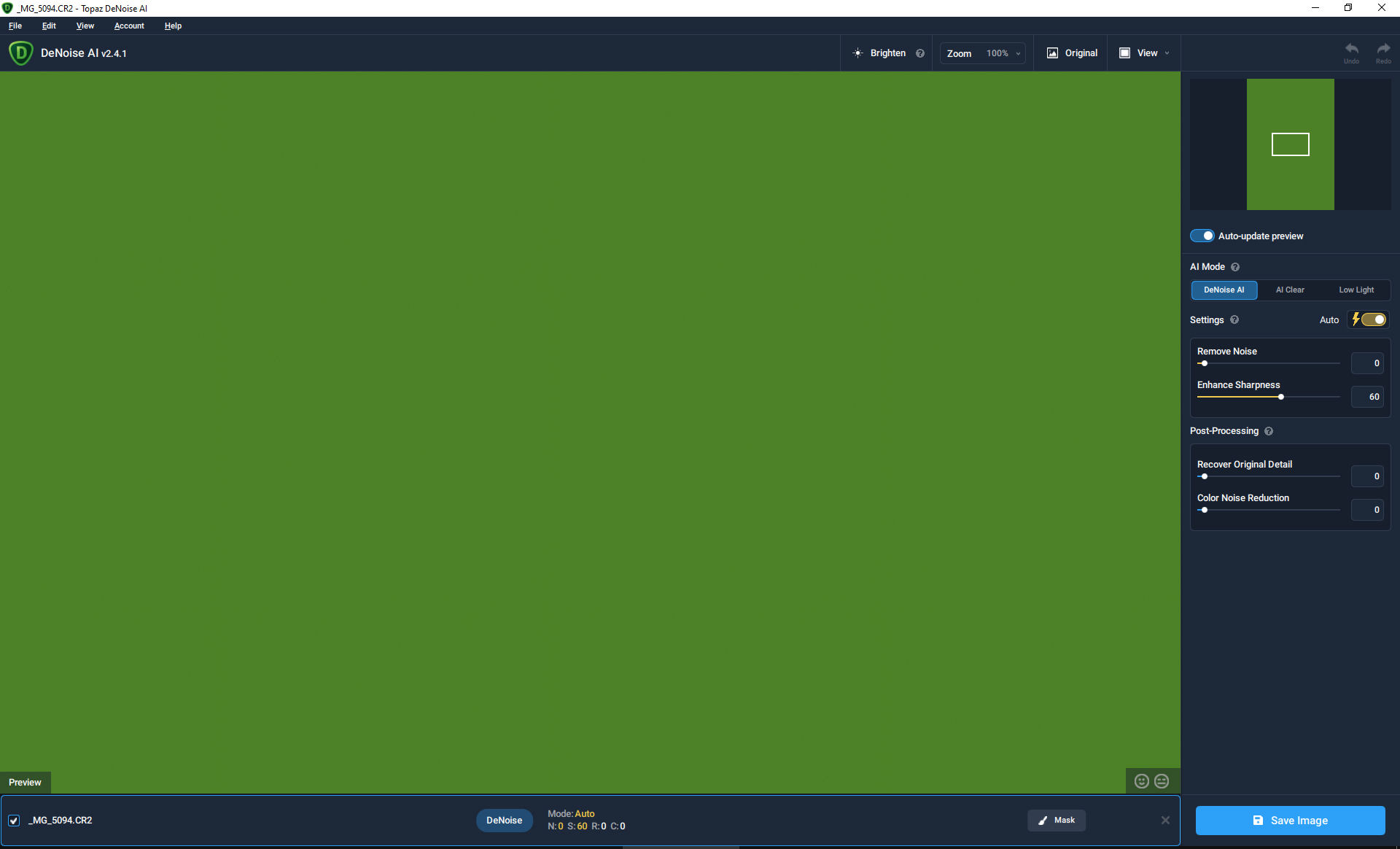
Oh well this is a different issue than I thought. It just works fine for me both in dev and in 2.4.1. My auto values are also different than yours.
Have you tried a full uninstall/reinstall? I also don’t get the exif error that I saw in your log before, so it sounds to me like there’s some configuration thing wrong on your machine.
Can you try moving it to a different folder? I notice Qt is logging it out as “Samples f�r Partha” with the broken unicode character. Maybe that’s breaking it?
Thank you for taking the time to do that. Unfortunately it looks like I’ll have to forward this to the people who make our installer program, and they generally require tons of info before they’ll even respond to a question.
I also forwarded this to support to see if they’ve run into this before. If they have a fix I’ll let you know.