I’m having a serious problem with my account and maybe someone here has seen this before.
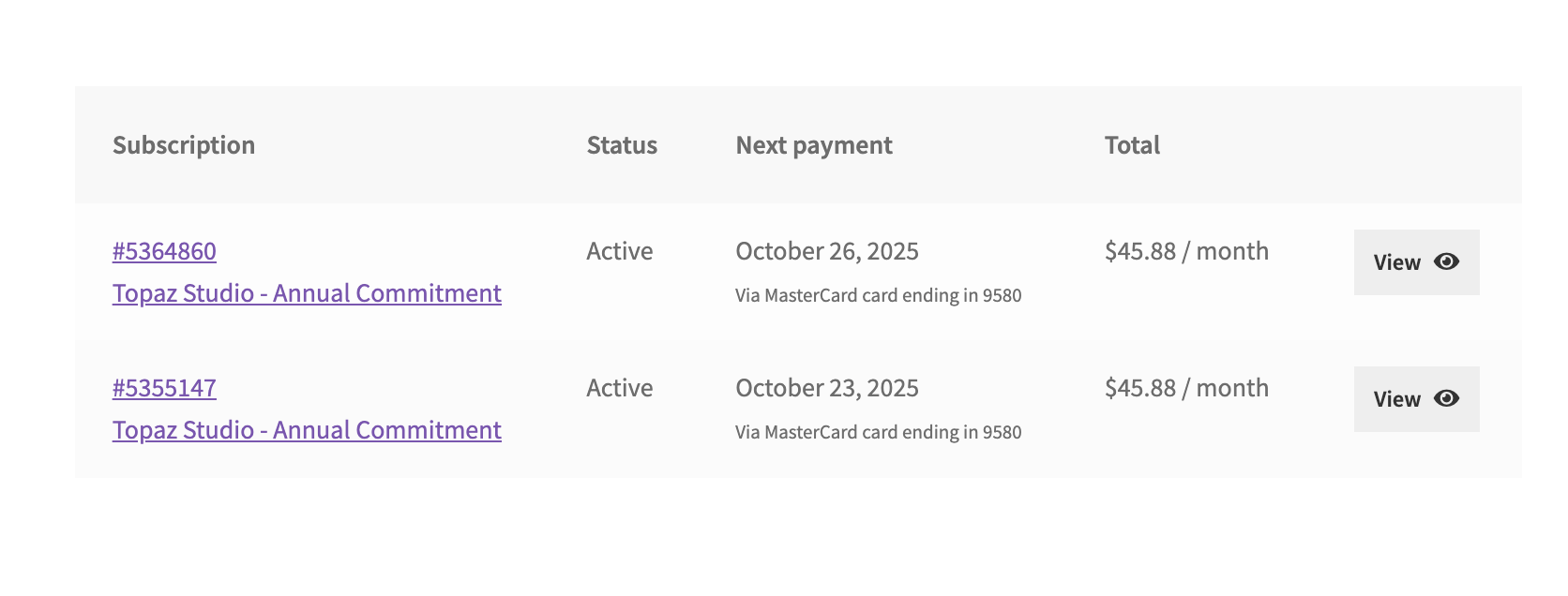
I currently have two active Topaz Studio Annual subscriptions (screenshots attached).
I purchased the second one because the first wasn’t working. So now I’ve paid for two subscriptions.
According to the Topaz Studio plan, it should include all apps (Photo, Video, Gigapixel, etc.).
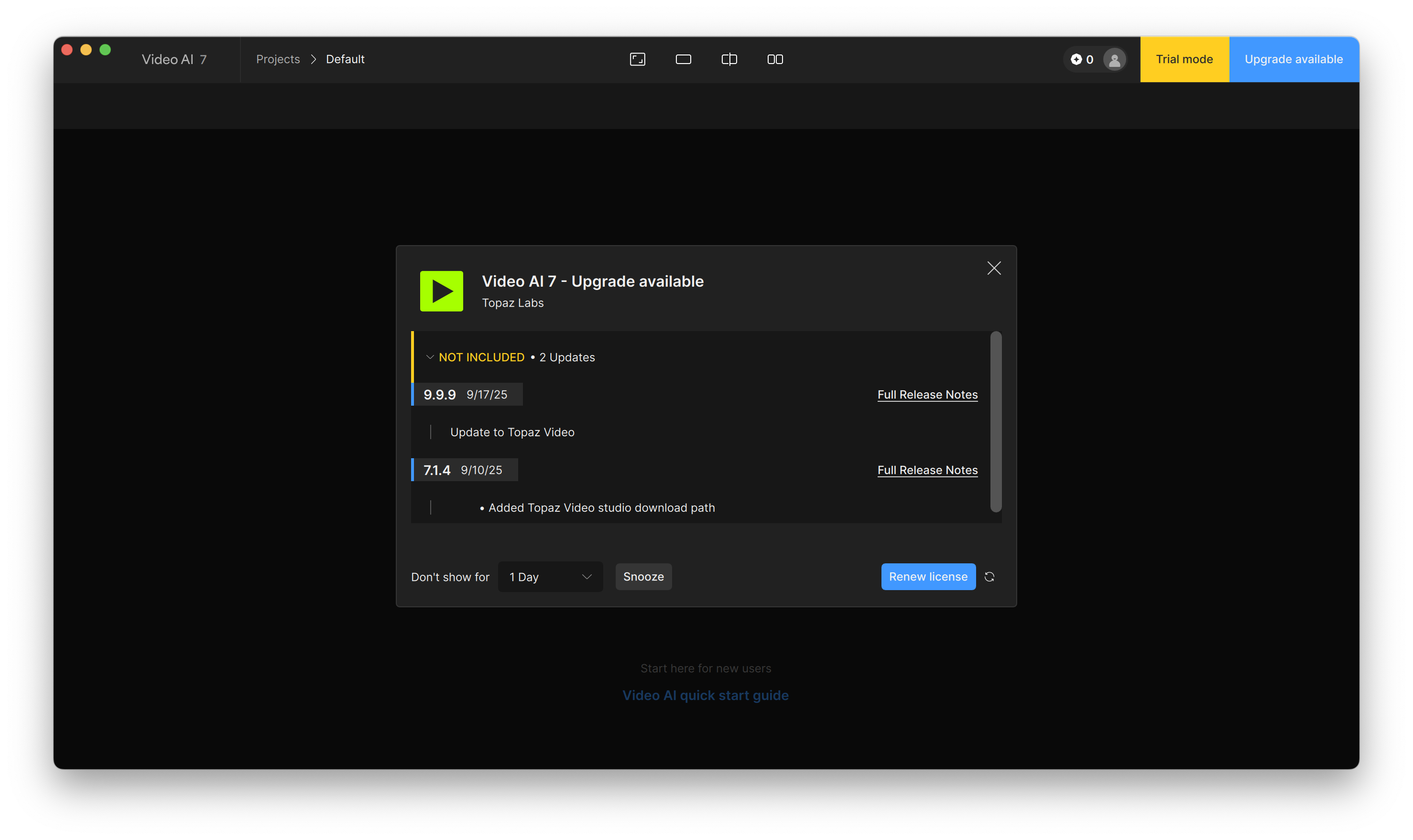
The cloud apps are working fine, but on Topaz Video AI (desktop), when I try to activate, it only shows “Renew License” and doesn’t link to my subscription.
I already contacted support but haven’t heard back yet, and I urgently need to finish a project for a client.
Has anyone experienced this issue? Do you know if there’s a workaround to get Video AI working with the Studio subscription, or something I can try until support responds?
If you have a Studio subscription then you’re using the wrong app. You need to install “Topaz Video” not “Topaz Video AI”. Topaz Video is on version 1.0.1 that released this week.
Video AI is from the now discontinued perpetual licensing model, and will only function for users who bought that product previously.
 Has anyone experienced this issue? Do you know if there’s a workaround to get Video AI working with the Studio subscription, or something I can try until support responds?