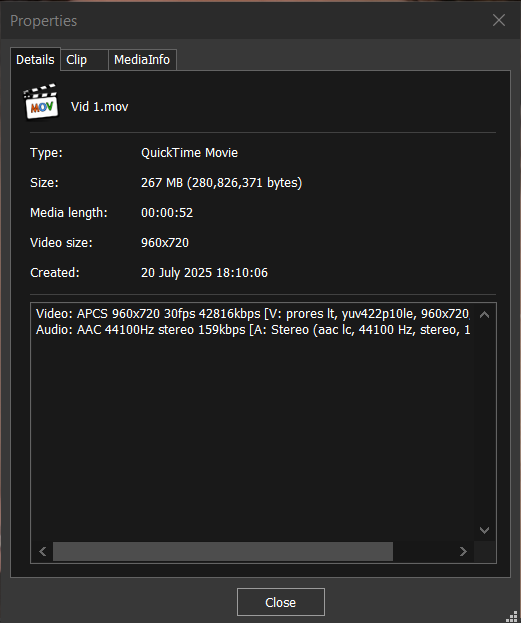
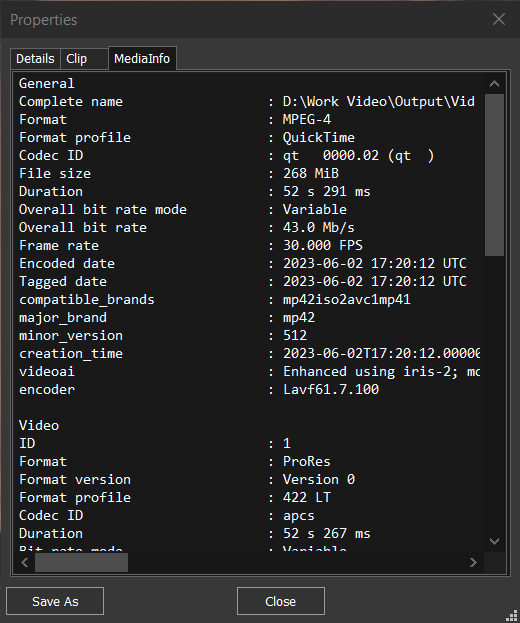
Good morning I am trying the latest version 7.1.0, I completely disabled all crash recovery functions and eported a 5 minute sample file in (MOV) ProRes 422 HQ format without any processing (tvai).
The file in Windows results without the time stamp.
Then I did an orthodox test, inserting the mov file inside du an MKV container and magically the time stamp appears.
I ask if it is possible to solve this problem with MOV files.
With the options enabled on my system, the mov files do not present this problem.
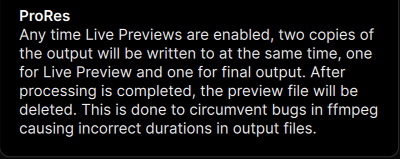
Disabling all crash recovery options causes the problem of the mov file duration not being displayed.
“…This is done to circumvent bugs in ffmpeg causing incorrect durations in output files.”
In fact, by disabling crash recovery, Topaz becomes much faster at processing, because it does not have to generate the second file and does not have to wait for the deletion.
However, this does not happen in the “obsolete” version 4.2.2.