I’m on Windows 11 and I have my settings to Dark mode. My other sites are dark except this one. It will turn dark If I change the setting to Light, which is backwards.
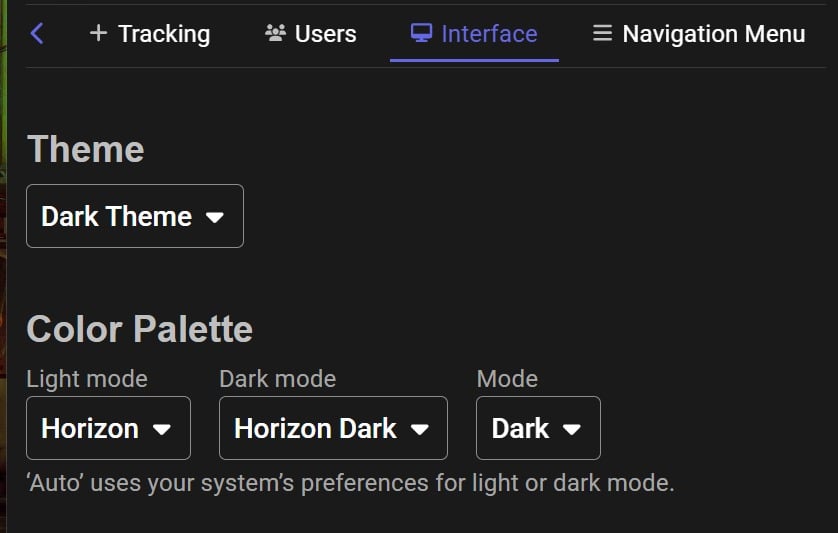
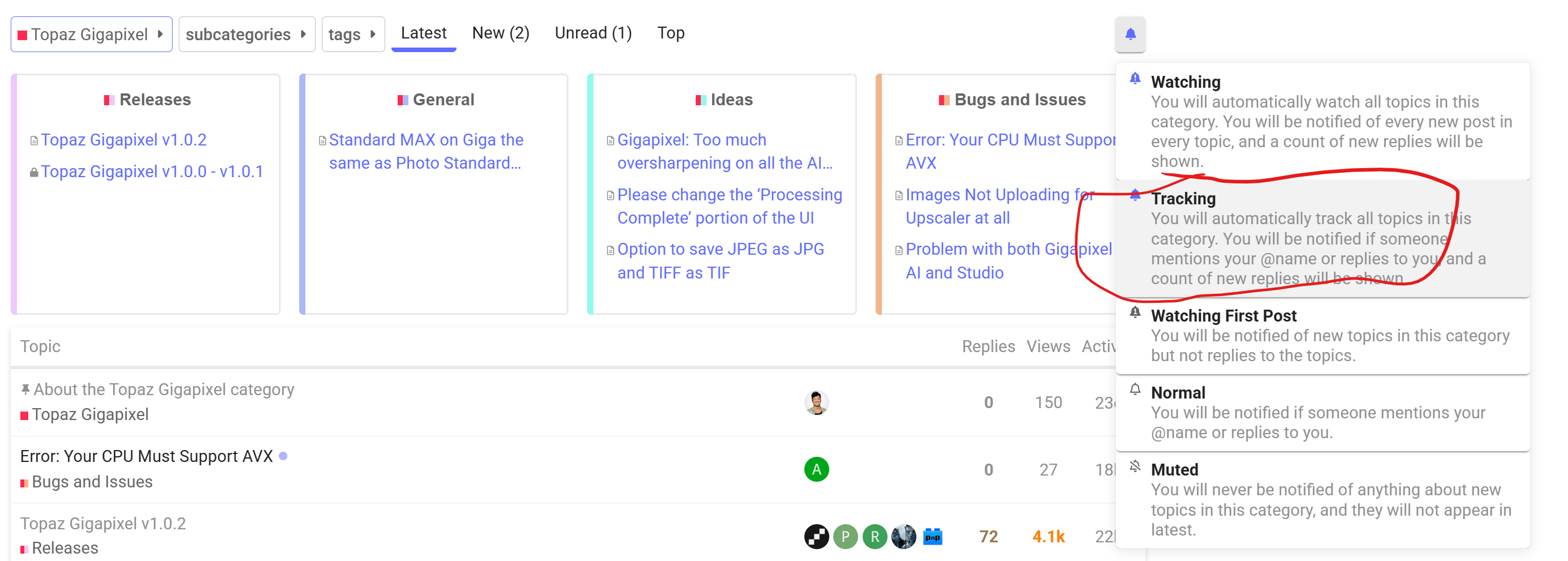
I can’t locate this on the Topaz site. There is a Tracking setting but it doesn’t have this interface. How do you get to it?
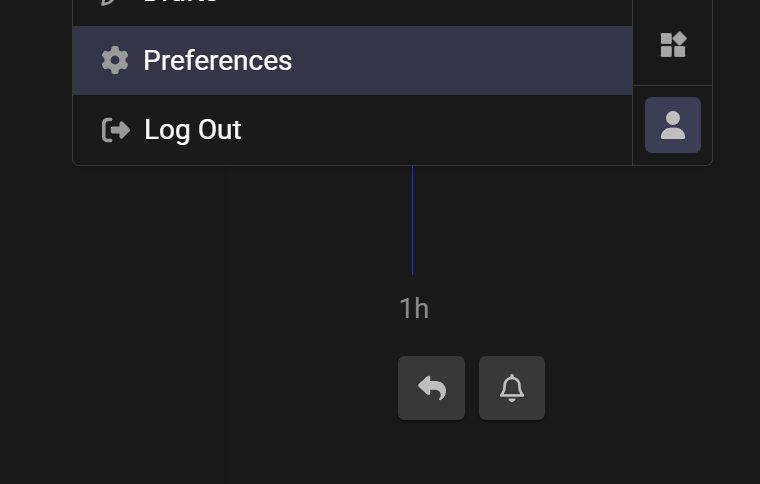
It is in your preferences …
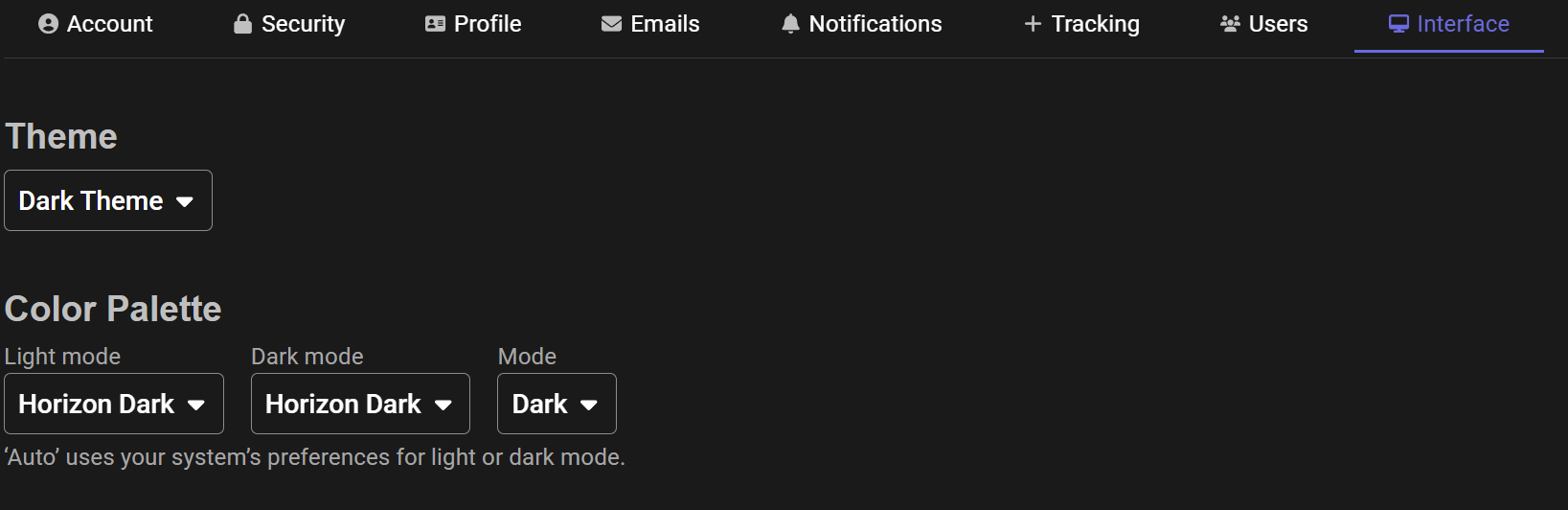
It gets screwed up every site update. Use the settings above for Dark all the time and press Save Changes.
1 Like
There is no Preference setting on my screen for either Topazlabs or the Topaz community. No Interface either. Fortunately it changed back to dark mode on its own.
I’ve had mine set on the Dark Mode for a very long time and got on here the other day and was also blasted with WHITE. No matter what I set it to, it won’t change back to the Dark mode. I’ll email them tomorrow to see if there is a workaround.
Well, I changed everything to Horizon Dark and it worked, although I never had to do that. It was always on just the Dark Theme setting in the past. 
