I want to see a “detail refinement” feature SOO bad… 
This program is very interesting. My Action Martial Arts network has hundreds of older programming which could benefit from technology like this. However, I would like to sample this on my broadcast material before making any investment. Also, is this monthly or annual charge? Because there are other programs out there that you buy the program once, and you own it. Thank you, send me more information at twolf8639@gmail.com.
Yours truly,
- Dennis Warren
hello, i have a problem, i would like to convert old sd camcorder videos to hd, it gives very good results now with artemis high but there is a frame flicker problem, with neatvideo, there is an option for it reduce but it does not work, I have this example in video:
(we can see it clearly at tree level on the right)
If anyone has a solution! thank you
VEAI now allows the option to keep previous models when installing a new version. Does that mean if I do a clean install with 1.61 and then install 2.0 on top it will keep the 1.61 models and feature them in the side menu?
V1.6 was using the old engine and its models are incompatible with new engine starting in v1.7. Only models from v1.7 and beyond will now work in new versions.
1 Like
you need to crop the top a little to solve the flickering, make sure you save the video as lossless, and don’t resize anything, just crop, do post processing afterwards (resizing, filters… etc.)
I noticed it too that since V10 Artemis MQ & HQ (more MQ) sometimes introduce some flicker on some specific parts of a video. As it is local and not affecting the whole frame some conventional programs like Neat Video will have hard time to detect it and repair it.
Hi,
For my small S8 films, after doing a 1st pass with Artemis AMQ V11, after a lot of testing, I opted for Theia Fine Tune and finally Davinci Resolve in UHD (not easy)
This is a first workflow:
1_Scanner
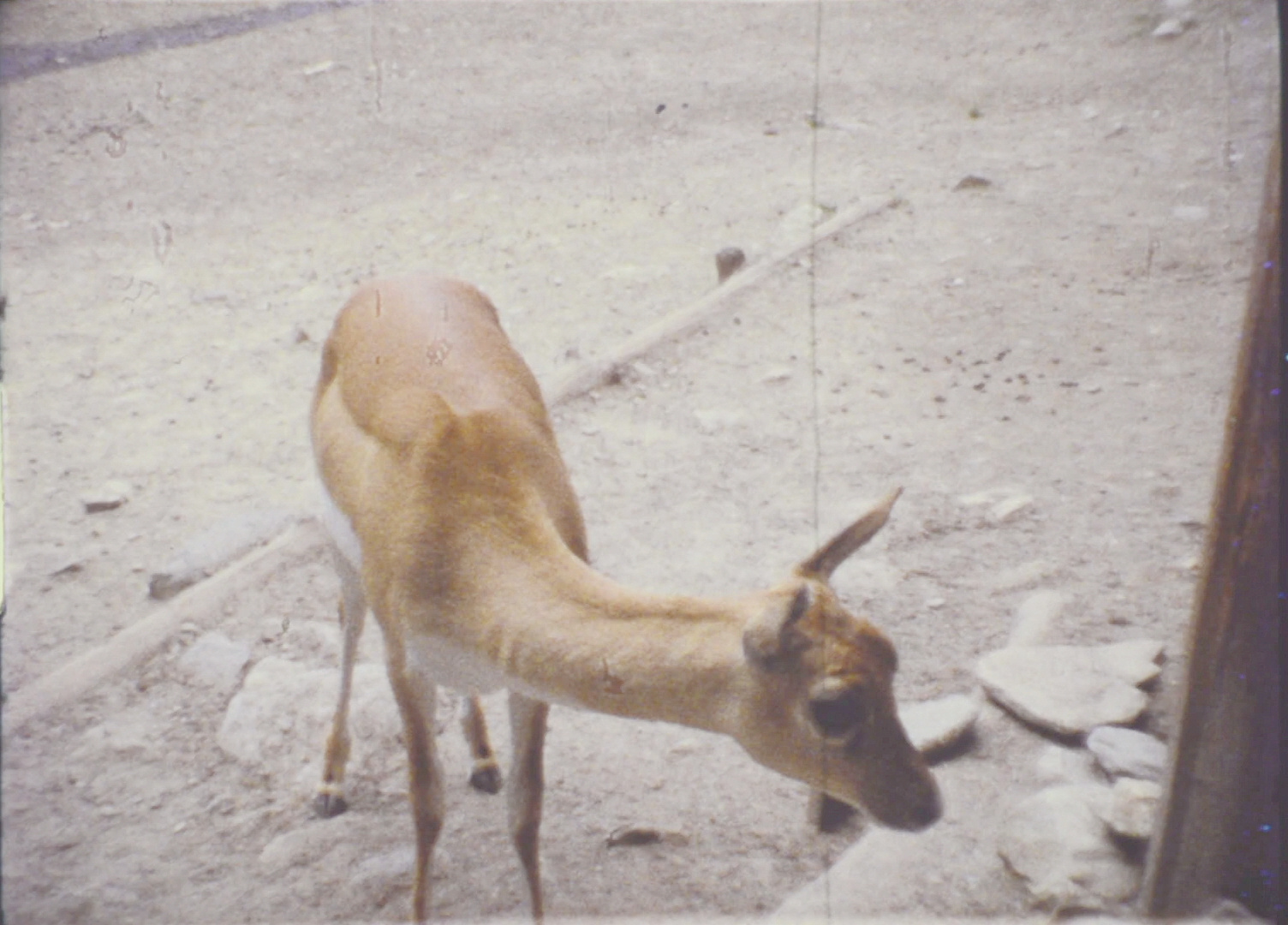
2_AMQ V11 (100%denoise/deblock)
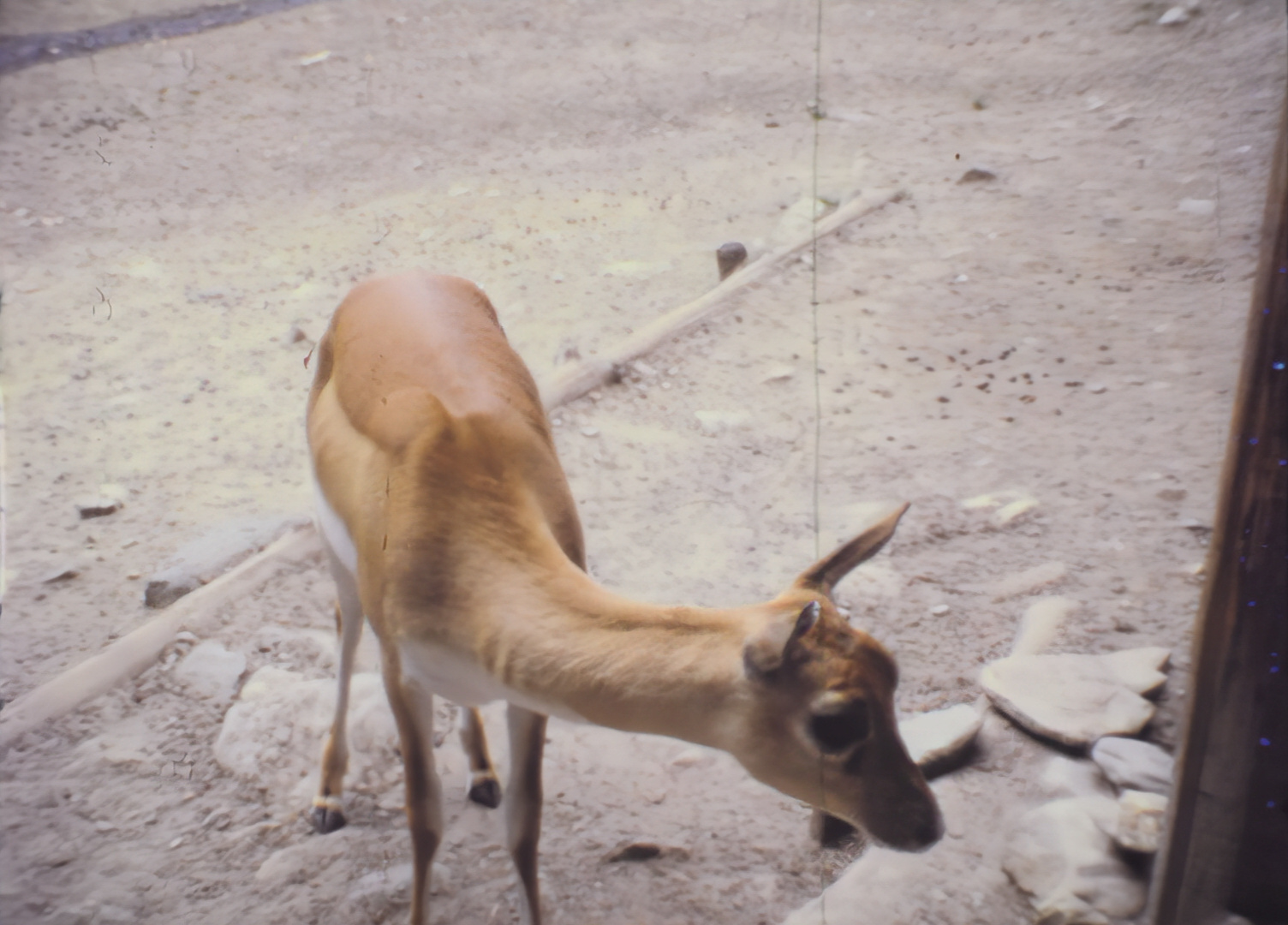
3_THEIA Fine Tune

4_Davinci Resolve.
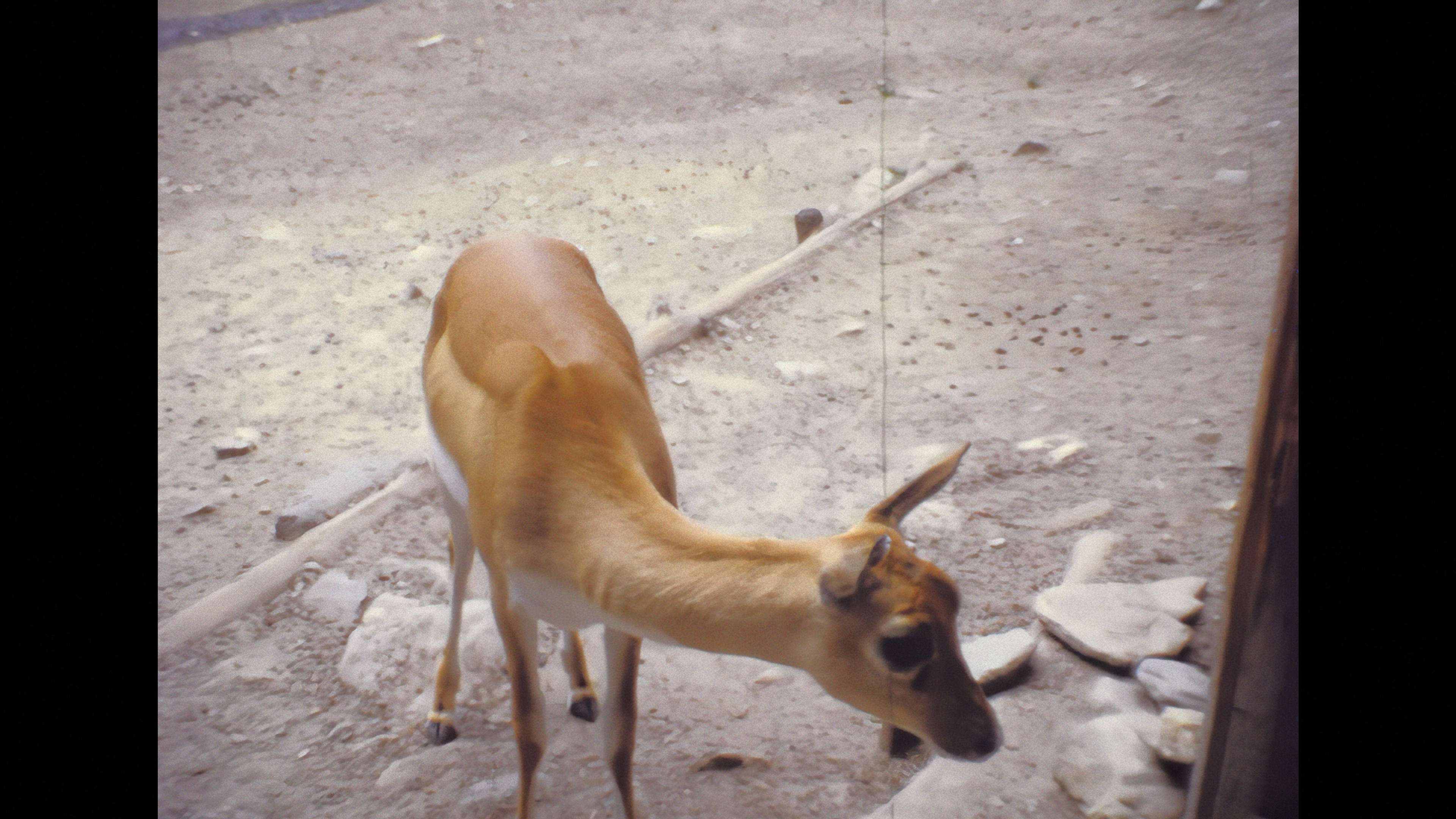
(continuous testing) …
3 Likes
I am trying to convert 720x576 25fps interlaced AVI (direct transfer from miniDV format tapes) files to non interlaced MP4 @ 50fps. Native audio bit rate 1024kbps 2 channel stereo at 32kHz.
Both of the Dione interlaced Digital Video v2 and TV v2 models output files play the audio at the wrong speed ( or if you like the pitch is at least double what it should be ) . Doesn’t seem to matter what sizing I select.
I get the same result using VLC and Windows and Dell media players. Details of one output video file example is 1280x720 @50fps , audio bit rate 69kbps stereo @ 48kHz.
Any suggestions please ? It all works OK on the 25fps non frame doubled Dione models.
I fixed the flicker issue, in fact it was because of a light filter with vegas.
I share with you an image of the film that I am making at the moment, 6 years that I am on the settings …
It comes from a hi8 cassette.
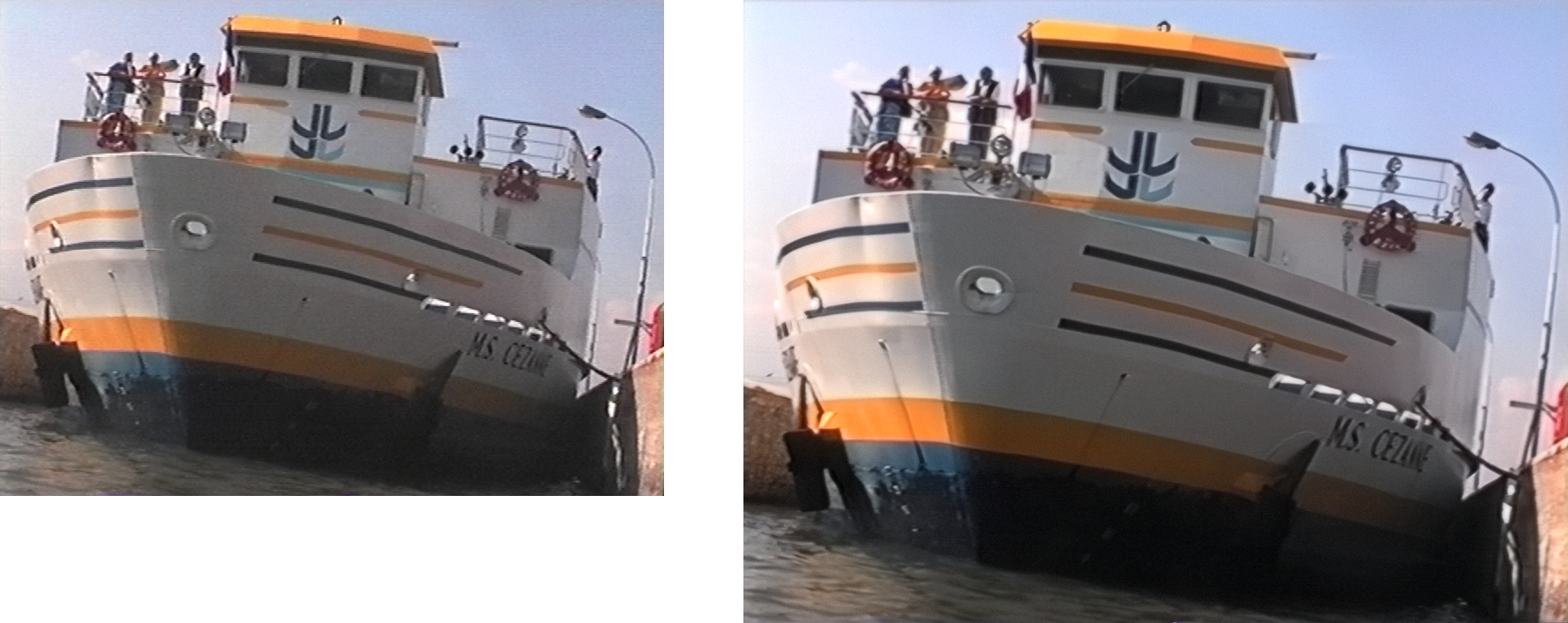
After days and nights of testing, I opted for dione interlaced digital video by upscaling from sd to hd, then with vegas pro, I use a lot of filters (neatvideo, magik sharp, unsharp mask, dv fixer etc …)
You have to remux the audio outside of VEAI. Even when it works you still should do it outside of VEAI to preserve the quality of the audio. VEAI knocks it way down.
1 Like
I think the developers really need to change the option “keep audio” to “include preview audio”. It’s really misleading people, who think their orginal audio would be copied. In fact i use this option quite some times for test rendering snippets from a source file and i like to at least hear something during playback.
3 Likes
I exported a 1min30sec MOV file (8GB). It plays fine in Quicktime Player but in Premiere / Media Encoder / EditReady it only detects the file as 19secs duration.
got the same problem with the prores from VEAI in Premiere
1 Like
When this happens, the best is to try to rewrap the stream(s) without reencoding. VirtualDub2 can do it and it worked when I also encountered this issue.
2 Likes
The same issue with PAL. Field order does not matter. And in most cases it is red color, or in more rare cases some other more saturated colors. Need for manual deinterlacing with other tools was stoping me from purchasing the earlier versions of Video Enhance AI. Interlaceing support is available now, but not something to be usefull  Lets wait for the next release.
Btw, when I try to add image to the post it says “Sorry, you can’t put images in a post”. How you guys are adding them?
I do the same thing but with cuda hardware excel:
md 8bit_265
for %%x in (.m) do (ffmpeg.exe -hwaccel_output_format cuda -i “%%x” -pix_fmt yuv420p -c:v hevc_nvenc -preset slow -rc vbr_hq -b:v 10M -maxrate:v 15M -c:a copy 8bit_265/“%%~nx”.mp4)
edit: apparently the star or wild card character doesn’t show up here which is needed: for %%x in ([star].m[star])
Hope this is fixed in the next version. It’s reported to the bug list i assume ?
I think it’s a file size or image format.
I’m dragging and dropping to input field using png and it’s ok.
I’ve tried the v2.1.0 beta version, this issue hasn’t been fixed yet.
I think that’s a good idea until it’s fixed.
