Hi - 0 in Bitrate is Auto so the software decides what bitrate it should be/should be below to depending on the video. We’ll be changing Zero to just say Auto. Let me know if you have any more questions about this!
Hi William - we’re aware of this issue happening with some videos and are working on it. Would you mind sending me your video? You can send it to Topaz Labs Dropbox Folder and let me know once you’ve sent something. Thank you!
Can you please send me your log files from the same failure session from the Help > Open Log Folder menu?
Can you please tell me what your GPU type is? I’d appreciate if you can by chance send me the log file from running on your GPU vs the log file from running on Auto when you get that error. Thank you!
yes, that’s what i figured out, maybe having it setup automatically when turning on FPS only would be better. maybe not everybody who will buy the software in the future would know that.
1 Like
Hi Kjell - have you tried using the command line from Advanced menu on the top > Open Command Prompt? We’ve also added an option for “FFMPEG Command” to the preview & export file lists that you can copy and paste in the Open Command Prompt above.
For the 2nd point, what models are you referring to? You can enable Convert FPS and choose models from the other filters. For example, Chronos from Slow Motion. Let me know if I’m missing something here.
For the colorspace conversion error, can you please send me your video file and log files? You can get the log file from Help > Open Log Folder. You can send the video to this Dropbox folder. Thank you!
1 Like
The openh264 and vpx libs are still in the txz, would you please remove those unnecessary ones next time?
Thanks, will do. Let me know if the stats printing is still happening every 5 frames? If yes, it should be fixed soon.
The Apollo model is natively supposed to handle motion blur better than Chronos/Chronos Fast. It is also supposed to improve on the linear motion artifacts generated by chronos models. Both the performance and quality of the model will increase over the next few weeks.
The Apollo model natively prefers 800% slow-motion, so 200%, 400%, 800% would give the best results.
7 Likes
Thank @Martyprod
@tomwesterman12321 the answer to all your questions is Yes sluggishness of the GUI will be fixed and the other features will be back one by one after that.
2 Likes
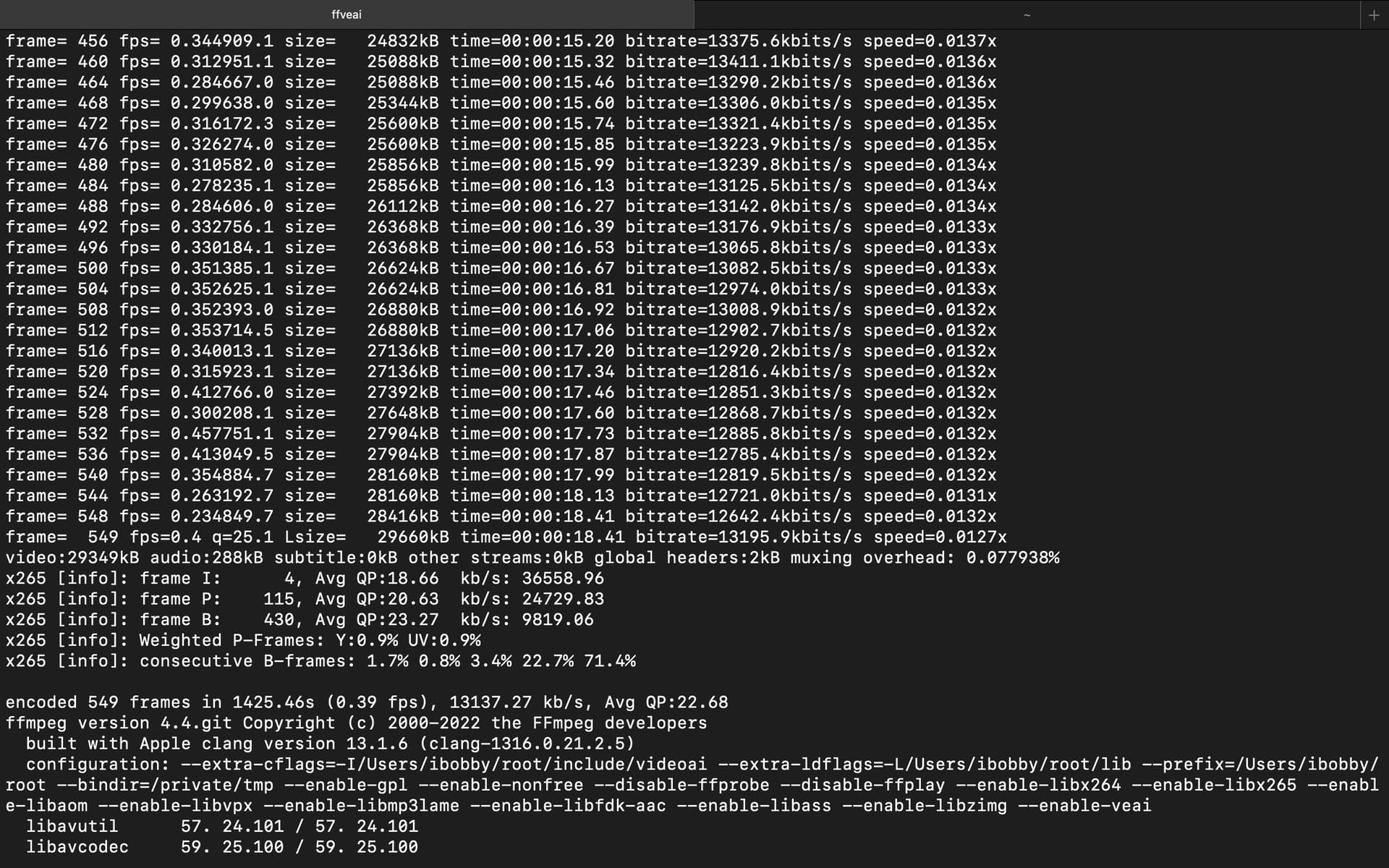
- It should use 2x and not 1x, seems like a bug. This should be fixed in the next version.
- We are using the scale filter because it is available on all platforms and has no licensing issues. CUDA like you pointed out can also cause running out of VRAM for larger resolutions.
- Currently the priority is stability and feature parity with 2.6, unless the performance is horrible like the GUI right now; all other GPU usage and performance issues will be addressed in the near future.
- Unfortunately, the models are RNN based so they need the output from the previous frame is required for the next frame to process. But if you chain two filters together like upscale and fps conversion then they should run in parallel.
- The threads not matter when the device option is used, if device is not set then vram, threads are both set automatically as well.
- Unfortunately due to licensing issues we cannot release a libx264/libx265 compiled ffmpeg. @ibobbyts already compiles his own version for Mac. This is the reason why we provide the required libraries to build the backend from source. May be someone can do it for windows and share it.
- The AI models themselves support only 1x, 2x and 4x upscale. The only difference is in 3.0 you get a peak under the curtain, 2.6 does the same thing out directly in the code instead of a filter.
3 Likes
It is due to our progress tracking for the GUI. We will fix it.
Yes may be show models in change fps also or combine to one filter Slow motion/Change FPS.
1 Like
I get this when trying to use Apollo:
Video uses a non-standard and wasteful way to store B-frames (‘packed B-frames’). Consider using the mpeg4_unpack_bframes bitstream filter without encoding but stream copy to fix it.
low_delay flag set incorrectly, clearing it
Unable to parse option value “0” as video rate
No accelerated colorspace conversion found from yuv420p to bgr48le.
No accelerated colorspace conversion found from yuv420p to bgr48le.
No accelerat… etc…
@vista.joel I use brew (need to be installed beforehand) to install the libs on Mac
brew install yasm x265 x264 fdk-aac and ./configure --extra-cflags="-I/path/to/include" --extra-ldflags="-L/path/to/lib" --enable-gpl --enable-nonfree --enable-libx264 --enable-libx265 --enable-libfdk-aac --enable-veai
On Windows I don’t know a tool that can manage libs that easy, probably need to compile separately.
I use a 3070 Ti. I can’t reproduce the issue anymore. I set it back to auto to get a log report, but now even auto works fine. When I had the issue before and I was troubleshooting, I restarted my pc hoping it would fix it but it did not. Then I changed from auto to gpu and it started working. And now both options work fine.
Just now uninstalled and reinstalled to see if I can reproduce the issue but I it’s all working now…and I don’t have the old log files anymore. Next time I get an error I’ll make a backup copy of the log.
It is possible that the pc reboot fixed the issue.
But there is one difference I noticed. The first time I installed this alpha, it was set to auto by default. When I installed the 2nd time just now it was set to gpu by default.
I reinstalled the software and now everything works fine. Maybe the issue was caused because I did not uninstall an older alpha version the first time. I unfortunately no longer have the logs.
If only convert fps is enabled I cannot choose if I want to use chronos, chronos fast or apollo.
Thanks for pointing out that I can still use a custom command!
Combining them into one filter sounds like a good idea. Maybe also combine enhance and resize into one filter.
1 Like
another idea, maybe a small popup asking to choose which model to use when the change FPS is turned on ? or a dropdown line in the “change FPS” part, where we can “click” on the model. i don’t know. i’m not good at idea lol 
but combining them ls the best idea, and would save some space in the right panel.
