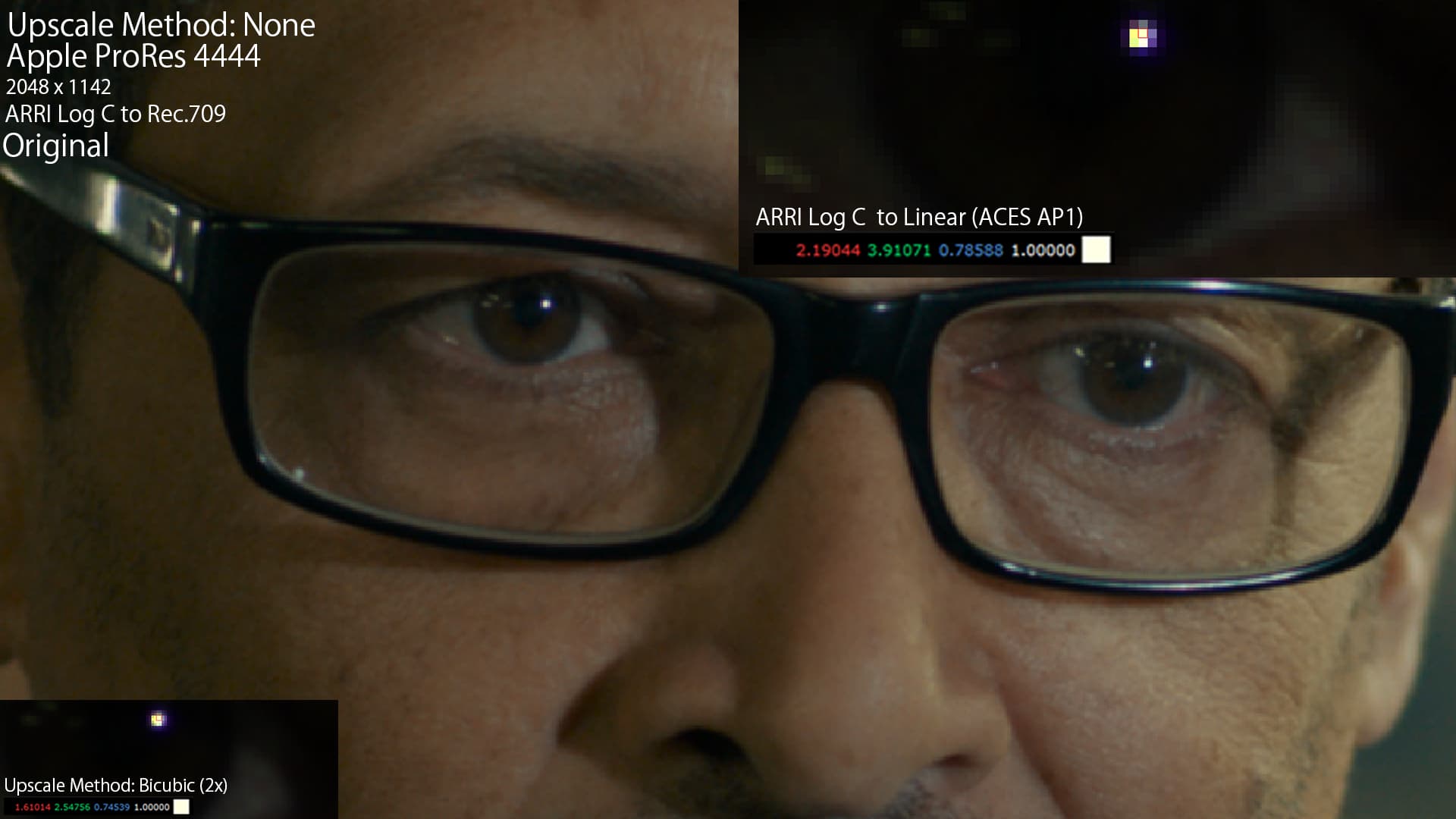
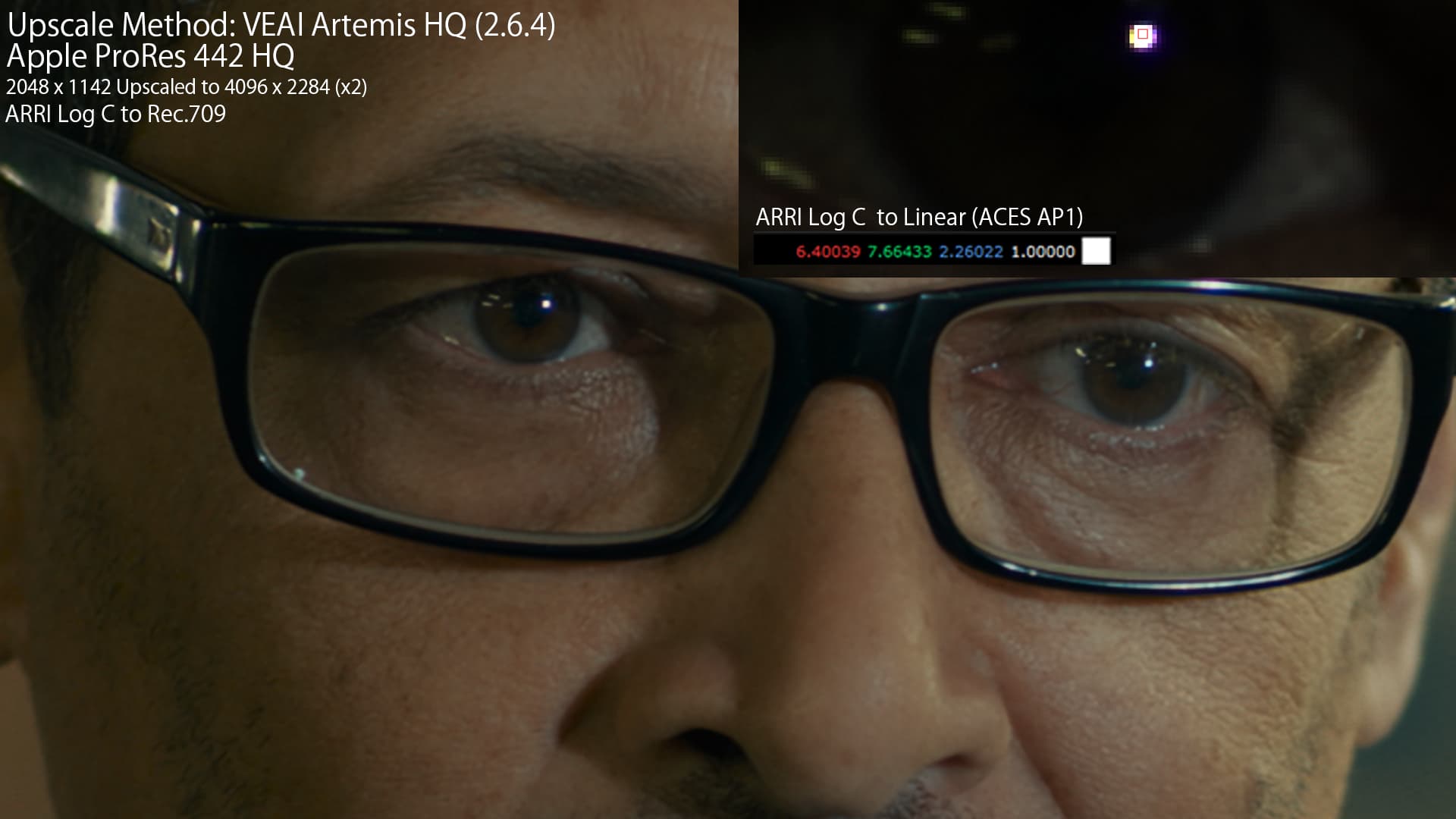
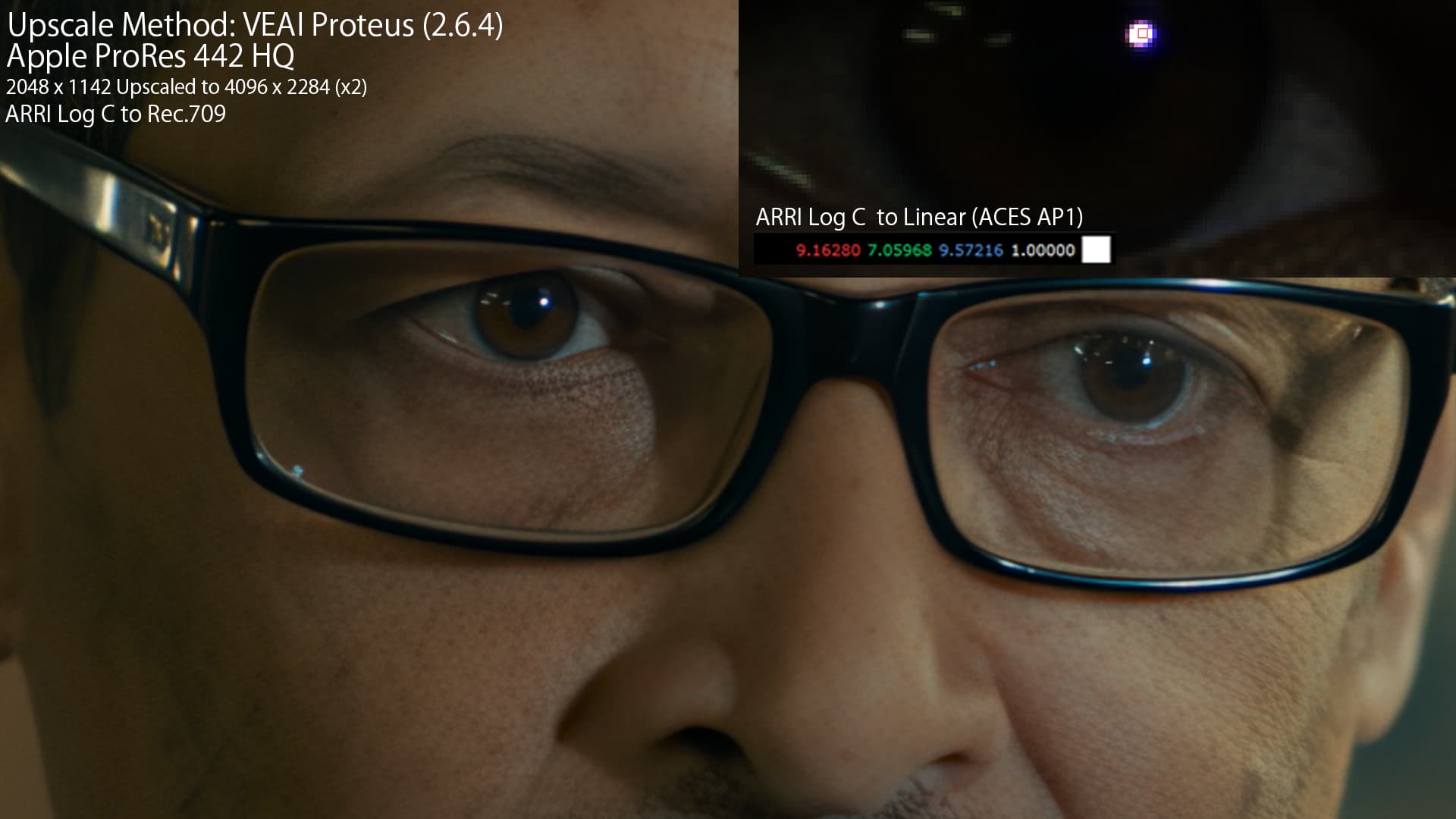
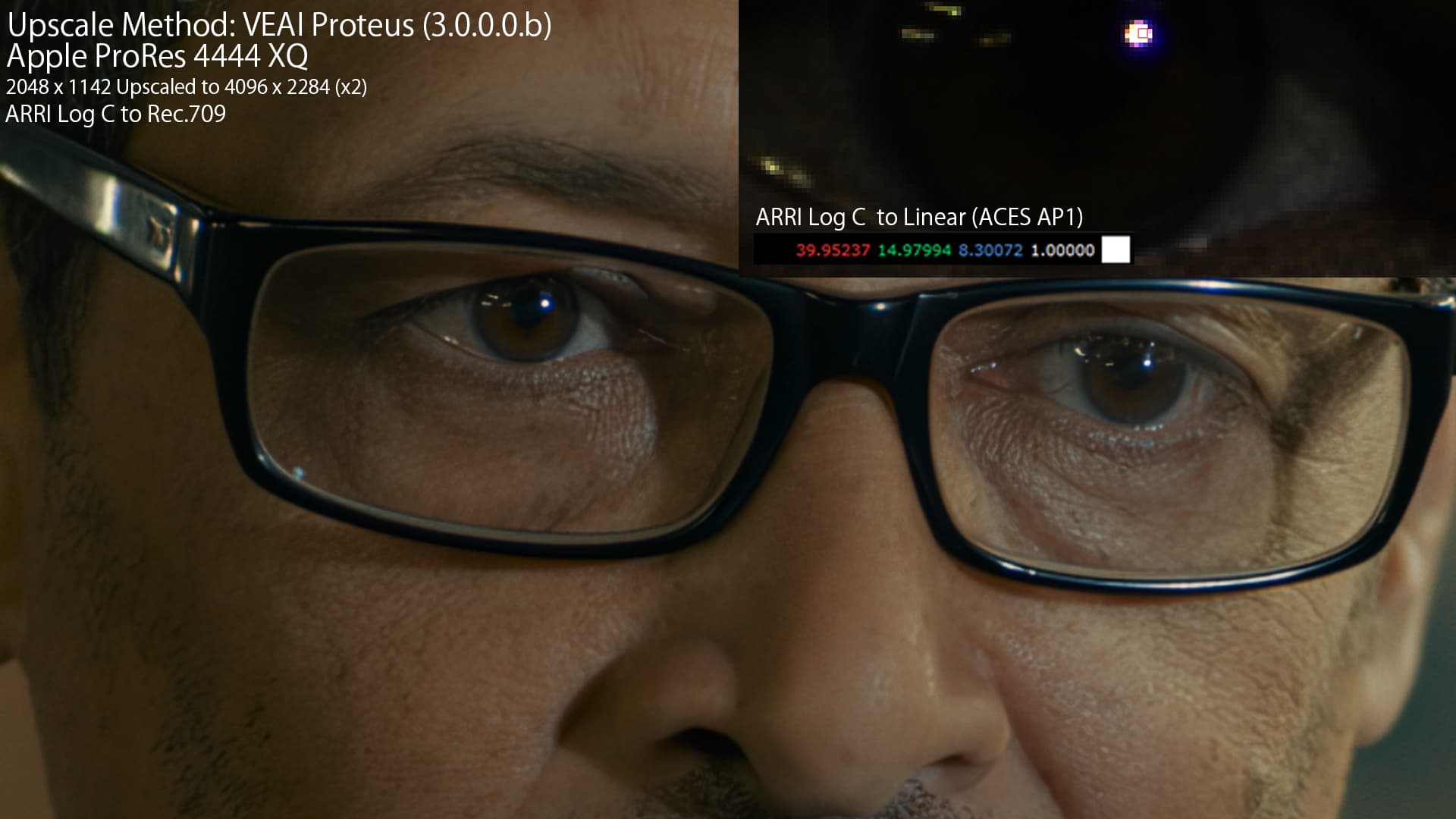
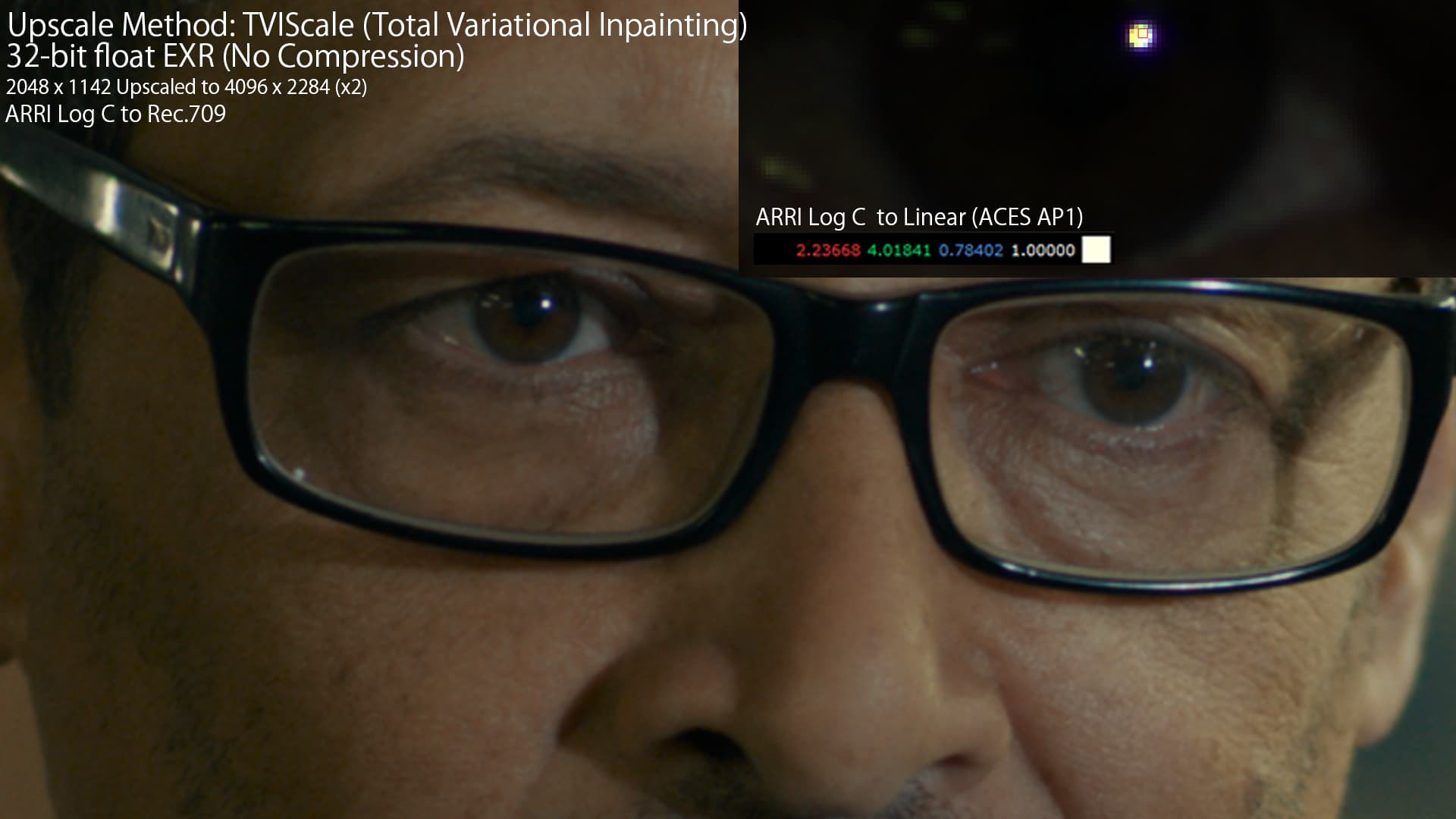
Since 3.0.0.0.b has been released I’ve been attempting to use it in different scenarios and have found some interesting results regarding how VEAI handles colors. Coming from filmmaking, visual effects and animation, in between most pipelines involves dealing with footage in various color spaces, you’ll also need a high dynamic range and enough bit depth to make sure there is enough data to represent the values correctly. If you’re familiar with color spaces none of this is new but I think it’s important to address it now that VEAI supports 16bit color depth.
It might just be that the 16bit color depth processing improves the end result and that’s that but I think there’s more to it considering that we have the ability to export things like ProRes 4444XQ which doesn’t make much sense if you’re not going to do any other processing with it. VEAI doesn’t currently support OpenEXR which is a preferred way of handling such files especially since it has 32bit linear support but 12bit ProRes is good enough for this particular footage.
The below footage is in originally in ARRI Log C (ProRes 4444) and I used a bunch of different upscaling techniques some in VEAI and some in Nuke. After converting the LOG footage to Linear I realized the values were in some cases much higher than the original file, this could be caused by a lot of different things but for example in the case of Proteus the sharpening parameter might be contributing to the very high values when I used it in 3.0.0.0b. Since I used the auto function on both versions to select the parameters I don’t know what specific changes are between them and so it’s potentially inconsistent compare the 2.6.4 and the 3.0.0.0b version between each other.
Another thing that also happens is that these values are temporarily inconsistent so throughout the video there will be transients where the values get really high and then go down even though the visuals remain similar, I can’t attach videos here so they’re uploaded to this GoFile. Though every method I used will affect the linear values in some way (unless it is just a simple nearest neighbor upscale) it looks like VEAI is going haywire with the very high peak values. How you’d go about fixing this I don’t know but perhaps there could be some of clamp that restricts the values above 1 in the range of the original file, I’m not too sure.
The last point is which has been brought up quite a few times on different threads is that the colors are generally just inconsistent from the original file. The weird part is that the 2.6.4 colors are more aligned with the original file (even with ProRes 442 HQ) than 3.0.0.0.b (ProRes 4444 XQ). In the GoFile I also provided some webpage (.html) comparison apps that you that can use visualize the differences more clearly since it’s harder to notice when scrolling between them.