As I mainly work with Iris and Nyx, I was eagerly anticipating the new update. Therefore, I would like to ask you, what can the other models do better that these two models cannot ? Good job, thank you.
Thanks for the reply, much appreciated. I was hoping for some image/video clip comparisons but I will take your word for it.
Here we go again… SAME BUG that i found in latest BETA =
When i use ENHANCEMENT AI for upscaling, and i want to use AI model like PROTEUS or IRIS, if i select first “MANUAL” Parameters with corret value with “Estimate” button, and turn the parameters in “Relative to AUTO”, i LOST all the values that i estimate from “Manual ( + Estimate)” values (and if i select AUTO parameters, and turn back in Manual mode, i lose all the previous estimate setting!
Everything is best seen in this video (in the video, the BUG is from BETA version, but with this latest stable version, is the same):
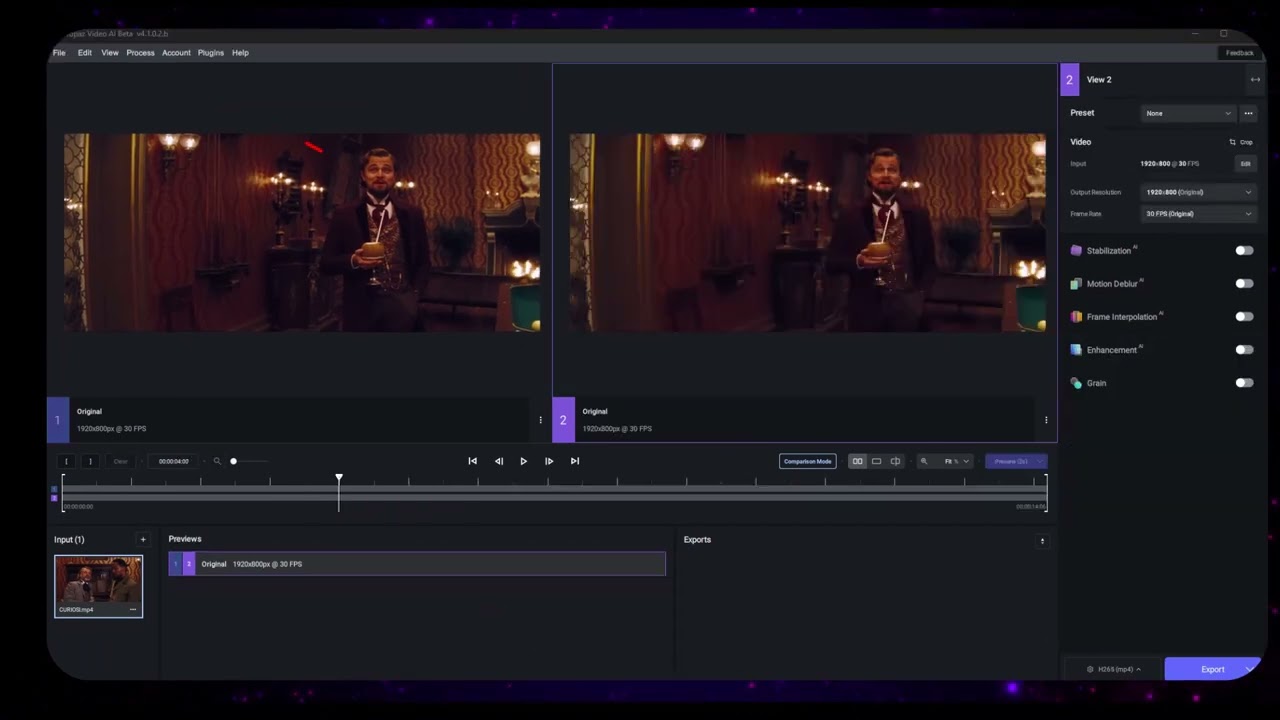
Please bring the situation as present in the previous stable version! 
1 Like
This is the intended behavior of the Relative to Auto/Manual selection dialog box. We will be keeping this new change to avoid confusion when applying settings in different modes.
For example, -50 in Manual is stronger than -50 in Relative to Auto, so keeping the values would imply that the setting has the same effect.
8 Likes
Hi guys. Is there any way I could get a link for the Linux build please? I signed up specifically to help test Linux version of Topaz Video AI, but I can not find links to Linux builds anywhere. Thank you for the update.
I am on Ubuntu 20.04.
2 GPUs:
- GeForce GTX 1070
- GeForce RTX 3060
It’s not my word, I am just parroting what the dev said in one of their response when they 1st released Prob4 for testing.
Love quality and speed improvement of Iris LQ. Thanks a lot!
Yeah, also had a problem with my stored preset. Needed to reconfigure it.
2 Likes
Very nice update. 
Issue: The presets do not retain the set output resolution and pixel type
1 Like
Thank you for your reply…I understand the choice, but I don’t fully agree with it: it should be clear that the “manual” settings are fixed settings, while the “Relative to Auto” settings are settings that are let’s say automatic but adapt to the values one sets to it by increasing or decreasing the sliders!
Keeping the setting as the “old” stable build, allowed to have much faster “relative to auto” settings adapted to the video analysis thanks to the “Estimate” button of the “manual” mode =
At this point, it would be very useful to have the “Estimate” button also in the “Relative to Auto” mode to have the most correct setting depending on the video you are upscaling, without each time going to “recopy” the analysis values in manual mode!
3 Likes
Here a little GUI problem.
When I load several clips to assign them the same preset, when I click on export of all clips: loss of the preset FPS.
Select multiple clips original is16fps

Select a preset : here output is 2fps
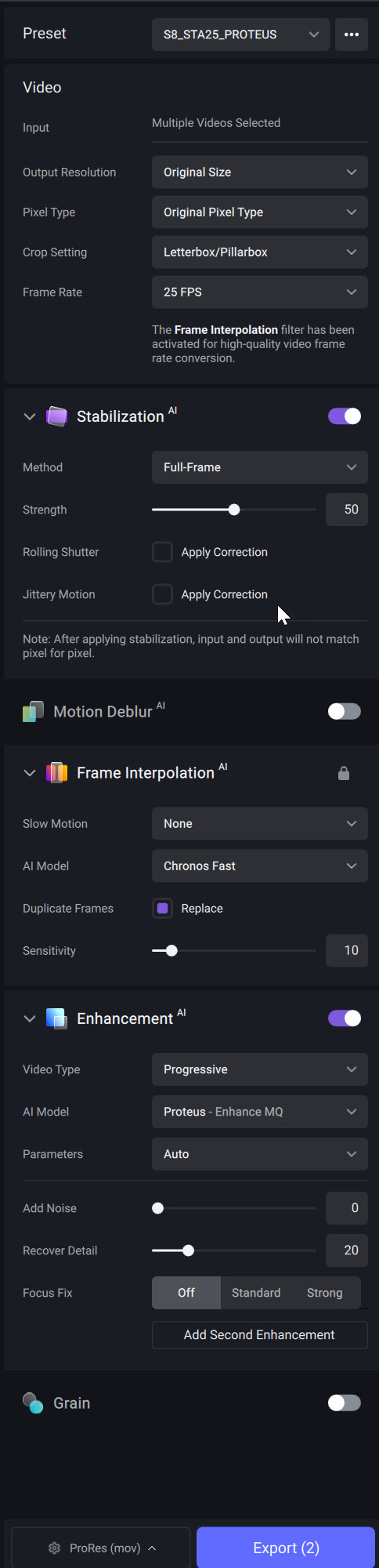
Now export:
Then error

Thank’s.
1 Like
I have a suggestion. When you run a preview or you have the original video, there is a column for video 1 and a column for video 2. These just say 1 or 2. Wouldn’t it make more sense to be able to click in a column to change the input for video 1 or 2? Clicking in the 1 column and in a specific row would assign 1 to that row. Clicking in the 2 column and in a specific row would assign 2 to that row.
For example, if I have two previews and I want preview 1 (on the left) to be 1, then I can click on the preview row that I want, but specifically I click in the 1 column. Clicking anywhere else will select the preview, but clicking in the column of the 1, will assign 1 to that preview.
Otherwise you have to switch from 2 to 1 by pressing the button in the top right hand side of the screen. Then click the input preview you want to assign to it. This takes two clicks. My method would take one click.
To be clear, clicking anywhere in the horizontal row of a preview would still allow you to click it and select it as normal, but if you click in the columns on the left side, you can change the numbers quickly in one click. I hope this made sense.
3 Likes
Oops, never mind, found it:
https://community.topazlabs.com/t/topaz-video-ai-linux-beta-v4-0-7-0-b/58180
1 Like
My presets imported fine. Did you update through the app or standalone?
For some reason they came back when I opened another video file. But my preset that used a second enhancement no longer had the second enhancement.
Please help me I update to the newest version Topaz Video Ai v 4.1.0 and when ever I want to process preview even 1second and press the purple bottom is said PROCESSING and actually not moving forward. I had fast
I restated the computer after I load new version. What should I do?
Is also extremely slow before the processing to 1 send preview takes me about 2 min an old version. Where is the problem?
Did you give it some time to do its thing? It sometimes needs to download and load the model files which can take a bit and doesn’t show progress.
What kinds of speeds are people getting with Iris LQ? I tested a 480p video yesterday with iris LQ. I did a 4x upscale and it was running at around 10 fps on average.
Also, what settings have you found to be the best? I ran these below and had pretty good results. Not sure if I could tweak things further to improve it.
Iris LQ
Parameters: Relative to Auto
Improve Detail: 80
Sharpen: 20
Anti-Alias/Deblur: 20
Recover Detail: 20
Everything else at 0.
One second I’m waiting more than 10 minutes and is like on 17%
I think ‘Relative to Auto’ is very clear and self-explanatory. Estimate in Manual gives what Auto would at those frames it’s ran on. The ‘relative’ part is you’re adding or subtracting a percentage from what Auto comes up with. It makes no sense to add an Estimate button in Relative to Auto because it would always come up with zeros for all sliders. How would it know it needs more or less than Auto? If it knew, it would put that as the value, resetting the slider value to zero.
1 Like
