Did anyone in Topaz bother to test this release? It’s pathetically unstable. It would freeze on jobs over time and stop working altogether. Like the previous poster, I had to uninstall 3.5.1 and revert back to 3.5.0. Do better, Topaz.
EDIT: rolling back to 3.5.0 doesn’t resolve the issue of “stuck” jobs that die midway through. It seems to be related to when frame interpolation is turned on. Did the models that Topaz update on the server side change and break something?
When clicking the update button in Photo AI, the application shuts itself down properly allowing the updater to actually run. The last few versions of VideoAI dont do this. They launch the updater which fails because the application is still running.
Can your teams sync up and make sure small improvements like this can be shared, it seems clear that your using the same basic UI framework for the two applications, so the C++/Qt methods should be able to work exactly the same in both codebases.
For me, the live preview doesn’t work anymore, and i cant render long videos, it does show a process bar, but the video that has been encoded, is just a few bytes and useless. Reverting back to 3.5.0 fixed the issue.
It seems, that processes has stop on the end of rendert movie, but in the background VAI works further.
I guess, that the process to produce the finished movie from the temp file takes now with the new release a lot more time as in the releases before.
Indeed: the live preview doesn’t work in the new release.
I’ve processed more than 20 video one after the other in sequence. Everything worked fine (Live Previews, and Exports) until the 12th video. Although processing and exporting went on for that video and the following queue, Live Preview stopped in the middle of that one video, and now this preview image stays and stays, ongoing videos have no preview and the temp file of that stopped preview cannot be removed either. I’m happy at least that the remaining videos get proccessed correctly (without preview control).
I’ve had to revert back to the previous version. I cannot finish any exports with this version. I’ve been using the same settings to enhance the videos to 4k for months now and this version will freeze the progress of the export but the program will still be running. It is random when the export freezes, but I haven’t been able to finish an export since the update.
I checked the logs and what I kept getting was:
Format mov,mp4,m4a,3gp,3g2,mj2 detected only with low score of 1, misdetection possible!
moov atom not found
25412 Critical Unable to open file
I have also tried this on both my desktop and laptop… the same issue in on both devices.
This problem was not present in 3.5.0.
What’s more, both 3.5.0 and 3.5.1 have a problem during previews (when testing and setting up models). I have to wait for the preview to finish loading before I can play the video. But while the preview is rendering, it’s impossible to start playback. At least at times it works (at the beginning most of the time) then it doesn’t work anymore. There was no such problem in version 3.4.4.
Hello,
Could you send us an email at help@topazlabs.com with the full log files from the app?
To gather logs, please select Help > Logging and make sure that there is a check mark next to File Logging. Next, recreate the issue and then return to the Help menu and select > Get Logs for Support and attach the “logsForSupport” file to your reply.
Hello, I just updated to version 3.5.1 and the same video I was upscaling from 720 by 480 to 4K 60 fps before with same Chronos and Iris 2x is now always freezing anywhere from 1/3 to 2/3 completion on almost all my videos now. Iris 1x did not have this problem. Now I cannot fully render about 80% of my videos. Please help. I am running with 13700K 3080 rtx PC. Status says still rendering but hours later it will never move once it stops.
Please note that same settings to 2K renders. Only 4K hangs during rendering.
I noticed there’s quite an issue with Frame Interpolation module, too. It either produces a lot of frozen frames, essentially destroying the output video, or, in conjunction with stabilizing, just freezes a lot during previewing/exporting and produces video with LOTS of frozen frames. We might be onto something here (a huge bug to fix).
That’s on RTX 3090, 537.42 Studio driver (latest at the moment) and Windows 10 22H2.
Iris v2 vs Proteus.
I compared the results with each model. The only difference I can see is in the facial enhancement. So I think Proteus now has the benefits of Iris without the facial enhancement, which I prefer, as Iris facial results can be heavy handed. The clean edges and removal of noise on vintage VHS camera footage was one of the good things about Iris, so has it been adopted in Proteus?
I have just retested proteusv3 and proteus v3 + iris, in fact the results are better than artemis hight + iris! I think I will continue in the direction of proteus+iris!
In principle, if I set H264 MKV output, the preview will be displayed during export. I haven’t tested this for other formats, but I used to export in MOV format.
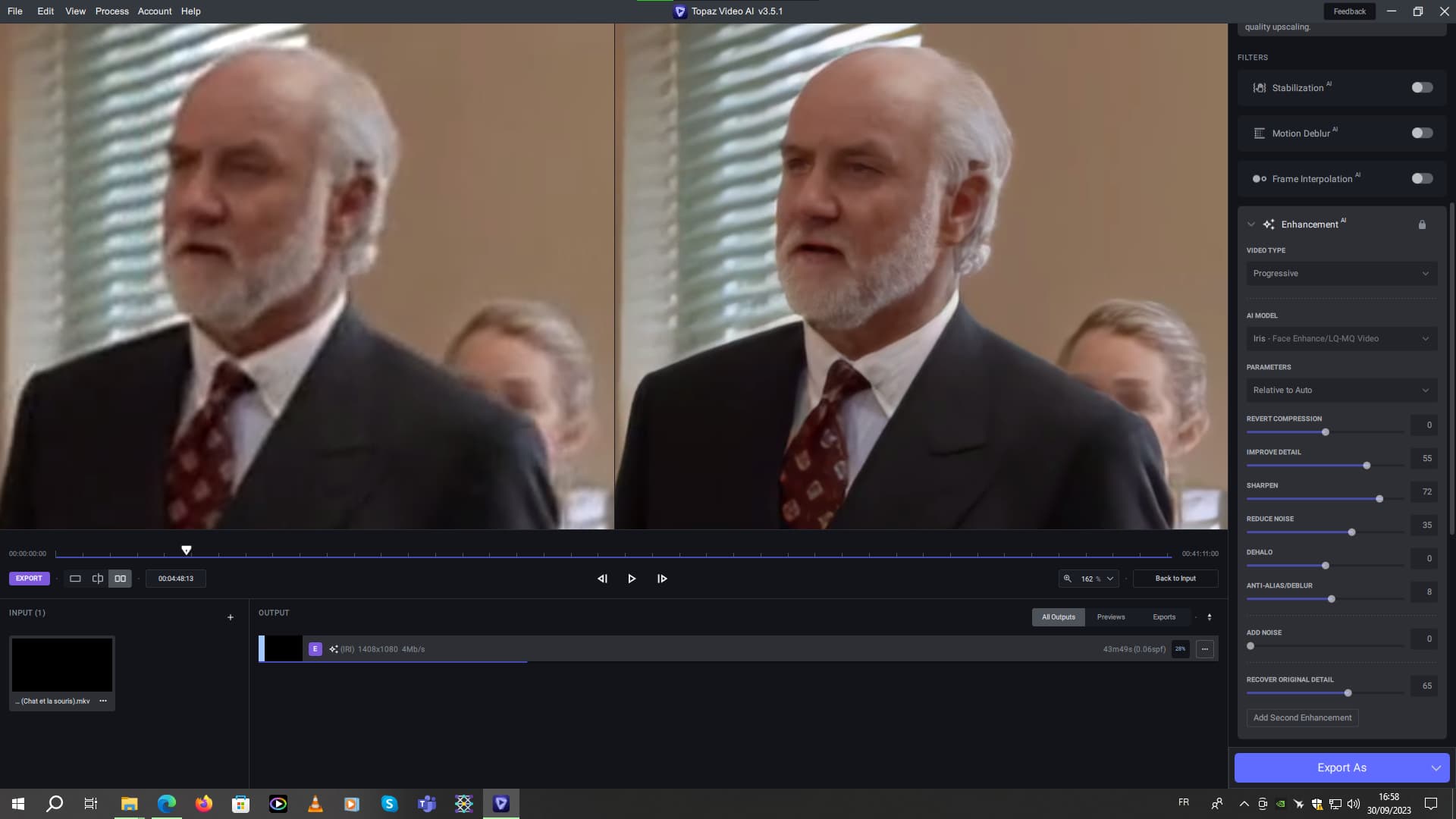
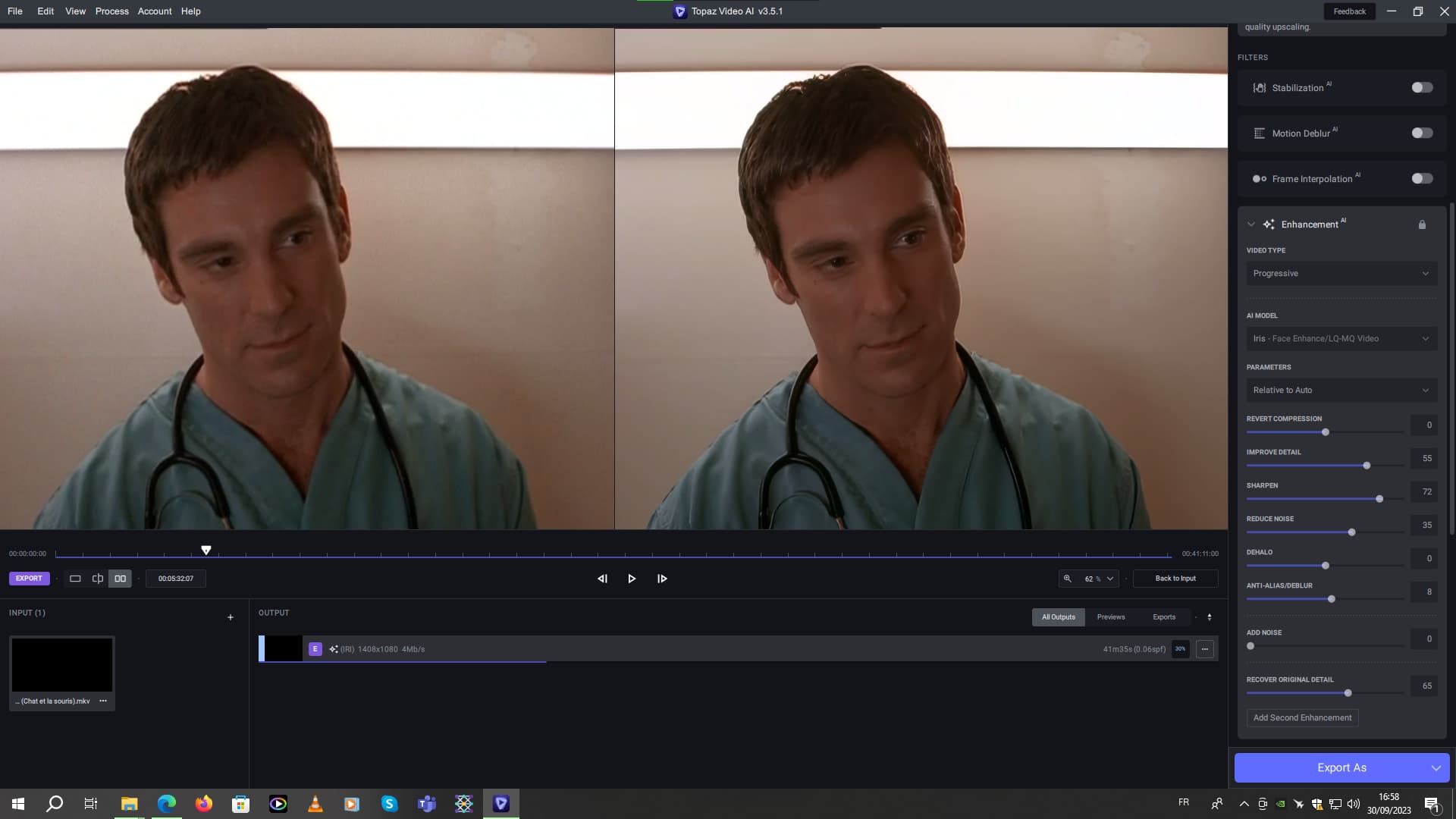
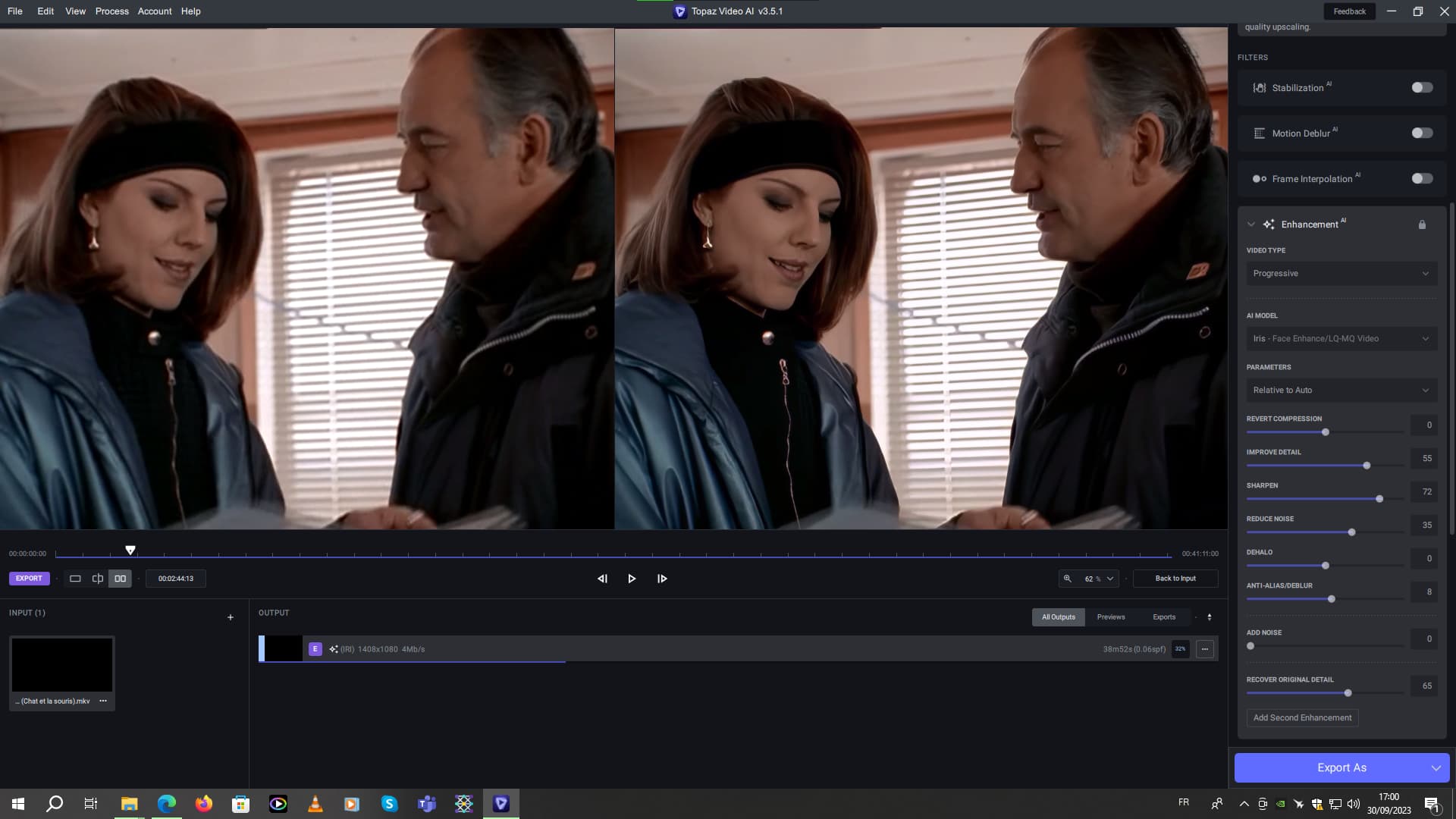
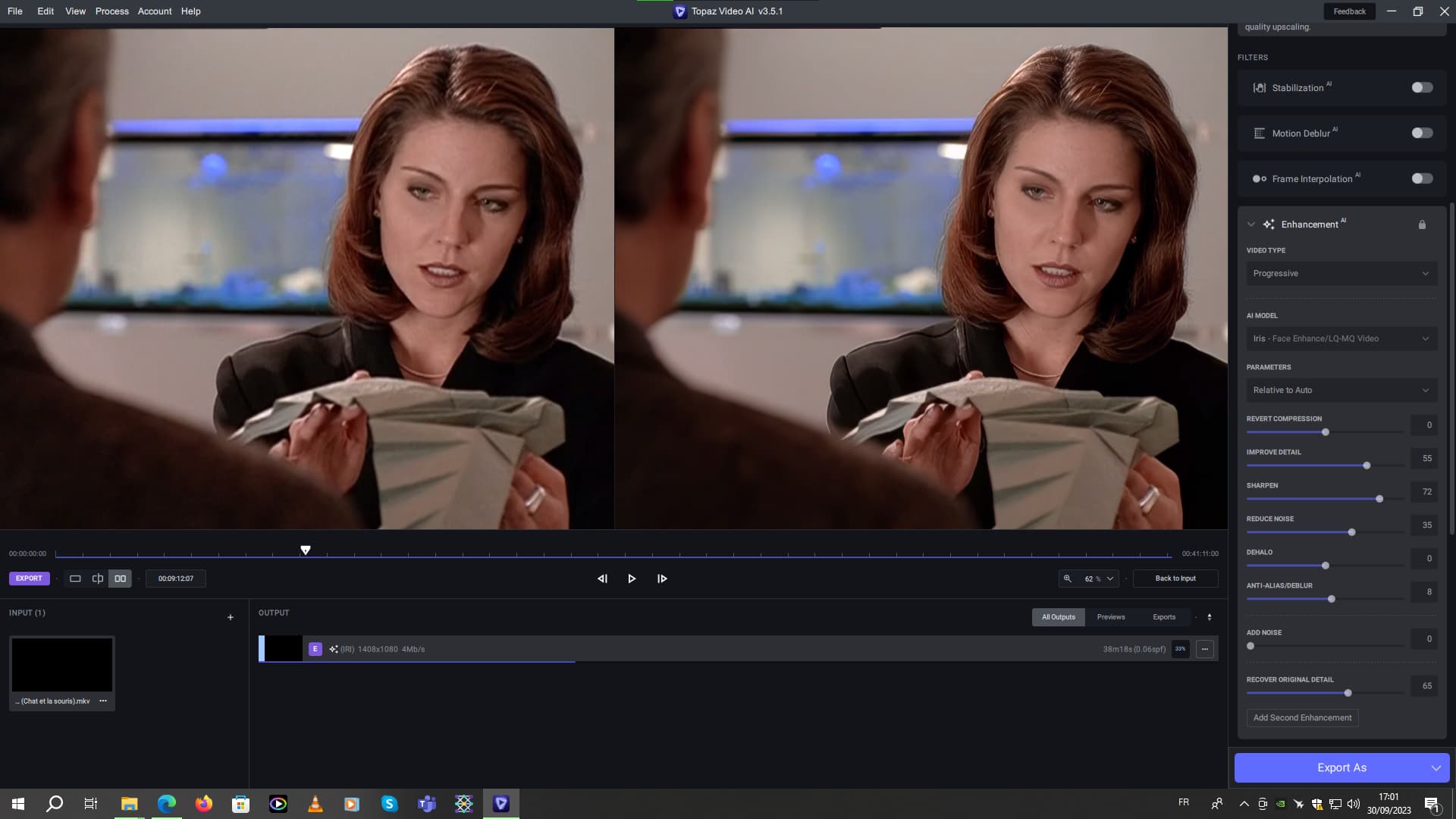
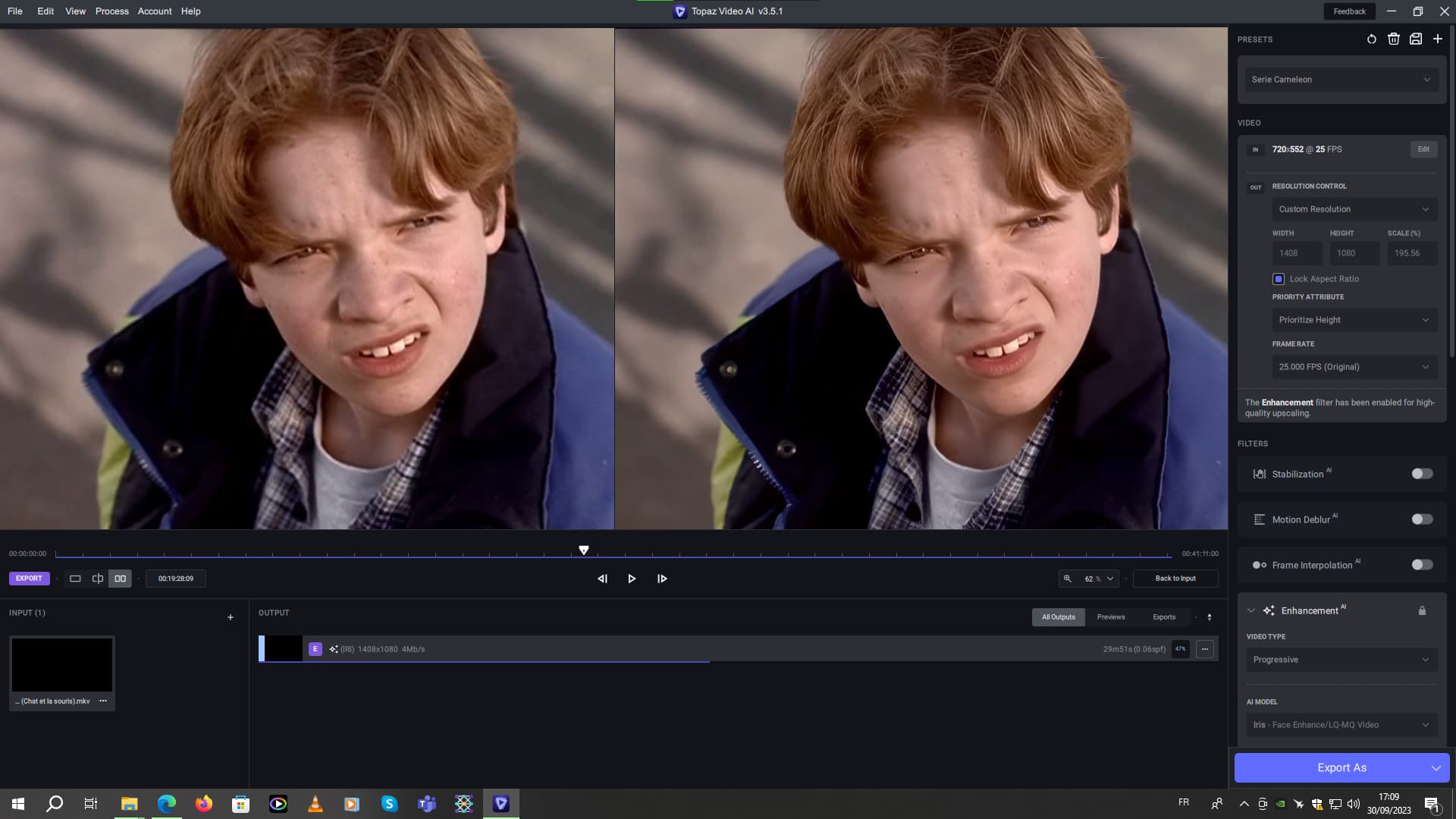
As an aside, on the “The Pretender” series (1996-2000) the Iris v2 model is quite good, with good settings. See screenshot:
But you’ll notice that the blue line normally indicating the current state of rendering progress is already at the very end, even though the rendering is not finished, as you can see below in the output section.
Basic episode resolution: 720 x 552.
Final output resolution: 1408 x 1080.