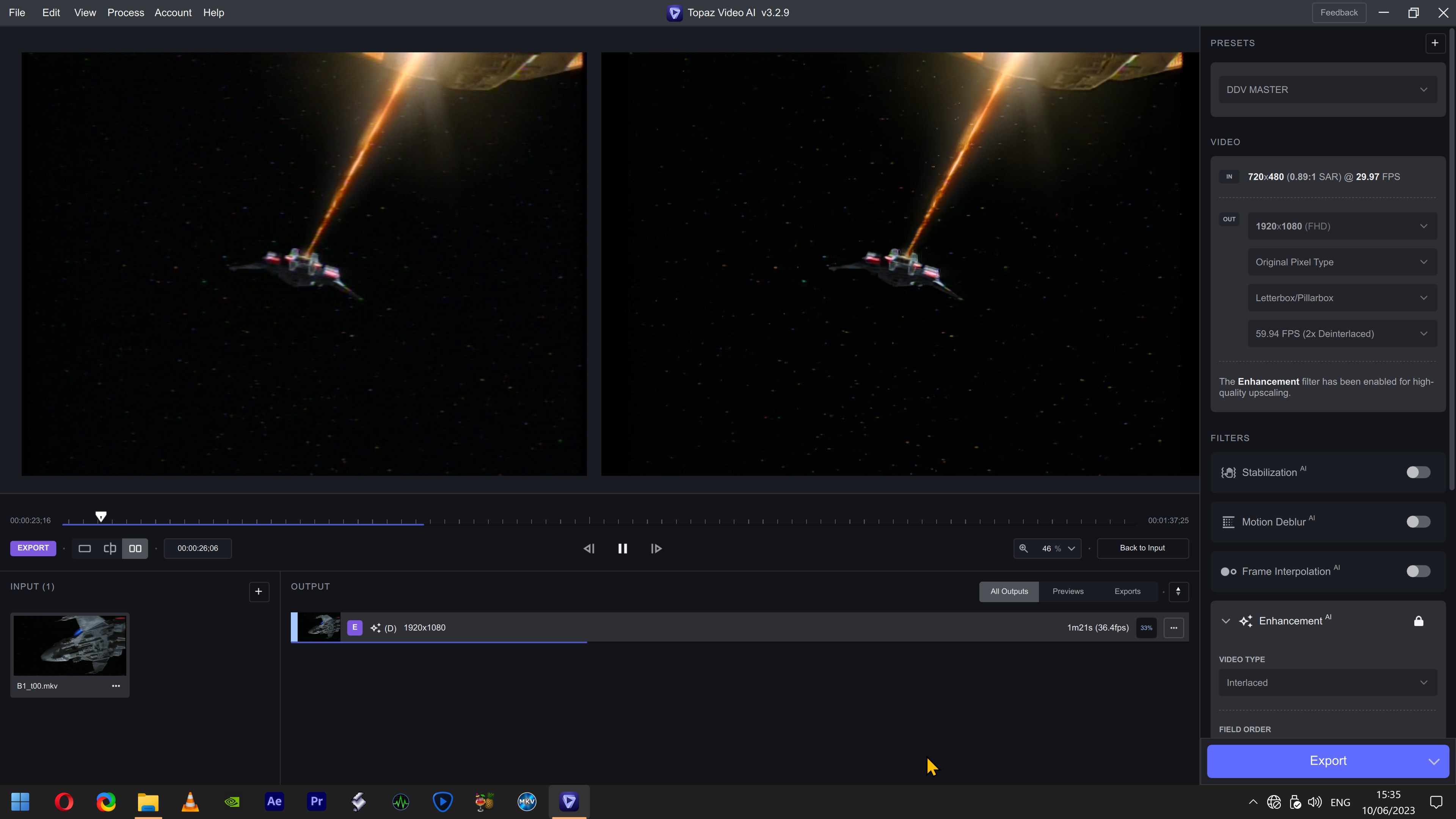
I am not sure why that is occurring 
And after it displays that message for a few seconds, it loads as expected?
In Ukraine, there was also this problem before entering the forum.
Only on Firefox. Because I only have Firefox and Edge Chromium on my machine. I don’t understand why it no longer works with Edge.
Hi,
Ich vermisse die Möglichkeit z.b. die Helligkeit, Sättigung, Kontrast etc einzustellen.
Kann man diese Funktionen noch in einem Update hinzufügen ?
Hi!
We have the next problem with Topaz Video AI.
For example, we have a sequence of EXR frames that go from frame 0 to frame 29 (30 Frames). When we load the frames in Video AI the time bar shows us that it has only loaded the frames from 0 to 28 (29 Frames, missing 1) but also if we export this sequence of frames scaled, only exports from 0 to 27 (28 Frames ,Missing 1 more). We have tried with different frame sequences and in all cases we always lose 1 frame in the time bar and 2 frames when exporting. This did not happen in version 3.2.3 and since then all the following versions have this problem including 3.2.9
Greetings.
1 Like
Also, have you tried on your side with Microsoft Edge Chromium browser? Because I have the impression that for a few days now, it has had a problem with the “CloudFlare” site. All the sites using CloudFlare as hosting, either I can’t access them, or in other cases like here, I can’t connect. But it works with Firefox. Go and find out why  . And I haven’t changed anything in my browser preferences.
In my case both Chrome and MS Edge connect.
1 Like
Hello, why don’t you put back the old login from before? why are we forced to connect via chrome on a server? if one day the internet crashes or a big problem we won’t even be able to enter it, have you thought about that? in version 2 there was a display for the connection why did you remove it? please put it back and why not have an offline version if one day internet bug. THANKS
4 Likes
Since the update on v3.2.9 , enhanced videos are not saved properly. When finished, suddenly the computer restarts into BIOS, where I can’t exit regularly. When restarting afterwords, I can’t open the mov-file
You do not have to use the Chrome browser. The authentication of ownership of the app is linked to your Topaz Labs account. This is the same login process we use with Topaz Photo AI.
Currently, a stable internet is required when using Topaz Video AI.
This seems to be specific to your network or your country, which country are you in?
I have no issues connecting via Microsoft Edge at this time.
How odd. I live in Belgium. But why does it work with Firefox and not with Edge? Nevertheless, in both cases, I see the CloudFlare page displayed with the little loading wheel. Whereas 2 days ago, it was the classic Topaz site loading and I had no problems.
Here’s what I get when I want to connect: it runs for 2-3 seconds before I get the connection page on Fireflox, but on Edge, it crashes continuously in a loop.
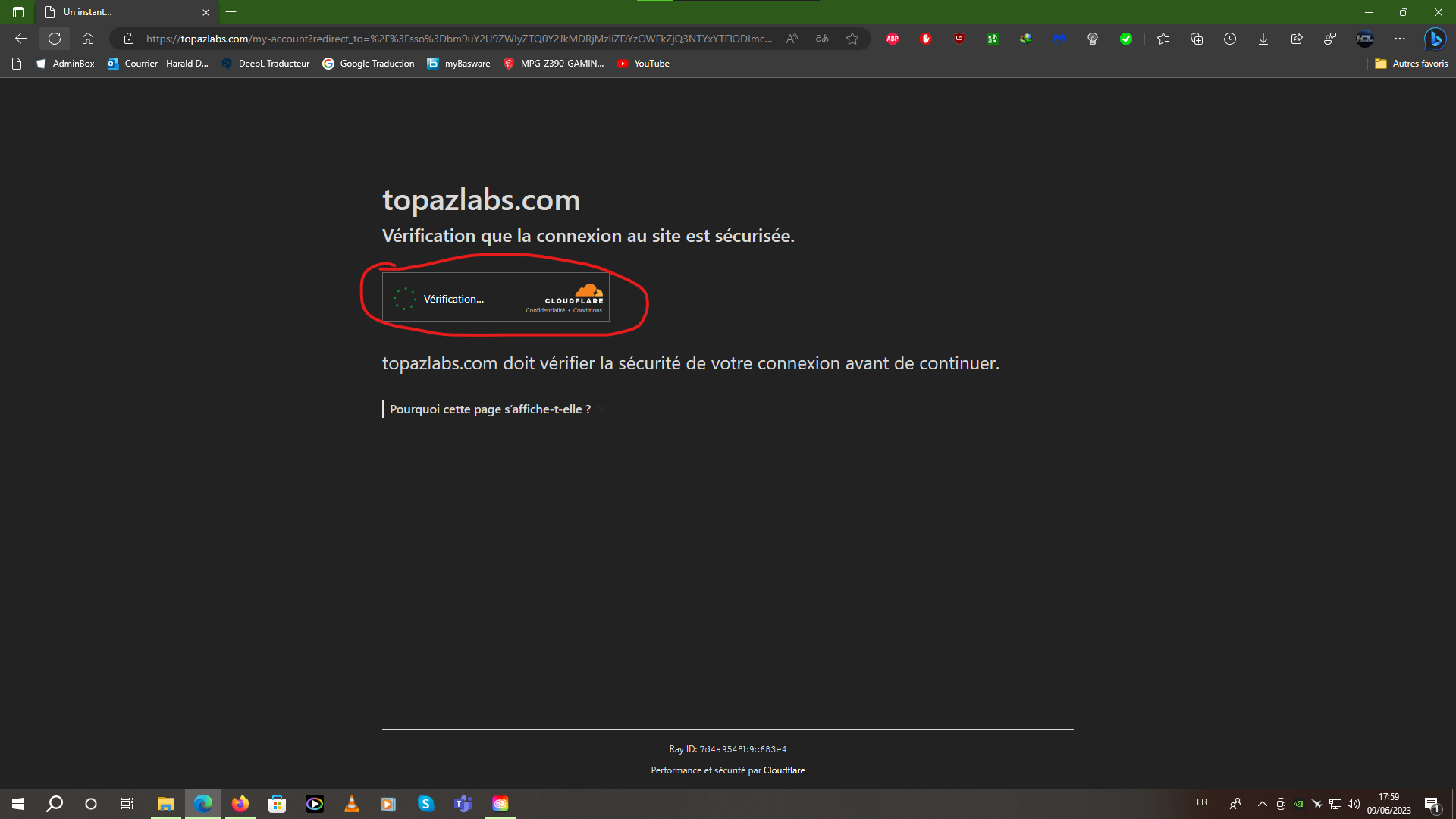
As if he had to check the security of my connection lol. My connection is secure. So I don’t see what the problem is.
Hi Harald,
Could you please try clearing all cookies (for all sites) and then disabling any adblock or privacy browser extensions.
If that doesn’t work, please reach our to our support team and open a ticket, as our hosting provider may need us to collect considerably more detailed information from your browser than we can do here on the forums.
I have VAI 3.2.9 but I am having a big problem getting the correct aspect ratio and I figure I’m doing something wrong. My source video is 720x480 DV interlaced 30fps. I want to upscale it and then crop the black bars so it looks like 16:9 footage. I’ve tried exporting as 3840x2160, 1920x1080, and 1280x720, but the resulting aspect ratio is always 1.58:1. If I do it in Video Enhance, the ratio is correct at 1.78. If I import a 1.78 ratio into VAI, I do get 1.78 on the export. Any ideas?
Which video codec should be used when the video is larger than 8K resolution.
I always delete cookies when I close my browser. I’ve tried disabling my ad blocker. But it doesn’t work. By the way, I have the same ad blockers on Firefox, and I have no trouble logging in. I just couldn’t see the CloudFlare page between the Topaz site and the login page.
Remind me where I have to go to open a ticket?
this is the only write on this forum. why?
Because the support is the worst thing. why? because always they blame to our machine. Never they tell us that it’s a bug or similar (this is the support people).
Also, for example, I complained for the result of the vob interlaced videos and some girl test it and tell me that the output was so great. Sadly, for me it’s awefull, but if the support tell you so, you can’t complain. I was on the beta tester’s but the app crash so much that the only thing I can do was install a very old version of the app. Now I faced that the app takes all the processors and the graphics card only is using 7,2 of 24 g of vram with 3 videos.
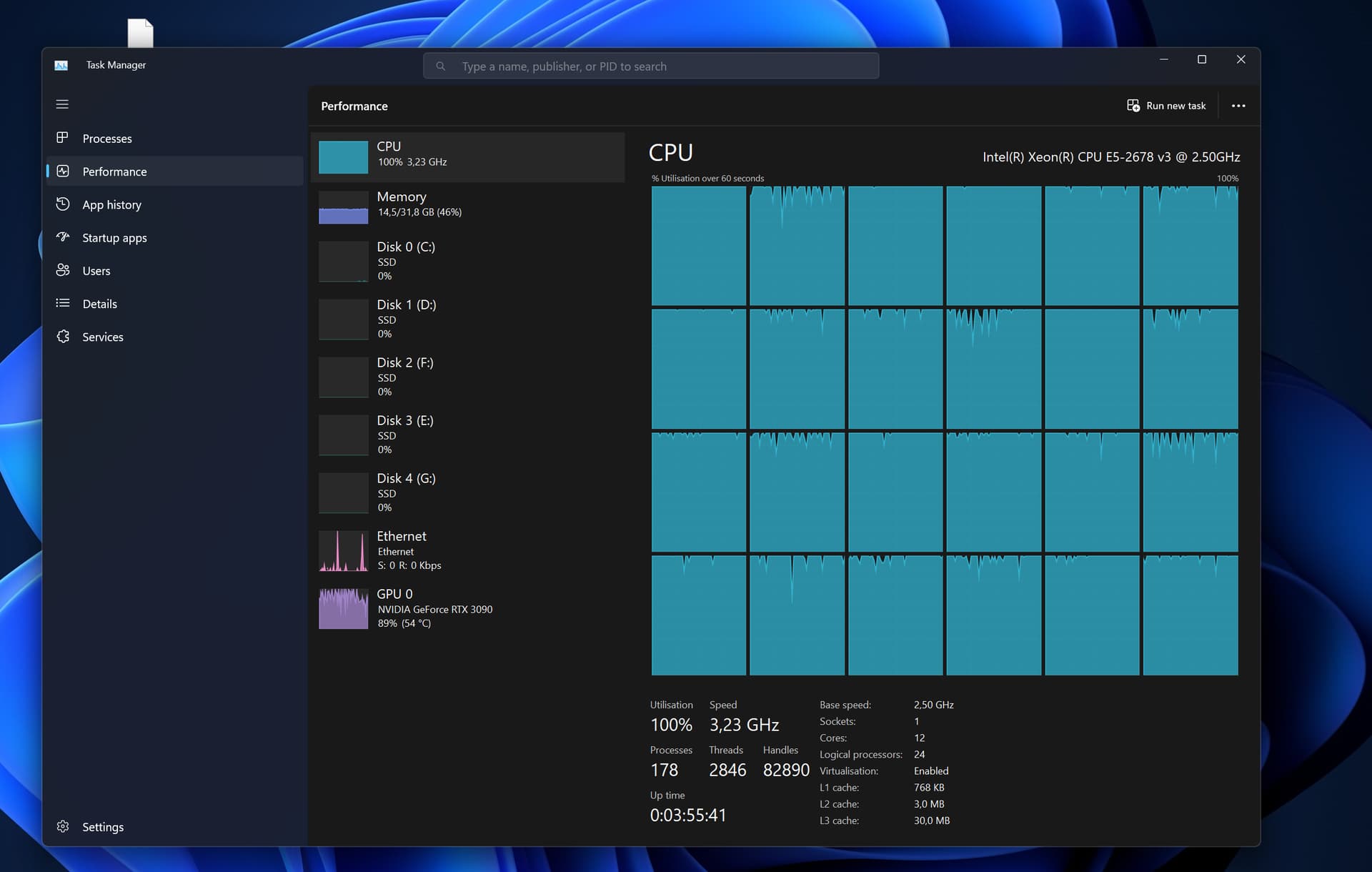

and I write because nobody fix this things. I’m using this software for several years and always the support bleame us and never takes responsibility of the issue. AND Yes, I continue using the software, but with no support or people that I can talk. Thats it. I’m done
2 Likes
VRAM usage does not represent performance. Most of Video AI’s models are small, and it is normal for it to use less VRAM. You can see that the 3D occupancy of the GPU is not low, so its utilization of the GPU is not low, and higher utilization may require optimization for specific devices.