Thank you for working on Voyager! Nobody seems to care about that series…always forgotten unless Jeri Ryan shows up. I worked on Year of Hell, myself. Took a week…frame rate problems…Turned out gorgeous except for a few artifacts.
Okay you guys. I’ve had enough of the artifacts in Chronos from MPEG-2 source material. Pops and flashes of random pixels every 10 seconds will make you go insane when you’re getting otherwise gorgeous HD video! I sent you two massive files in the dropbox marked “Chronos - This makes artifacts”, and “305 - Fear 24p_chr2_prob3”…and a bunch of screenshots.
OMG FIX THIS! It’s not like this hasn’t been going on for 6 months already, nor like I haven’t brought this up before! I keep submitting issues and theres never any movement. Take a look! And look at where I’ve had to dump bad frames in only 3:30 minutes! Why can’t you fix the ongoing processing and model problems, or at least acknowledge Chronos is a known issue?? I keep looking at the fixes in new versions and you keep making hay about fixes that nobody even knew were problems!
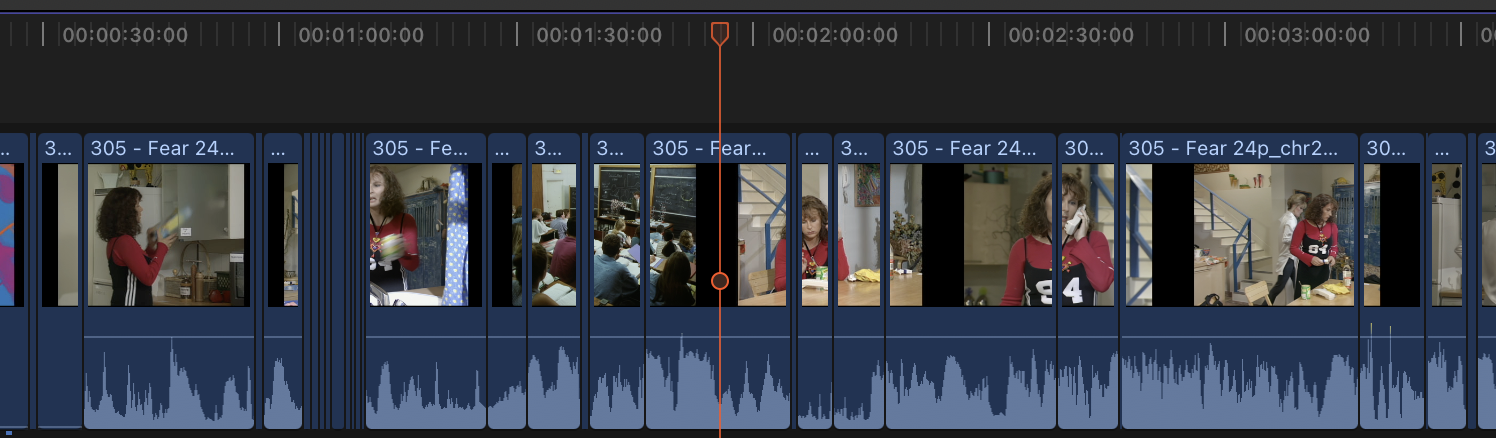
?
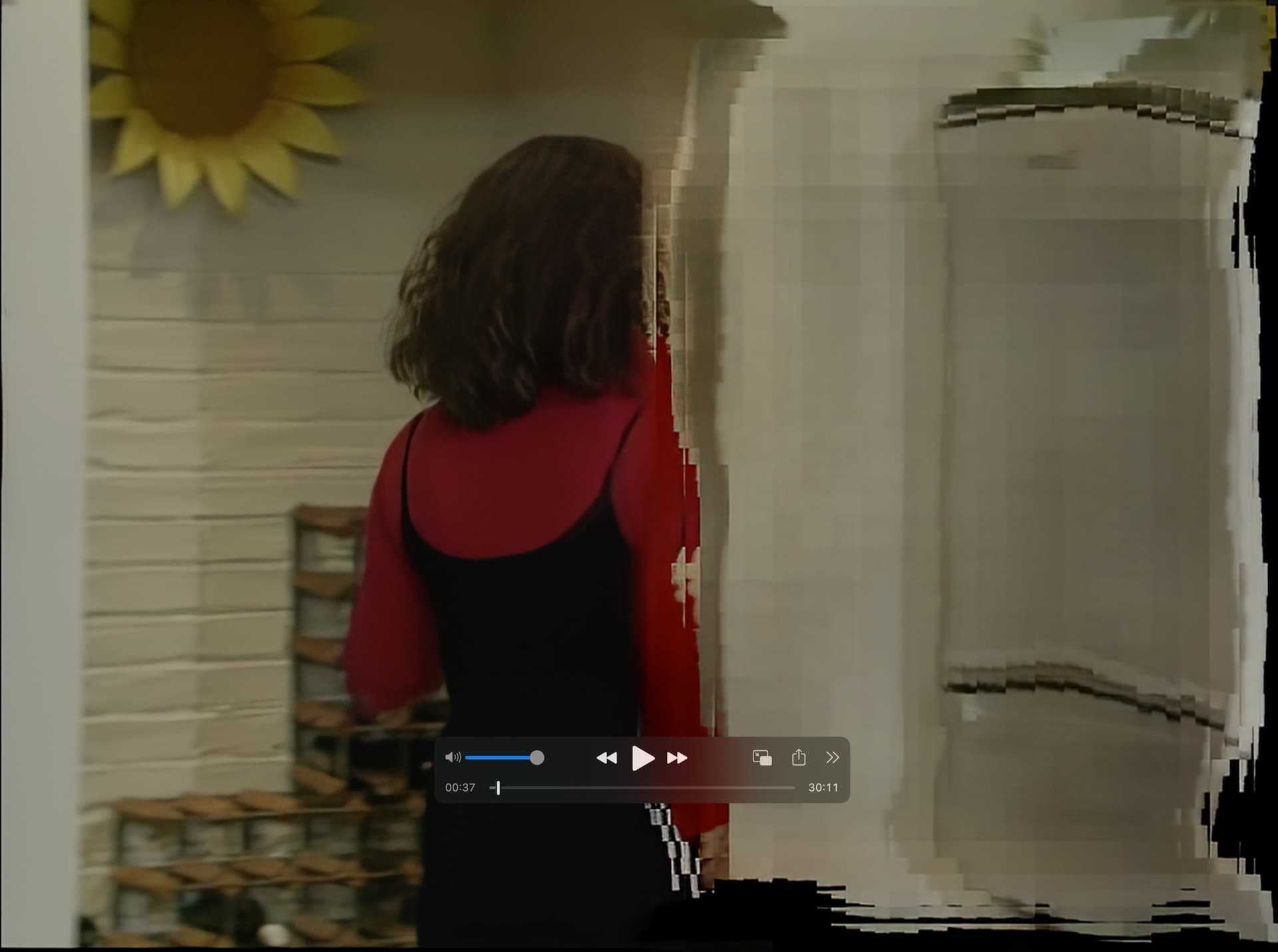
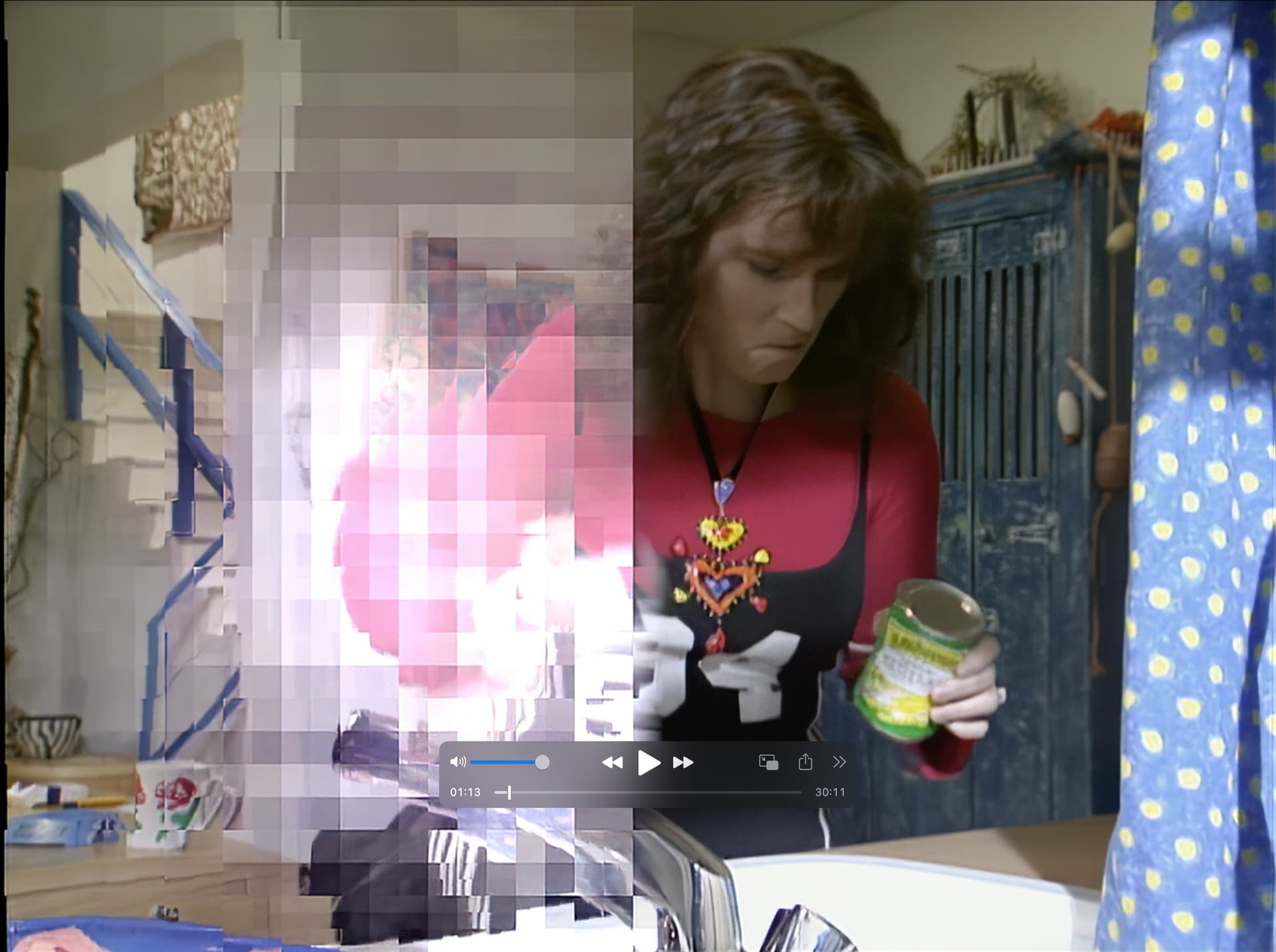
Indeed, it is curious. Yours looks a bit sharper. On the other hand there is a significant color change. The faces seem a bit rosier. Maybe it’s better, maybe not. It’s up to each person’s taste. Personally, my GPU is an RTX MSI Ventus 3070
I’ve had that too. This is a problem that also exists on Photo AI. In fact it is because of this.

If you minimize the window in the taskbar and then make the window visible again in full screen, the small icon in the center will look like this:

Therefore, I had to manually take the sides of the window to adjust to the edge of my screen in order to have it full screen. This bug exists since the very first version of Video AI and Photo AI. The problem is not there on 2.6.4 and the other Topaz softwares.
3 Likes
I also wrote to them about this problem… Therefore, now I only use Apollo.
With noise like that, use Neat Video, before running through Topaz. However, Neat Video does have a learning curve to create the best noise profiles which require manual settings and trial and error. But, it’s a very powerful application (or plugin) to remove noise.
Voyager is all I worked on for the first two years of using Topaz ^^
I upscaled all 172 episodes 3 different times, with each iteration a little better than before, except for the floating “Q” spots, which never went away. Starting with Voyager season 3, when CGI became the thing, it got even better. My first attempt was PAL, but results were horrible as compared to NTSC. I had high hopes for TVAI v3, but it didn’t last long. Results were far worse than VEAI v1, so I closed it up and let my license expire. I simply refuse to pay good money, just to be a beta tester. When the vast majority of conversation in this forum moves away from program problems and troubleshooting this-n-that, to something that looks like a viable software product, will be the day I fork over the cash.
Like a lot of people, I was convinced that upscaling video using AI would produce content that looked like it was originally mastered in much higher resolutions, but it was all “hype.” I think AI is many years away, if not decades away from producing results from ordinary SD video to something that looks like it was originally mastered in 4K, or even higher. Studios like Paramount and others would have jumped all over this technology, if it wasn’t so gimmicky.
AI made Voyager look a little better, but nothing like content originally mastered in 4K.
2 Likes
I added an issue that covers this back in February: Release File Locks
It needs upvotes. 
1 Like
Thanks for the advice, but I don’t have many noisy videos to buy a special program additionally. Maybe there are some free programs that remove noise? CapCut, DaVinci
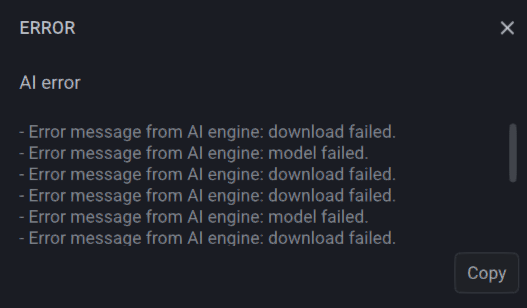
I upgraded to the latest version, but every time I load a video file in it, adjust my settings, and press preview, all it does is sit there telling me that it’s downloading a model. I’ve been using Topaz software for years and have never had this issue, especially since I have all the models downloaded already. If the app was indeed downloading a new model, it would be nice to have an indicator showing how much has been downloaded and how much remains since I let my computer sit overnight for 12-13 hours and it still says it’s downloading a model. If Topaz Video AI have some sort of indicator when updating/downloading a model, it would be easier to determine if this is indeed the case. Last night, I would have been able to tell the status indicator wasn’t moving, but instead I had to let the software run overnight only to come back to the same screen 12-13 hours later. Now I know there’s a bug in the software, but it would have been nice to determine this in less than 12-13 hours.
I was hoping this update fixed the GPU rendering issues, but now I guess I need to roll back 2 versions to get it running correctly.
I’m currently running an 11th Gen Intel i9-11900KF at 5.3Ghz, 64GB RAM, an Nvidia 3080Ti, and Windows 11.

1 Like
There are many programs, but the problem is you lose detail and texture. Other than Neat Video, the best free alternative is Avisynth or Vapoursynth, but if you don’t know those it will take time to research and learn.
Davinci Resolve Studio’s Tempral and Spatial NR along with colour correction leaves Neat Video in the dust 
Not for me, I’ve tried it. It’s not awful, but when you fine tune Neat Video, it gets rid of noise while leaving everything else pretty much intact.
Color correction/grading is something different. Apples and oranges.
Behold, we all constantly scold the program, and within the Milky Way galaxy, there is no better. Maybe there’s something better about the Andromeda Nebula, but how do you get the code from there???
Why did the max processes change? I was previously able to have 4 max processes in 3.2.2 but I’m now limited to a max of 2?
I am aware of that workaround as well, but I want to understand from Topaz themselves what changed and why. Is it a bug? Is it intentional and if so why?
I’m running at 13900k and 4090.
In recent versions complete
Starting at the same time may cause the PC to shut down due to too much load.
Basically I think the current 3.2.xx should not run in parallel
I am also experiencing this! 
But on the other hand, I find that it removes some small detail end with Neat video.
