You have to add a second enhancement to upscale the fixed focus footage
When is Aion coming to Windows…?!
…for the 3rd time 
Also… preview is all over the place. again… still? Sometimes it finishes rendering and shows original footage. The only way to preview it is to open it in external player.
2 Likes
There are still some compatibility and memory footprint issues with Aion. It will be released in 4.2, expect more Aion specific alphas for the next few weeks.
3 Likes
I now know what it feels like to be a Mac-Only gamer… 

But yeah, I’d hoped it would have been in this release, I find it curious why it hasn’t been released for window users, who are the demographic that is in the majority for most software developed… The only thing I can think of is that it’s far more difficult to develop the model on Mac vs Windows.
So much so, that they have to isolate development in order to get it to work properly as it would have delayed development too much otherwise if they were to strictly stick with model parity between the two OS’es, but yeah, I’d still love to test it anyway, hopefully it will be in the next alpha/beta?
OOPS, posted this after Suraj!
1 Like
All 0 except sharpen to 17.
1 Like
It seems that 4.1.0.5.b Aion disappeared
So I fell back to 4.1.0.2.b ? 
Version 4.2 feels like it will take a long time… 
*google translate
This Proteus 4 is formidably well even in auto.
Always surprised that a small piece of gelatin Super 8 of 5.69 × 4.22 mm, or a ratio of 1.35: 1 can deliver.
I just have a slight degrain in Avisynth before.
A 1970 film in the Alps (France):
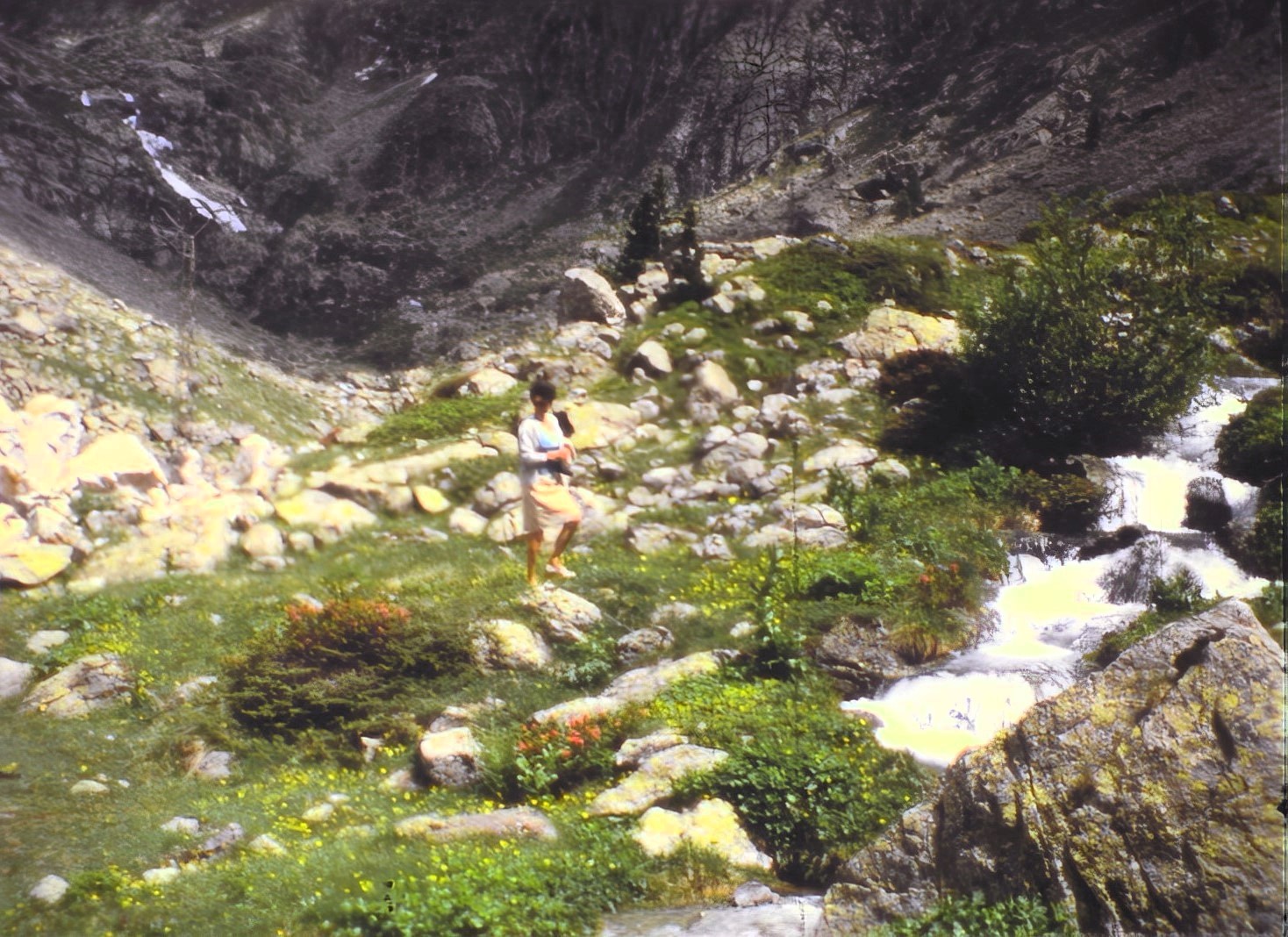
Another from 1971 in Greece:

I like the details recovered from the silver grain. 
enhanced about 1/2 of Babylon 5 with Proteus v4 on mac…
- coming from blu-ray 1080p with black bars on each side (show was originally 4:3, sigh)
- using crop, auto-crop: works well, but I find it annoying that the crop button is on the upper right corner of the screen, then you have to go to the lower left to crop then lower right to accept the settings. but again, it works well enough
- selected 2x resolution increase, default settings
- export using H265/Main High quality level
I get about 6fps on Mac Studio M1 Max if I run one enhancement, I usually run 2 in parallel. I could use more GPUs, maybe I’ll upgrade to an M3 Ultra when it’s available maybe later this year. Need to confirm Ultra will make a difference, will look at benchmarks.
I have to say I don’t care much about the ability to compare 2 settings. I am more interested in having live preview back.
About live preview, the only way I have found is to get the ffmpeg command and get to the /var/private… path… I don’t know why, but other options don’t work for me. Show in finder or open in external player do nothing.
Iris 2x is back to acceptable speed, I use it for more challenging videos. Iris 4x speed needs to be improved, this has already been reported many times, hope this is coming soon.
Bottom line is I am quite satisfied. Priorities for my workflow:
- live preview
- Iris 4x with decent speed
Thanks
4.1.0 main release is now available:
5 Likes
