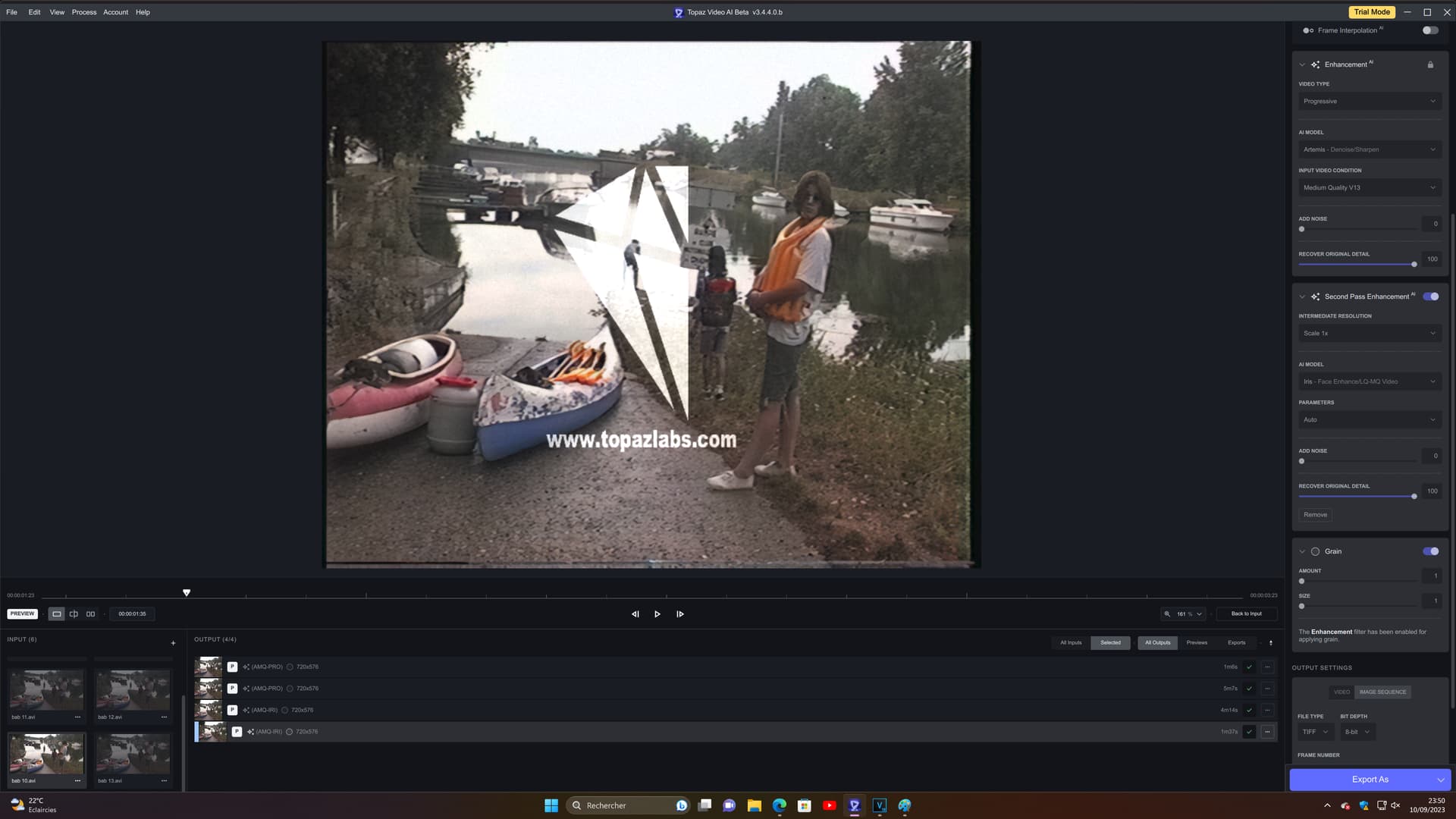
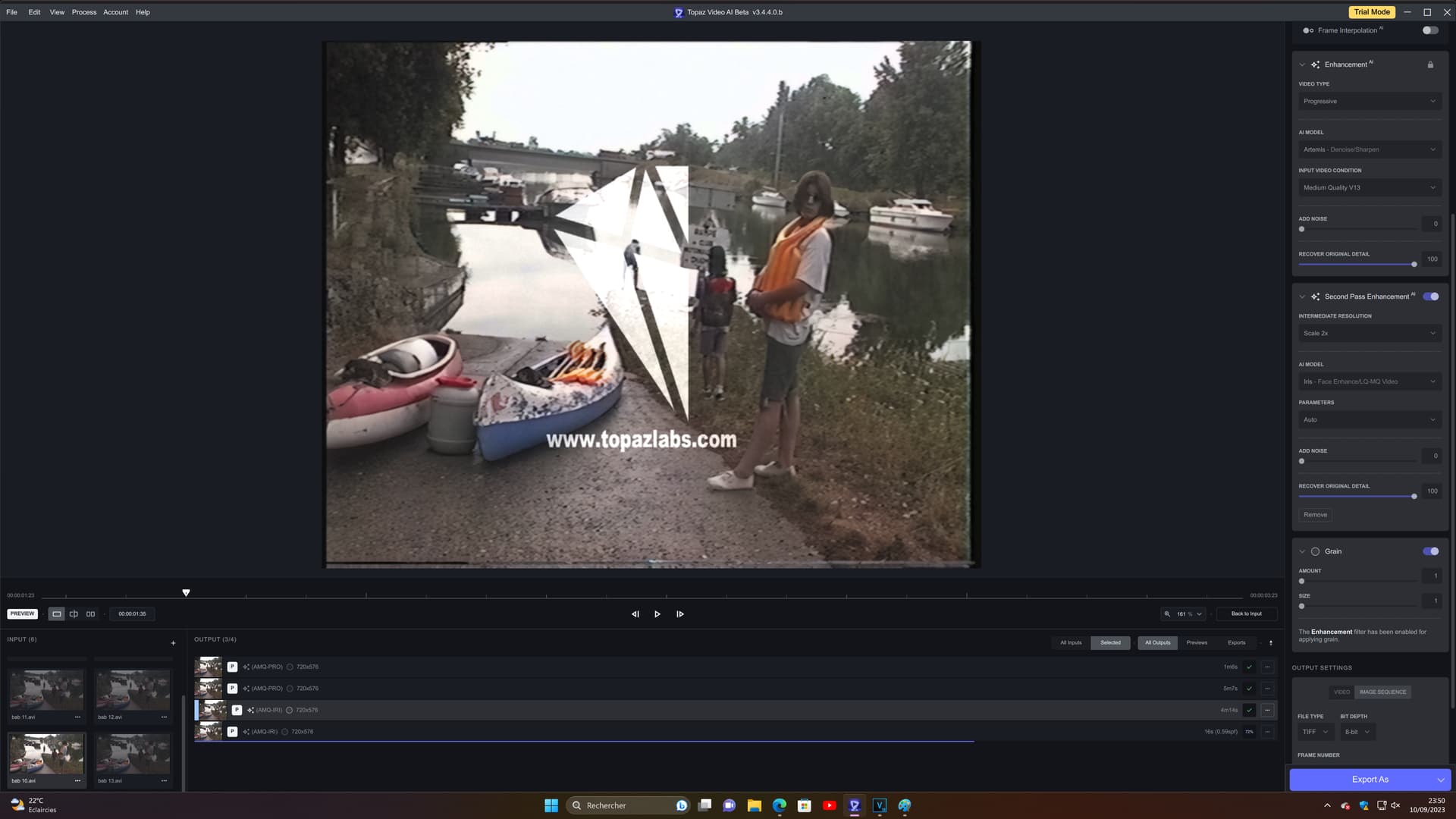
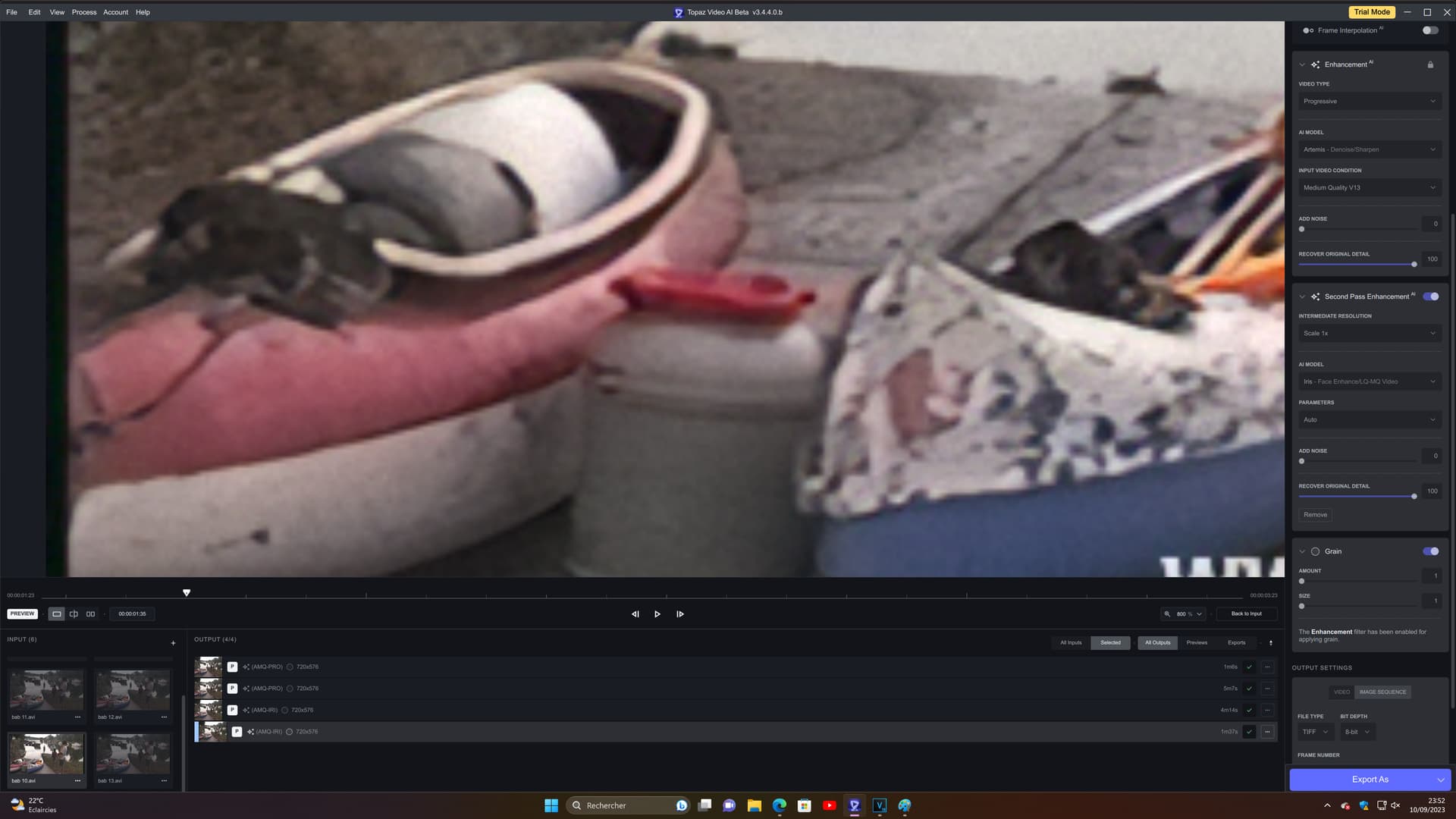
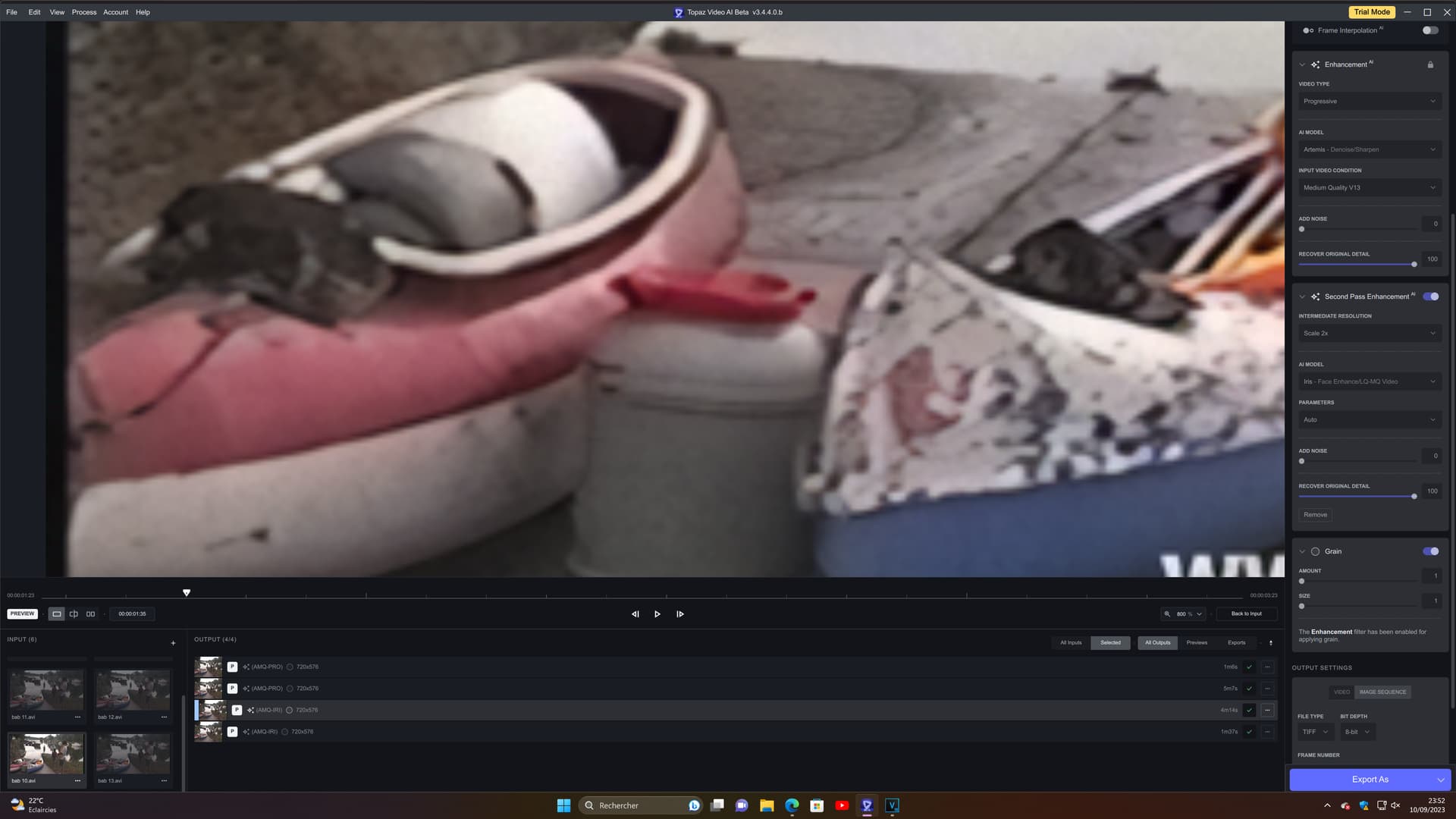
I don’t know if that has a relation but I just tried iris x2 and the output is still 720 x 576, however the quality is not the same, I lose details, but there is less 'artifacts. have seen that the upscal is applied because the details are finer in some places, even the topaz watermark and then the noise is less visible so we know that the definition is twice as large but by zooming in fully, the pixels are as apparent, on the red canoe we see it clearly, as if it has not been upscaled. what’s strange is that the output is always 720 x 576.
oh I didn’t know! so it is treated as an upscale x2 and then reprocessed in downscale x2 then? I just tried x4, it gives me a little more detail than x2 but overall the details seem less real
Ran a few enhancements on files I had already processed with other models.
iris v2 is definitely better, not only faces but more details generation, human skin looks a little more natural
iris v2 much slower (Mac Studio M1 MAX), maybe half the speed vs. first version of 3.4
on a long video, I had the screen flicker again during the preview, no impact to file generation
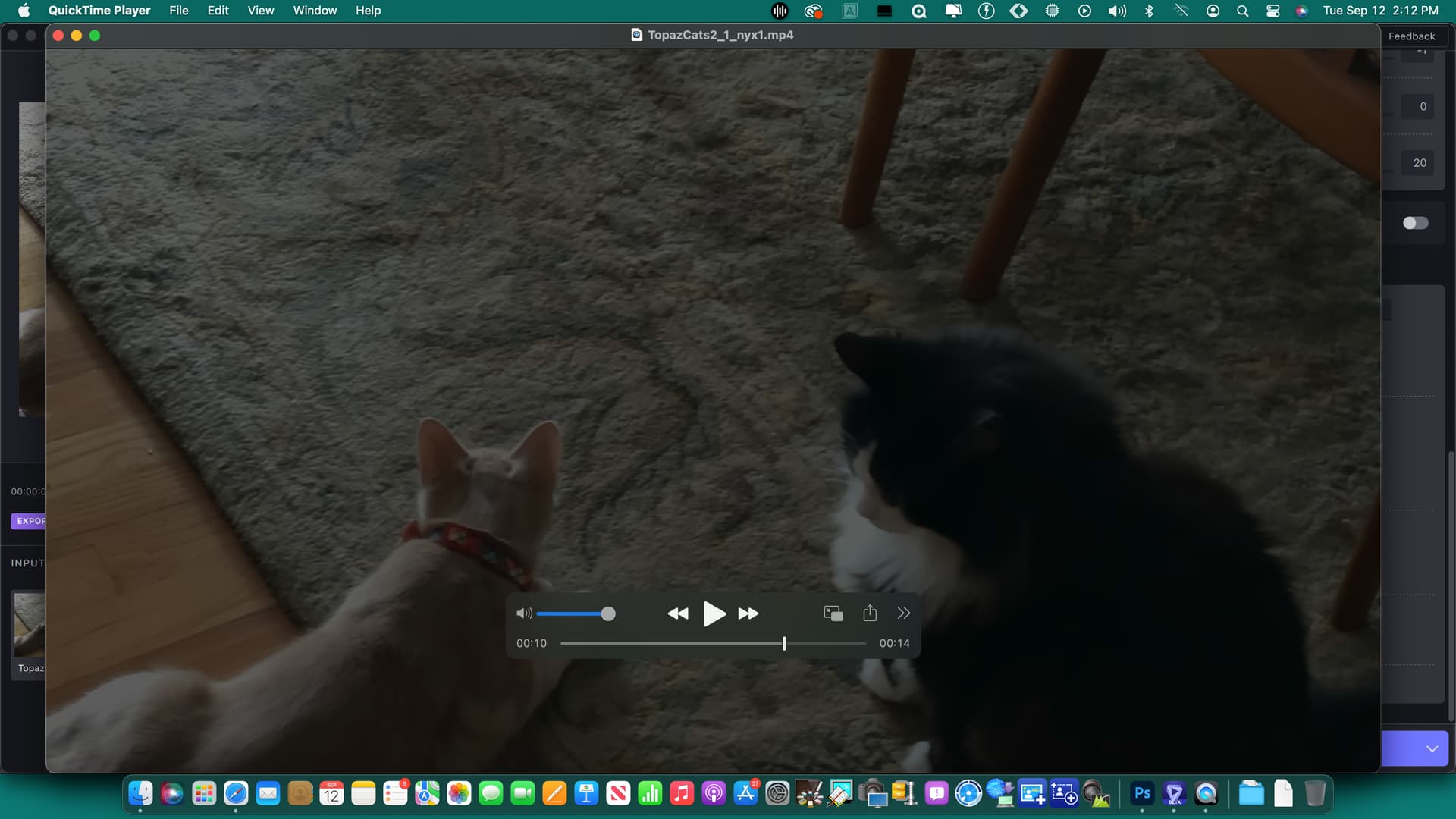
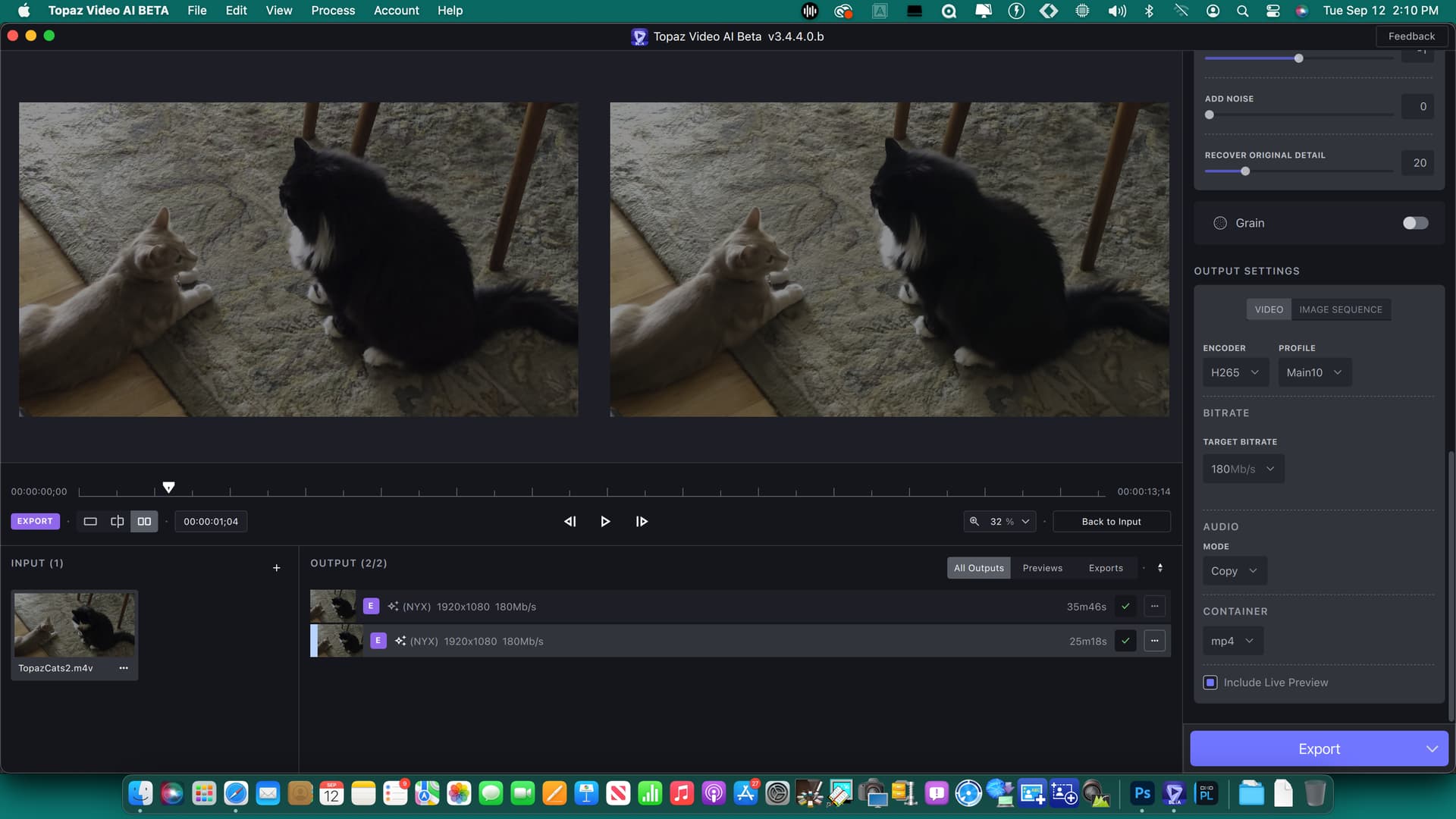
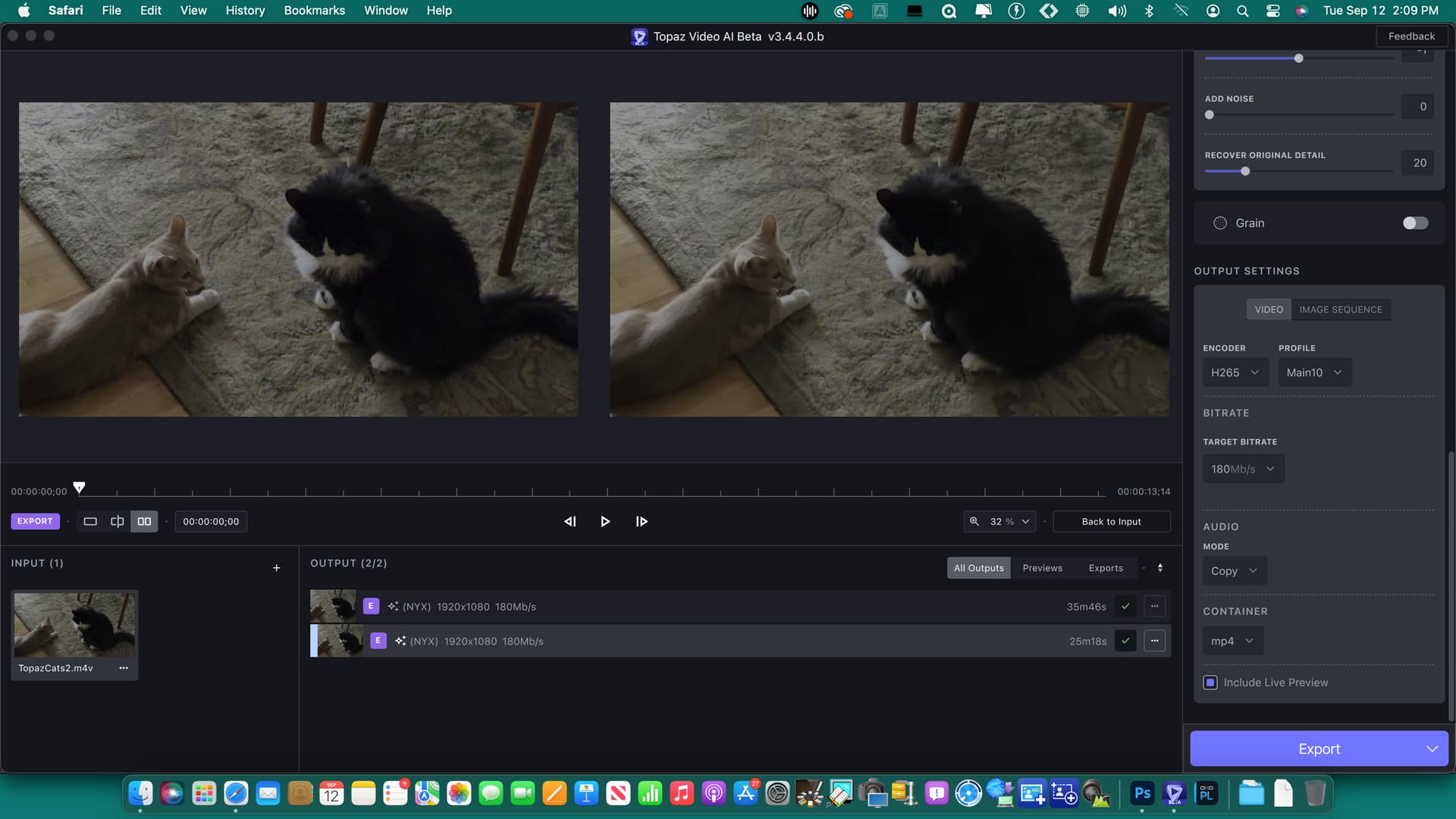
also on preview, side by side, enhanced window is one frame behind the original
Some issues were already reported earlier.
Edit: also noticed it’s not possible to process the same file with different models, I wanted to try iris 2x and 4x on the same file. By making a copy of the original file and drag and dropping it while a file is being processed works.
Like I said in the older Beta-Thread:
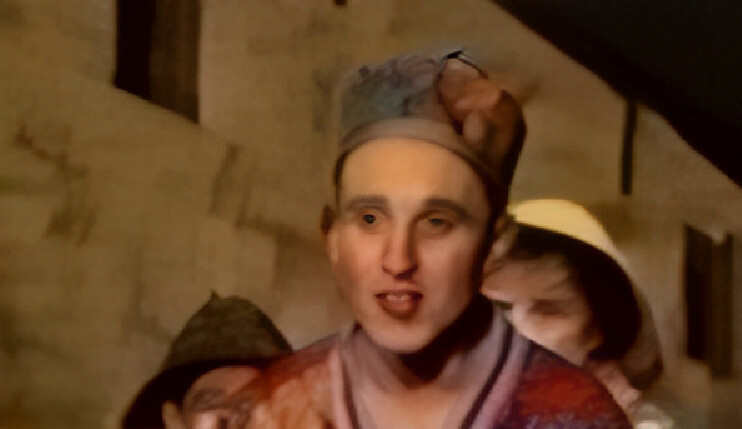
The Details still looking too artificial (drawn, like Watercolor)
But it seems this is currently still in the Works
Exactly. Especially since neither Artemis, Proteus and Gaia nor Iris V1 have this problem.
So there can absolutely be no statement as „works as intended“.
And those repetitive patterns as well as artificially „created“ faces that are not the ones of the original person are (or at least should be) clearly visible even without „pixel-peeping“.
P.S. add to that that this problem has already gotten better after the last model update, so the devs themselves actually seem to acknowledge this and are doing something.
When you press the second pass tab, please change the background of the parameter location there.
The reason is that when changing parameters, we often accidentally change the first parameter.
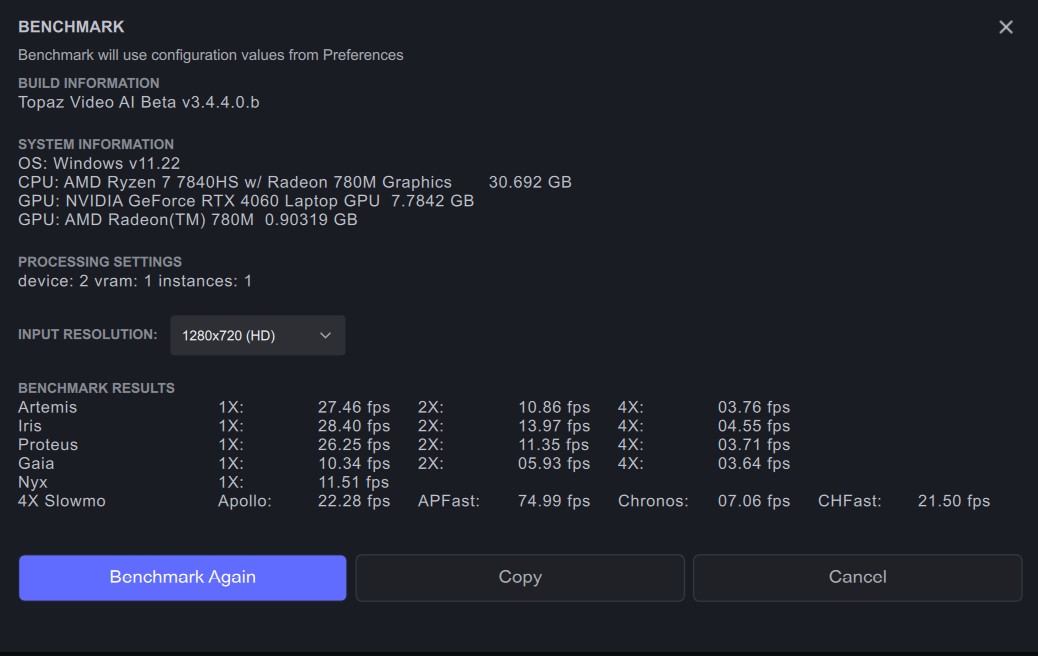
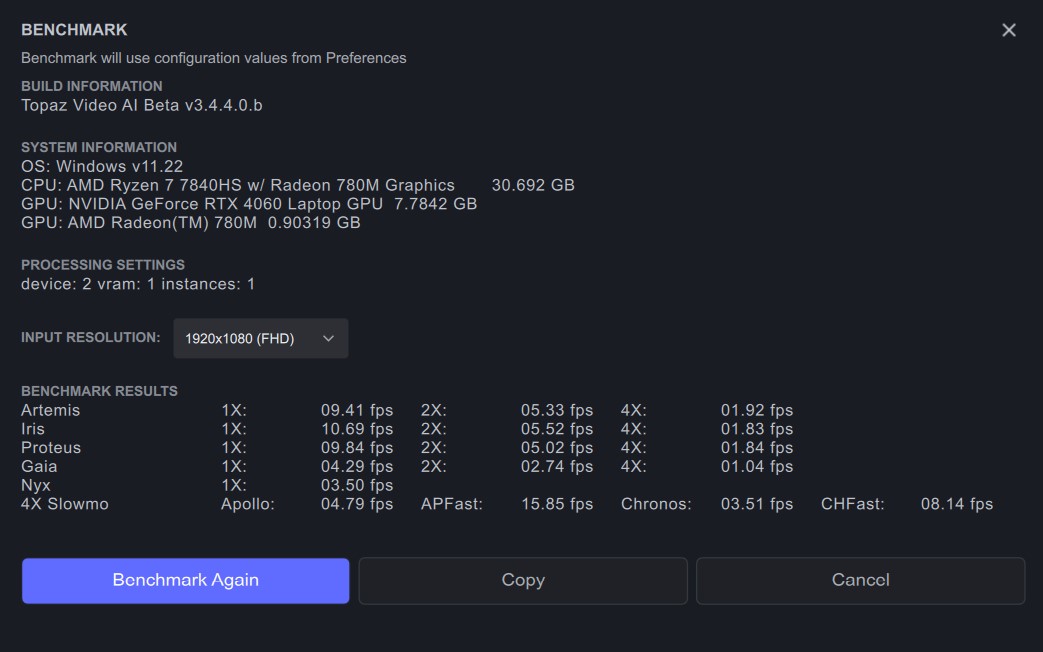
Not bad speeds considering how small and low power this GPU is, plus it has an AV1 encoder built in!
I hope AMD (or Topaz AI) gets the 780M RDNA3 igpu AV1 encoder working in the future though, but I heard something about it being potentially bugged, while the RX 7000 series is now supported as a first step.
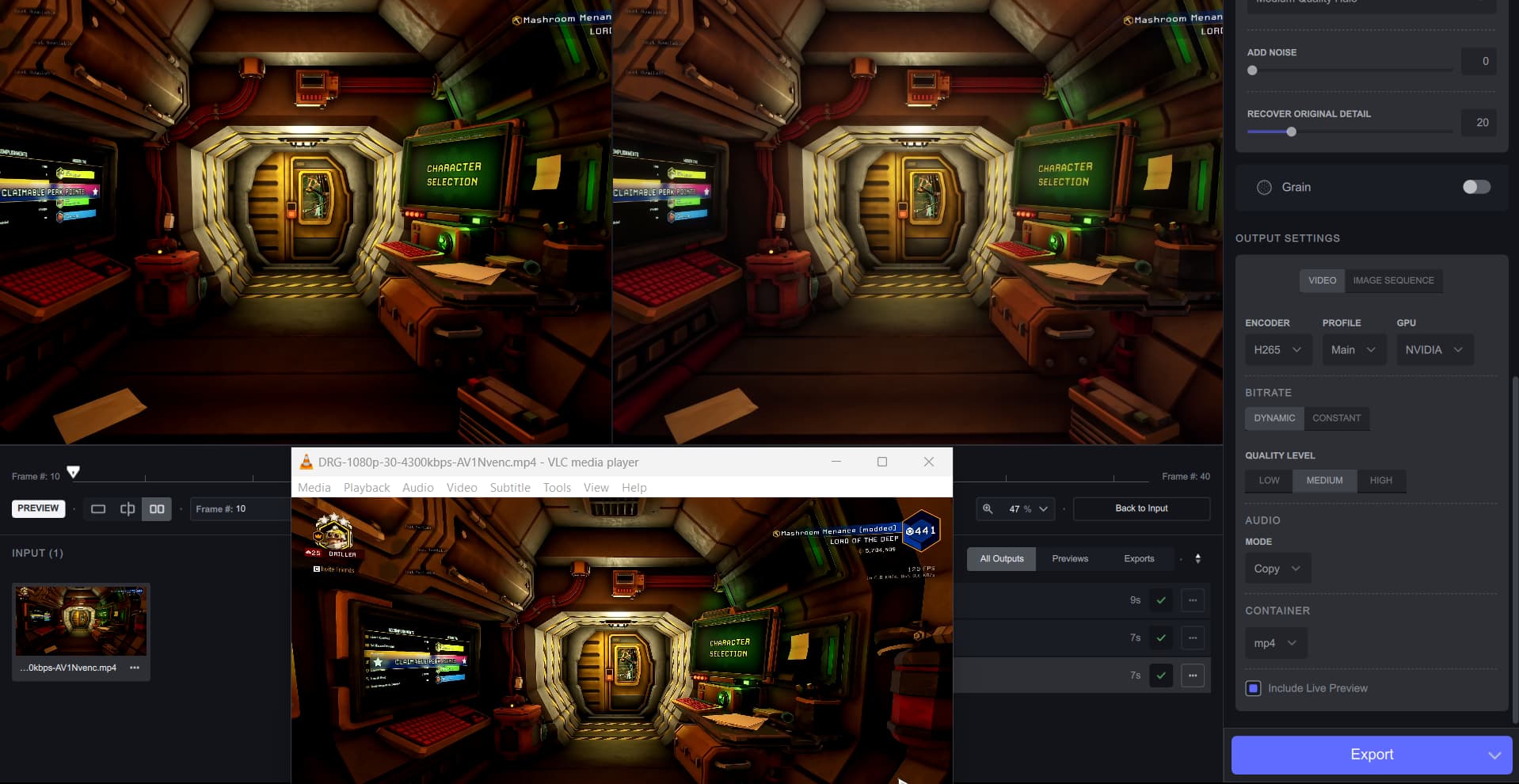
Something I did notice though is that NVENC AV1 imported videos (recorded via OBS with some custom settings) get their brightness/contrast changed which changes the shadow clipping in this clip a bit. Doesn’t really happen for other videos. VLC says the format is:
Planar 4:2:0 YUV, ITU-R BT.709 for all color primary/range/etc
the re-encoded/denoised AV1 preview does not have the Planar 4:2:0 tag, but has the BT.709 still. Hmm.
IrisV2 is certainly a step in the right direction - adds more detail without the over sharpening I got in V1.
However, it’s still having huge problems with eyes in VHS captures…
Iris=Iris2
Iris versions are not selectable with enabled previous model versions.
you can only see the “iris-v2-b2-fgnet-fp16-576x672-2x-rt806-8500.tz ”model in C:\ProgramData\Topaz Labs LLC\Topaz Video AI BETA