Thank you so much for clarifying 
It appears to be working as intended on my end, could you share the source file you are working with?
If the square option comes up, I would choose square
Thank you so much for clarifying
It appears to be working as intended on my end, could you share the source file you are working with?
If the square option comes up, I would choose square
Great, I just checked a few videos that have not been de-duplicated, as the vids tested were 29.97fps, and they too have duplicate frames added!
I really never noticed it until I tried to interpolate de-duped vids… The good news is that videos that are 30 fps and 60 fps interpolate fine, but anything slightly below that have duplicated frames added.
EDIT: I must note that 59.97 does fine, as it is a standard frame rate.
Hiya! So it seems to be a specific issue with this .vob file: Hurts - Somebody to Die For.VOB - Google Drive -I tried with other Vob and it doesn’t glitch like this one.
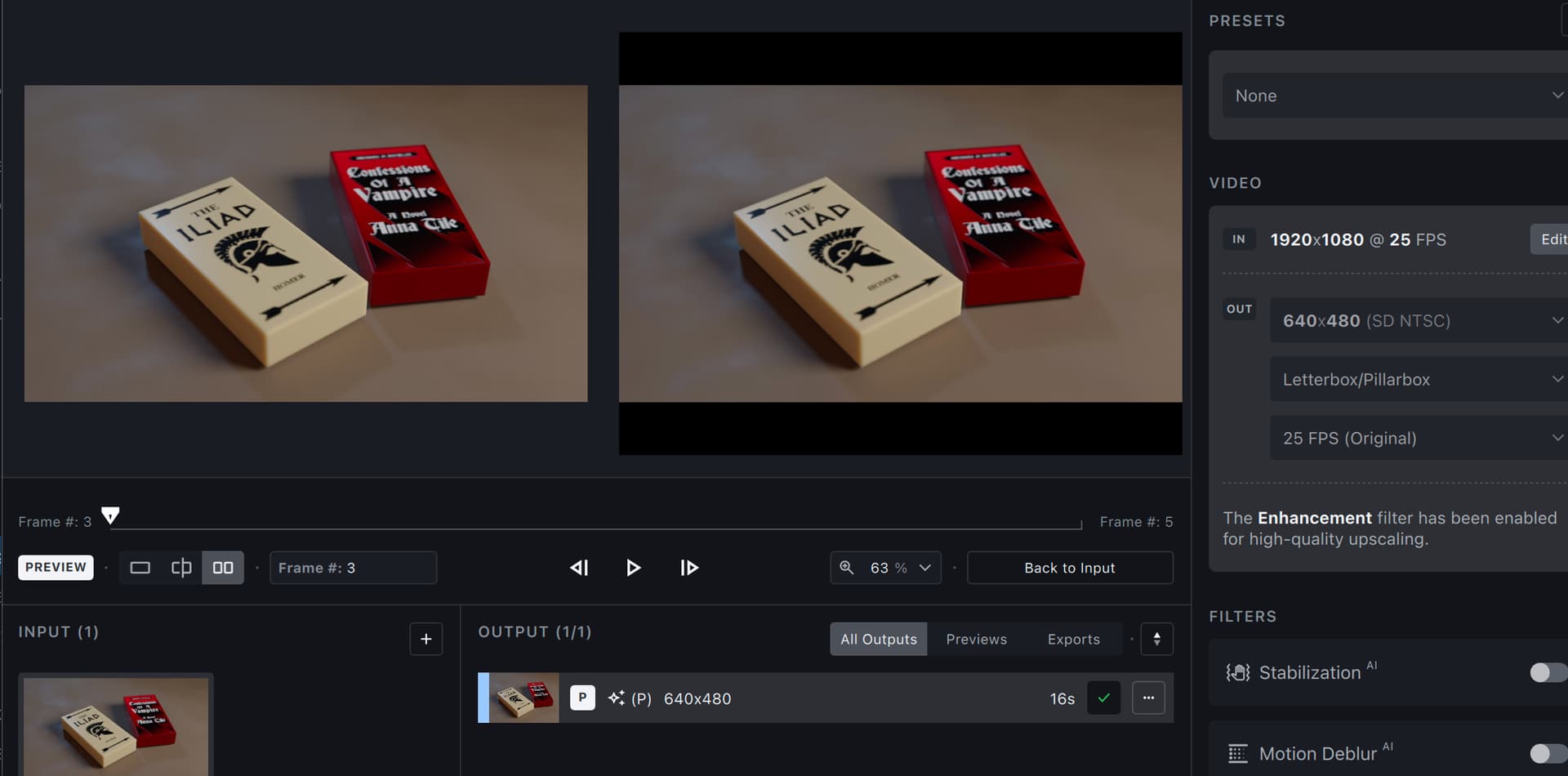
Screenshot-2023-06-14-at-8-05-26-PM hosted at ImgBB — ImgBB - this is cropping to fill, instead of letterboxing the wide image.
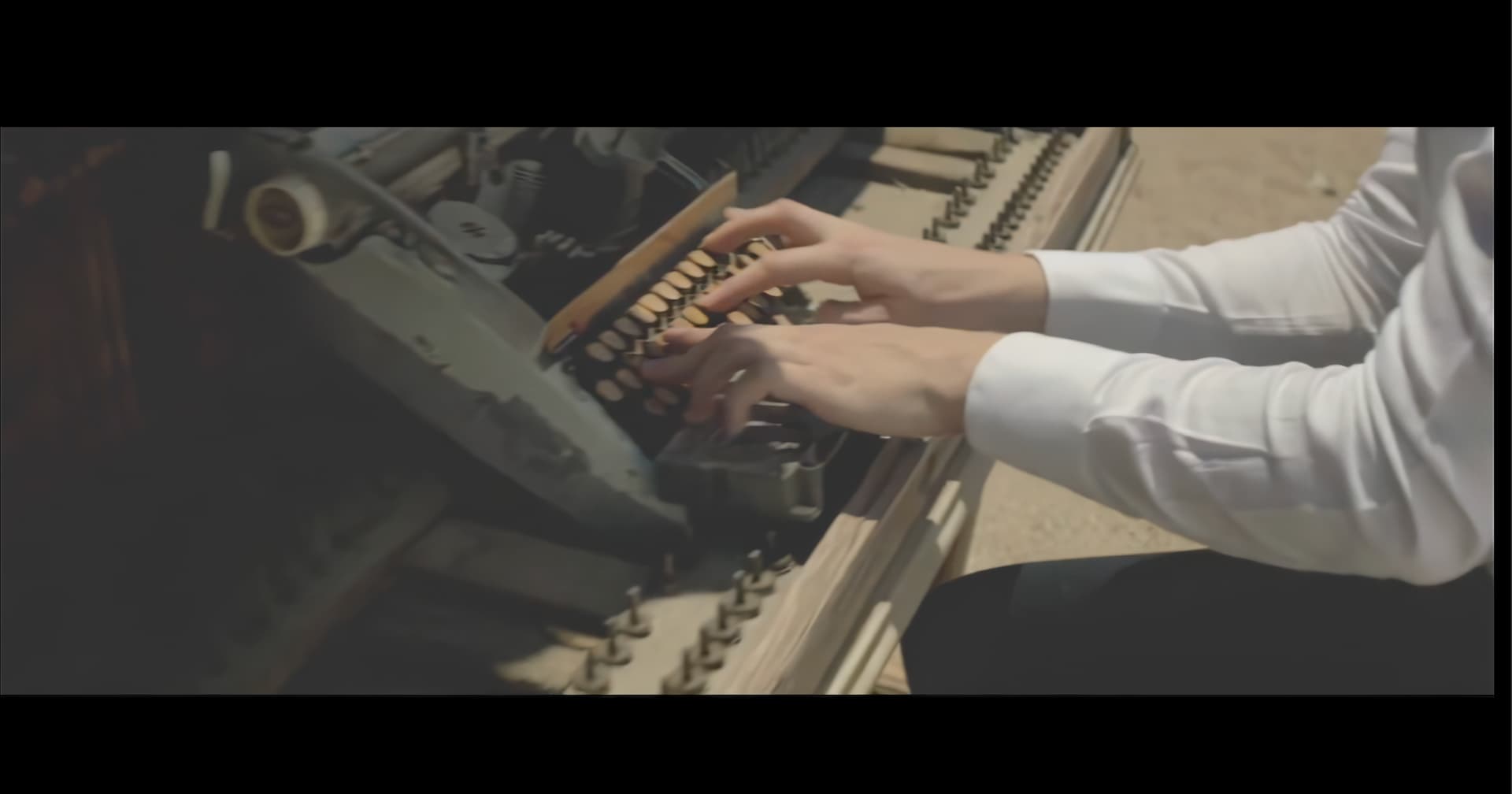
Also, is there an option to soften or remove the fake face placement? In this screenshot for example, the front guy is in focus, but the girl in the back is supposed to be defocused, yet Topaz is adding a rather creepy stock face xDDD Screenshot-2023-06-14-at-8-43-07-PM hosted at ImgBB — ImgBB
Thanks!
Thanks for the suggestion, it’s really appreciated, yet that is not the issue I’m concerned about.
The issue is, that the program adds duplicate frames to a video that already had the duplicate frames removed. The question isn’t using a workaround, the question is how to negate the problem with an interpolating algorithm adding duplicate frames to a video that had the duplicate frames removed.
And it also occurs with videos with non-standard frame rates as well.
Not that I’m disagreeing at all with your workaround, in fact it’s quite sound, and I already have one in place of my own, I take the original file (Untouched by frame removal) into TVAI to interpolate as usual, and just simply use virtuadub and the remove frames plugin to remove all duplicate frames from the video just processed by TVAI, and finish with the final encoding using Avidemux.
But inadvertently adding duplicate frames to videos regardless of frame rate is not what the program was designed for, as it is an anomaly to add duplicate frames when increasing the frame rate via interpolation, as it produces a choppy mess that does nothing for visual quality.
Nor does it resemble the smooth frame rates expected from a frame rate increased by interpolation, yet adds extra and unneeded frames and wastes too much data on your HDD/SSD.
Same situation as @topaz257 for me. I had an unstable memory overclock causing those black boxes. I don’t recall if it was on my graphics memory or system memory though. If you do have memory overclocks of either type try returning to default clocks and test again.
My Specs iMac 2017 Rx 580 (and 32 gig ram).
External GPU Rx 480.
Check this out Divinchi Resolve Gamuts
Can you use original pixel type instead of square?
This is the purpose of Iris, if you wish to retain the soft focus, you can switch to manual mode and adjust the paramters to soften the sharpneing that is occuring.
Have you already uploaded your input file via dropbox?
@anton5.k Good catch! This is definitely a bug
Yep, all 10gb of 'em!  It’s uploaded them with my real name. (JK)
EDIT: They are several test files, that are inputs and outputs with the different models.
Iris isn’t included in the benchmark. This isn’t a bug, but I feel like Iris should be in the benchmark.
I agree
The Beta Version is taking up a retail seat it seams.
If you Activate a Released one And a beta it will say seat taken if second seat is used by another computer.And if you claim the used seat it could take away a seat that the person uses on their other computer.Also getting server errors when activating.
Final Cut Pro is Limited to 60 fps but for play back back speed it adds/removes frames for play back speed.
Good afternoon! Is linux build still coming for this release?
Thanks a lot for the suggestion, but unfortunately I prefer the majority of my vids that I encode/upscale to have frame rates 90 and above, as it’s smooth as butter for me.
Hi! Glad I helped with the bug! I will look into the manual mode sliders, because with “relative to Auto”, I set the sliders to -100 in sharpen, and other values, and the image overall did look softer but the AI face with the eyes was pasted on top anyway haha.
TVAI does not technically have seats  I have an Alpha, beta, and the released build, and am logged into all three, with no issues.
Can you post a screenshot of what you are seeing?
Turns out that this is a display issue, if you open the preview in an external player you will see the letterboxing
The letterboxing does appear to be included in the preview file, but you are welcome to test and verify (I always appreciate a second set of eyes from you!)