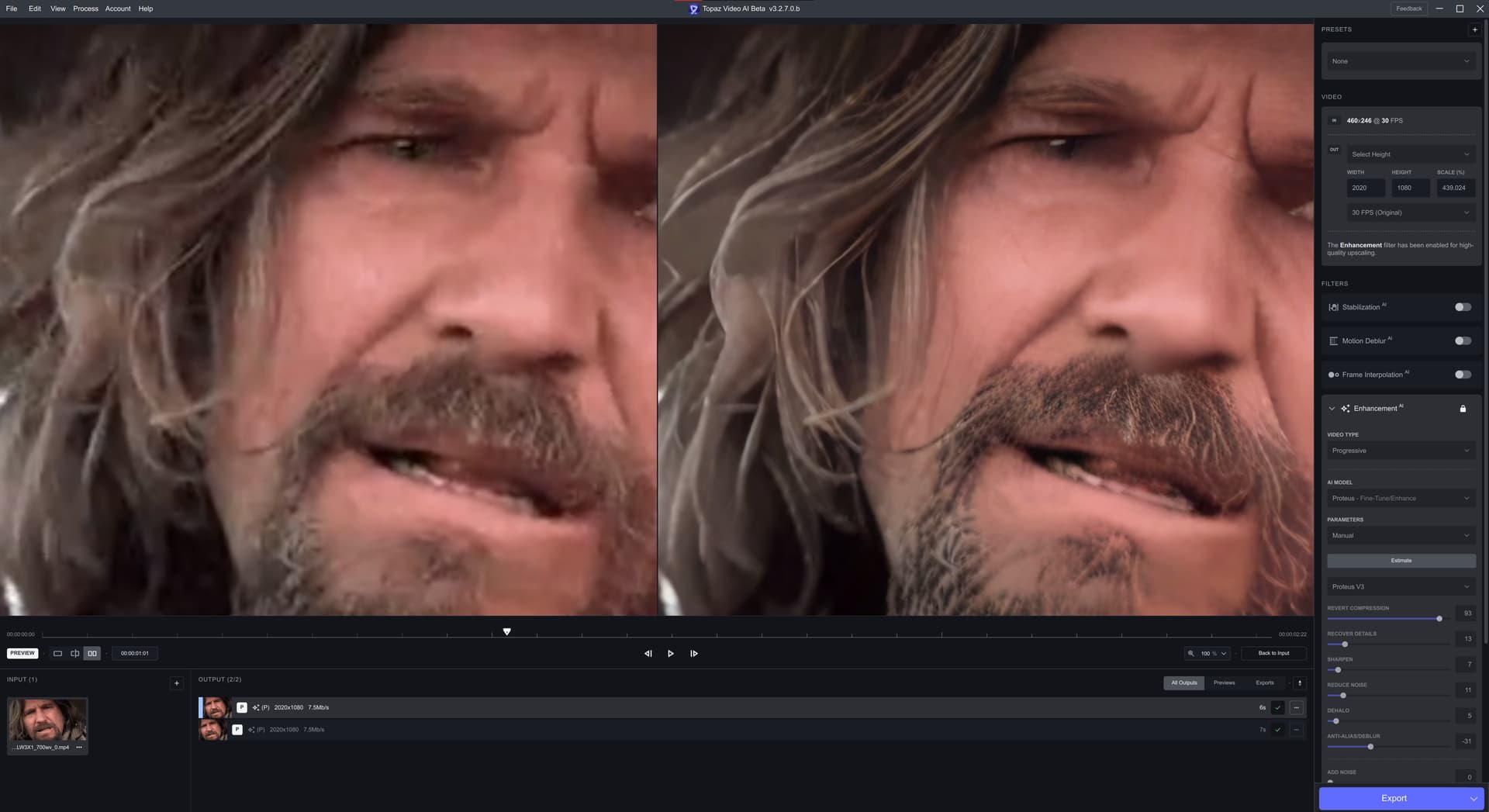
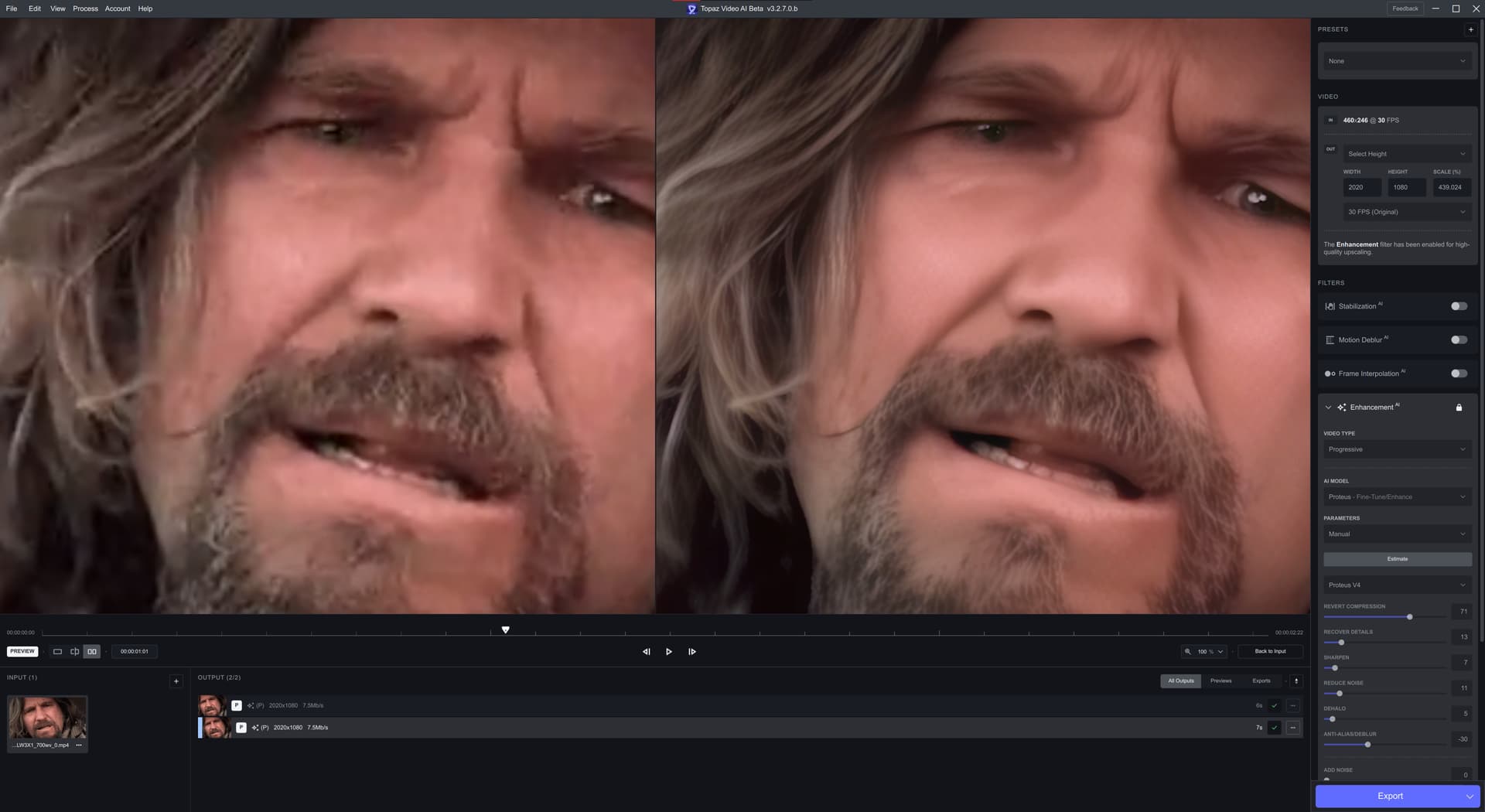
It is curious to me, that of all the updates to V4, this one has so far been the most usable - but I see nothing but complaints here.
The colour change is gone from previous versions, I have way less artifacting than previous versions and this is the first version of V4 where I want to actually use it for a full episode upscale.
Now there is a clear difference in the 2x and 4x models with the 2x model still having a grid like addition that is not completely going away. It is, however lessened from the previous version. It has a tendancy to create “dots” is the best way I can describe it. In some ways its a lot less noticeable in the 4x model, but then in some ways far more noticeable in the 2x model.
This is one comparison image highlighting he dots - primarily around the shirt area:
As the same time, the quality is a lot better than what I am getting with V3.
I have a sneaky suspicion that at least some of the complaints here are leaving it on completely Auto. I have never been a fan of Auto - not a single version of Proteus has so far achieved usable output when left on Auto, and Auto tends to overdue some of the factors, so these examples are relative to Auto - but the overall output is the best I have seen from a Proteus model to date, so its definitely going in the right direction.
We’re asked to give feedback on the TVAI models and features. The easiest things to give feedback about are issues. Hence why most feedback in basically all forums are negative.
I also believe most people believe giving positive feedback isn’t as helpful as negative feedback. For example if I said “This model is really good, it upscales this video really well, here’s an example image”. What is the developer going to do with that information? Not much. It will improve their self esteem/moral which is a good thing, but it doesn’t help them improve the software.
If I give this feedback instead: “I’ve noticed that this model doesn’t appear to do well in this situation, here are some example images”, the developer now has a issue that a community member has brought up that may need to be addressed, and it’s something they can work towards fixing.
Along with that, this update is probably getting more negative feedback than earlier versions because the Proteus v4 model in this update is unusable for any actual upscaling and testing on macOS and Windows at certain input and output resolutions.
All my comparisons are on Auto. But that’s because I primarily do batch processing of videos with varying scenes and don’t have the time to cut each scene, fine tune the settings, process it, then combine the scenes again. I’m interested in what this model can do on full auto because that’s just how I work with the Proteus models.
Along with that, in my personal opinion Proteus v4 should be better than Proteus v3 even on full auto. It is a newer improved model after all.
My testing is done entirely manually.
tvai_up=device=0:model=prob-4:scale=4:compression=0.2:details=0.2:blur=0:noise=0.1:halo=0:preblur=0
REVERT COMPRESSION 20
RECOVER DETAILS 20
REDUCE NOISE 10
Also tested with the same CLI batch file.
This is to ensure proper comparison with the same settings, since the options set for FFMPEG may change due to changes on the GUI side when testing from the GUI. VEAITest1080p2160p.ZIP (634 Bytes)
With Prob3 and Prob4, even though the values are the same, Prob4 seems to work more strongly.
Therefore, I am thinking that if I set the setting to Auto, the values that should be applied in Prob3 will be applied directly to Prob4, resulting in a significant blurring.
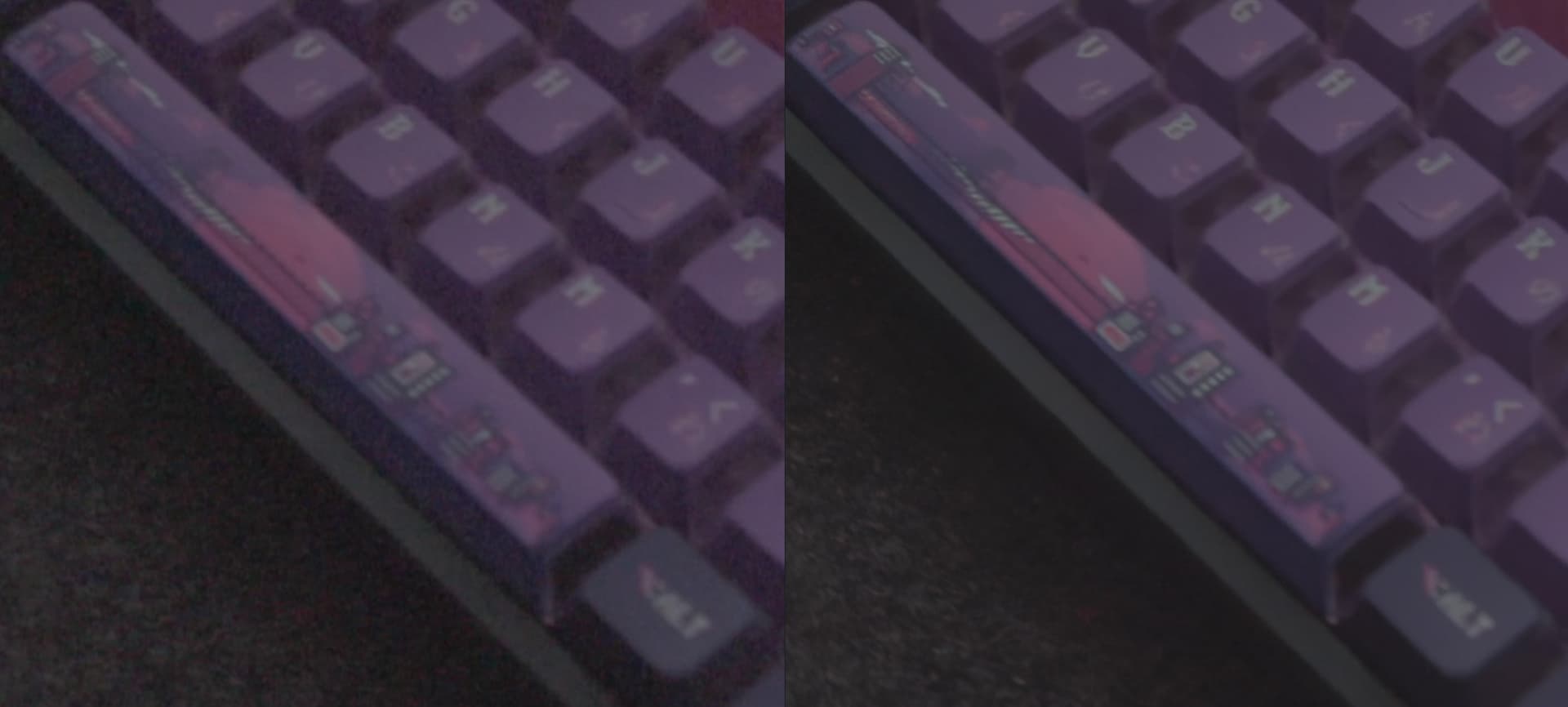
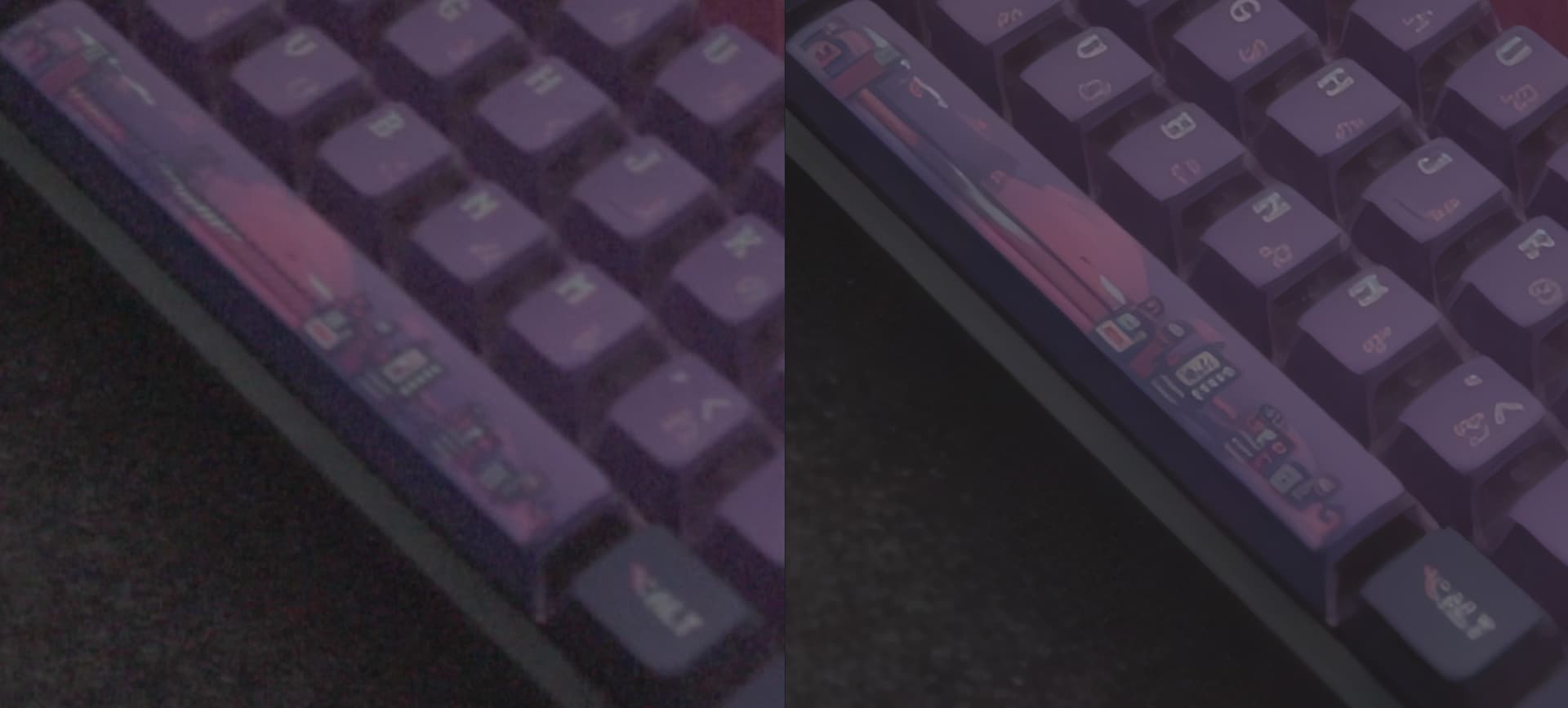
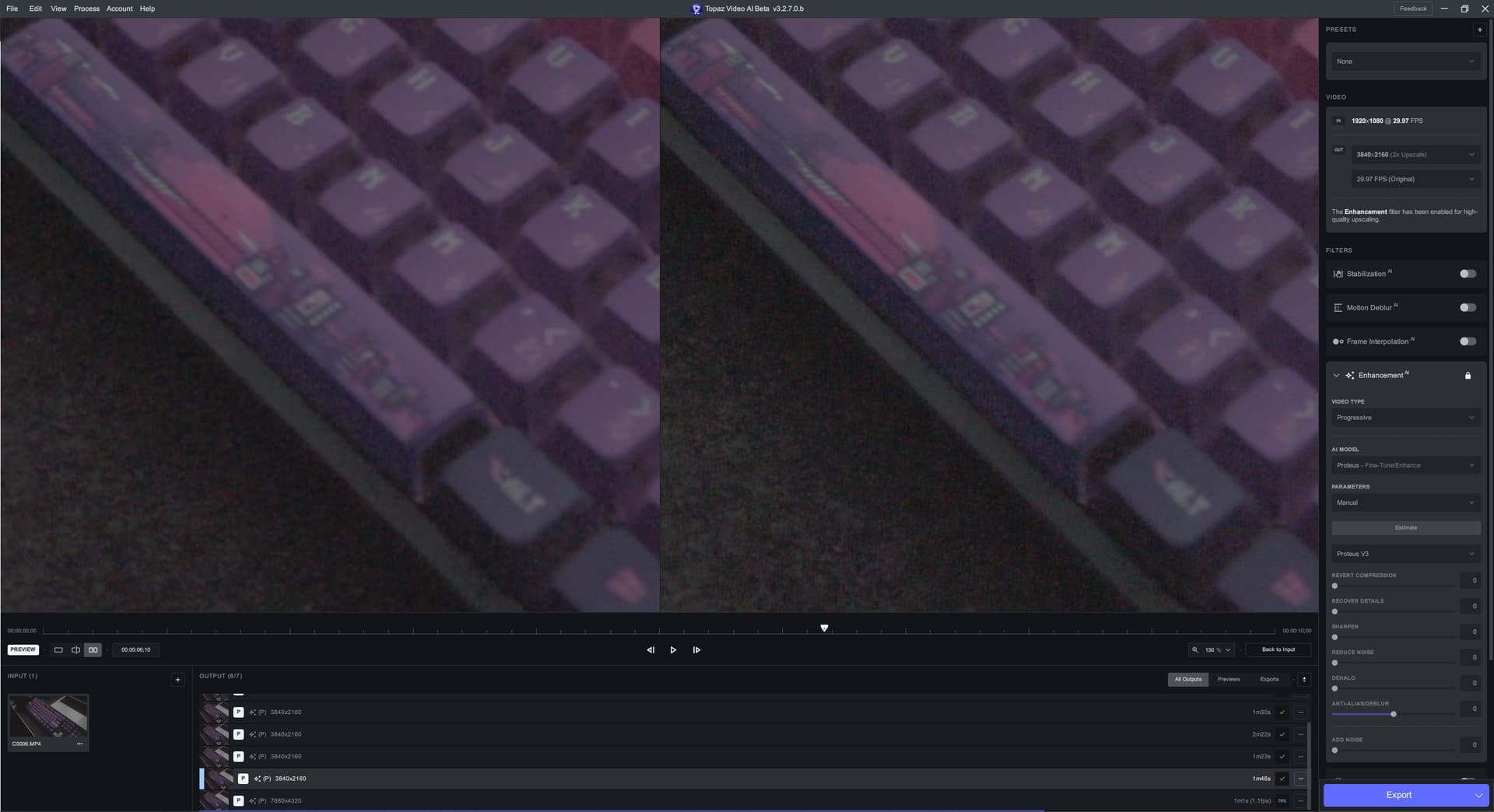
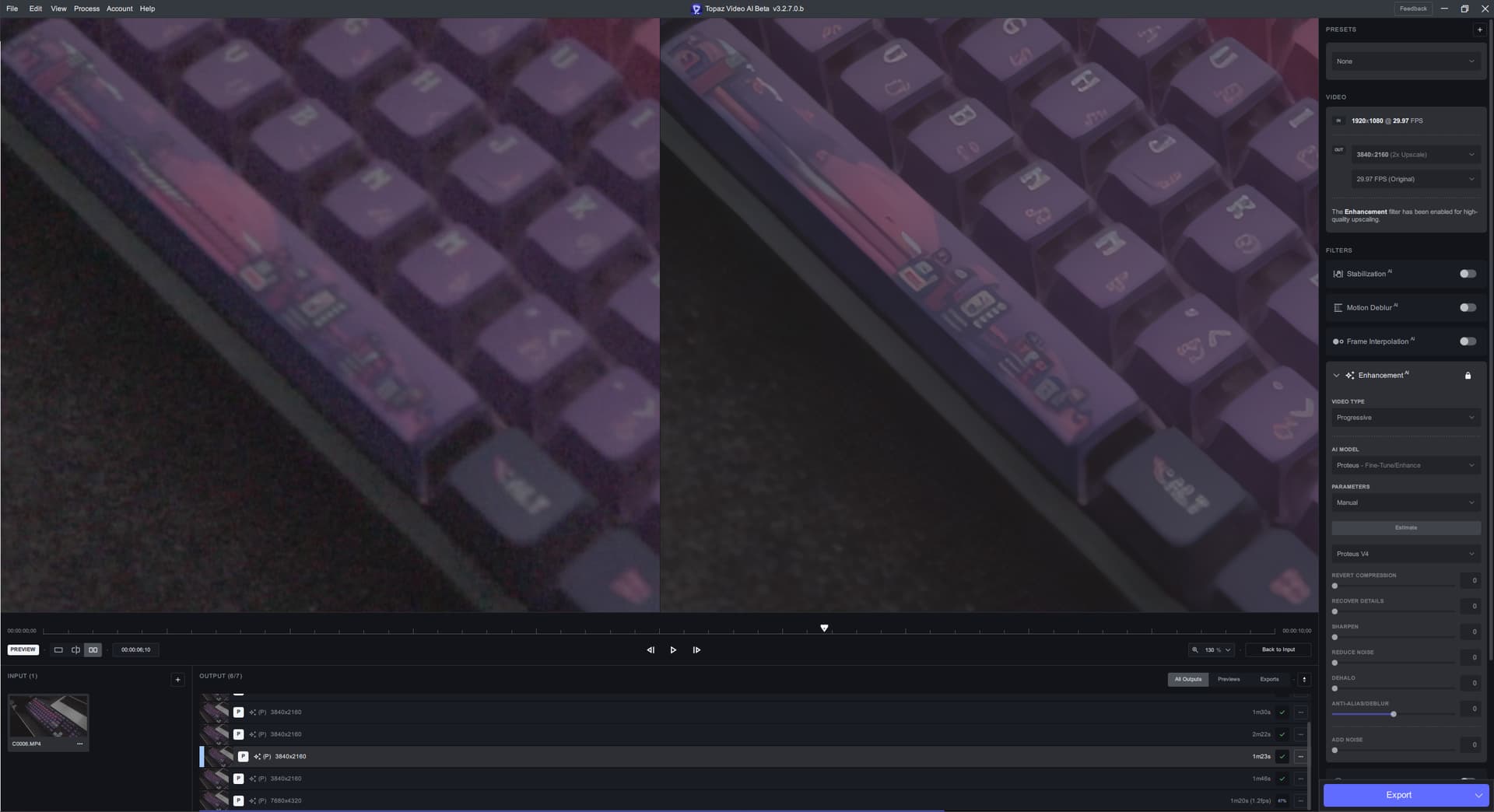
When working with small hard graphics (E.G. Text) in noisy scenes, Proteus v4 seems to have a harder time upscaling the hard graphic in a “clean” way when compared to Proteus v3.
Note: These screenshots were taken from 180 frames into processing.
Original on the left, Upscaled on the right:
Proteus v4 does have much “stonger” lines around the keycaps in the video, and it does do a better job at denoising than Proteus v3 (in exchange for a bloby desk mat). But you can see that Proteus v4 has a harder time upscaling the hard graphics in a clear way. It removes details in some places (E.G. the bridge and some of the buildings on the space bar) while adding false detail/blobs in other places (E.G. Most letters and sub characters). Proteus v3 looks more natural to me.
I have uploaded this test video to the dropbox. “Keyboard Test Video.mp4”
Just for reference, it seems a lot of these characteristics are kind of “built in” to Proteus v4 and can’t easily be removed by adjusting settings.
If you take that video and process with Proteus v4 and Proteus v3 2x upscale with manual settings and every thing set to 0, then Proteus v3 looks very similar to the original footage as it’s presumably just doing upscaling. On the other hand Proteus v4 still denoises and attempts to add detail to the video.
Proteus v3 - Manual 0 for all settings - 2x upscale:
Based on this, it seems Proteus v4 has more in common with say Artemis + some tuneable settings than Proteus v3. Unless something weird is happening like Proteus v4 always using some variation of auto settings.
Had some older R9 Fury X lying around and tested out ONNX backends - sadly, TVAI does not load FP16 Models for GCN3/GCN4 (edit: Pascal is bad at FP16, so no need to change anything here) - but the larger FP32 models (fp16 would be promoted to Fp32 on these architectures, speed is the same, but vram usage is halfed), so I manually tweaked TVAI to use FP16 models, ran two cards in parallel (4GB VRAM each).
both cards are tuned down to 50% power limit to keep up with the power supply I had left for testing.
FP16 variants loaded on most models,. but not all (so some improvement still could be done here and there)…
And this is what I get:
Topaz Video AI Beta  v3.2.7.0.b
System Information
OS: Windows v11.2009
CPU: AMD Ryzen Threadripper 1950X 16-Core Processor   31.896 GB
GPU: AMD Radeon R9 Fury X Series  3.9749 GB
GPU: AMD Radeon R9 Fury X Series  3.9749 GB
Processing Settings
device: 2 vram: 1 instances: 0
Input Resolution: 1920x1080
Benchmark Results
Artemis		1X: 	05.15 fps 	2X: 	03.33 fps 	4X: 	01.19 fps
Proteus		1X: 	05.35 fps 	2X: 	03.38 fps 	4X: 	01.20 fps
Gaia		1X: 	02.10 fps 	2X: 	01.38 fps 	4X: 	1.12 fps
4X Slowmo		Apollo: 	04.78 fps 	APFast: 	17.58 fps 	Chronos: 	02.81 fps 	CHFast: 	02.45 fps


Topaz Video AI Beta  v3.2.7.0.b
System Information
OS: Windows v11.2009
CPU: AMD Ryzen Threadripper 1950X 16-Core Processor   31.896 GB
GPU: AMD Radeon R9 Fury X Series  3.9749 GB
GPU: AMD Radeon R9 Fury X Series  3.9749 GB
Processing Settings
device: 2 vram: 1 instances: 0
Input Resolution: 720x480
Benchmark Results
Artemis		1X: 	29.48 fps 	2X: 	17.07 fps 	4X: 	05.57 fps
Proteus		1X: 	26.80 fps 	2X: 	15.65 fps 	4X: 	05.59 fps
Gaia		1X: 	11.62 fps 	2X: 	07.60 fps 	4X: 	05.00 fps
4X Slowmo		Apollo: 	23.52 fps 	APFast: 	89.72 fps 	Chronos: 	13.99 fps 	CHFast: 	22.04 fps


So dual cards with ONNx seemes to work. The speedup with lower resoultions is less than with 720p or 1080p.
BTW: I did this on a Threadripper, but the same test also was done on an ancient i5-3570k with not much worse results (the i5 only had one GEn3/16x Slot, the other was GEN2/4x - and in a bandwith sensitive benchmark this mattered, so I changed to Threadripper... With TVAI, it made only a slight impact).

Wishes:

- please make "FP16" Models a switchable option. Many older cards are capable of running FP16 models the same speed as FP32, but would benefit from the lower VRAM usage
- give the possibility to select certain GPUs - not only "one" or "all".... If "all" is selected - one GPU always needs to be the system GPU - and its very hard to tell wdm or edge not to gather vram in the background or make the GPU swap vram if its the main GPU (of course all this can be tweaked if one knows how to - but the regular user will encounter lots of strange behaviour he/she can´t explain).. If an iGPU for example could be the "main GPU" for the Desktop - both "compute GPUs" could be used for TVAI.... This way, many older GPUs or DUAL Enterprise Cards etc. could be put to good use.. In some cases a radeon pro DUO, Fiji Duo, two Nanos, two VEGA56, V520, etc... can now - thanx to the very nice ONNX optimizations - keep up even with smaller newer cards.
Wow, this is getting better, and better! Once “subtle detail preservation” is merged into the v4 model, this is going to be like “whoa”.
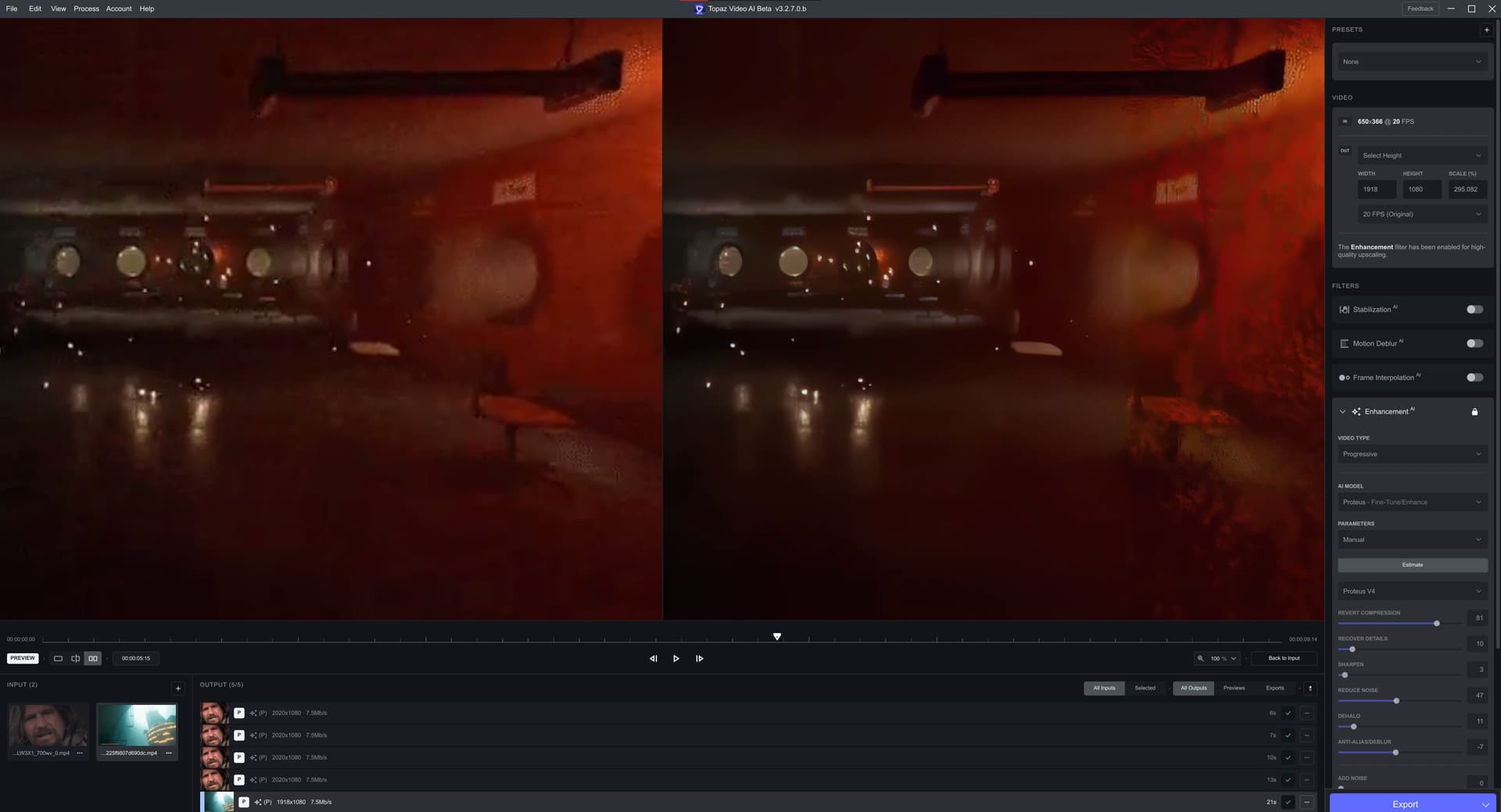
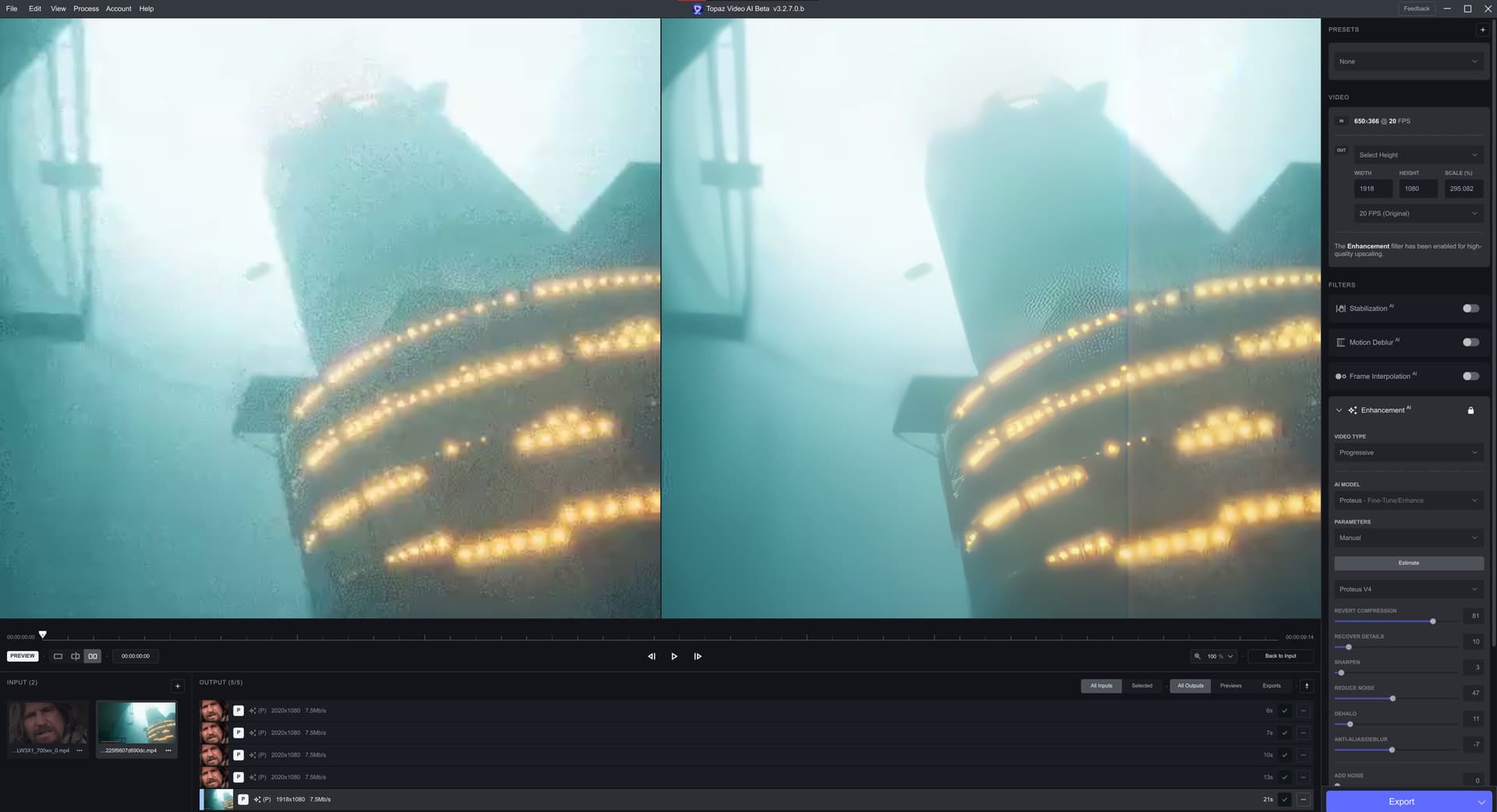
Yes, I deliberately lowered the “Revert Compression” slider on v4 b6 preview. And v2 and v1 Proteus models give similar to v3 results for this REALLY destroyed video.
This video introduces some artifacting on the right side of the video (excessive shimmering on the first screenshot, and orange line on the second), I’ll upload the video.
Unfortunately, the FP16 performance on older AMD GPUs is horrible. Sometimes 2-3 times slower than the FP32 version. This is why older AMD GPUs use FP32 model even though they take more VRAM.
just a small addition, to make sure nobody gets confused (the topic was split and closed)…
GCN1 and GCN2 have no FP16 support
GCN 3 and 4 support it with the same speed as FP32 (see my post above)
GCN5 and GCN 5.1 have rapid packed math, offering double the FP16 speed compared to FP32
There are some exceptions - the Playstation PRO GPU, while being GCN2 already has rapdi packet math, too. This was implemented by AMD as a request by SONY, they needed FP16 faster for some PS4PRO Features… So the technique of rapid packed math already existed a while before it found its way in the desktop/gaming/enterprise GPUs…