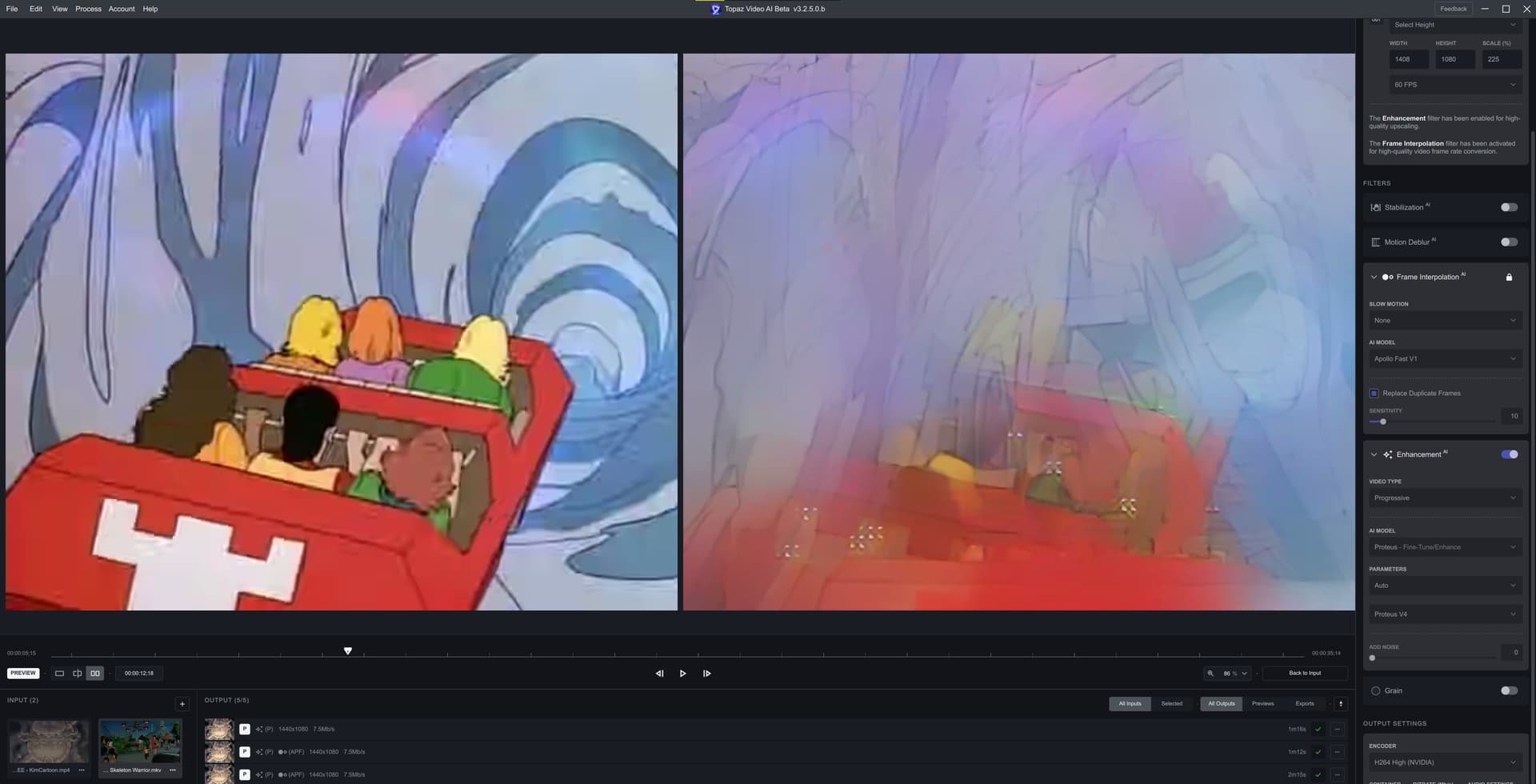
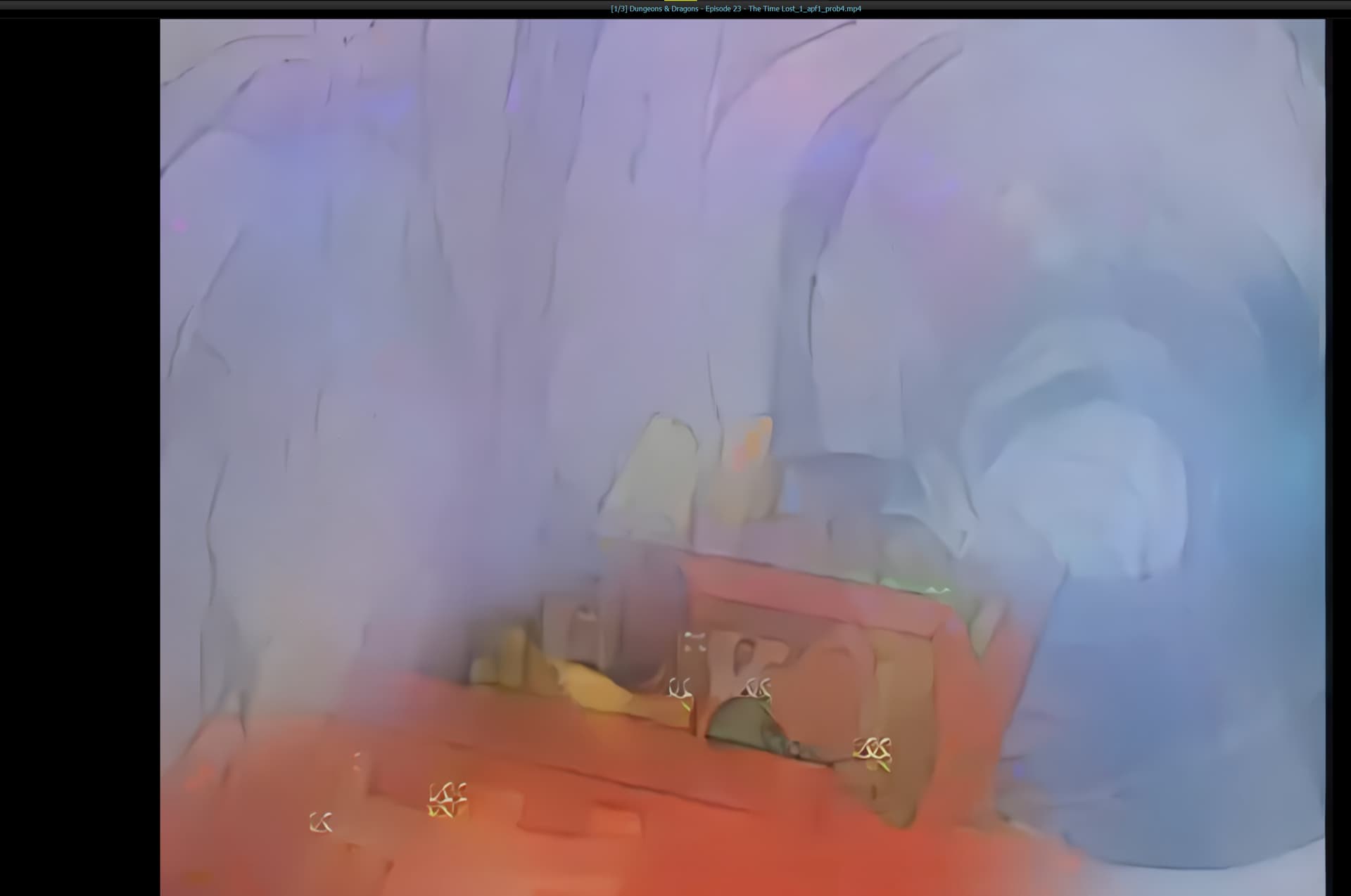
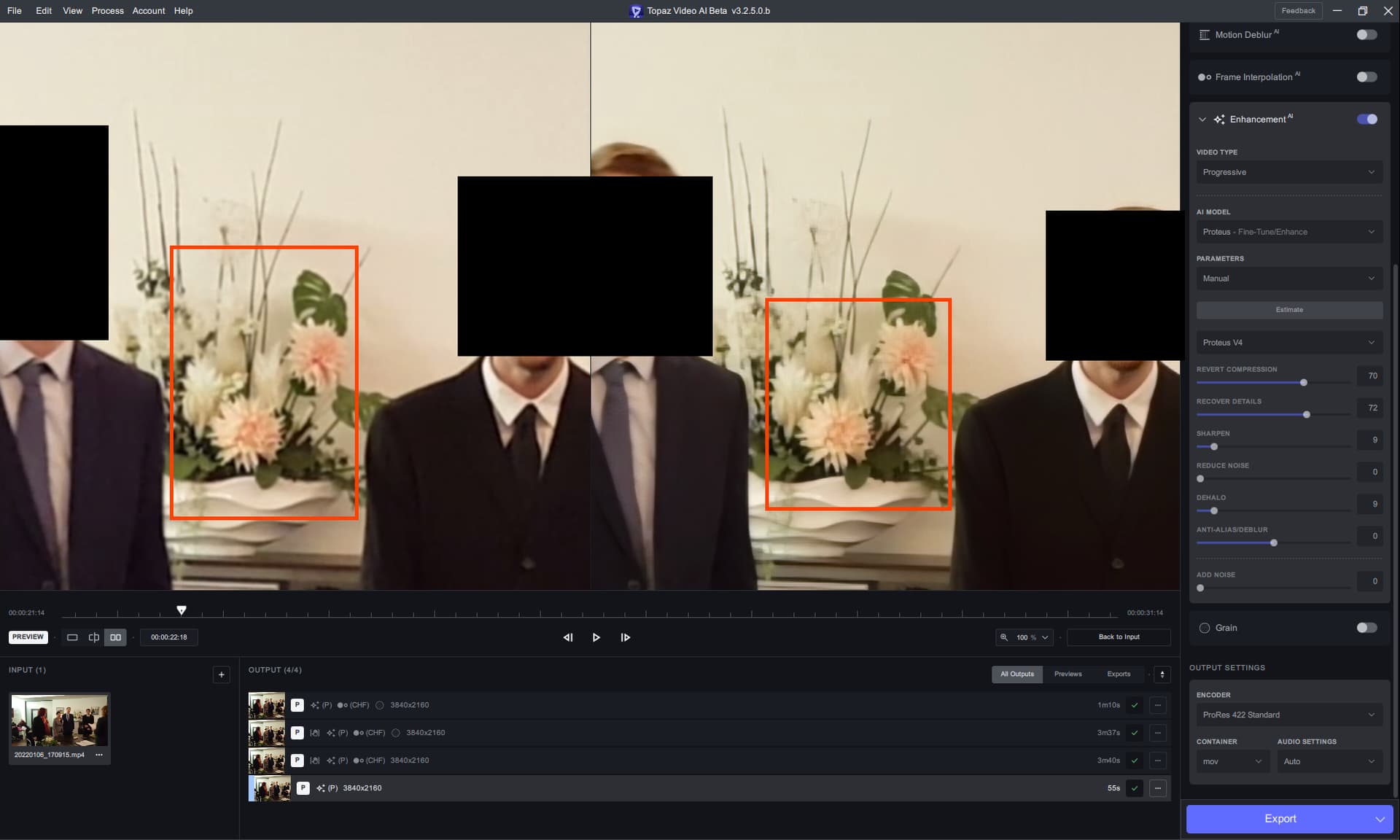
I also noticed, that this model causes some frames to be skipped when used with original fps, or close. I tested it for 29.97fps and 30fps.
I’ll upload three examples on Dropbox, made from the same animation sequence, and two videos have that “skip” near the end, when Venger is about to land with his horse (the sequence is from that old D&D cartoon). The 60fps interpolation looks like it should - there’s no “skip”.
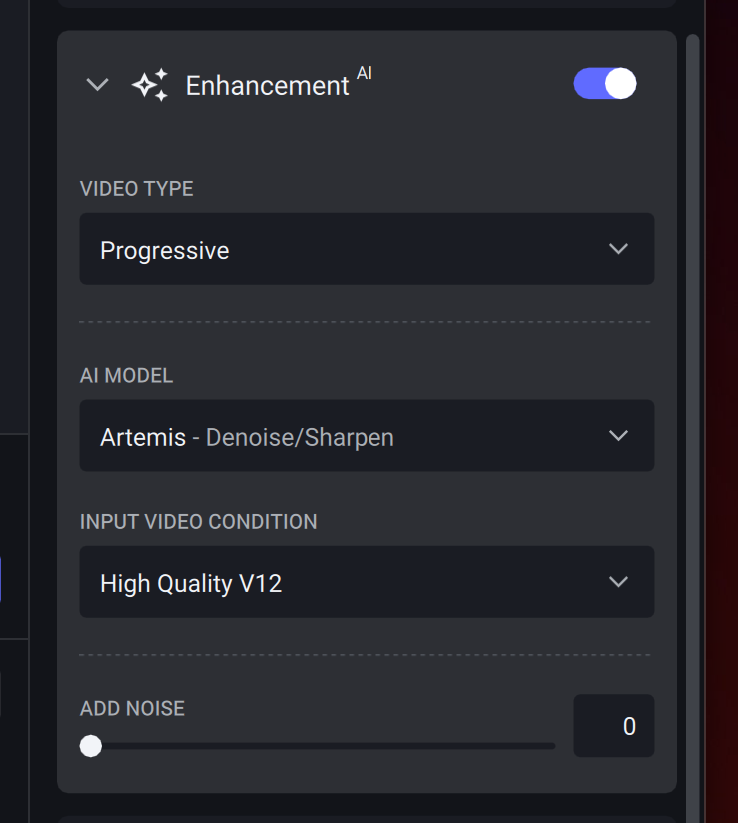
I used 10% of Replace Duplicate Frames and Proteus V4 Auto for these videos.
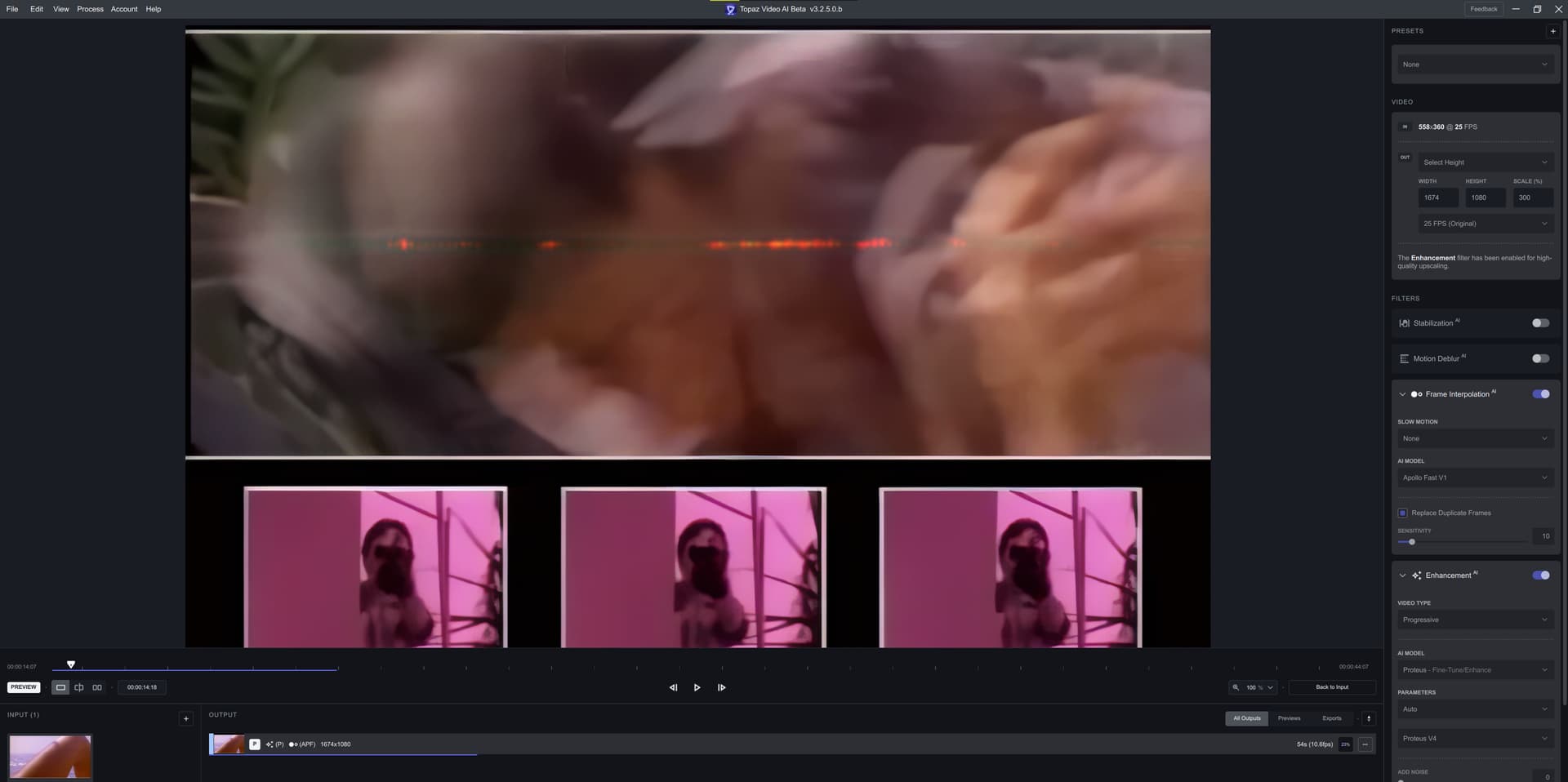
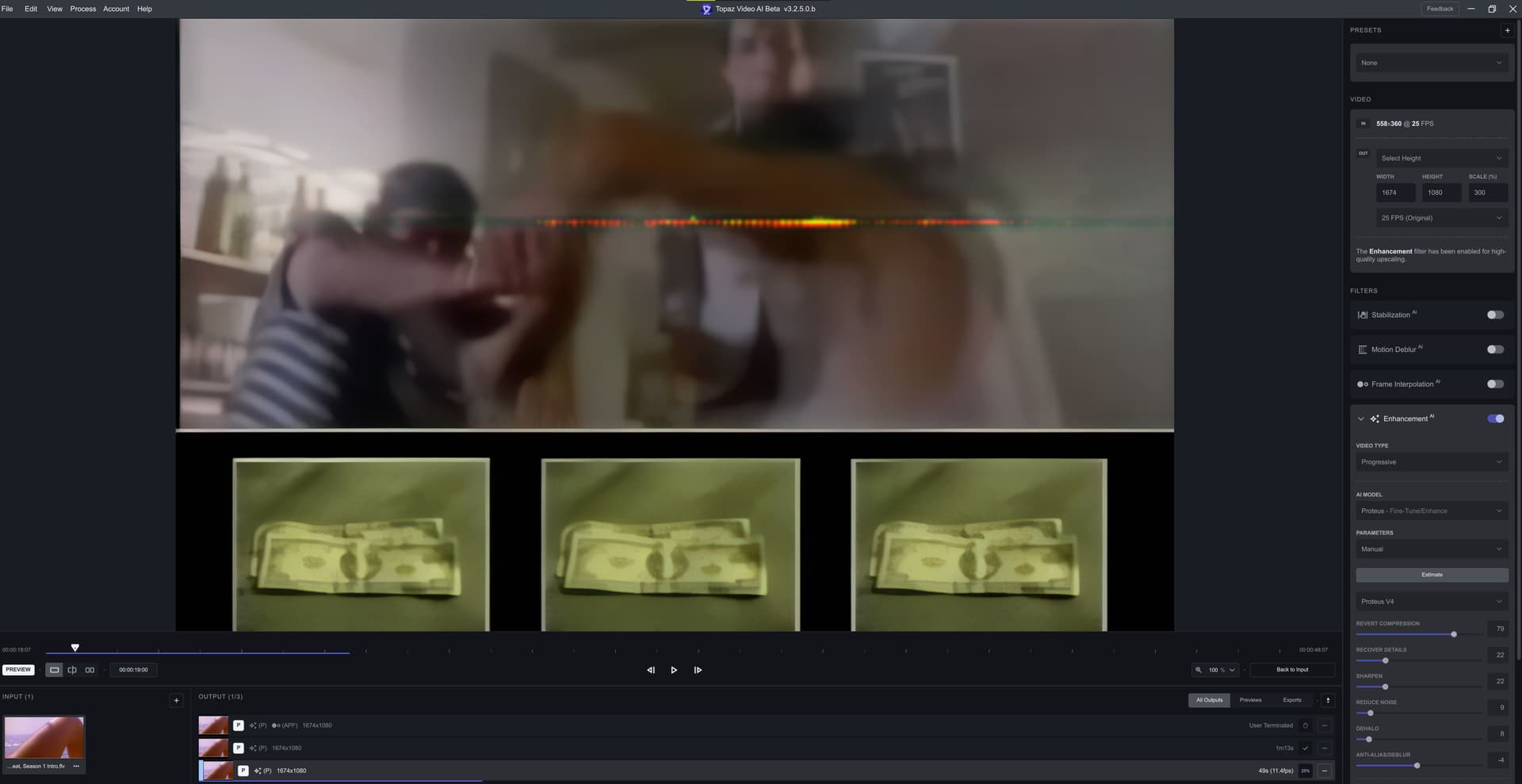
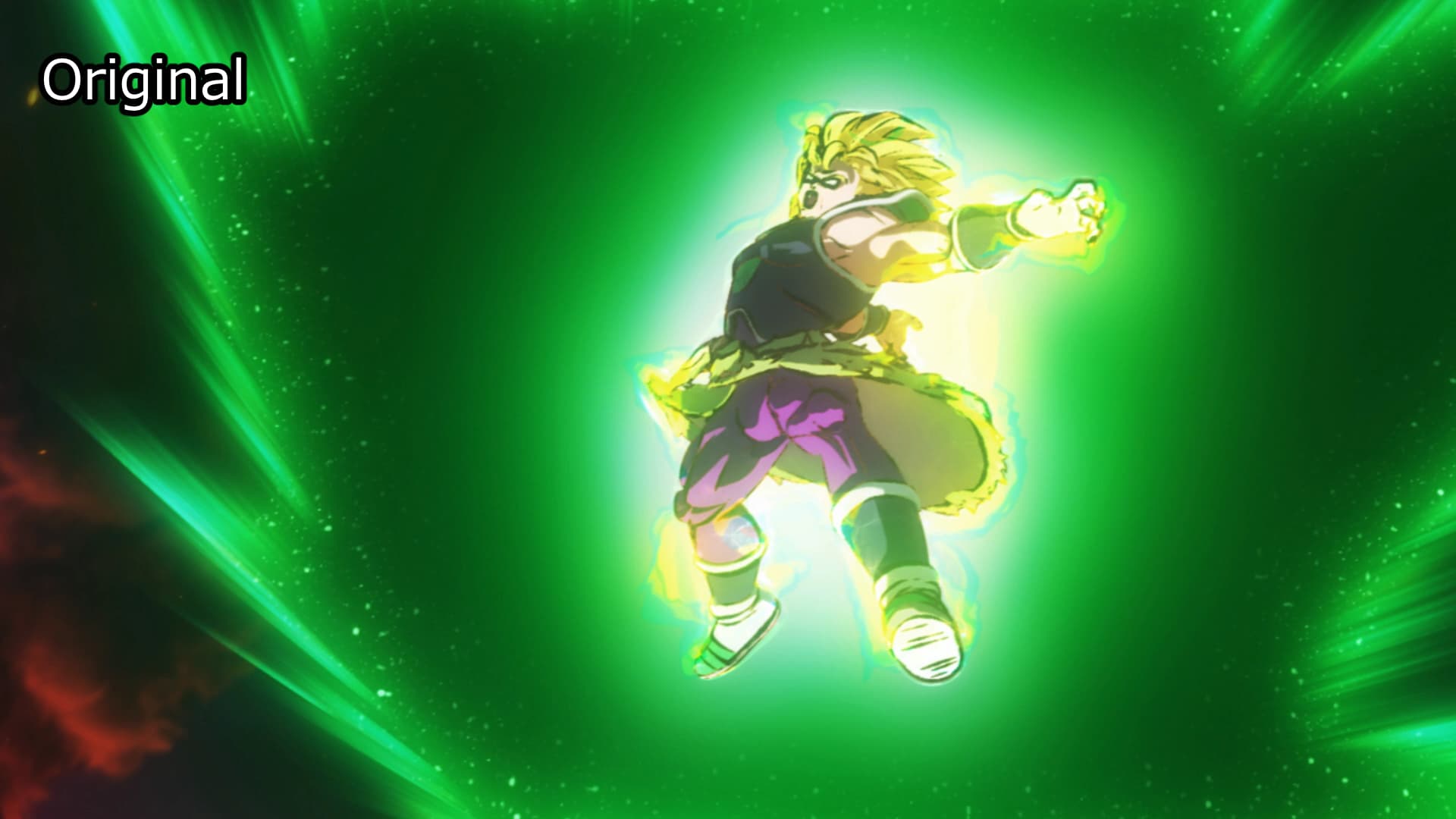
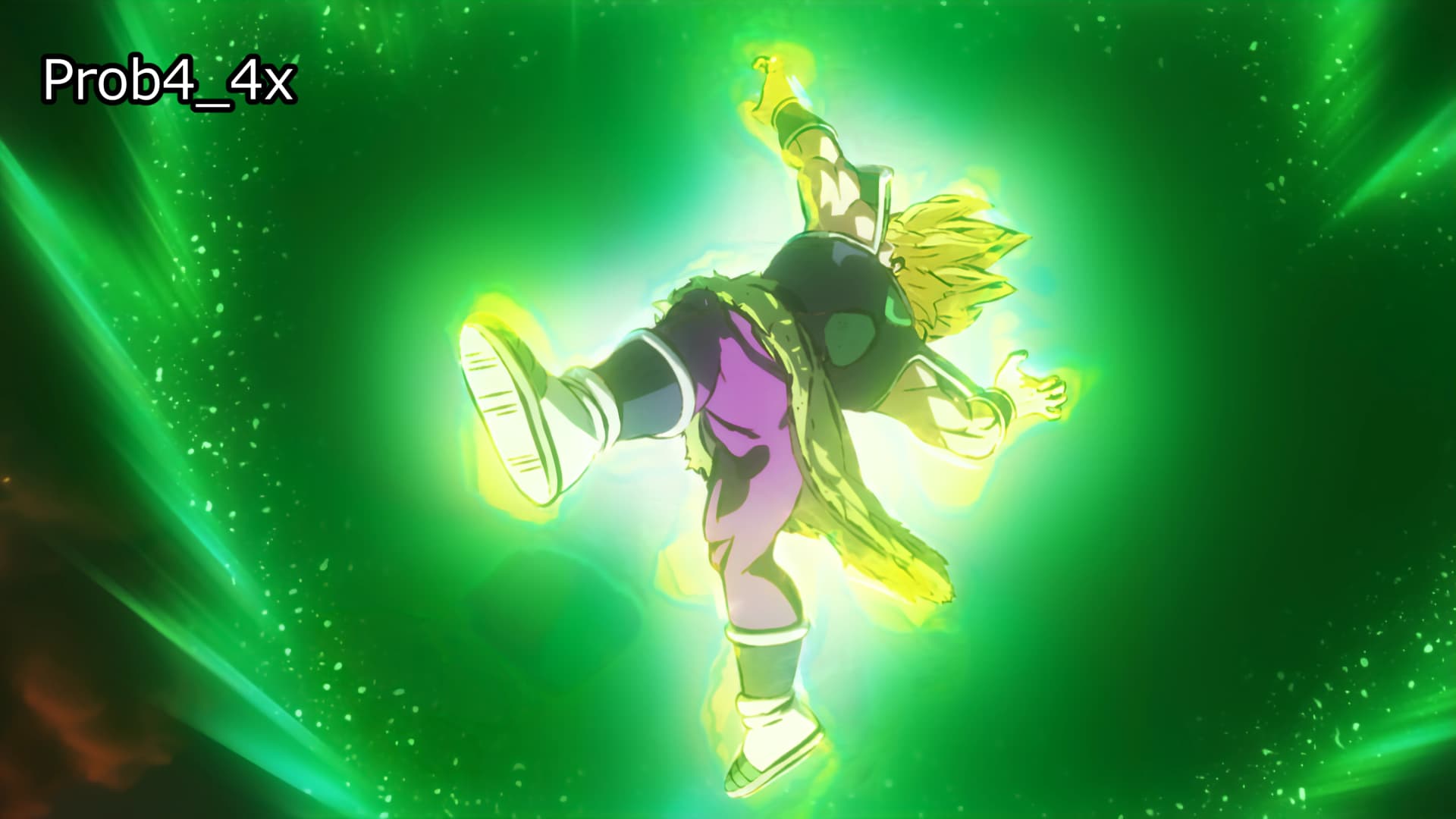
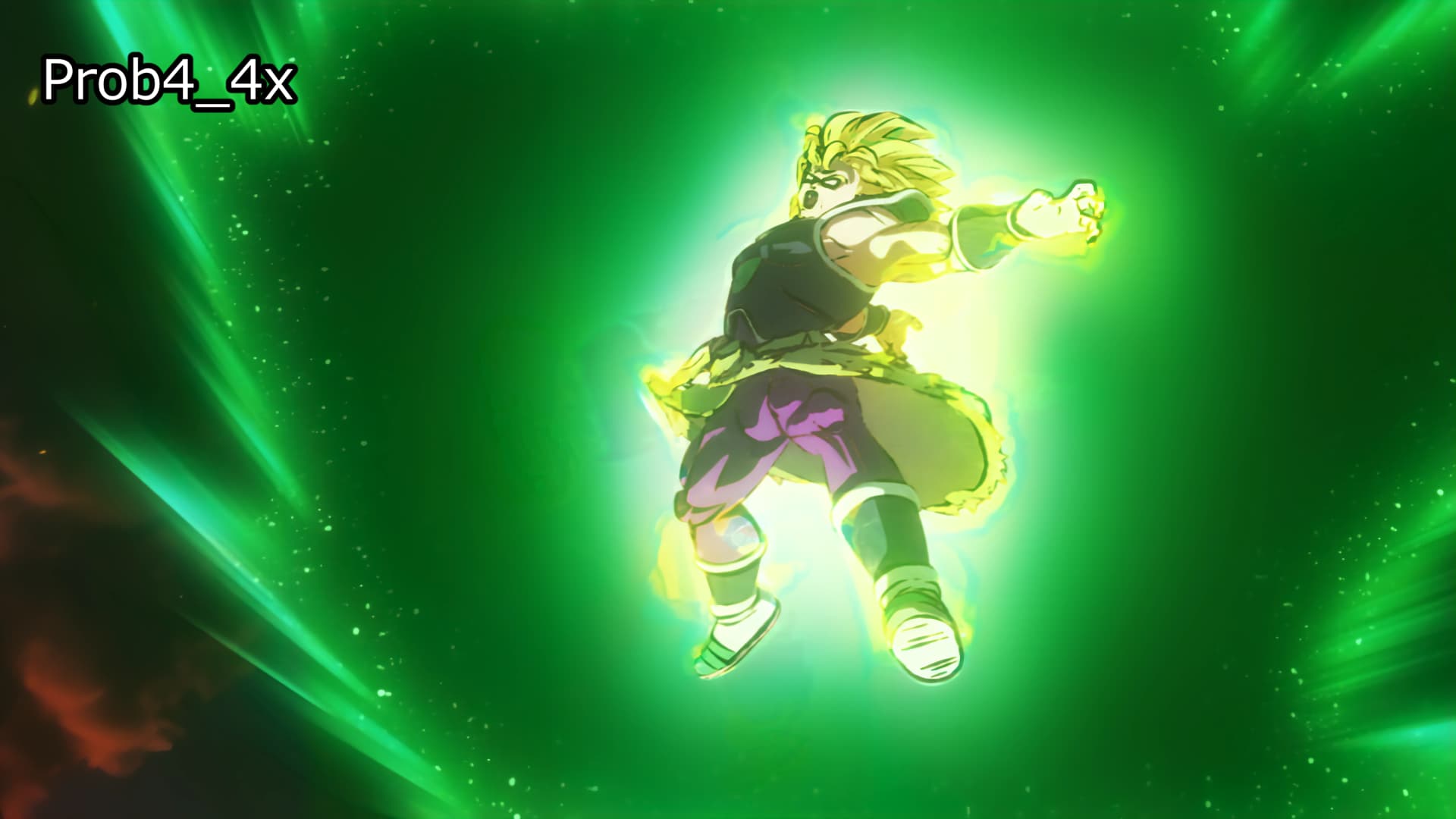
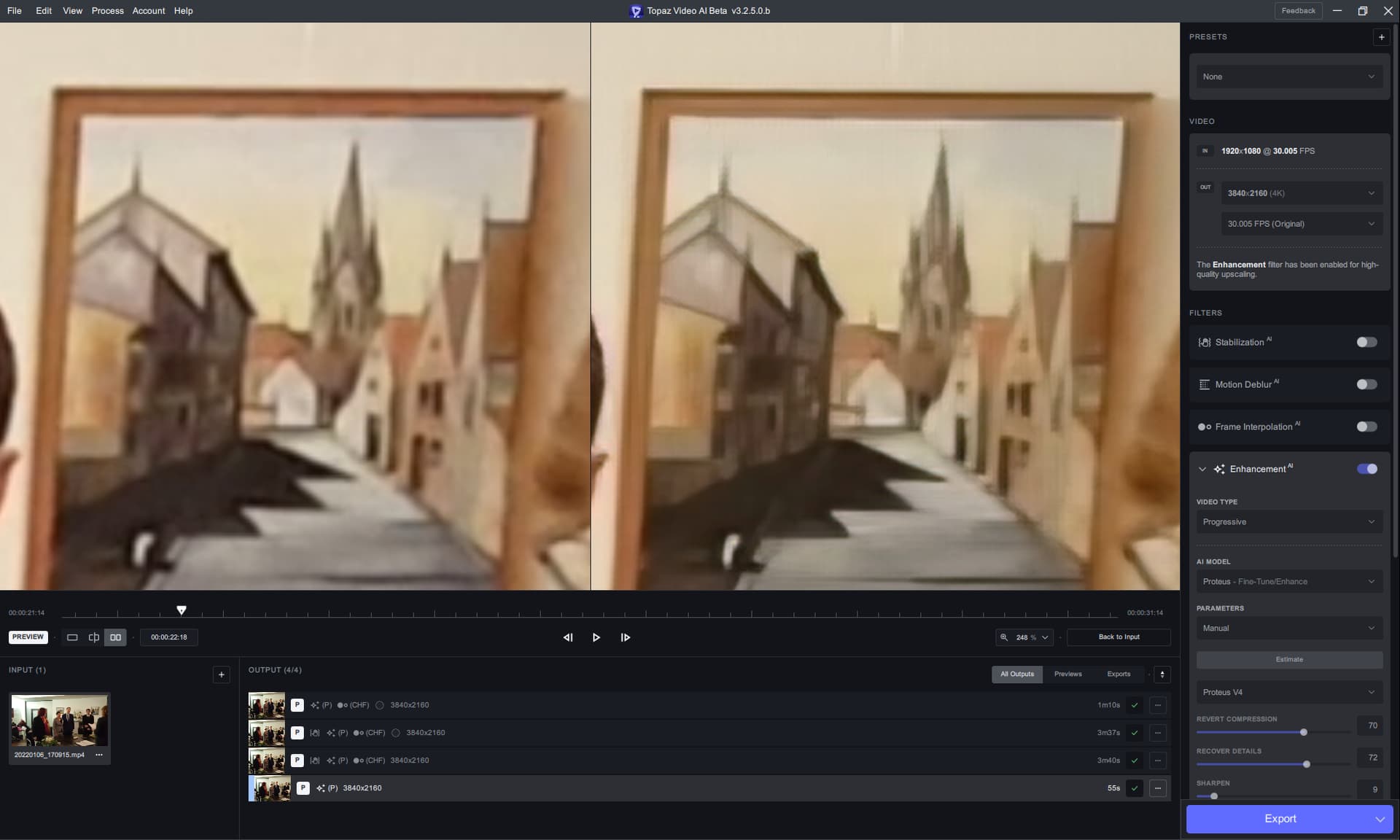
There’s still this “laser” artifacting with Proteus V4:
Though it gives this nice feeling of a VHS tape artifacting, I’ll upload the video from the second and third screenshot, too.
Topaz Video AI Beta  v3.2.5.0.b
System Information
OS: Windows v10.2009
CPU: Intel(R) Core(TM) i9-7940X CPU @ 3.10GHz  63.685 GB
GPU: NVIDIA GeForce RTX 3090  23.769 GB
If you’re willing to play around with the command line, you can do this. TVAI commands for upscaling contains two “scaling” components. The AI component, then a simple lanczos scale. If you look at this snippet from a TVAI command, you can see the two scalers:
AI upscale: tvai_up=model=prob-4:scale=0:w=3840:h=2160:preblur=0:noise=0:details=0:halo=0:blur=0:compression=0:estimate=20:device=0:vram=1:instances=1

Lanczos scaler: scale=w=3840:h=2160:flags=lanczos:threads=0
What you need to do to get 4x Proteus on all footage is to change the AI upscaler to trigger the 4x scale, and leave Lanczos the same. This will use Proteus to provide a 4x upscaler, then use Lanczos to bring the video back down to the resolution you picked.
In all cases that means swapping out scale=0:w=3840:h=2160 with scale=4 in the AI upscaler, leave everything else the same.
This is an image comparison from the same input to the same Manual output settings using V1, 3 and 4 of Proteus https://imgsli.com/MTc2ODIy:
You will see the same frame number but the wrong image in V3. I left this as is because this happens frequently - and I caught it happening in V4 as well so its not resolved, though it was correct on this occasion.
Be prepared for the image that is V4. Sisko’s face should not be being touched at all for enhancement in this scene. It is blurred completely out of the field of focus, but boy does that V4 try and make something there…
The colour shift almost feels like a Sepia filter has been applied. On testing on the exported images, I had to bump saturation by about 30% just to get it back in the ballpark of the original colour. This colour shift is so severe, the output cannot be used easily.
Certain aspects of the enhancement seem to be betterish at places. His hair is arguably the best in V4, but the shirt has been destroyed. It wasn’t the best all the same in the first two, but thats a large shift in V4.
The eyes in V4 seem to be better. Both V1 and V3 have issues with the eyes, but I have noticed that generally speaking, as long as it is not the abomination at the back, the eyes are often improved which makes the image easier to look at.
There is still too much smoothing of the face. V3 shows quite an array of facial details, even if not the best example, but most of them are washed away in V4, making it a lot harder to avoid the plastic look that comes with proteus.
As mentioned already in my last post, the frame selection doesn’t work properly, so its good to see it starting to make an appearance again, but needs work to actually make it function properly.
On a related not to frame numbering, but I am unsure if this is addressable somewhere, the boxes are microscopic. I am not sure if this image will do it justice, but if we could have some control over the size of the UI so I am not feeling like my Grandmother trying to read the screen, that would be fantastic: https://i.imgur.com/XdIUIrC.png
With the face enhancement, I do not know how it is encoded at the backend, but in general you need to have a threshhold thats adjustable by user as to how blurred a detected “face” should be before it does not try an recover it. In this example, you have two faces side by side. A detection on the sharpness of face 1 to face 2 should be severe enough to trigger an internal threshold metre that the second face is intentionally out of focus.
Perhaps with an auto detection of sharpness to the most sharp and least sharp deteced faces in any one frame and if they rely with in an offset being very close, IE intended to be in focus together, this can be applied, but when their values differ wildly, only face enhance those faces within similar values of the most sharp one. Then add that as a slider bar so that if we get what V4 shows in this image we can go , “nope, way to sensitive to blurred faces, lets reduce the chances of that”.
I am not sure if it is Dehalo, or noise reduction, though I suspect the blurring out of facial details may in some cases be a combination of both. Although, the shirt being overly sharpened compared to the face suggests it may be the face enhancement itself causing it and blurring the face just a little too much to seamlessly join the AI version of reconstruction and the original.
Spoke too soon about “starry” artifacting - it was a “placeholder” 2x Proteus V4 model.
When I forced 4x, per @20rushtonj’s instructions (thanks!), it’s still obvious…
I do it differently and it works
let’s say my video is 720x540 and I want UPSCL x2 (1440x1080) using Prot-4, I just set the second part to the final resolution I want. not sure what is the technical difference between your method (changing the scale=x value) to my method. maybe you could explain it better that I can learn.
With my method, I just change the scale to 4 and it works with every video. With your method, you need to figure out what the video dimensions x 4 is for every video.
They achieve the same result, a 4x upscale, the difference is that my method requires less work from the user.
I tried a segment of a DVD to upscale. This is a snippet of one of the results from 480p to 1080p including some faces that are small and in the distance. Proteus v3 does a reasonable job with the upscale, v4 is blurry and pixelated around the faces.
I previewed this segment in a DVD → 4k upscale with not so good results as well. In that case both v3 and v4 struggled with artifacts, but v4 more so.
Upscaling from 480p to 1080p is still in the range for Proteus to internally use the 2x upscaler. Proteus v4 2x upscale is a “place holder” and has subpar quality. See this:
So only the results for Proteus v4 at a 4x upscale (as is found when you tested DVD to 4k) are “valid” results.
A very expensive time wasting joke that topaz could not start with at least entry level quality, and it has been going on for yrs.
How many copies of program have been purchased by Topaz employees and supporters?
Just sad
Proteus4 has bad color alteration and afterimages.
Afterimages had been seen in Proteus 3 and earlier, but instead of improving, they are getting worse.
I’m currently enhancing a smartphone footage with Proteus V4 and realize that there must be an alignment problem.
It looks like several layers are placed on top of each other, but they are offset from each other which makes the output look less detailed and coarser with stairs.
If this were not the case, the output would be much sharper.
Because of this, alias effects may be retained even though they should be removed.
THIS! Yeah, it’s almost like this program is functionally the same as a game infected with denuvo!
I do not like the idea of a potential lock-out of the program that I paid/ing for, as I’ve been locked out of games for a few years before, and don’t want it happening with my favourite program either!
Hopefully they have an offline authentication method in case of emergencies such as this.