Topaz Video AI Beta 7.2.0.0.b

Hello Video AI Beta users!

We are excited to share some of our latest updates for Video AI Beta 7.2.0.0.b!

You may notice that some features in this beta are given the Pro label. Beta testers will receive access to Pro features for the duration of the beta test. At release, these features will be available to Pro licenses only. Please let us know if you have any feedback about this.

See more details below:


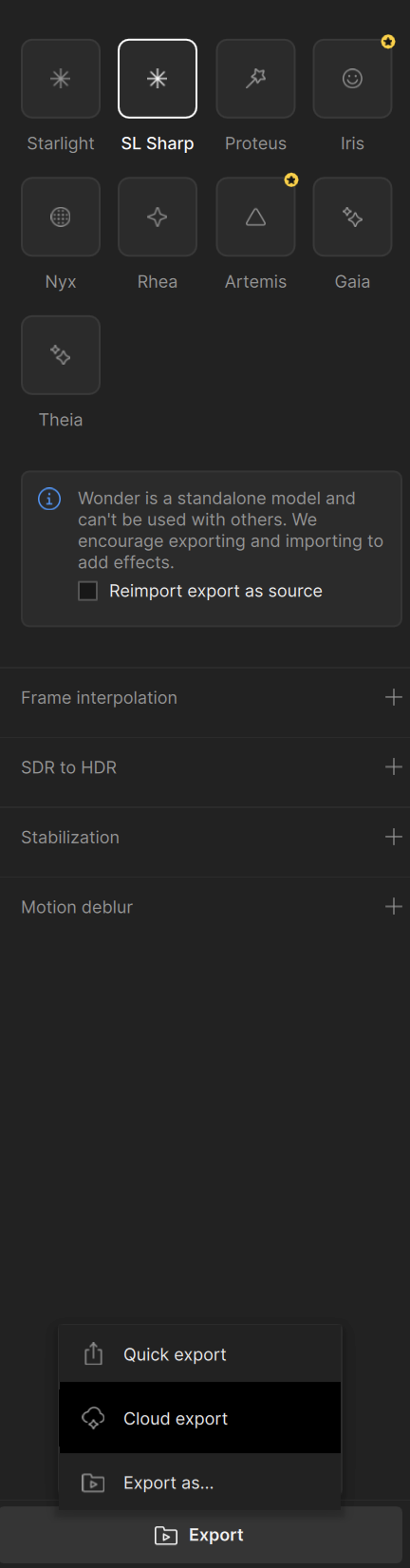
Pro: Starlight Sharp Model
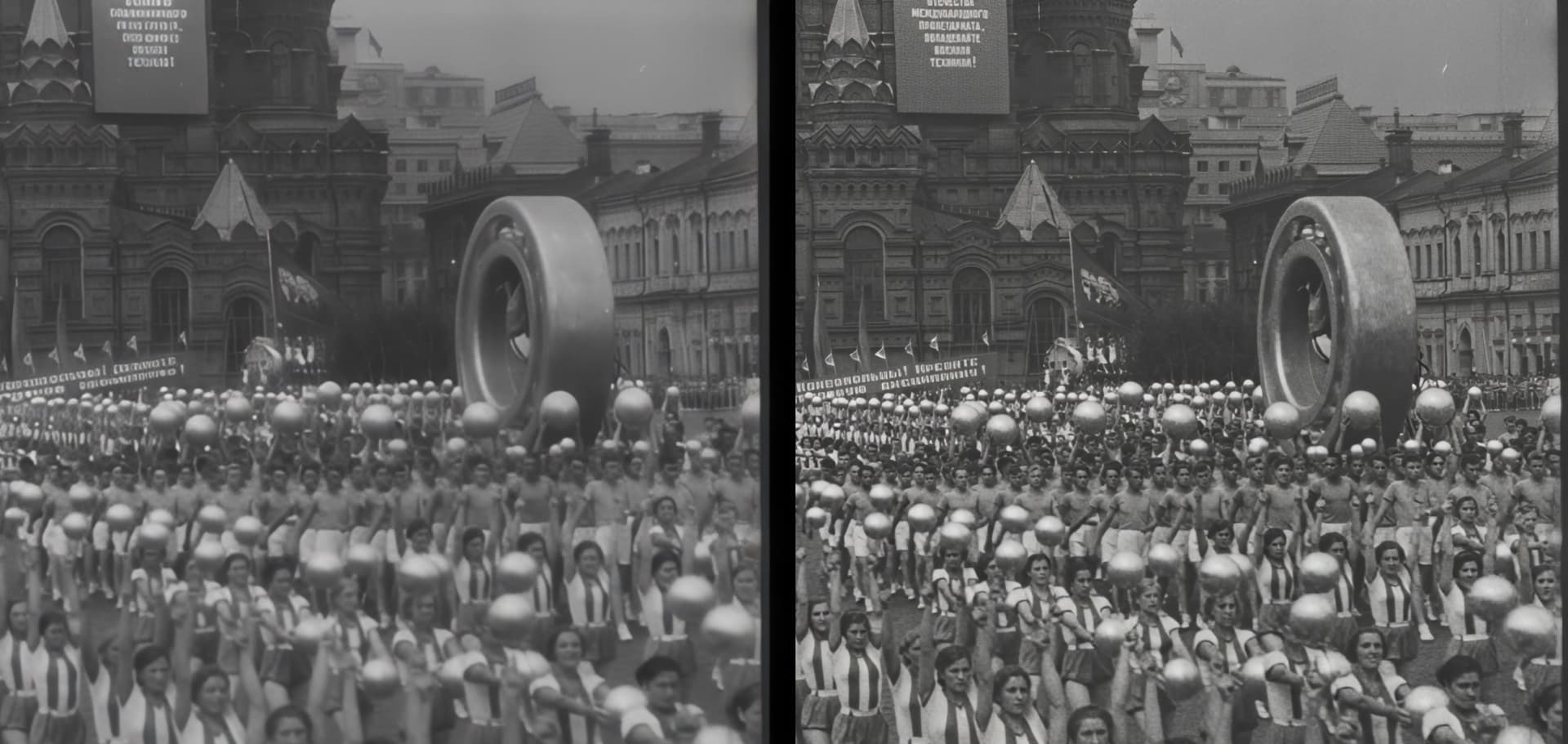

We’re excited to introduce Starlight Sharp, our latest AI enhancement model that joins our lineup alongside Starlight and Starlight Mini.

Key Features

Starlight Sharp excels at processing low-resolution footage, delivering superior results for challenging content. The model provides improved handling of smaller faces and facial details for enhanced clarity, while producing noticeably sharper and more detailed enhancement results compared to previous offerings.

  • Dual Deployment Options: Available on both cloud and local platforms for maximum flexibility

  • Multi-GPU Support: Leverages multiple NVIDIA GPUs in parallel for enhanced processing capabilities

Important Notes

  • 16GB VRAM required
  • Longer render times expected due to increased model complexity
  • Currently capped at 1080p resolution. We plan to improve this in future releases.
  • Starlight Sharp is designed as a standalone enhancement and cannot be combined with other filters
  • For optimal results, use square-pixel video footage at or under 1920x1080 to avoid aspect ratio shifts
  • If working with interlaced videos, we recommend deinterlacing first before enhancement
  • Text that is too small, blurry, or inconsistent may not be processed correctly - the AI model may interpret unclear text as textures or patterns
  • Starlight Sharp will offer limited access for local rendering for non-Pro users during this Beta! Cloud rendering will be available for all users.

UI Refresh for Right Panel
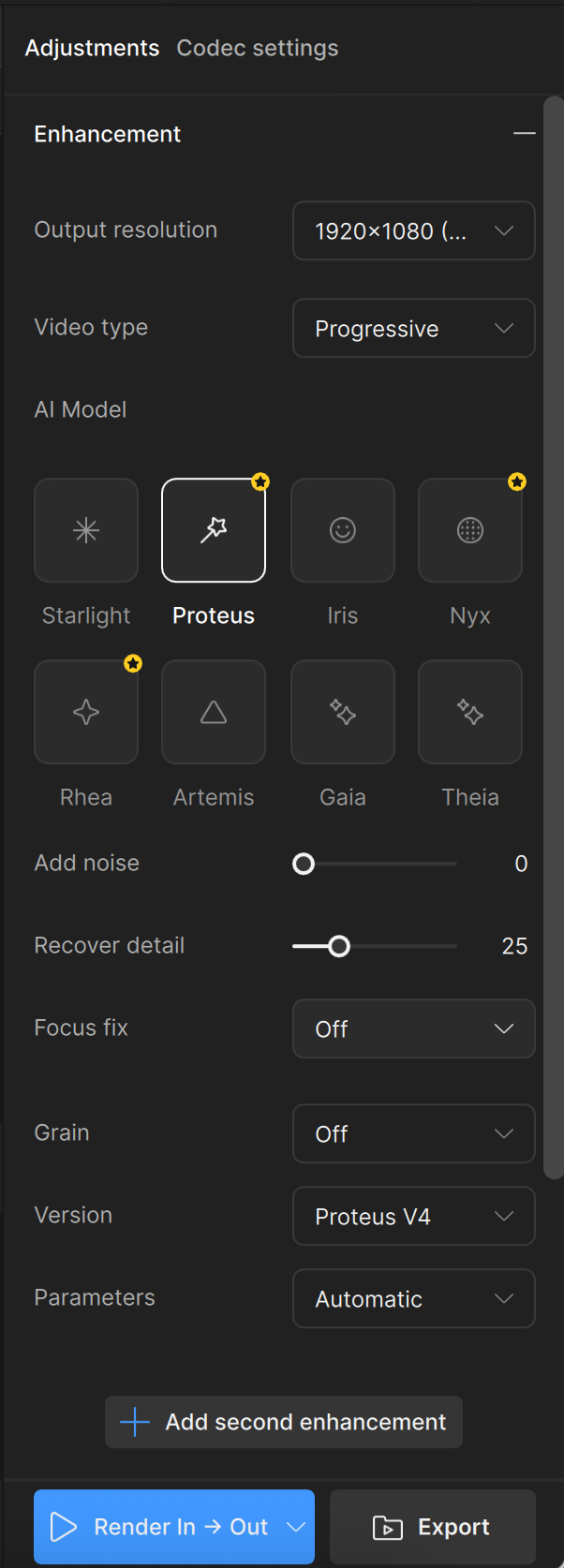
We’ve made a number of updates to the right panel in Video AI to make it more accessible, especially for new users.

In user interviews, we found that many users had difficulty finding essential tools like Starlight Mini, de-interlacing models, or presets. Others mentioned that the UI felt inconsistent and hard to navigate, especially when trying to understand how different enhancement settings worked together.

We’ve taken time to do a refresh of the right panel to make powerful tools more accessible, and ensure a better first-time experience that increases success with the application.

What’s New

  • Clearer organization of enhancement options, with more intuitive grouping and consistent naming.
  • Improved discoverability for models like Starlight Mini and de-interlacing.
  • Presets are now easier to find and manage, making it faster to get back to your favorite workflows.
  • Refined parameter labels and controls, helping reduce confusion on usage and prevent mistakes.

We believe these changes will reduce friction for new users, streamline the editing experience for existing users, and ultimately help everyone get better results faster.


Pro: BlackMagic Fusion Studio Plugin
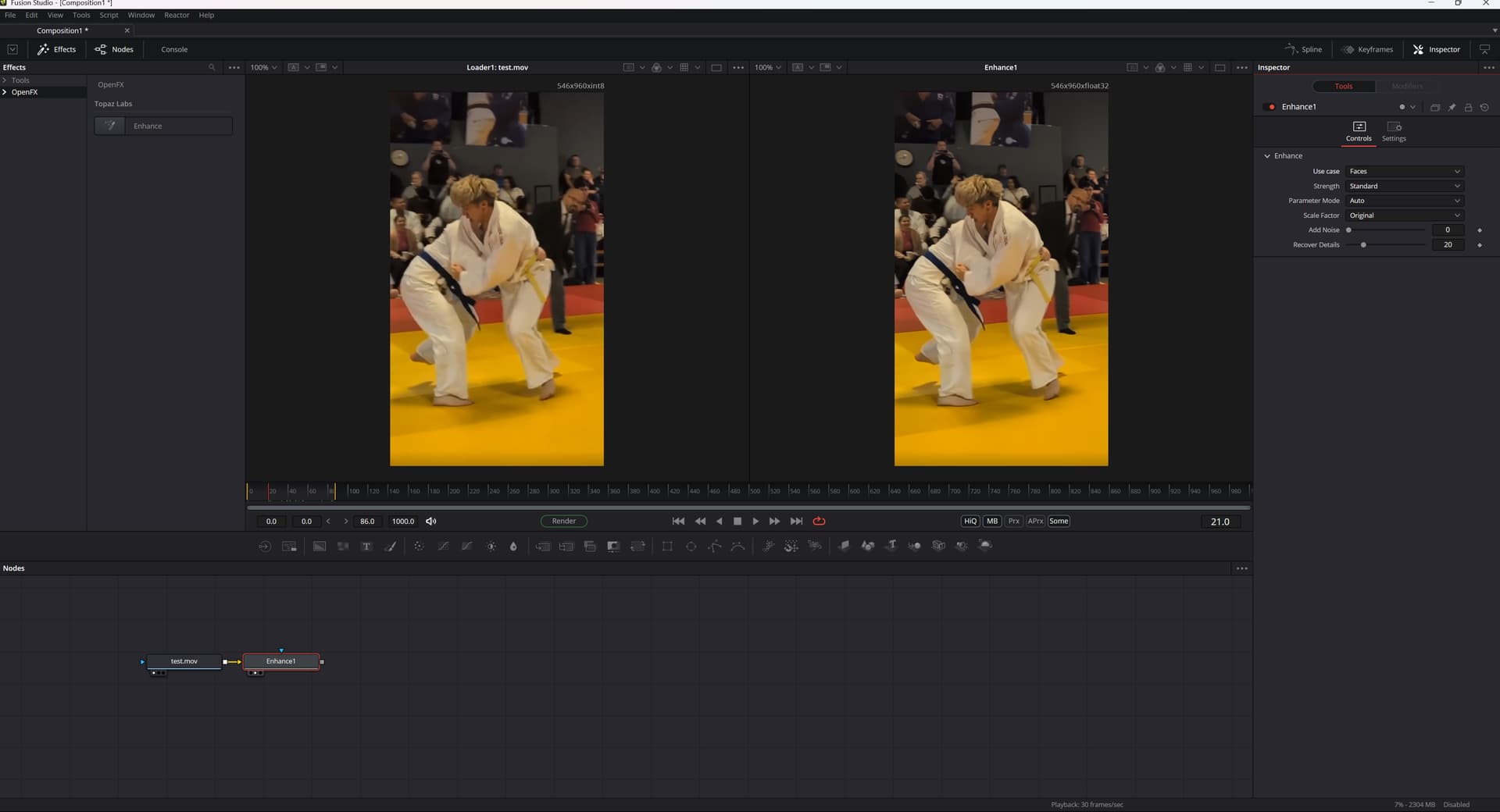
We’re excited to roll out plugin integration for Fusion Studio, unlocking new workflows for professional post-production users working in node-based environments.

For many professional editors and VFX artists using Fusion, Topaz Video AI hasn’t been easy to slot into existing pipelines. Until now, the lack of a native plugin meant Fusion users couldn’t upscale directly within their node graph and had to rely on external rendering and reimporting steps.

With this feature, Pro users will have:

  • Native Fusion Studio plugin support to easily use Topaz Video AI’s upscaling within your Fusion node graph.
  • Node-based integration compatible with Fusion’s powerful compositing structure for maximum control.
  • Real-time round-tripping for sending clips to Topaz Video AI and bring them back all within Fusion.

Why This Matters

  • Pro users can now integrate high-quality AI upscaling directly into their workflow, without breaking their visual pipeline.
  • This makes Video AI far more accessible in broadcast, film, and VFX workflows, helping professionals hit quality standards without friction.
  • It also opens up new co-marketing and bundling opportunities with Fusion Studio users.

This integration is a key step toward expanding our plugin ecosystem and better serving the professional market.

If you would like to test out the plugin but do not currently own a pro license, express your interest in the beta survey and we will grant you temporary access.


Bug fixes

  • Fixed issue where loading a project with one or more missing inputs will hang at the UI loading dialog.
  • Fixed bug of audio concatenation when scene split is enabled.
2 Likes

We are the Cloud… You will be assimilated… Resistance is futile… :frowning:

7 Likes

Dare I ask about macOS ? Still, I will try the update, thank you for the hard work.

6 Likes

I imagine you’re going to hear this from a number of us, but I don’t quite understand the decision to gate a local model away from your standard subscribers? What you’ve done with Starlight and Mini is incredible, and I’d be genuinely excited to try any local model you release.

The standard subscription isn’t exactly small for the average customer, and many of us have stayed with Topaz through ups and downs over the years. I believe it’s the early and regular users who helped build the foundation before “Pro” even existed.

Unless I’m misunderstanding something, this approach makes it seem like we’re being nudged to the back of the Topaz bandwagon. Some might say further. I would encourage you to reconsider how you roll this out, so loyal customers don’t feel sidelined.

31 Likes

Pro only now for certain models? Well, I can see this news going over like a lead balloon with most of the people here, myself included.

28 Likes

Interesting - creating a just-in-time ‘RT’ cache (jitRTCache folder) for RTX cards? Is 7.1.1 and 7.1.2 stable using that, too? :slight_smile:
I find the UI revamp refreshing. I like the quicker initialization of the SL normal model, too. :slight_smile:

I don’t believe it’s a good decision to gate local models behind an additional paywall, nudging beta testers with a dangling fruit on a fishing line at the same time.
I can see Trump admin’s erratic tariffs behind this, but it’s a very shortsighted, offending and greedy attitude to loyal customers. You changed the terms of use after the sale twice already, taking away lifetime licenses away first, then the multi-GPU and CLI support (making it for the pros only).

If you think the model is not for suitable for common users (through the normal licenses), I think you should reserve it for movie studios - they’re going to pay you tons of money. Other thing is a sort-of dangerous precedent for normal users: once paywalled - always paywalled.

Well, this beta doesn’t seem to allow local processing with the SL Sharp model anyway. :slight_smile:

9 Likes

Why would anybody be happy to beta test something they’re never going to be able to use after release? That’s just rubbing salt in the wound.

32 Likes

You can export, this is a bug! You have to press “Strg+E” (=quick export). It works.
I’m testing this beta out now (it’s fast [about 3-4x faster then StarLightMini!] , and for small videos it needs less memory than StarlightMini).
I will post more about my tests when i have done.
And: there seem to be a part of bugs in the GUI…

2 Likes

Topaz Video AI isn’t cheap, even in the standard subscription. Please don’t make improvements for pro users only. Do you want that your customers extend the yearly update license? If new features are pro only i will stay in current versions and don’t update my license anymore. Very very bad move.

30 Likes

Additional thoughts around beta testing and cloud processing…

  1. I can see the value of cloud processing as providing more horse power, more memory than local implementation. It’s good to have choices, I just don’t like sending stuff to the cloud, I will happily wait longer to get my processing complete with my local resources
  2. Although I can appreciate the business incentive behind charging more for value-adds (e.g. better or faster models), when beta-testers are doing work on your behalf, it is not correct to then remove the access to the features they have contributed to improving
12 Likes

I see starlight and SL sharp, where is mini now? Also is there an indicator to suggest whether it is going to cloud?

No one should test this beta version and provide feedback. If Topaz decides to trample on its loyal customers and then even has the nerve to let them test the betas for its large corporate customers, then they should ask their large corporate customers if they would like to test the betas for them.
I find this behavior absolutely outrageous and disrespectful to us. If this behavior continues, I will look for an alternative, and then that will be the last time I spend money on Topaz programs.

30 Likes

sharp says will be available after downloading but never does anything, regular starlight downloads…

2 Likes

After app restart, just drop a file and immediately after select Sharp, it’ll download. :slight_smile:
Then Ctrl+E to export locally, as @Pixelgeeker kindly hinted. :slight_smile:

1 Like

So, my tests of “Starlight Sharp”:

Downloading of the models for the Beta:
The models can be found in: (folder is hidden by default, i think):
C:\ProgramData\Topaz Labs LLC\Topaz Video AI BETA\models\models
Starlight “Mini”: Same size, same files as in the older Version (named das “Astra-1.0”)
Starlight “Sharp”: slightly larger (ca. 3.2GB vs 3.1GB) (named “astrasharp-1.0”)

When exporting to images (i use TIFF):
The images output-path is named ***_starlight_mini (normal Starlight) and ***_starlight_wonder (Starlight Sharp)
(i think i saw the name “wonder” for this model elsewhere, but don’t know.)

Memory consumption:
it depends on the size (resolution) and it varies over the time with getting some peaks.
Upscaling 320x240 > 1280x960: Does not work, it upscales to 960x720. Uses aprox 9GB VRAM.
(The only option for 320x240 is 1280x960, but this is misleading.)
Upscaling 640x480 > 1280x960: Same here, only does 960x720, so a 1.5x upscale.
Upscaling 640x480 > 1440x1080: it does. (peak VRAM: about 18GB)

VRAM:

Speed:
Faster:
StarlightMini: 640x480 > 1280x960 (41min) (1716 frames) (aprox 0.7 fps)
Starlight Sharp: 640x480 > 1440x1080 (27 min) (1716 frames) (aprox 1.1 fps)

StarlightMini: 320x240 > 1280x960 (aprox 7min) (290 Frames)
StarlightMini: 320x240 > 960x720 (aprox 2min 40s) (290 Frames)

What i observed:
StarlightMini drops 8 frames “per round” into the output folder.
StarlightSharp drops 285 frames “per round”.

Bugs:
Clicking on “Export” does not work (it’s blocked), you have to press “Strg+E”
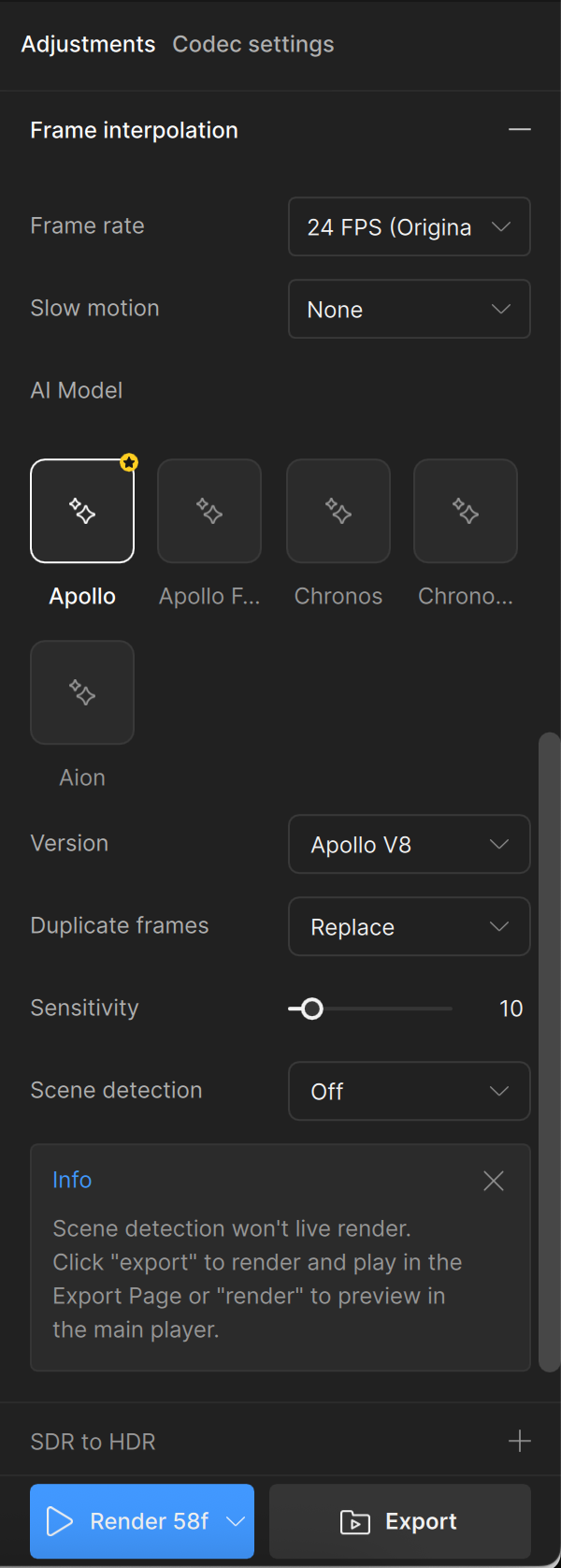
Some sliders in the options are not fully readable.
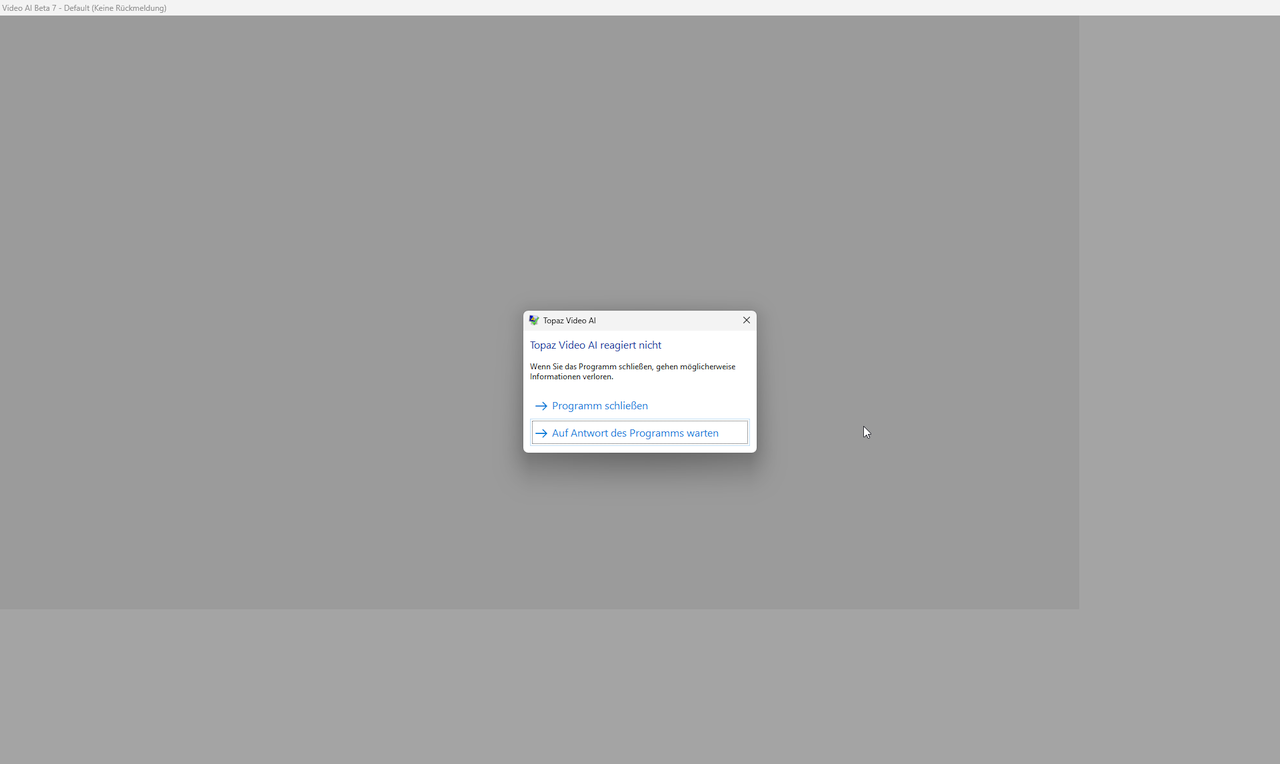
On exit (only after using StarlightSharp) the Software does not respond, you have to force an exit.

Quality:
it is hard to decide.
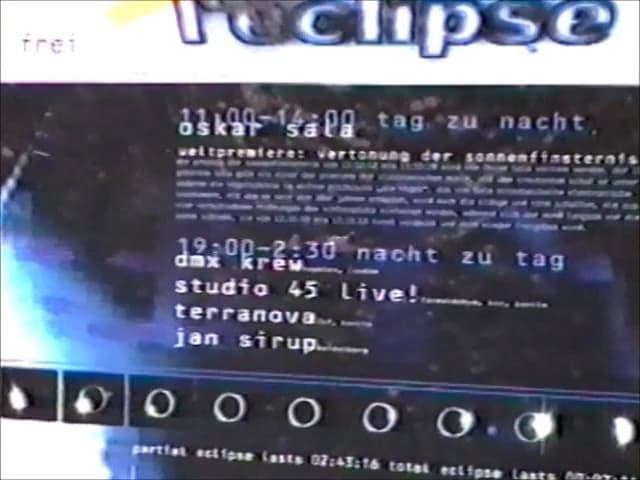
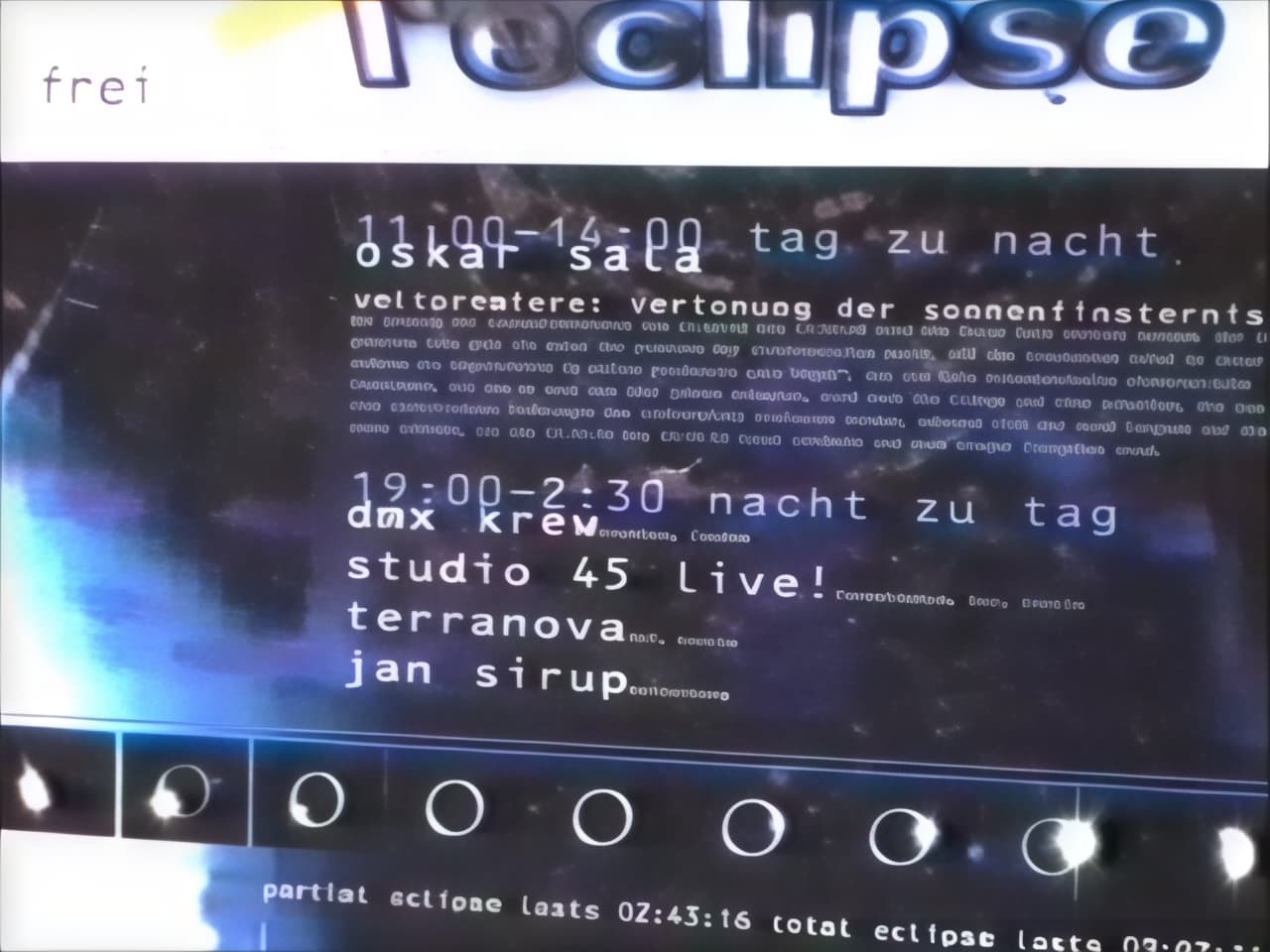
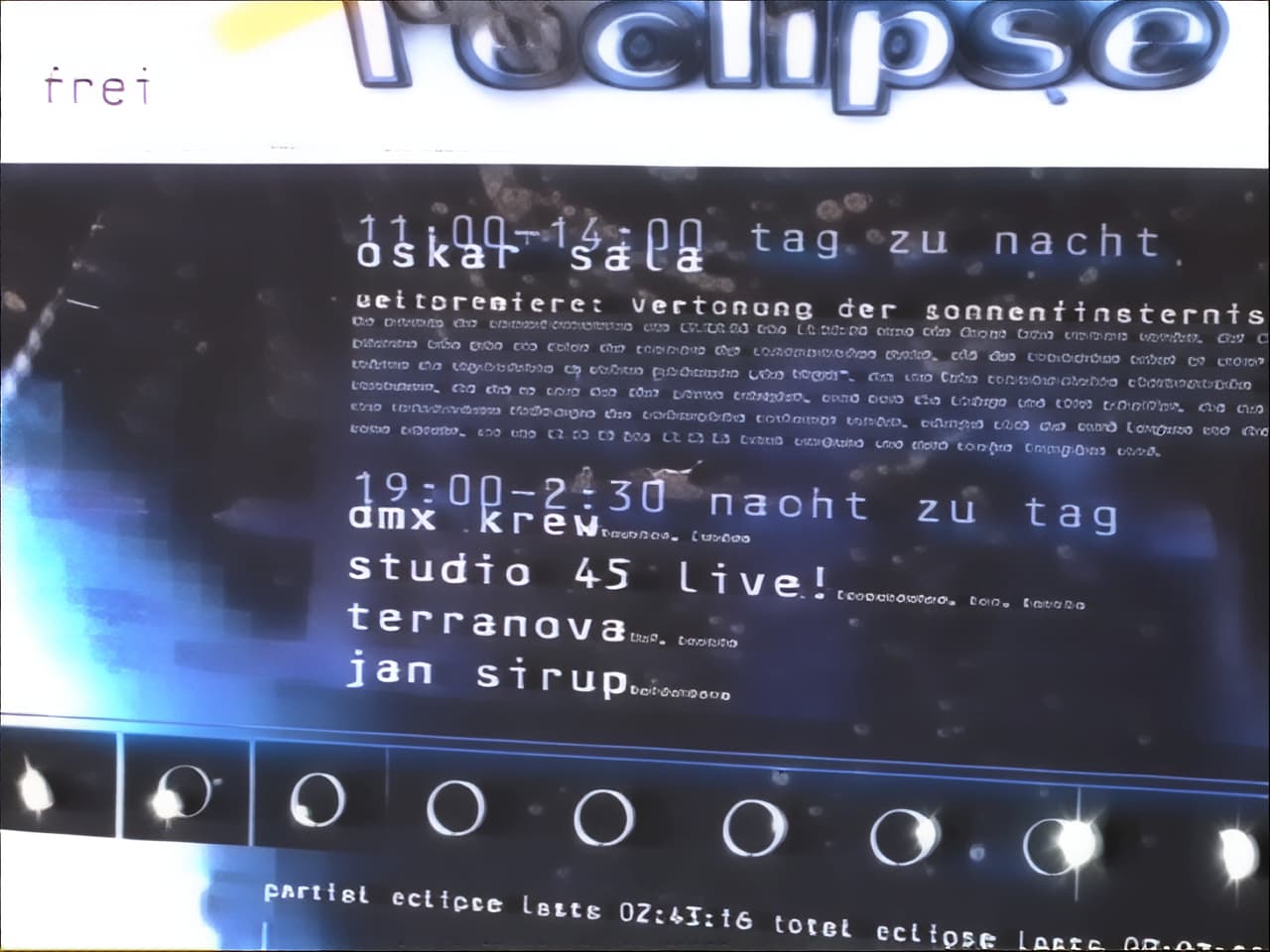
It seems to bit over-sharped in some cases. This can lead to “monsterfaces”, when they are small and in the background.
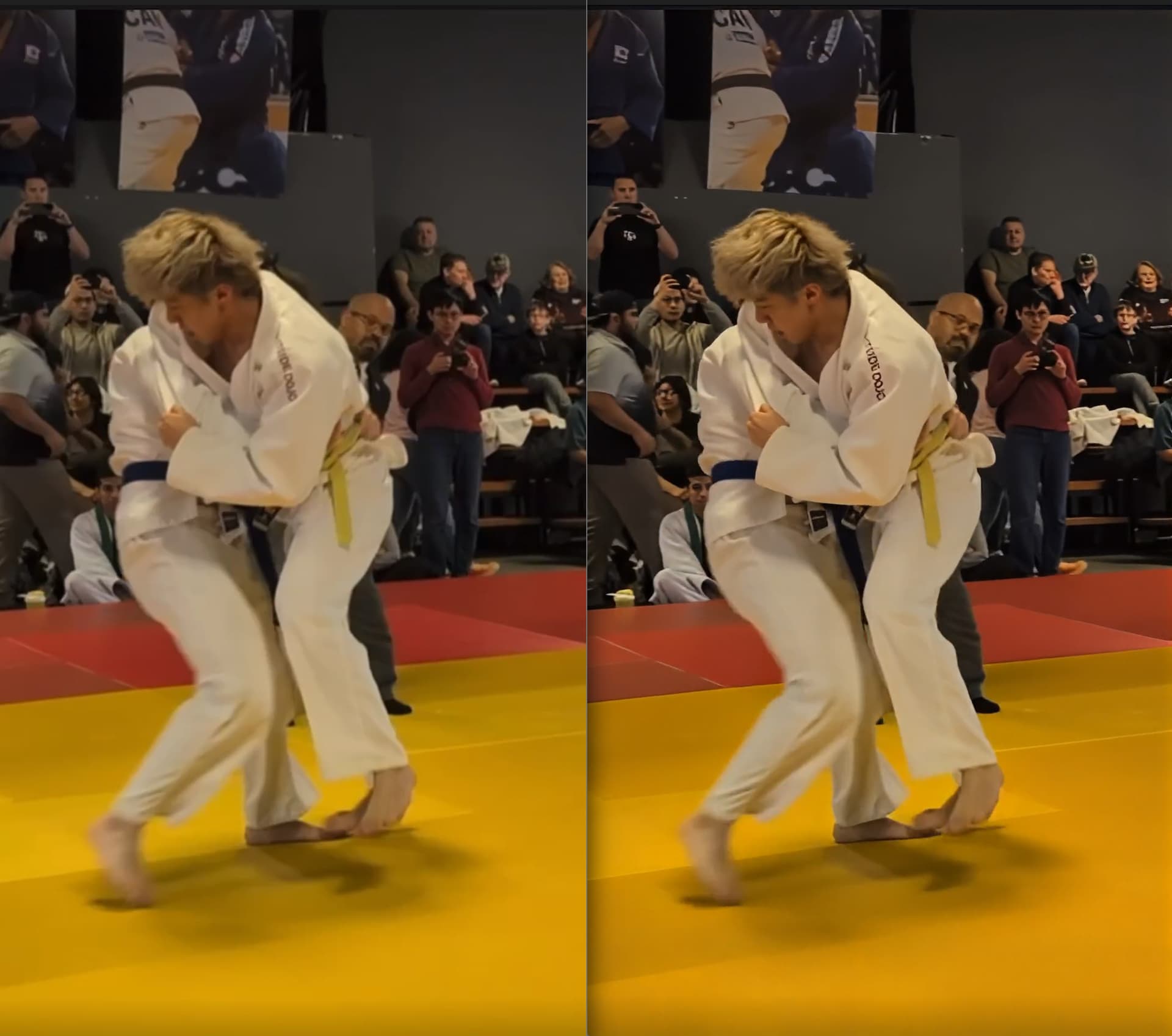
Original:


StarlightMini:

StarlightSharp:

Original:


StarlightMini:

StarlightSharp;

Original (look at the faces):

StarlightMini:

Starlight Sharp:

Original:

StarlightMini:


StarlightSharp;

For me, the most improved thing is speed.
But: it should be a feature for everyone, not only the Pro-User (aprox. 1000$ !!).
The “Pro” should be: Commercial Licence, and for e.g. unlimited resolution upscale (the home user max 4K maybe).
The Software (not the beta) is still buggy:
(StarlightMini drops always the first frame, the same with StarlightSharp. This can lead to serious audio-sync problems when you upscale a longer Video in parts! And then i have to fix this manually with other Software.)
The real time preview does appear very late, even when i export as image-sequence. When i export to MKV, i can watch the output in my video-player while rendering, or even open it by a simple avisynth-script in Virtualdub - and a software for max 1000$ should do this as well (showing up the output as soon as rendered).

Some other ideas:
The Userinterface is changing very often. I see there is an improvement since the old versions from last year.
But maybe this would be the best:
Let the User choose between different interface/GUI (“classic”, “dark”, “wired”, “old-shool”…)
The panels: make them not fixed, so i can move them where i want them (top, bottom, invisible, extra window…) (In many other Software you have those options).

17 Likes

I think since some people here give free feedback about the models, the Sharp Model should be included into the non Pro Version.

I don’t know if the users of the cloud and pro version give that much feedback or they are only users that move away without given any feedback if the model / software does not fit.

Useful user feedback is the Gold for any Vendor.

If users stop responding the vendor will slowly disapear.

When i think where it started here for me in May 2020, wohoooo that was a long way.

9 Likes

Come on, folks. You are not making it easy for your users. After more than a month there is finally something genuinely new again, and we actually have a good reason to be excited. And then you decide to make the new model available only to Pro users after the beta while asking us regular users for feedback. Well, at least that is transparent.

I am happy to give feedback, but I do not like being taken for a fool. So I will skip the detailed feedback here and simply recommend that you seriously rethink your business model.

In general I would advise every user in this forum to think carefully about whether they want to support this kind of business practice by providing feedback on the new model.

24 Likes

So they promised more speed, MAC Support (and maybe AMD gpu) and what we get is Starlight Sharp, for pro license users :zany_face: …and SLm seems to be produces more artefacts in every release. So since SLm was released no impovements, rather a deterioration. “Starlight Sharp” is the faster SLm what they didn’t give us, just with builtin sharpening.

12 Likes

So models are “Pro”…“features” now?

11 Likes

So, if I read the release notes correctly there’s nothing new/worthwhile for non-Pro users in this release (and that after all this time)?

And no, just minor cosmetic changes and/or yet another GUI change is NOT new features.

Still waiting for SL mini AMD/Mac support - or will that be Pro only as well??

10 Likes