Topaz Video AI 7.1.0.0b
Hi everyone,
Today we have a new Beta release with a few new updates!
See more details below:
7.1.0.0b Downloads
Improvements and Fixes
- Cross-Scene Artifact Suppression for Frame Interpolation
- 10x Faster Starlight Mini in the Cloud
- [PRO ONLY] GPU selection
- Fixed export resolution limit for the VP9 Codec
Just in case you missed it!
- Film Stock Presets: Light, Medium & Strong
- Note: Enables 2nd enhancement when selected
- MiniDV Preset
- A great starting point for interlaced MiniDV videos
- Added option to disable live export in preferences
- Added option to disable live render in preferences
- EXR Alpha Support: Big for professionals. Available to all.
- DPX Non-Conversion: Big for professionals. Available to all.
- Fixed cloud renders from duplicating frames when using frame interpolation.
Cross-Scene Artifact Suppression for Frame Interpolation
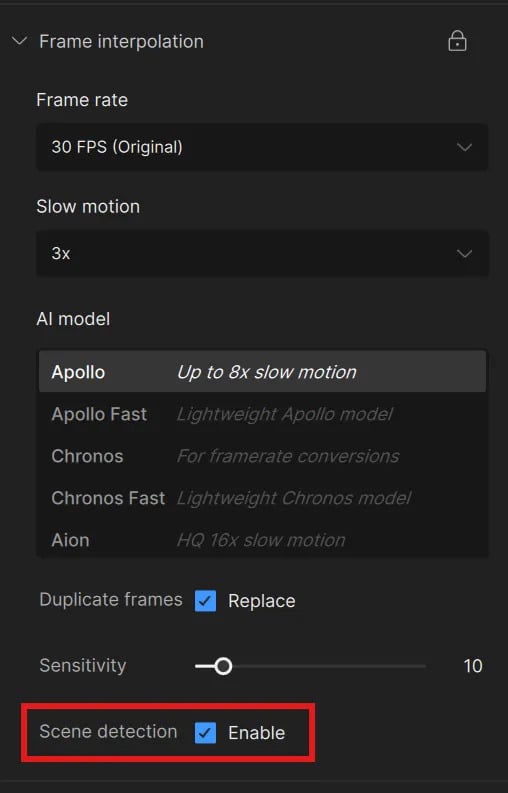
With Scene Detection enabled, the Slow Motion function for videos, is better equipped to handle videos with cuts. This enabled feature will treat each shot/clip between cuts as independent entities. This will prevent blending/smearing of frames from the previous or next shot from your full video.
-
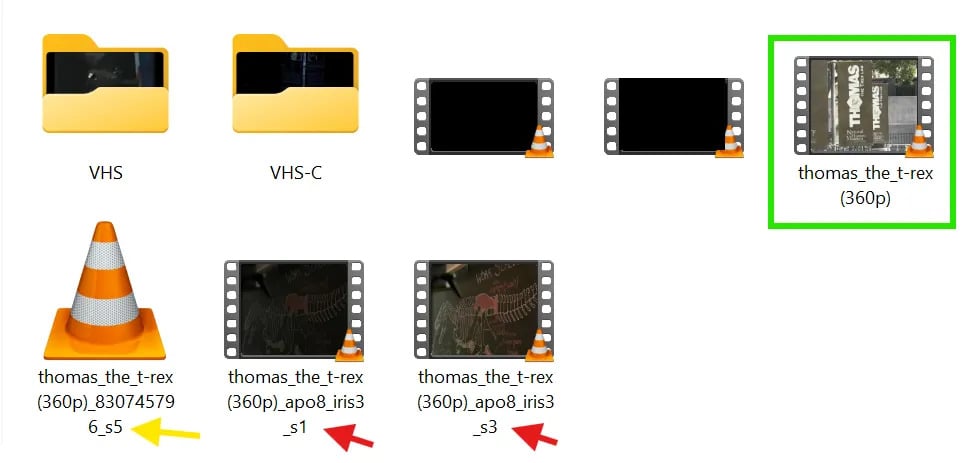
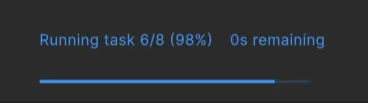
While rendering, this will split the scenes as individual parts. Ref Image: (Green) Original Source, (Red Arrow) Scene parts, (Yellow Arrow) processing scene.
-
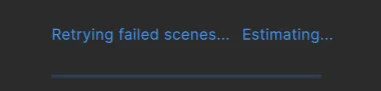
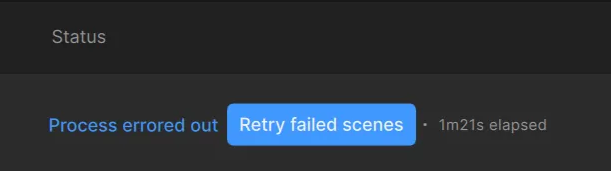
Within the Render Queue, if a process errors and the “Retry Failed Scenes” message populates under the Status section of the render Queue. Simply Click the highlighted “Retry Failed Scenes” button to continue the render.
-
If a crash does occur, the individual parts will remain so that you can continue from where you left off rather than having to re-render the entire video.
-
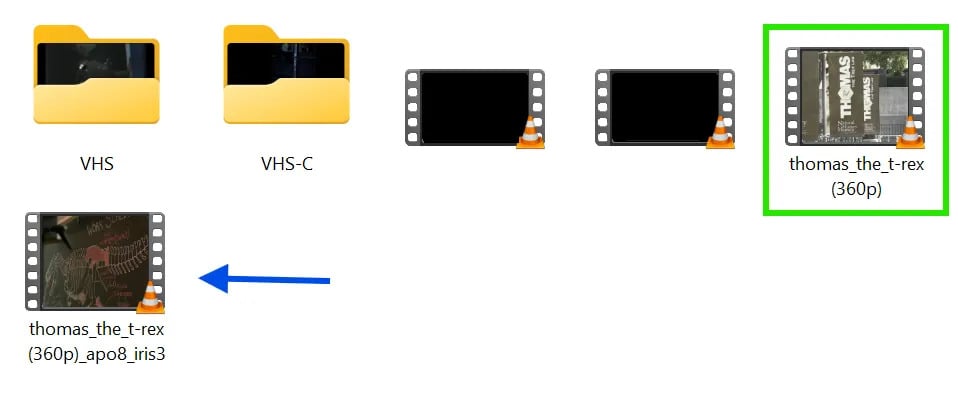
Once the entirety of the render completes, the individual scenes will be stitched back into a single video. Ref Image: (Green) Original Source, (Blue Arrow) Rendered Video.
Known Issues:
-
Preview has been disabled. It will produce successful renders.
-
Mac Preview will look incorrect. It will produce successful renders.
-
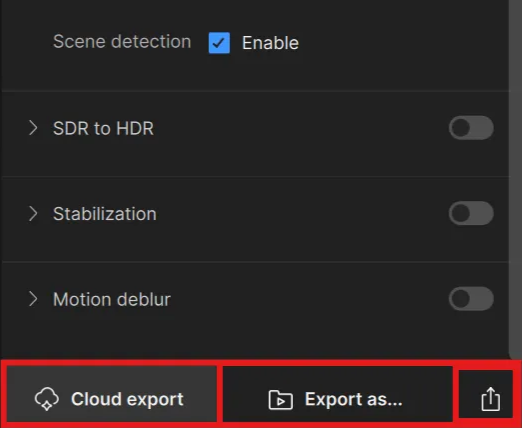
At this time, you will need to export locally to take advantage of this feature.
-
Please note, that FPS are currently exporting at a variable rate with this option.
Starlight Mini: 10x Faster in the Cloud!

Starlight Mini, the second diffusion-based upscaling model Topaz Labs has released, is now up to 10x faster in the Cloud when compared to its original iteration. Starlight Mini brings what makes the Original Starlight so special, into a more friendly and cost effective alternative on the Cloud.
Some Starlight Mini Reminders below
- Starlight Mini is still a large resource intensive AI Model, so long renders are expected.
- Recommended to use square-pixel video footage at or under 1920x1080 to avoid any aspect ratio shifts
- Starlight Mini renders up to 4K resolution. Note: Starlight Mini output resolution options are limited.
- Starlight Mini is a standalone enhancement and can’t be combined with other filters.
- Please note that if you have text that is too small, blurry or inconsistent, the result may not be “sp3ll3d” correctly. If you can barely make it out, so will the AI model. It may assume that the text is a texture or pattern.
- If you have interlaced videos, it is recommended that you deinterlace first before enhancing with Starlight Mini.
Learn more about Starlight Mini: Here
Pro GPU: Selection
Those with Pro accounts that have multiple GPUs, will be able to select the specific GPU for processing.
Just in case you missed it!
Presets for Film Stock
The following Film Stock Presets will require a second pass enhancement. At default this feature is not enabled. Please refer to the Second Pass Enhancement web doc for enabling and more information.
Film Stock 4K Light
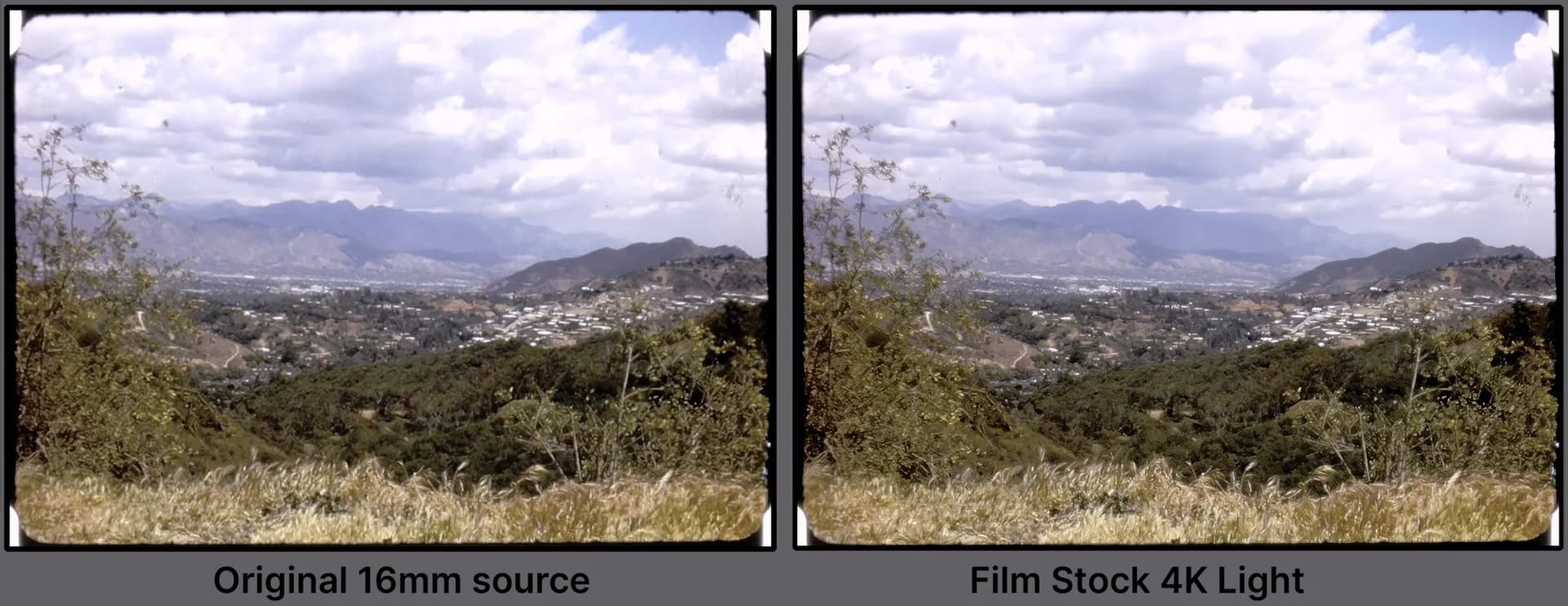
This setup is for film or progressive older footage that need a light touch to bring out some details.
- 4K preset
- This preset has stabilization enabled as many older family films did not have a physical stabilizer for the time. You can disable this task for faster results.
- Much of this setting can be used as a base and further modified to your liking.
Film Stock 4K Medium
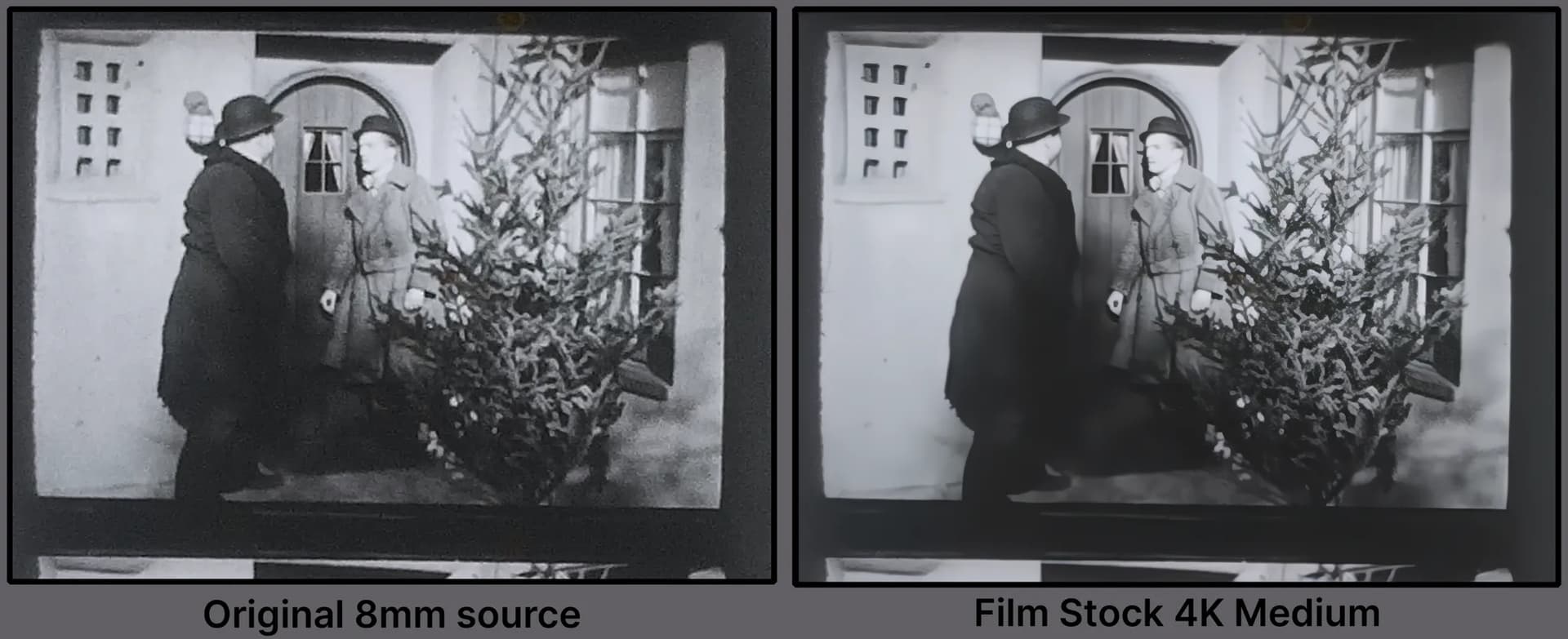
This setup is for film or progressive older footage that need an extra push from the light touch version. This uses a different set of filters for the overall treatment.
- 4K preset
- This preset has stabilization enabled as many older family films did not have a physical stabilizer for the time. You can disable this task for faster results.
- Works best with high contrast black & white films like the example above. Please ensure that “Black & White” is checked (within the Input Settings -Gear Button next to Presets), if your film is grayscale.
- Much of this setting can be used as a base and can be partially modified to your liking.
Film Stock 4K Strong
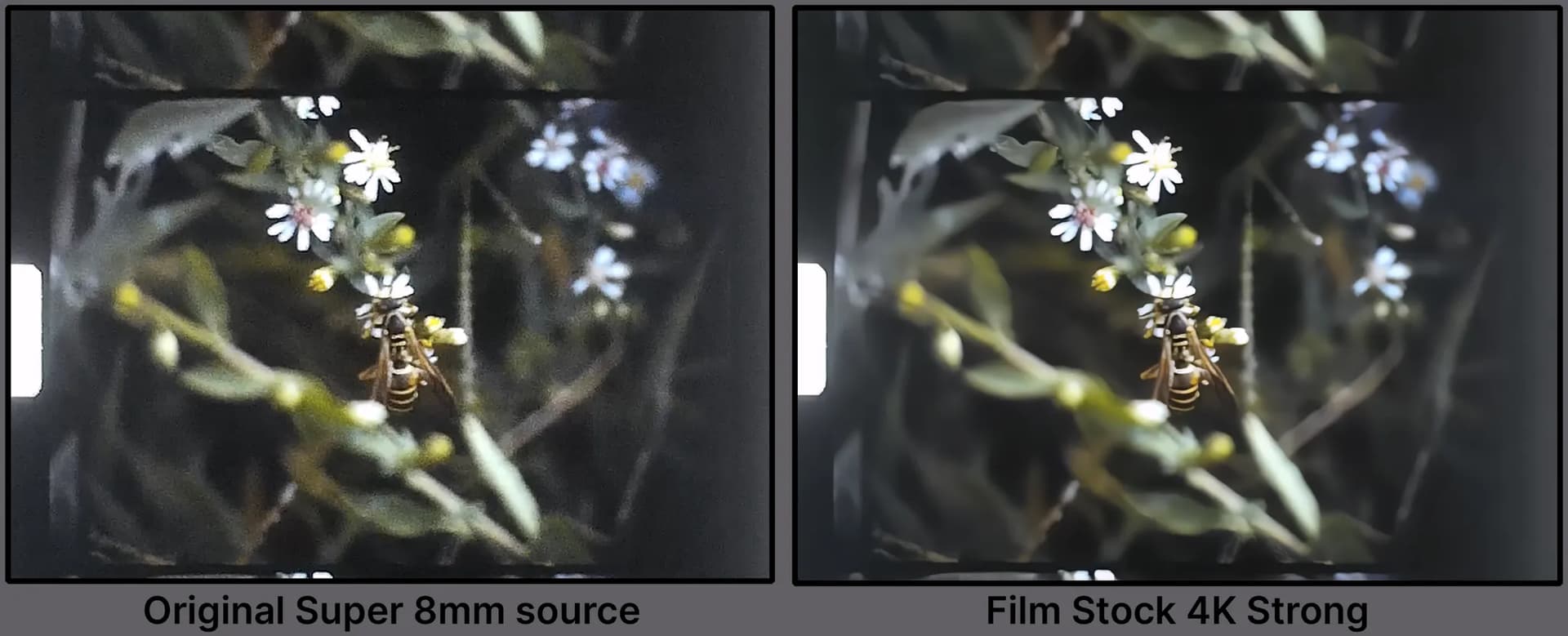
This setup is for film or progressive older footage with lots of grain/digital noise.
- 4K preset
- This preset has stabilization enabled as many older family films did not have a physical stabilizer for the time. You can disable this task for faster results.
- Great results for 8mm/Super 8mm films digitally captured with products such as Wolverine Data MovieMaker PRO, Kodak Reels Digitizer and Eyesen Film Scanner Digitizer.
- Also good results with grainy 16mm telecine digital files.
- Much of this setting can be used as a base and can be partially modified to your liking.
Preset for MiniDV
This setup is for MiniDV or digitally captured videos that made use of Interlaced footage (horizontal fields) for the time. MiniDV saw a large range of quality variations and conditions throughout it’s reign beginning around 1995 and ending around the late 2000’s. There was a huge use case scenarios with home movies to actual television shows and feature films.
MiniDV Int HD Basic
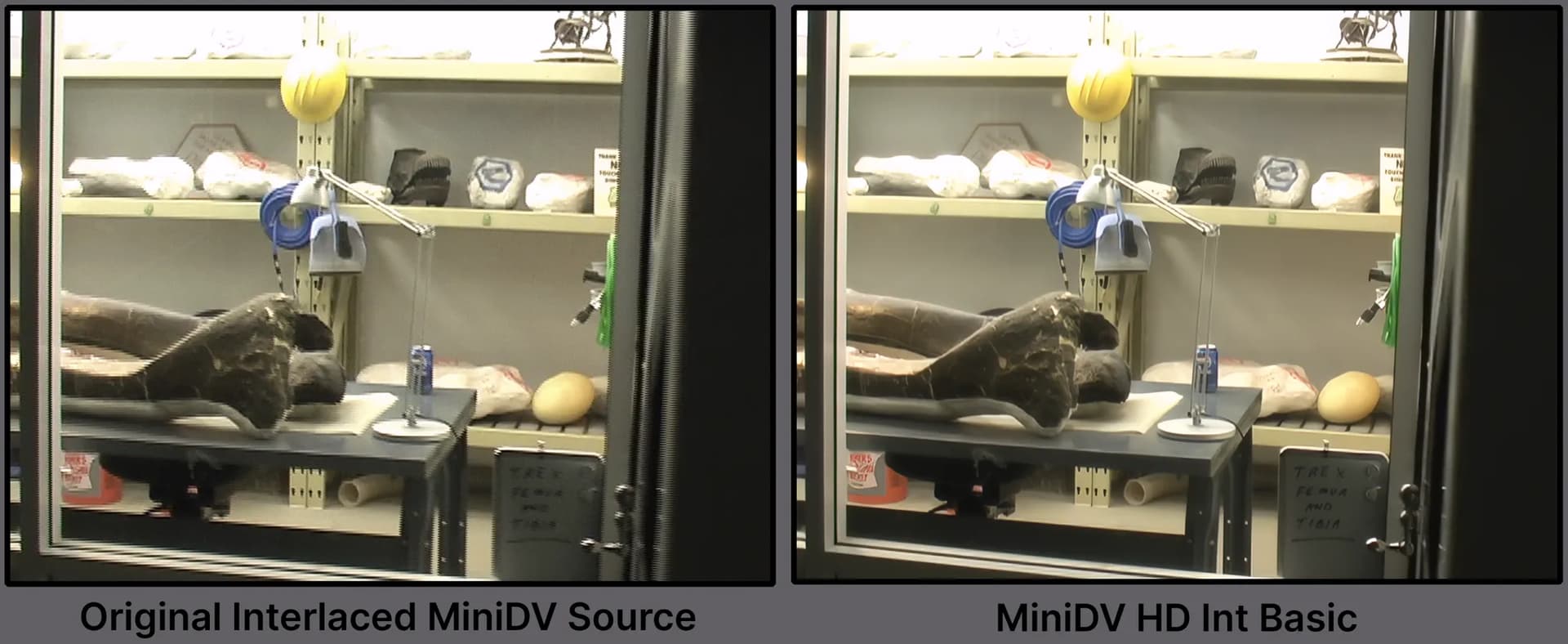
Due to the large quality and use case scenarios, the settings is a basic starting point for interlaced MiniDV footage. The intention of this preset is to get an average result that looks good in many cases. This setting is therefore intended to be modified.
- HD Preset. Can be adjusted to 4k.
- To make use of the Interlaced footage the settings are prepared with the Interlaced Video Type category.
- The resolution is set to custom in order to keep the aspect ratio and pixel type as Square Pixel. Change accordingly.
- This setting is intentionally and fully modifiable as a solid base for further refinement.
Disable Live Export
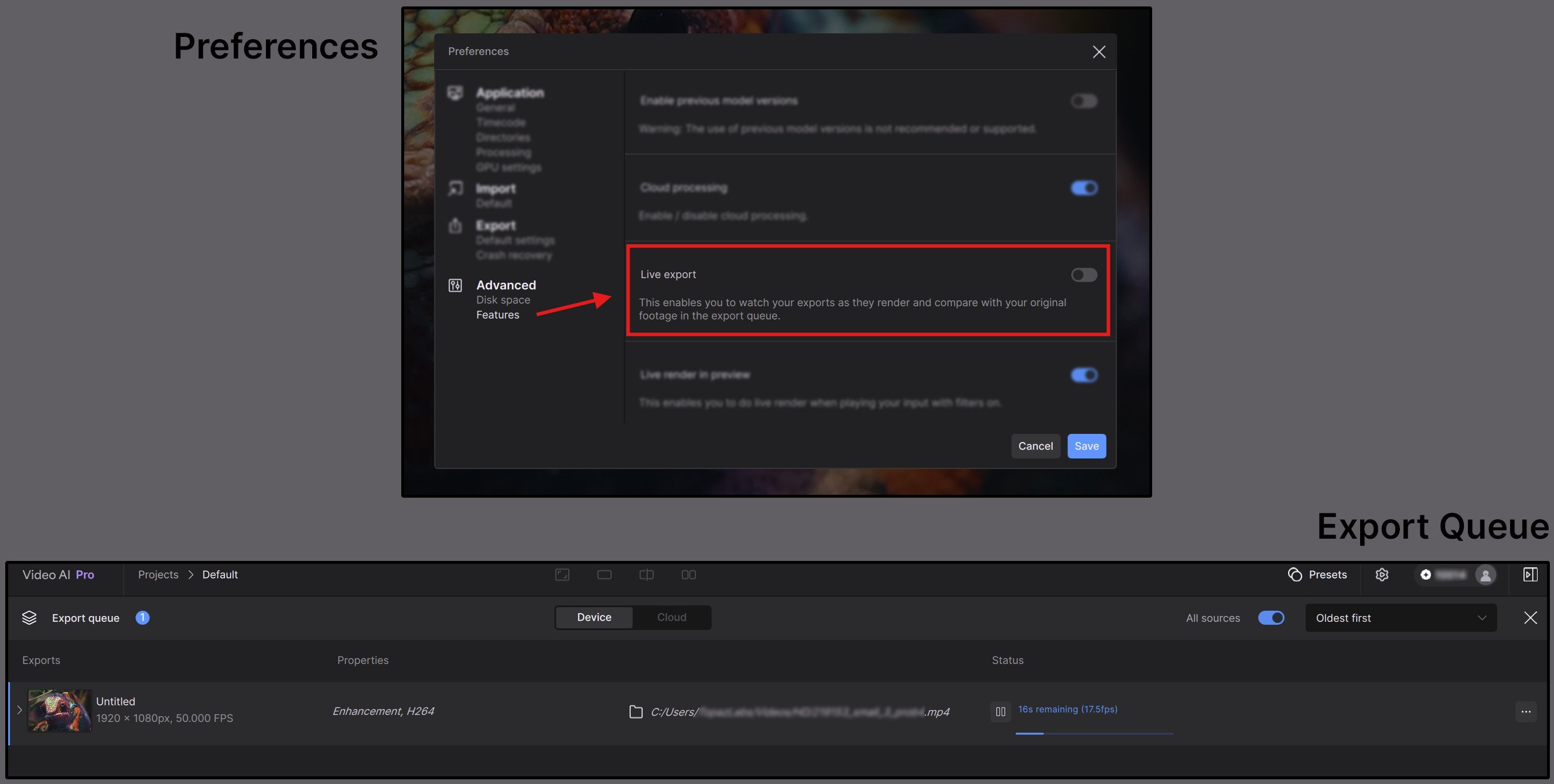
You can now disable or enable the Live Export viewer.
- You can find this option within the Preferences menu under the Advanced Features section.
- Please note that this is enabled by default.
Disable Live Render
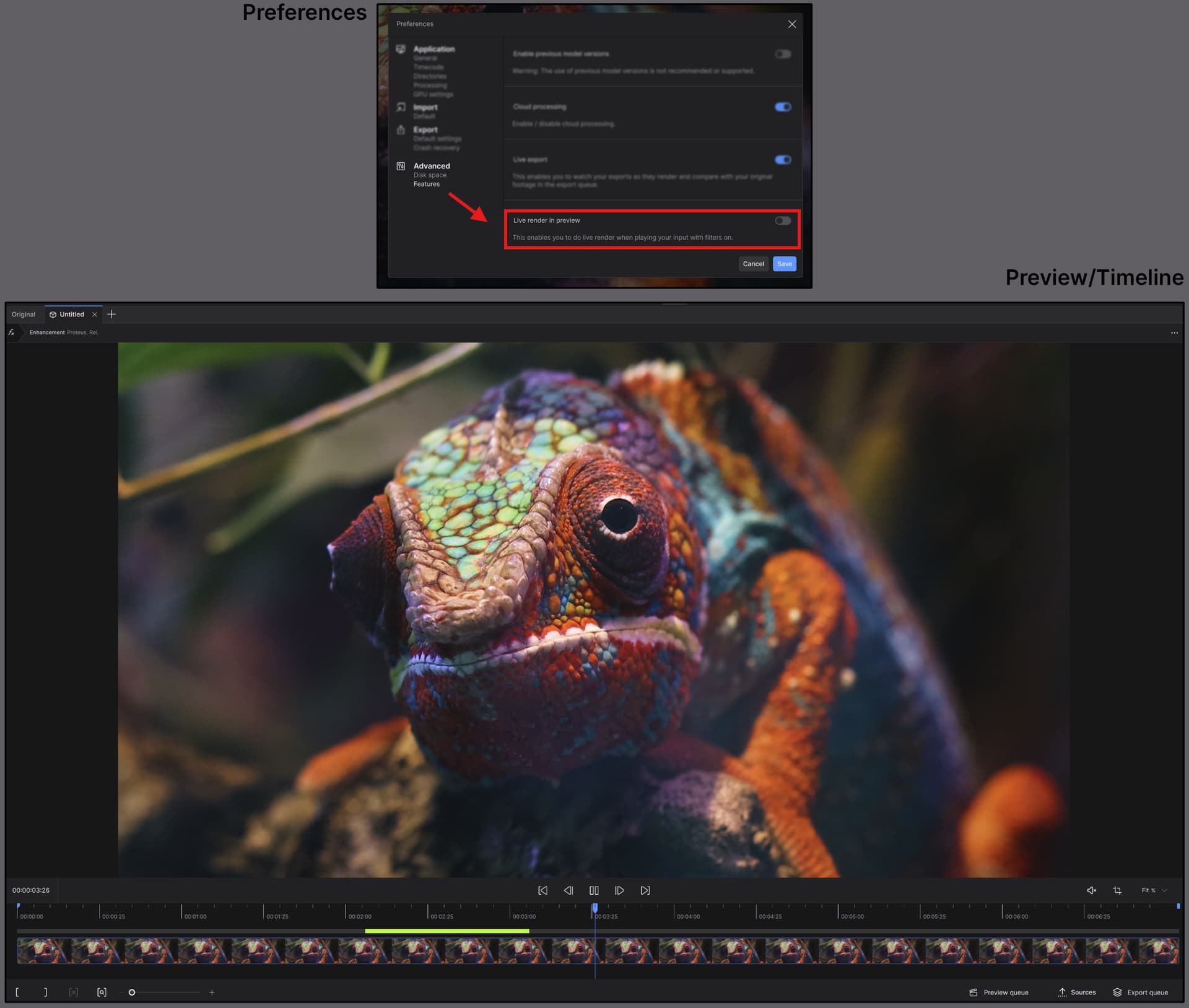
You can now disable or enable the Live Render function.
- You can find this option within the Preferences menu under the Advanced Features section.
- When disabled, areas that do not have a rendered preview will automatically play the original source.
- Please note that this is enabled by default.
EXR Alpha Support

EXRs with an Alpha channel, can now be supported by giving you the option to enable Alpha channel outputs via the codec settings.
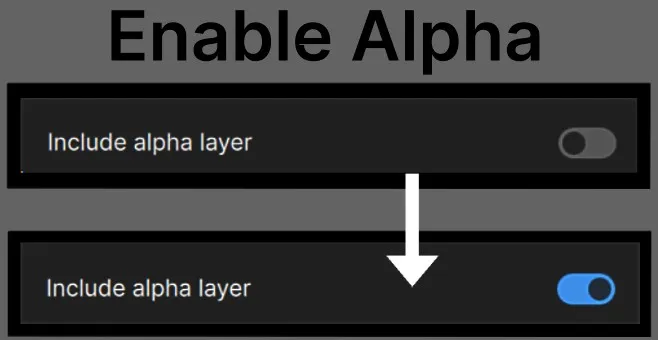
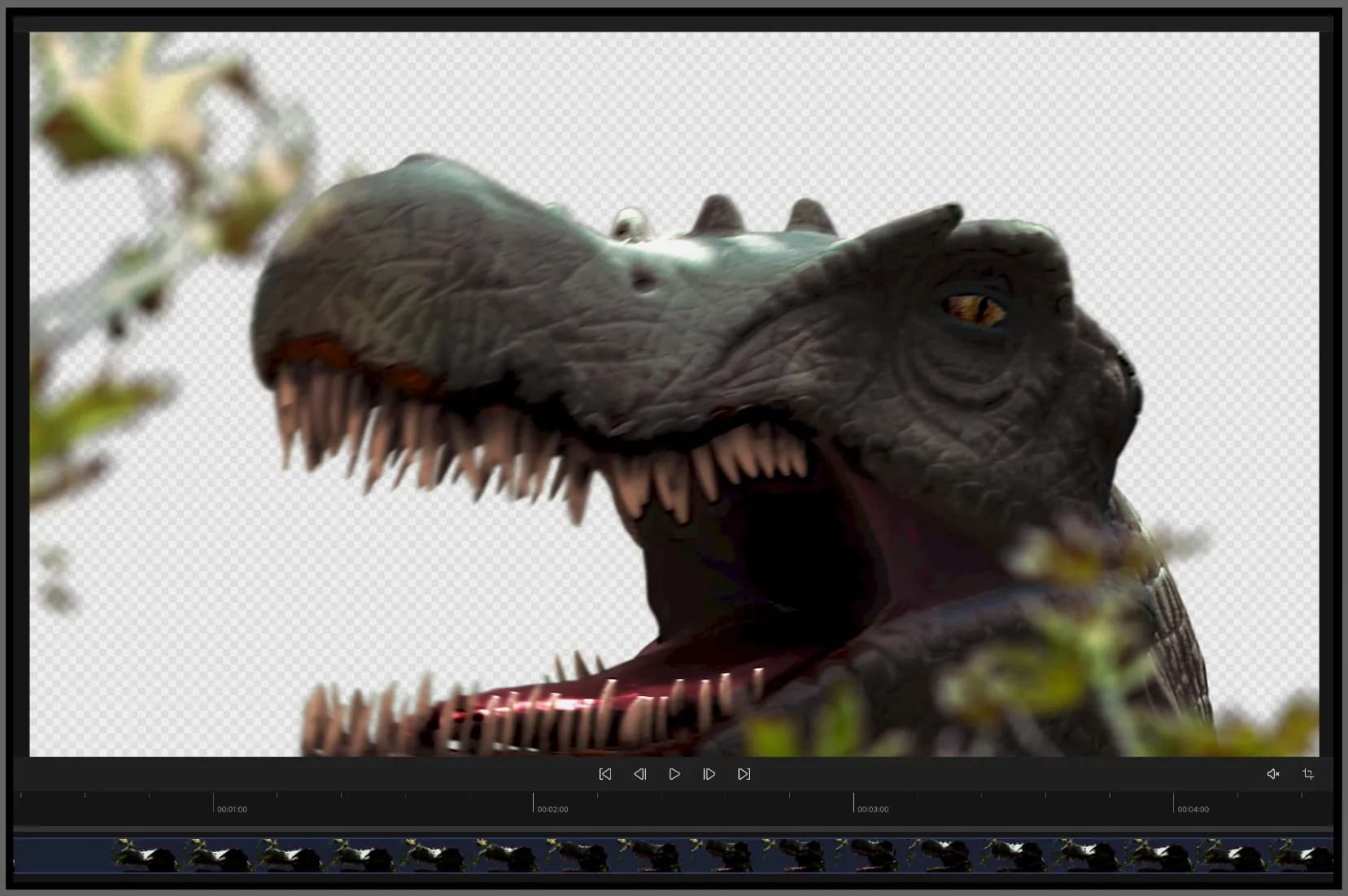
*Note, that at this time EXRs with Alpha may show transparency of the alpha as a checkerboard pattern in the preview. Outputs do not perform any matte operations, so the full of the RGB image will remain intact. Refer to the example below:
DPX Non-Conversion
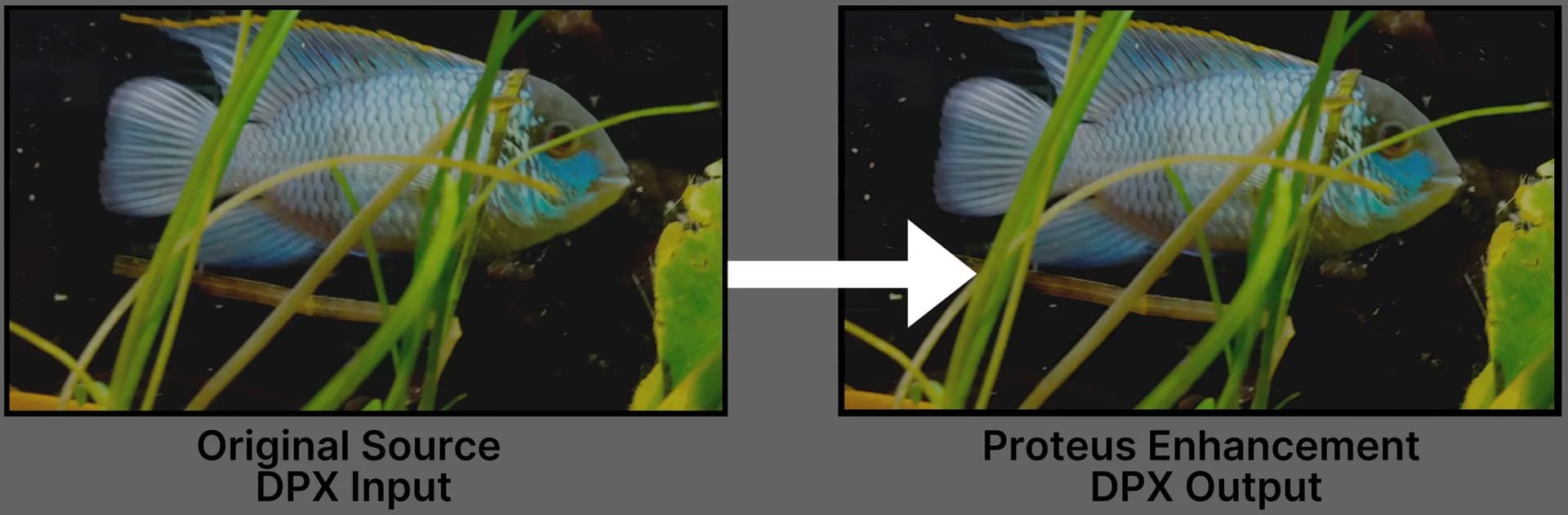
No longer will DPX files need to be converted to Tiffs when working with Video AI. Now you can use DPX files like any other image sequence.
Enjoy the updates with 7.1.0.0b!
