Thanks for the report, I’ll track this issue
1 Like
I’m having the same issue again with this version where it doesn’t show how much time is left or the processing speed when exporting. I didn’t have this issue with 7.0.0.1.b. I had this issue in the last version as well.
Hi, I fixed that bug for the next version. 
2 Likes
it is crashing when opening video in program on M1 MAX Macbook
Great! That was fast.
1 Like
Btw, I encountered another bug which might be related. I tried rotating the portrait orientated video 90 degrees (inside TVAI) to see if the black bar would go away then (which it didn’t). Instead, in addition to the black bar, this also led to an output which was squashed horizontally.
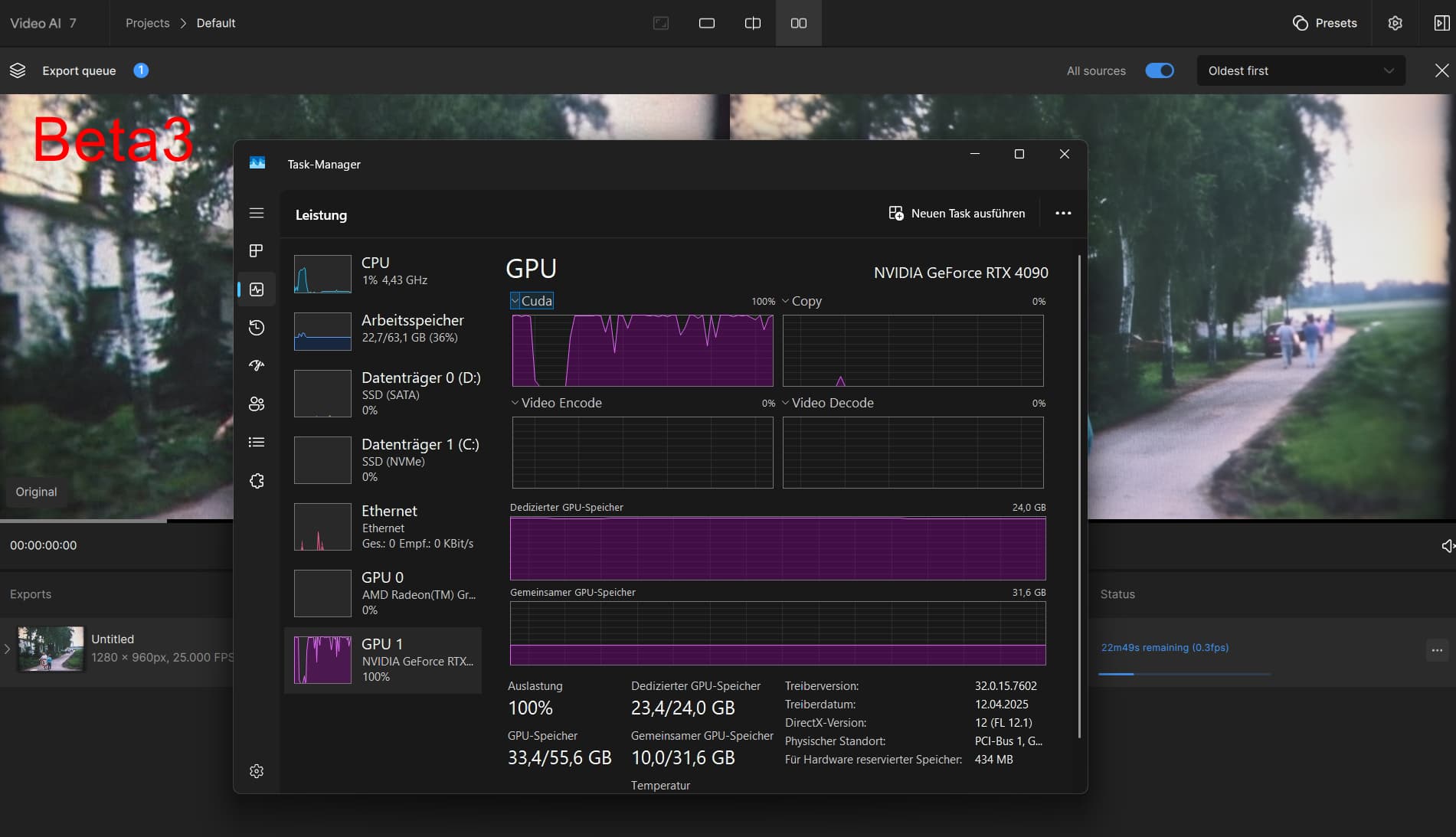
There is still the bug with high VRAM use and slow speed in this Version, i testet and went back to Beta 7.0.0.1.b
Beta3: 0.3 FPS
Beta1: 0.7 FPS
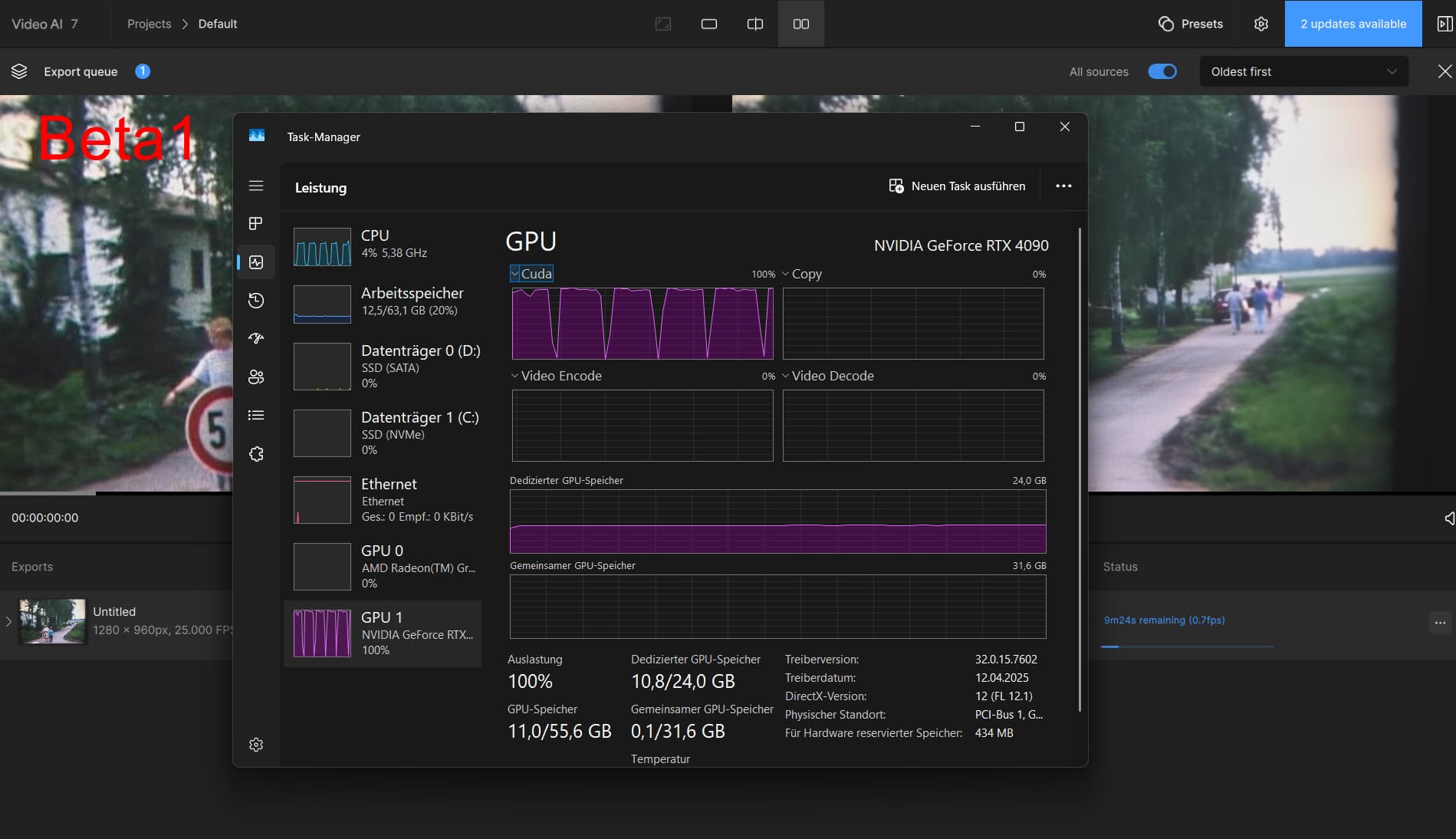
No difference in quality.
5 Likes
Couldn’t get Starlight mini to download, it stops at 76.3%. RTX 3080 Windows with plenty of hard drive space & RAM. I even tried exiting, rebooting, rerunning, re-downloading Starlight mini (reports NaN for download size), uninstalled 7.0.0.3.b & re-installed, it still halts before finishing downloading Starlight mini.
Should be fine for the next version. Our team will give the RAM options for users!
1 Like
What card are you running?
The basics still are not done to the interface. I may be hard of sight, so if they are there please do inform.
- Can’t figure out how to stop a preview/render. (at least with less then 2 clicks)
- Can’t see the length (in timecode) of the in->out selection.
- Can’t understand why the, monitor right-click/Preview needs a nested menu. Put them all on one, with the separators you already use.
- Why a click on the monitor does not start play. (Does nothing)
- Why the crop button is where its at?
- The right-side Crop is not working well
- Ctrl-i and ctrl-o would be handy to clear just one in/out.
Thanks, I’m sure I missed the easy way, but a few I have mentioned previously.
A RTX 4090 (24GB VRAM).
I think it is the low resolution what gives that speed (640 pixel width seems to be a limit to upscale 2x, anything lower will upscale 3x or 4x and reduces speed)
But as mentioned before, the Beta2 and Beta3 have a Problem with using RAM/VRAM.
Quality of life request: Please surface audio codec validation up front. Sometimes old videos don’t work with the Copy codec, and I don’t know until 6 hours later!
5 Likes
Running my first test on an old VHS derived 720 x 576 PAL video. Only getting .1fps export on RTX3080 but to be expected, I suppose. Got a few hours to wait for results. Did view the first 2 seconds of rendering though and was very impressed. By the way, export was 1280 x 960 even though set to original.
I’ve been trying to enhance this old video for over a year. Got best results using Iris on it originally, but artefacts like glasses being added to faces and in other spots made it impossible.
Will post a comparison picture of Iris version to Starlight as soon as I get this section rendered.
1 Like
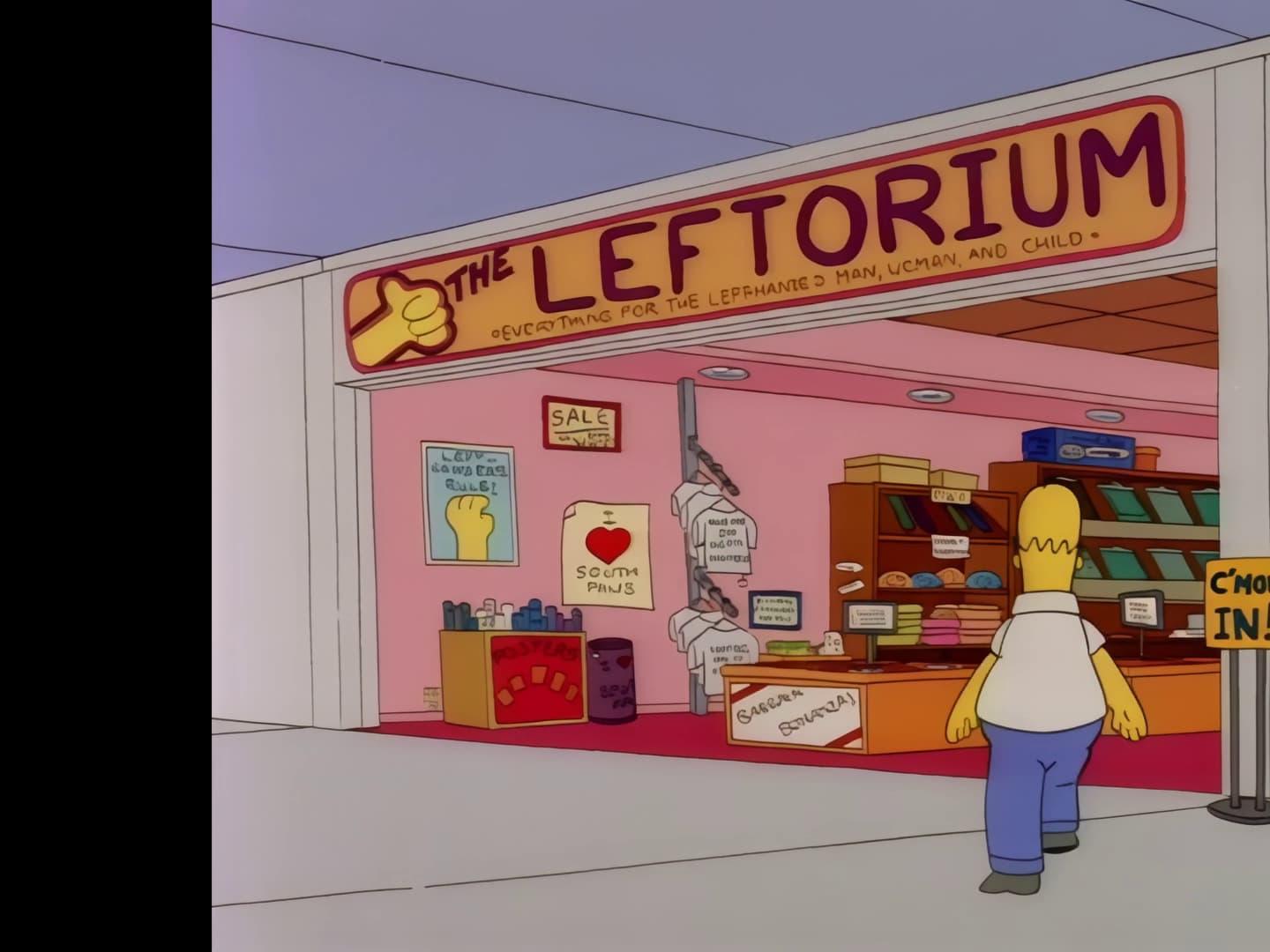
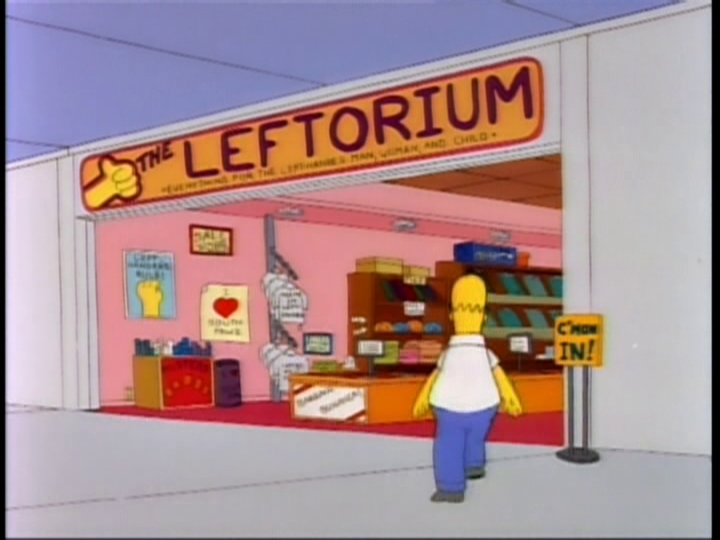
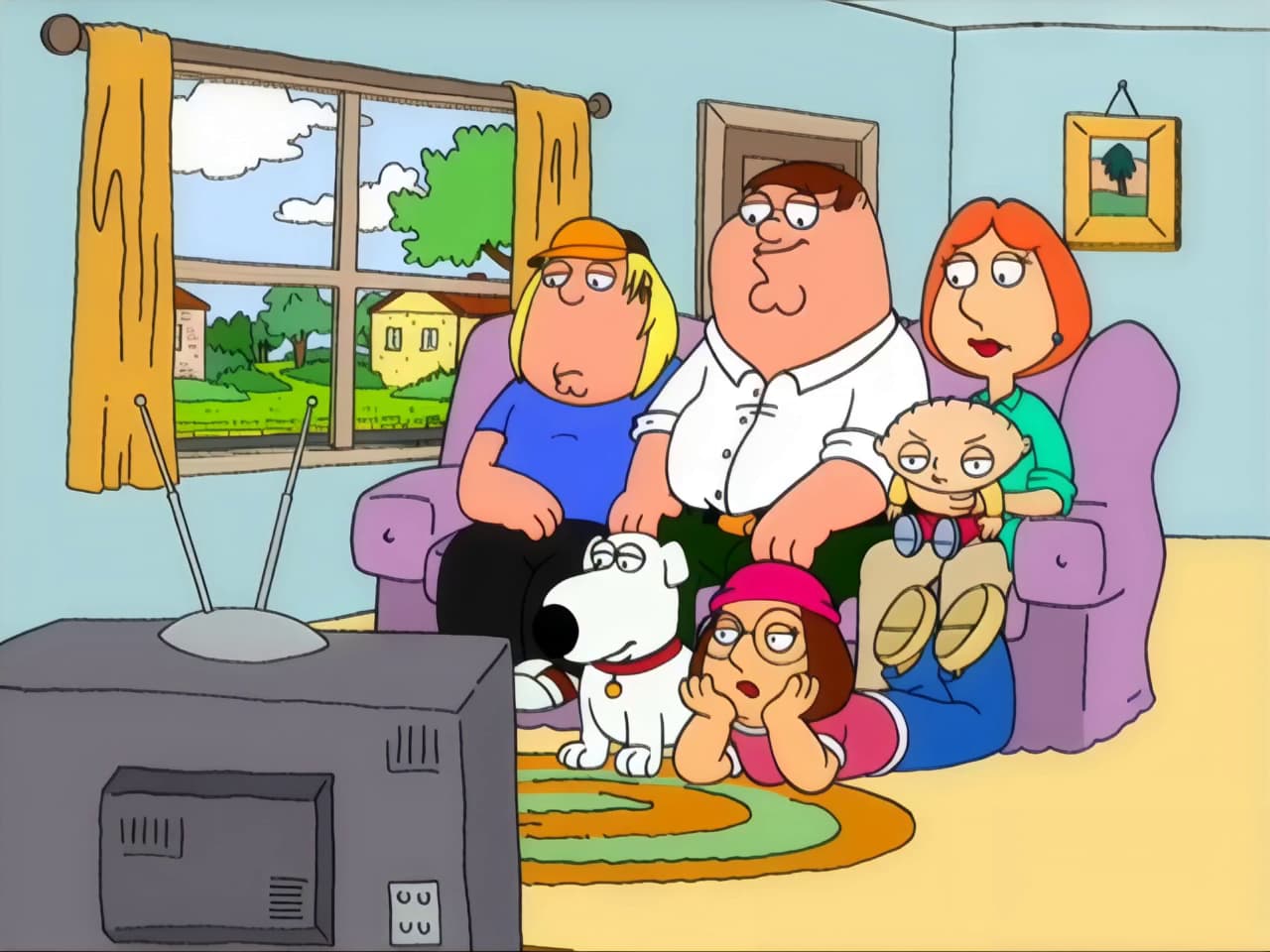
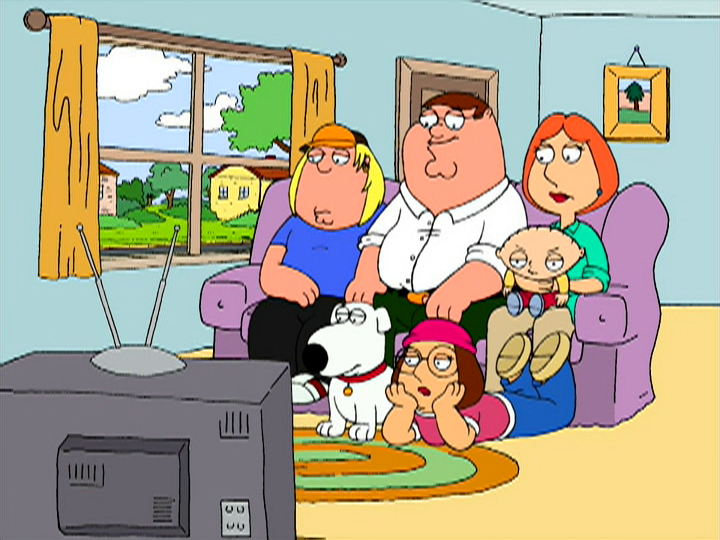
I haven’t posted anything for a long time, today I downloaded this beta to try out Starlight Mini, what can I say, I’m stunned by the result, I’ve been trying to restore Simpsons episodes for years, after deinteracing the episode from the NTSC DVD with TMPGEnc, I upscaled it with Starlight Mini and all the errors in the picture that were there have disappeared, the picture is crystal clear and all the edges and shapes have been repaired, after that I upscaled the first episode of Family Guy with Starlight exactly in the places where there were defects in certain lines and shapes in the picture, and Starlight simply magically disappeared them, I couldn’t believe it, I’ve been trying to fix these image errors for years with Waifu2x or Avisynth filters or Topaz Video AI, but now I’ve reached my goal with Starlight Mini, I thank all the programmers who are involved in this magic, I think I’ll extend my expired license now, the only thing missing is speed, I’ll also upgrade to a 5090.
9 Likes
Awesome, I’ve been trying to restore beavis & butthead episodes. Starlight doesn’t know what to do with buttheads braces lol. Overall though, it looks real nice.
3 Likes
So I guess not to let you rest on your laurels, quick bug report  - I have noticed that sometimes not all the time in starlight mini, eyes are being moved slightly up. Not eye position, but the direction the person is looking. Very noticeable when you A-B the before and after version of a frame. And it’s sometimes a significant shift or I wouldn’t mention it.
1 Like
No problem. There is no perfect model, but I would say every suggestion is valuable for us researchers! Let’s see what’s gonna happen for SL mini2 
3 Likes
OMG you gave me an idea, setting to original to get the lowest possible output resolution combination with Starlight Mini. Will try that for my next gen and see if I go beyond the 0.2 fps… thanks
1 Like
