It might be a different error today (5.05) vs the previous version:
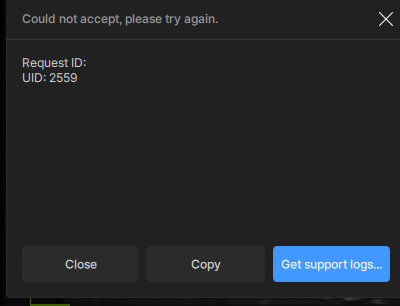
But you did not even react to the feedback that was given about the problems for both Rhea versions in the beta threads. Instead you are throwing it out now to the masses.
Is this Cloud Export supposed to be a feature with some performance improvement? I’m getting 36 minute/+16 estimates on a 3-minute local Proteus HD->4k upgrade job? These are 25 second clips from Veo soccer goals. The full 93 min Veo match claims a 53 min return for +3456 credits, but that’s out of my beta zone.
In the current implementation, Cloud Rendering is definitely optimized for long videos for users with hardware under the recommended system specs.
Which GPU are you running on your local machine?
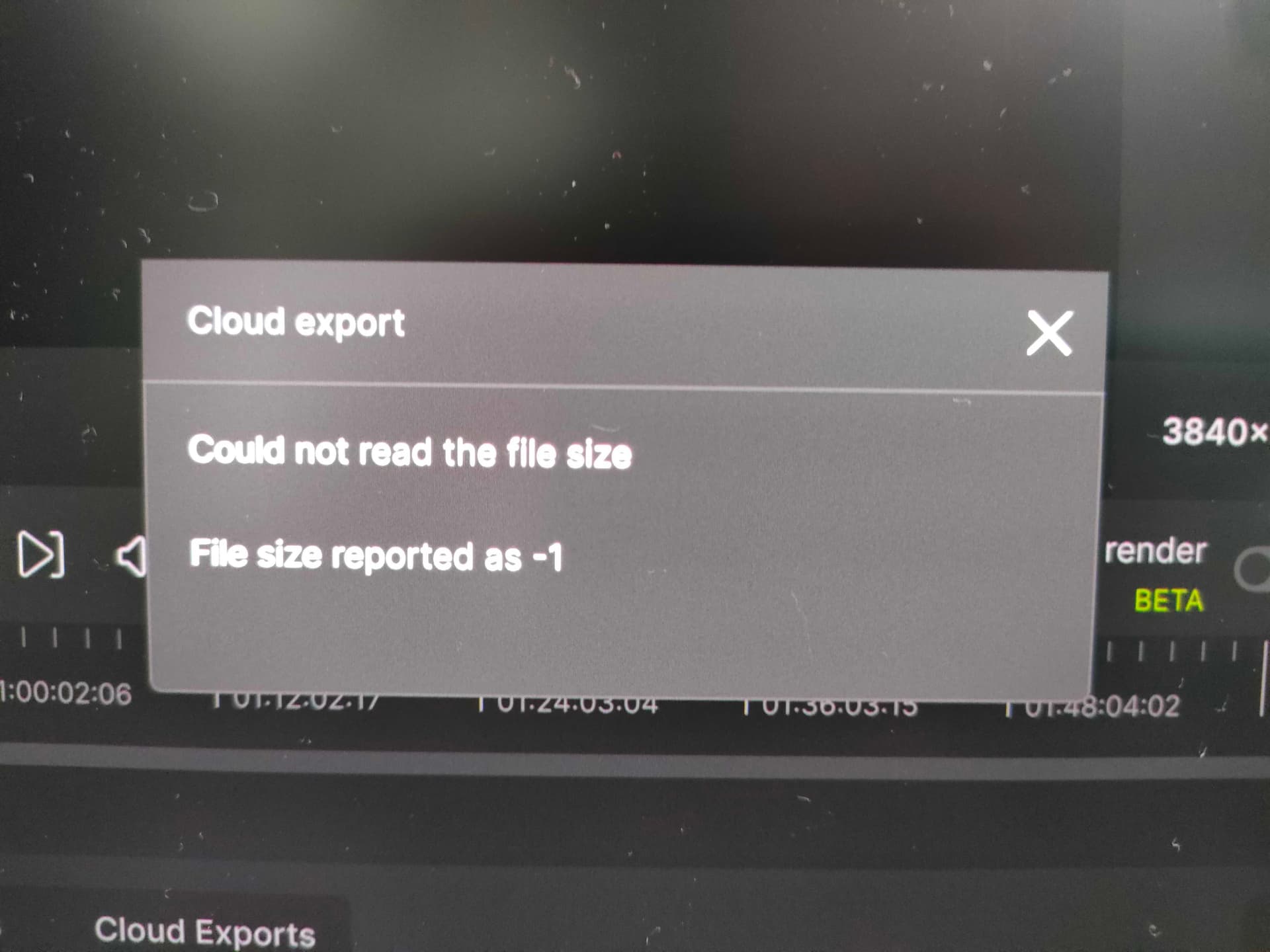
When I enter a video file, set the quality I want to convert, and then perform a cloud export, I get an error.
What should I do about this?
I am running another TVAI (release version) in parallel, is that the cause of the error?
Cloud rendering should be an option in the settings.
Possibly in the privacy segment.
Now the cloud button is right next to the export, and can be accidentally clicked, and even though there is a popup telling your about the credit cost it is still something that a segment of users will never want to use either for privacy reasons or for cost reasons.
I understand that you are looking for ways to make money but unless you are planning to go the adobe route you can simply make it a disable-toggle for those of us who will never use it.
In a nutshell an option to completely disable the cloud functionality would be really welcome.
8 Likes
If cloud-rendering becomes the only option, then I’m out. For one, it’s very impractical. I mean, there’s a reason they only offer x265 output, and not like the close-to-1-TB .mov files: too much traffic. Besides, who has the ISP allotment to download a ca. 1 TB file on a daily basis? (= all of the data required for a more-or-less lossless pass). Most of my friends, who live in the USA, have reported their account coming under suspicion when they download in excess of 50G a month even.
Besides, apart from the utter impracticality of transferring Terabytes of output data from Topaz servers, do I really want to send all my movies/projects to Topaz? Nothing untoward going on here, but why would I want Topaz to have access to it all? I am European, so maybe more worried about this than my overseas friends, but still.
Then there’s stability and quality. I once used a company that ran Second Life off a cloud. The result was predictable: on busy hours, the quality of the streaming would deteriorate (like on Netflix et al.) So, with 10,000 people all trying to render huge Rhea jobs, is the output quality/duration of the job you chose, guaranteed? (on process duration, they already hinted it won’t be).
Moreover, this will too cost-inhibitive to me. Not going the $1500 per month rent, I can tell you that already. Maybe they want to get rid of home customers, and only want business subscribers? If so, please say so now, so I can start making alternative plans (and yes, Topaz is not the only company that does A.i. video upscaling).
I really hope Topaz change their minds on this. “Turn yourselves!”
7 Likes
Hi Tony,
I got an error as soon as I try to render through the Cloud!
Error message:
Could not reade the file size
File size reported as -1
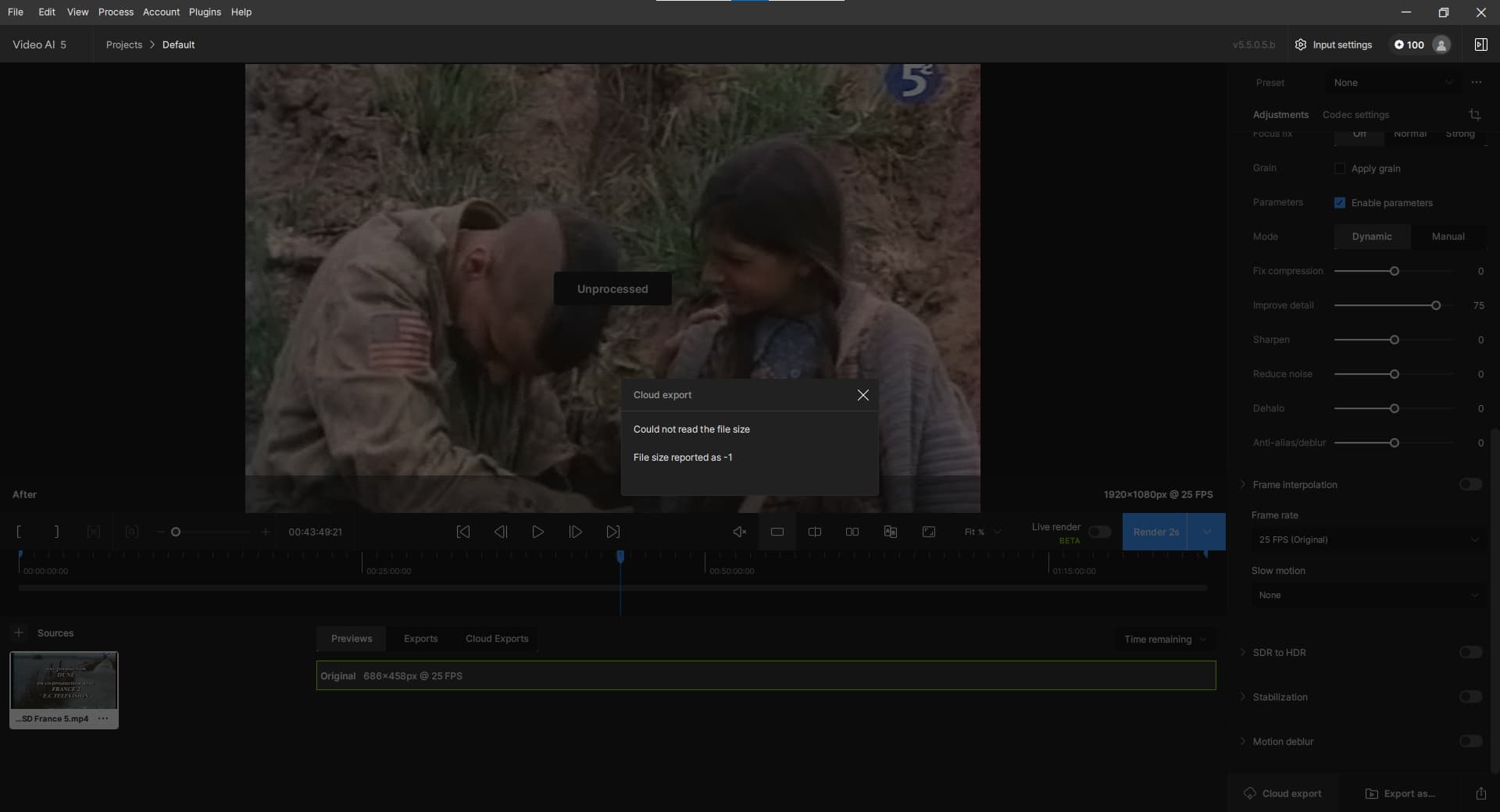
And also I have only 100 credits so I do not know the maximum duration I can render!
Instead of credits, should be a duration credit! More friendly and logical!
I know I ask too much!

Take care.
Vincent.
Another annoying bug:
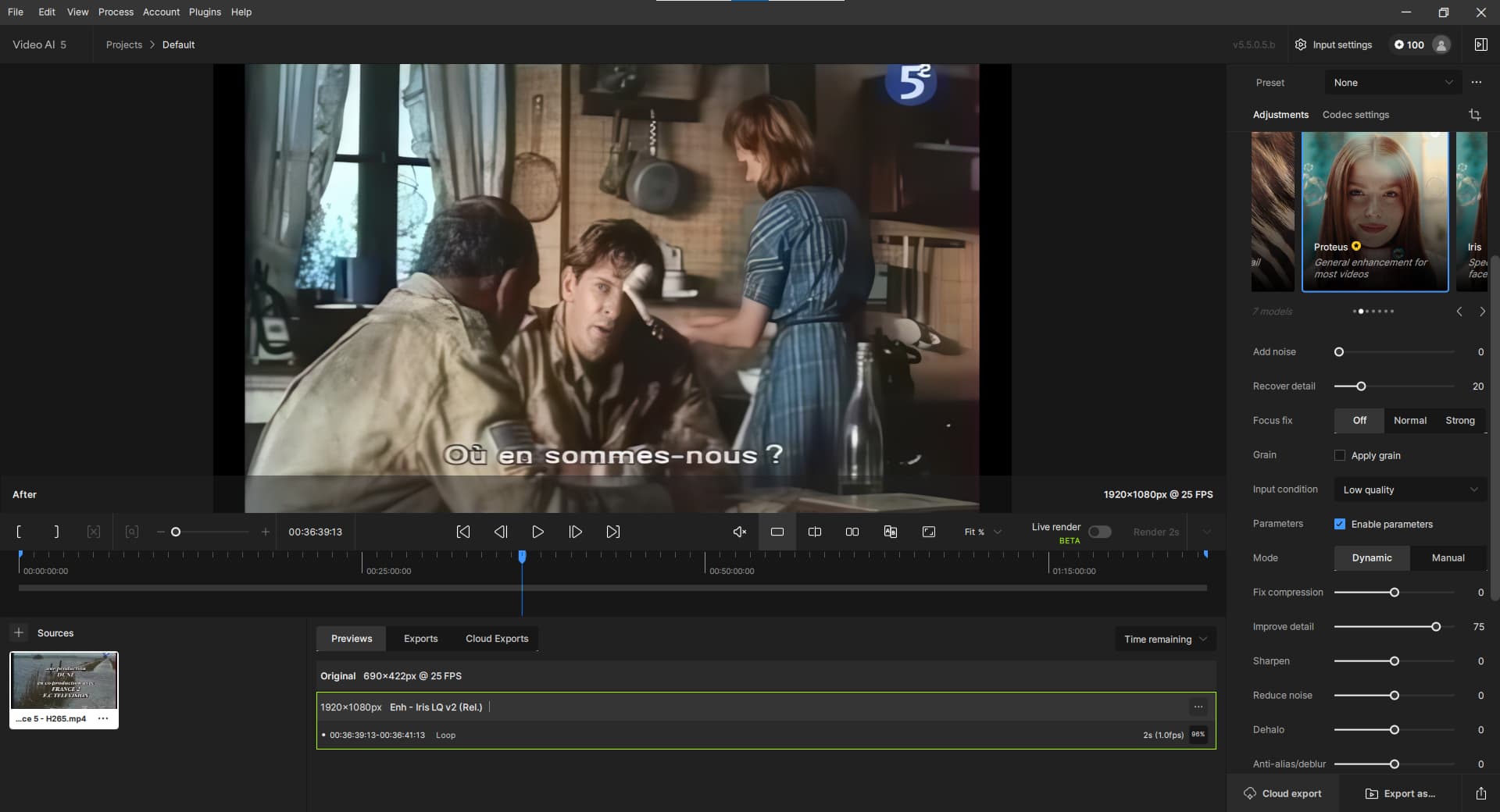
As seen on this screen capture, I selected Proteus model but in the rendering queue, you can see it is Iris that is processed!
I have no workaround!
Best regards.
Vincent.
Get prepared then for the same event than multi GPU fork was.
I’m okay with that.  Multi-GPU was pro-version. If I can keep using a non-cloud, non-pro version of TVAI, then I’m good.
Apple M1 Max 24 core. The 93 min took 9.5 hours at 4.2 fps locally. Also to note, this beta crashes with each closure. 5.5.0.5.b would not install from the normal download/install process. The Install just did nothing after the download. The manual download and install worked fine.
No multi GPU WASN’T pro when introduced
I stopped dreaming since that
This is introduced as “dual functionnality” then it will vanish in the cloud
And, logically, half the fight of developing for local hardware is trying to get TVAI to run on all the various possible combinations. In cloud servers though, the OS, and hardware are all the same. It would be less effort for them to only need to get it working for the one type of system.
And at those prices mentioned above, there’s so much more money to be made—never mind shafting everyone with a bad value and driving them elsewhere. 
I wasn’t around when it got announced. Currently (in settings) it says multi-GPU support is only for Pro version – which I’m not interested in anyway.
Refere to 5.0.4 before saying that
Your’e a newcomer and missed the first fight
Anyway nothing of this either mGPU nrr $$$ cloud rendering was in business plan
My fire will never fly off
I fear you may be right. Remember, though, they’re not the only company doing A.i. video upscaling (whilst I myself should remember, in time, not to renew).
@tony.topazlabs @suraj Can we get credit back for failed Processing ?
gigapixel and Video AI Now on both Mac and Windows.
Credits should be refunded back to your account when processing fails, could you send me the request IDs for a failed render so I can confirm?
1 Like
I have to admit - you’ve done something cool with the frame interpolation in this beta - just look at the original and the interpolated 60 fps with Aion!
valve_steamdeck_dock_v06.zip (4.0 MB) - original
valve_steamdeck_dock_v06_apo8_30fps.zip (14.0 MB) - Apollo v8, 30fps
valve_steamdeck_dock_v06_apo8_60fps.zip (14.0 MB) - Apollo v8, 60fps
valve_steamdeck_dock_v06_aion1_60fps.zip (14.2 MB) - Aion v1, 60fps. In this case Aion does quite worse, than Apollo v8, which is weird.
And yes, duplicate frame replacement seems to be working again. I’ll test it on that destroyed cartoon though, as usual, just to be sure.
The bug, where the previews are saved just next to the source video, still persists. And the dangerous bug, that wipes out the whole TEMP folder content on TVAI exit, also persists.
EDIT: I can see that the duplicate frames replacement doesn’t apply on the cartoon, when the target fps is exactly the same as source fps (and probably in other cases, too). TVAI 5.3.6 applies this option in such case, which makes the cartoon far more ‘smooth’:
Dungeons & Dragons Episode 14 The Girl who Dreamed Tomorrow_1_aion1_prob4_TVAI-5.5.0.5b.zip (57.6 MB) - 30s example from v5.5.0.5b, Aion v1, processing speed 6.5fps on RTX 3090/i9 7490X (worse, than v5.3.6, almost 3 times slower)
Dungeons & Dragons Episode 14 The Girl who Dreamed Tomorrow_aion1_prob4_TVAI-5.3.6.zip (43.3 MB) - smooth animation, preview processed at 16.5fps on the same machine.
The frame interpolation bug doesn’t seem to be caused by old/outdated processing profiles, but I might be wrong about that.
That makes me stay on v5.3.6 (and 5.0.4) for the time being.
You speak for me as well, as software tech companies assume that everyone on the planet is a millionaire with limitless internet access, it’s really irritating when these companies default to online-only garbage, not saying they’re going that route, but if they are then it’s a clear middle finger to those that pay for the lights to be on!
Hell, I can’t even download the models within the program due to it always shutting the connection for more than 100 model files!
Too often businesses neglect to comprehend the fact that this is a symbiotic relationship, as you won’t have a business without customers and customers won’t have access to this company’s features without a company!
2 Likes
