Yes, all interlaced lines removed. The V1 model was removing them but also removing details.
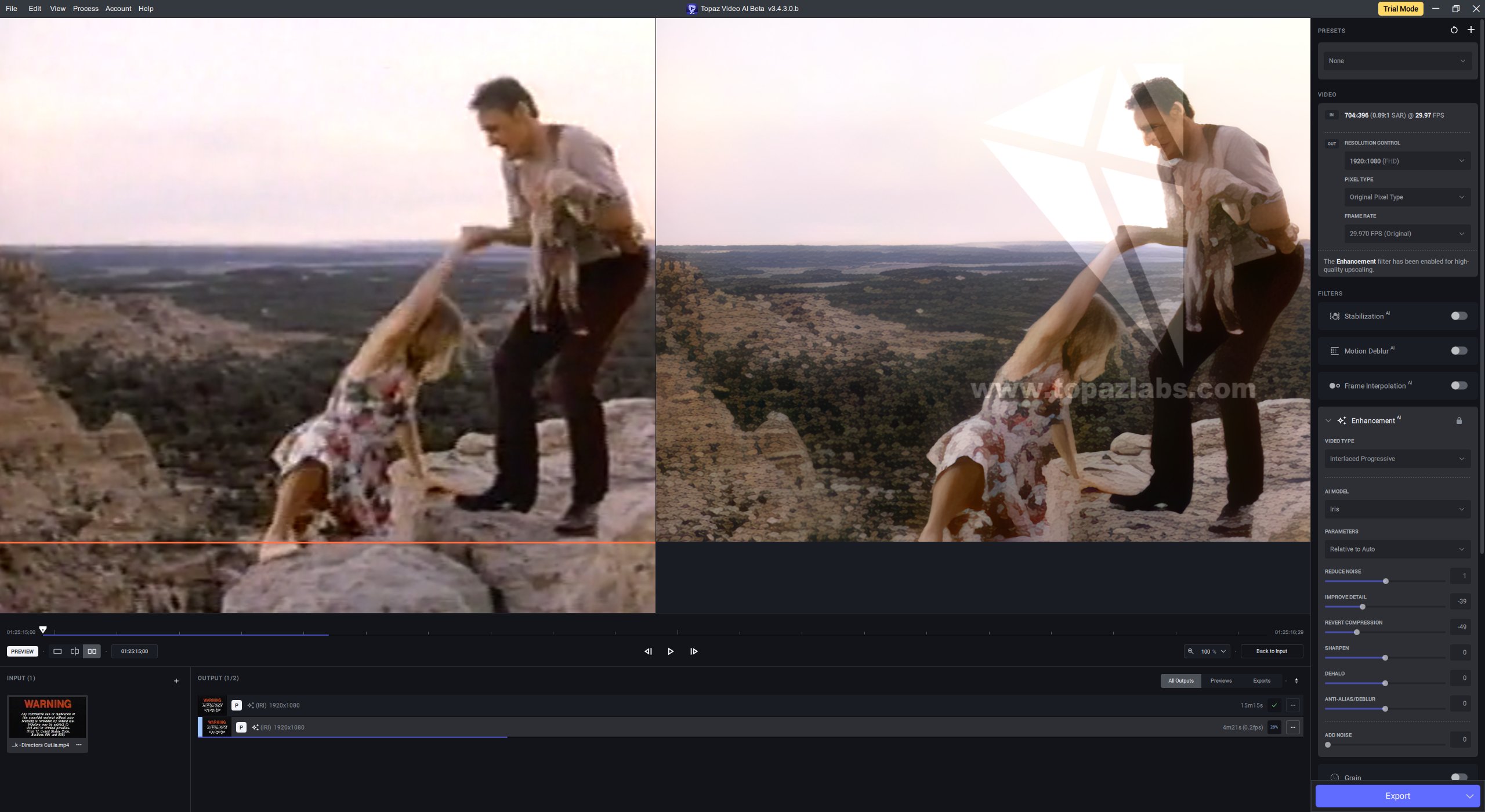
When I zoom right in to pixel peep on Iris V2b output I can notice some repetitive patterns on some skin detail.
Here a repetitive pattern is very noticable in the out of focus background. It can also be seen on the rock they are standing on. Her dress is made up of impressionistic dabs of colour and the lamb in the arms of the actor is very much large brush strokes of impressionist detail.
Iris V2b seems to be inspired by Edgar Degas and other impressionist painters.
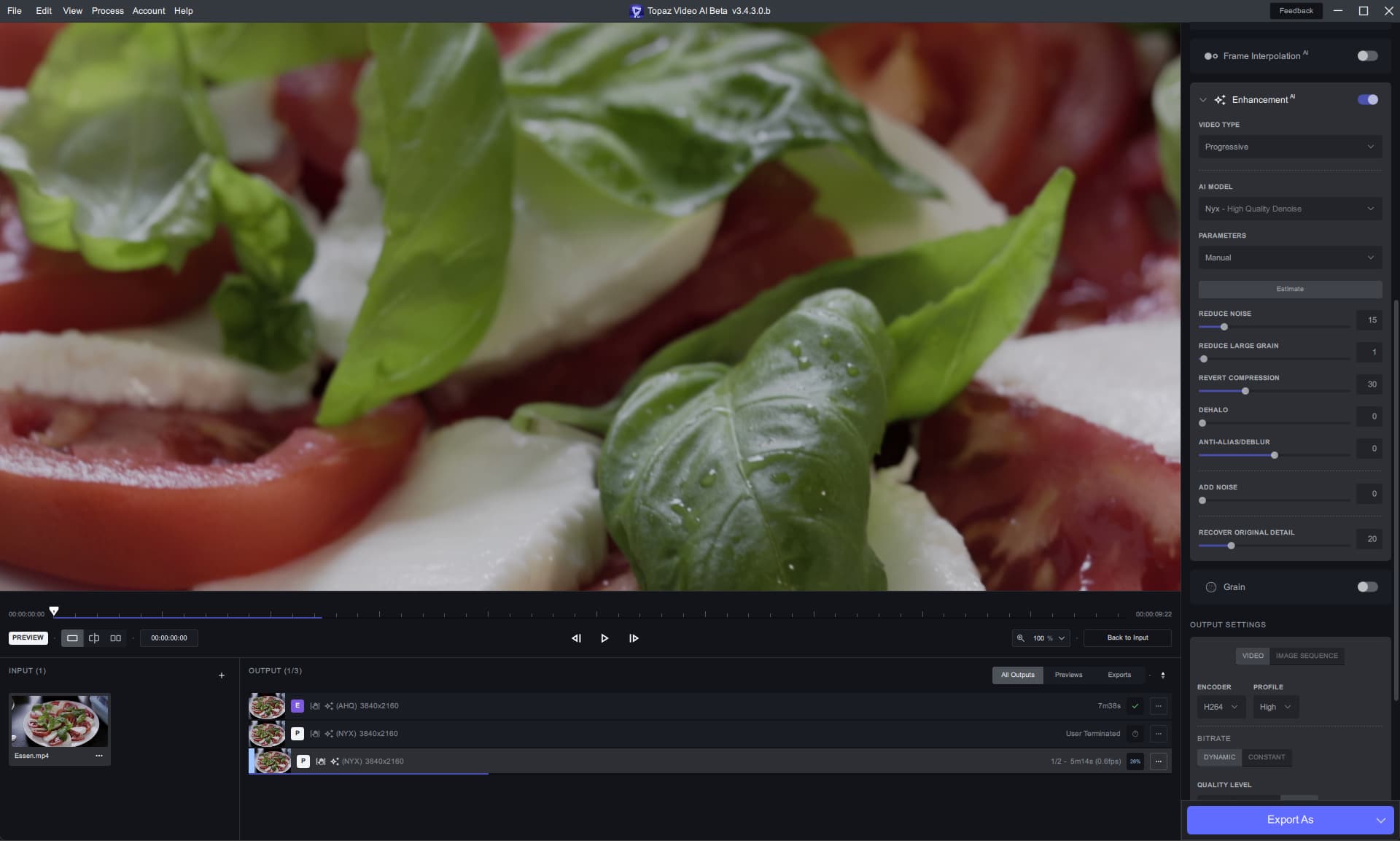
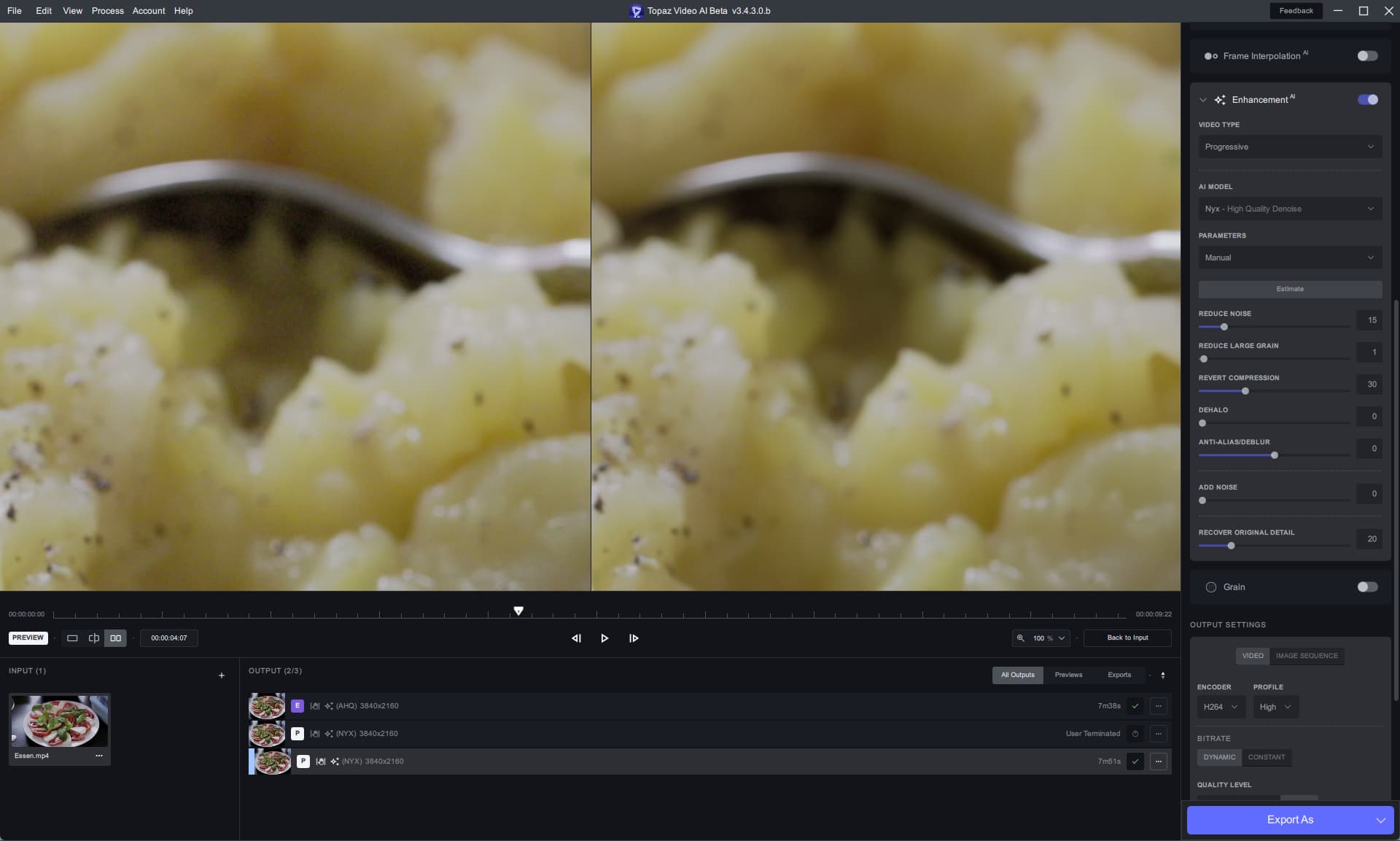
Nyx makes the input look like it was never MP4.
Next weekend I will be filming a wedding ceremony, that will be the toughness test.
I will also try it out during the party afterwards.
3 Likes
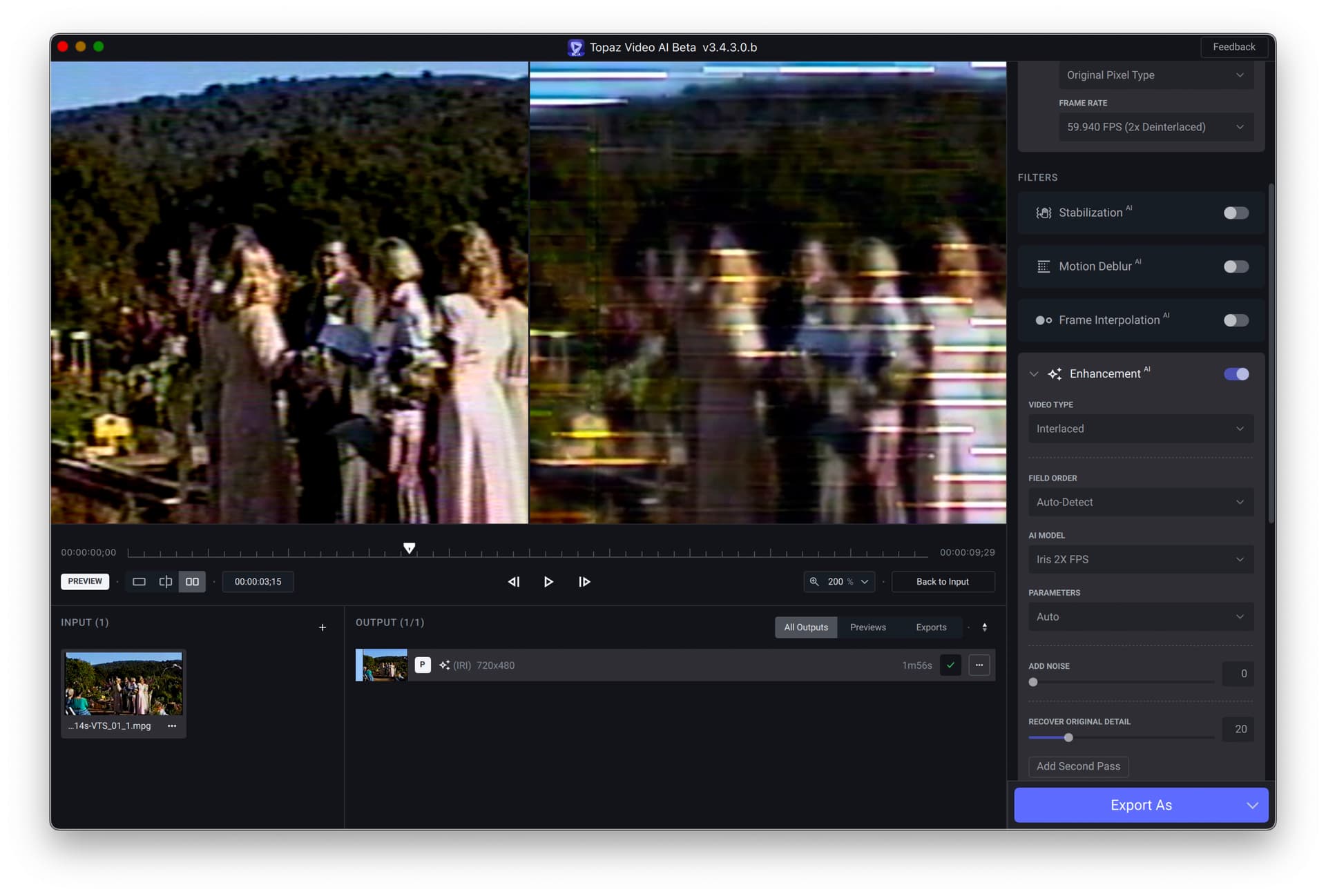
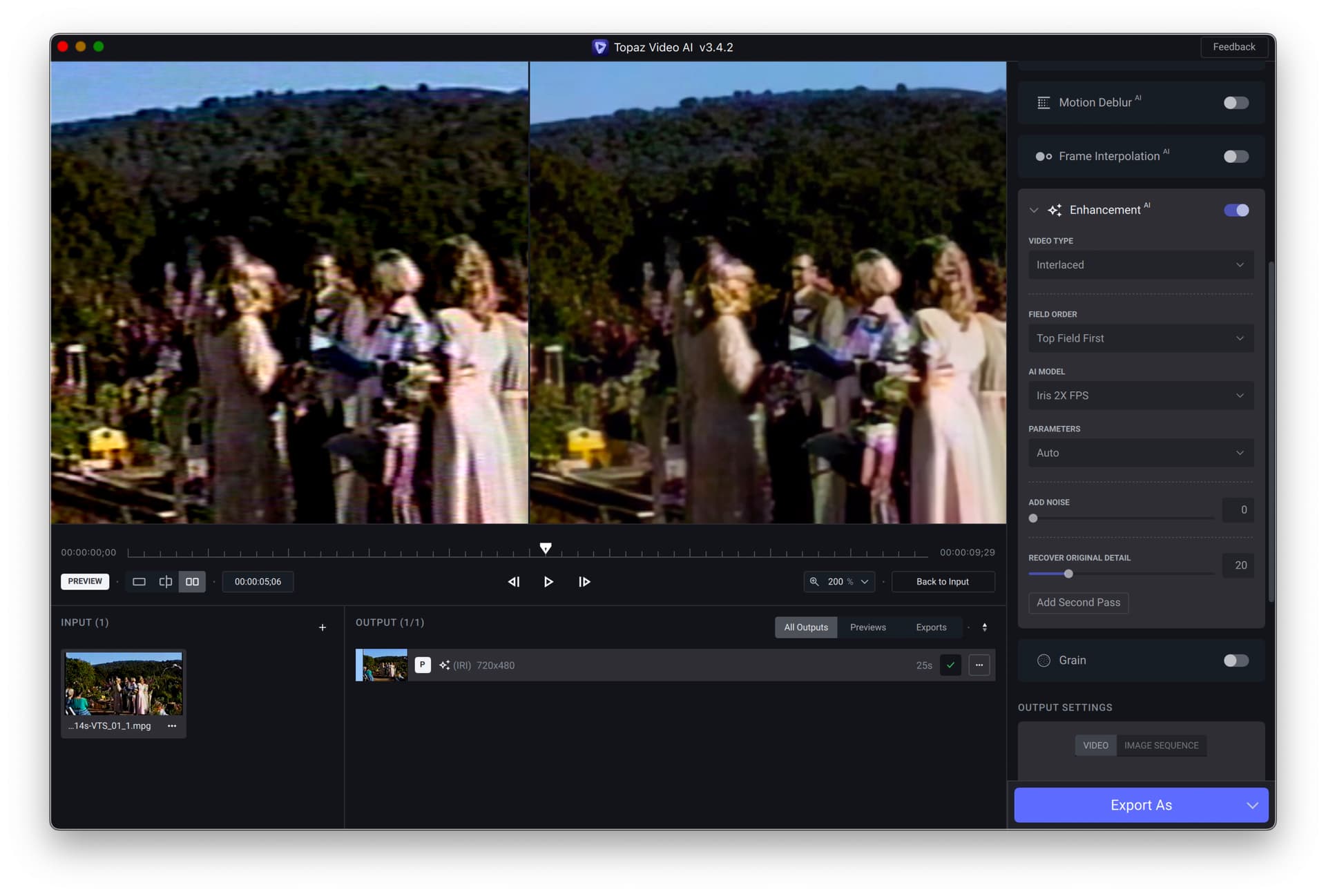
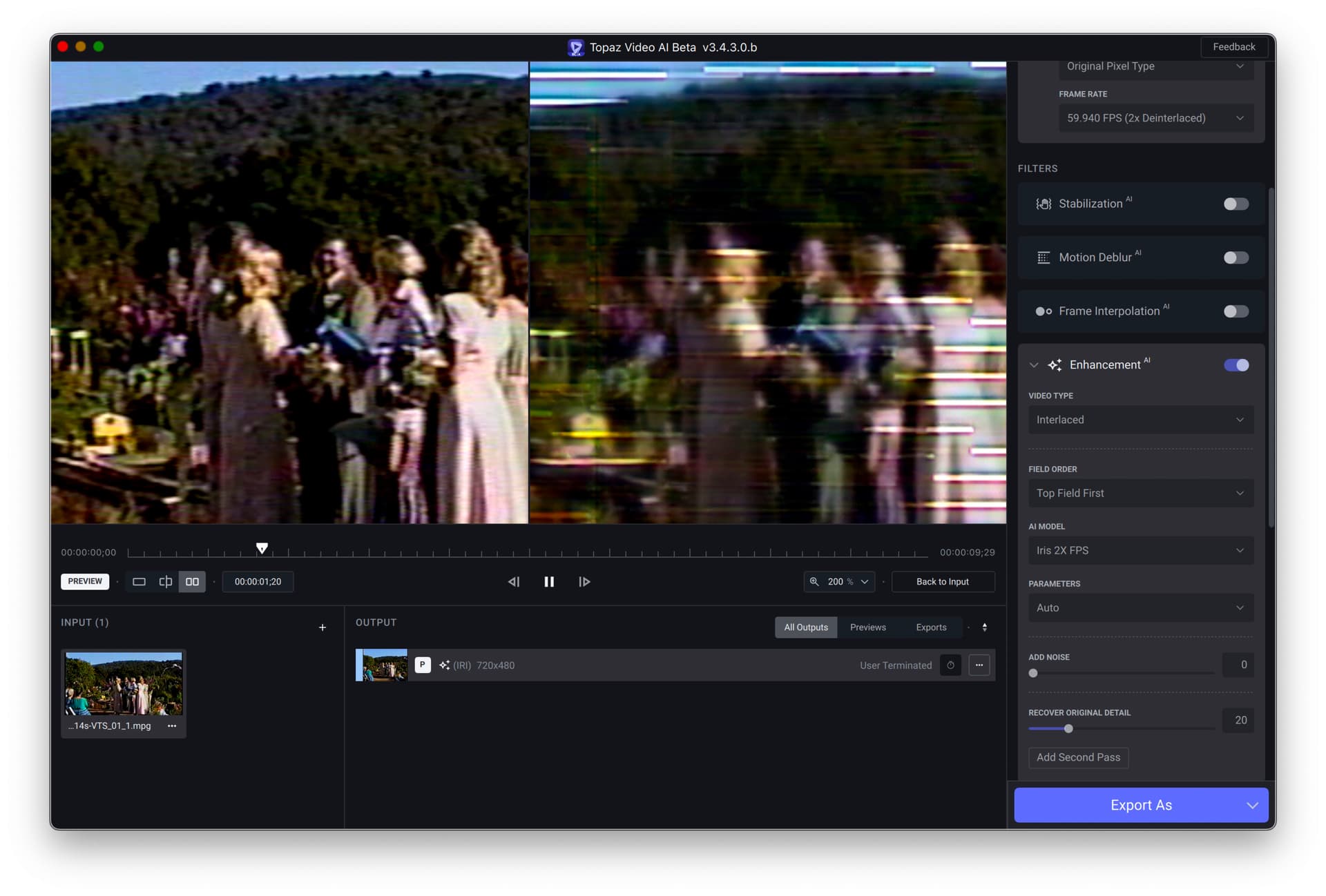
Issue with this beta on an old analog video tape. It’s interlaced, top field (per Video Info). Preview as shown in first screen shot. Preview using VAI 342 in second screenshot.
1 Like
In 342 you selected “top field first”. In current version you selected “auto-detect”. Have you tried setting “top field first” in current version?
My bad, posted the wrong screen grab. The issue appears in 3430b independent of the interlace detection choice. Here it is with Top Field chosen.
Yeah, I found a workaround, yet it can be potentially time-consuming…
For example: A 23.967 frame video will have to be multiplied by 2, (47.934) or 3 (71.91) times in order to get a smooth interpolated video, but anything higher will result in dupes, so you can no longer input a standard 30fps video, and interpolate to say 120fps dupe-free…
In order to get 120fps dupe-free, you’ll have to multiply 30fps by 3 then set the prog to interpolate to 90fps, after which you’ll have to add 30 to your 90fps result (By inputting 120fps) and interpolate again to get 120fps!
And yes, it’s confusing and extremely time-consuming, particularly depending on the video’s length, and will completely negate any practical use of the program for interpolating multiple videos, and entirely defeats the purpose of frame interpolation, particularly since many other interpolation programs don’t have this impractical limitation, you just input a video, and interpolate the chosen frame-rate.
But what we have is an interpolation method that causes interpolated videos to be choppy due to duplicated frames, and the entire reason why we interpolate videos to a higher frame rate is 100% for the desired results of a smoother, playing video, and to get that often we need to de-dupe videos before the interpolation process to get it!
To, then, receive duplicate frames when we already removed them in order to interpolate into a smoother frame rate entirely defeats the purpose of this program for interpolation to begin with!
And no, the Apollo, and other interpolation models that features “interpolate dupe frames” is incredibly impractical as it just interpolates along with the duped frame, instead of replacing the duped frame altogether, thereby resulting in choppy video.
Thanks again, for bringing this up, as it really needs to be addressed!
3 Likes
Hey @jacob.muchow 
The new Iris V2 at the first Look seems to be incredible, but I have to do some further Tesing later.
But there is a Problem with Framerate-Conversion!
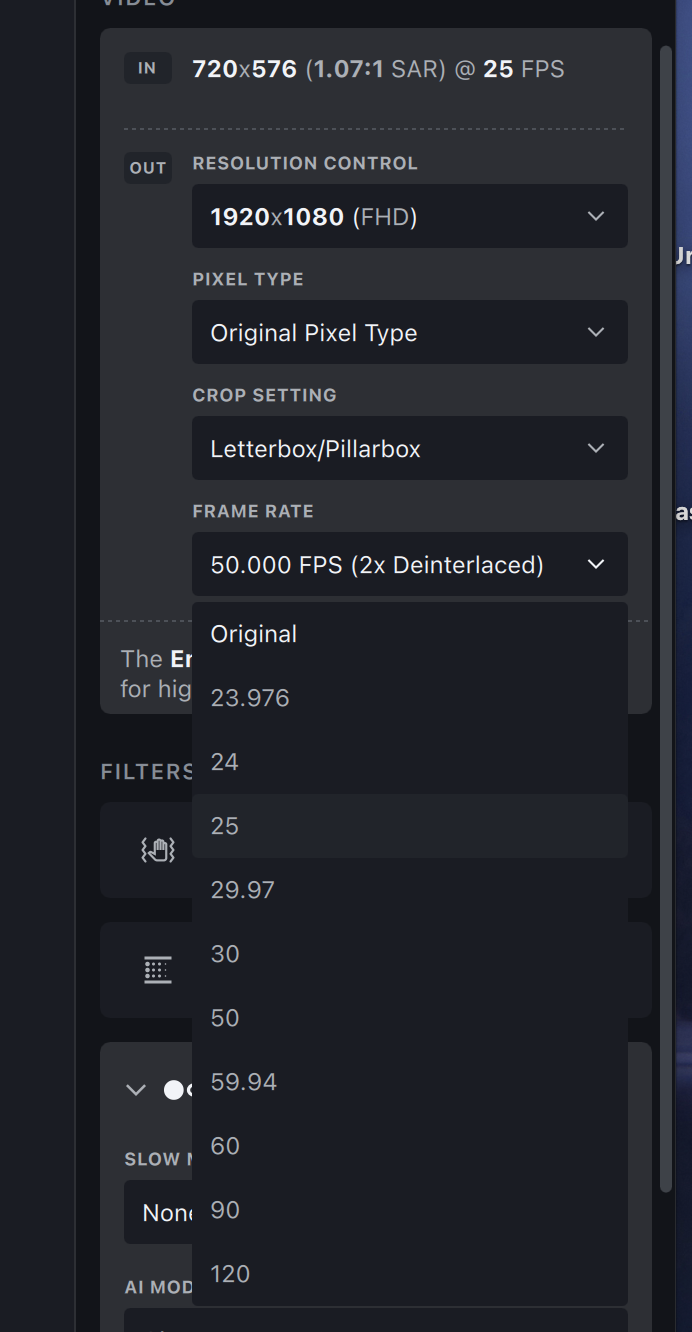
If I convert an 50i Video, then VideoAi is making a 50p Video, but I can’t set the Farmerate to 25p… Why the Framerate-Conversion don’t work anymore?
2 Likes
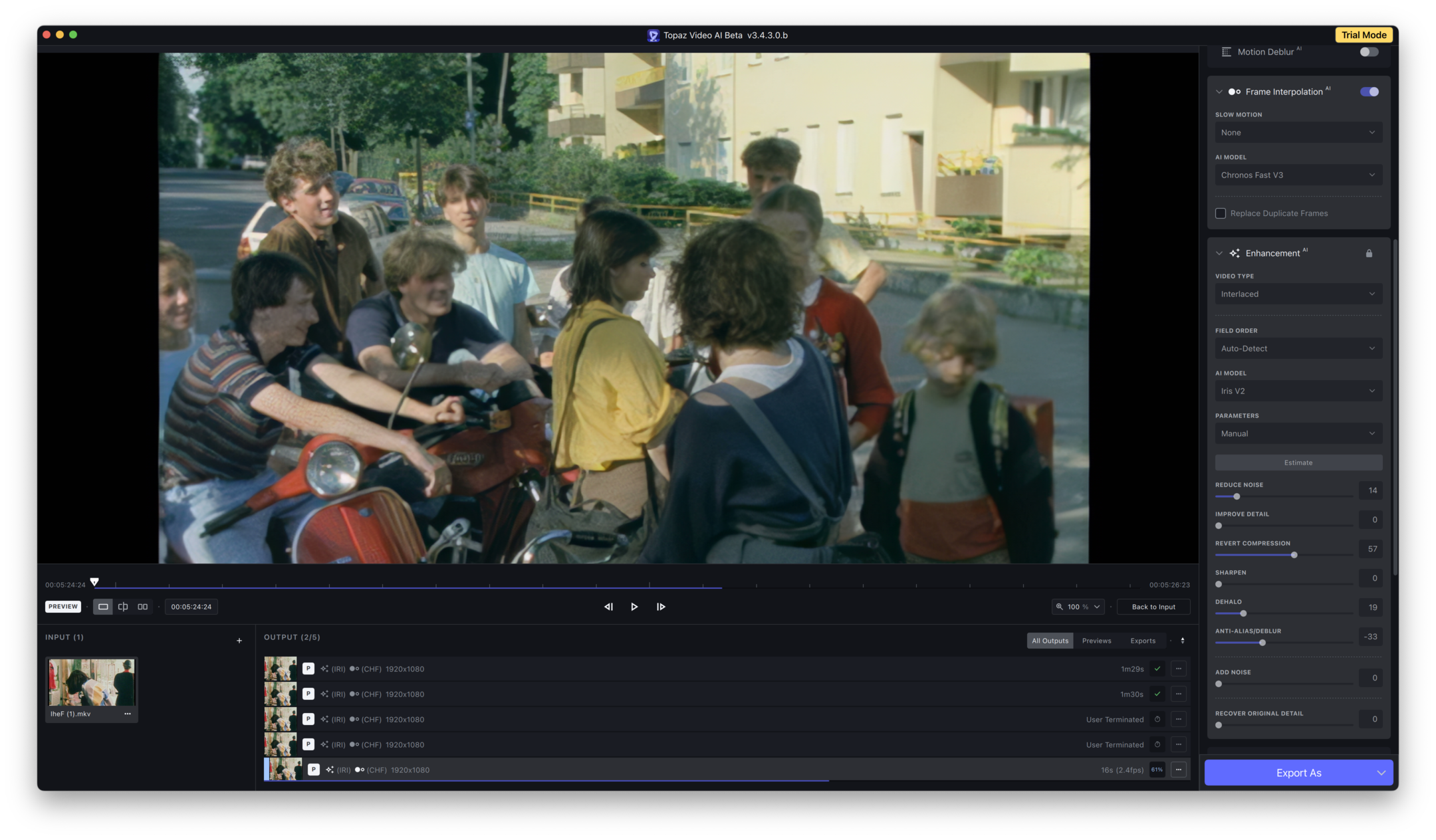
I have to take back my enthusiasm about Iris V2 right away! 
1.)
Iris V2 now also has these Bokeh Blur Problems (like PhotoAI)
2.)
The Details look very unrealistic (like drawn, like an watercolor-Effect)
3.)
The model tends to introduce patterns (see for example the Boy’s arm on the left in this Sample). Even Iris V1 looks better in some Cases!
4.)
The Temporal Smoothing don’t work anymore… There is some kind of Stroboscope-Effect visible…
3 Likes
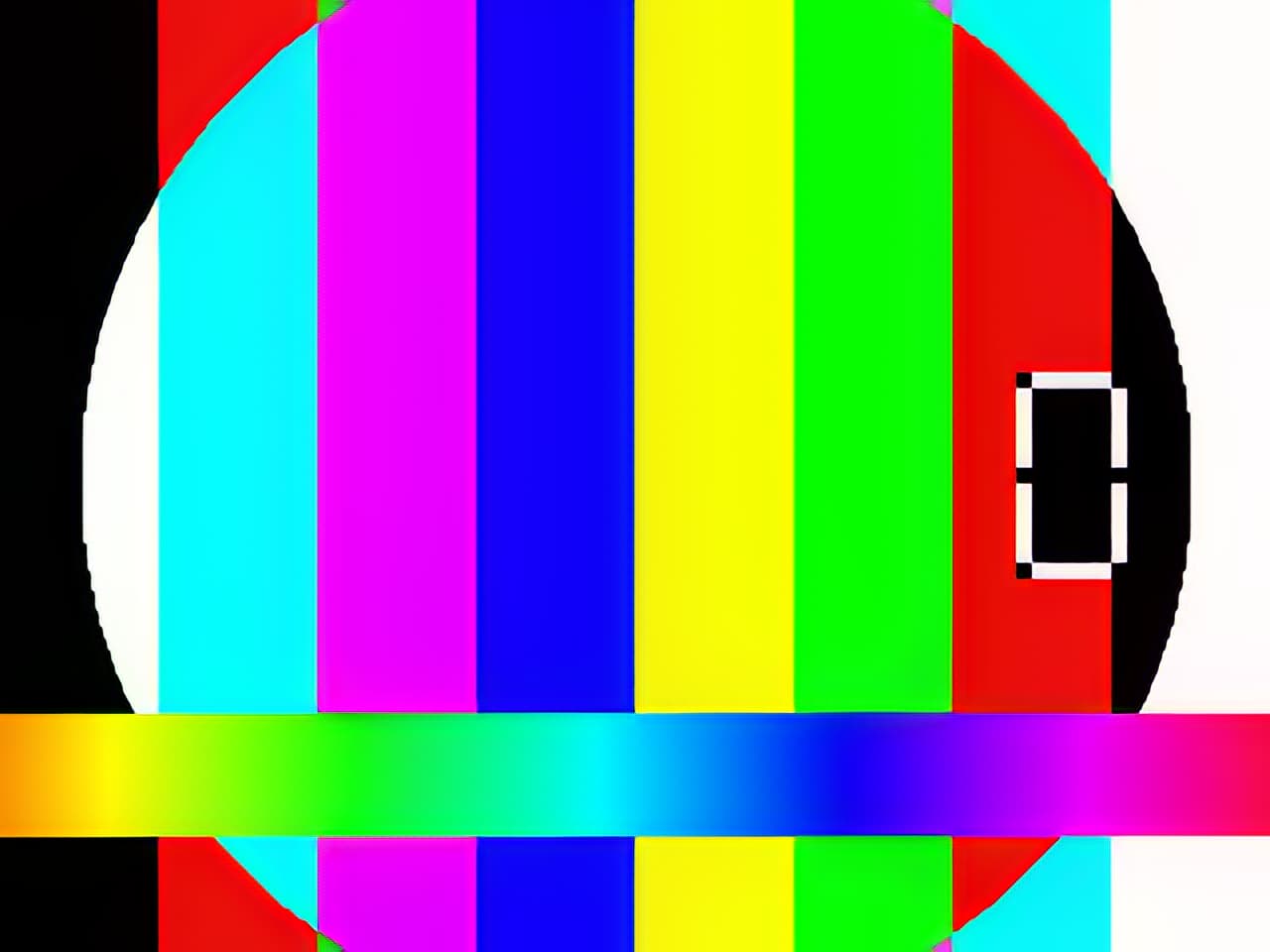
Iris is now v2, but as usual, there is significant color alteration.
If color alteration occurs throughout, color grading is difficult, so please do something about it.
Lanczos x4,Iris-2 x4,Artemis x4


2 Likes
The issues with the patterns occurred in V1 as well. Seems like it cant handle light spots
I use Noise Reduction in another app and then pipe result into Iris. This fixes a lot of these issues, so there might be a combination of settings, all in topaz app, to get similar results.
Another Bug:
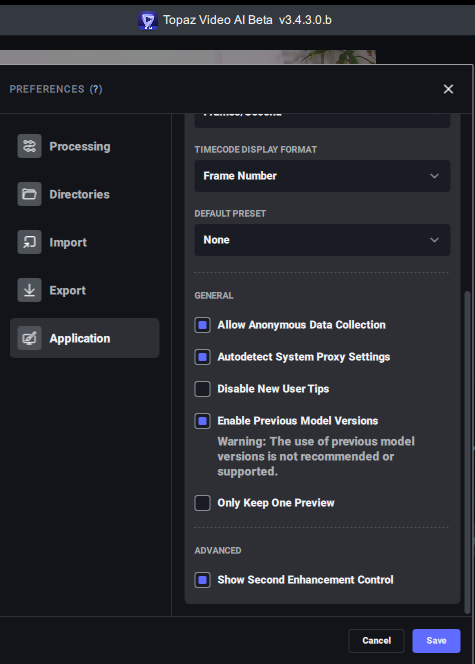
The “Second Pass Enhancement” ist not there anymore…
It’s at the bottom of the application tab in preferences. In the advanced section. You might need to scroll down.
3 Likes
Yeah I use to do that as well. Neatvideo. But I saw a lot of detail loss. Noticed that when VEAI handles the noise reduction of the original file the details get preserved a lot better
1 Like
Hi!
I See it seems it’s only happens on 50i Footage which I try to convert to 25p…
Because I can change the Framerate for Example to 24p, or 30p but 25p is not selectable…
Try running TVAI under Rosetta. This might solve the line problem and doesn’t even cost much performance (as long as you don’t use CPU-hungry output codecs, so better stay at h264 high bitrate).
nyx can output by itself, but
PC shuts down due to second pass output
However, it is clearly cleaner than processing it twice with a single output.
No, this is no Solution for this Problem!
“Interlaced Progressive” creates an absolut Mess and all Informations in the Video get lost…
No, it’s a Quality Degration, if I use „Interlace Progressiv“…
But anyway the Bug needs to be fixed to use „Iris Interlaced“ to change the Framerate from 50i to 25p
1 Like
