Wow. Something is going badly wrong with this version! When I did a few tests on my Mac Studio Ultra and quit TVAI I noticed that the application size had shot up to 11GB!!! Deleted!
The avfilter-8.dll gets blocked from Windows Smart App Control too. Cant use the App as normal cause too many dlls get blocked.
Seems i used an old beta. Installed the new one again and now the .dll smart app control issue semmed dissapeared. Will test further.
Edit: .dll alert didnt appeared but its still slow only on 30-40% gpu usage.
If the .dll alert is appearing again i will tell.
This version keeps crashing 6/10 times, when doing Preview before Export starts. Reverted to v3.1.7.b now.
1 Like
ffmpeg -i script.avs -pix_fmt yuv420p -f yuv4mpegpipe - 2>nul | topaz_ffmpeg “-f” “yuv4mpegpipe” “-i” “-” …
1 Like
Further to my previous comment, I deleted the beta app, redownloaded it and now it appears to be working fine.
Did few previews in 3.1.7 and 3.1.8.2.a and I dont see any improvement in speed, on contrary, few percent slower using 3.1.8.2.a
Nvidia GTX 1070
I cant attach logs here. if needed I can upload to your dropbox folder, otherwise I take it its enough.
Are there some specific in which the new alpha should be faster?
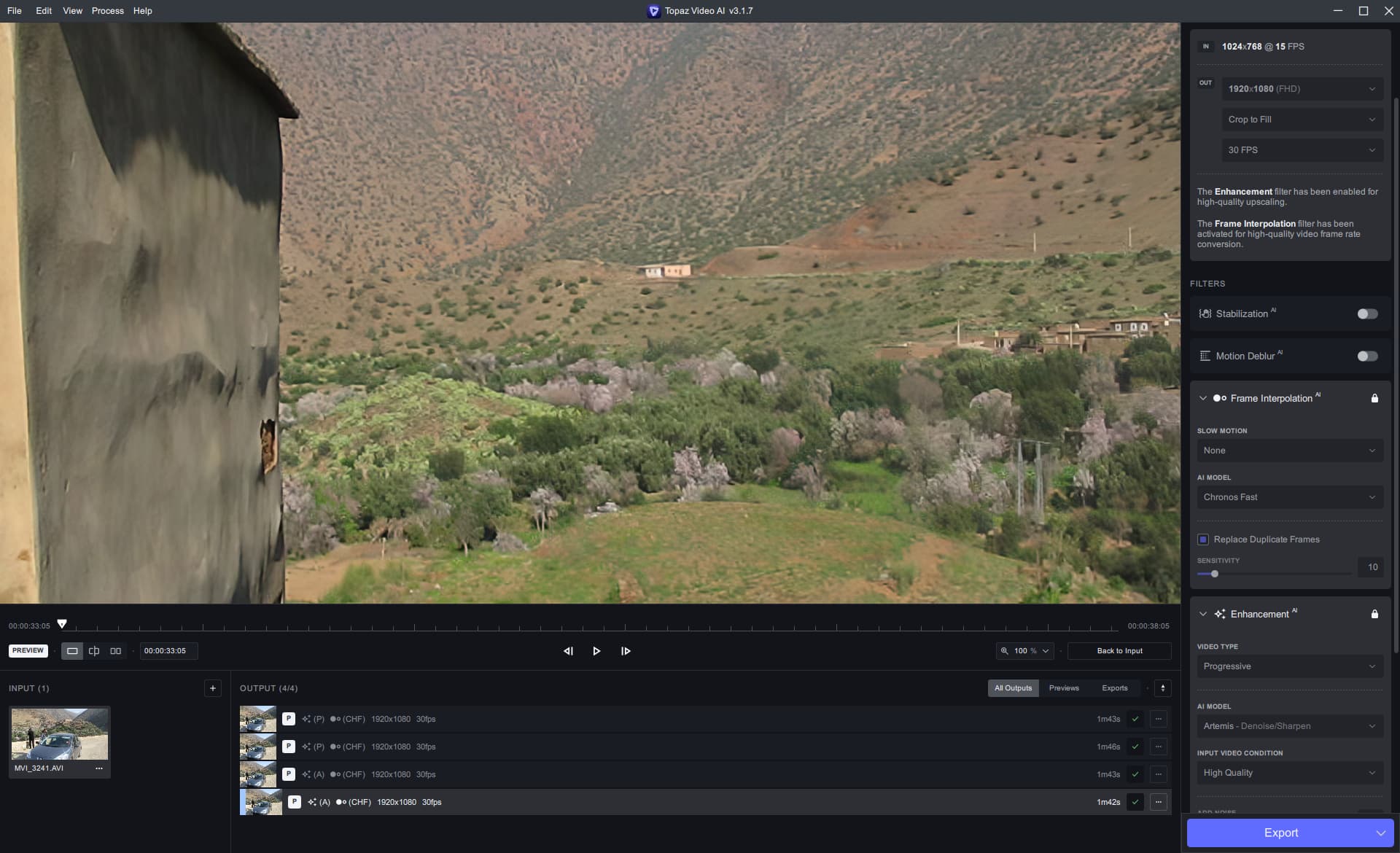
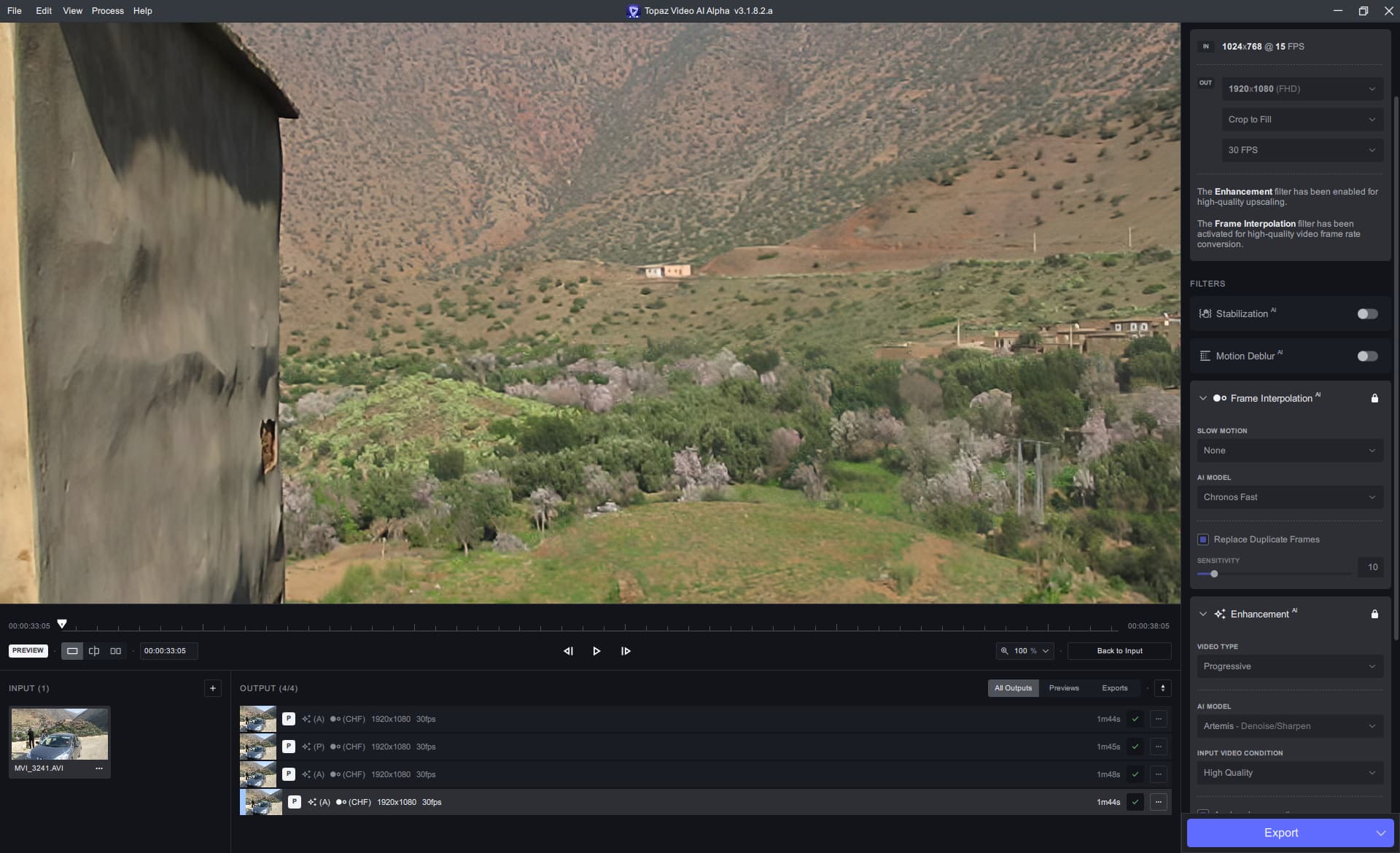
Hi,
I went yesterday from Monterey to Ventura and since Video AI systematically crashes after a few minutes of transcoding a video in deinterlacing and upscale mode (1080 to 4096).
The same video with the same settings was no problem under Monterey.
The problem is the same with the beta 3.1.8.0b than the public 3.1.8.
1 Like
Can you try a clean install, delete the app and drag n drop from the dmg. If it still doesn’t work, send me the logs.
1 Like
Hi Suraj,
The clean install has always the problem.
Here are the logs since yesterday (before and after the clean install).
2023-03-08-15-02-3-Main.tzlog (15.4 KB)
2023-03-09-06-00-23-Main.tzlog (303.0 KB)
2023-03-09-06-21-38-Main.tzlog (117.4 KB)
2023-03-09-06-33-29-Main.tzlog (14.6 KB)
2 Likes
Unfortunately, this is the issue everyone with a Mac Pro on Ventura is having. Processing failures, system crashes or random restarts. Apple is looking into it.
This !! 
3 Likes
For all Mac Pro users running Ventura and having issues running the models. Please try the latest alpha and let me know if it works for you.
Thank You for the answer.
The problem is always here. The render stop
2023-03-10-05-48-18-Main.tzlog (658.2 KB)
with he message “out of memory”.
Seems like Apple will have to fix the GPU driver memory leak. This time it got to 3k frames, i would recommend doing 3000 frames at a time for now. Try reducing the memory slider to the lowest setting, it might allow you to process 10-20k frames at a time.
1 Like
Here are the log of the render at 10% of memory (render stop and reboot the Macpro)
2023-03-10-07-32-3-Main.tzlog (14.6 KB)
2023-03-10-07-01-6-Main.tzlog (267.6 KB)
If only TVAI looked like this!
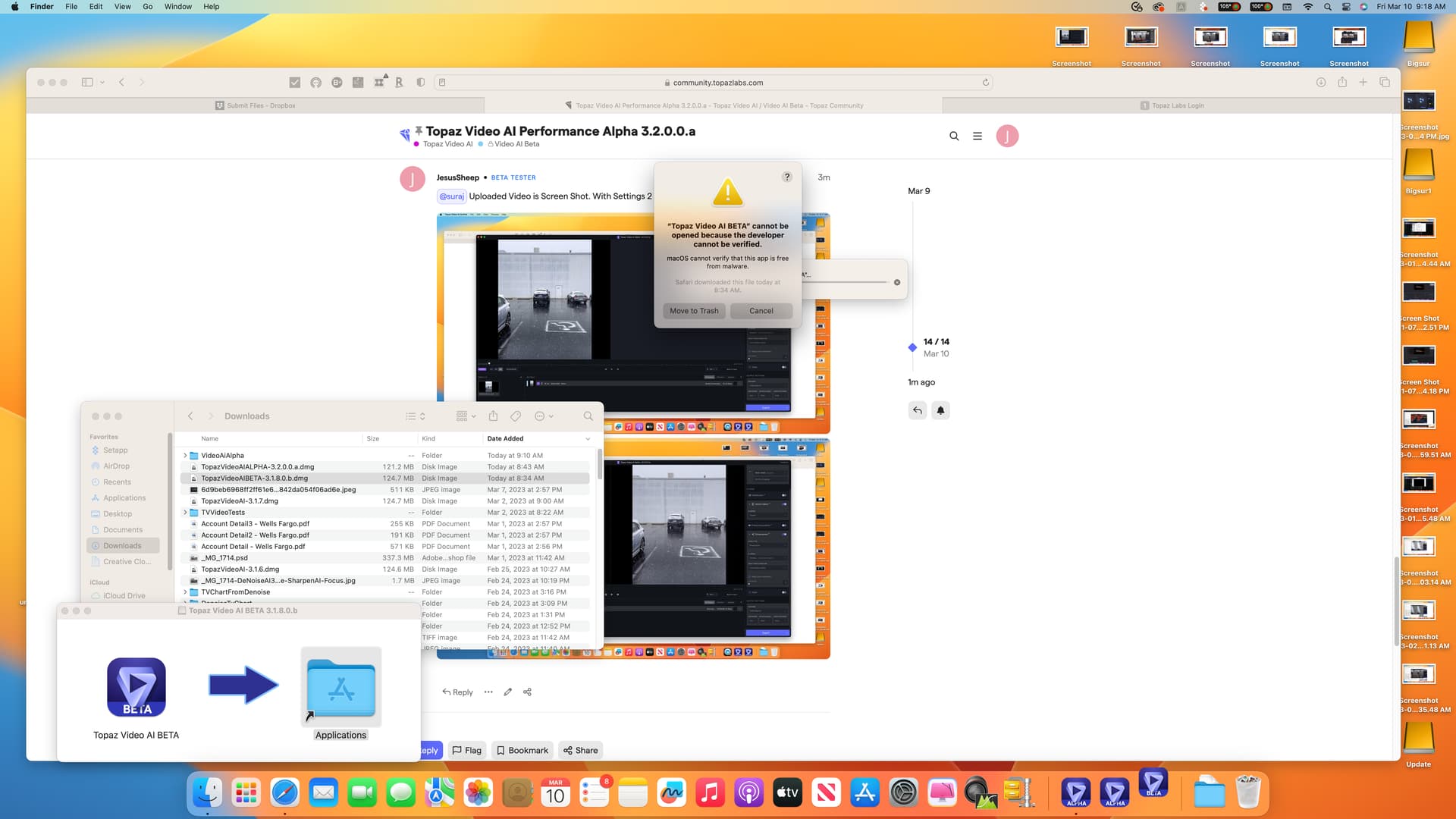
of these tests.
But I have noticed that video created with it is ALWAYS missing the first 2 frames relative to the regular apollo model.
