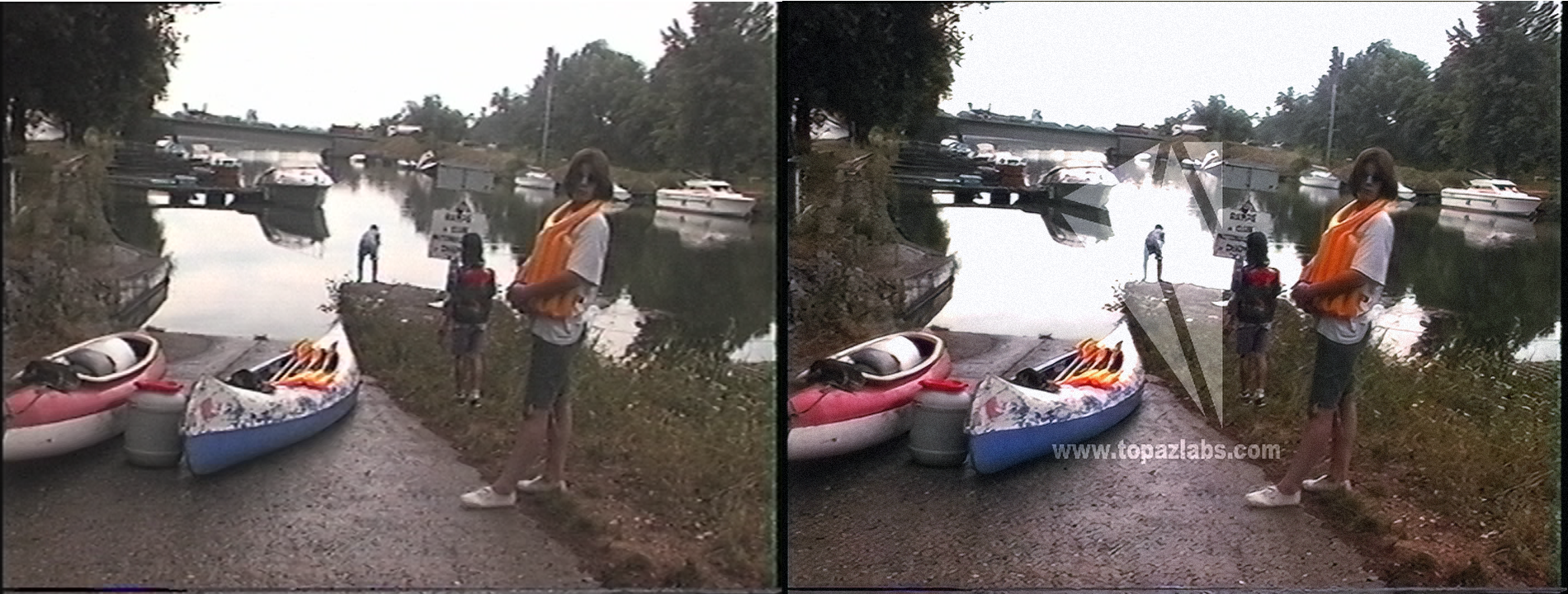
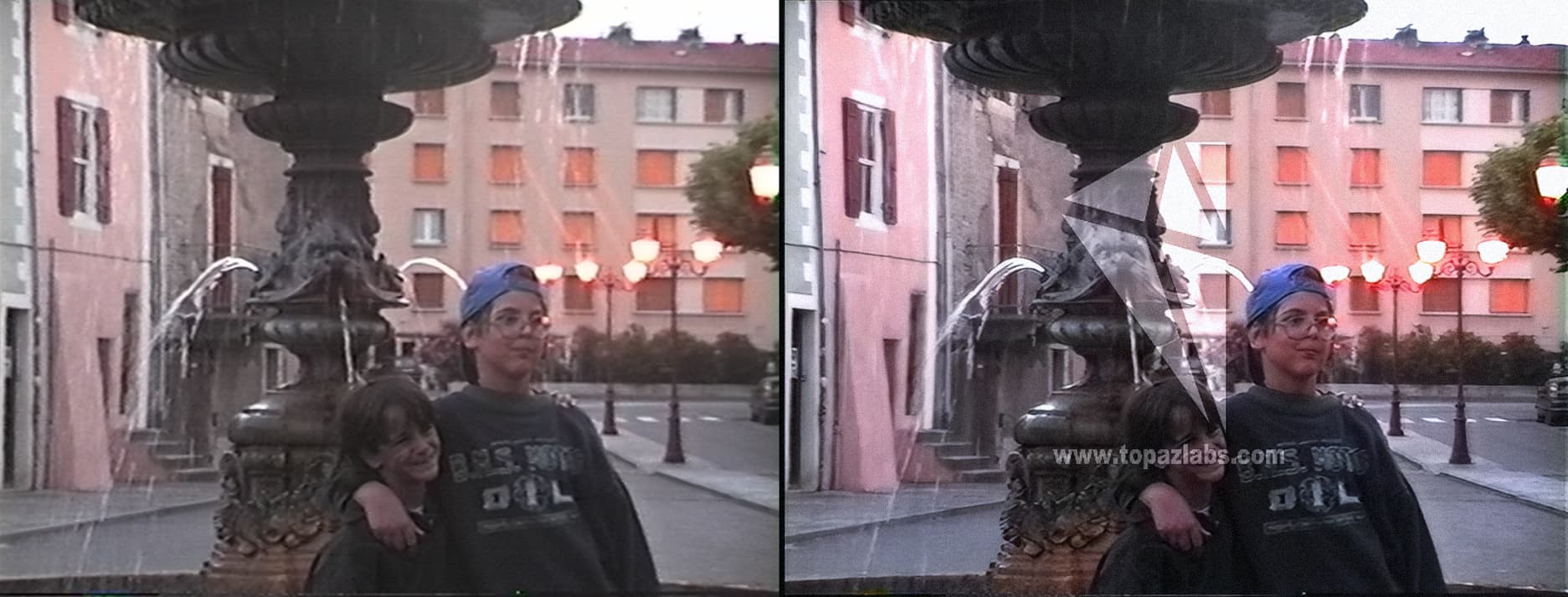
@nipun.nath - so is the intended use for Proteus v4 LQ sources? From my testing on MQ sources it is too aggressive and tends to wipe out and smooth over fine detail.
Hi @david.123, no, Proteus is meant for MQ sources. Proteus v4 is aimed to handle LQ sources better than Proteus v3. Can you please share your input file and the settings you used here: Submit Files ?
Everyone,
We use 1x, 2x, or 4x models depending on the input and output resolution combination. These 3 models are of different architecture and are trained slightly differently. So, each model handles details, noise, artifacts, etc. differently. It would be helpful if you report your input-output resolutions, parameter/noise/blend settings, and submit files so that we can associate the issue with the exact model and improve it accordingly.
Thanks all for testing and reporting. We are taking notes of your comments and working on the improvements.
I ran a full day testing on 12 clips with the prob4 vs. others that I used to work with and here are my findings. all tests I ran on Auto mode, unless specified other.
My source clips are 720x540 (PAR: 1x1) from a 1998 Sony handycam (Video8) . Final UPSCL resolution = 1440x1080 (x2)
The test cases below, I ran a pre-step deinterlacing using Hybrid using "Slower" preset, then feeding TVAI with the Hybrid output as a source (apart from case 10). all exports are lossless FFV1, both in Hybrid and TVAI.
NOTE: (something + something x2 = 1st pass same resolution, 2nd pass upscale x2) NOTE: all passes i ran independently as a new task in TVAI (load and export). I did not use the built in 2 pass function in TVAI (“Second Enhancement feature” is switched off in settings/preferences).
Nyx+DTV4 x2 vs. Prob4+DTV4 x2 - Nyx more sharp. prob4 cleans more, better face in most cases (Nyx sometimes a bit better). even though prob4 less sharp I felt in many cases it retained more details, but could not be 100% sure.
Nyx+DTV4 x2 vs. Iris2+DTV4 x2 - Nyx sharper, sometimes cleaner, but I think Iris has more details. sometimes iris cleaner. faces better with Iris usually.
Prob4 x2 vs. Iris2 x2 - Iris is sharper. prob4 some times cleaner. details I think Iris a bit more. faces, about the same.
Prob4 Auto x2 vs. Prob4 Manual all set to “0” x2 (last minute testing due to @TicoRodriguez suggestion) - manual 0 is sharper , a bit less clean (tested 4 clips, not all 12).
Prob4 at Relative Auto all set at “0” (Auto) apart from Dehalo at -100. Dehalo -100 is sharp as manual “0” and clean as Auto (tested 4 clips, not all 12).
Prob4+DTV4 x2 vs. Iris2+DTV4 x2 - Iris is a bit sharper. prob4 is cleaner and i feel it has more details. faces, about the same, but Iris might perform better with faces at some cases. - Prob4 winner
Prob4 x2 vs. Prob4+DTV4 x2 - dtv4 much sharper, faces might be a bit distorted due to sharpness that were covered up by prob4 blur (you can see the same distortion under the blur), level of details is the same - DTV4 Winner
iris2 x2 vs. iris2+dtv4 x2 - dtv4 sharper, sometimes cleaner. faces at most are same but sharper in dtv4 , sometimes better only to use Iris - winner dtv4
Prob4+DDV3 x2 vs. Prob4+DTV4 x2 - DDV3 slightly sharper, DTV more clean, level of details about the same. - DTV winner
Prob4+Gaia x2 vs. Prob4+DTV4 x2 - dtv4 much sharper, slightly cleaner. level of details about the same. - DTV Winner.
prob4 direct deinterlace x2 vs. Hybrid Slower preset + prob4 x2 - hardly any difference, Hybrid source +prob4 x2 a bit sharper.
Upon closer inspection, I’m seeing some slight frame blending/ghosting with scene changes on Proteus v4. When the scene changes, artifacts of the previous frame are present.
Seems this kinda thing has been an issue for various models for a long time now. Shame it hasn’t been taken care of.
There’s a bug in the UI when making previews with proteus and iris.
Make a few iris previews and a few proteus previews.
click away from a Proteus one to an Iris one in either window
click back to the the proteus one
Notice that now instead of proteus the settings on the right shows ‘Iris’ as the filter
This causes some weird effects, like previously built Proteus previews unable to be played again when going back to them (maybe b/c the ui thinks they’ve been switched to iris and need to be reprocessed?)
Oh, sounds like I have a lot of testing to catch up.
So has Nyx-v2 got problems worse then v1?
BTW: Are you still doing the hack so DioneDV/TV will work with Progressive video.
Is the hack still required?
Dione Robust works almost identical to QTGMC for progressive baked interlace.
Two stage: QTGMC followed by Dione Robust gives good results for progressive interlace.
I fully agree that nyx v2 sharpens too much. I think maybe b/c it’s tuned to high quality it will over sharpen lower quality videos? The ones I’ve been playing with are 1280x720 not super sharp or high quality. I’d love a nyx version that works for them that’s just a little less strong.
Nyx 2 over sharpening that causes some distortions mainly on objects and clothing, I noticed on my videos, not so much on skin. so I don’t use Nyx 2 personally.
Yes I still use Dione AI on my progressive videos for the upscale part after a cleanup pass i do with other AI(s), It is still not supported out of the box on progressive videos , so it is still needed, to run it through CLI disabling the deinterlacing portion of the command.
I don’t know about Dione Robust, never tried it. the name “Robust” puts me off as an AI that will destroy lots of details . But also I don’t have videos that are progressive baked interlace, so I never had the need for this. I have “0” knowledge / experience with that AI.
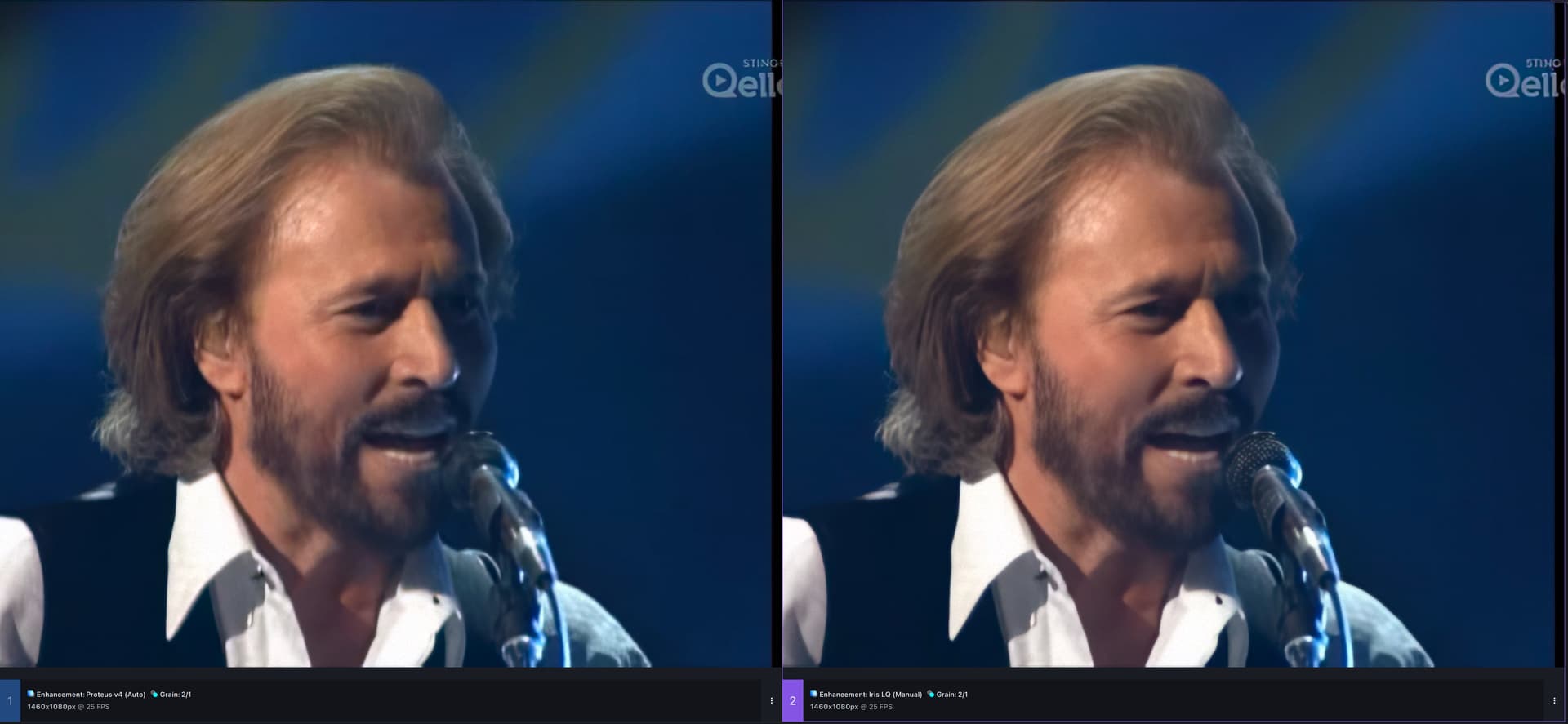
I forgot that nyx v2 is more for high quality videos. I found good settings with Proteus v4 for my SD videos, settings that allow me to keep more details than before, this version of Proteus is incredible to counter the fact that it applies too strong dehalo all you need to do is not to apply dehalo with hybrid before sending the video to vai.
my settings:
HYBRID
resize: 720 x 576 (original) I do not convert to square pixel, with my last adjustment tests and they are very good, but I will try again to put in square pixel after this message.
qtgmc (placeboo except temporal smoothing: 0) and fft3dfilter (I have often read that it is more destructive than knlmeans, but fft3dfilter retains more details in dark areas, and can therefore be better than knlmeans for that perhaps. in any case, it is better on my sd videos to be managed with proteus later. important: set keepgrain to 3, can be slightly increased or decreased depending on the noise in your videos, if I put it louder, there is some artifacts that proteeux will have difficulty removing, if I reduce it, it will not retain enough details. we must also leave “lossless” at 0.
temporal degrain 2: algo “one time”, subpixel interp “sharper wiener”, search clip “2”, global and recalculate are checked. radius “1”, dct “adaptive per-block switching from spatial to mixed mode with more weight of DCT”, grainlevel “1”.
proteus v4 sd (original): relative to auto, all zero, same original recovery details zero.
export to ffv1 8bit avi
iris low quality: hd 1280 x 720
0
55
15
0
-10
30
0
90
grain : 3/1
export in 8 bit tiff (I export in sequence of images to be able to open all that with vegas pro because vegas pro does not open ffv1 videos.
then I further increase the sharpness with vegas pro, the details, I configure the colors, and from all these adjustments, I obtain really good results, even the darkest parts are without artifacts and do not lose details .


 . But also I don’t have videos that are progressive baked interlace, so I never had the need for this. I have “0” knowledge / experience with that AI.
 to counter the fact that it applies too strong dehalo all you need to do is not to apply dehalo with hybrid before sending the video to vai.