Tried it already. Didnt work. Tried with incognito window and two different browsers
The new update is a little faster than 7.1.0. At least for StarLight Mini. I haven’t tested the rest yet. But it doesn’t preserve the colorimetry of the original sequence very well.
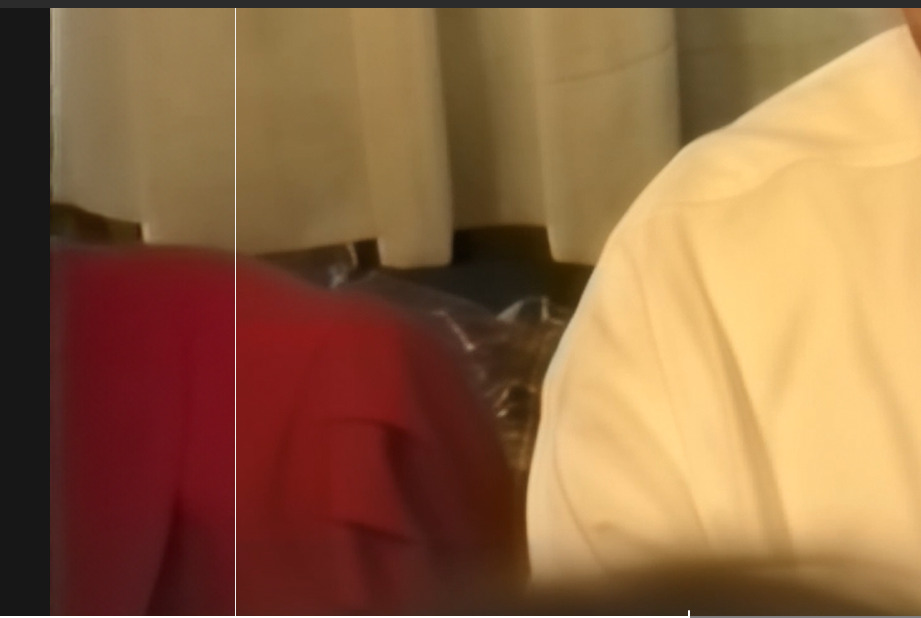
As you can see here on the right, the enhanced part with the red shirt is turning slightly orange.
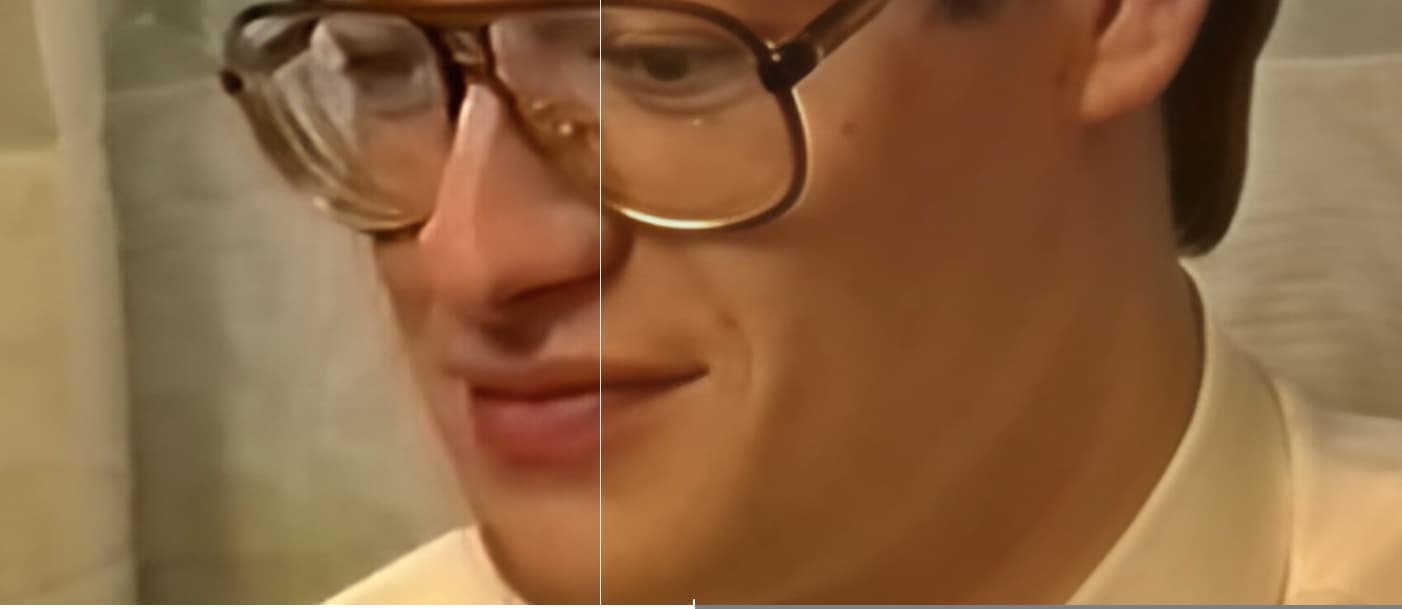
The same goes for the skin.
Can you send an email to the support team at help@topazlabs.com with screenshots and the full web address it is trying to connect to?
Tried to update the app from the main interface, crashes as soon as the mouse cursor hits the area that indicates the download progress. (Mac)
Downloaded the pkg, installed it, launched the app, have to re-activate, I enter my email, click ‘Continue’, it loads for a few seconds, and then bounces me back to entering my email, while in the top right corner it says ‘Trial’.
Uninstalled the app, downloaded the DMG, reinstalled it, same result.
Will we ever see the day when Topaz releases a new version of an app that actually works? Probably not. This is terrible, absolutely terrible.
6 Likes
Correct. I’ve attempted twice and it just crashes. I’m gonna try and download the dmg file like you have and see if that works. Update. Download DMG and it did unpack fine and replaced the App with the new one. This method worked for me.
2 Likes
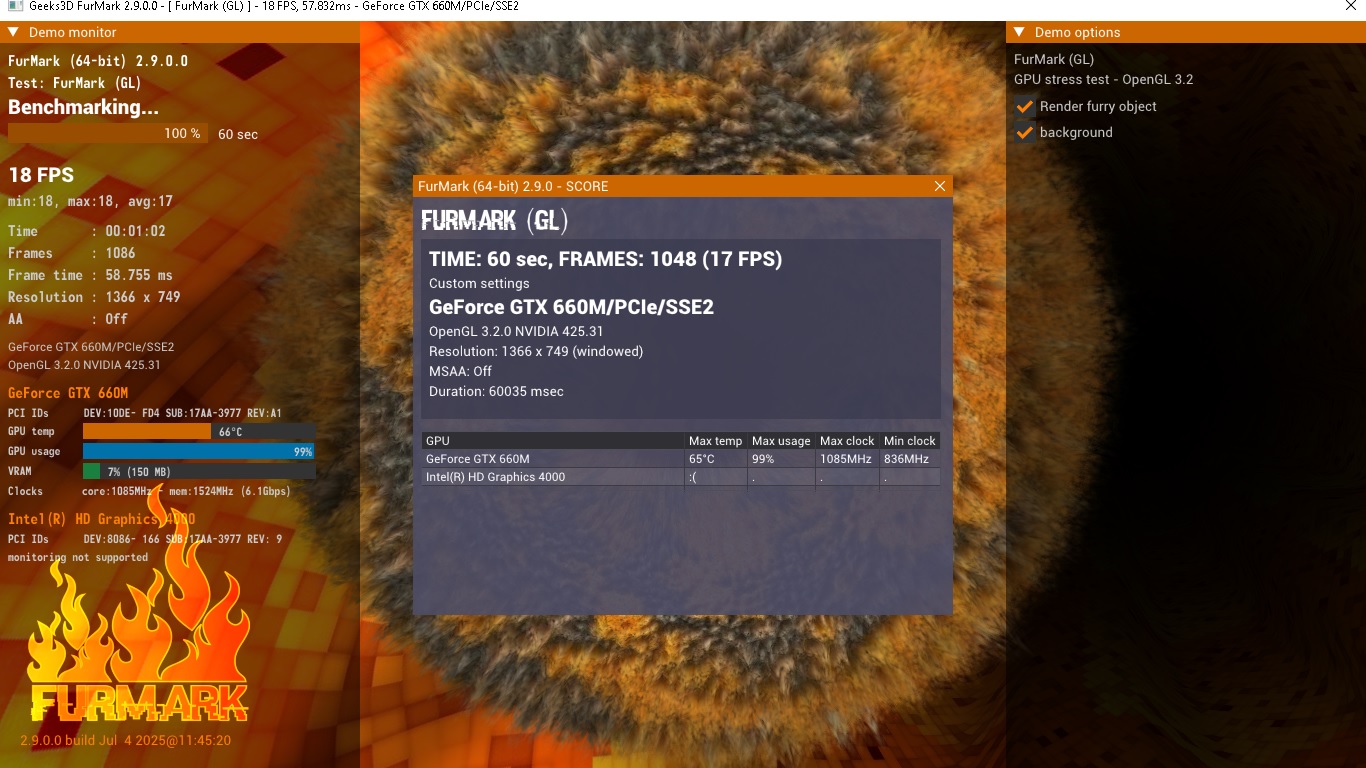
Please make support and optimization of old CPU and GPU!!! i7-3840QM+intel HD Graphics 4000+GTX 660M OC
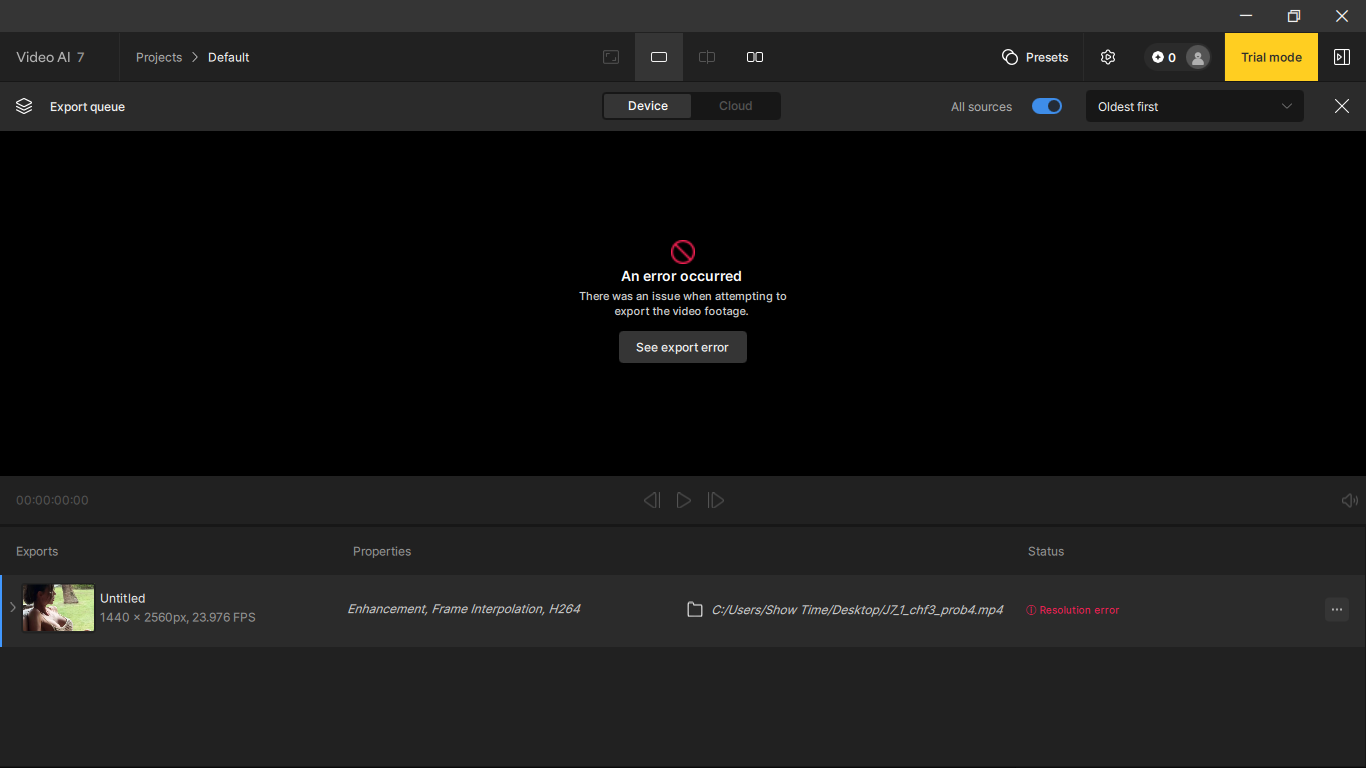
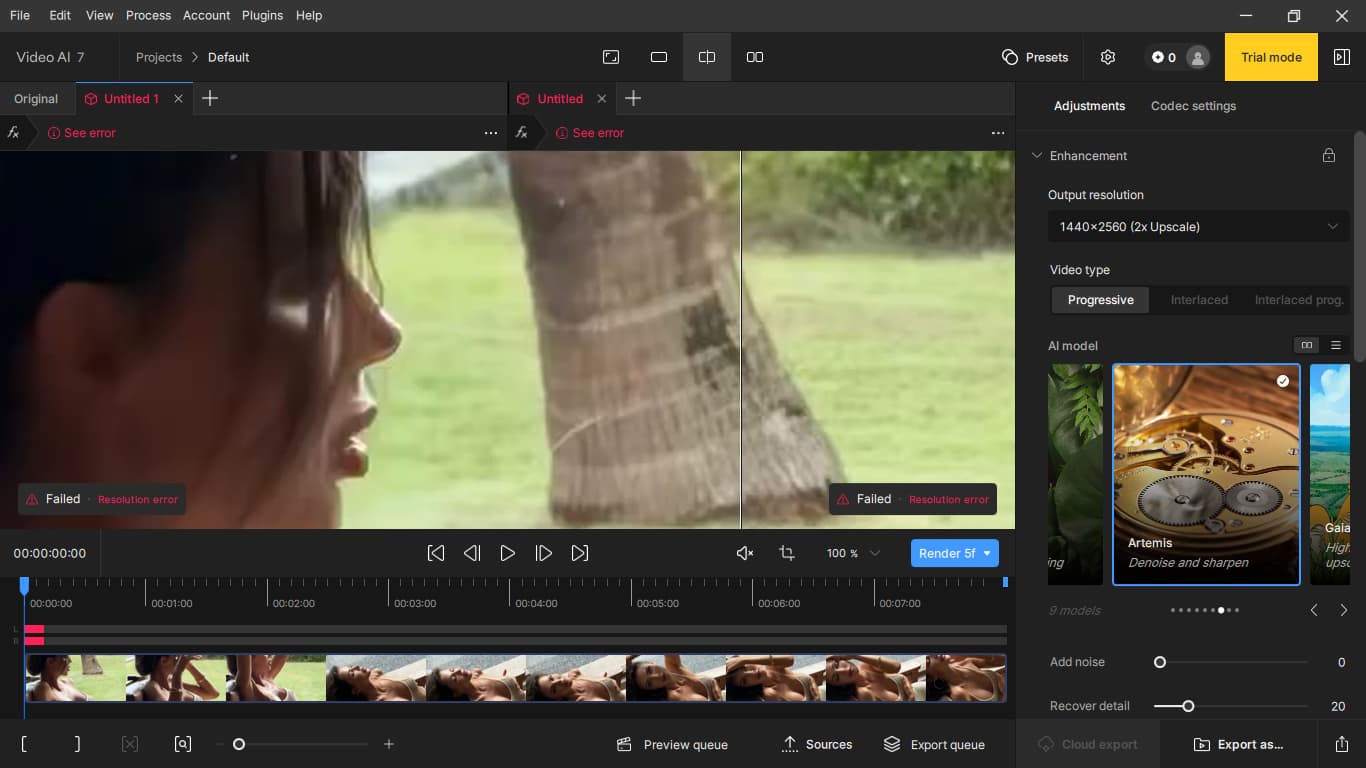
Those specs couldnt pull the skin off a rice pudding 
5 Likes
Yes, this is not RTX PRO 6000
1 Like
Really ?
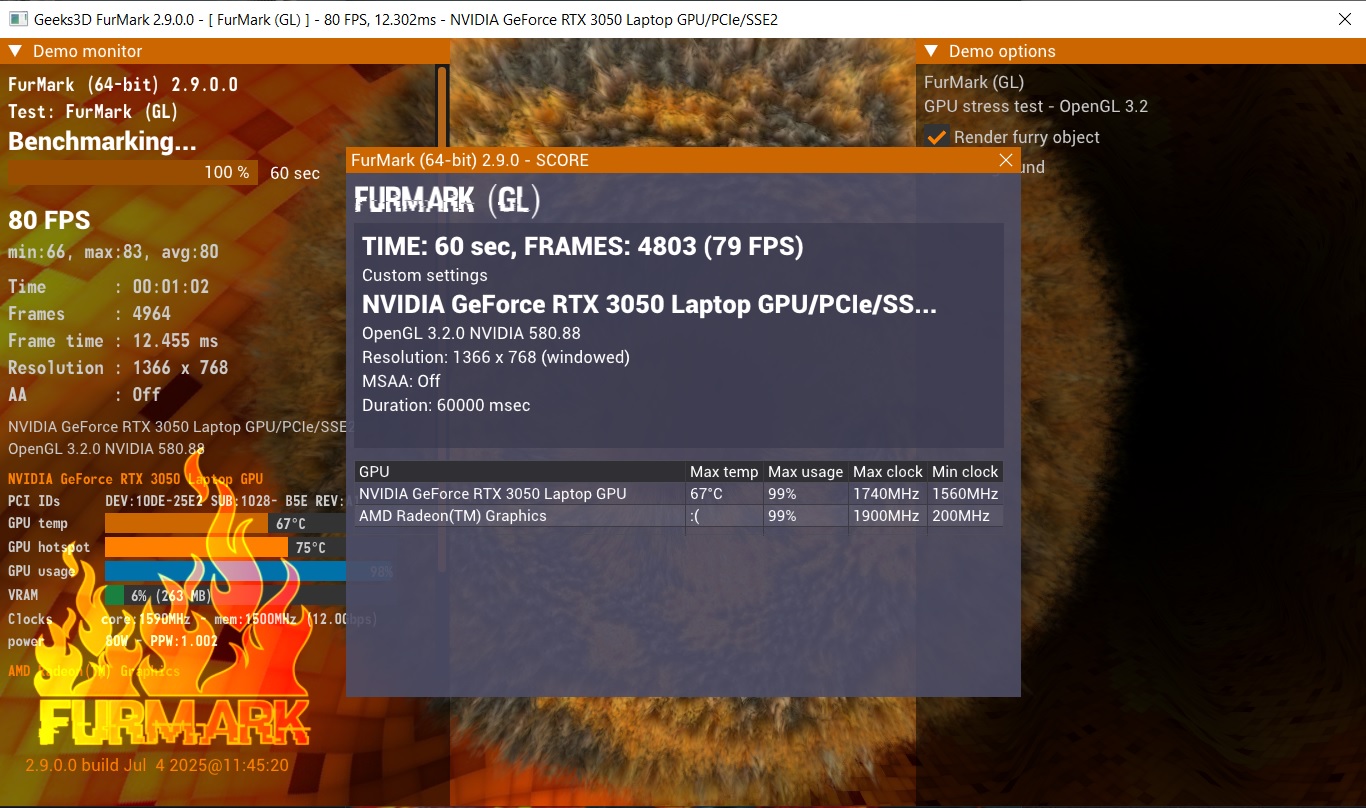
Considering your GPU is 90% slower than a 3050M (Base GPU) what do you think can be done to optimize for a 14 year old GPU and CPU that come no where near the minimum requirements to run this intensive software ?
3 Likes
The speed of Starlight mini has been increased. Even if it’s not lightning fast, I’ve still gone from 2 hours, 42 minutes, and 53 seconds for a 1 minute, 4 second video sequence to 2 hours, 38 minutes, and 31 seconds for a 1 minute, 7 second sequence. It’s better than nothing  . We’re moving in the right direction. Keep improving the model optimization, developers.
With those specs I’m surprised you can even load the software let alone run it, lol
4 Likes
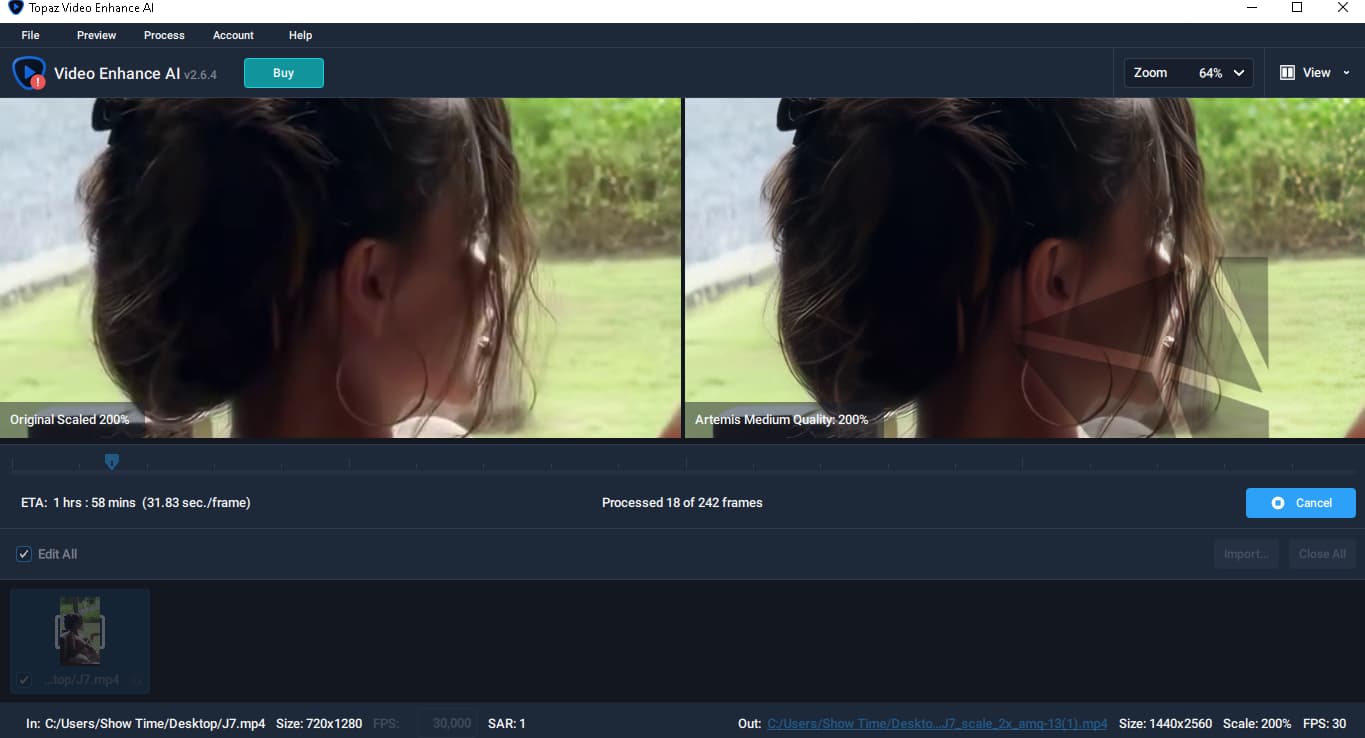
1)86,57% slower
2)Video Enhanced AI v2.6.4 - works
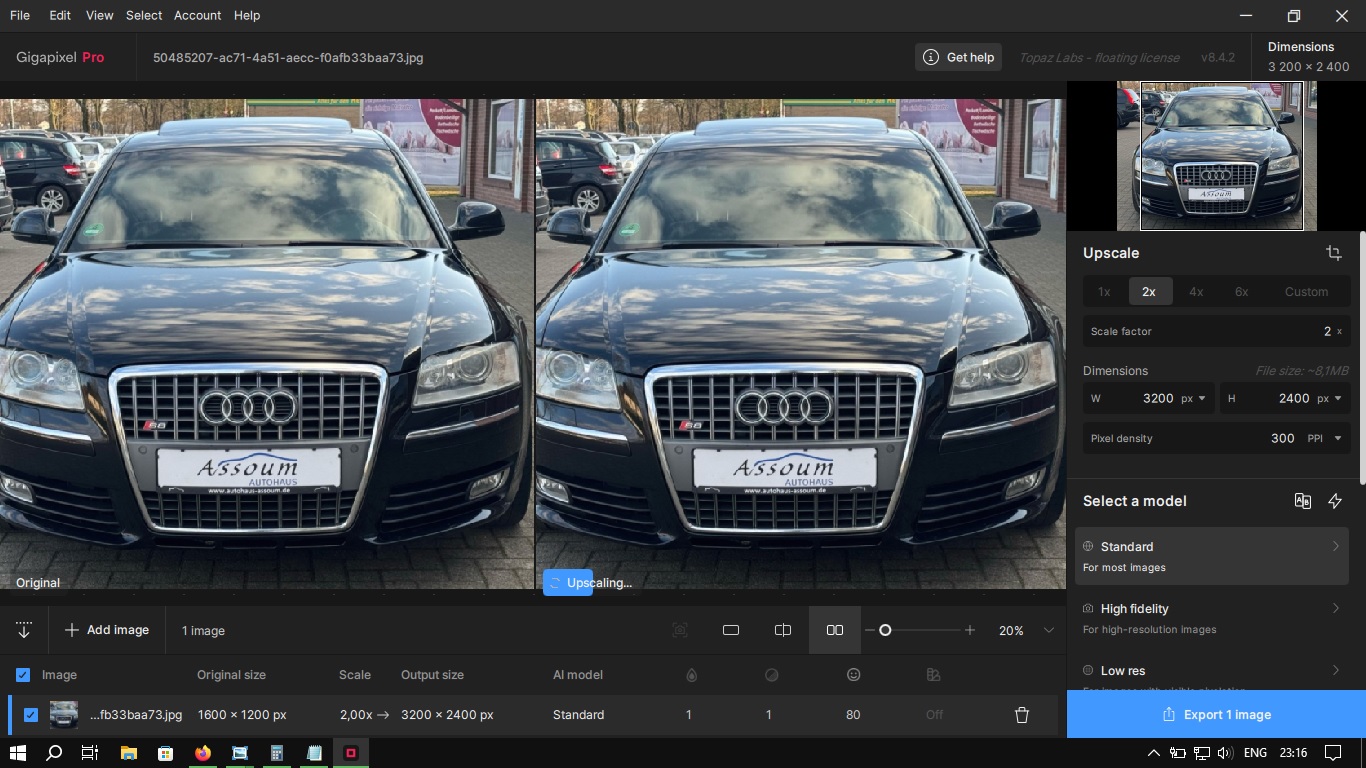
3)Split video to Jpeg, load into Topaz Gigapixel AI Pro 8.4.2, improve, assemble video from Jpeg
Those are below the System Requirements for Video AI and will not work with the app.
Is it normal that when I run the application it is throtling the CPU and GPU ? CPU cant get over 2ghz and GPU over 1Ghz during processing - and no it is not due temps - they are in both cases around 65 celsius degree.
CPU
AMD Ryzen 9 9955HX3D 16-Core Processor
Base speed: 2.50 GHz
Sockets: 1
Cores: 16
Logical processors: 32
Virtualization: Enabled
L1 cache: 1.2 MB
L2 cache: 16.0 MB
L3 cache: 128 MB
GPU 1
NVIDIA GeForce RTX 5070 Ti Laptop GPU
Driver version: 32.0.15.8115
Utilization 40%
Dedicated GPU memory 2.8/12.0 GB
Shared GPU memory 1.0/15.6 GB
GPU Memory 3.8/27.6 GB
Running Artemis model.
After installing this version with a clean install and redownloading models when i start upscaling with Rhea after 5 minutes of export my monitor turns black and says “no signal”.
I had to roll back to 7.1.0… i still get TensorRT sync error randomly with that version but it doesn’t crash my pc at least. I have a rtx 4070ti with studio driver 580.97
Mac install still crashes and installing outside the app deletes my presets 
Is the laptop plugged in or is it running on battery?
Is the Windows Power plan set to high performance, balanced or power saving?
Because with TVAI, both CPU and GPU are being heavily utilized, the laptop may have reached its maximum power limit. This is set by the laptop manufacturer.
What happens if you temporarily disable multi-threading (to reduce CPU power consumption)?
I’m not familiar with AMD, but isn’t there some kind of software which can tell you the reason for throttling? If it’s not the temperature it is most likely the power limit.
These links are throwing up errors. I cleared cache and cookies. No help. I had to trash my app because it kept incorrectly displaying as Trial Mode.
NOW WHAT?
I’ve sent the email with screenshots.
I noticed that when I remove the tracking tag from the link, the package downloads without any issues. I’ve mentioned this in the email as well.
Cheers
as jayBee said could be, most laptops with dedicated gpu have power limits also in case of heat (when it not a thick “workstation” Laptop). On the other side Artemis does not scale with newest hardware properly, on my desktop with a 5090 i have no 100% usage.
What you can do is as jayBee said disable hyper threading, close everything except TVAI while rendering. Easy method to reduce power comsuption and heat is limit your cpu in windows for example to 90% on this way the gpu never goes into boost mode, you can do it here
when it’s throtling, less power can result in more speed
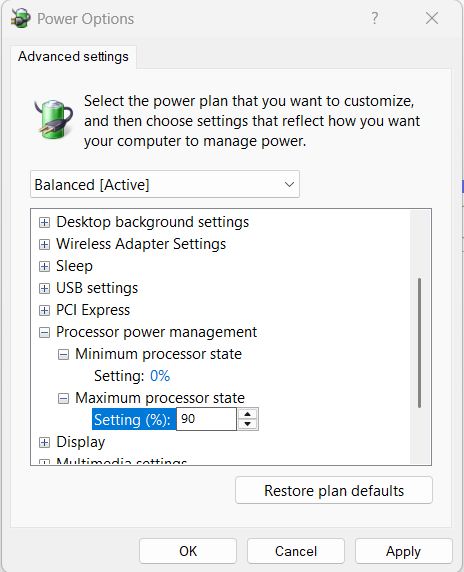
..and it could be, gpu untervolting also works with Notebooks GPUs, you can give it try reducing gpu power consumption using MSI Afterburner (take the beta)
