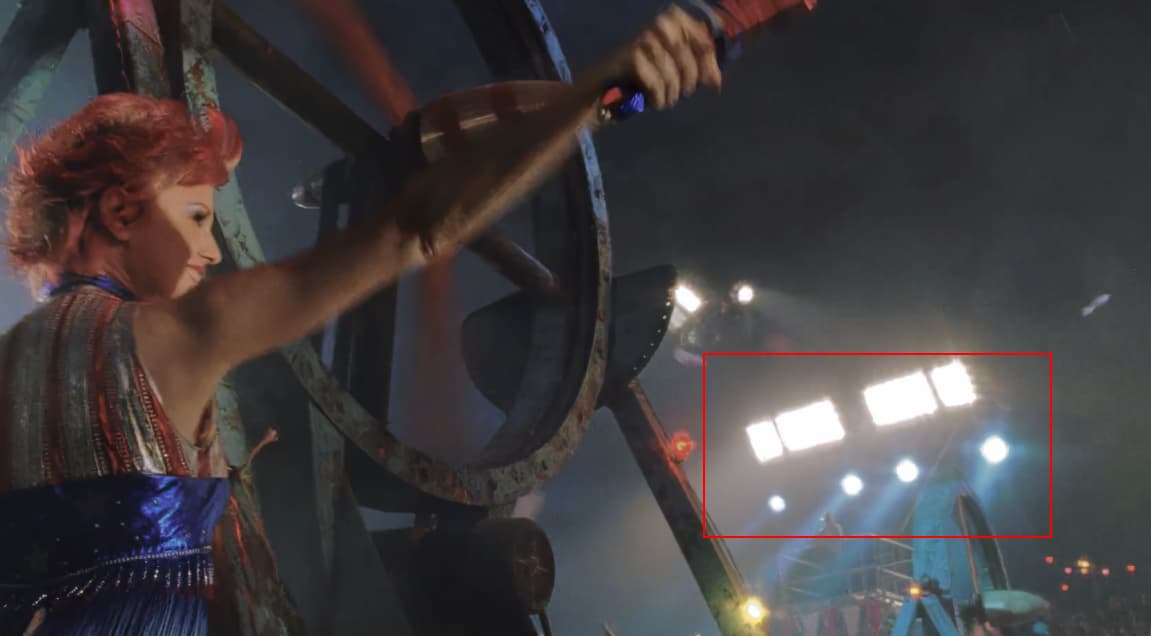
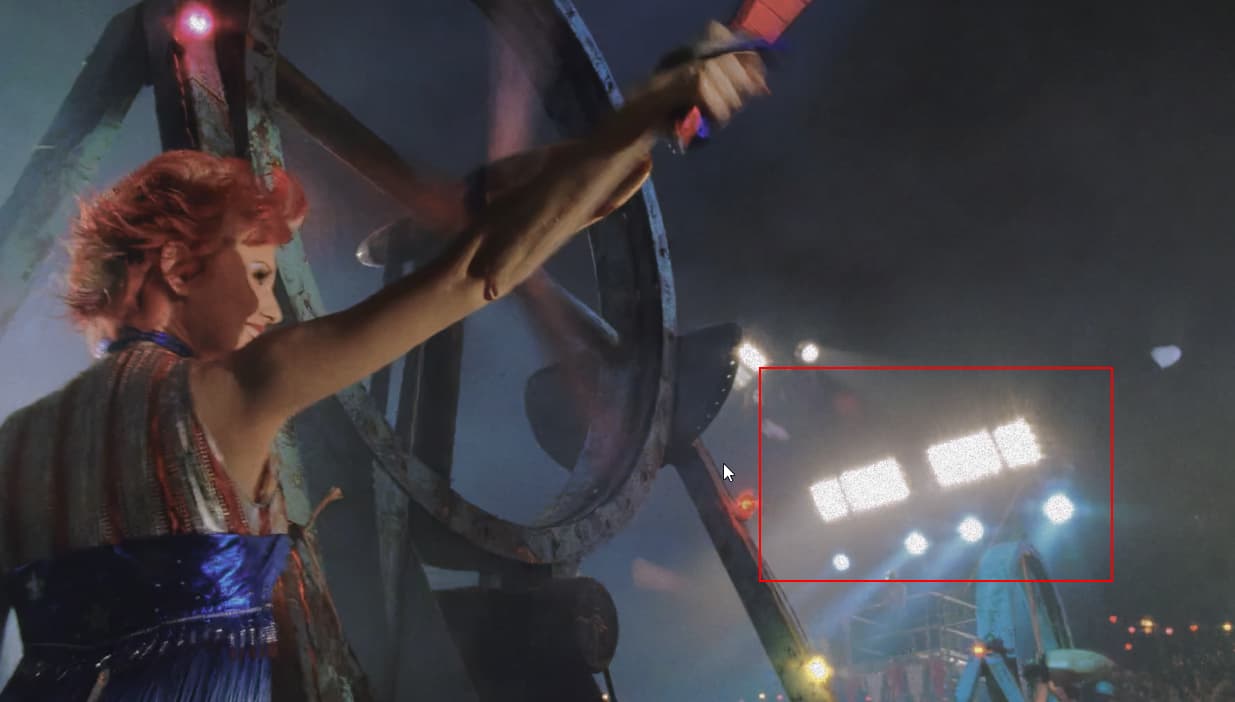
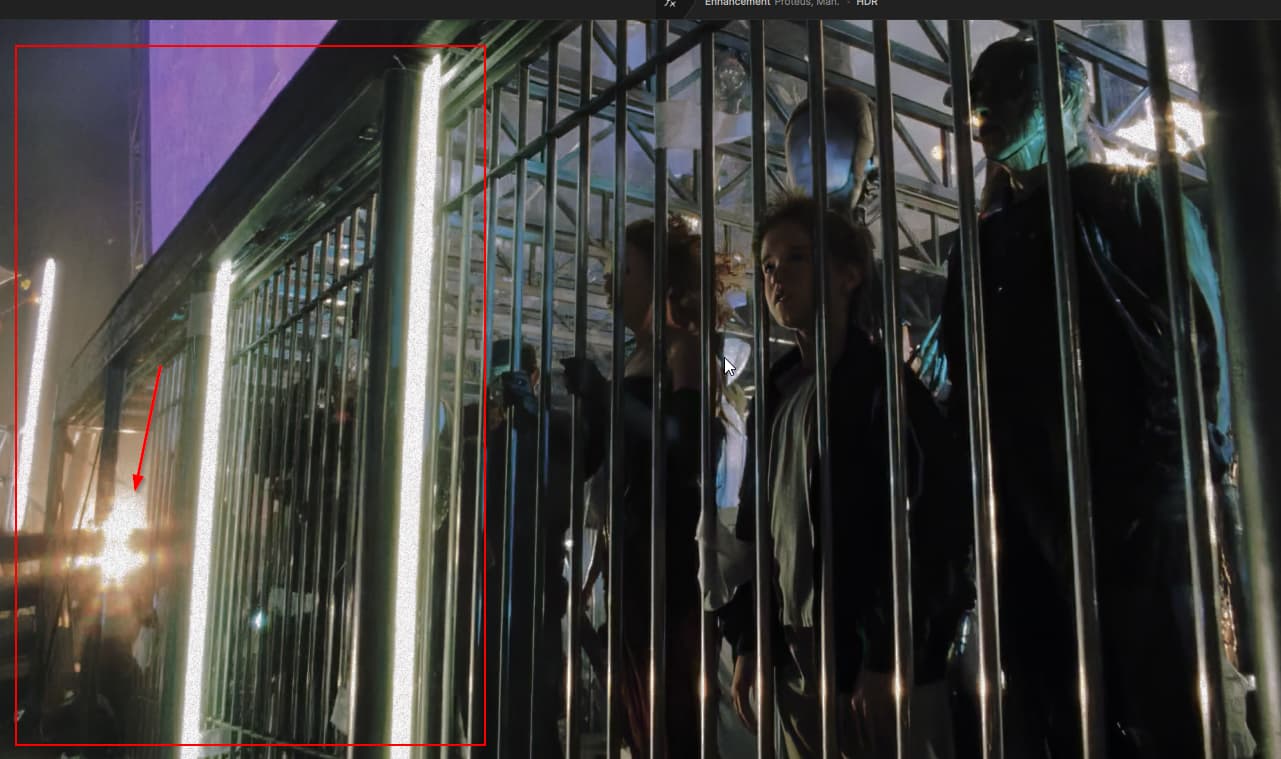
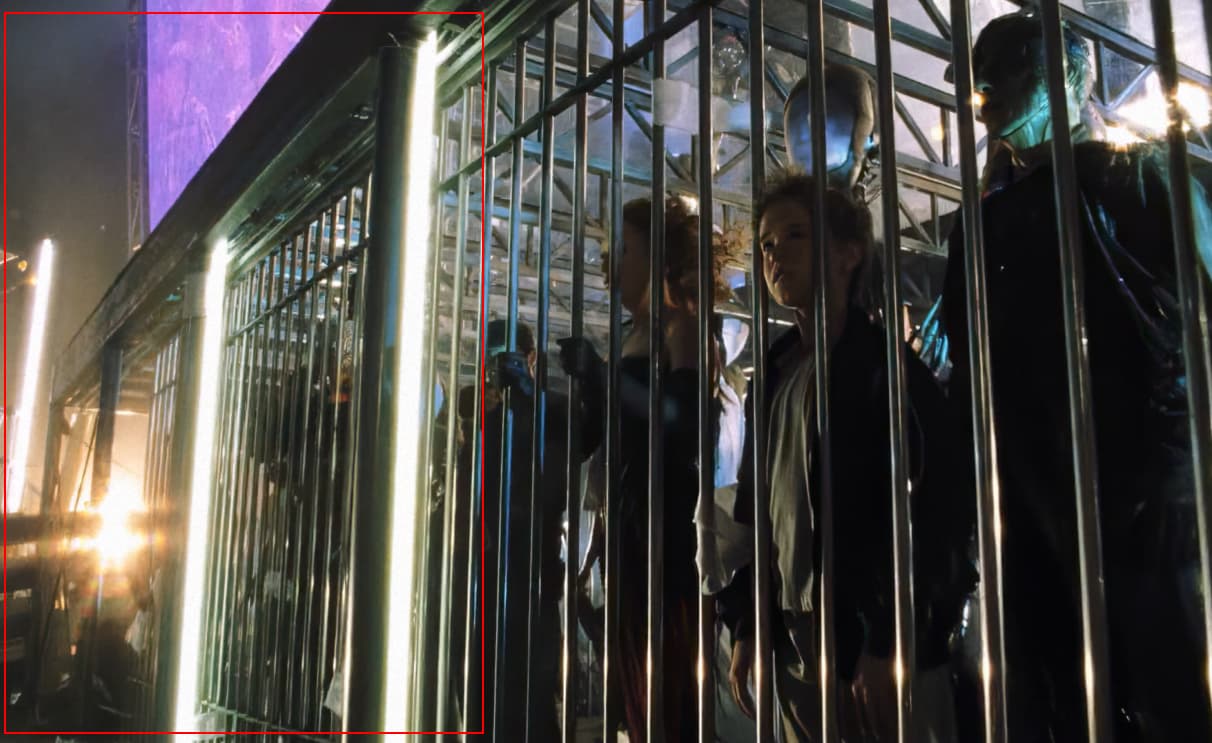
Is there away around the HDR conversion getting some nasty looking grain artifacts? I like adding grain to my edits but it seems to clash with HDR…
 … ??
… ??
HDR with no Grain
HDR with Grain
HDR with Grain
Grain with no HDR
I can unmderstand some pop when it comes to grain… but it’s like a black and white thing… it slaps you in the face… compare to the one without hdr… the grain blends in way better into the whites…
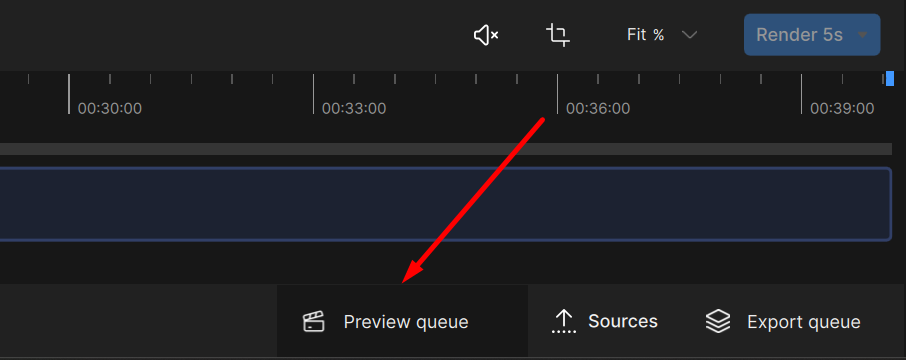
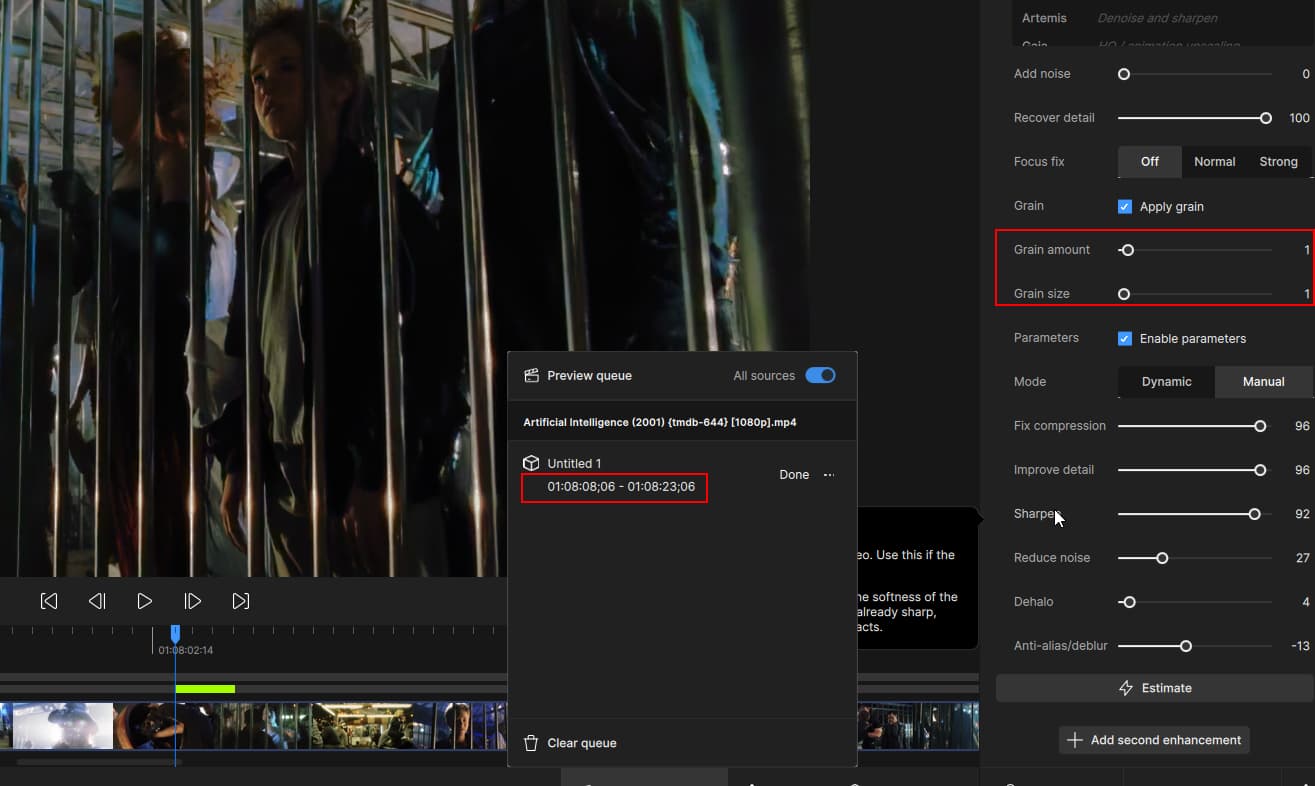
Oh and where’s my rendered preview queues? I used to be able to go back and compare previous renders… Now it only seems to keep one…???
You should be able to navigate through previews with this panel:
As for HDR and Grain clashing, I think this is something we can solve by changing the order of filter processing. We will look into some test cases and see what can be done in future updates to improve the combined output
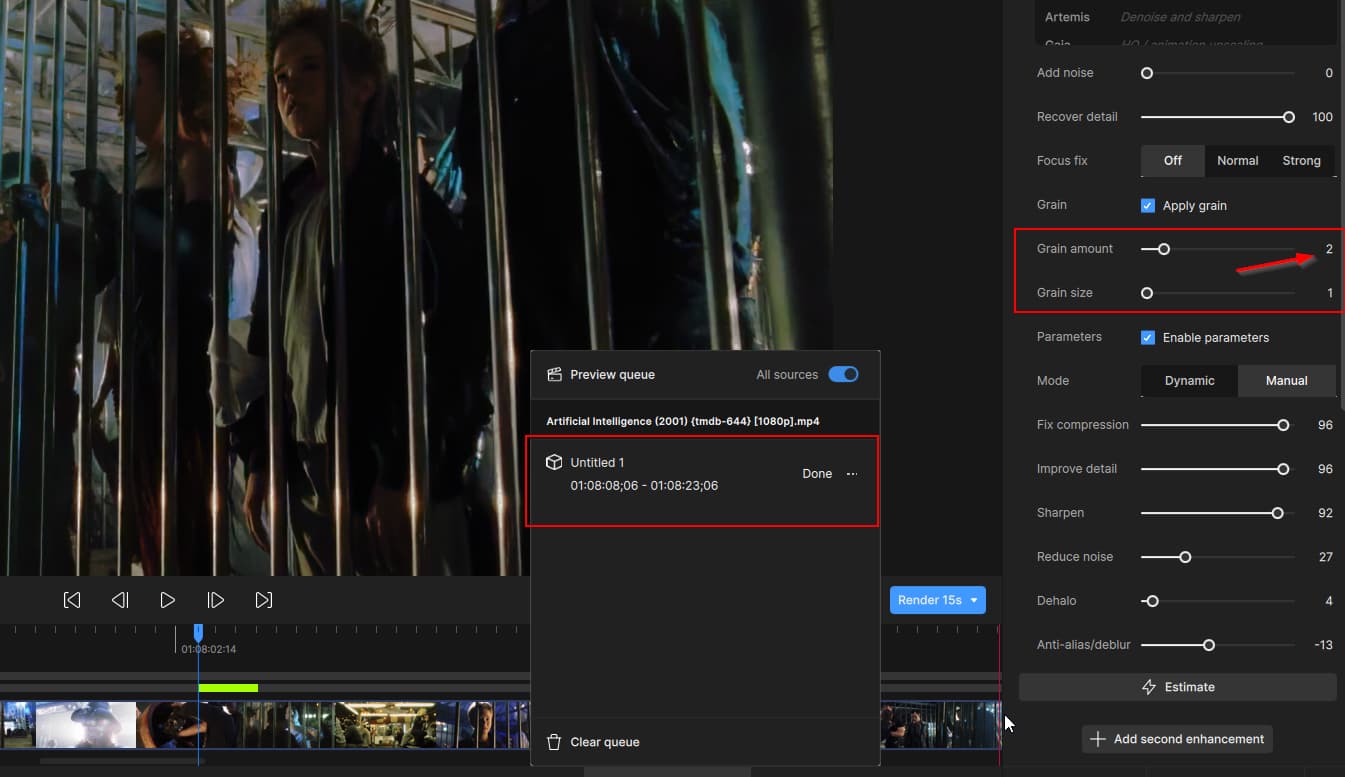
I don’t think it’s working…
made a small change and re-rendered the same spot…
Was this after changing the model setting and clicking “Render 15s” again?
You can submit your log files for us to check on what could be causing this. I also recommend trying a new project in Video AI. This can sometimes resolve errors.
To gather logs, please select Help > Logging and make sure that there is a check mark next to File Logging. Next, recreate the issue and then return to the Help menu and select > Get Logs for Support and attach the “logsForSupport” file to your reply.
You can securely submit your file(s) to our Dropbox using the link below. Please be sure to send me a note to let me know you sent something.
Submit to Dropbox
 I’ll try that as soon as I get back from lunch
