Yes, those app settings would send renders to the 4090. Are you seeing high CPU usage at certain points of your exports?
Absolutely, well said.
Obviously there is an issue since multiple users with multiple machine configurations, multiple input/output settings.
Yeah, I’ve stated this above and many of times; crash dumps, logs, ect. IS NOT ENOUGH to find the ROOT CAUSE in an isolated control environment (especially with only a handful of in-house CONTROLLED testing beds) and MANY of times it requires… uhm… unrealistic measures to CORRECT said issue(s). It is what it is.
I don’t understand this, do you? Does it costs anything, I am not sure, because libx265 is under free use GPLv2/3 license. Or even is costs something, then it sounds like Sonos, who forego DTS-X compatibility because of a few bucks. 
2 Likes
I dunno. Far as I know, x265 is free. I mean, ffmpeg allows free use of libx265; then again, ffmpeg itself is freeware. It might be the GPLv2/3 license excludes commercial use of x265 (as TVAI is not exactly freeware). But what Topaz uses instead, NVENC, is low-quality crap (either too low quality, or produces streams that are way too big). NVENC was meant for quick-and-dirty on-the-fly encoding.
You can always do what I do, of course: just output to, say, ProRes 422 HQ, then post-process to output to an x265 stream. On that note, TVAI should support the terminal as output, so we can pipe directly to x265 and the like.
1 Like
Crash dumps can be useful; but if a person has, say, faulty memory, almost every crash can appear as originating from another place (thus throwing you off, as memory, obviously, affects everything).
I know that ‘drunk’ story in another form. Like there was this guy sittting in his car. He turns on the radio, and hears someone is going the wrong way on his road; whereupon he rolls down his window, looks outside, and says “I think it’s more than 1 person!” 
Seriously, when Topaz becomes deliberately obtuse, and starts telling you update your drivers or something, you know they know full-well what’s going on. It’s high time they finally put someone on it.
Yes, we’re beta testers, but we can only do so much without the source code. And, frankly, I am personally also only willing to do so much. That may sound rude, but I’m not on their dev staff, and once mentioned by several users, and without even having the proper tools to fix it, the onus is now on Topaz really to spring into action.
I think what he’s saying is. You’ve set the GPU as the primary device to render. If you set the cpu to your primary, it will use libx264/libx265 as they are CPU-based codecs, and not GPU-based.
Edit, nvm. Ffmpeg command still says -c:v hevc_nvenc.
Edit 2* Hmm, it seems libx265 is not part of their build at all when running the exact same command in the command prompt opened in TVAi.
That makes no sense, honestly. The device you render on (GPU/CPU) has nothing to do with the output format.
I did some reading up on it, actually, and it turns out Topaz is indeed not allowed to offer libx265 when bundled with a commercial package. See https://community.topazlabs.com/t/video-ai-3-0-0-40a/33029/32?u=meimeiriver
EDIT: What the dev is saying here, is something I completely missed the first time:
“1. Unfortunately due to licensing issues we cannot release a libx264/libx265 compiled ffmpeg. @ibobbyts already compiles his own version for Mac. This is the reason why we provide the required libraries to build the backend from source. May be someone can do it for windows and share it.”
He seems to say we can compile the TVAI ffmpeg source ourselves with –enable-libx264 --enable-libx265 included. I should endeavour to do this. Then we can grab the command line, patch in a proper libx265 section, and Bob’s your Uncle. 
5 Likes
There is also a commercial license https://x264.org/licensing/
2 Likes
Now, all that’s required is for me to find the v5.3.6 source. Seems their github is behind a bit.
Please do. I’ve got a ffmpeg compiled with most things(similar to the gyan.dev full build, except it has a few more libraries and the nvidia npp library which requires cuda sdk and nvidia sdk to be installed on the computer).
If you find a way to compile extra libraries for the ffmpeg used by TVAi, that’d be sweet!
1 Like
Did you happen to come across the v5.3.6 source, by any chance? (Only version that’s currently not affected by still not solved VFR bug).
It would save me tons of time if I can use libx265 directly, and can forgo a whole ProRes intermediate step. So, I really want to make this work.
Also, I really wish Topaz would add like a ‘-raw’ parameter, that just dumps uncompressed output to the terminal (like VSPipe in vapoursynth), so I can pipe the raw data directly to an x265 process.
5.3.6 can be downloaded from this forum.
What do you mean by the v5.3.6 source? I’m running v5.3.6 as well. ffmpeg executable is in the main installation folder. There are a few ffmpeg-compiled files in the ‘share’ folder which is located in the main folder. There are also a ‘ffmpegmediaplugin.dll’ in the ‘multimedia’ folder.
Edit* link to the 5.3.6 version
Topaz Video AI 5.3.5 - 5.3.6 - Topaz Video AI / Releases - Topaz Community

A few other things that I noticed.
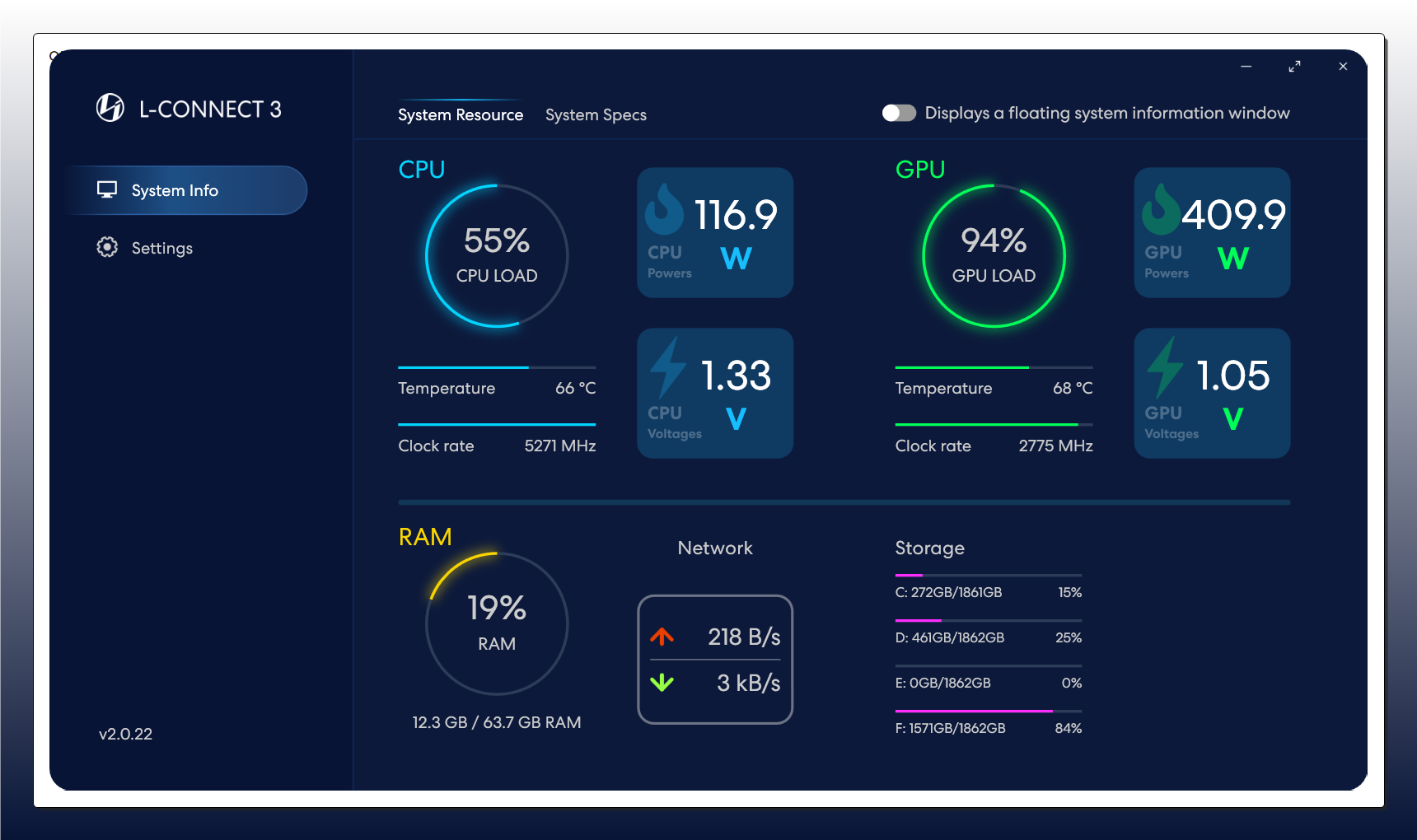
Lately I started having some crashes of the GPU very random. Using TVAI sometimes it crashes the display driver or something like this, because the screen goes black, no way to see anything that it’s happening. The only way to get out of it is to do a hard reset of the machine. When I restart TVAI the exports show “Resolution error” or just “Error”.
That’s the first aspect. So I decided to use the command prompt which didn’t crash the machine (or display driver) but when it finishes the export the file is not “finalized”. It should have a suffix of the model used (lie “chr2”). Instead, it has the temporary suffix, just numbers. The file seems to be unplayable and the only way to rescue it is using a rewrapper, like Avidemux.
Have done any changes to your gpu? i.e. undervolting, overclocking core/memory?
It definitely does. Unfortunately, I’m not well versed enough in what parts of the encoding/decoding use the CPU, but from dabbling with ffmpeg manual command line before i got TVAi. Some ffmpeg libraries/codecs can only be processed by the CPU. If trying to use for example nvidia specific encodes such as -vf scale_npp=3840:2160 instead of just -vf scale=3840:2160 - it’s incompatible with a lot of things, even with -hwaccel_output_format cuda. Looking at the ffmpeg command line there is nothing specifying what hardware does the scaling for example, which to my knowledge is then done by the CPU.
1 Like
No, everything is factory default. I don’t make any changes to them since I don’t know how and I don’t want to mess up anything.
98% of all my upscales are done to 1080p, which is good enough for me considering the quality of the source material. I did a few 4K from 1080p but not enough to matter.
Nothing to do with o/c nor undervolt
TVAI randomly crashes the drivers since 5.3.x, one more thing to the bunch of bugs
This the more you ask to the GPU (Rheal, Rhea XL, fps enhance)
Still rock stable with 5.0.4 with 100% load …
2 Likes
