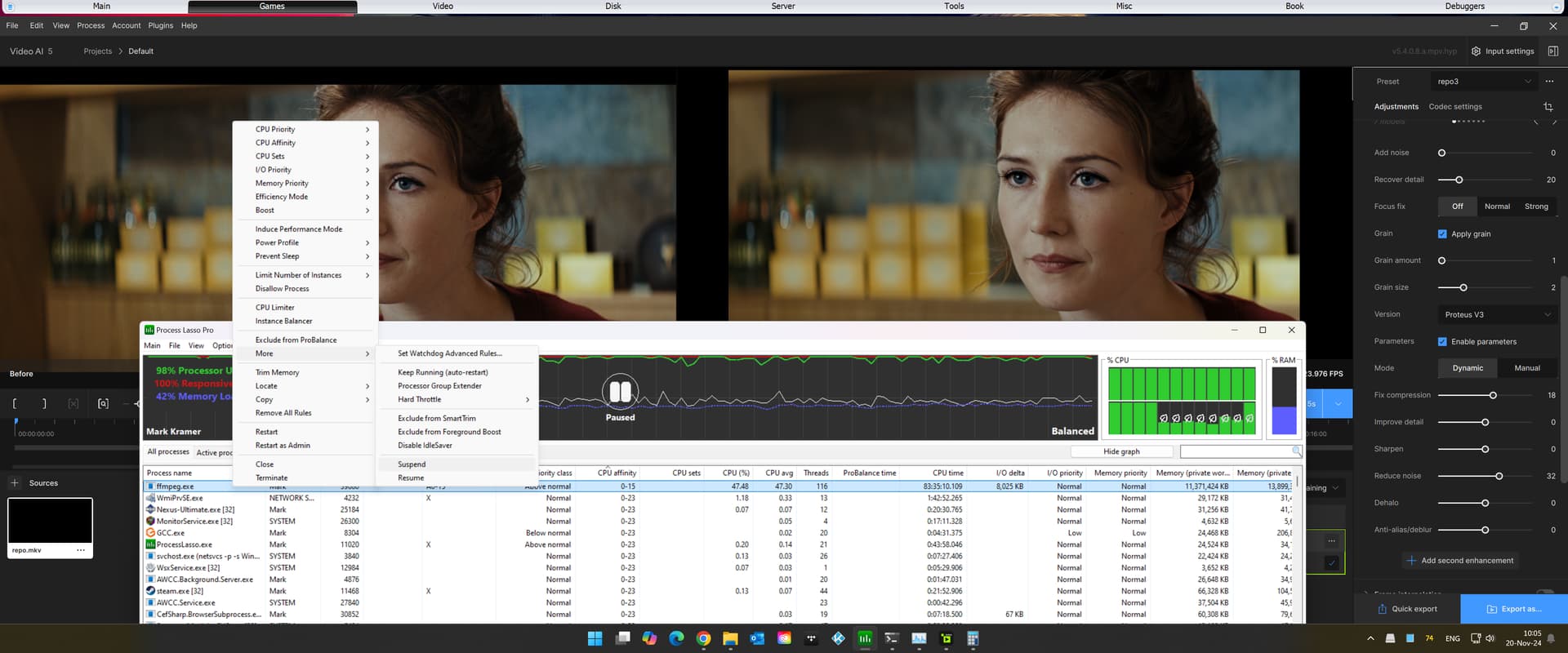
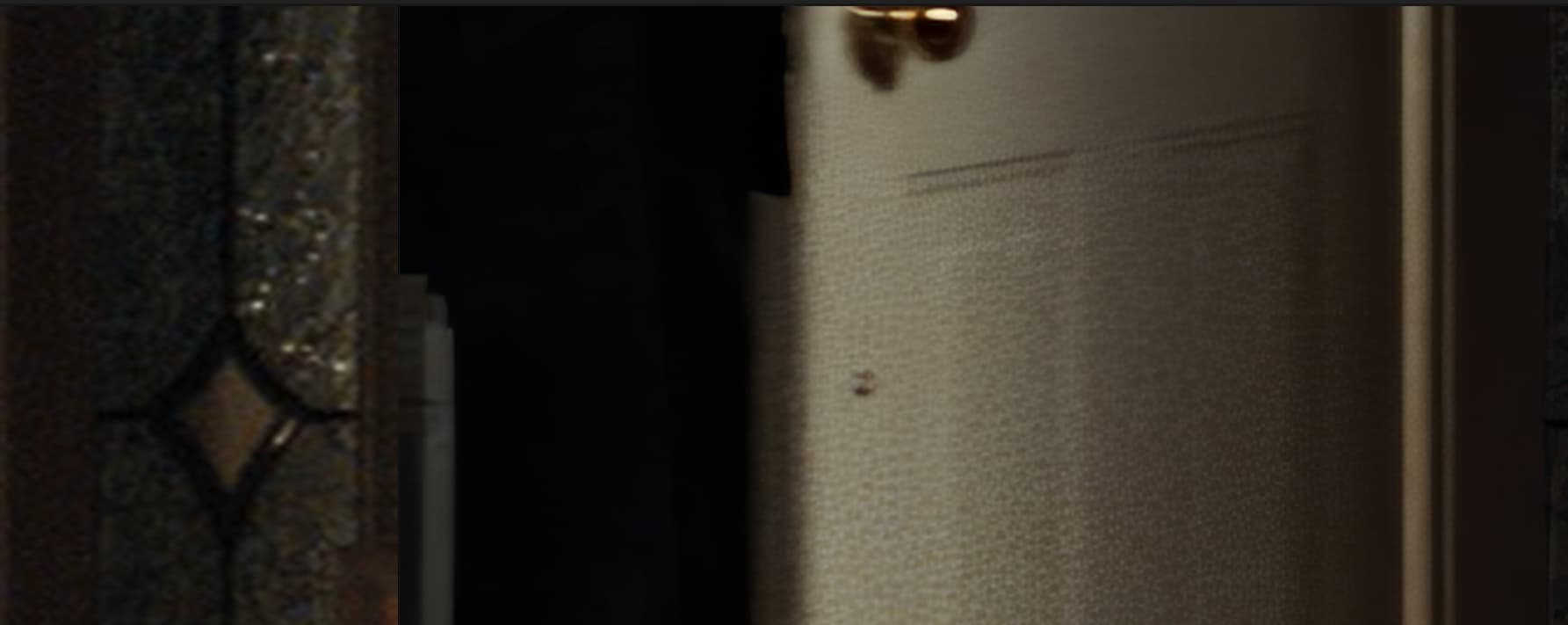
Noise reduction in TVAI has always been pretty dreadful, IMHO. Reason is because TVAI lets its alleged A.i mess with denoising. This is very bad, as noise is typically distributed uniformly over a frame. So, once TVAI had its way with it, you are often left with patches of undenoised areas, that can, thereafter NEVER again be repaired (because of locality over uniformity). See below. Top end of door is denoised, lower end TVAI decided to skip (Rhea):
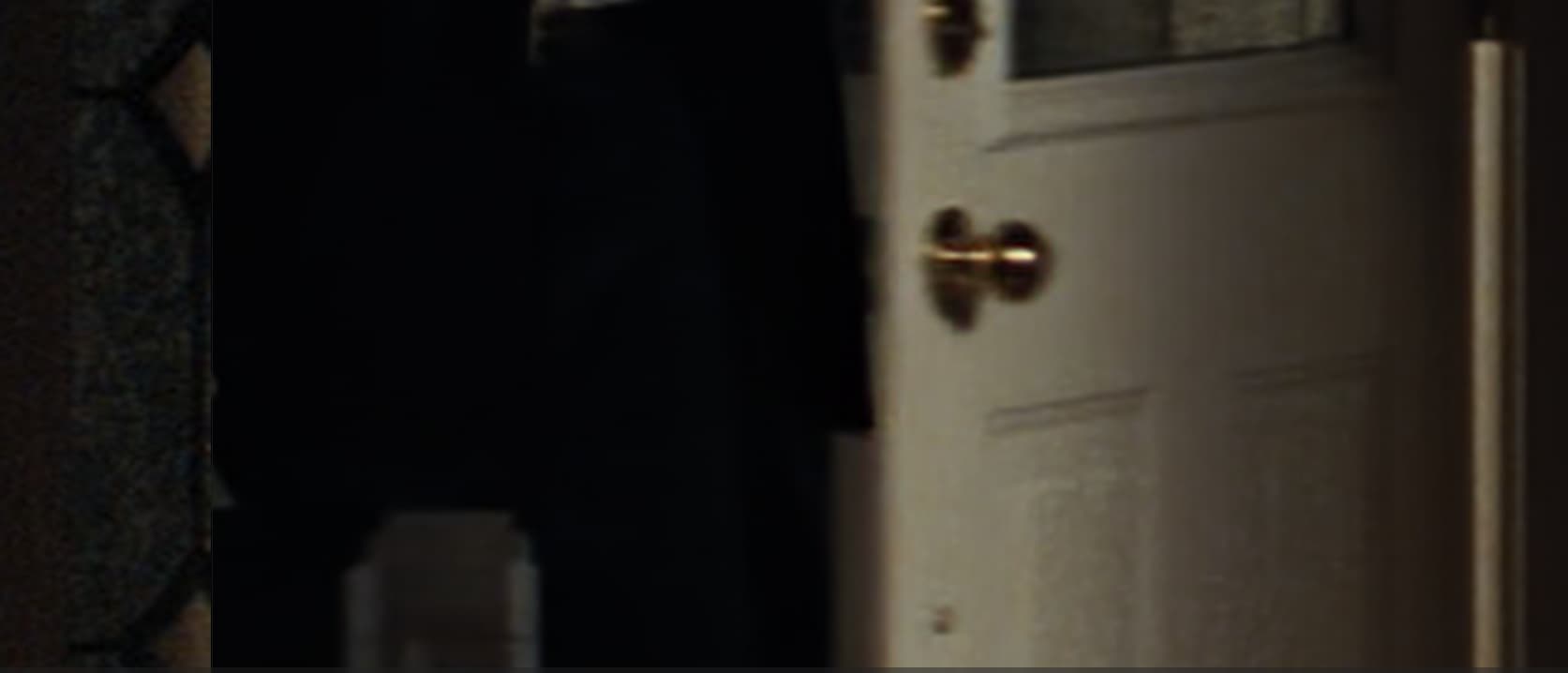
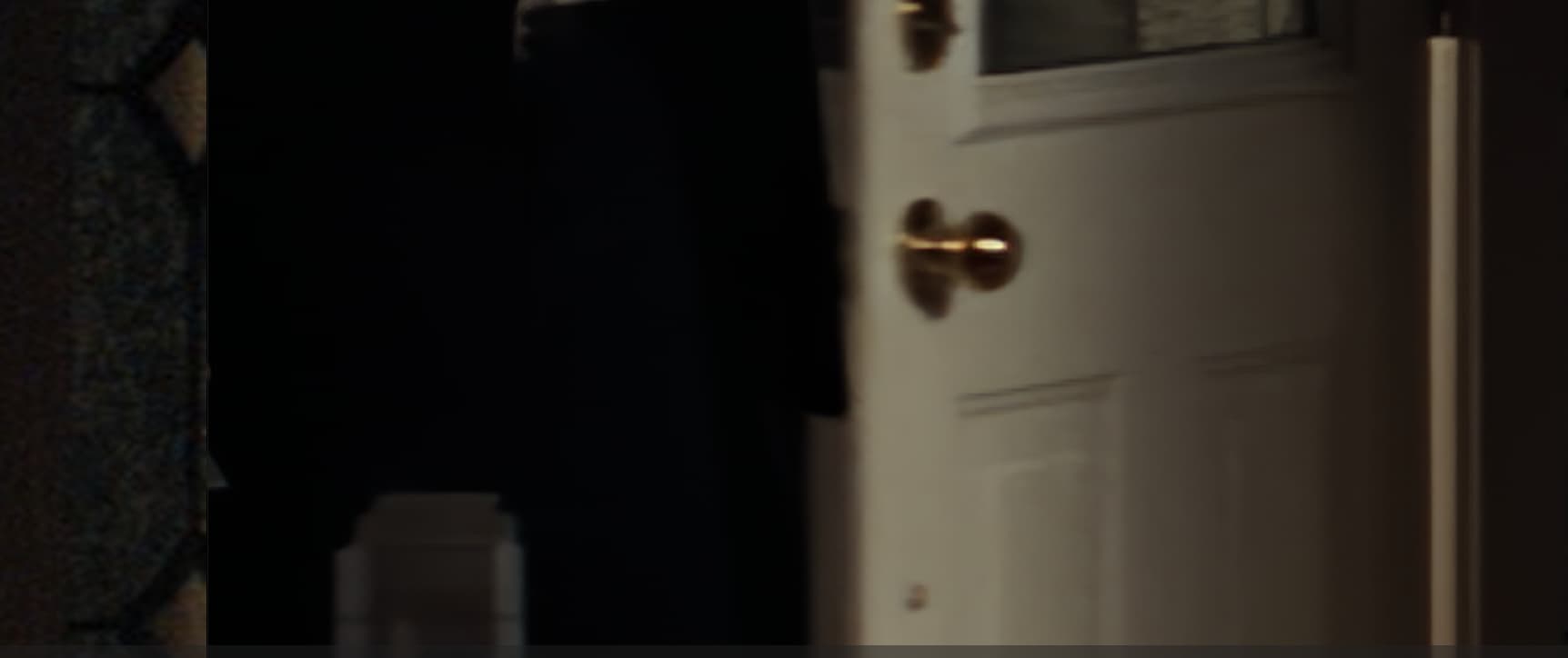
Also, tried to add a second pass. What a disasterous result. 2nd pass (Rhea) appeared to have destroyed the clip (whereas it was only ‘normally’ broken as 1st pass). And the next attempt, TVAI just crashed outright. Guess 2nd pass stuff is not entirely production-ready yet. Too bad, really, as a working 2nd pass could really help in cases like this, where you want to do like a Nyx prepass first.
First install it crashed my W11 PC and had to do an automatic repair. Second install, the split screen comparison window doesn’t work. Seen enough, going back one version.
I’m loving the Hyperion SDR-to-HDR model, it’s pretty close to real HDR but it needs some improvements that I think is worth mentioning:
The standard HDR filter is way too warmer, even with highlight threshold slider at maximum. If it had a color temperature slider would be amazing (to copy real standard HDR);
It misses a crucial sharpness slider;
If I could apply some grain without using any enhancement model, I’d really appreciate.
In advance I want to thank Topaz Labs for the amazing work you are doing. I hope my feedback can help you guys!
In the Preferences Panel>Advanced section there is the option to turn on “previous model iterations” and this will enable you to use older versions of some of the models.
It only occurs for me when upscaling with Proteus v4, say, a 1920x800p source to 4k, and then with ‘crop to fill.’ Would be nice if this issue gets finally resolved – especially since ‘crop to fill’ takes ages.
For the time being I will not rely anymore on pause/resume.
It failed me at least 4 times lately, most of the time destroying the separate parts after it finished.
This way I couldn’t even try to solve it myself with mkvtoolnix.
It was doing its jobs quite well before.
Yesterday I upgraded my machine from 32 GB to 64 GB. So I had to stop the render it was doing.
It was already working on a file which failed me before.
After the memory upgrade I started Topaz.
It immediately started to render where it left off and when I was able to control it (Topaz becomes unresponsive when it starts a resume) I took the chance of letting it go through with it.
I wish I didn’t.
While it was still busy building the new final file, I checked it and saw it didn’t begin at the start of the movie.
I quickly made hardlinks (I have a program for that) to the 2 parts, so if Topaz would delete them, I would still have them.
This time I didn’t need them, because Topaz didn’t delete them.
Several times it proved to be beneficial.
Now I’m not 100% sure if my Frankenstein build is good. I think so.
I only used the Topaz video stream and used the audio and rest from the original.
Please check the process.
It may have started wrong with version 5.4
I’ve had successful renders with “resume” before.
There’s plenty of space on the disks, but even if there wasn’t: Topaz should check before it makes a file it can’t finish.
Yep, did a whole 2-hours movie prepass yesterday, using Nyx. Had to throw it away, after all, as it had edge-sharpened way too much, and overall done more than I wanted. We really need a truly dedicated denoise-only filter.

 Too bad, really, as a working 2nd pass could really help in cases like this, where you want to do like a Nyx prepass first.