It may be asking too much for the TVAI app, but what I WOULD like to be able to do is create a power window tracker in DaVinci Resolve for each face in a clip and attach a TVAI instance to each power window, each with its own settings. That would be cooking with fire.
1 Like
The window tracker would have to be in the editor, I think. It would copy the contents of the window in each frame and send it to the enhancer, then overlay the enhanced result over the original. I’ve seen editors with the tracking/overlay ability, but their precision is probably not good enough to do that.
It would probably need to be done frame by frame. Image enhancement might work better than video enhancement.
Why would it be hard, we already have AI removing backgrounds in Photoshop and After Effects, just have an overall slider control that lowers or increases enhancement of the background.
Ok, but the performance hit would be massive. We would go from measuring in FPS to SPF.
If your video editor has background removal, you could remove the background from an enhanced video, then overlay it onto the same video with no or different enhancement. The question would be how good a job your background removal does of cleanly separating the subject from the background.
I was mostly just suggesting what I would consider an ideal workflow situation vs. what I actually expect Topaz to implement. I figure if they hear the blue sky ideas, it might inspire some actual workable solutions.
I’m not sure why this would need to be in the editor. Power windows in the color panel are very powerful and the tracking system is accurate.
It doesn’t have to be in the editor. But with most of the better editors already having motion tracking of some sort and Topaz’ marketing strategy of promoting TVAI as an editor plug-in, duplicating features in a partner company’s app just doesn’t seem like a smart business move.
Ah. I wasn’t suggesting Topaz add tracking to the Resolve plugin. I was suggesting that we be able to use the TVAI plugin within the existing Resolve power window and tracking features. Sorry for not being clearer about that.
Yes, that’s pretty much what I meant. Resolve spooling content to TVAI for enhancement and then reincorporating it back into the project.
I have found a few bugs this release so far.
In this picture you can see after processing the original looks like it is displaying at what would be the same resolution as the B side, so it is super zoomed in and you cannot move it.
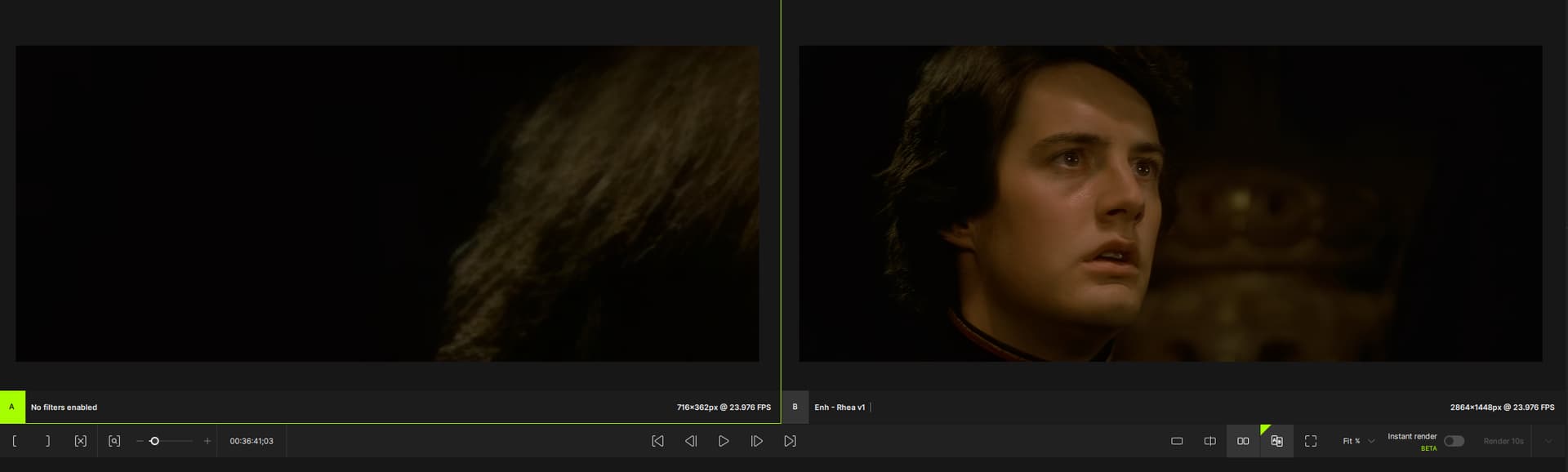
Next is the funny one, if I click and drag either of the videos to try and move to different spots on the thing, the WHOLE windows move.
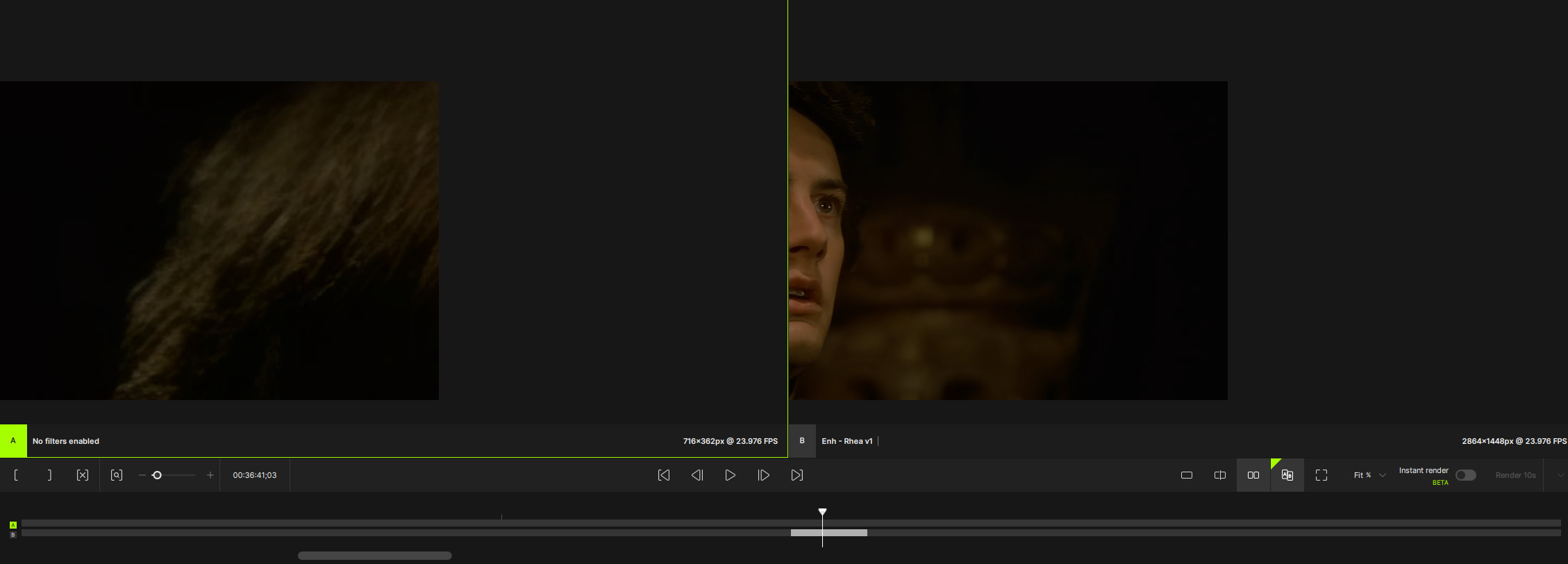
1 Like
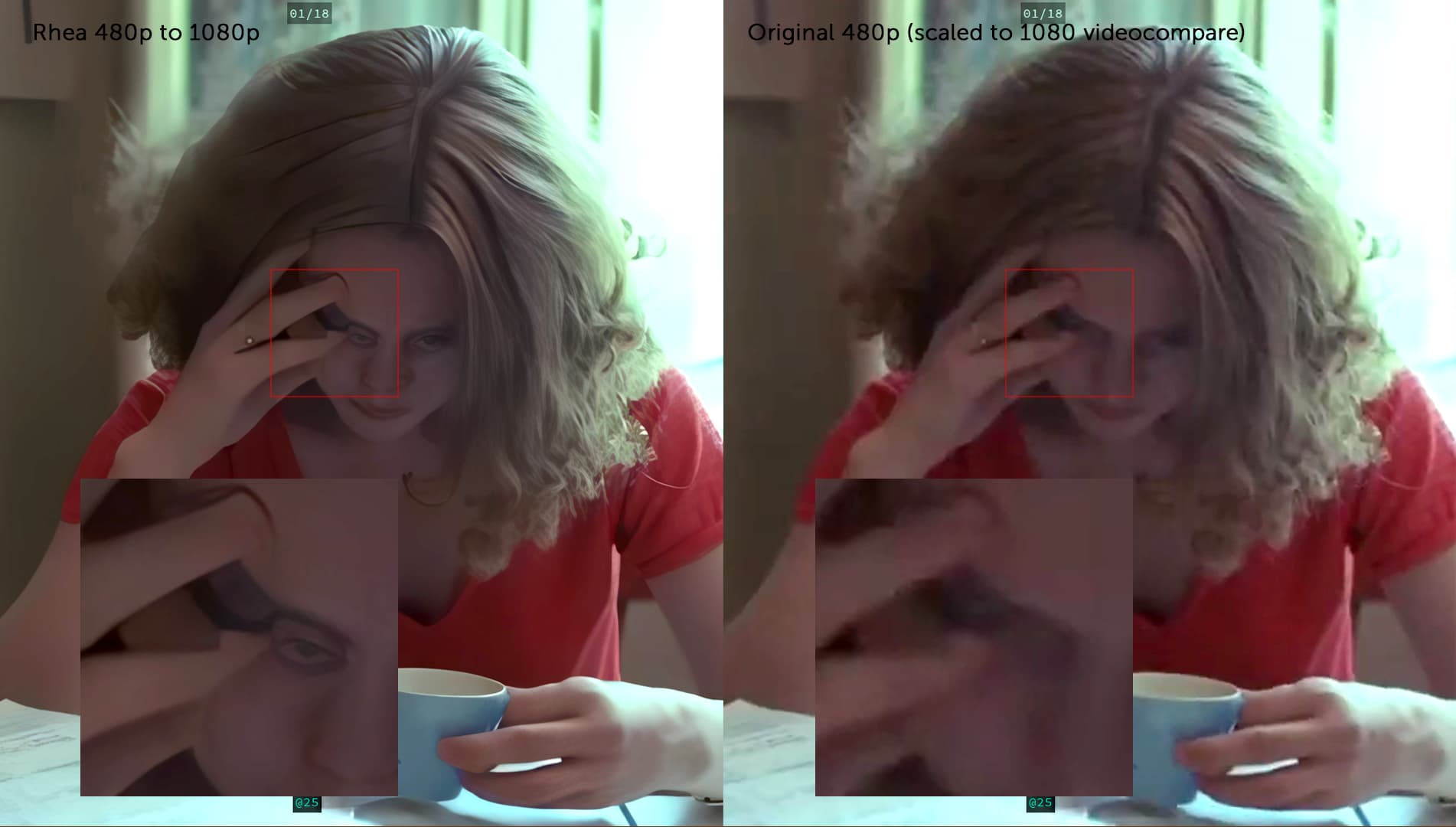
Good! I tested this increment of Rhea as well. The speed on a 4070 from 480p to 1080p is better (4fps vs 11fps), with an average GPU load of 85%. The result is amazingly good. However, just like Iris and even though less pronounced with Proteus, Rhea struggles too much with details on irregular structures (e.g., gravel, sand) and on plants. So much so that patterns and other artifacts appear. Conclusion: for indoor filming, what Rhea does is absolutely wonderful, but for outdoor filming… I don’t know what to say… there’s still a long way to go.
1 Like
So, I still can’t do anything. Importing sequence doesn’t load, attempting to scrub doesn’t do anything, unloading the source hangs the application and has to be force closed. Attempting to run a model instantly crashes.
I sent a message directly asking where to put crash logs, no response to message or this post on last release with same issue. Can someone advise?
Can we get more improvement in the Artemis Aliasing/Moire preset? I’ve been sending footage to you all to see if that kind of moire/aliasing can be fed into the learning algorithm. I’m hoping the program can get better at smoothing moire/aliasing from line skipped video in high speed cameras like the Freely Wave’s 2K mode.
I experienced a major facial hallucination with Rhea, worse than anything I’ve ever experienced with Iris or Proteus. The model seems to be more intense than either of them.
Please add the “Recover Details” parameter to this model. Otherwise, I think it has potential.
1 Like
What does Artemis give you that the new AIs (Rhea, Iris, Proteus v4, etc.) don’t?
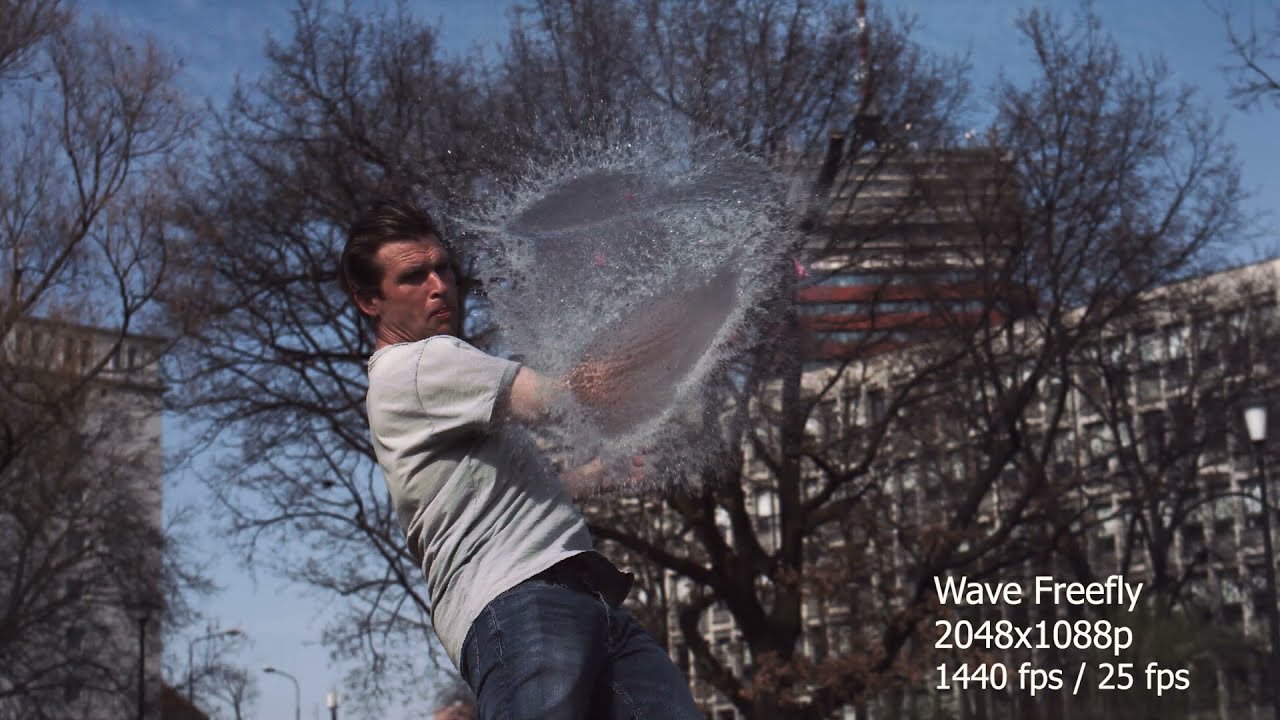
I need more reduction in severe aliasing and moire in line skipped video that the other models aren’t really doing. There are a lot of times when Artemis Aliasing/Moire doesn’t cut it. Here’s a sample of the Freeflys 2K mode. It has very heavy aliasing/moire in that mode, and I want a model specifically for these kind of tough shots.
It would be great to do deinterlacing with rhea!
3 Likes
Really! 
1 Like
So far my experience has been Iris is much better, except for situations where you have rocky terrain or grass, where Iris generates very annoying artifacts, and this is where Rhea becomes good, but not as good for face/skin enhancement.
1 Like
