It seems processing image sequences is broken again. It worked in 1.5.0.
Nope, because it would serve no purpose - the source is very compressed and that would smear it into oblivion. 
Thank you for the heads-up!
Even though I didn’t crop anything manually, I’ll have to check, if I did turn Autocrop ON or something.
This is correct
I mean trim.
1 Like
Try converting the MKV container to a .mov container using Prores for example. ShutterEncoder or handbrake would be good for this although I don’t think you can do prores w HB. Or you could just use ffmpeg to convert and or transcode. I believe there is all sorts of warnings about not using MKV containers.
Oh, yes, I think I met this issue on my other build that only has 2x8GB RAM on TV 1.6.0 version; it took over 3 minutes when I trimmed a 5s to test the output when using 5070ti.
And it generated a full screen of giant mosaic boxes on the output video like below. And this also happened without trimming when exporting the full video.
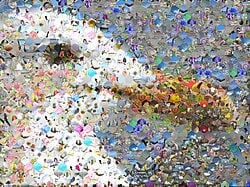
I suspect it might be low RAM issue from my end, but there were no mosaic boxes issue when I rolled back to TV 1.5.0 on that build.
My main build 2x32GB with 5090 does not have this giant mosaic boxes issue on TV 1.6.0
1 Like
i do a SLM 3x → SLP 1x, output from SLM is PNG 8 bit, however SLP dump error when i render img sequence output from SLM 3x, i need to merge the PNG to mov 1st before can processed by SLP. Looks to me the input source for SLP cannot be too large.
RTX 3070, 8Gb VRAM…
I loaded a clip intending to run SLP on the cloud. To my surprise, it passed the system test and downloaded the model. Isn’t this something that is not supposed to happen?
So I loaded a shorter clip, and it ran. Not usefully, mind you (1 hr, 17 min for a 2 sec clip!), but it didn’t crash during processing or during export. Results below.
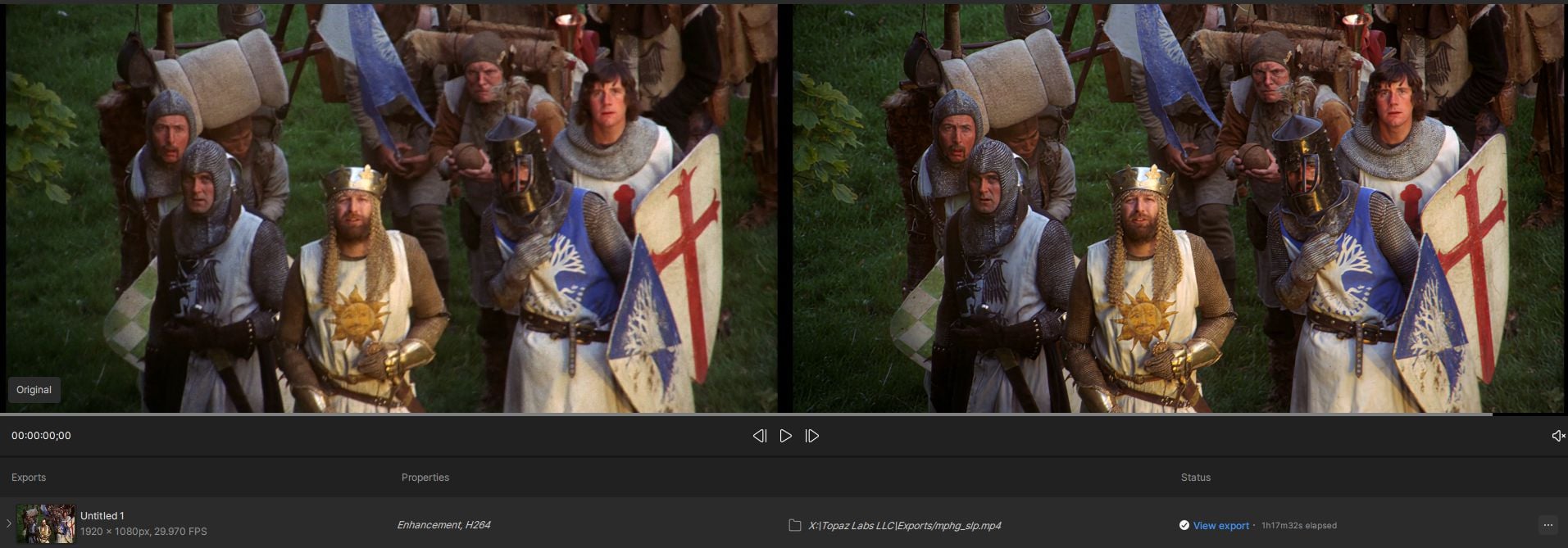
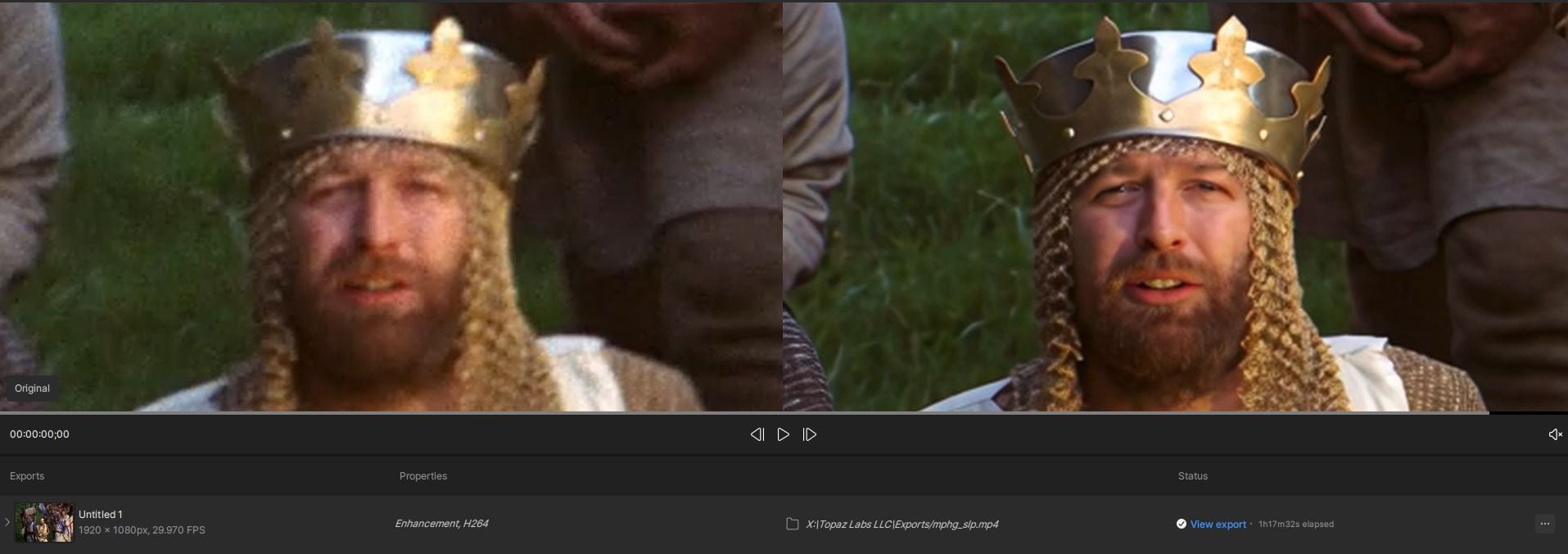
6 Likes
I have found 480p —> SLP 4X then Iris MQ x1 (dynamic FC 50, others at 0) produces overall best natural looking result (except very rare areas of AI hallucination with too small faces replaced with total different faces when you zoomed in). This workflow creates close to natural looking result. It gives error if you want to further upscale from SLP 4x, but you can use other video enhancers to further upscale 2X (from SLP 4X) with HDR to get the best possible quality result.
1 Like
Ahh. Now, that’s I’ve been using all this time, for very short tests.
@yuan.liang Thanks for the update, the problem exactly as what you said, glad that it has been confirmed.
exactly
Sadly, I can confirm that.
handbrake supports reading and writing prores.
Export formats supported: auto, proxy, lt, standard, hq, 4444 and 4444xq
(choose in dropdown menu ‘Encoder Profile’.
1 Like
Yes. I see it just started exporting Prores in March of 2026 in the last update. No wonder I didn’t know. Haven’t used it in quite sometime. Thanks for the heads up.
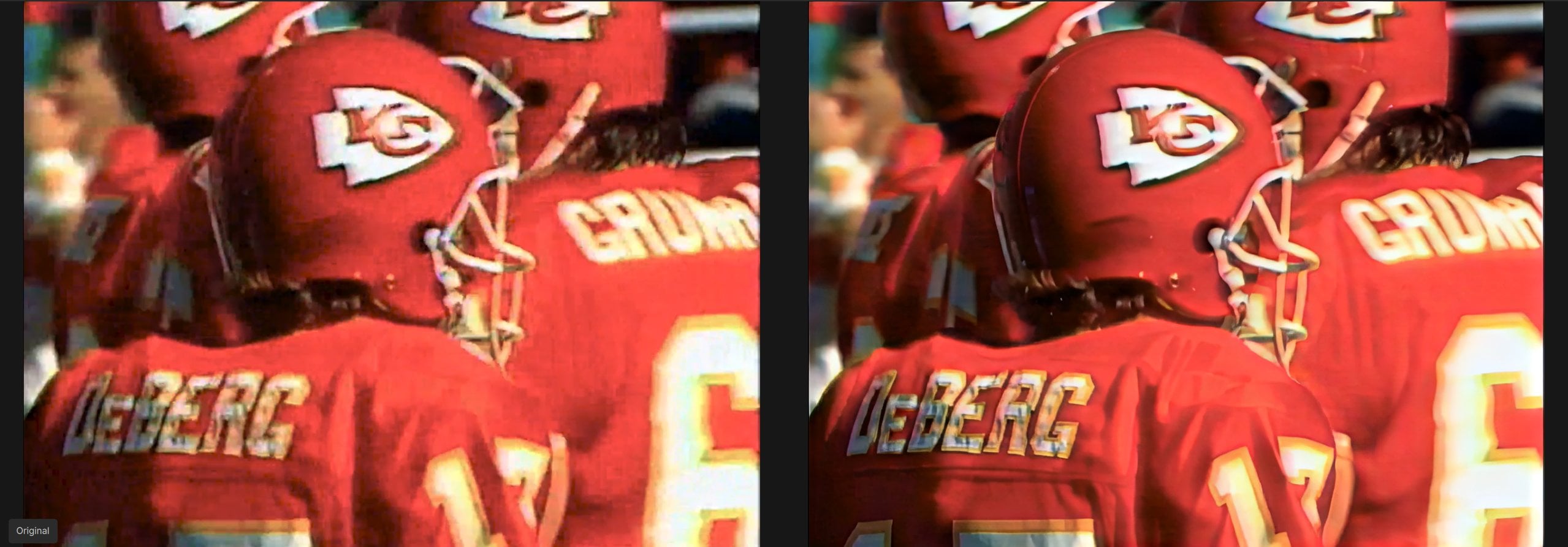
Really great cloth texture recovery here on the letters. 1990 VHS
It’s actually quite impressive how it separates the D from the E there, somehow knowing those are two separate letters.
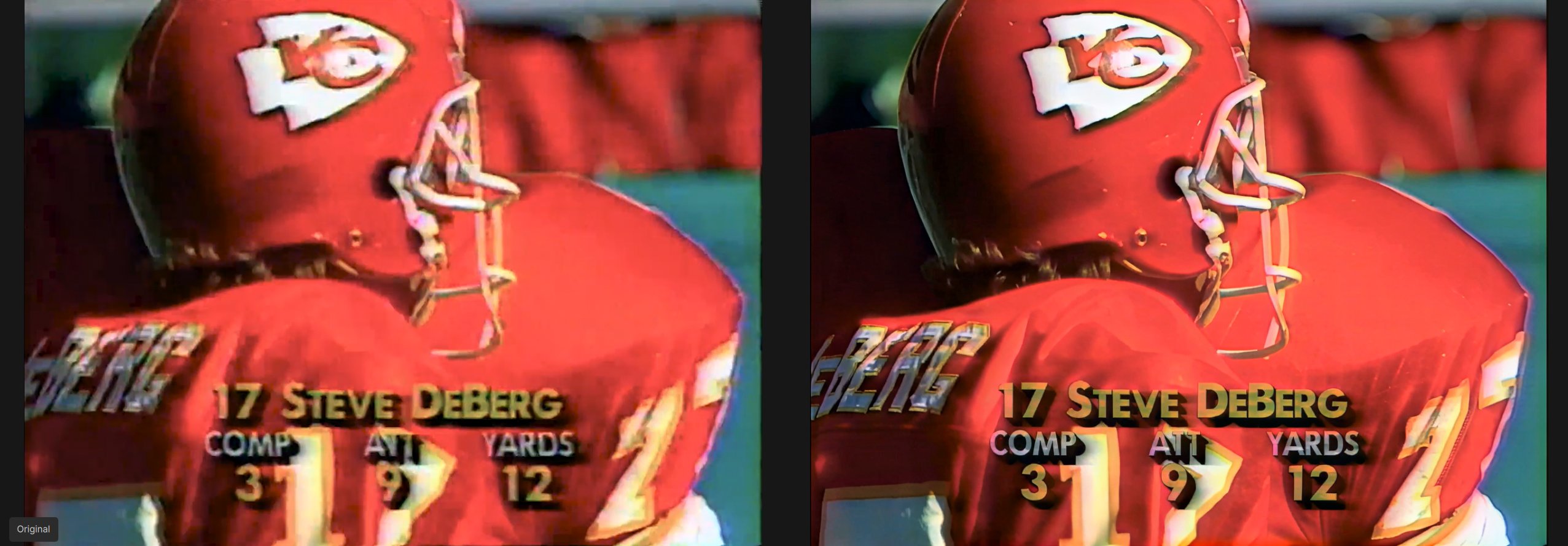
2 Likes
wtf bro, i have 4070 and 8gb VRAM too. How you do that? pls explain, i want did local too!
I selected SLP expecting to fail the system check and go on to process in the cloud and it just passed and downloaded. I have no idea why it worked.
ok, i have no experience doing pngs, what i can say is, my uncompressed ffv1 slp encodes are huge and Topaz can handel it. But there seems to be a mkv issue, so i’m unsure now i should going with ProRes or not.
