If you have complaints as a professional user, that is a BtoB matter to be resolved directly with Topaz Labs. Learn the time and place for such discussions.
5 Likes
Thanks for the compliment on the model, I will pass it along to the team.
In regard to cracked software, we do have security measures in place to prevent this as much as we can, however, there will always be cracked and pirated copies out there. In many cases, they do not have full usability of the app, run into errors and issues and we are working on future measures as well to prevent these situations. All software companies actively do what they can to prevent pirated and cracked versions. To some users’ complaints, this is why you must log in, and we do not have an authentication code or key that is sent to each user, as we had for our earlier apps. Everything is linked to your account and subscription and requires that log in and internet connection every so often instead of an offline approach.
Opening Starlight Precise 2.5 to all users with an active and valid subscription was done so that all users could have access to it for their workflows. The marketing of the app, its features and tools is not directly contributing to piracy of the app, the success and results of the app and the models mean it is sought after by users. There will always be users and people who will go to great lengths not to pay for something.
As a Pro subscriber, you do have access to certain workflows that regular users do not have access to. EXR and DPX image sequences, multi-GPU workflows for most models, local processing of the other Starlight models, and in the future there will be other add-ins, tools and even models that will be Pro only. Also, as a Pro subscriber, you have the full commercial license to sell your content that you run through the app, after, those with a personal subscription do not. That is your competitive advantage, as without that coverage, there are potential lawsuit issues that can be raised, the same with those who are pirating the software.
1 Like
Thank you for your reply; it’s nice to meet a thoughtful interlocutor. You’re objectively right about Resolve and Premier. The value lies in the talent of the editor and director; this creates a unique product. In the case of AI, this is what makes it unique. For studios, this also becomes a competitive advantage. If a cracked Resolve doesn’t affect competition; without talented performers, it’s just a dud. A cracked AI is a problem, because any pirate can produce content restoration quality comparable to a professional studio. And if their price is an order of magnitude lower, it’s clear they’re competitive because they don’t have the same costs as us. Do you think Topaz’s future policy will somehow allocate higher-quality tools to more expensive subscriptions? And when will the fight against piracy become a pressing issue for Topaz? Because right now, I don’t see much resistance to it.
As I see it, Topaz’s future will be constantly trying to come up with newer and better enhancement models as commercial competitors and open-source freeware creators constantly come up with models that equal last year’s latest models and surpass models from the year before that. Eventually, individual and pro versions will coalesce back into a single “pro-ish” version, because the “less expensive” version will be obliterated by some kind of “Open Enhance” suite of tools that users can download for free from GitHub or SourceForge.
3 Likes
I believe if they have a choice, they will certainly keep SLP2.5 on cloud which is the best way to prevent crack. But consider there are something like SeedVR2 or FlashVSR. Move some high quality models to local is the only thing they can do to compete. Sadly, any software will be cracked eventually when it is running locally.
1 Like
This is really twisted. You are suggesting that they make the software worse. So because you don’t have a “competitive advantage” whatever that means, you want the software to be even more restricted and more limited so that you can benefit?
This would make the software worse to use for a majority of the users. We don’t want non-local models. We don’t want exclusive models avaialable only at higher tiers. We are paying customers, and we want to be treated with respect.
I’ll give you a tip. If you want a true competitive advantage, you should create your own upscaling sofware and be the only person that uses it. It’s like arguing that Adobe should increase their prices by 500% and lock the best features behind that tier so that only you can afford it. It doesn’t make any sense.
12 Likes
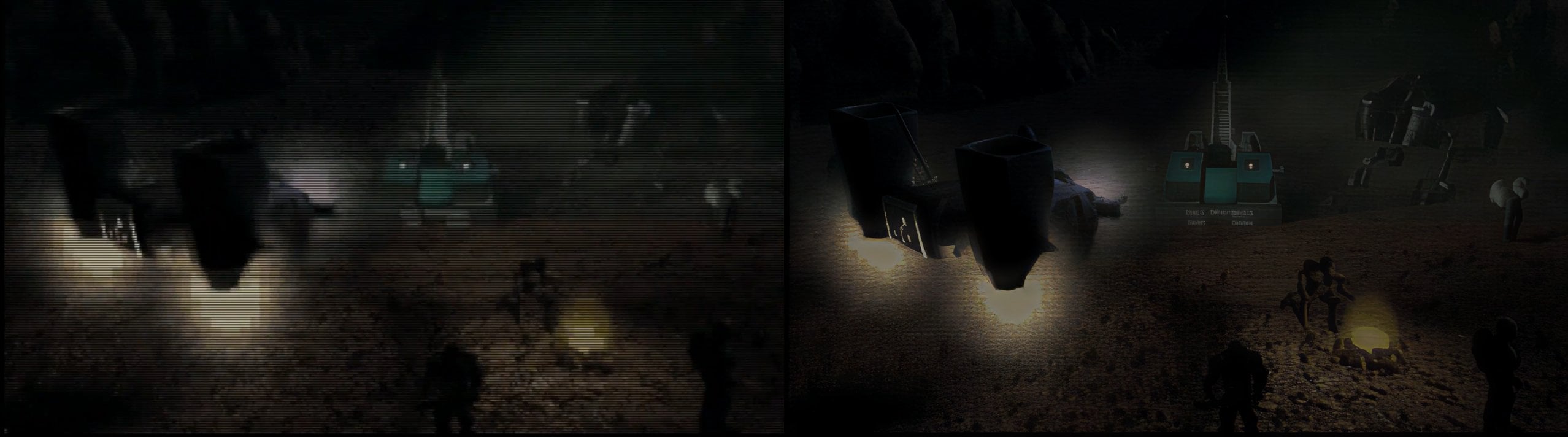
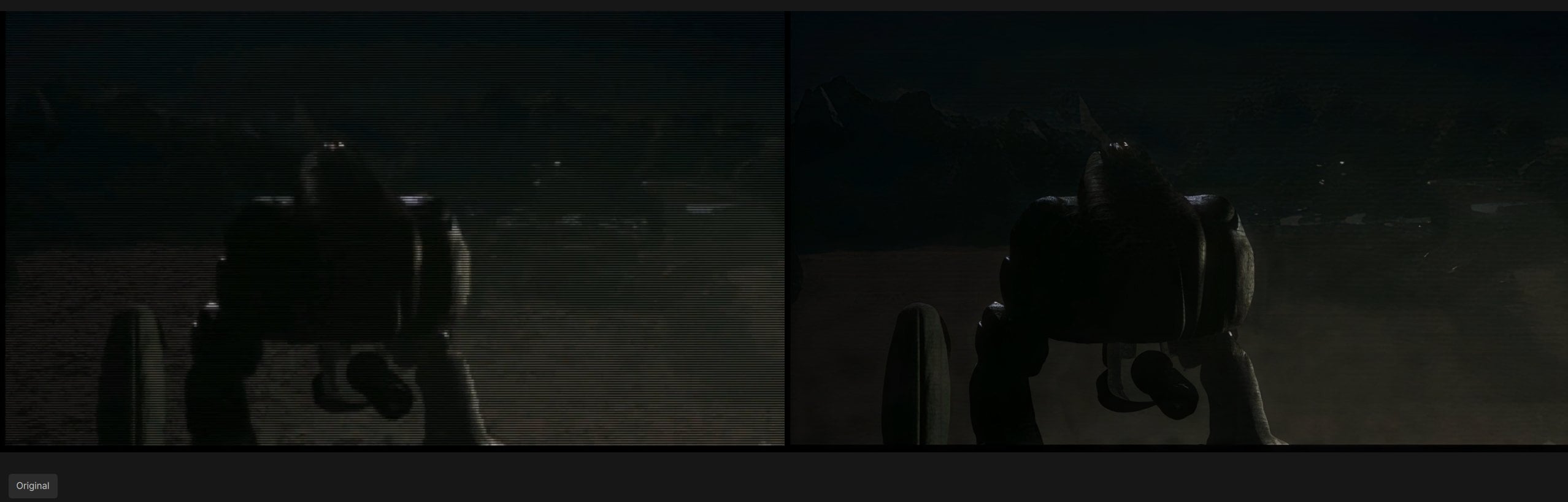
Hmm, so you’re from a professional studio. I know countries where people buy a license only if there’s an actual benefit to it (ha-ha, online multiplayer or mmorpg) - otherwise, they just use a pirated ПО, and the government do nothing with it. So I see a similar kind of logic in you, like you don’t get why you should use licensed software if a cracked version exists and the license gives you zero advantages. It’s that third-world mindset strolling into the chat, where everyone’s like, “Wait, you’re from a professional studio and you really thinking about making money using pirated software?”.
3 Likes
I dont know if it has been posted yet, but on mac ultra m2 the output resolution on SLP2.5 doesnt do anything, always does 4x, so for instance a 320p video goes to 1280p
If the video file is lower than a certain size, the model will upscale it to the minimum amount and all the other variable sizes will do the same. The models have a minimum and a maximum output size the upscale variable choices have to land within that range otherwise it defaults to either end.
1 Like
Those bag shots are genuinely insane. “Enhance” is no longer a meme! I cannot wait to see what the next model will be capable of.
It’s still a meme from the standpoint of being able to glean anything useful in a legal or scientific sense. And still a meme in the sense that you still can’t create truly accurate detail from detail that simply does not exist.
It’s not going to make literally unreadable text readable or unrecognizable faces recognizable. It’s of course, just taking educated “guesses” at what things might look like
I think it’s clear the Starlight models are looking ahead and behind a few frames at this point, and that’s nice. It allows the model to fill in severely degraded frames with information from less degraded frames. That’s probably why we are seeing a bit of ghosting at times in ways the non-generative models did not have.
2 Likes
I think in the future there will be a couple different ways to handle this.
- Create fake details that “look” real based on the surroundings. I don’t have a problem with this. As long as it doesn’t change key details, then it’s fine. Close enough is good enough, as long as it is high definition.
- Reference the entire video to be able to pull details and use them. If there is a closeup on a book in one shot and in the rest of the scene the book is very small in the background, it should be able to use that data to give it the correct details.
- Video editing softwhere, where you can say “change the title of the book to this or that” and have it do that. Then if you did have a specific detail you wanted, you could inpaint it into the scene.
Usually though my videos don’t have too much text, so any details that are faked are not easily noticeable. For example if a clock is on the wall, I don’t care if it generates a totally fake hd clock as long as it is somewhat close to what the original was and I don’t mind if the font is different because it’s something I wouldn’t notice when watching it back.
2 Likes
Here is an example of running SLM 2x after SLP 2x:
the SLP 2x output is actually really crazy, bringing out details that would’ve seemed impossible only shortly ago:
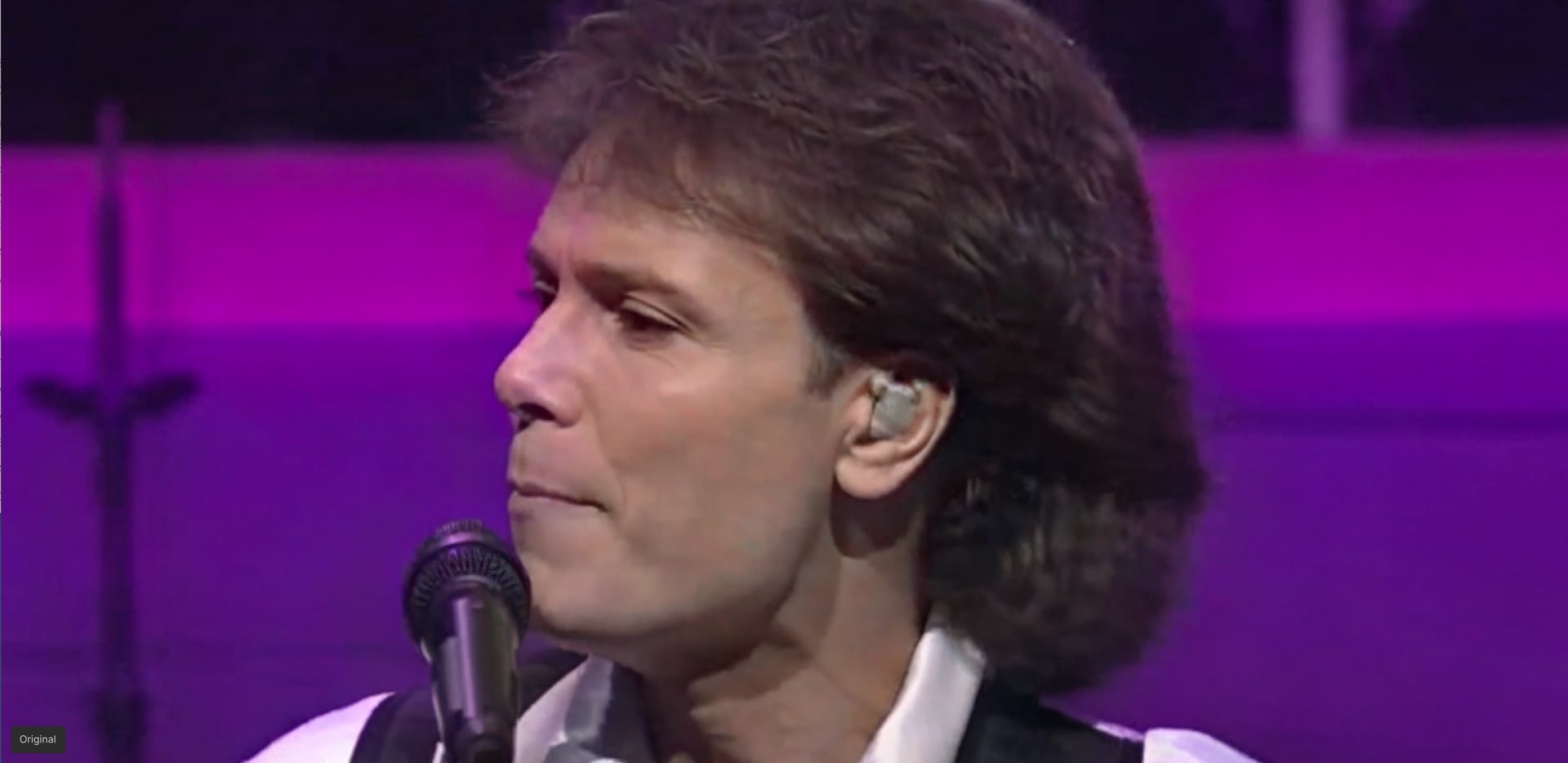
but still, the skin has some “dirty” grey patches, there are quite some jaggies and macro blocks from compression plus overall the background isn’t cleaned up from the old analog VHS noise as well as it could be.
The second SLM 2x run does improve all that (at the cost of a bit of the overly high sharpness) AND also does improve the stuttering issue with steady scenes quite a bit.

If you look at the really damaged original that quality achievement is really crazy:

P.S.: Unfortunately on my Mac M2 Ultra the SLP 2x pass did take nearly 15 hours for a 5 minute segment and a little over 2.5 days for the additional SLM 2x pass.
So, you really need a much faster GPU like something 5070TI upwards for this to be feasible. I need to try downscaling the SLP out to 50% and then do the SLM 2x, though: maybe the result will be similar with much shorter rendering time.
7 Likes
Interestingly enough I found that SLP on the Mac Studio doesn’t seem to have the jittering as much as on my RTX 5070.
I’m reencoding quite some videos now (as SLP really is a game changer) and quite accidentally saw that the “jumping” background (in the short clip of the Enjoy the silence video which I provided as an example for that issue) is nearly not there on the Mac.
See here for the SLP result on the RTX5070TI
And here for the result on AppleSilicon:
Enjoy the Silence_SLP_Mac.mp4.zip (7.6 MB)
Maybe this is due to the massive amount of RAM that those AppleSilicon GPUs have (roughly 52GB here) compared to the mere 16 GB of the RTX 5070TI? I’ll have to retest on the Windows PC, though as the above result was with an earlier version and maybe not the same settings
Or is NeuroServer working differently on the Mac?
Anyways I’m now doing the SLP encodes on the Mac due to this advantage - and then the second “finisher” SLM step on the Nvidia.
2 Likes
I’m having trouble understanding what benefit Neuroserver is supposed to provide when using an AMD GPU.
In both Topaz Video and Topaz Photo, I have observed that the classic processing paths barely put any load on the CPU at all (in my case a Ryzen 9 5950X), while fully utilizing the GPU instead. My Radeon RX 7900 XTX runs at around 2700–3000 MHz and roughly 450 watts, and processing is fast.
However, as soon as Neuroserver is involved, processing becomes extremely slow in both applications.
With Starlight Precise 2.5, the system regularly alternates between two states:
State 1:
- GPU load: 60–70%
- GPU clock: approx. 2000 MHz
- GPU power draw: approx. 200–250 watts
- CPU utilization: approx. 40%
State 2:
- GPU load: 20–30%
- GPU clock: approx. 1000 MHz
- GPU power draw: approx. 50–80 watts
- CPU utilization: approx. 90%
By contrast, when I use Starlight Mini through the classic FFMPEG path, the system stays in one consistent state:
- GPU load: 100%
- GPU clock: approx. 2800 MHz
- GPU power draw: approx. 400–450 watts
- CPU utilization: approx. 5%
Processing is significantly faster in this mode.
I see the same behavior in Topaz Photo with the Wonder filters: CPU utilization suddenly becomes very high, while the GPU appears to be underutilized and mostly idling.
So from a user perspective, Neuroserver currently seems to reduce GPU utilization, increase CPU load, and significantly slow down processing on my AMD GPU system.
More feedback about the difference between Nvidia GPU and MAC results would be very helpful to us for evaluation. Please let us know which version you prefer for different video footages.
1 Like
When it comes to the progression of Starlight Precise I hope these can be addressed:
- Tiling seams
- Temporal ghosting
- Small weird random artifacts
Beyond those, I hope there will be a SLP model designed specifically for LQ input.
It’s obvious to me that this is happening because of the VRAM limitations. The program is forced to use system RAM and the hard drive, and also to dump intermediate results onto the hard disk, because the 2.5 model and the results of its work use a large amount of data that cannot be fully placed in the video memory.
In fact, everything is done very competently. Otherwise, the program would simply crash. Thanks to the optimizations, I can now successfully process 4 minutes of video in 8 real hours without any errors or data loss. The mini model uses much less memory, so more (or all) of the data for processing fits into the VRAM.
Does the current software (Pro version) recognize the large VRAM of an RTX 6000 (96GB) and can it utilize it? Or are all models optimized only for “standard” GPUs?
I don’t upscale videos higher than Full HD. For the Starlight Precise model, which graphics card is better: RTX 5070 Ti or RTX 3090? Will the next versions of your program increase the advantage of the RTX 5070 Ti over the RTX 3090?
