Hi Everyone,
We have some more exciting updates this week! And to our AMD and Mac friends, this is a good one!
See more details below:
1.6.0 Downloads
Improvements and Fixes
Features
- Precise 2.5 update for AMD & Mac!
- SDR-HDR Model: Hyperion 2 for AMD & Mac!
- Topaz Plugin: Nuke
Additional Updates
- Crop X & Y Update
Bug Fixes
- Timeline issues with Image Sequences
- Project loading fixes
- and more!
Precise 2.5 update for AMD & Mac!


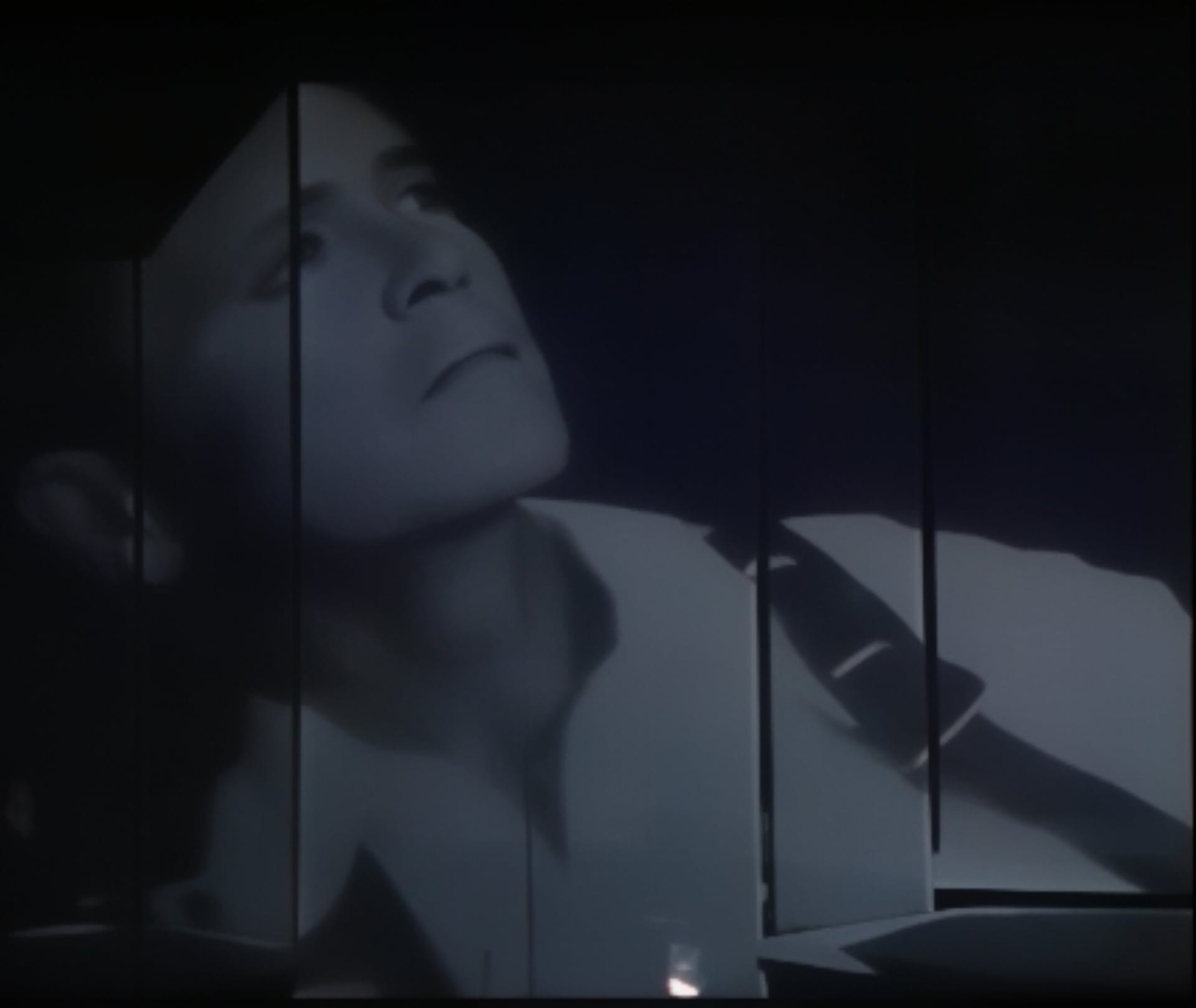
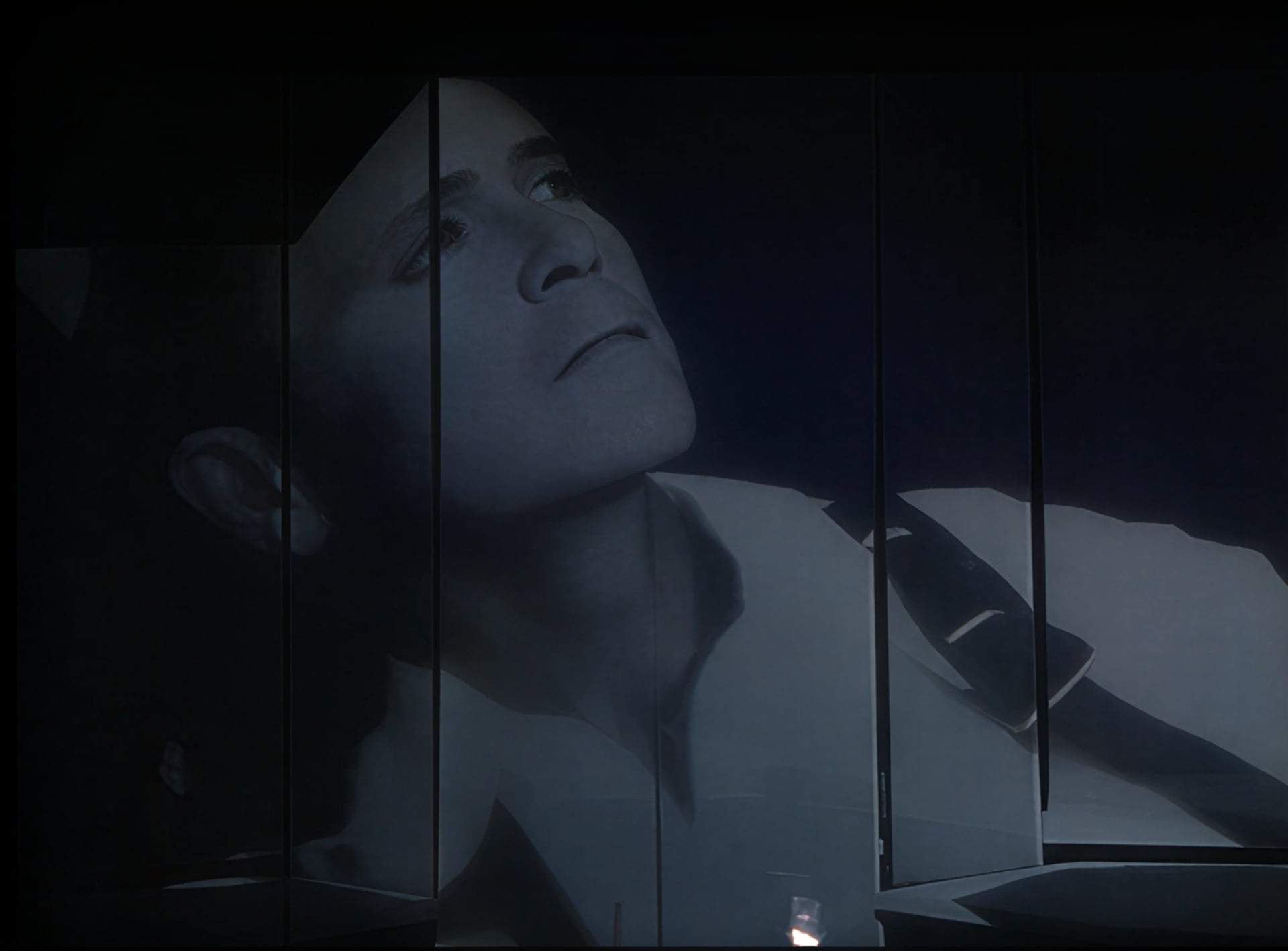
Starlight Precise 2.5 has made one heck of a splash! And like the title suggests, AMD and Mac are now supported for this model! And yes, this model available for everyone that meets the requirements to run it!
Model Recap
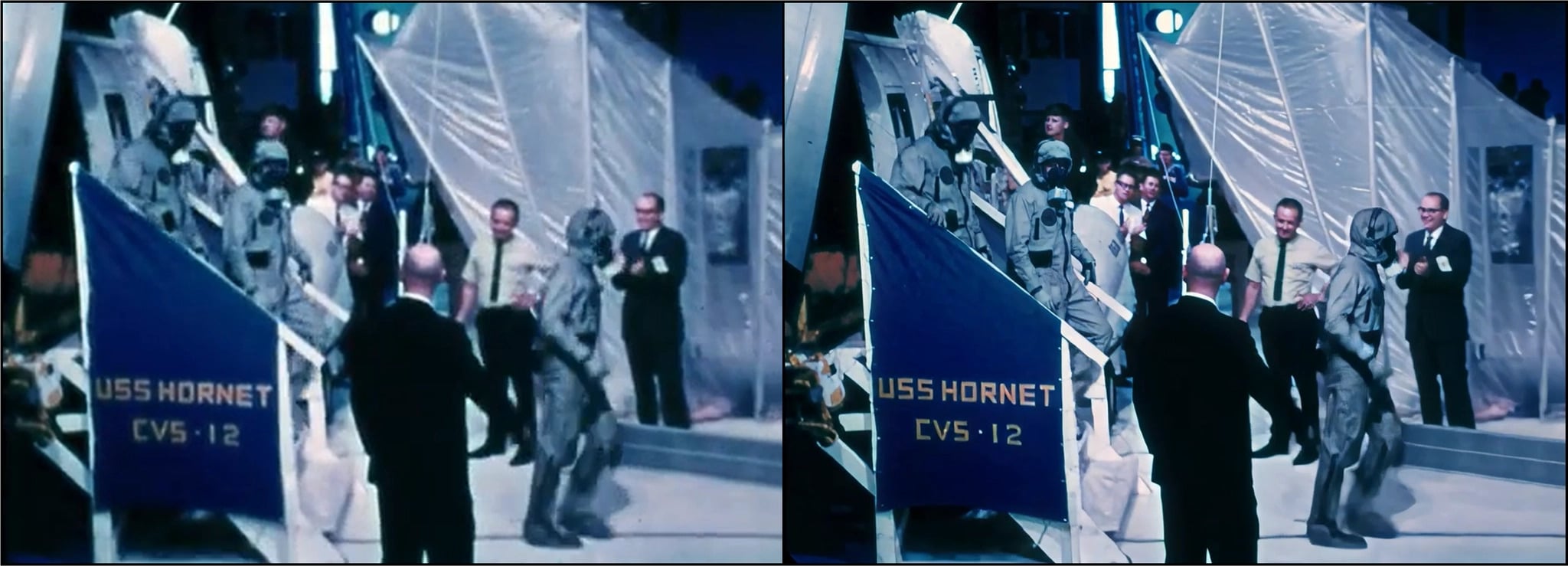
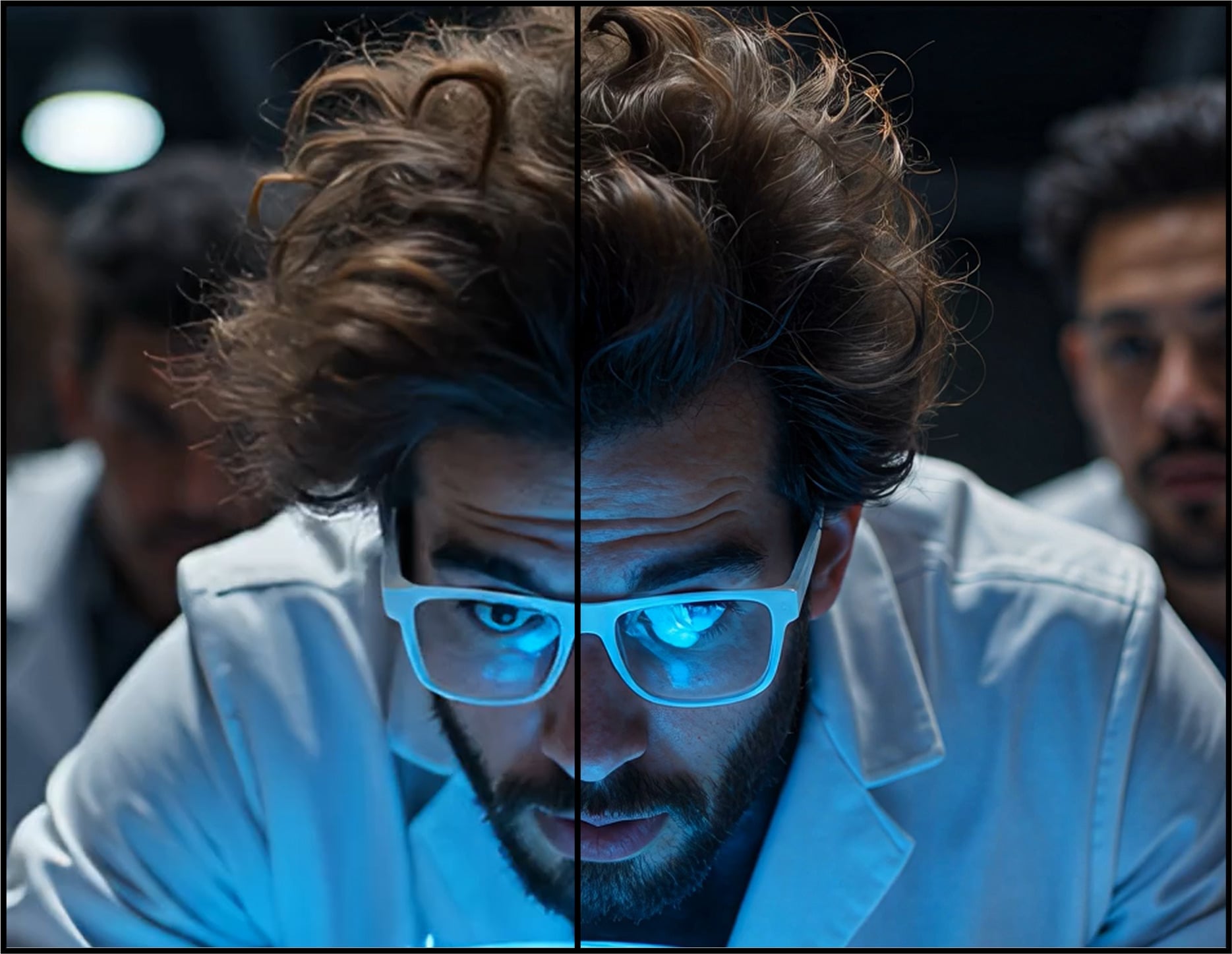
Starlight Precise 2.5 is the 5th variant to the desktop Starlight Model Family. Note, that previous iterations of this model exists on Astra. This model has been specialized for realistic human face and skin textures in addition to other areas of improvement such as material, texture, and text.
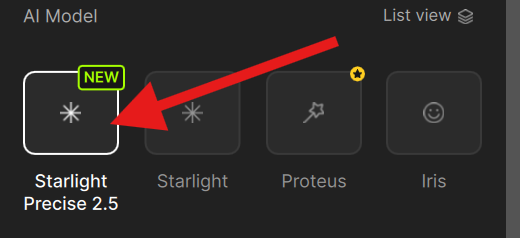
This model has become so popular, that you can now find Starlight Precise 2.5 model with it’s own icon for faster model access.
About
- This model works for Medium to High Quality content whether this is generative, live action or restoration videos.
- Improves generated content that may have soft, plastic, or slight artificial looks, however the AI generated content should have solid structure and composition for ideal improvements.
- There is a slight difference between the local version and the cloud version in order to fit on the desktop.
- Greatly reduces flickering with smaller textures.
- Recommended to use video inputs at or under 4K.
- Outputs up to 4K.
- Model access via the cloud for all subscription models.
- Cloud Export is supported on both Mac and Windows.
- Expect long render times for this diffusion model. Appears to have faster processing compared to Mini and HQ.
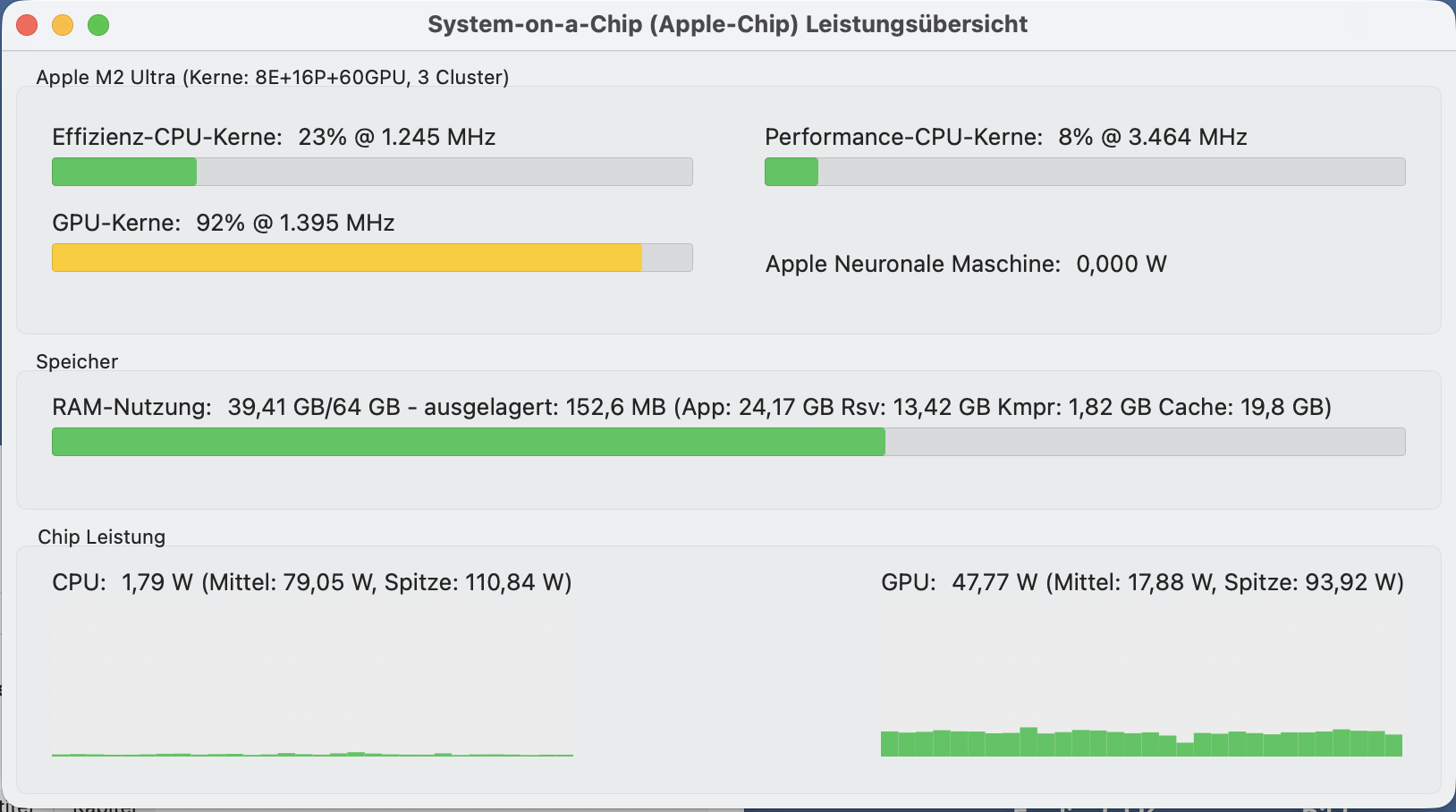
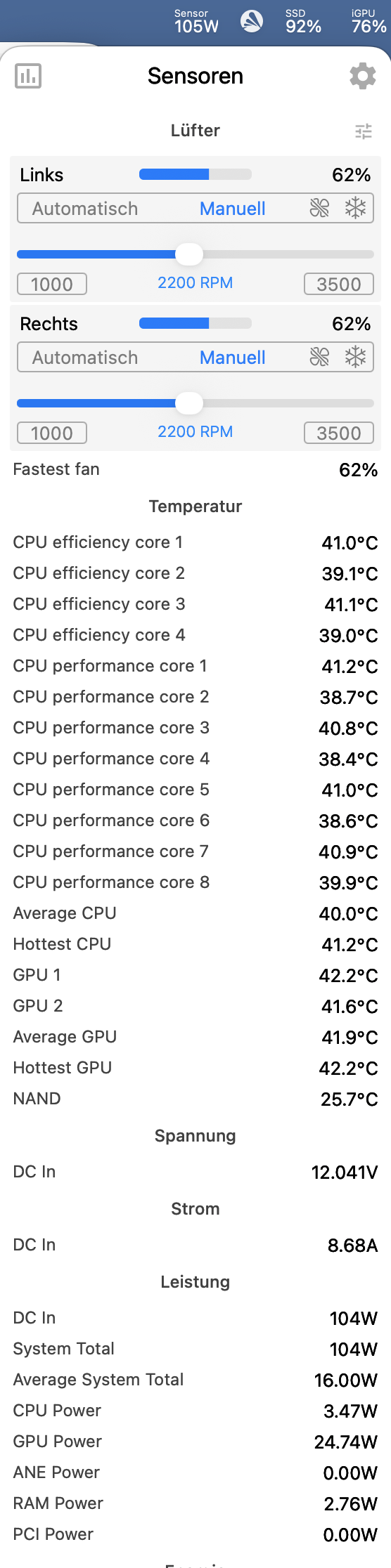
- Please note that Starlight Precise 2.5 model had to be slightly modified to fit the MAC hardware requirements. Mac users may experience slower renders, however outputs have maintained results that are reasonably similar to Nvidia with great quality results.
This Model Is Less Ideal For
- Shots with heavy motion blur may be rendered as texture.
- Not intended for very low/poor condition quality media.
- Interlaced content needs to be de-interlaced first.
- Not ideal for content below 480p
Technical Things To Know
- Now available for AMD, Mac & Nvidia
- Available for all licenses to run locally! Yes, you read this right!
Nvidia Requirements:
- Requires an absolute minimum of 12GB VRAM with 32GB CPU RAM, though 16GB VRAM is recommended.
- Targeted for GPU compute compatibility of 8.9. This is also the recommendation.
- Please note, though there might be some success with a CC of 8.6 cards, this is not
- This model is included locally, using neuroserver.
AMD Requirements:
- Requires an absolute minimum of 12GB VRAM with 32GB RAM, though 16GB VRAM is recommended.
Mac Requirements:
- Requires an absolute minimum of 16GB though 24GB is recommended.
- All Apple Silicon should be supported.
SDR-HDR Model: Hyperion 2 for AMD & Mac!
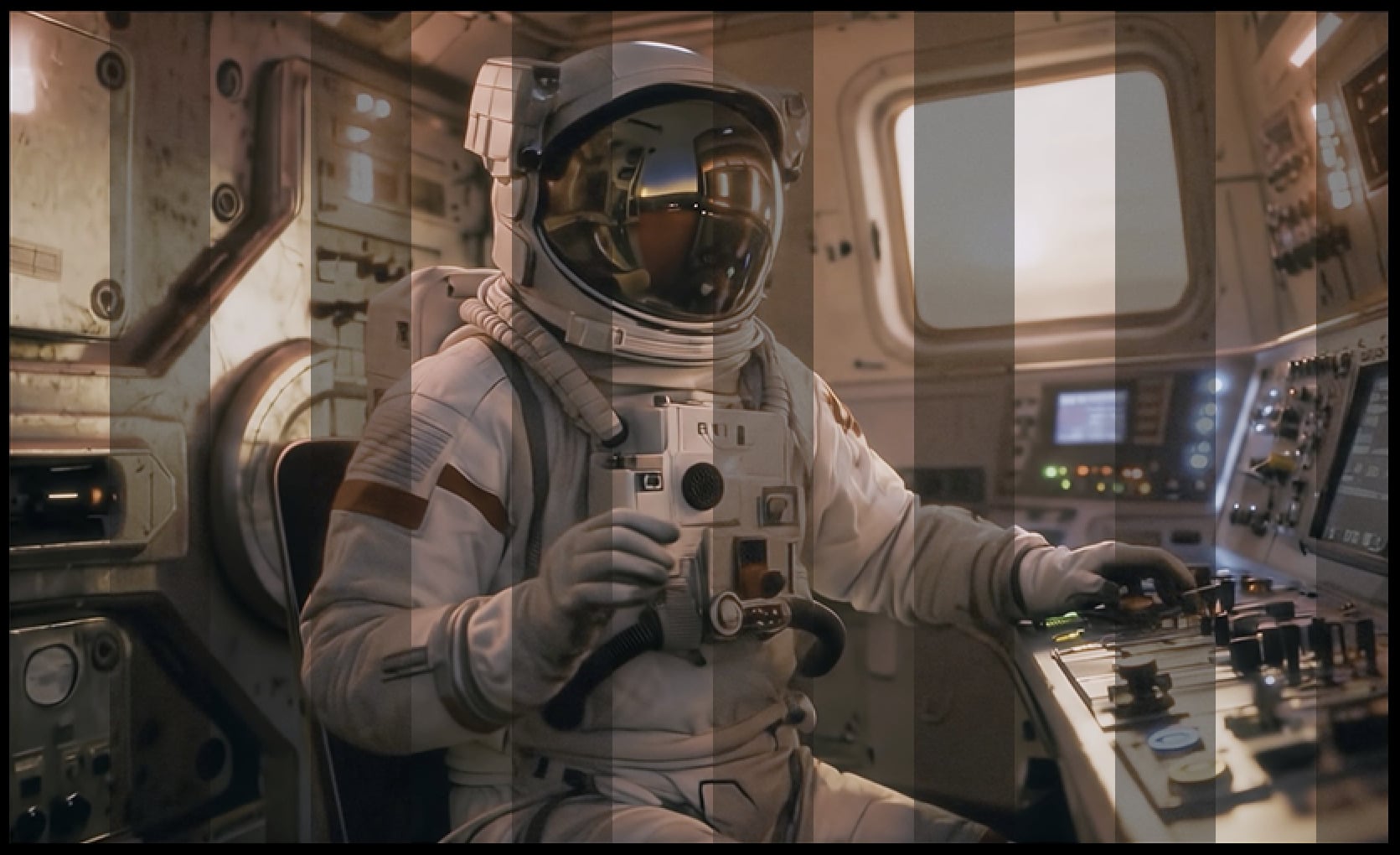
Hyperion 2 is finally available for AMD and Mac for local rendering! Please note the individual requirements needed pending your machine’s hardware below.
Model Recap
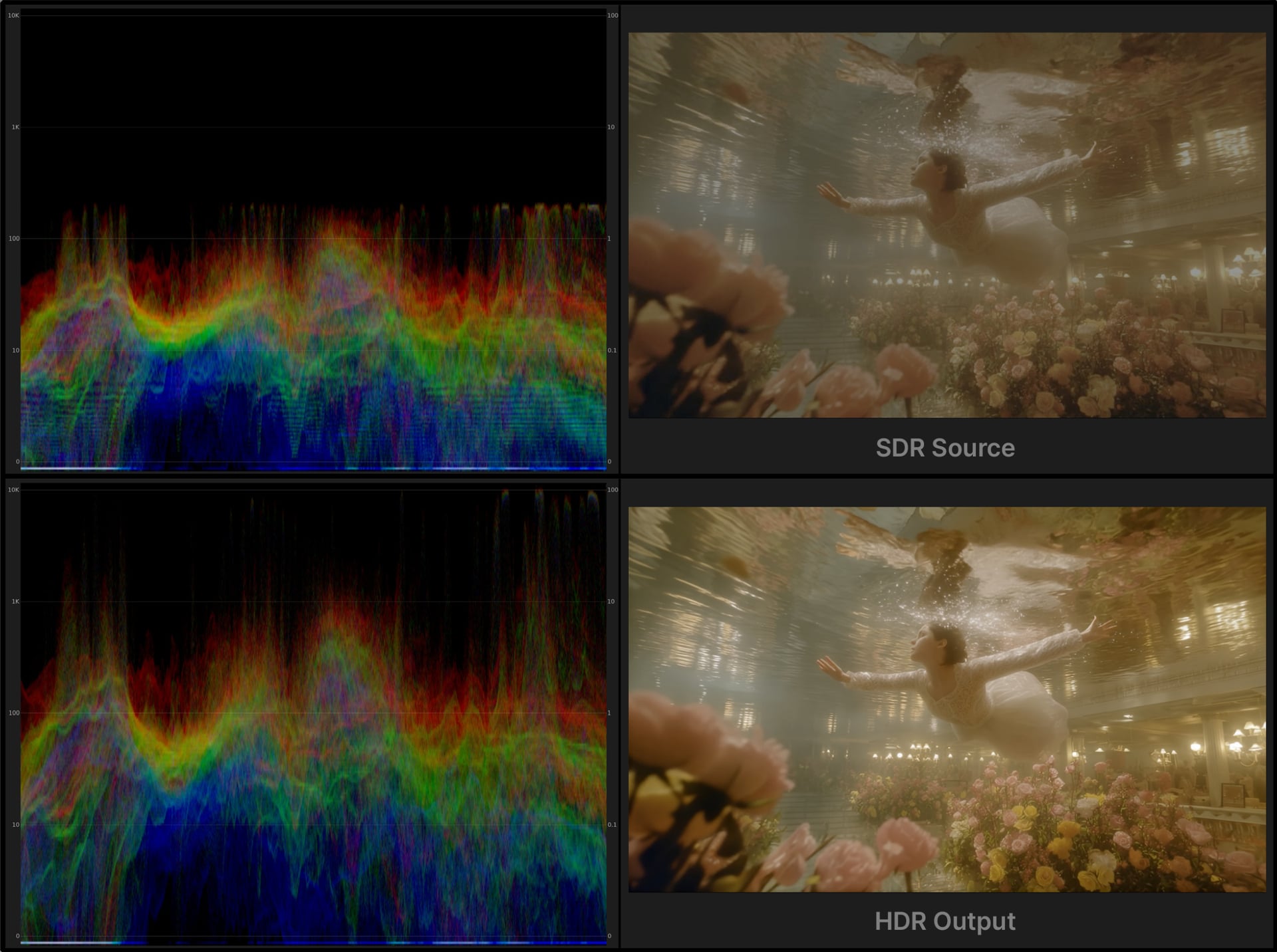
Hyperion 2, is a great update to our previous iteration. This version of the model expands your color and nit value range even further! This is fantastic for wider spectrum manipulation for VFX Compositing and for modern viewing on HDR supportive displays!
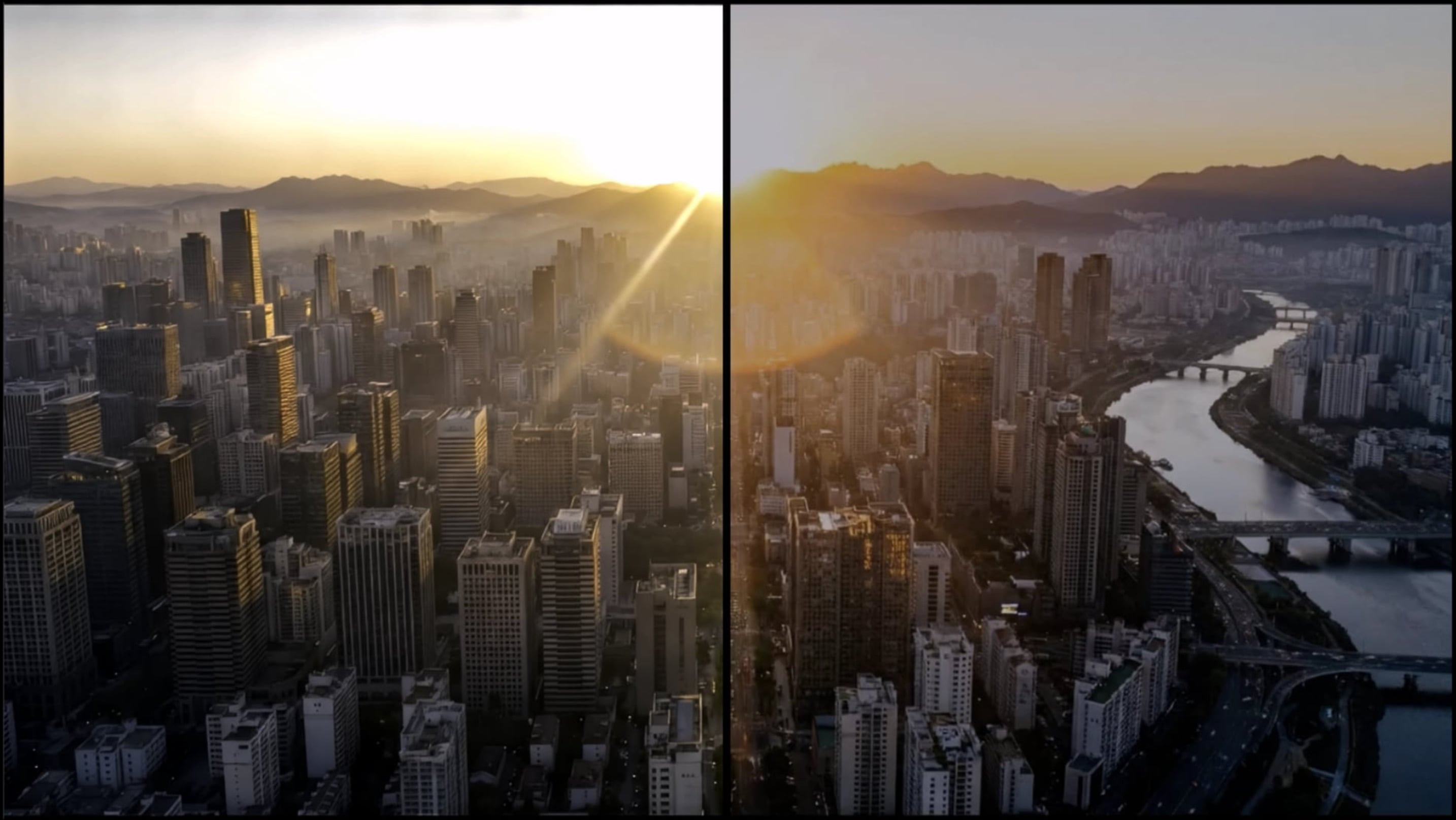
About
- Converts 8-bit GenAI or archival video into HDR, high bit-depth media suitable for professional finishing pipelines.
- Expands tonal range and color precision to provide significantly greater grading latitude in highlights, shadows, and midtones.
- Prevents highlight and shadow clamping often seen in standard range and native GenAI video sources.
- Expands existing color opportunities/steps for professional compositing and color manipulation workflows.
- The additional color opportunities greatly reduces visible banding and compression artifacts common in 8 bit renders.
- Has great details with text and textures even during high motion blur areas.
- Export ProRes video or EXR (Pro) image sequences.
- Support ACES color output with EXR (Pro) renders for better integration into industry-standard film and television pipelines.
- This works best for medium to high quality content.
- This model has some built in enhancements to revitalize and improve content.
- This version is an easy “one click” solution. There are no parameters to adjust.
- Max input and output resolution for this model is 3840x3840.
Technical things to know
Nvidia Requirements:
- Requires 16GB VRAM with 32GB CPU RAM, though 24GB VRAM is recommended.
- Targeted for GPU compute compatibility of 8.9. This is also the recommendation.
- Please note, though there might be some success with a CC of 8.6 cards, this is not technically supported and some may encounter a less ideal experience.
AMD Requirements:
- Requires an absolute minimum of 12GB VRAM with 32GB CPU RAM, though 24GB VRAM is recommended.
Mac Requirements:
- Requires an absolute minimum of 16GB RAM though 24GB is recommended.
- All Apple Silicon should be supported.

Topaz Plugin: Nuke!
The very long awaited plugin is finally here! The Topaz plugin for Nuke is now a reality! As a Compositor or VFX artists, one is now able to take advantage of some of Topaz’ famous models right within the the Nuke working environment.
Upon installation, the OFX file will be available to be downloaded. If there are any issues with the initial installation. The plugin is available within the Topaz Video application in the upper left side under the “Plugin” drop down.
Within Nuke, there are two places to access the Topaz plugin.
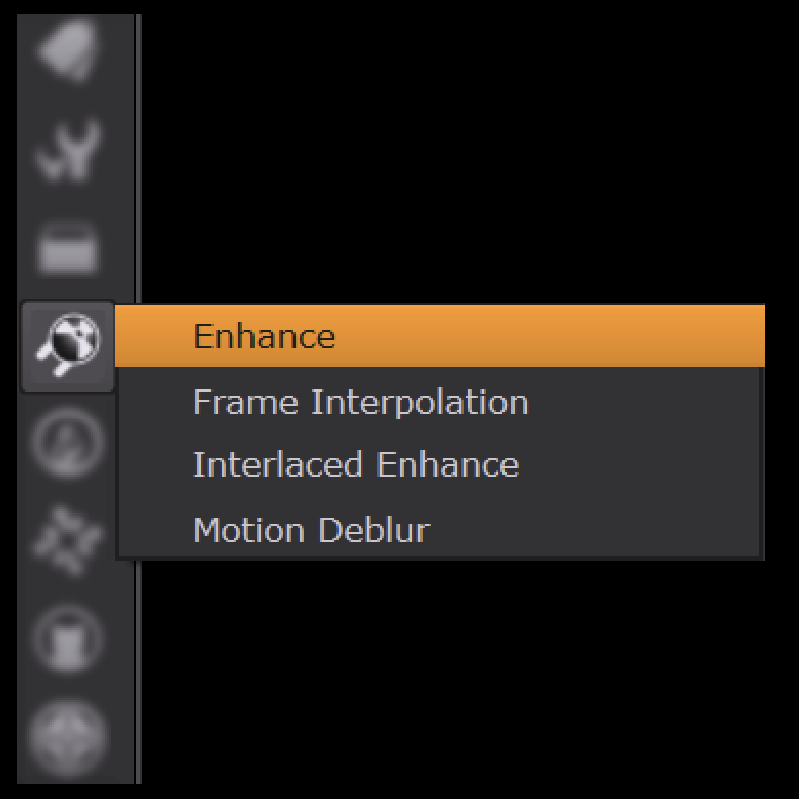
Via the left panel of icons, select the Topaz plugin icon to reveal the four plugin options.
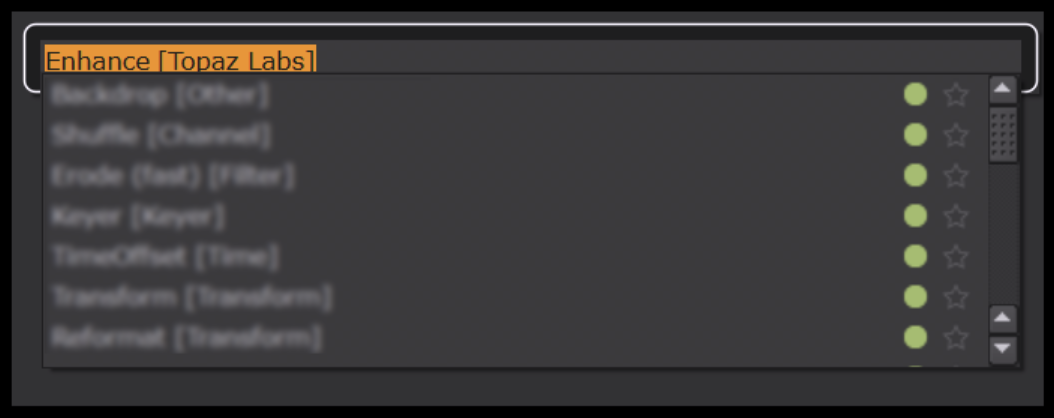
Via the “Tab”, search for
- Enhance [Topaz Labs]
- Frame Interpolation [Topaz Labs]
- Interlaced Enhance [Topaz Labs]
- Motion Deblur [Topaz Labs]
Or with the “Tab” search, search instead for “[topaz” to reveal all the Topaz plugins.
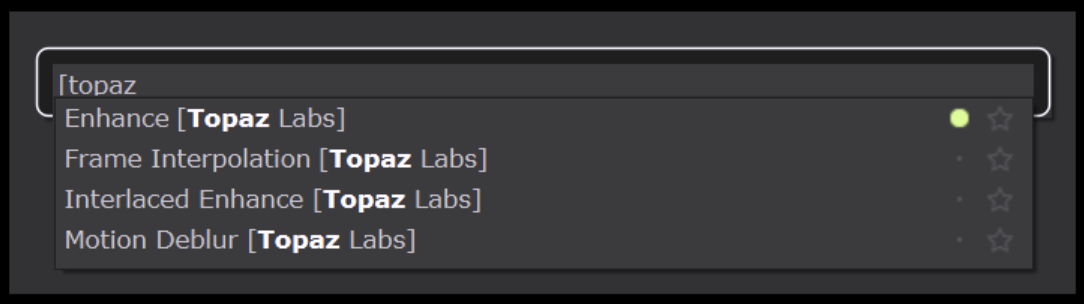
Have fun experimenting with the different model options with your footage!
Note: Having previous Alpha, Beta, or Release versions of the Topaz OFX plugin alongside the current release can lead to crashes in Nuke. Please ensure that only the latest Topaz Video bundle is installed in your OFX directory, which can be found at C:\Program Files\Common Files\OFX\Plugins on Windows or /Library/OFX/Plugins on MacOS.
Additional Updates to Note!
Crop X & Y
The X & Y transforms are now back for Crop. This gives one the ability to input specific placement coordinates for the upper left corner of the crop shape. This provides accurate pixel values that you may need for your crop.

Bug Fixes
- Fixed image sequence in/out ranges appearing incorrectly on the timeline when updating fps.
- Fixed project load failing when sources are moved or deleted.
Don’t Forget
Is your system compatible?
Click Here
Documentation
Click Here
Encountered an Issue?
- If you experience any issues, please ensure that your drivers are up to date. Next to a proper restart or an app reinstall, this is usually the first step to ensure you have the correct drivers running for this application.
- Sometimes a firewall can prevent the app from starting. If this occurs, be sure to add Topaz on the exception list.
Otherwise, you can easily reach out to our fantastic Support Team: Click Here
Enjoy the new updates!