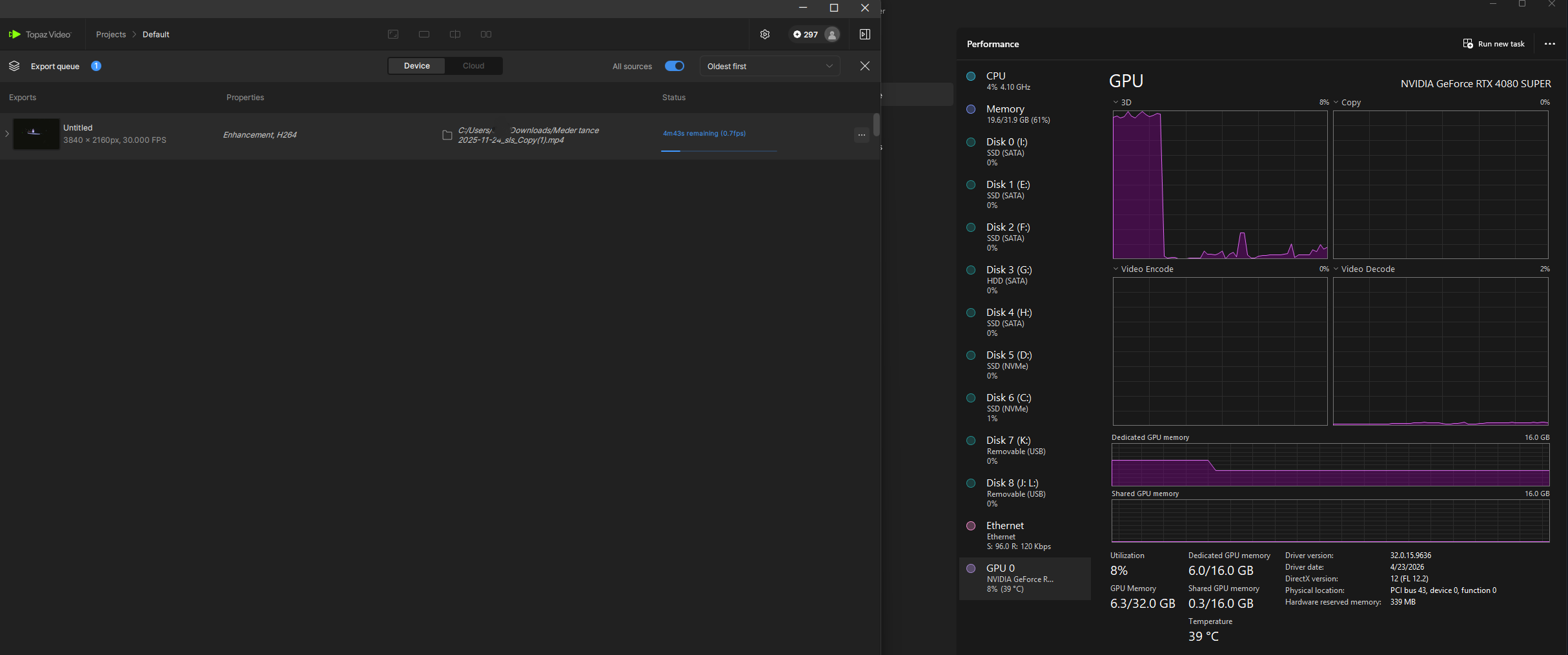
I have a SLP upscale running right now and the time remaining is changing correctly, but like all the Starlight models, it varies wildly depending on which stage the process is at. When working on the diffusion process and the load is heavily on the GPU you will see very low FPS (.5 frames per second or less). However, other times you can see as much as 100 fps when it is just processing the raw video into your chosen codec and container.
2 Likes
I have noticed that the last frame is missing again in some cases with SLP or maybe its my pc??
input 640x480 / 29,97fps / frames 151 / no audio
ouput:
avi / ffv1 / no audio= 151 fames
mov / h264 / no audio = 150 frames
mkv / h264 / with audio = 151 frames
mkv / h264 / no audio = 150 frames
can someone confirm this?
Yes, the RTX 5090 is undervolted to 850mV (TDP drop about 200W), I’ve never had any issues before it was very stable. I’ve been using this setup since october 2025 doing SLM and others withoult this problem, my PC runs 24/7. The blue screen only started appearing with v1.5 and now back to 1.4 it works as before
Starlight Precise 2.5 can really do its part:

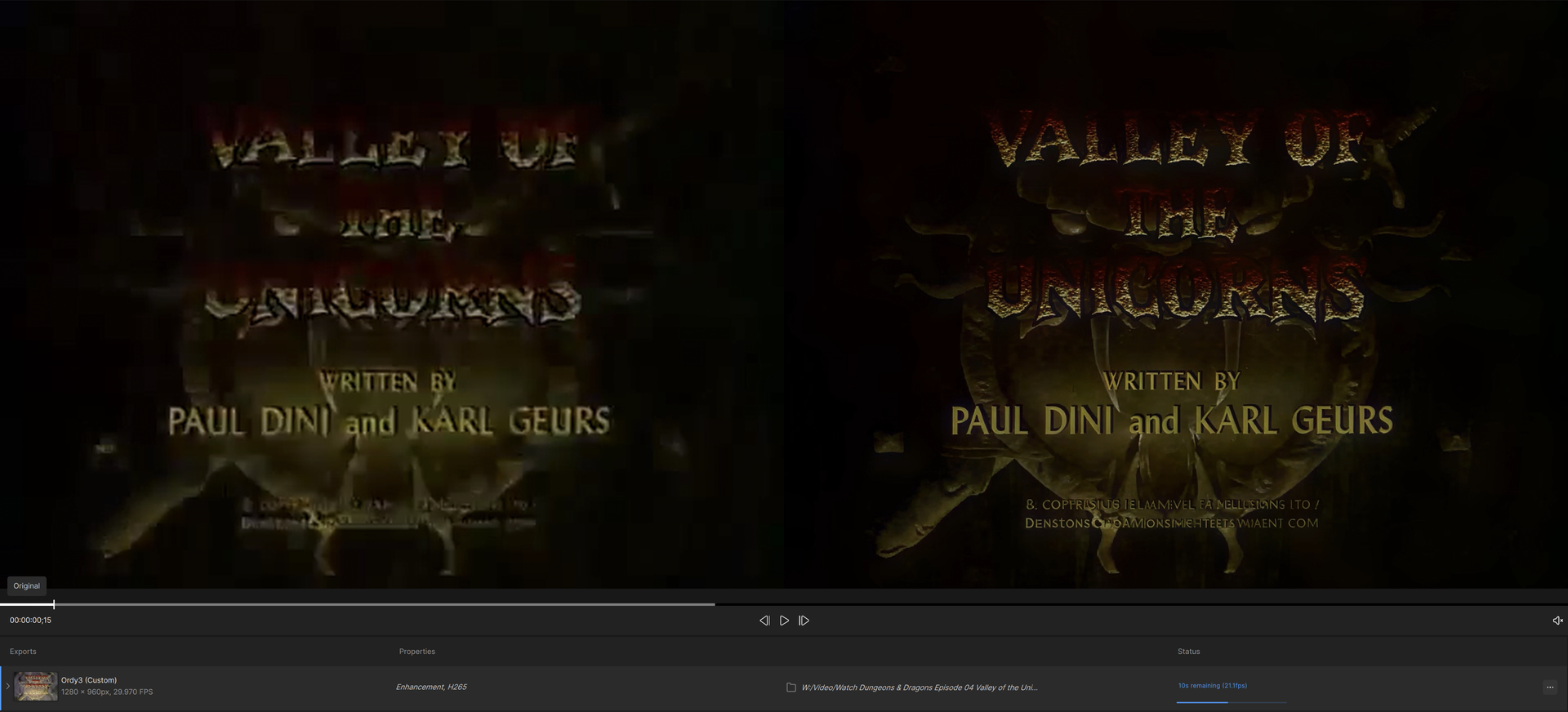
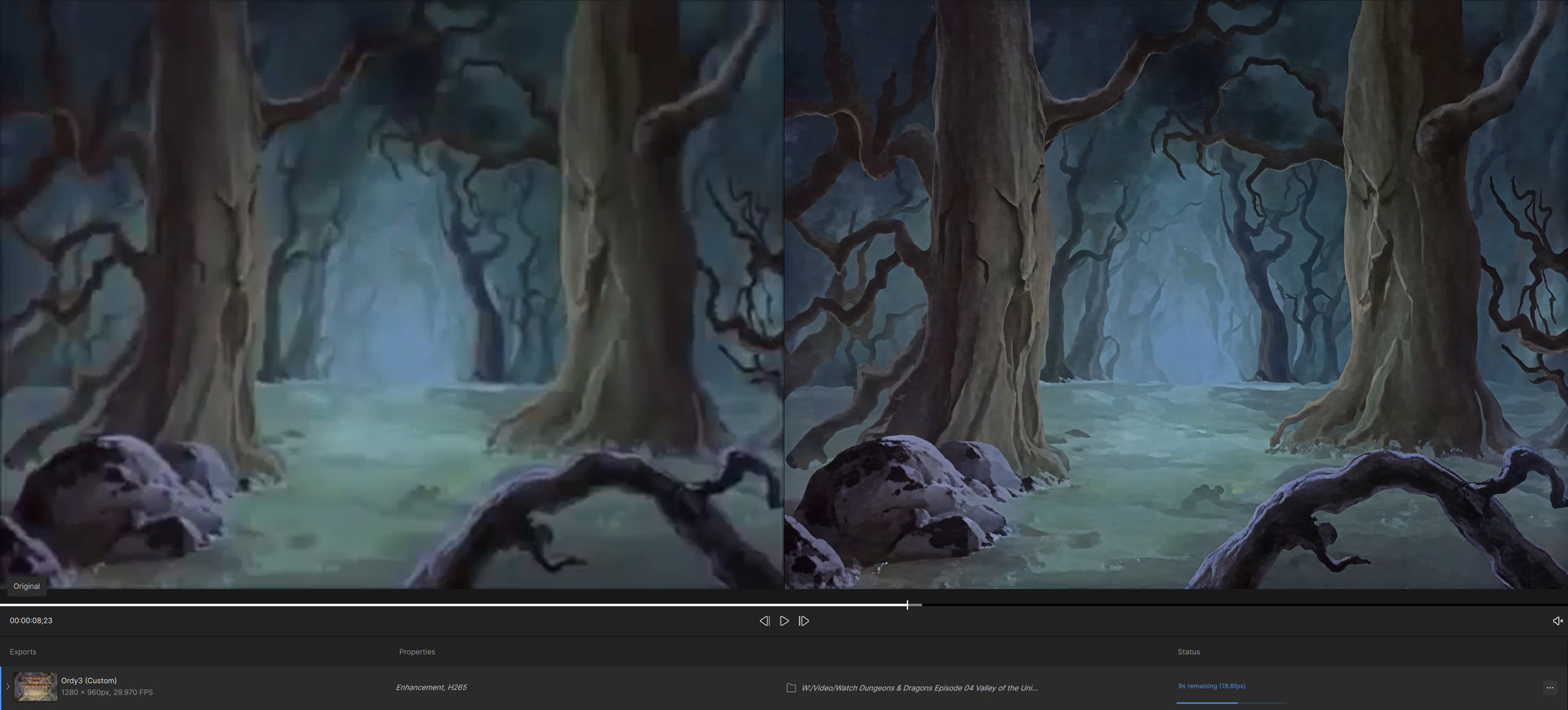

Of course, the FPS metrics is bogus - RTX 3090 can’t do THAT well. 
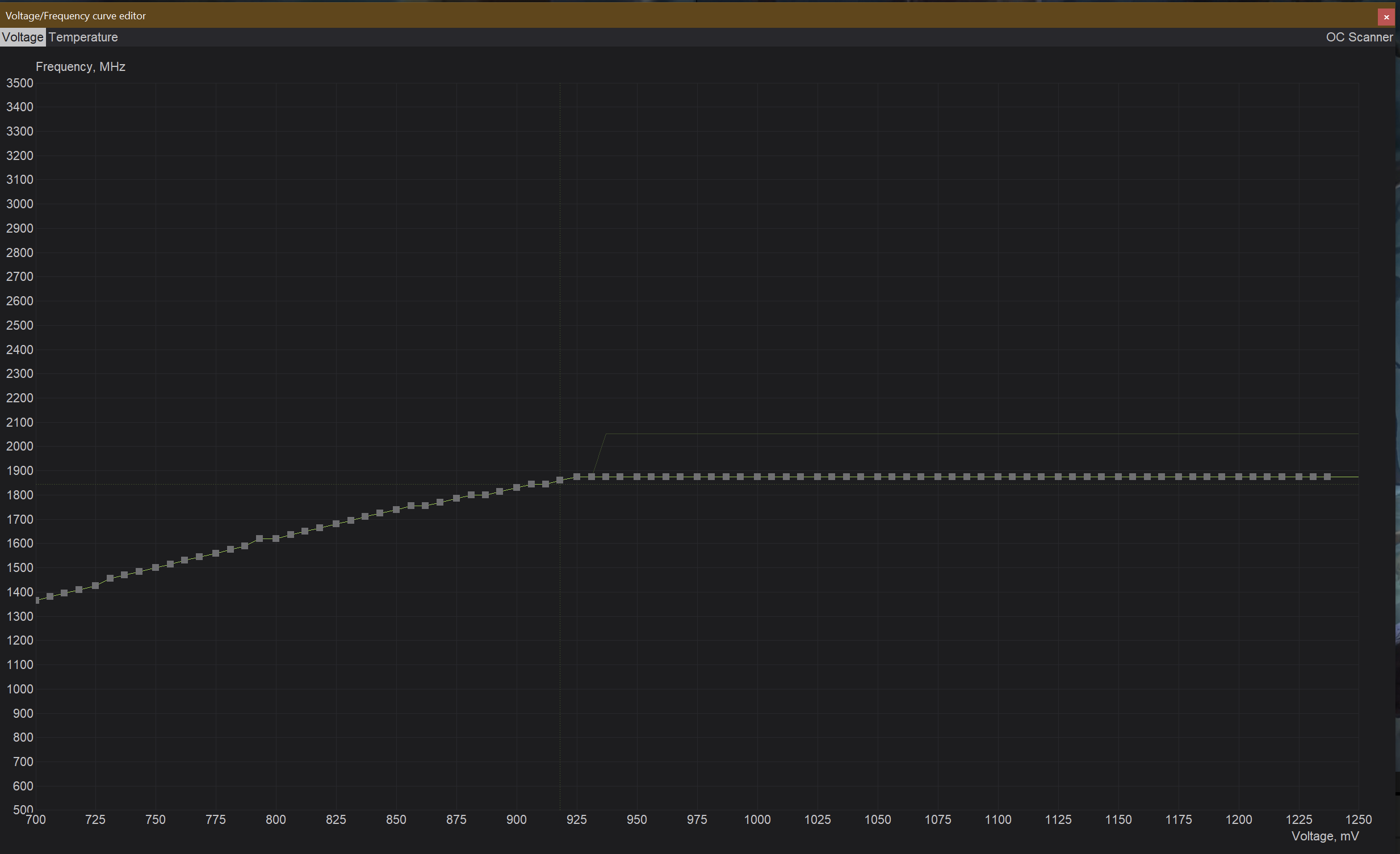
For the reference, that’s the voltage/frequency curve I’m using for my card (MSI Ventus RTX 3090 OC). It’s slightly undervolted, and I lost about 2% of the performance, maybe. There’s a VERY faint ‘cross-targetter’ on the curve, it’s repositioning itself constantly, showing current data about V/F the card is using:
The power usage during and after the (short) processing:
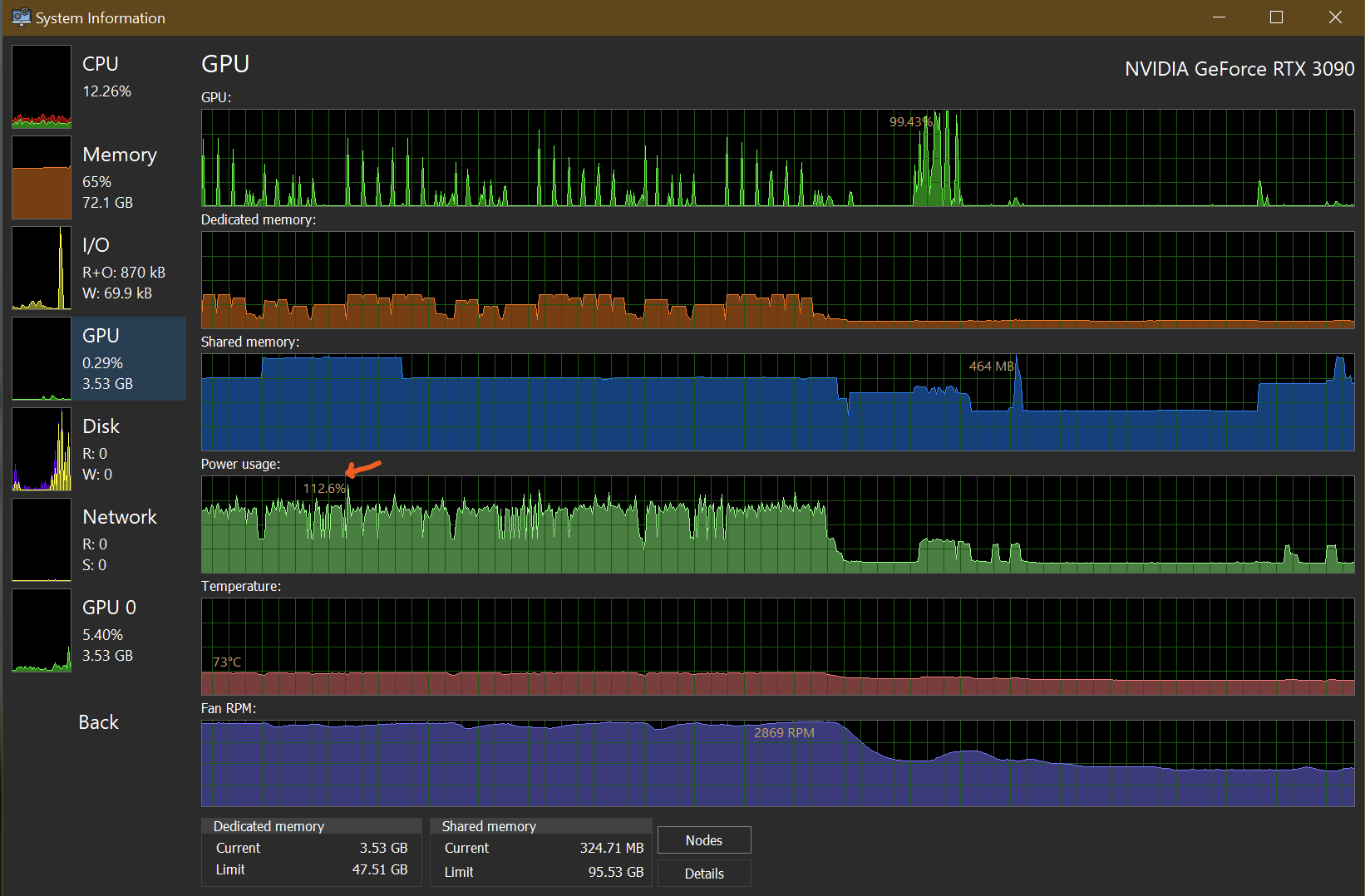
Despite the undervolting/curve present, the power spikes CAN occur and this might trip some systems.
1 Like
Comparing to SLP 2.5, the SHQ falls short (both examples use ‘minimum’ rescaling):

SM looks smoother and, overall, better, I believe.

SF2:

Sometimes, the SF2 model ‘traps itself’ with ghosting from adjacent frames:
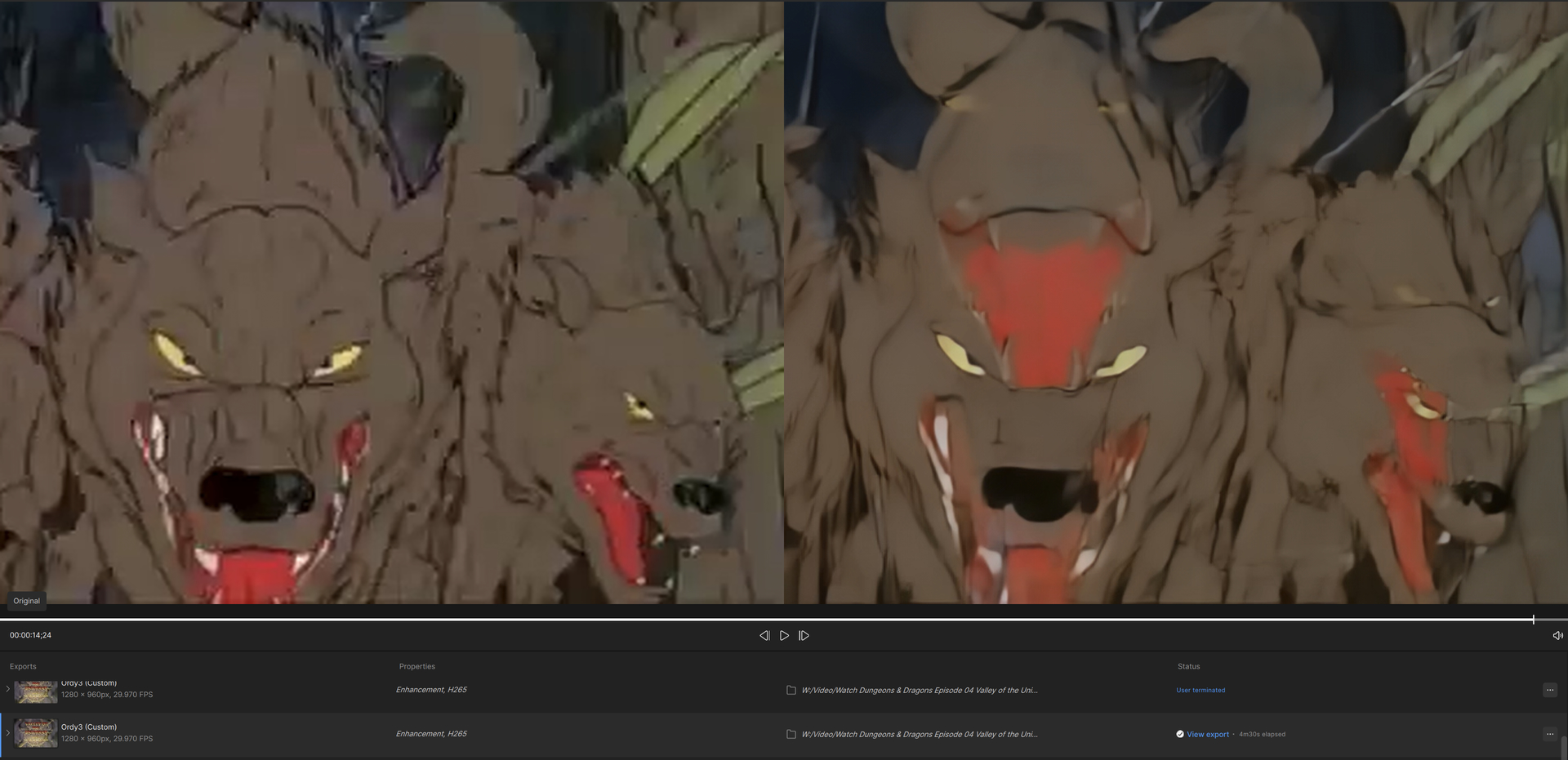
SS:

I like how the HDR preview on a SDR display now matches the ‘external’ version of MPV player with the tone mapping. That’s Hyperion 2 model output - fixes the compression artifacts, too.

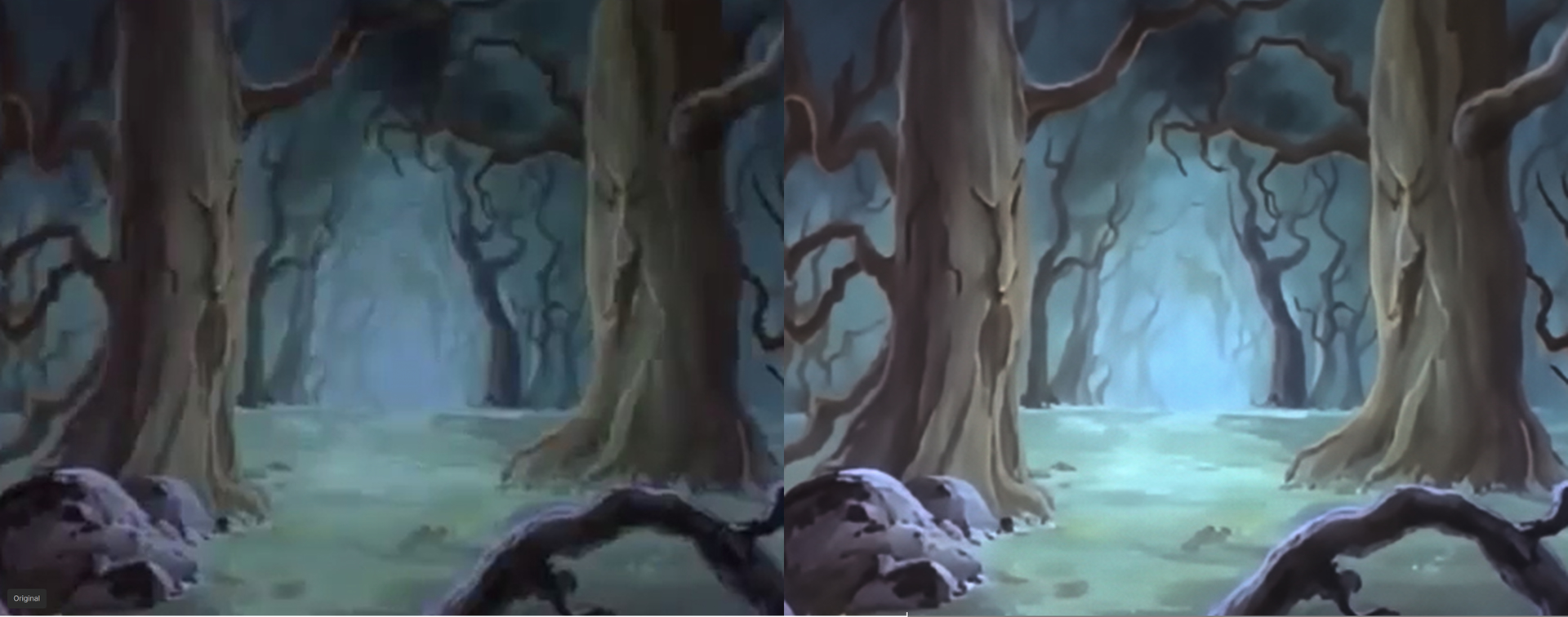
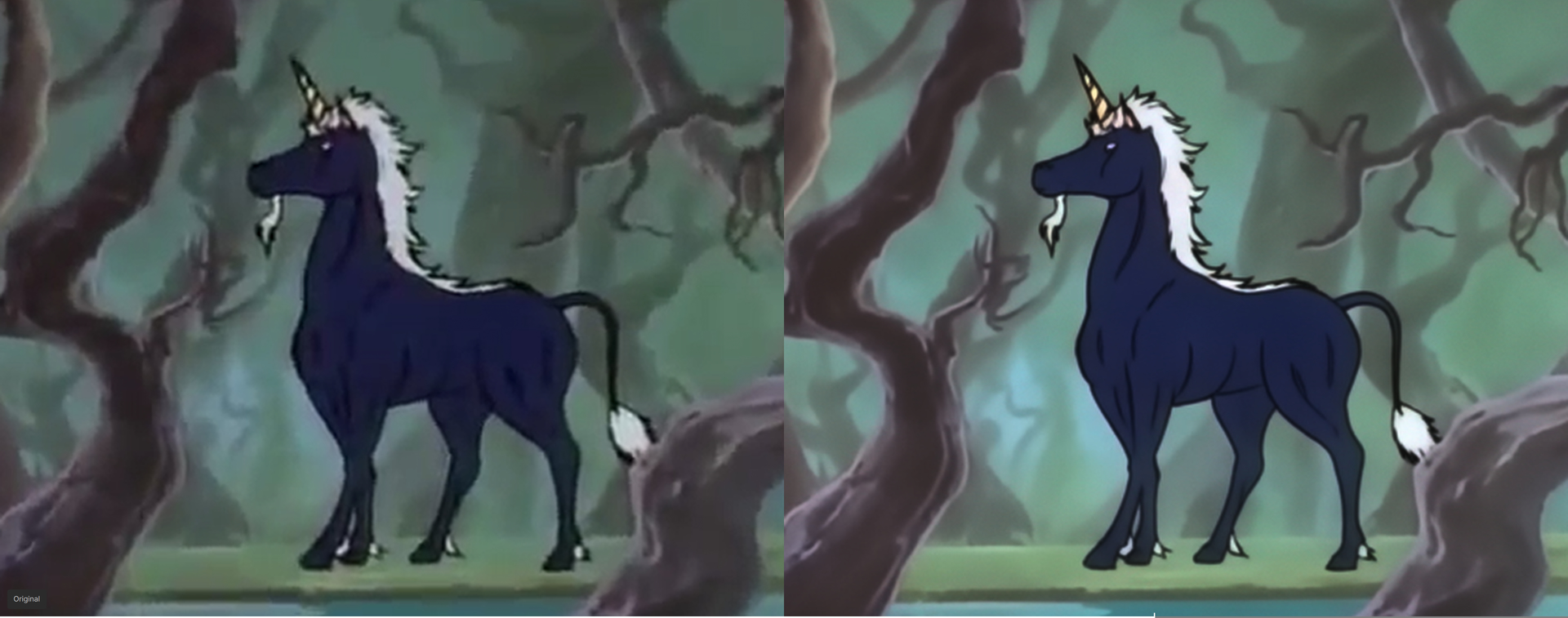

I upscaled all of D&D to UHD a couple of years ago, though it was using various Avisynth plugins in addition to Topaz. You’re starting from an incredibly low quality input though! Have you thought about getting the UK DVDs as the source files? They are better quality than the US DVDs, and are simple 24fps to 25fps conversions so can easily be changed back without loss

A frame from my upscale
1 Like
Is it Starlight or GAN model used here? And my source was ‘destroyed 360p’-compressed video. It’s probably visible on the left.
I’m still having issues as well. RTX 3090 FE with AMD 5800XT and 32GB of Ram. All starlight models fail when exporting in 5 seconds when it is loading the model. 1.3.1 works perfectly fine with starlight. Logs Support zip file
I love this program but can you please fix the program hanging/crashing when I try to close the program down when using files from a network/NAS.
It does this on both my PCs and has been like this since the last 3 or 4 updates.
I have no problem closing the program if using file from my Hard drives on my actual machine.
1 Like
Another example of the “dirty skin” that SLP sometimes introduces:
the (overly smooth) SLM output:

An additional SLP run at 1x brings much more detail, but also gives poor Cliff quite some skin issues:

Still, looking at the really LQ source this is quite an achievement:
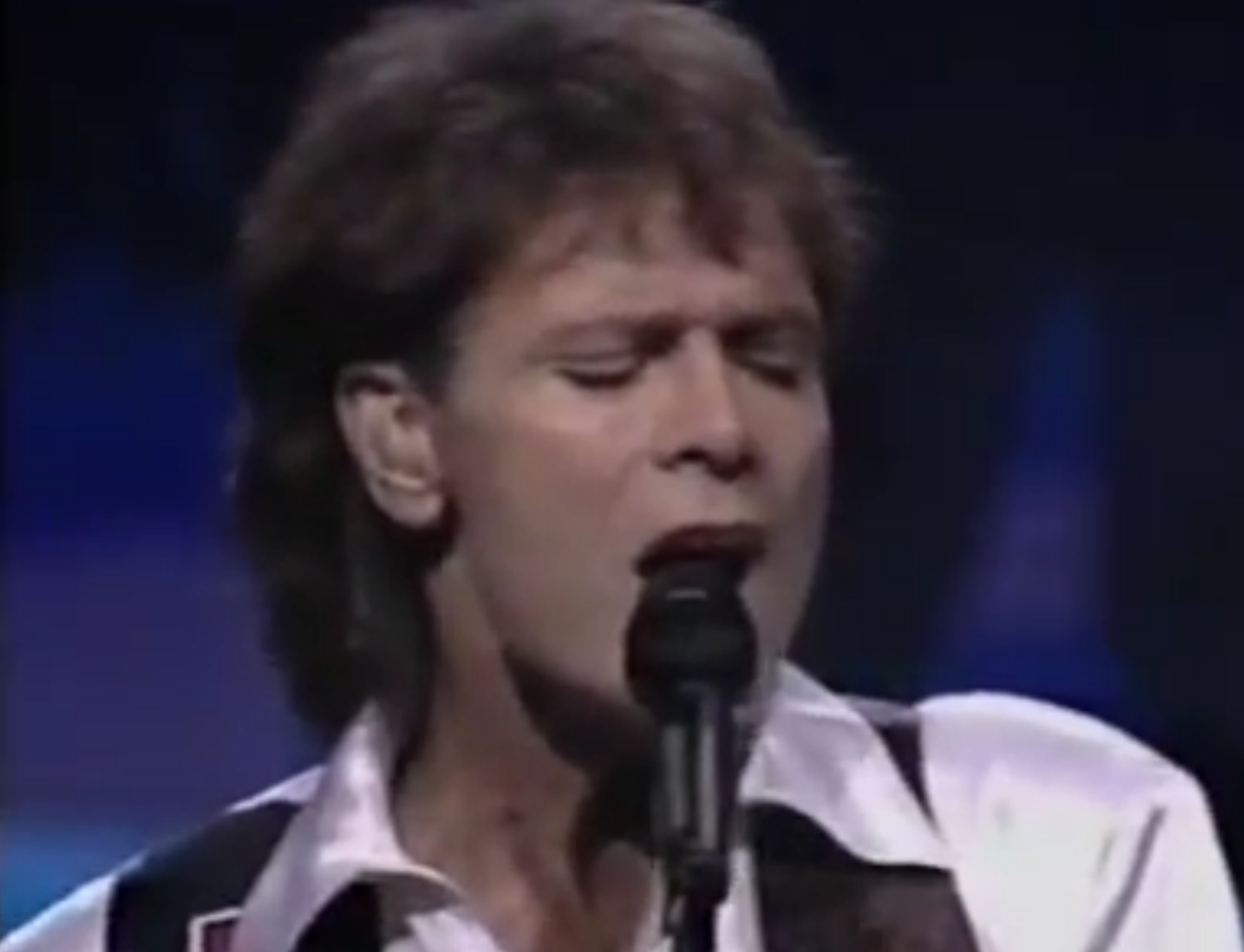
@topaz would it be possible to adjust the model so that it doesn’t introduce such impure skin and pimples?
2 Likes
I’ll message you
1 Like
There’s an Avisynth I use for when SLP produces too much texture:
SetFilterMTMode(“ffms2”, 3)
SetFilterMTMode(“GaussResize”, 2)
SetFilterMTMode(“merge”, 2)
a=ffms2(“B:\Encode_1080P_137_slp.mov”)
b=a.GaussResize(a.Width(), a.Height(), p=5.0, force=3, s=0)
c=merge(a,b, weight=0.5)
return(c)
prefetch(16)
1 Like
This basically merges 50% of the SLP output with 50% of a blurred/softened SLP output. The weight value can change depending on the actual video - I’ve used a 75% weighting to SLP just yesterday for a video that was just slightly too sharp to be realistic. But a few days ago I needed a 20% weighting for one that was insanely detailed - like everyone in the video needed an immediate dermotologist appointment
It would be great Topaz if you introduced a slider that does this during the encoding - call it “de-emphasis” or something. Would just need to mix with a gaussian blurred version after the SLP and before the encoding to output format
3 Likes
Agreed. We need some kind of control in Starlight.
You migth want to try higher scale factor for SLP25.
I have an issue with Starlight Sharp that it seems it starts to render but then it stops and remains stuck, the GPU load then goes down to 0
The rendering then keeps getting stuck no matter how long you wait and the GPU load never goes up again. I tested with multiple vids with multiple resolutions but same issue.
Do you see the same behaviour? The latest Nvidia Studio drivers are installed
Weirdly the other Starlight models seem to work on Sharp keeps stopping