The processing on the Studio version always errors out if you:
Select Starlight or Starlight Sharp
Set the output type to image sequence. (So far, I’ve tried PNG and TIFF, both 8-bit and 16-bit.)
The model runs for about 5 minutes, seemingly processing, but not a single frame is written to the output folder, and then it fails. Can anyone confirm if it’s just me? I am using a 4070 Ti Super. This issue doesn’t exist on the legacy app, Video AI. Image sequence output in the Studio version works fine when using other models (like Proteus).
I don’t recommend 16Gb cards for an AI video upscale.
All modern models can’t create 720p videos even with 24Gb cards. It means software will use tiling (aka breaking video into the smaller quadrants and processing each quadrant independently ant then stitching them together with some overlap), which results in slowing down the processing.
I plan on buying 5090, because even 4090 24Gb is not future-proof anymore.
Maybe you can wait for 5080 SUPER 24gb, but who knows when will it appear.
I would not recommend spending money on a 16GB card.
Newer models may require more VRAM. So 16GB is NOT future proof.
For Starlight (mini) on Windows+AMD GPU, Topaz Labs recommends a MINIMUM of 20GB VRAM. See the release notes of Topaz Video 1.0.0.
When working with AI, you will need as much VRAM as you can get.
Even for gaming in UHD (4K), 16GB VRAM is already becoming the minimum requirement if you want to play at maximum quality settings.
Edit: In the 1.0.2 thread, you said you already bought an RTX5080 with 16GB?
Well, sorta… At the moment, this is only true for nVidia GPUs. Minimum VRAM of 20GB is specified for AMD GPUs.
And urix.lookin’s comment was that he/she doesn’t recommend 16GB cards, not that they don’t work. A closer reading of the post should clarify why 16GB isn’t considered ideal for use with Topaz AI video apps.
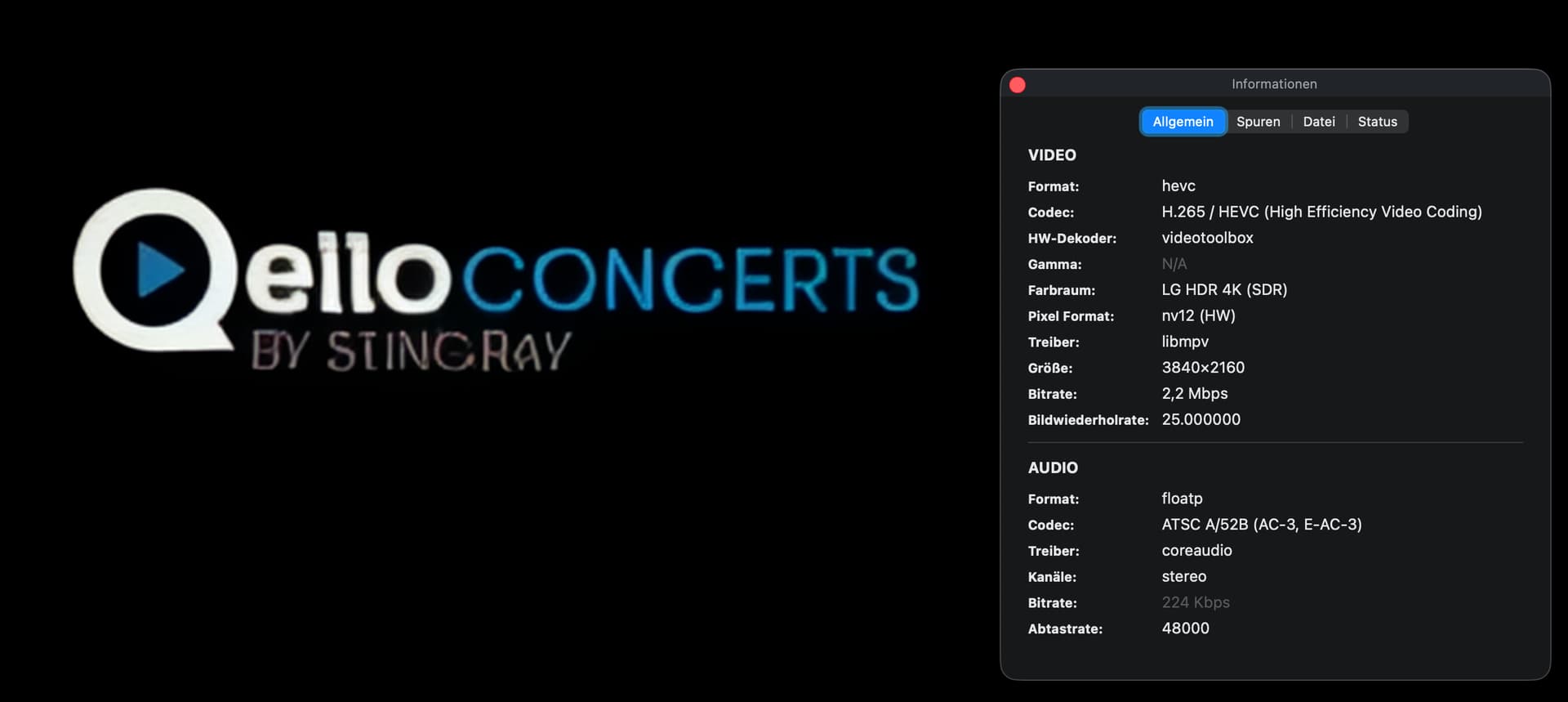
Actually 1.0.2 boasted it was doing 4x on the export screen (which in my case would be 1920p), but what it actually did according to MediaInfo was 2x 960p.
I sent them my logs last week, and am hoping 1.0.3 does in fact respect the 4x.
So far 7.1.0 has been the best fps to quality ratio, giving me 0.4fps.
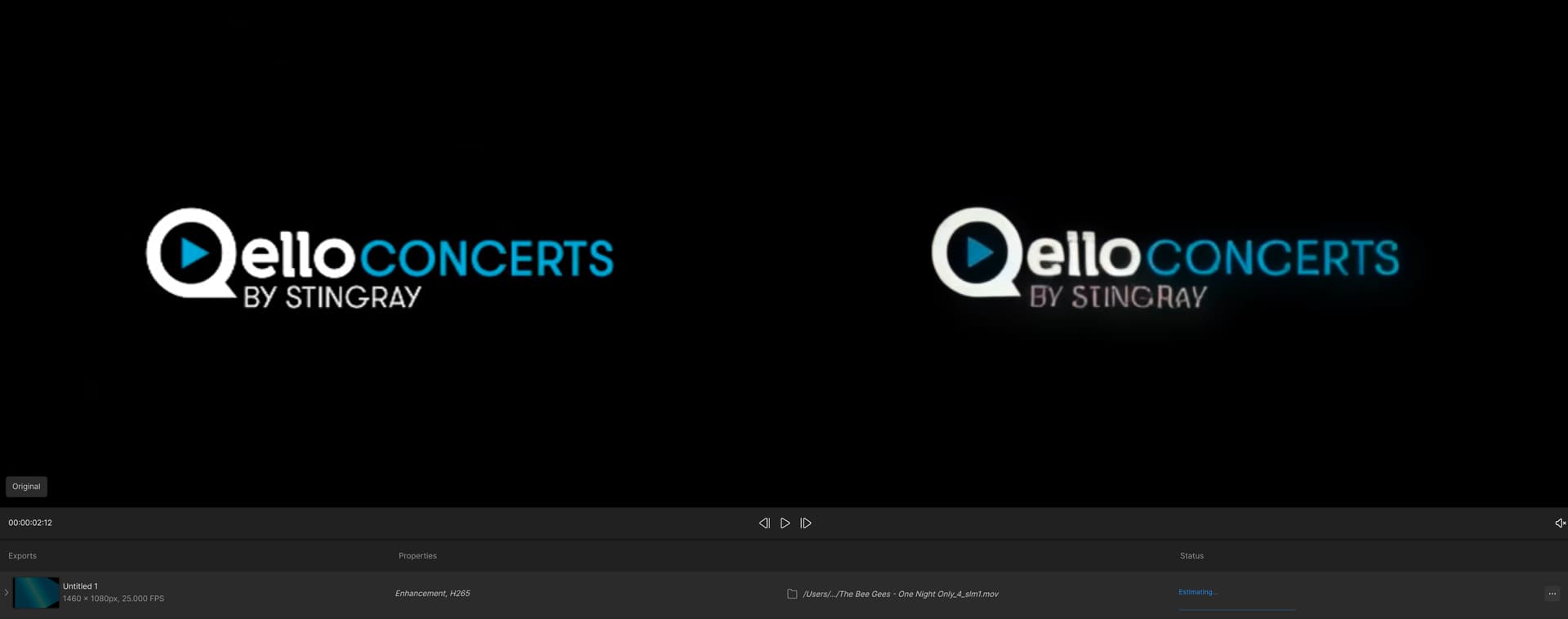
Add to this that 4x still obviously only does 2x. And that now on the Mac which didn’t exhibit this issue in previous versions- also quality seems to have gone down (again)!
Original on the left, SL 2x on the right (yes, it’s really that way):
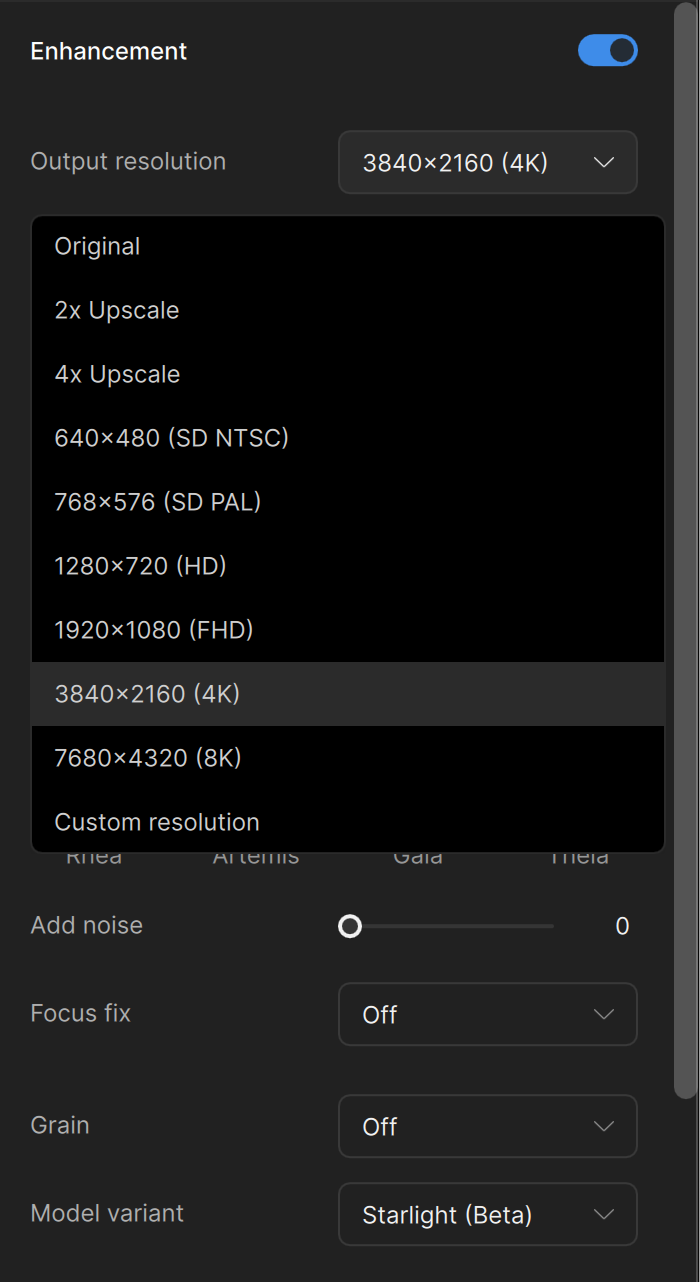
It gets worse: Now, even setting 4k resolution on this file doesn’t do 4x, just the BAD 2x quality (and also at 2x speed). Contrary to previous SL versions the output file does have the 4x resolution, though. A bit as if they want to fool users..
In conclusion of those “Studio” versions 1.0 to 1.0.3 - that come quite slowly, too: atm I’m extremely dissatisfied with the (non-)progress of this app. Since the introduction of the subscription model the development seems to have stalled and in some aspects even went down/backwards.
I can also confirm the bug of the not working button to switch between built-in presets and your own ones, also on MacOS.
TL do have quite something to do to convince me (and others as well, I guess) to continue the subscription… For sure not with “quality” software like that!
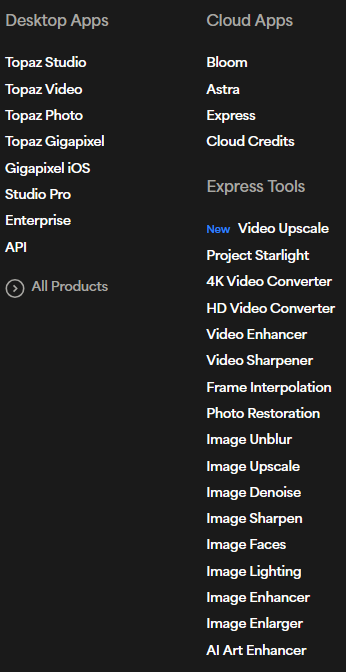
Most of their effort is going towards the cloud and ‘express’ apps, the desktop products are being treated like an afterthought now. Just look at how many web apps they are churning out:
Well that way they really do make it easy for users to stay with the “legacy” AI apps. At least those are not getting any further updates (=downgrades in features and quality).
Also they kinda force users to look for alternatives as SeedVR2.
We did get a period where the updates to the desktop apps were so frequent it was amazing - weekly or bi-weekly. Although I think that is unsustainable, it seems they have gone so far in the other direction now - once a month updates, if we are lucky.
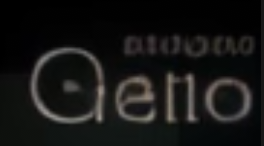
For the first time I have been able to use Starlight on Mac Studio with 36GB RAM. Memory consumption ~12GB for ffmpeg. Got 0.3 fps on a 480p video, enhanced 2x. I am testing on the same 11s clip. I interrupted the test as the result is output blurry… Will investigate, try other clips…
Ran a second clip, I can confirm it’s a bad thanks for letting me know ! Dom
Edit: I posted benchmarks for MacBook Pro M5. It’s a “basic” M5, not pro or max, but not bad at all… of course, not as fast as M4 Max. I hope Topaz will be able to take advantage of the new accelerators…
And now you guys broke Starlight with that. Thanks a lot.
With the previous version, I could render straight to nearest 4K resolution from my original file and now it just automatically sets it to 720 no matter if I choose 2x, 3x or 4x.
Woah! This is damning for Topaz. I’ve been let down so much since the Studio release. Topaz really needs to address what the hell is going on with Starlight! This kind of quality regression is absolutely unacceptable. Please, Topaz team, at least make a forum post and let us know what’s going on with Project Starlight! Your loyal customers deserve at least that bit of transparency. Starlight was the USP of Topaz Studio, so we need to know what went wrong.
With that being said, what’s the TVAI version that has the best (or least bad) Starlight, according to you?
Contrary to my fears, 7.0.0.4b is still working, and I use SLM with up to 39GB of GPU RAM (31GB VRAM+shared) and I use 7.0.2 for standard upscales
It was the right decision to stay on V7. But if the Studio version doesn’t get better and instead gets worse, then I’ll turn my back on Topaz, because staying on V7 forever won’t work. But I don’t really want that, so Topaz Labs team, get on it! remove existing bugs and dont lower quality, improve it.


 thanks for letting me know ! Dom