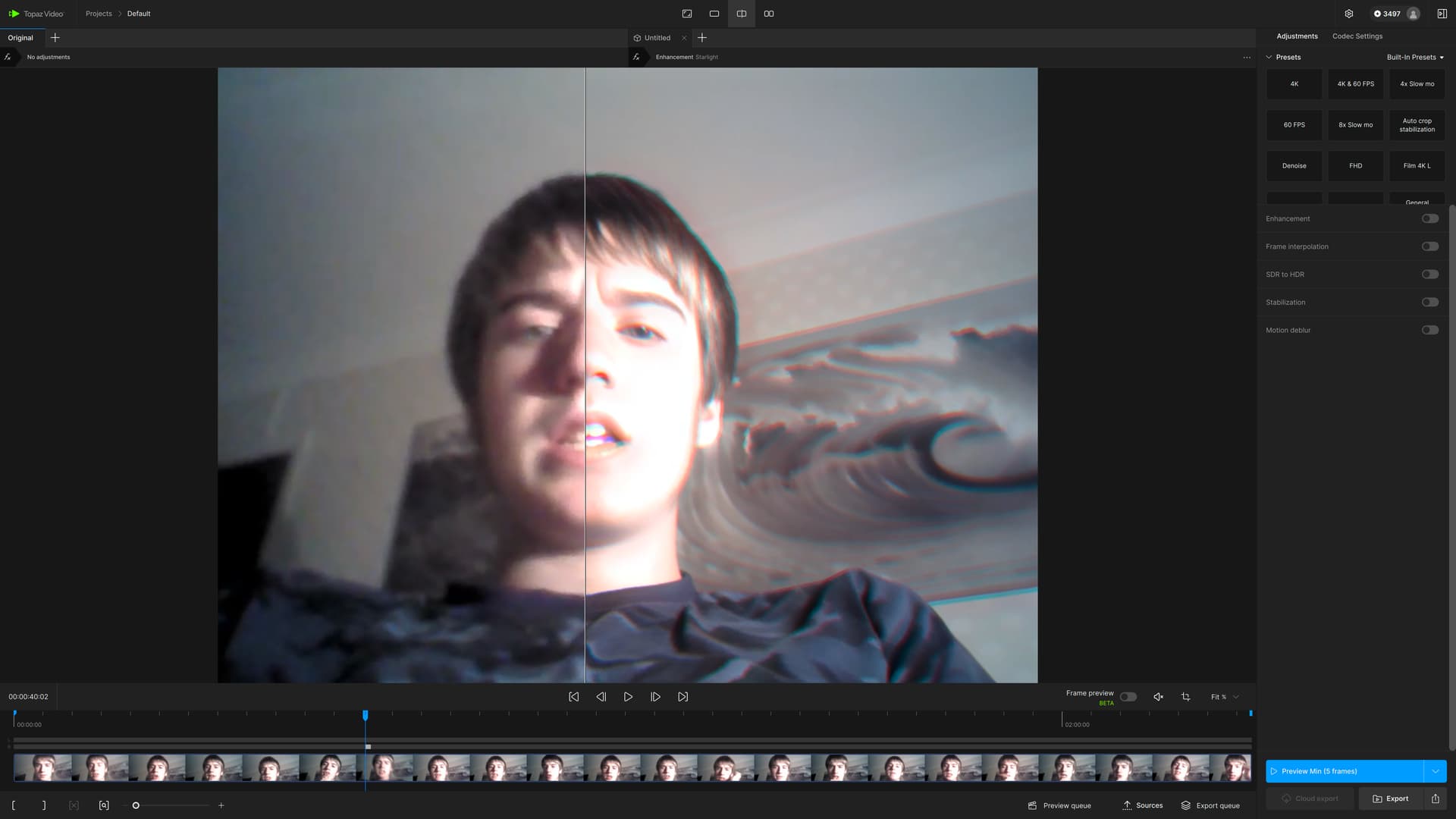
FramePreview doesn’t seem to work in this release (as well as in the 1.0) - it always states “unavailable”, regardless if Proteus, Iris or whatever model is chosen.
In the 7.2.0.3.b it did work.
This is on a Mac Studio M2 Ultra 64GB with Sequoia 15.5.
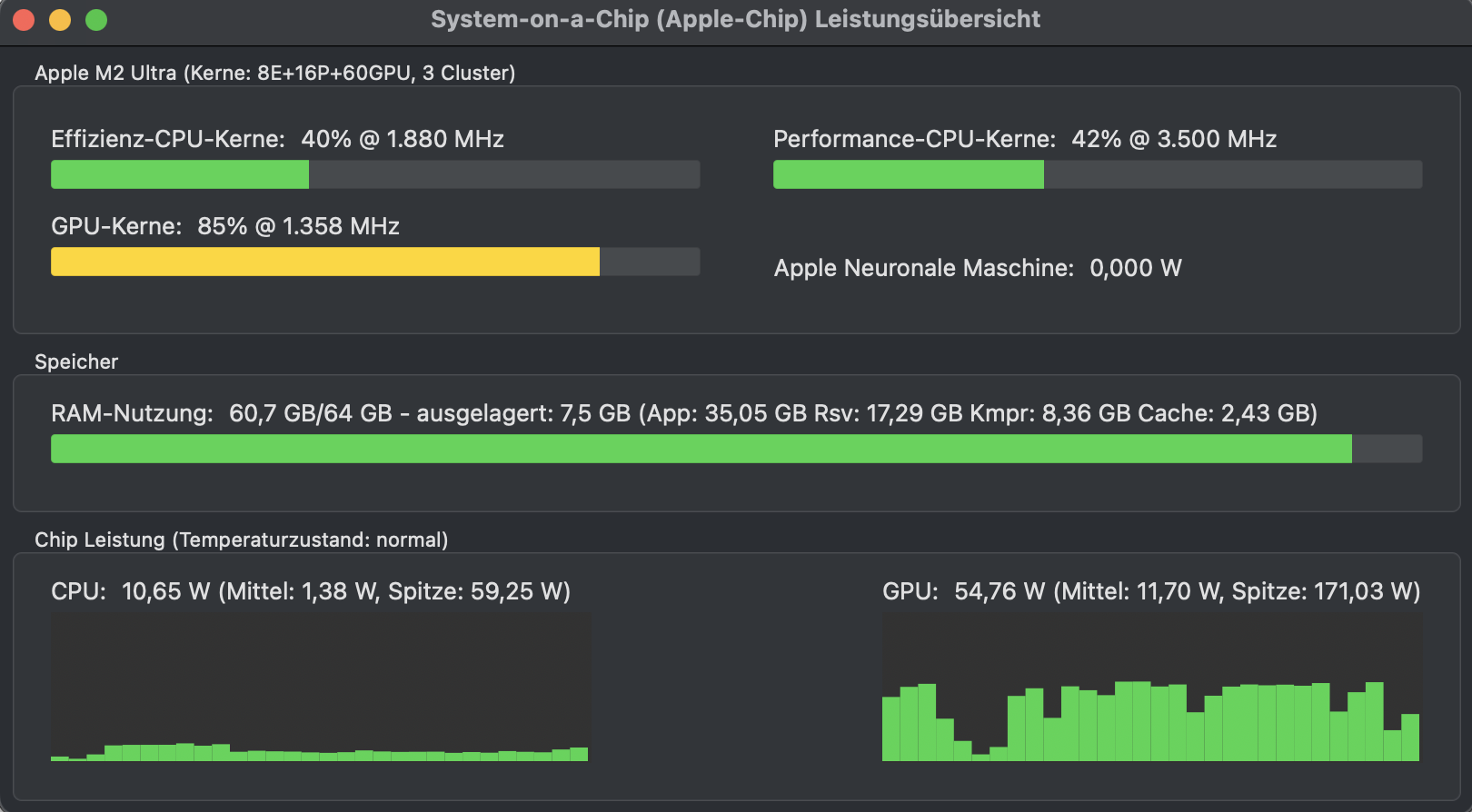
Oh, and SL mini is still eating up about all RAM at times:
EDIT: After a restart Frame Preview works again. SL mini crashed the whole Mac with a spontaneous restart. BTW, this is the first time this year the Mac crashed (so that tells quite something about how “stable” TopazVideo runs)…
Starlight on the Mac is extremely picky on which video files it works and which it doesn’t…
Erroring out on many sources while some others work.
The log file apparently didn’t give much intel - this is what ChatGPT says after analyzing it:
Error Summary
The root problems come from the QML interface of Topaz Video AI.
Several objects are undefined, so methods like map() or includes() fail.
This is likely a bug in the Beta version 7.2.0.3, either due to an incomplete installation or in the app itself.
It’s not a GPU/hardware issue, but rather a software problem when loading the GUI and models .
My recommendation:
Check if the installation is complete and up to date (reinstall if needed).
If you are using the beta: better switch to the stable release of Topaz Video AI.
Otherwise, report it to Topaz support, since the issues are in the program’s QML files and not caused by your hardware.
EDIT:
Hmm, at least one video that gave an error at 2x upscale works with 1x?
So, maybe it’s not the source video that causes the error but the output resolution? Do we need to generate a list of valid output resolutions to make this work??
Or is it due to RAM constraints (don’t believe that as I already have one successful test at 4x upscale with 2k resolution)?
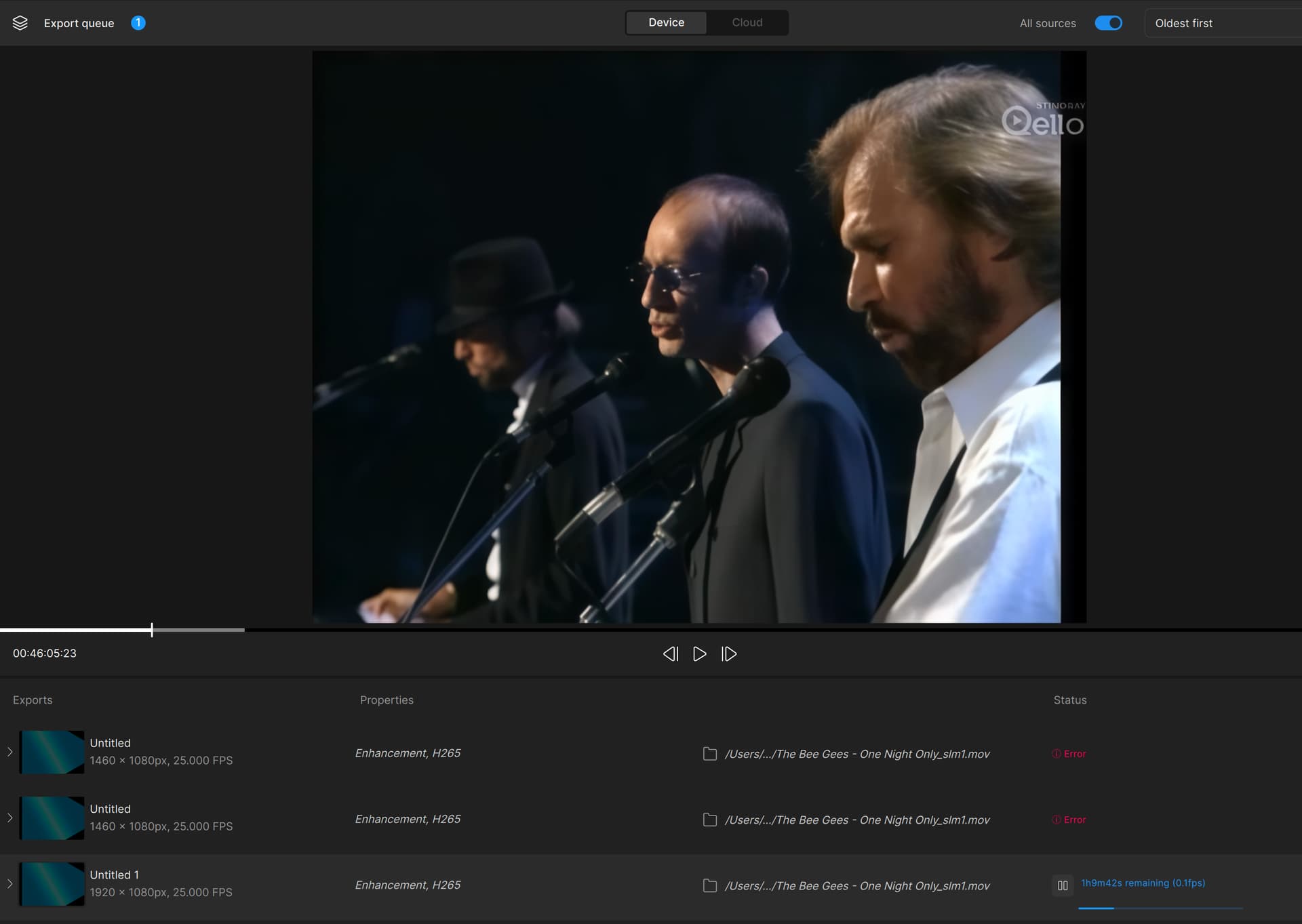
OK, so it definitely seems to be the output resolution that causes the error:
2x upscale fails - while using the standard 1920x1080 output resolution on the exact same source file with the otherwise exact same output settings (codec,..) does work:
4x isn’t worse but it does smoothen/weaken more up and because of this it’s not really a gain compared to 3x. So for me I get highest detail gain doing dual Starlight upscale. First Starlight to min. resolution and then second pass 2x. The result of this is 1920p (when your source was 480p 4:3)
Then I do 1x Iris MQ Auto pure (set rec. orig Details to 0, optional Deblur slider) + I choose as second model “Gaia”, in the same pass. Iris MQ brings more details to shine, because iris does some reconstruction too and does some denoise, Iris MQ keeps textures. Gaia brings more naturalness into it, softens, fades out lines, corners, and edges a little bit, thus compensating for Iris artifacts.
Unfortunately it is still not finished because the result is often to “hard” with halo effects. So I import it into Hybrid, upscale 1920p to 2160p (because 1920p is not handy) and I use Hybrid Dehalo filter (try “FineDehalo” at default Value), optional I add “Filmgrain” filter in the same step. I never wanted to go to 4k but there is no other way because downscaling is always a loss
Fits not for all sources, but when it works the result is stunning, sharp and highest detail gain. My problem now is, how to keep the finest gained structures and grain, using h264/265 remove some of it and this is really worse, I tend now using AV1 codec for storing my final results.
Warning: This workflow is horrible time-consuming (also the IrisMQ-Gaia part, happens about 2-3 fps), especially if you do everything with a lossless codec like I do (I have a total size of 18TB SSDs in my Computer), so I can’t recommend it to everyone.
If you, Topaz, in the future, can somehow fix the tiling artifacting and misinterpretations of text in Starlight Mini, it is pretty much perfect for my semi-professional use. (As we know now the open-sourced SeedVR2 does text much more authentically, by digging up details using temporal processing, without showing visible hallucinations).
If you can do that, you will surpass it, partly because of the convenience of using your program… Speed can be sacrificed even more for optimum quality.
(I only have a 4070 Ti Super with 16GB of VRAM, so do not have the possibility to check if the two higher quality levels perhaps actually fix the two issues that I mention here).
This isn’t hardware-related; hardware only reveals a speed difference. This is entirely a model-related issue. The model Topaz used (trained model) wasn’t trained on text; it only focused on smoothness like irises. The developer should have included these details when coding the model so that it could be added to the model during training. I’ve used more than 10 AI upscales so far, and none preserve detail like SeedVR2. They generally handle certain tasks, forgetting others. A larger model is needed. Topaz should train a new model and add text smoothing and other details. SLS is simply a faster model than SLM, just like its older brother. But I expected more from Topaz. The worst part of SLS is that it has no settings, for example it runs the stabilization automatically but because there is no setting it spoils the video on one side, mouth and lip movements are lost this time, the man is talking without mouth movement, when I do the stabilization myself I do it in half phase so it looks more realistic but because SLM and SLS do not have these settings, it seems like it does it automatically but there are problems with this automatic one too.
I found a bug: if I need to select the 25 or 50 frames option in an interlaced video, frame generation is turned on. This is a bug for interlaced video; it should only be turned on upon request, as it was before.
I don’t think this should qualify. “Remaining time” shouldn’t count, as it could have been cancelled by the user at any time. Show me one with a completed render that looks like this, and I’ll buy it.
By the way, this isn’t intended to be a contest submission. My longest individual render to date was in the neighborhood of 44 hours. But that was a project that was broken into 11 5-minute segments, some of which I had to run twice at 42hrs+ per run. In all, it took nearly the whole month of August, running 24 hrs/day to finish.
I had one crash, but can’t blame it on the software - Video AI 7.1 at the time. It performed flawlessly.
I have a “Pro” license, which gets recognized by the old Video AI software - it shows a “Pro” besides the title. Also, I do have the “Founders” title.
This new version does not seem to recognize this. Same as the last beta did not recognize the Pro license. I do not get access to things like multiGPU in the preferences, or cloud exporting - also, where is SL sharp?
 My recommendation:
 because the result is often to “hard” with halo effects. So I import it into Hybrid, upscale 1920p to 2160p (because 1920p is not handy) and I use Hybrid Dehalo filter (try “FineDehalo” at default Value), optional I add “Filmgrain” filter in the same step. I never wanted to go to 4k but there is no other way because downscaling is always a loss
 (As we know now the open-sourced SeedVR2 does text much more authentically, by digging up details using temporal processing, without showing visible hallucinations).


