I’d love to see a version 4 of Wonder that’s even better than v3, with performance that’s just as good, or even better. Wonder3 is pretty good, but sometimes you need to do a second pass on smartphone photos. So I imagine a v4 that would allow for even better detail in a single pass, significantly reducing workflow time. This would also apply to Gigapixel, of course.
1 Like
A post was split to a new topic: Web app - 100% view of the results
A post was split to a new topic: Gigapixel Wonder limit 192GB
This exact situation is also happenning to me since I performed the latest update. I will revert to the previous version for now. Please fix these issues in the new update
@raruiz03 - can you confirm what situation and issue you are referring to? It will allow us to add your contact information to the correct development team ticket!
1 Like
4 posts were split to a new topic: Education | How to get better results with RAW files and Photoshop workflow
When does 1.6.2 come?
1 Like
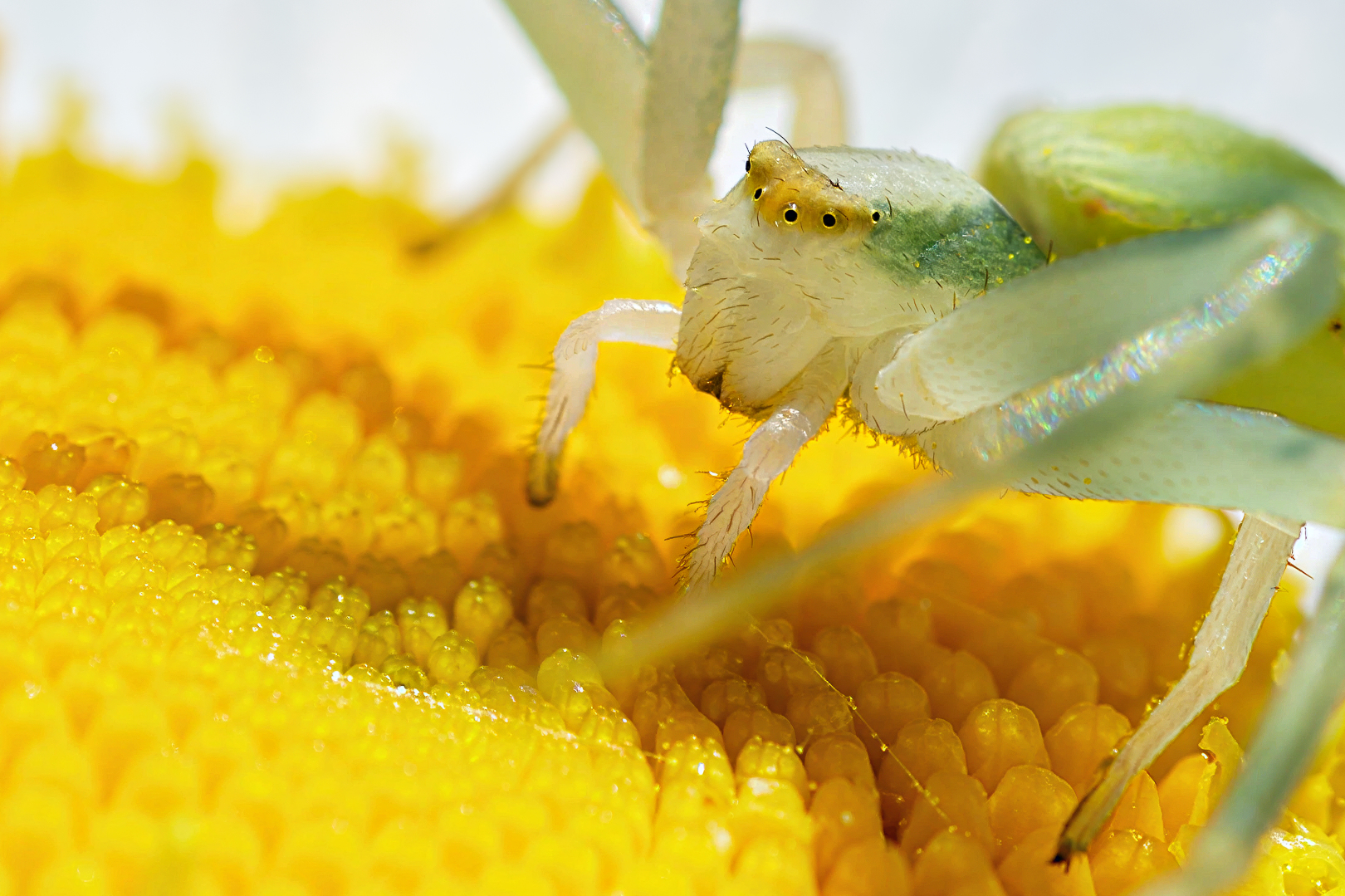
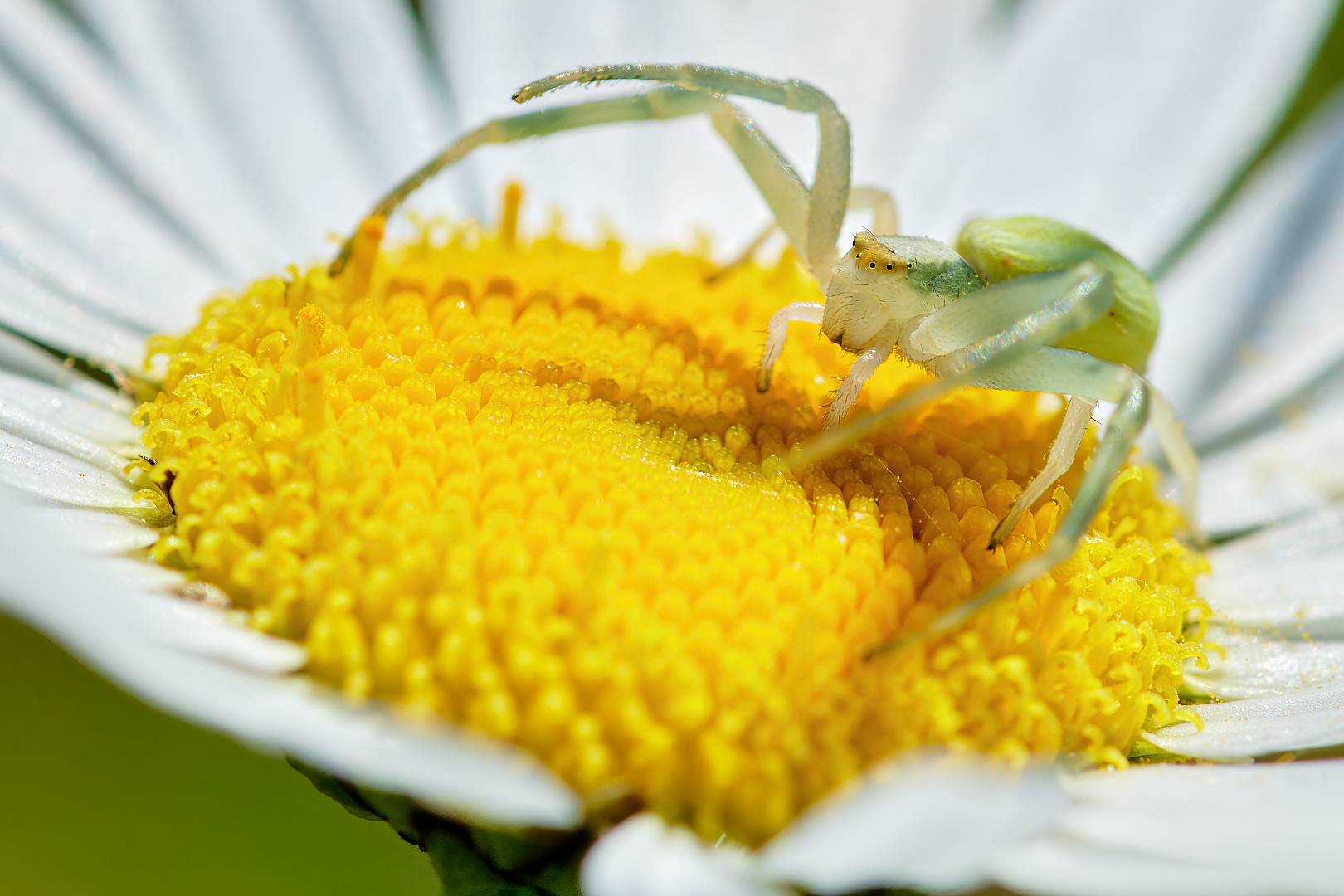
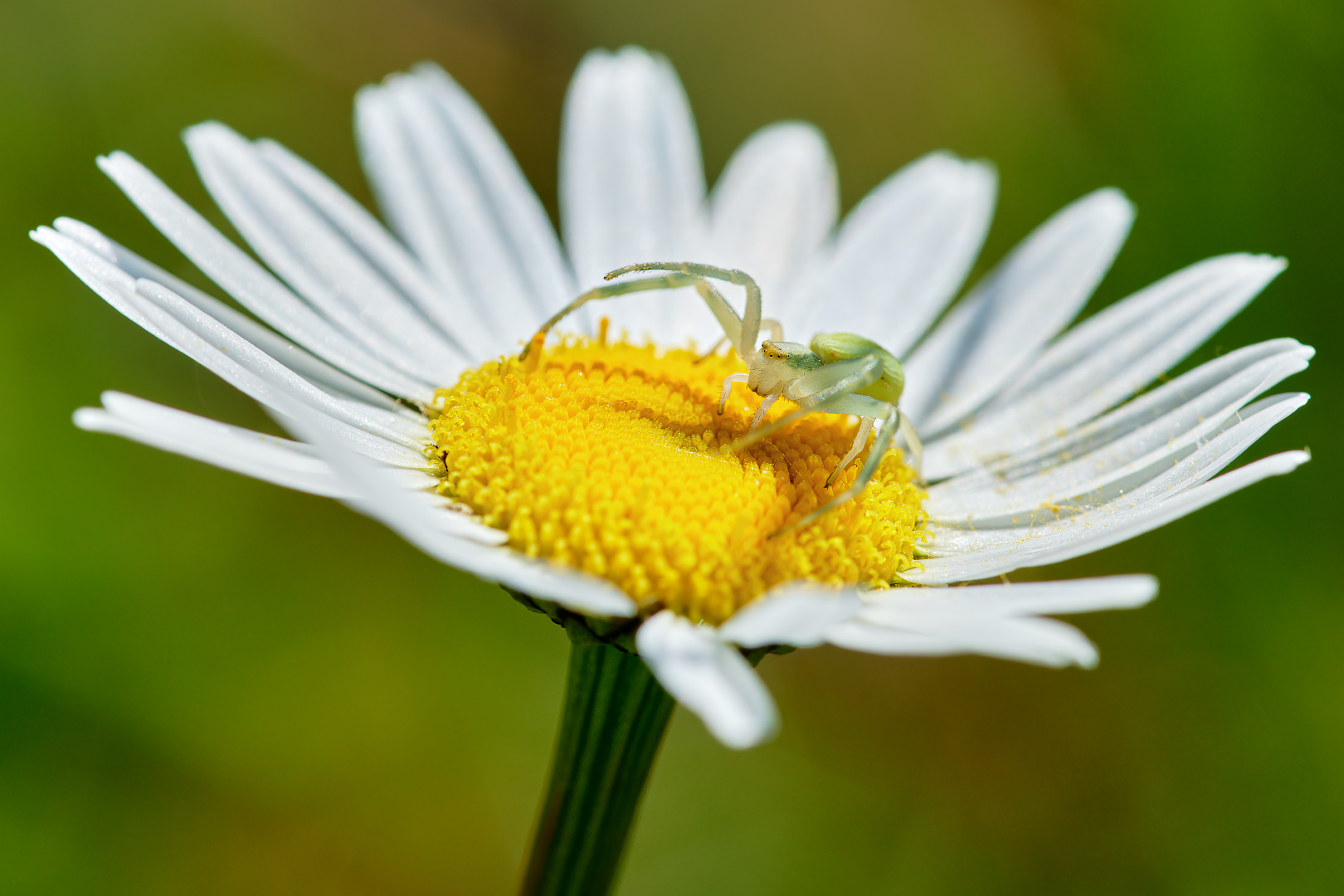
Wonder 3.5 & Denoise MAX for detail upscaling.
Hifi V2 - Background (Everything that is not sharp).
The Spider did hide below the flower.
I did ask it to come back (please). XD
Then it did move into the center of the flower.
EOS R1 - EF 180mm 3.5L Macro USM (Year - 1996 Lens) - 0.6 Meters distance to spider.
ISO 200 - f7.1 - 1/640sec.

4 Likes
This update was released more than two months ago. It seems like Topaz has suspended all development of the Photo app.
The Topaz website says “Topaz Photo supports RAW files from dedicated digital cameras (DSLR, mirrorless, medium format, etc.)** that are included in the LibRaw 202403 snapshot list, along with additional camera models supported directly by Topaz.”
LibRaw has supported all three types of Sony A7M5 files since May 2026.
The statement about supporting “new” camera models is clearly untrue, and since the Sony A7M5 was released in December 2025 it’s clearly no longer a “new” model.
I paid for an annual update subscription in December 2025, and have been unable to benefit from it.
Topaz feels to me like a developer that cannot be trusted.
(The DNG “workaround” is not worth pursuing in my experience - Demosaicing, Denoise and Sharpening in Lightroom do a far superior job.)
Malcolm
1 Like
Hi!
I’ve been using Gigapixel intensely, but since Topaz Photo has some interesting features, I wanted to dive into it. I did some promissing test, although there is still much to improve – faces tend to change drastically when image is zoomed out (groupphoto’s) and superfocus is used.
Also, if you want to enlarge the photo as well, first enlarge it, then use superfocus for best result:
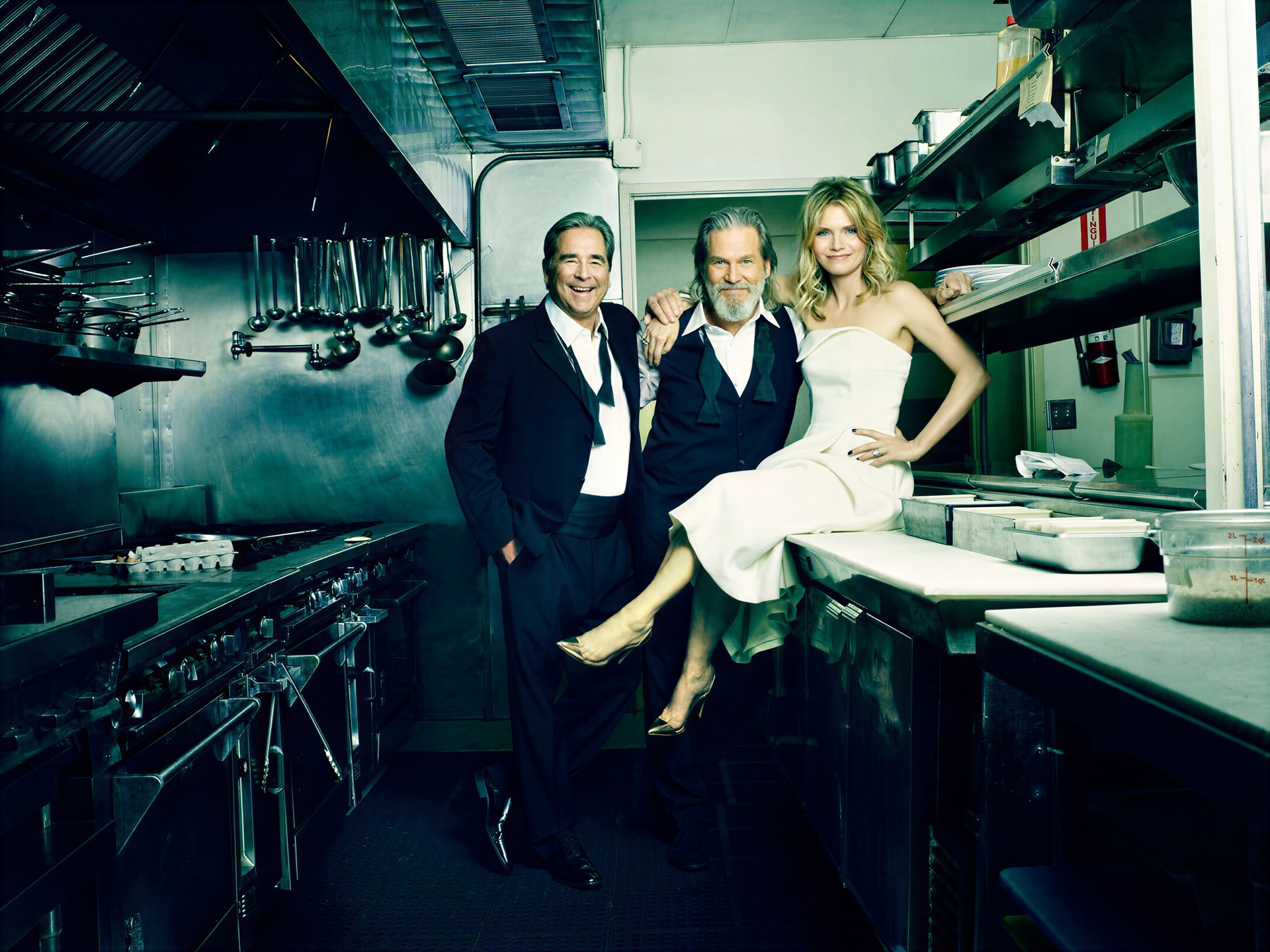
First Wonder 3 + Superfocus 3. It’s doable…
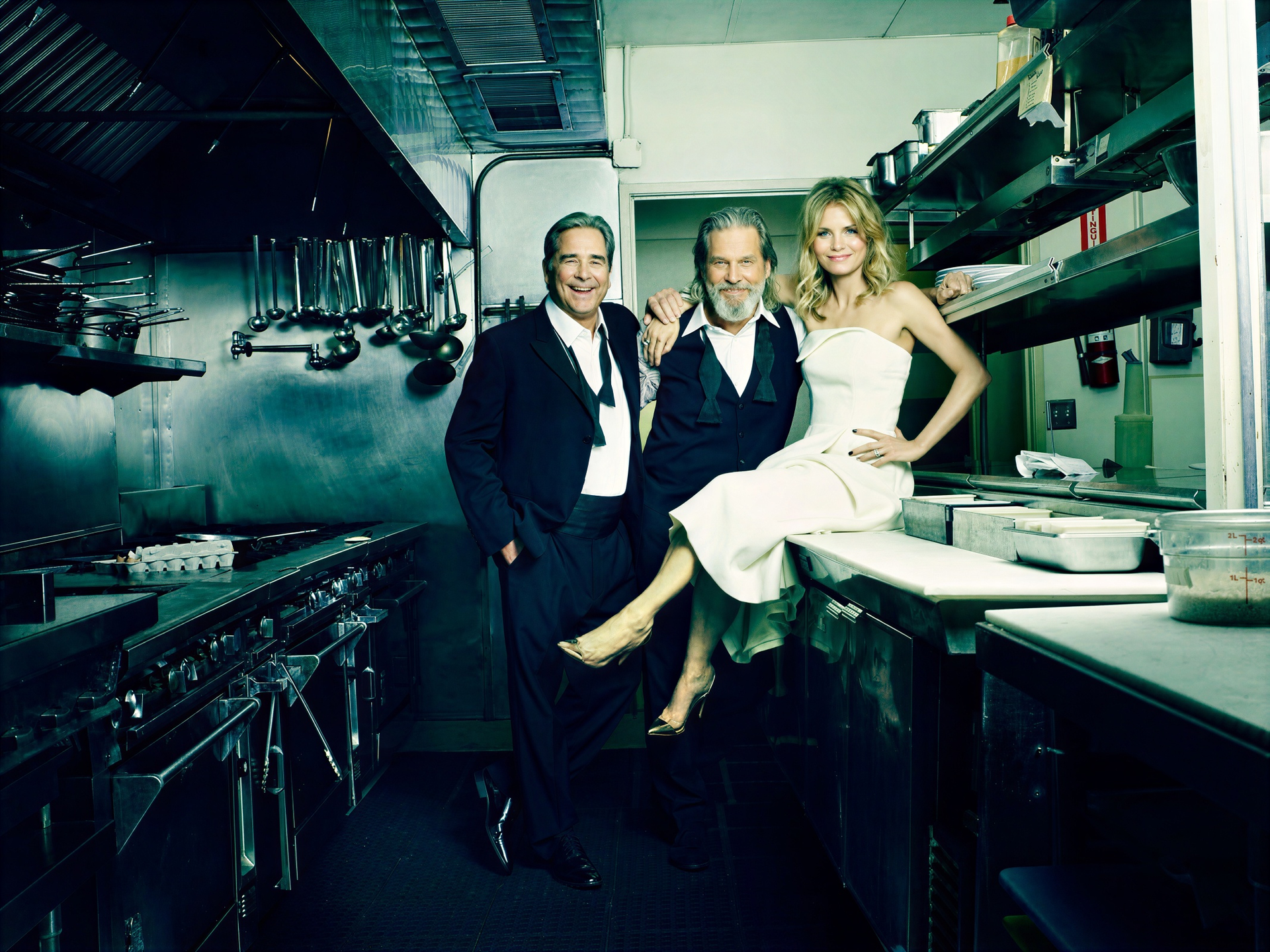
First Superfocus 3, then Wonder 3. Meh…
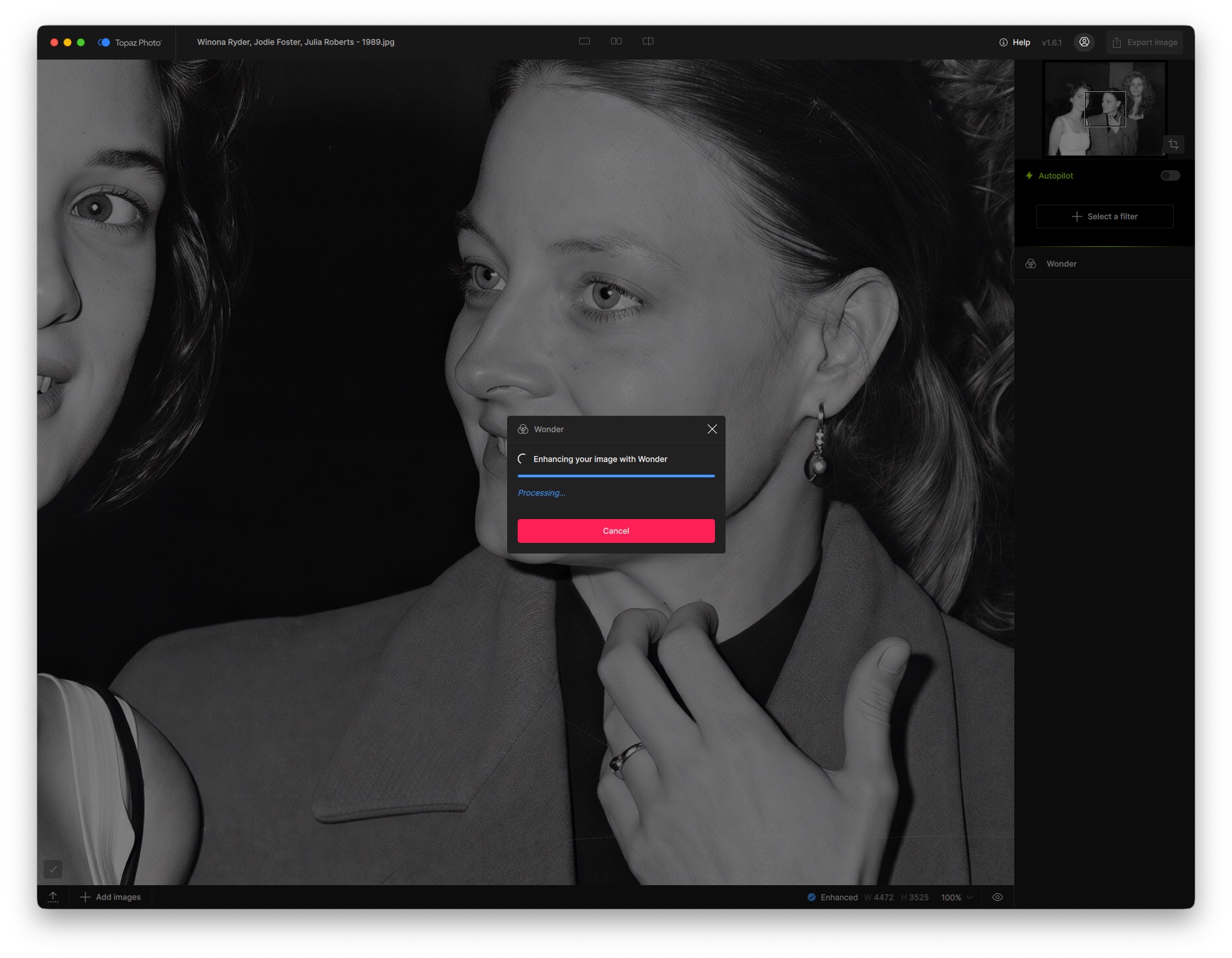
Furthermore, Topaz seems to chrash (or stay in a loop) after (while using cloud processing):
- using it a couple of times
- Using Superfocus 2
Haven’t figured out if this is a software issue or a computer issue – I’m using a Studio Mac M1 with 32 gb RAM. Anyone else having (crash or loop/processing) problems?
1 Like
I think Topaz Gigapixels still rules for enlarging images, though.
A new version was supposed to be released last week. But who knows what went wrong.
Hi bitfidelity
Thanks - I think that reinforces my point - lets of promises, no delivery.
Malcolm
Face Recover 3 is very unstable.

I wanted to use this model to test them, and here’s the error. And it’s impossible to export because of this error.
@bas.evers - Wonder will take time to process but if you get any stuck behavior, that would not be normal, you can send in your app logs to support@topazlabs.com (Logs are in Help > Open logs folder > send all files), with confirmation on the Wonder Scale used when issue occurs and we can have a look at what is causing this error!
@Harald.De.Luca - can you send your app logs to Support as well as the image used? In the email can you clarify: Is the error only happening when using cloud or also local?
@TPX @bitfidelity - While we did aim for a release last week, as mentionned blockers can occur when testing, and it was pushed to this week (checking with dev team to see if today)! *Note: it will be v1.7.0 (not v1.6.2) 
@malcolm.dodds - We will keep the Sony thread updated once this camera is supported!
5 Likes
I only use it locally. The photo is private. I’m not going to show it. But I can test it on another photo of similar resolution with a face to compare and see if the problem persists. Yes, I can provide the log files.
1 Like
Then i will save my next image upload for 1.7.0.
Since it was enhanced by Wonder 3.5.
uh! Denoise Max will be able to process images larger than 192mp then. 
2 Likes
@TPX - Yes, I checked with the development team and they confirmed this would also apply to Denoise Max!
5 Likes
Thanks
2 Likes
