last entry under application->general, just above export
2 Likes
Found it, thank you Dave.
Kind regards, Michael
" * Fix Apple Photos plugin export hanging with some file types"
With 4.0.1 I am experiencing Apple Photos export hanging which I did not see on 4.0.0.
HEIC file opened via Photos plugin and sharpened. The export back to Photos hangs, also reporting that it is exporting jpeg - not HEIC as expected.
Mac OSX 15.5, Intel cpu.
@Left_The_Building - the development team is working on putting this feedback prompt to be later, it is indeed coming up too fast and does not leave any time to review the file! Always feel free to send before/after to support@topazlabs.com and we can relay to the development team too! Good or bas results always welcome to keep making the AI Models better over time!
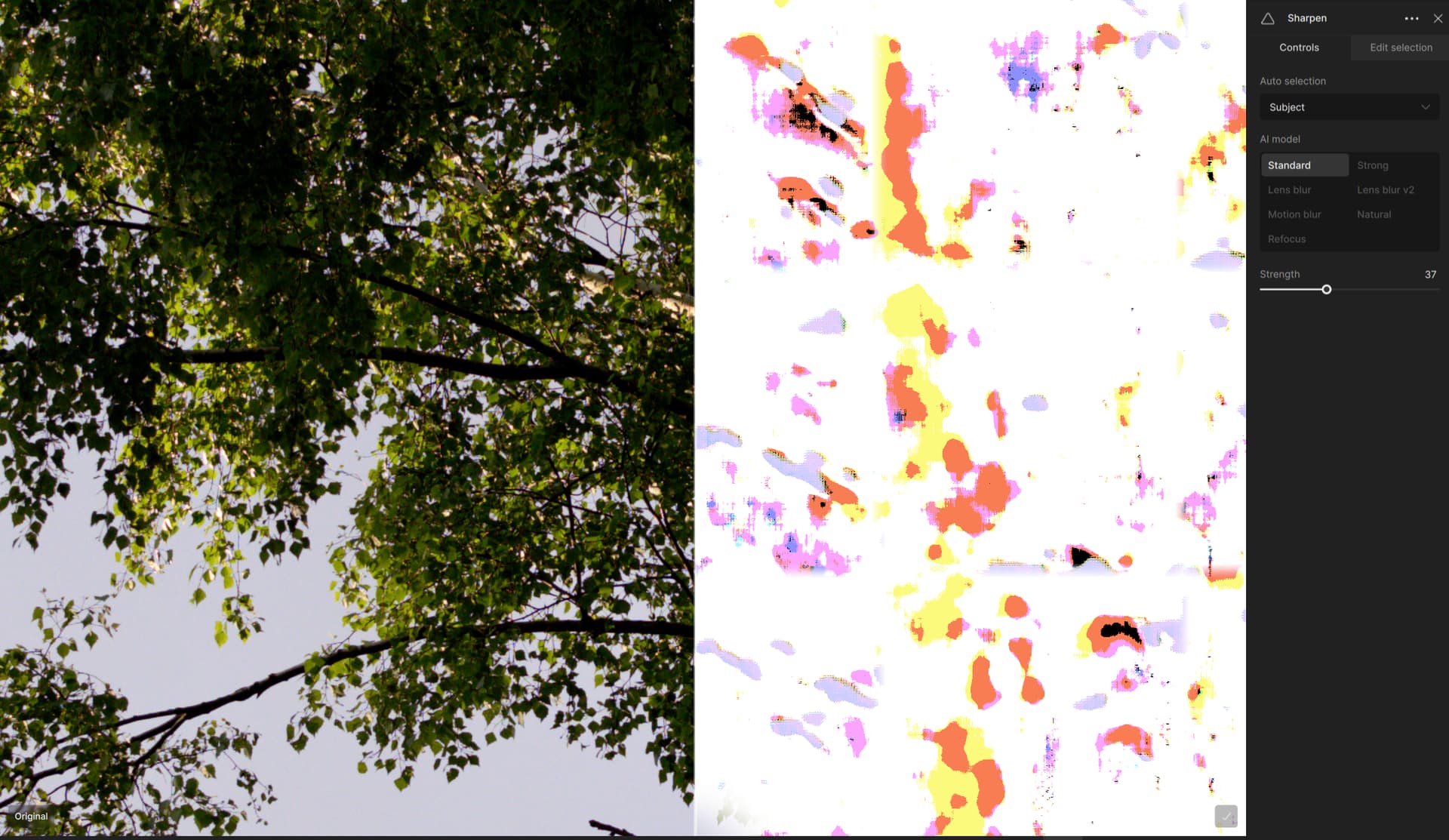
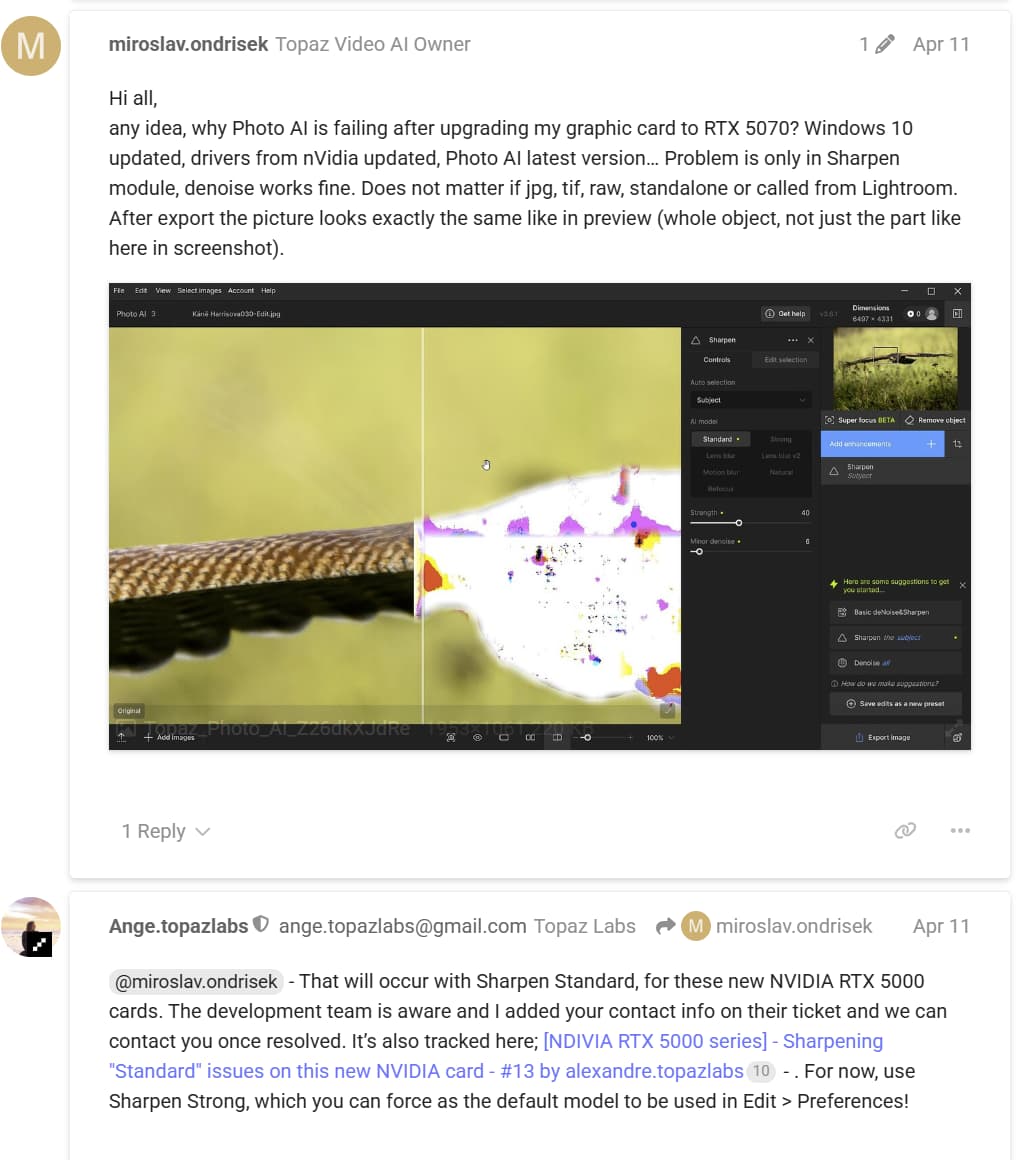
@rogeruzun - supporting a whole new series of graphic cards can take some time yes! Thankfully only 1 specific AI model withing Sharpen and Denoise has compatibility issues. A beta with a fix is set to be released this week. Once supported, all subsequent 5000 NVIDIA card releases will be supported. if you are on the beta testing group then you will be able to access it. If not, DM me and I can add you.
@Zed1 - thanks for posting this! Make sure test prompt things are put in Gigapixel queue as it does not apply to Photo AI. Unless you meant something else. Best to keep feedback here solely for Photo AI and the development team will review.
The Fix is aimed for v4.0.2!
2 Likes
@MattS1 - can you send logs to support@topazlabs.com and we can have a look! The fix was for DNG files hanging and HEIC files behavior was not changed. Having a look at the logs we can sort it out!
@lmo - This can be a Optimization setting in your NVIDIA app. Make sure to turn it off for Photo AI and Gigapixel, all it will do is change to NVIDIA which is not recommended as it revokes access to your CPU memory!
1 Like
Hello Plugsnpixels
I saw your conversation with Fotomaker about Dust and Scratch removal and was tempted to see what I could do after seeing what aleksandr.shmakov achieved with his picture of a mother and baby in 8.4.0
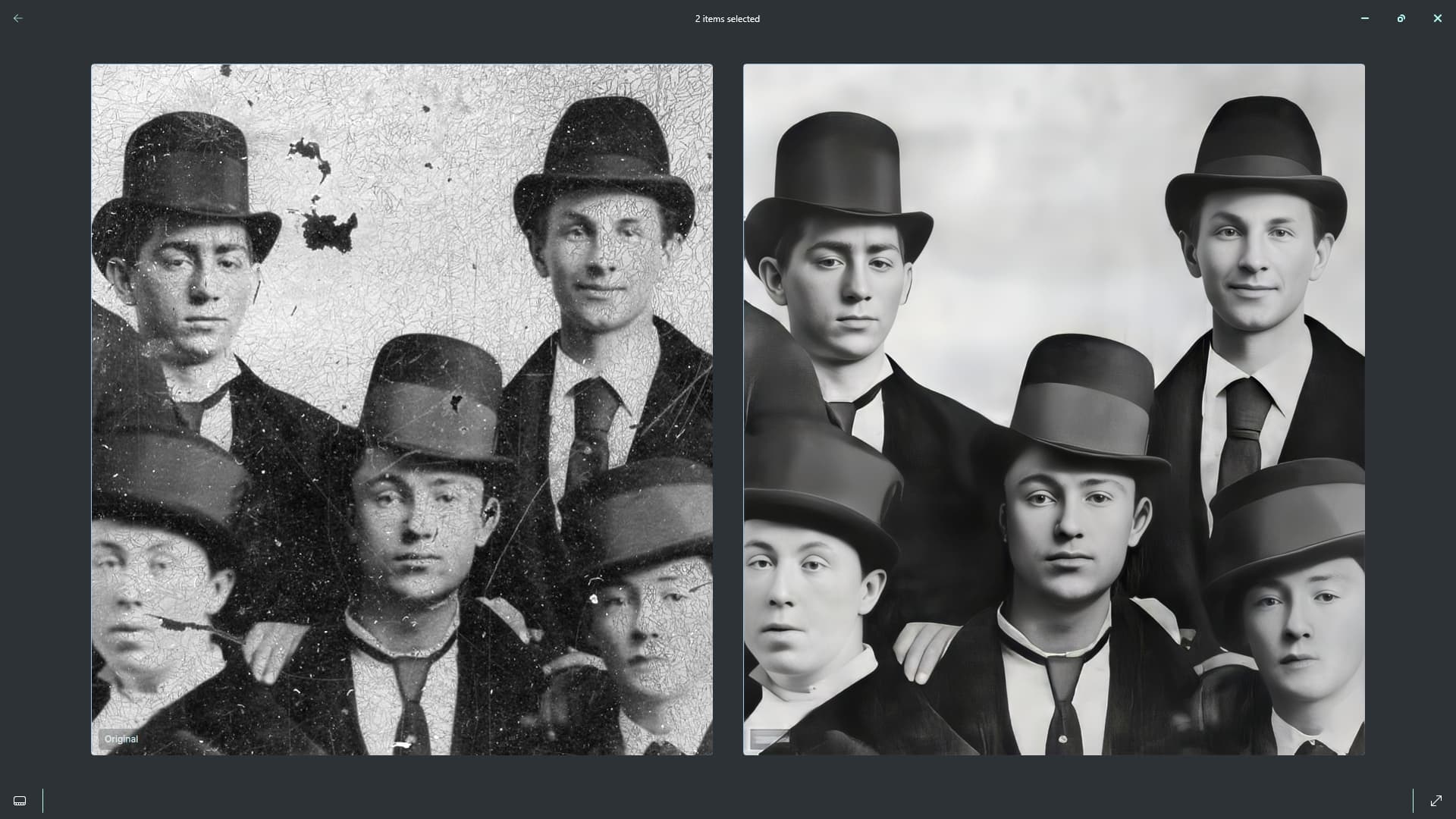
I chose your (old tintype barely hanging on…) picture half expecting to have to give up with it after a few minutes because it looked so bad, but I got on quite well with it and ended up with quite a decent picture.
I used Super Focus first which removed quite a bit of noise and then saved and closed the picture and then re-opened it and the used Dust and Scratch and painted out remaining marks and then used Recover Faces and Denoise and then saved it and opened the picture in Affinity Photo 2 to remove any marks that I’d missed previously and do one or two repairs and
saved the picture and then sent it back to Photo AI upscaled it, Recover Faces, Adjust Lighting and it’s not a bad result in my opinion and it didn’t take too long considering how bad the original was.
Regards.
5 Likes
People can get some very nice results if they have the patience, skill and access to a variety of processing tools to deal with a mix of photo challenges.
Certainly there isn’t an all singing, all dancing single solution at this time. But processing tools evolve!
3 Likes
That is for sure a great improvement! You obviously spent more time and effort than I did…
1 Like
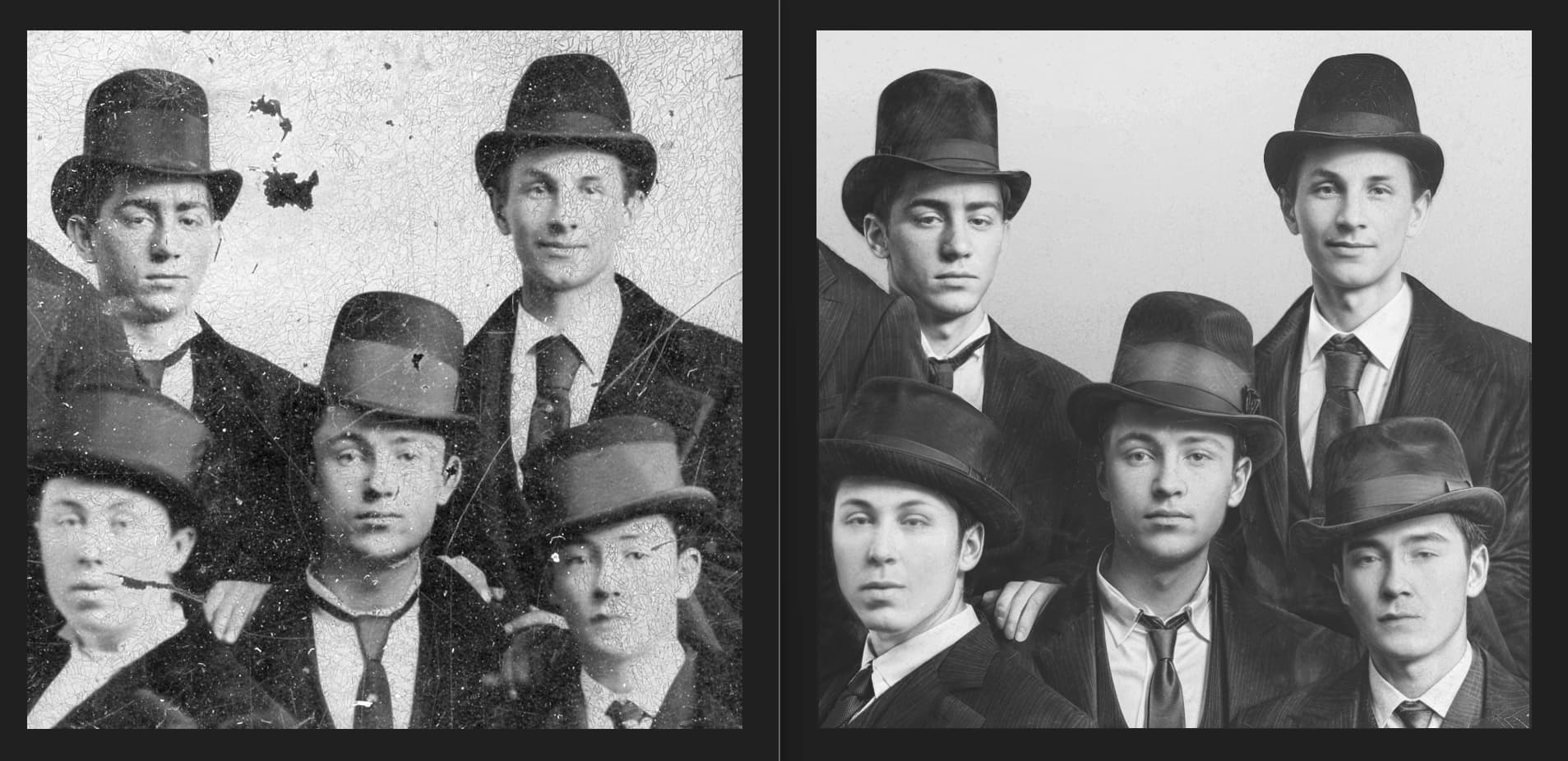
fun one! I used Photo AI Dust and Scratch + Healing brush for initial clean up, then Super Focus and Recover Faces, then exported and put in Gigapixel Redefine. Made couple Redefine exports at various creativity and prompts. Then PS for layering it all togehter and masking. Could be blended to match even more the original too and worked further, but shows what is possible when using all these 3 programs to their full potential!
2 Likes
23 posts were split to a new topic: Edits on old photo
Thank you 
Hi everyone!
I’m new here and excited to learn more about Topaz Photo AI. If anyone has tips or experiences to share, I’d really appreciate it.
Thanks!
2 Likes
strange, we will have a look at the logs!
@PHOTOCAMERAMAN - do you have any specific questions? You can refer to the General Forum and Docs as well, it will answer a lot of your questions! You can send us questions here or start a thread in General Forum too!
1 Like
