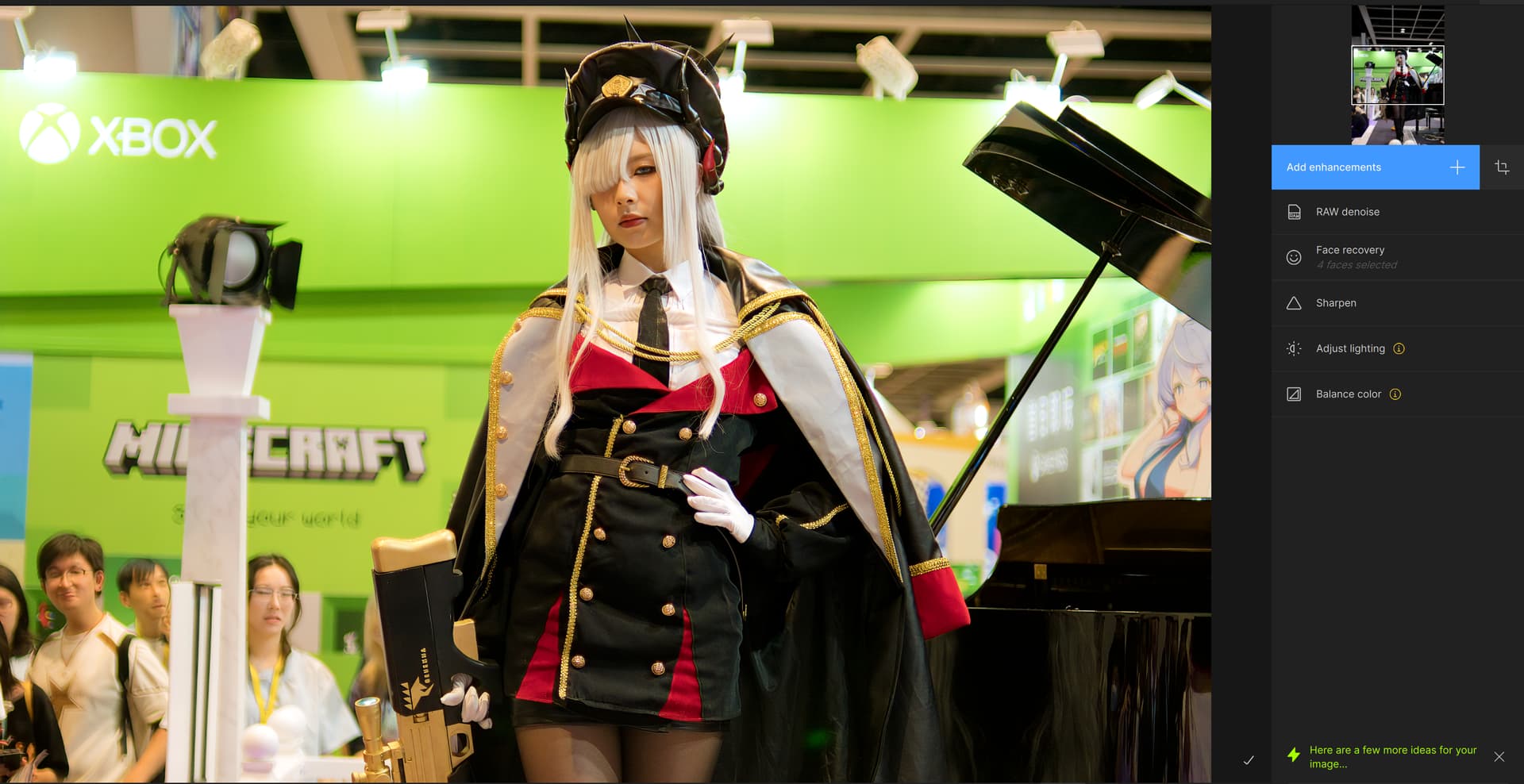
Do you have other enhancements added when you use Remove? Before Remove processes, it has to process all the previous enhancements on the entire image to ensure that the generative tool has context for the entire image. The tool has always worked like this, are you sure that the update is what caused this behavior?
I tried to reproduce this but was not able to. Has it happened again?
Adding this as a feature request, it’s a great idea thank you.
This sounds like a power supply issue. It’s likely the AMD device is drawing more power than the power supply can output. I looked around but can’t find information about undervolting the AMD GPU for macOS.
You can try closing other applications before running Topaz Photo AI with AI processor set to the GPU. This can decrease power draw from other applications.
Another option would be upgrading the power supply to prevent the issue.
Thank you, investigating. Does reducing the quality slider change the behavior or prevent the artifact?
For a long time I have wished Photo AI had a way to save a mask for future use. Lightroom Classic does this for its masks and it is fantastic. Anytime you can go back and make adjustments to settings in the masked area without all the long, tedious work of remaking a perfect mask. I have added this to the Ideas forum. If you like the idea then please vote for it.
Just wanted to throw my 2 cents in the ring. I upgraded to version 3.1.3. and when I go into Photo AI from LR Classic it processes the image fine…apparently, but when you click save and return to LR, Photo AI takes me right back to LR but in the upper left corner it still says “preparing the file for editing” and I have a spinning wheel that does not stop after several minutes. I have to force quit Photo AI. This only happens when I use more than one of the auto pilot suggestions on the image. Today, I used sharpen landscape and balance color. It seemed to process things fine and fairly quickly. I made a slight manual adjustment to the balance color and clicked to save/return to LR. This is where Photo AI hangs. Any time I use more than one of the autopilot suggestions, Photo AI tanks. This has been happening since version 3.1.2 as I can recall. There was another thread about all of these crashes but for some reason it was closed out before a solution was found.
Lingyu. I would love to send you my logs but I’m not quite sure how to do that. I know someone posted the process for doing that on a Mac but I cannot find the article that says how to do it. Thanks so much!
@Lingyu , Nice to read your reactions on people’s questions and remarks. But, unfortunately, no reaction on the question when/if exporting from TAI in .dng format to Capture One will be possible again……
Y.S. Rien
No, don’t have any other enhancements. I haven’t used the “Remove” feature in a while, so I don’t know which version it no longer works from. It definitely doesn’t work anymore since 3.1. It worked with previous versions (2.x.x), but I don’t know exactly from which version it no longer works.
Dear Topaz, what fresh version of hell is this? 3.1.3 on Windows, recent AMD laptop and my cursor is active about 20-30 pixels BELOW every button. Clicking ON the button does nothing. Left to right is correct. Useable but a real pain in the arse. I’m old enough to remember Win 3.1, and this looks like a 1990’s bug. Reading comments, do I have to go poking about in the registry to remove stuff manually, 1990’s style?
Thanks, I’ve closed all other applications and run Topaz Photo AI as standalone or Photoshop plugin and it still crashes.
I can’t upgrade the power supply as it’s an iMac with built in PSU.
The iMac runs perfectly using other CPU/GPU intensive software. It only happens with Topaz.
The ability to freely position the upscale filter within the effects chain would be a significant improvement. Currently, being limited to using it as the last step restricts creative freedom and sometimes leads to suboptimal results. Applying the upscale filter before other effects can often yield better outcomes. This flexibility would enhance the user experience and open up new possibilities for experimentation.
Can’t export images anymore. Also, previews are so much slower than usual. But the moment I include “upscale” and want to export - the app hangs on processing forever.
I just downgraded to 3.1.0, previews are much faster, and exporting works again.