I second your suggestion!
They never claimed it was fixed and there are several posts on this thread that confirm that. I didn’t upgrade to V3.0.1 after I realized that this issue wasn’t fixed yet. Topaz says that it will be fixed in the next release, V3.0.2
As I said before, once you edit a DNG, it is not a DNG anymore. DNG is a container. Adobe is not doing it. Nobody is. You cannot resave it as a DNG once a file has been edited.
1 Like
Never trust the autopilot; it is not very reliable. It often makes the image worse than it should be because it picks the wrong model or setting.
3 Likes
Autopilot was Part 2 of the original Photo AI mandate, Part 1 being to integrate the Big 3 enhancements into one.
Maybe that was all too much to take on at once. I would love to see auto-pilot go away and leave users with a bug-free Big 3 AND a proper UI. Both of those items would make using the app so much faster.
But of course once you release any major feature it’s hard to pull it back…
Maybe leave the autopilot and simple interface for a mobile version?
9 Likes
I’m still holding out for a less click heavy, less compartmentalized, more straightforward & efficient, laid out & visible right settings panel (like the good old days) & no ‘darn’ boxes, bars, processing status alerts on image content.
AP could go away and I wouldn’t lose sleep.
7 Likes
Here is another explanation why you can’t save as a DNG file after it has been edited!
It can’t write them, because writing them is a camera’s job. Raw is not an interchange format, It’s a way of getting pictures out of a camera and nothing else. The idea is that a raw file, even if edited is never changed - it is like a negative, you don’t chop up your negative to crop a print.
1 Like
Gigapixel has it going on right, we just need the goodness to make its way back to PAI!
7 Likes
Frequently hangs at about 90% when doing 2x upscale, crashes occasionally, feels slower than before but I had not measured it.
If you want some advice, especially since the square image I see is generated by Bing image creator and the 1K resolution images are also in a compressed format that generates artifacts, I suggest you do it in 2 passes. First, you remove the compression. The default setting is the standard or hight fidelity model, with an artifact removal rate of 32. You save your image a first time in another, less compressed format. Then do your 2nd pass with scaling.
1 Like
I’ll stick with 2.4.2 aslong the .dng problem is not fixed. Sadly
3 Likes
And for that reason, in spite of how it is presented by Google, .DNG is not a true RAW format, not a true “digital negative”.
Pretty much by definition, a RAW file, a “digital negative”, is a representation of the image exactly as it comes off the camera’s sensor. It is necessarily going to differ from one camera to another, even within the same brand, in accordance with whatever sensor that camera uses, and how that camera reads the image from that sensor and saves it into a file.
Unless an image came from a camera that uses .DNG as its “raw” file format, an image in .DNG format has already been, in some way, processed and manipulated to put it into that format, making it no longer any kind of true RAW file.
As a matter of practical fact, this obviates the idea of .DNG as a format that should not or cannot be saved after the image contained therein has been edited. The only .DNG files that exist at all on my system are those that have been processed by software such as Photo AI and a few of Topaz’s other products; the only true RAW files are .NEF files directly from my camera; even those, I have nearly all modified slightly, by using EXIFTOOL via assorted batch files to add geotagging data thereto.
2 Likes
Well, after weeks of waiting for Topaz Labs to fix the memory leak, I decided to give DXO Pureraw a try. I must say my results from a shoot (most photos shot at 8000+ ISO) I did last night were head and shoulders above what Topaz has done in the past. I think it is time to move on from Topaz software.
3 Likes
I use both.
DxO is better at luma noise / detail and TPAI is way better at color noise.
PureRAW feels like made for slow computers, its always in the brackground and when its ready it does show it to you, no matter what you do right now and i cant turn it off.
And PureRaw is a total different software, it does denoise only.
3 Likes
Yes Pure Raw is basically like Topaz Denoise AI. For me the sharpening and upscaling is what sets TPAI apart from Pure Raw.
A layer (tool) that can control the opacity of a filter, placeable between filters.
So that I have e.g. denoise and instead of the “original” detail slider I use the opacity to control this or several filters.
And or a layer that allows you to control how much denoising or sharpening is applied to light or dark areas without masking.
Also a tool with which I can create different types of noise. ← a test would be cool, where everyone can say what they think of it.
Masking the areas that have been edited with the remove tool so that you can remove the pattern from these areas afterwards with denoise.
Or you give us a list of what you have in mind and the users choose what they like.
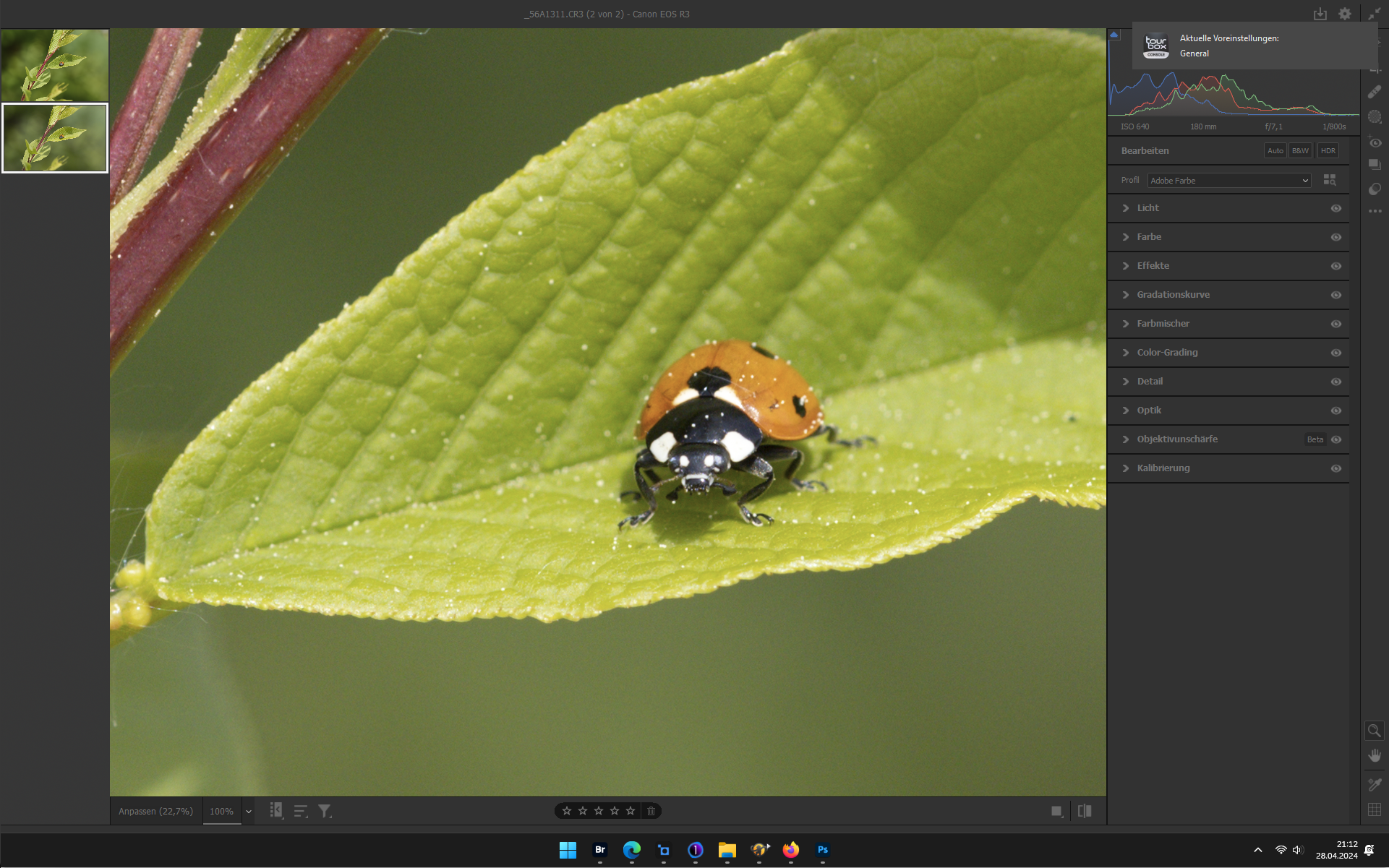
RAW

DxO DPXD2 → Capture One Beta → TPAI (Denoise & Enlarge 2x) → Photoshop → DxO Silver Efex

RAW
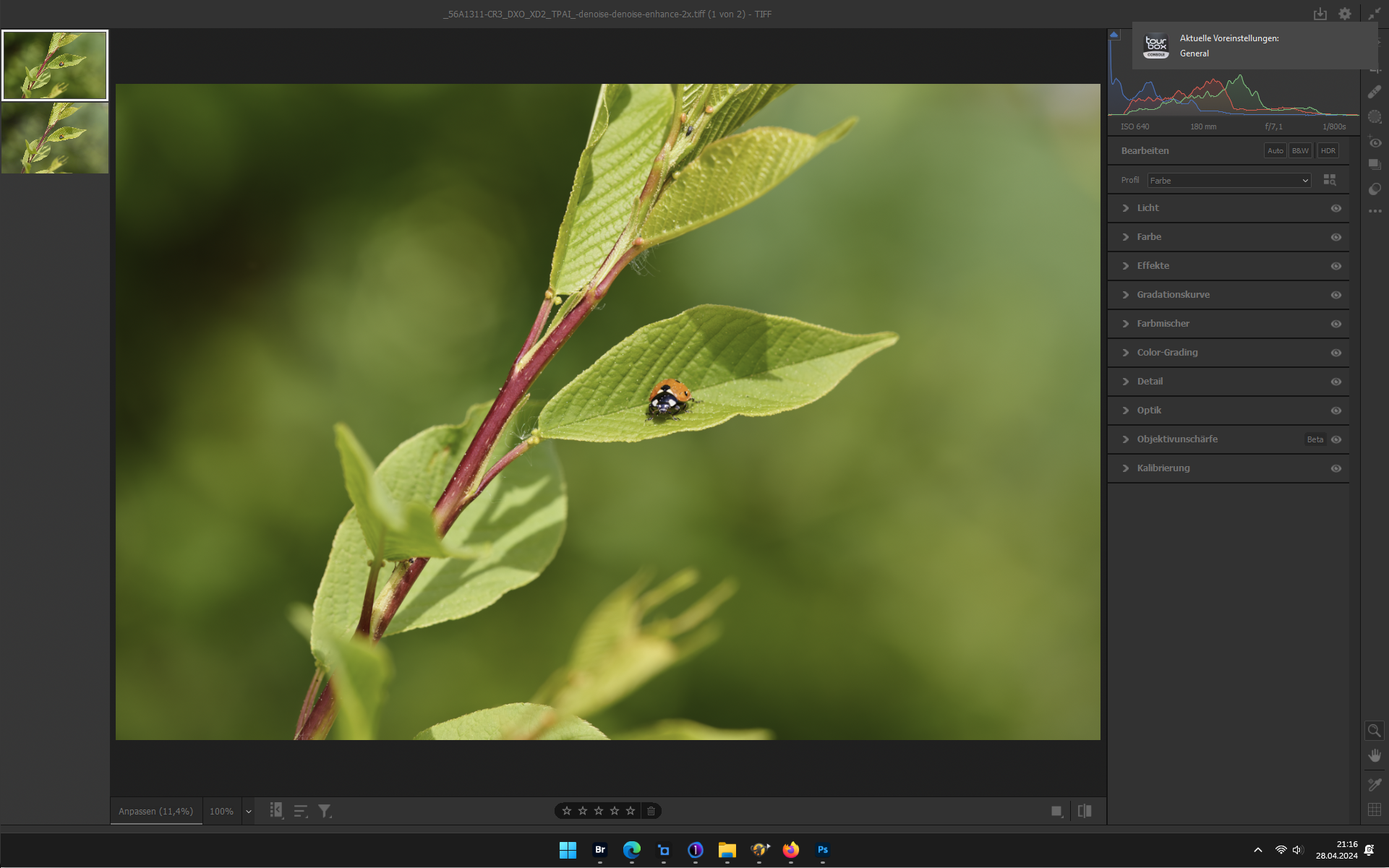
DxO DPXD2 → Capture One Beta → TPAI (Denoise & Enlarge 2x) → Photoshop → DxO Silver Efex
4 Likes
I’ve suggested this multiple times in the past, also. Unless you mean the shape or style of noise should be selectable vs adding in a bit of noise to avoid plasticity appearances.
I’ll endorse this one. (I’m not sure if the recover original details slider is an opacity function or looks for shapes/lines & to enhance them - the latter of which I like the idea of. So I hesitate to endorse your suggestion to get rid of the Recover Orig. Details slider until I understand the implications of that better … @dakota.wixom can you clarify?)
In multiple betas and commercial rollouts I requested that slider handles (the little nobs we pull to adjust slider position) be placed in the center of the slider (to be at “0” position) - both for Denoising and Sharpening. My objective: Allow users to pull the handle to the right for more of either of those features, and to the left to add noise or add blur gradually to the image being processed. Coupled with masking & the newer ‘layers’ functionality, I think that would be ‘killer’.
It can be done in ACR (Adobe Camera Raw) - which I assume means it can also be done in Lr (which I don’t use…). So, if it’s a programmable function, why can it not be done in the Topaz products? (I was tempted to say ‘ergot’ rather than ‘so’ but it felt a tad too Shakespearean - forsooth!).
1 Like
Instead of adding all these “new” features, why don’t you use your resources to fix the many bugs. BTW - this is a very common issue brought by many of your customers in this forum as you must be aware of.
9 Likes
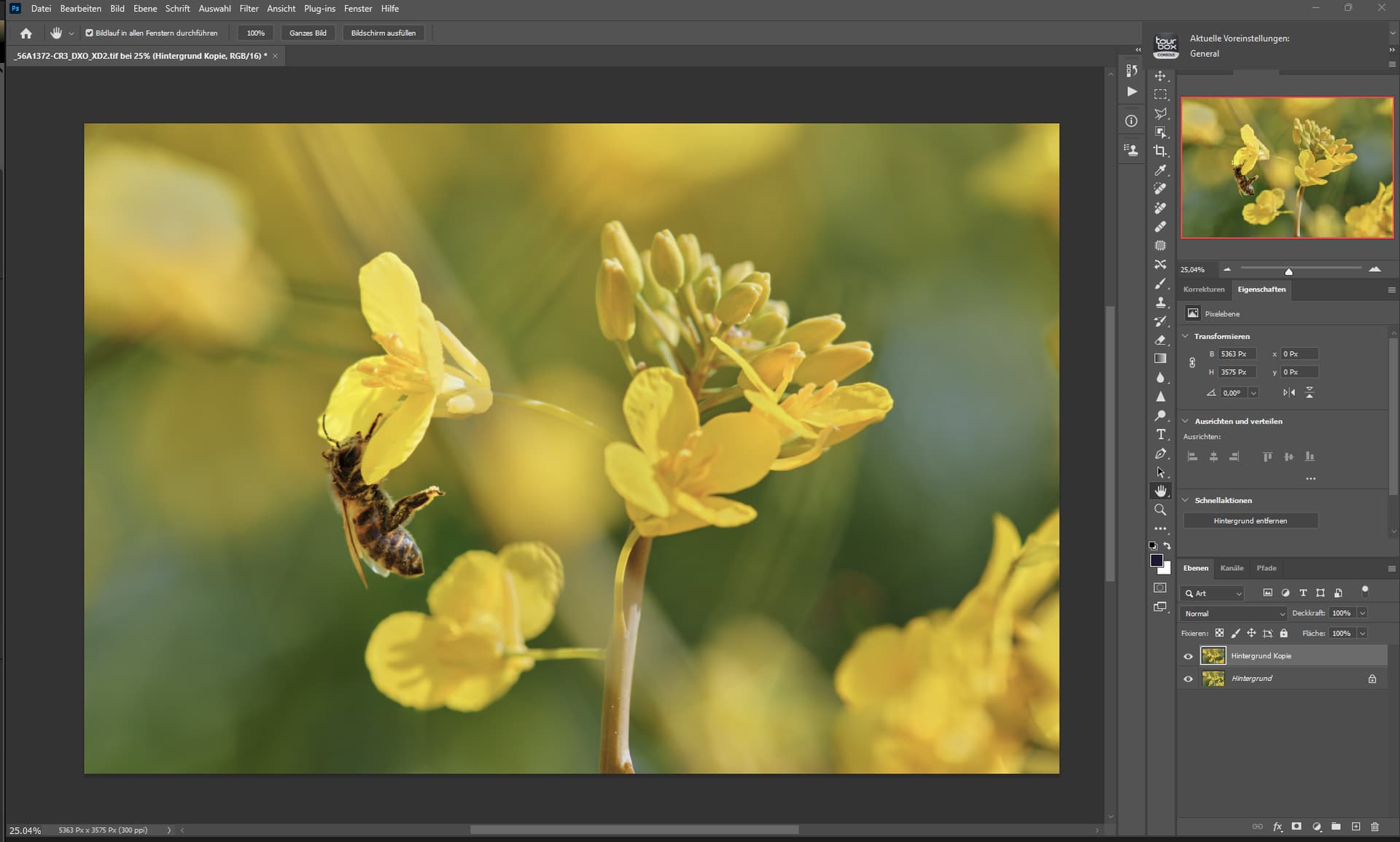
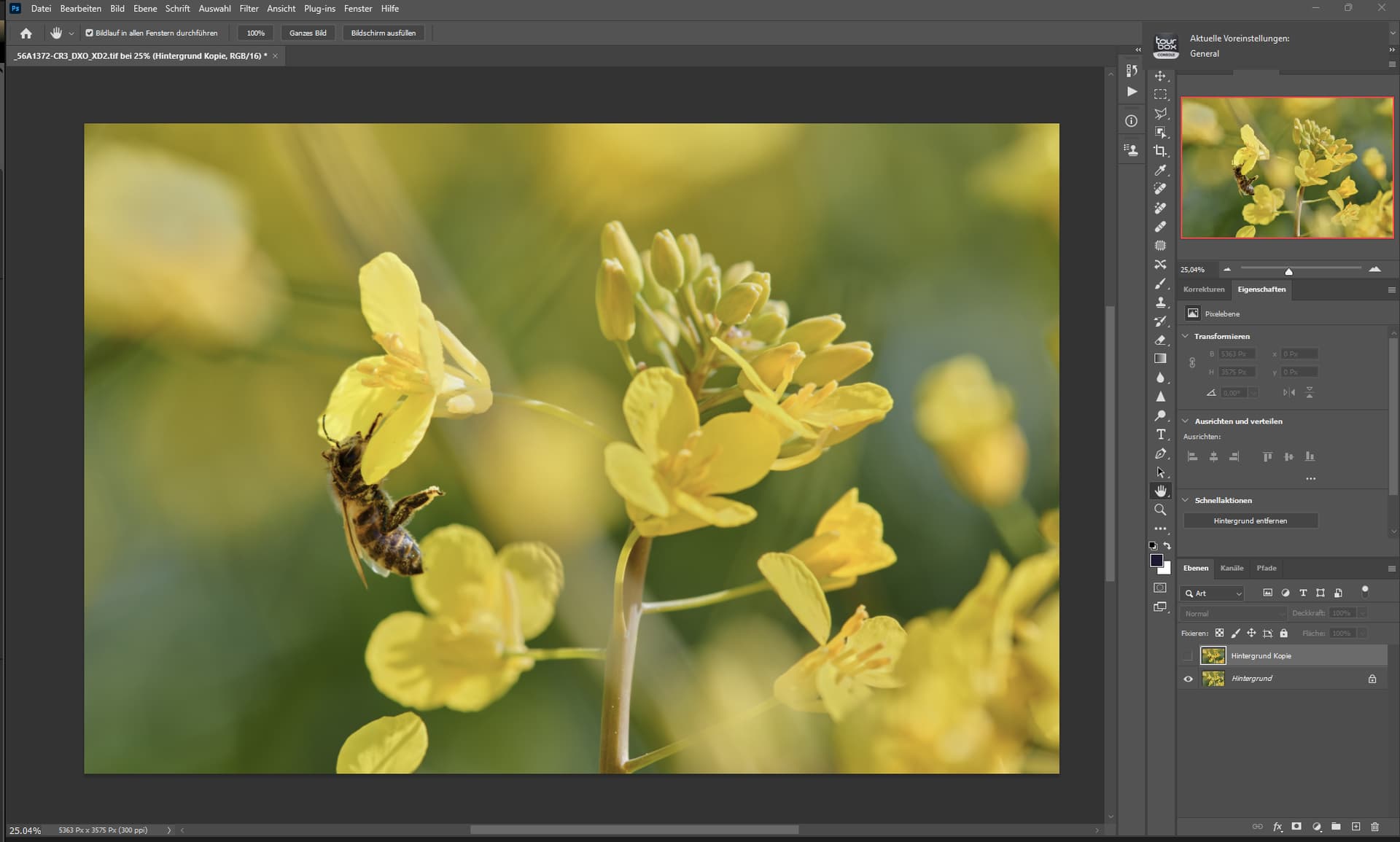
The Remove tool surprised me once again.
The color change is because the bottom layer is the original image and the top layer is the edited (final) image.
The butt of the bee has been adjusted, it was rounded by the remove tool.
Photoshop, on the other hand, the generative function, only changed the flower but did not remove it.
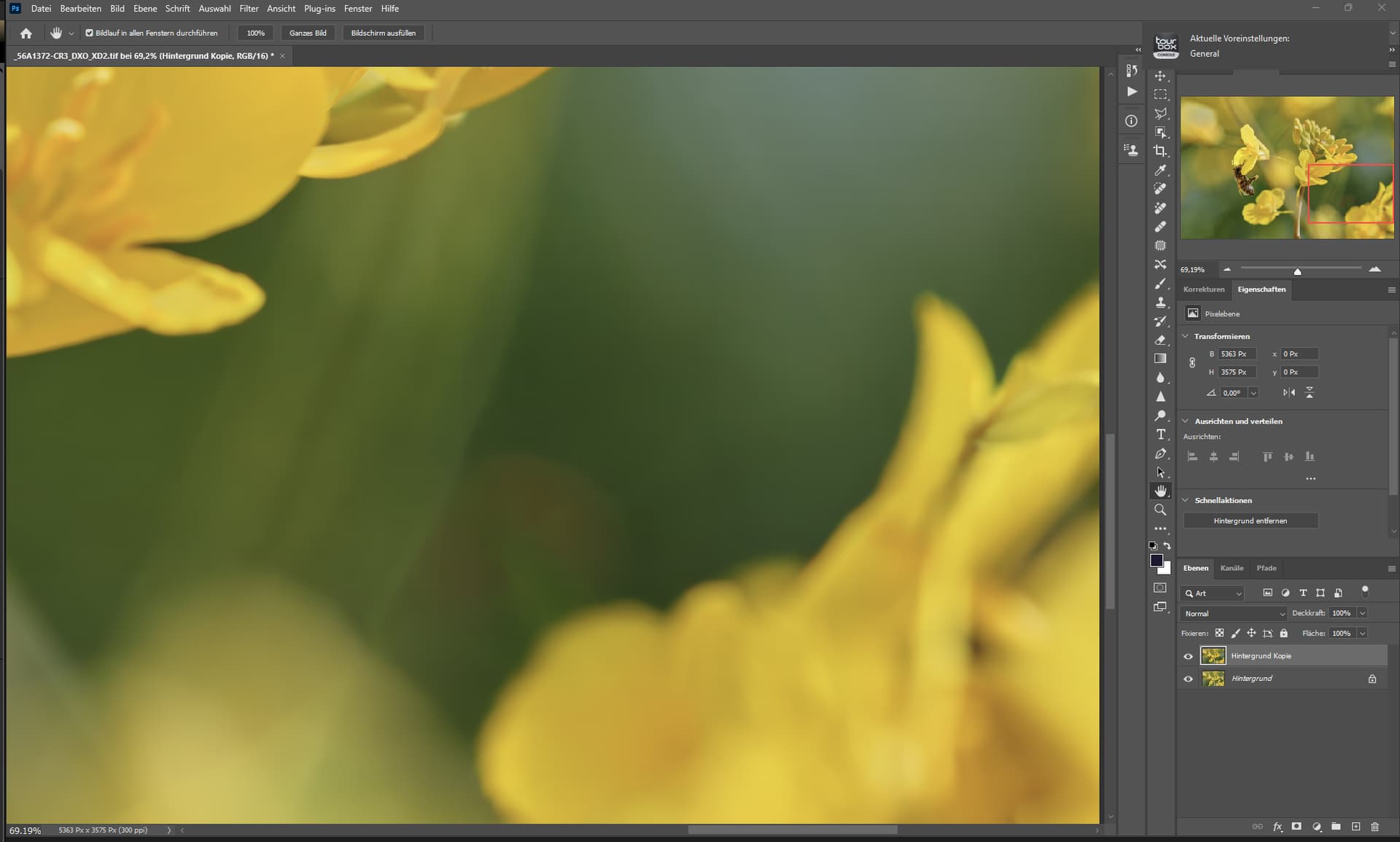
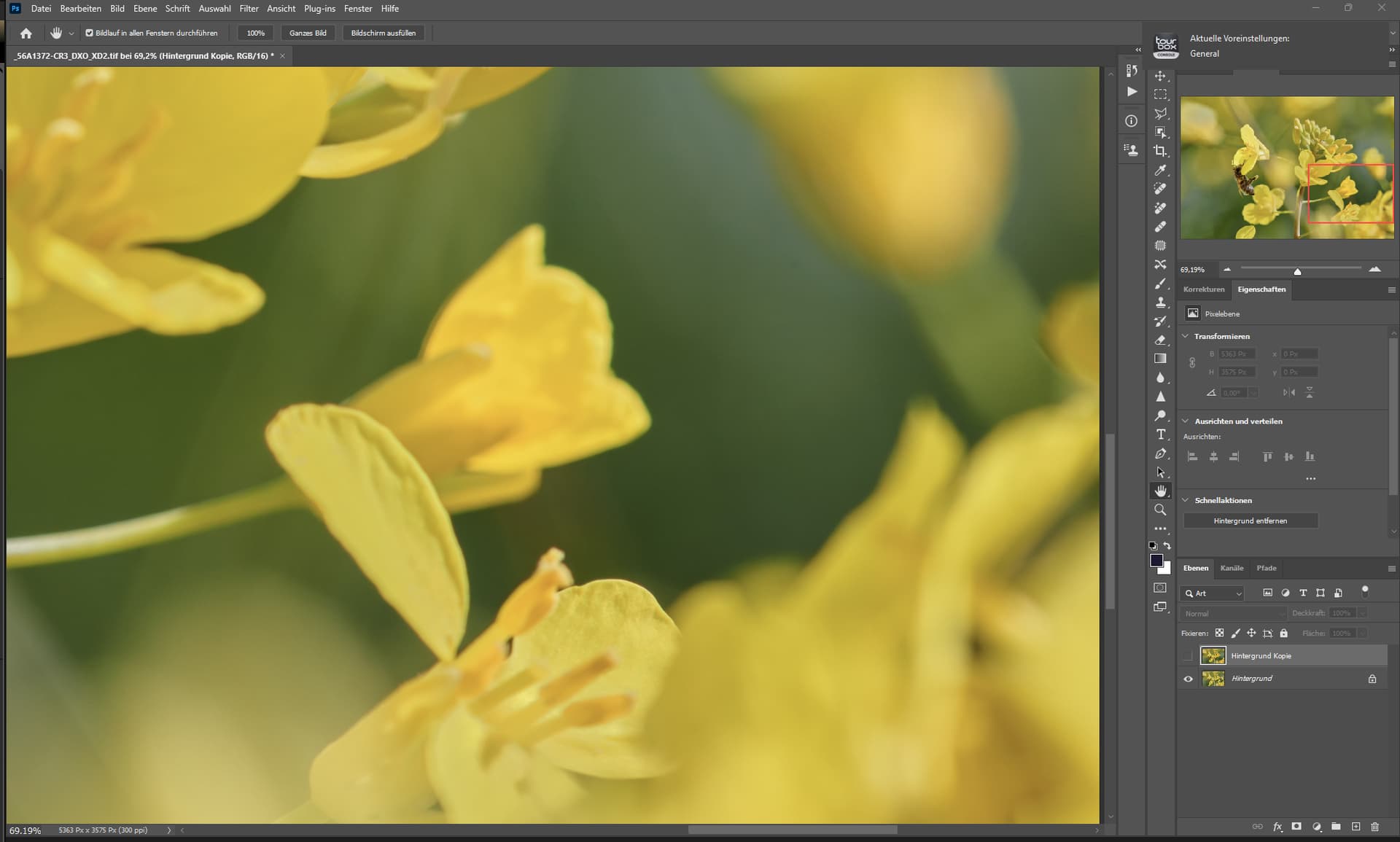
3 Likes
" * Multiple exporting and batch optimizations, improving performance and significantly reducing memory usage with large batches of images"
You may need to continue optimizing for that, as I’ve run into a problem, when trying to do the same Auto AI corrections it freezes when trying to "Select All’ pictures then changing the applied setting(s) to all of them… though I have a odd use case—about 18,000 picture at once of 512x512 to x6 Upscale.
Note: There also is no way to expand the image tray (bottom area) to expand how many can be seen. ALSO can a ‘Click N Drag’ to select be added to that area? I was hoping ‘that’ was the easy solution to editing 17K (Not resolution number of) pictures at once but, it isn’t sadly.
2 Likes
