An analogy of this would be that the hole in the boat is now slightly smaller.
Closing the app in between batches is not something we should have to do to make up for sloppy coding.
An analogy of this would be that the hole in the boat is now slightly smaller.
Closing the app in between batches is not something we should have to do to make up for sloppy coding.
Ditto the Ps plugin not working properly on Win 11.
If we assume that a .DNG is “RAW”, then what shall we make of it when Photo AI reads a .NEF from my camera, does its thing with the image, and saves the result to a .DNG file?
Actually the DNG that was produced prior to V3 was a linear DNG. That is, it’s partially “cooked”.
Is it feasible for us to adopt TensorRT FP16 models instead of TensorRT FP32 models on Windows OS with Nvidia GPUs? Topaz Video AI already utilizes FP16 TensorRT and achieves significant speed improvements with compact and exceptionally fast models. Thank you.
It really all depends on what “direction” the rotate is supposed to be in. Clockwise or anti-clockwise?
For purely logistic reasons, I think it should be “Clockwise” as that sounds more “natural” to me. So a 2° rotation means that it rotates “right” (and contrary to the mathematical understanding of how degrees are increasing).
Now I’m curious too, send me PM please.
DNG/RAW is used by camera only. One you edit something, it has fallen out of the container, you cannot save as DNG/RAW again. Save as 16 bit TIFF, it is just as good as DNG/RAW.
And yet, Photo AI does exactly that which you say cannot be done; it takes a raw .NEF file, as it comes from my camera, does some heavy-duty processing on the image, and saves it as a .DNG.
Clearly, .DNG is not a true raw-only format, otherwise it would and could only ever contain images that are a direct representation of what came directly off of the camera’s sensor, and never any image that had ever had any processing done to it, not even as far as being demosaiced.
DO your heavy-duty processing in your favorite photo editor first and leave the denoise and sharpen at ZERO. Save it as 16 bit TIFF, pass it to PAI and let the AI do Denoise, Sharpen, Text Preservation, etc ONLY . Me so happy.
Is there a timeframe for restoring a usable select brush? That hasn’t worked since version 2.4.
PureRAw does the same thing. It’s a linear DNG, which is partially “cooked”
TIFF as good as a DNG/RAW? I don’t think so.
I would like the memory leak truly fixed before enhancements such as this. That said, as with Video AI, it would be nice if Photo AI could use multiple GPUs. I have two TITAN RTX cards with an NVLink connection.
We had that in the past, but uplift was only 25%.
And NV-Link does limit bandwidth and is a thing of the past.
I just tried to run a batch of 230 1920 x 1080 JPEG with Remove and Upscale. Photo AI blew-up on the second save!
Same thing when I tried again.
I guess NVIDIA doesn’t know that…

I mean for Gaming and Workstation Cards.
Not for 40K$ Compute/AI GPUs.
Your Titan RTX has 100GBs NV-Link bandwidth, the Volta Architecture from 2017 had 300GB/s and now Blackwell has 1800 GB/s and is fully connected to the CPU (Grace Blackwell Superchip) and all other GPUs in a single rack.
The Most Powerful End-to-End AI and HPC Data Center Platform. ← <- ←
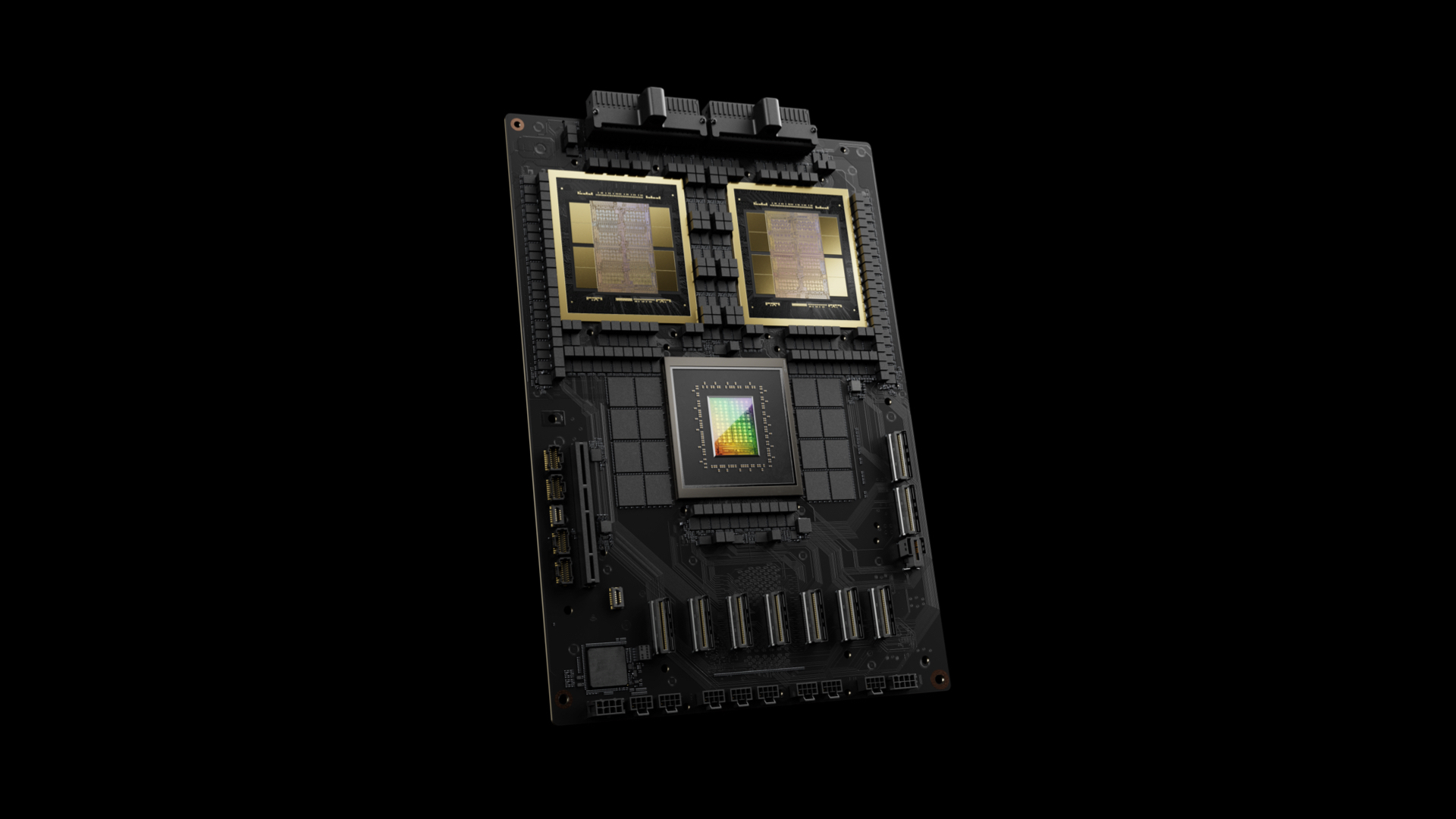
Thank you for this incredible piece of software 
There is still an issue regarding DNG/TIFF files.
When I open a Sony raw-file (.ARW) in Photo AI via the Lightroom plugin (File/Plug-in Extras/Process with Topaz Photo AI), the file is returned to Lightroom as TIFF. It used to be as DNG in previous versions.
When I open the same file from Photo AI as a stand-alone program, the file is saved as DNG.
Best regards
Hans-Erik, Denmark
This is old news - read the many previous comments in this thread. TOPAZ says it will be fixed in 3.0.2, which should out this Thursday
