As I said previously there’s no charge for PAI so you need to raise a support request on the main Topaz site to see what’s happening.
1 Like
Thanks I have just put in a “please explain” as it all seems a bit strange and I’ve found them to be very good so will post back when its sorted … thanks
1 Like
Looking through this thread, i don’t see this issue reported yet so I apologize if I have missed it. When running the program as a photoshop plugin in both the prod version and the beta version of photoshop, I do not get the resize option. If I open the program as a standalone, though, it’s there.
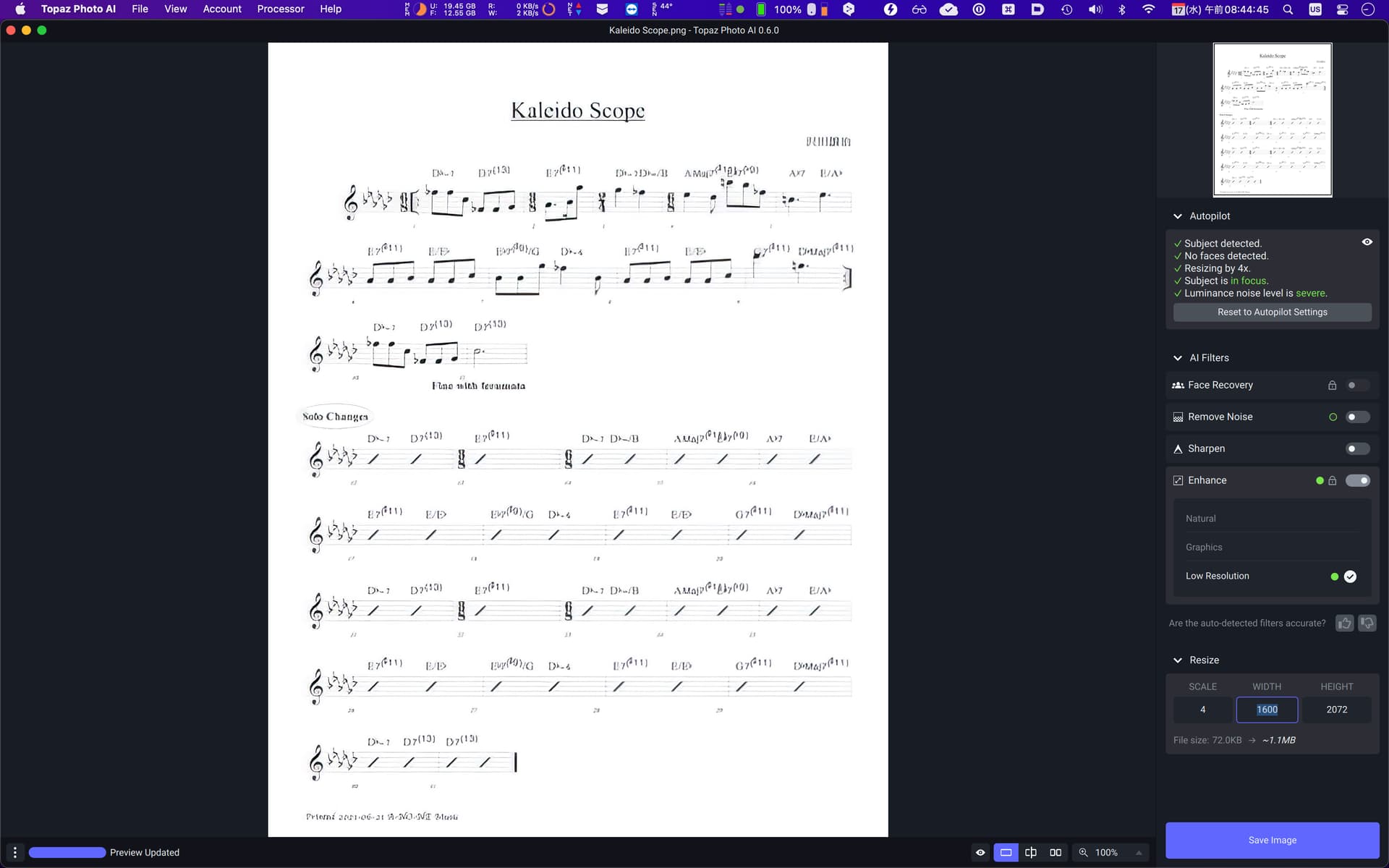
Apologies if this was already asked. What happened to the amount control? The effect is too strong and the letters are not readable so I tried to lower the effect to see if that makes the letters readable.
1 Like
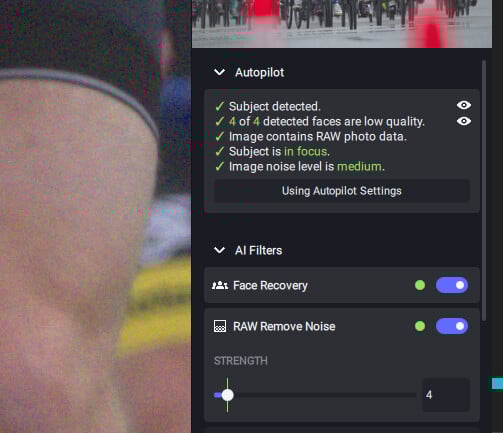
Each option has manual controls, just switch them on using the slide. E.g. Denoise:
1 Like
Photo AI 0.6 detects severe noise in my picture of the milky way but does not run the filter. It reports “No filter active” in the lower left. Nothing I do can get it to run the filter. Please help.
We’re working on how to indicate this better within the UI, but the photoshop plugin is a filter plugin, which cannot change the size of images or layers, so the resizing feature is not available in that mode.
There are other plugin types, most notably the automation plugin type which gigapixel uses, but it has drawbacks such as not working on smart objects.
1 Like
That sounds like there was an error while attempting to process the preview. Would you mind DMing me or @yazi.saradest your logs? You can access them via the Help menu within the app.
1 Like
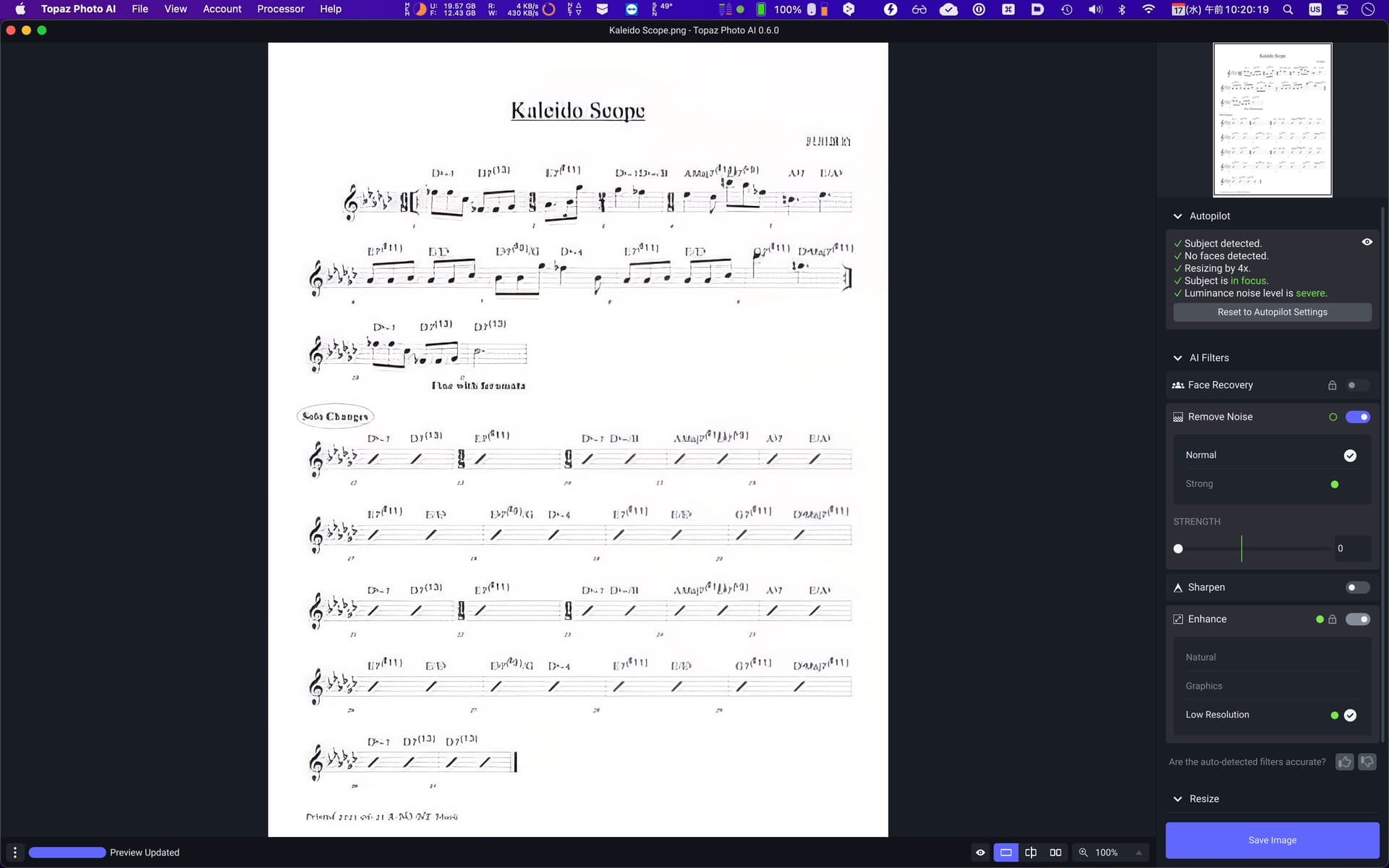
Thank you for your reply. I didn’t use Remove Noise since it will make it worse even when you set it to zero, and the Enhance is a locked function. Here is Remove Noise set to zero.
Thank you Anthony. I was wondering if that might not be the case since the stand alone gigapixel is accessed via automate instead of the plugin menu. But I wanted to double check since this is a new program and there might have been a new method found to integrate everything together.
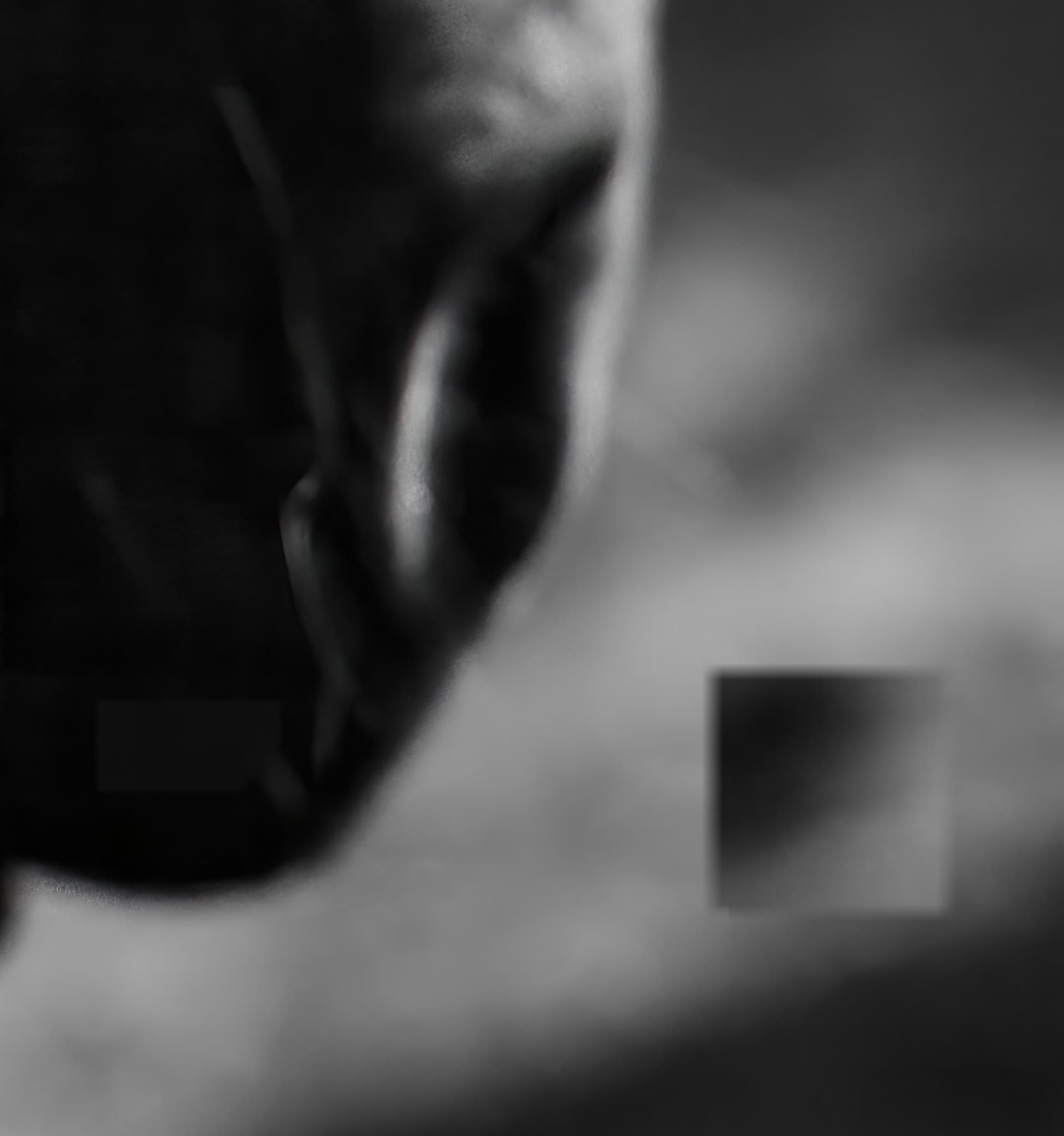
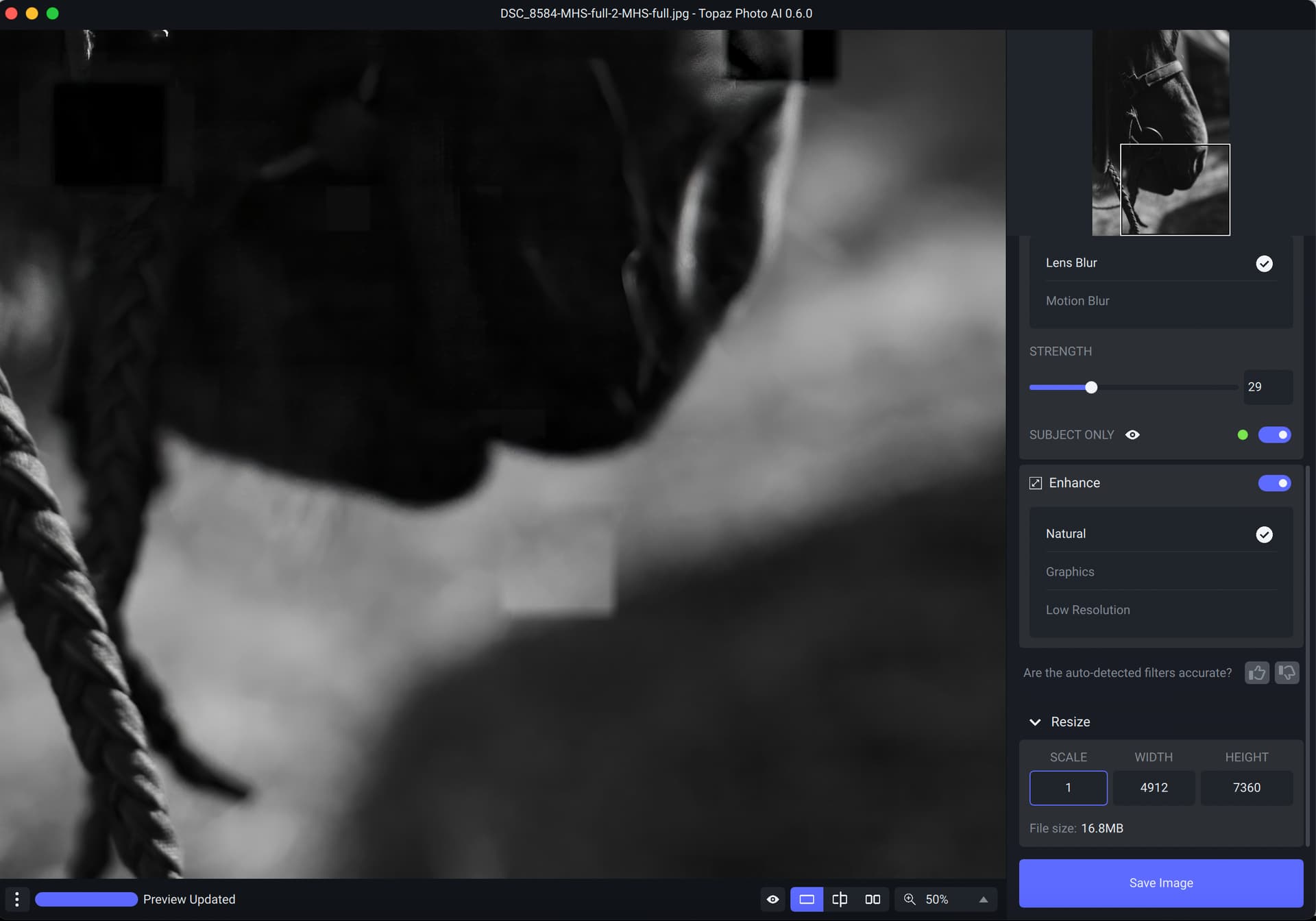
Photo AI v 06. Mac M1. There is a small squarish area in my image that seems to be “inverted” as shown in the attached photo. Original JPEG. Output JPEG.
When a raw file is processed by Photo AI will it do lens corrections using lens profiles (such as the lensfun profiles)? Currently with Denoise AI, etc. there are no corrections so unfortunately the raw mode is sort of useless. I have to first process in Lightroom and then send a non-raw file to Topaz.
You need to check that the Lens is included in the LensFun database used. If you are on windows it can be found in “disk\ProgramData\Topaz Labs LLC\Topaz DeNoise AI\lensfun”. DeNoise or Sharpen use the database included in the respective folders.
For Photo AI the LensFun database is currently not in use. Remember you are testing pre-release software that has functionality added with each release.
Topaz support told me this a few weeks ago concerning lens profiles with Denoise AI:
We do have lensfun built into our applications at the moment. However, we do have a conflict caused by the software that we use to read exif/metadata on images. It’s not reading some exif data from the original image so the displayed image may be missing lens data, thus it does not get corrected.
This is something we are working to fix as we know that the camera profiles are important. I unfortunately don’t have a timeline for when it will be fixed yet.
They know they have a problem and maybe someday it will be fixed in a future version of Denoise AI. My question though was if it will be fixed in Photo AI when it is released. That is why I posted here.
I am on a Mac. So far I have not been able to find where Topaz has hidden the lensfun folder for Denoise AI.
Only the devs will know.
NEW hidden feature: Razor!
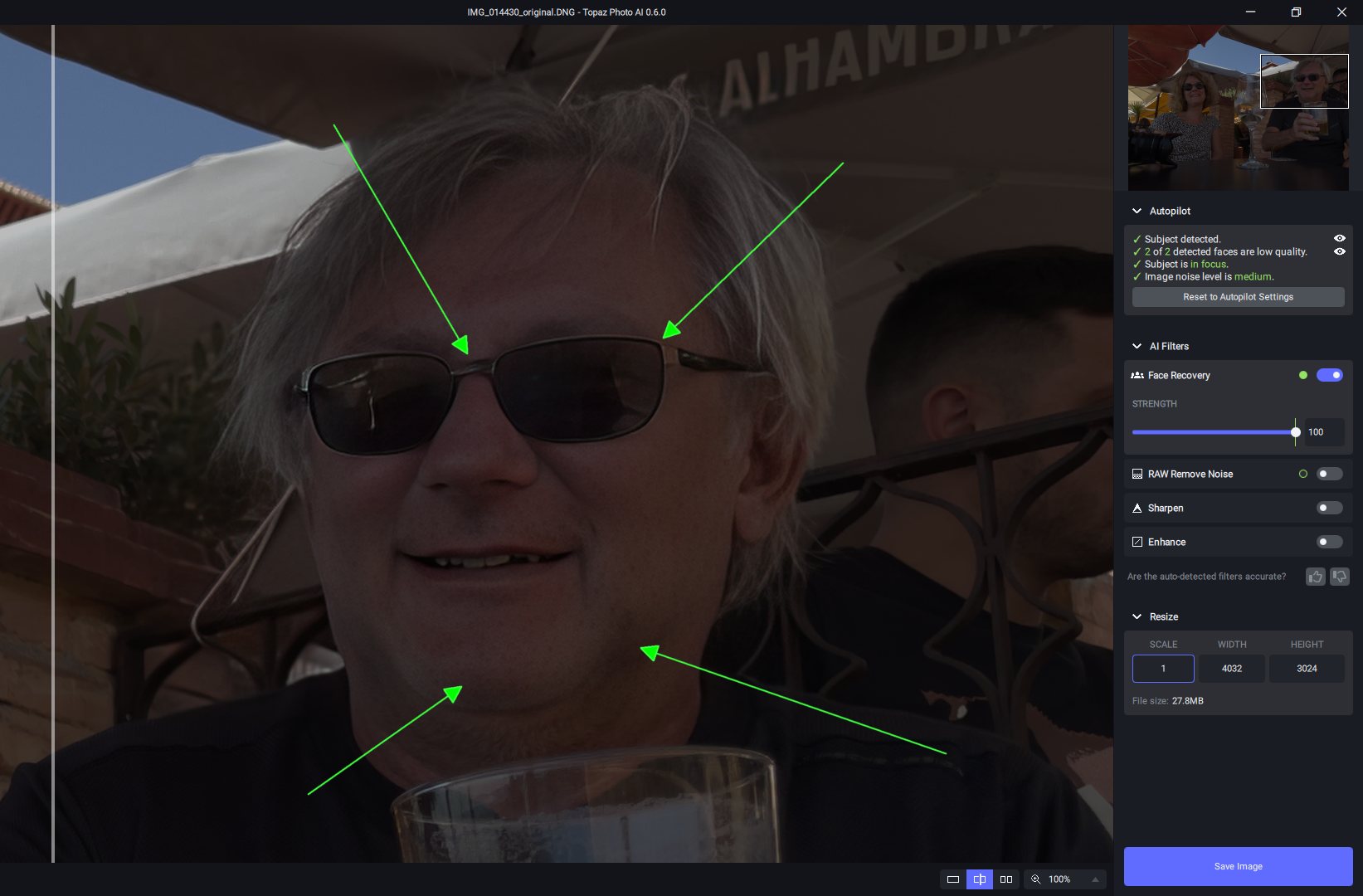
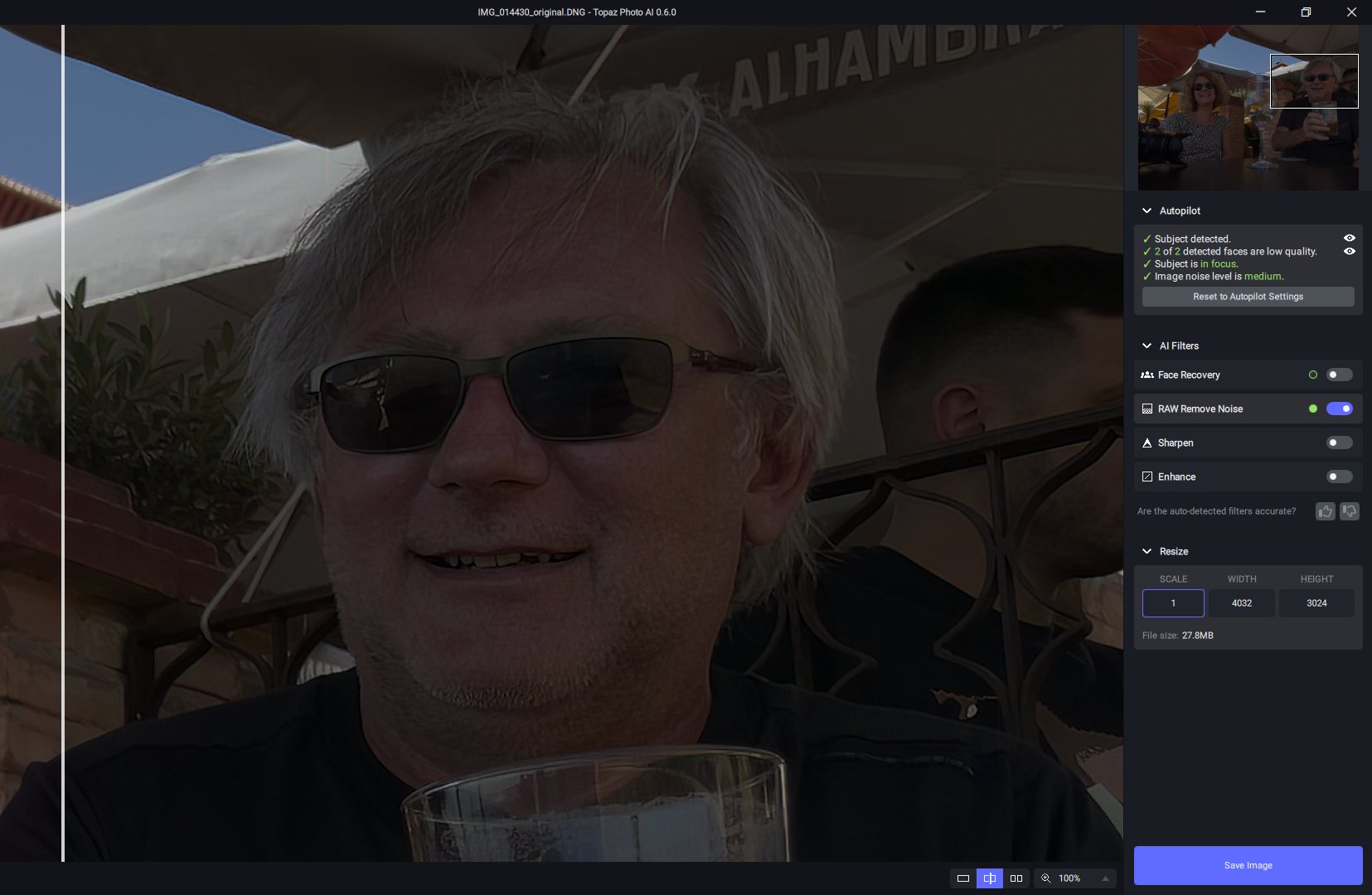
There is a hidden feature in TAI 0.6, it can shave a one-day beard!
Also my glasses are deformed. This dng comes from an iPhone, when I open the same dng file in C1 it shows much brighter than when I open the dng in PAI directly.
1 Like
Just downloaded Photo AI v0.6. First time I have installed this app.
I hadn’t seen where anyone had mentioned using the app as an Affinity Photo plugin so I checked that out. In a quick test it appears to run fine as a plugin in Affinity Photo 1.10.5 on Mac mini M1 (2020). To set it up as a plugin after it was installed I just copied the Topaz Photo AI App from the Applications folder to the folder:
Macintosh HD->Users->username->Library->Application Support->Affinity Photo->Plugins
and when I started Affinity Photo the Topaz Photo AI app was in the list of plugins for selection.
Did a quick edit on two files. The noise was right on and the sharpening I reduced a bit. But, very impressive for a beta level app. Looking forward to testing this some more. And, the files were returned to Affinity Photo when saved without a hitch. Really like the way that you can select subject only for sharpen and not reduce noise removal. That alone cuts my processing time. Nice workTopaz Lab devs.
Peace
Hi,
This version still seems to be sporadic in how it works. I can send the same picture twice and get different results as for noise reduction. I send same picture to Denoise and get a much better result.
Also, the sharpen algorithm seems to only ‘see’ areas of the picture that are in focus and misses areas that could you some sharpening. I do like the app so hope all the issues can be resolved prior to final release as currently, I am spending more time processing as I often have to send a photo to Denoise and to Sharpen.
On Affinity Photo 1.10.5 on Windows 10, the Photo AI 0.6 plugin didn’t seem to be recognized after I added the appropriate folder to the plugin folder list in AP. Then I noticed that other plugins that work for AP have the file extension “8bf” but the PAI plugin had the extension “8bp.” So I made a copy of the PAI plugin and renamed it to have the extension “8bf” and that seemed to work. One minor nit: when I invoke it from AP, PAI currently has a button that says “Save to Photoshop.” The button does seem to save to AP, though.
1 Like
