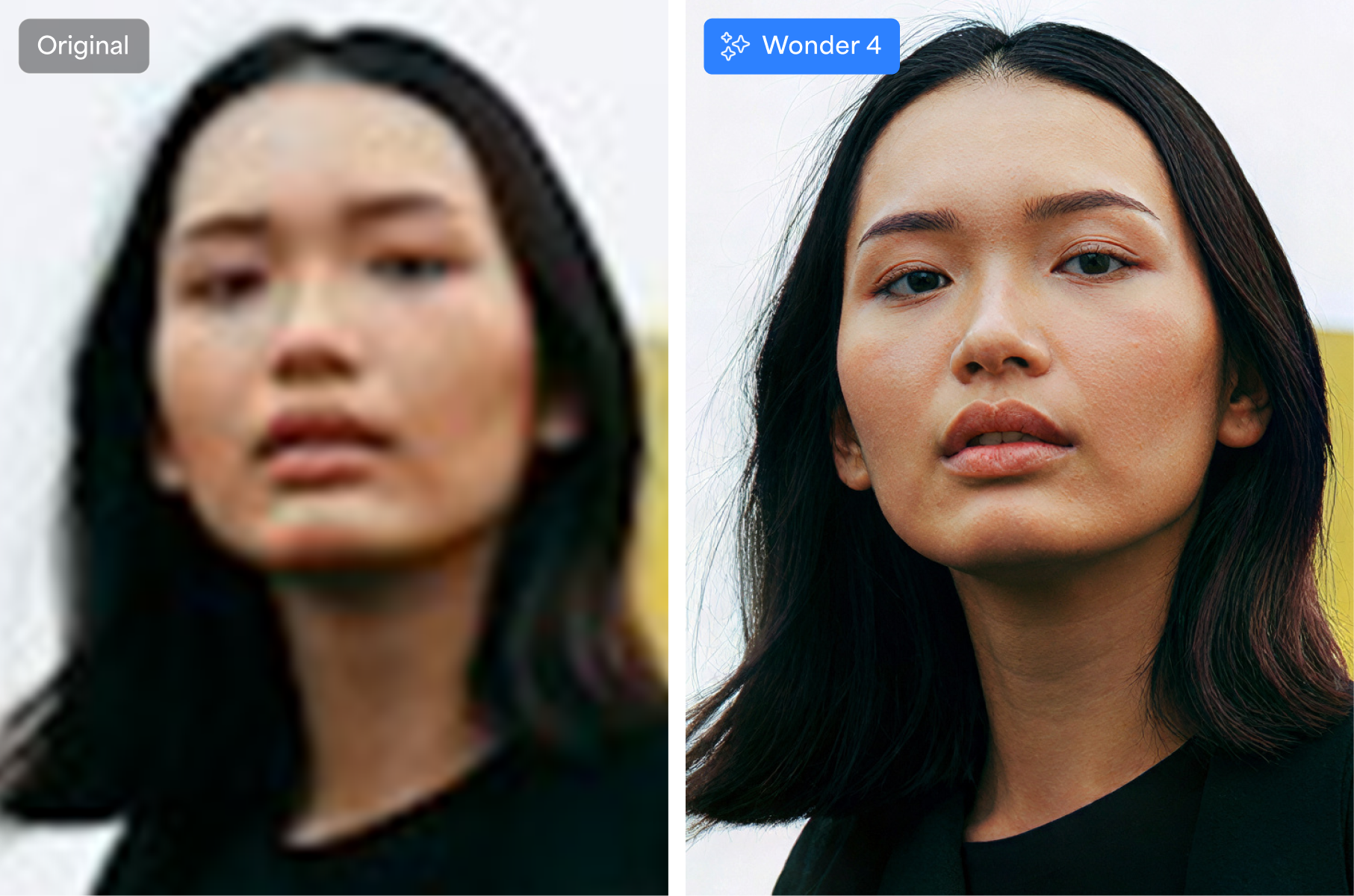
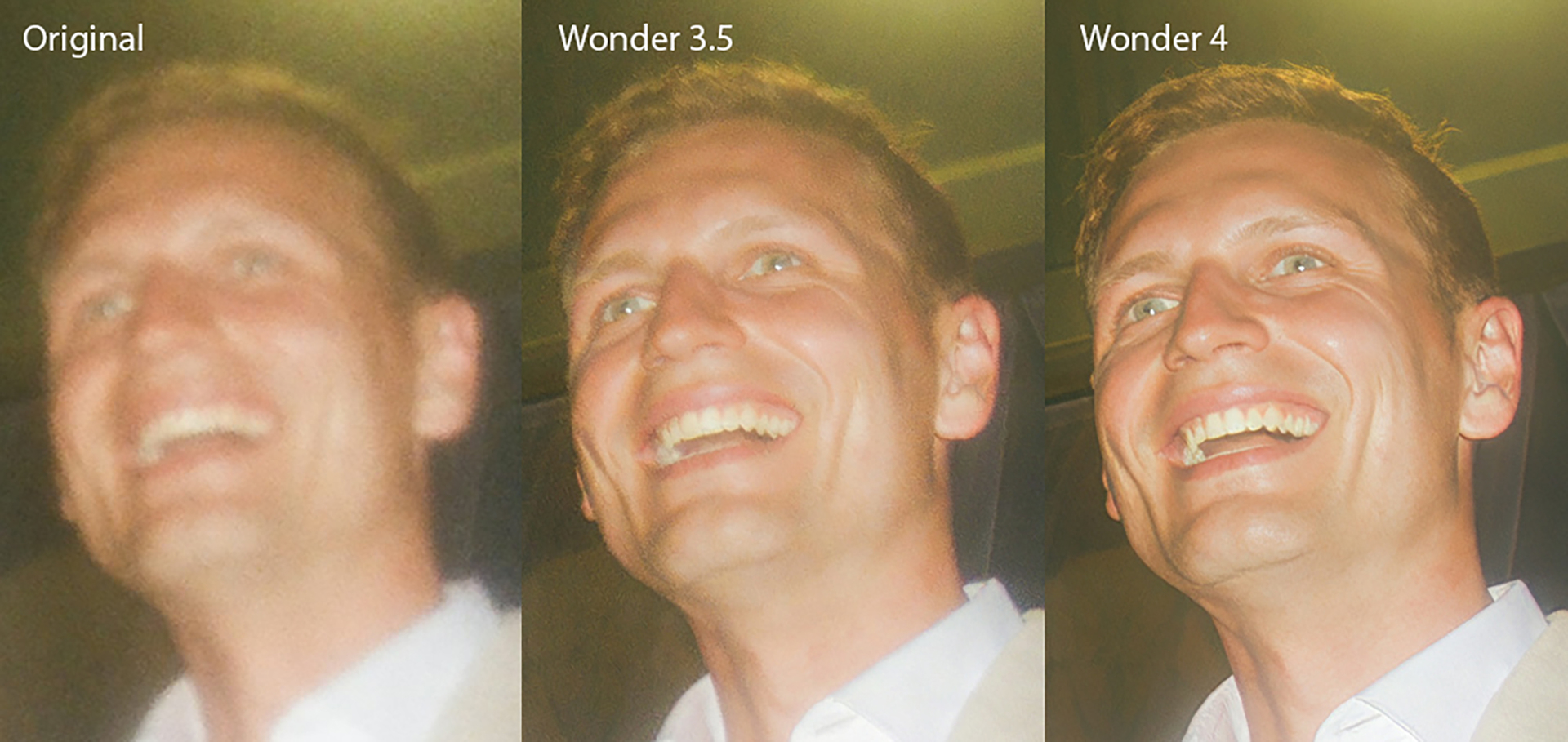
We’re excited to announce that Wonder 4 is now available in the cloud in Topaz Photo. We are preparing to bring the local version soon!
Please use the latest v1.8.1 installer links and view the updated change log below.
For any issues, make sure to send us an email to support@topazlabs.com.
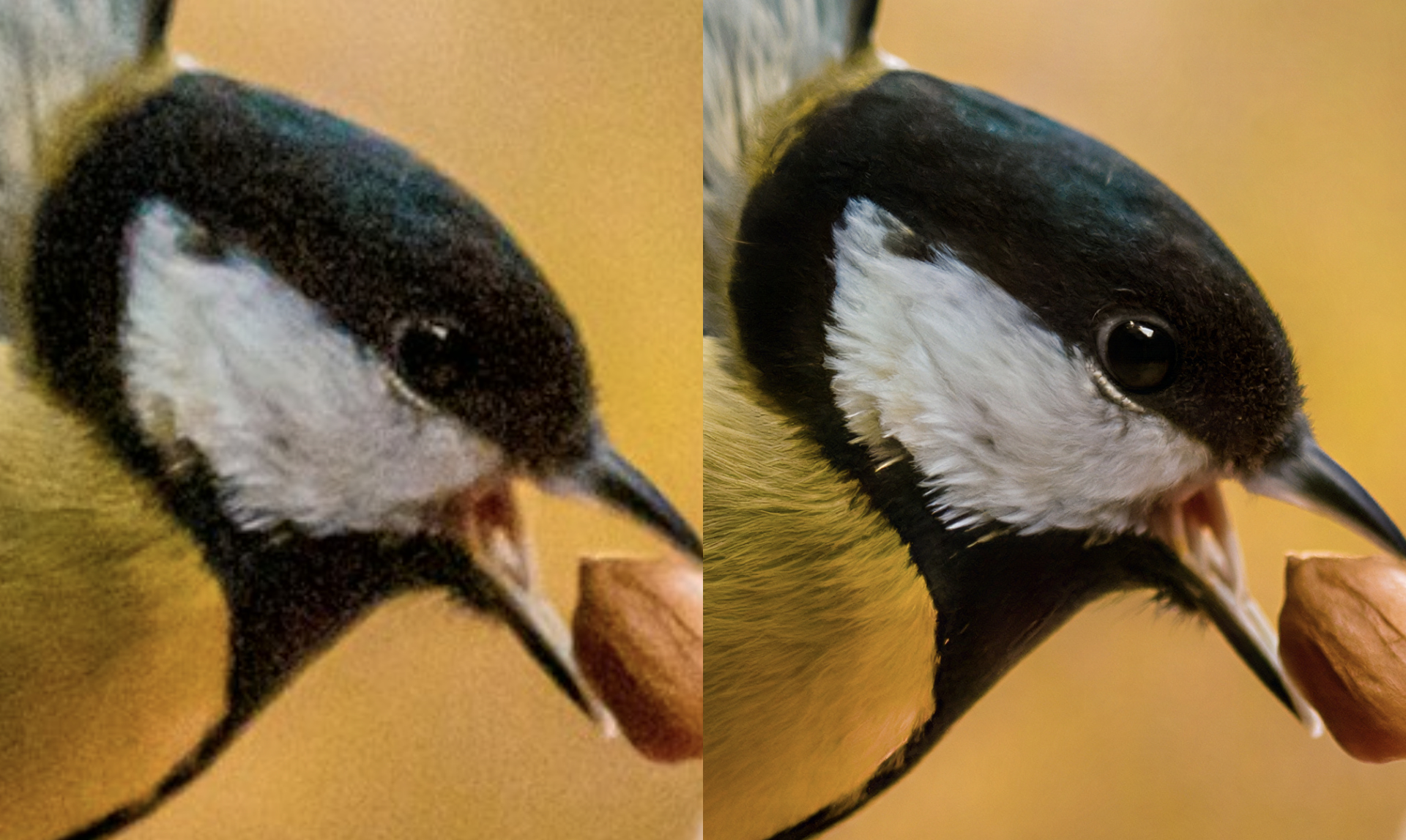
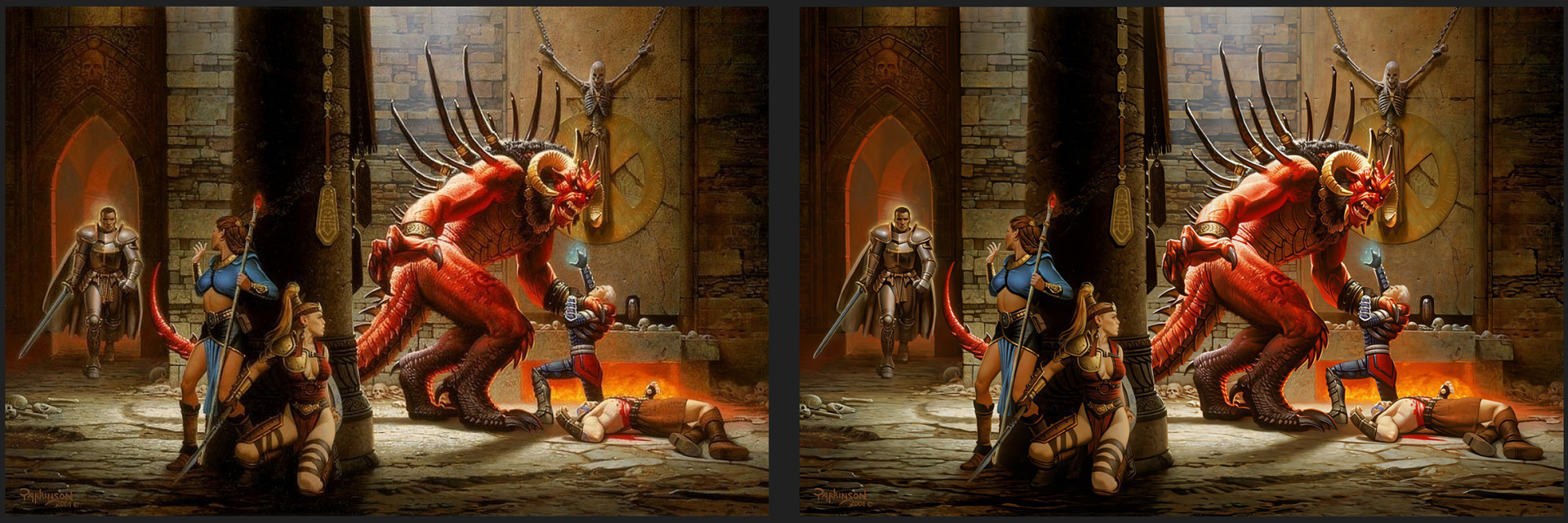
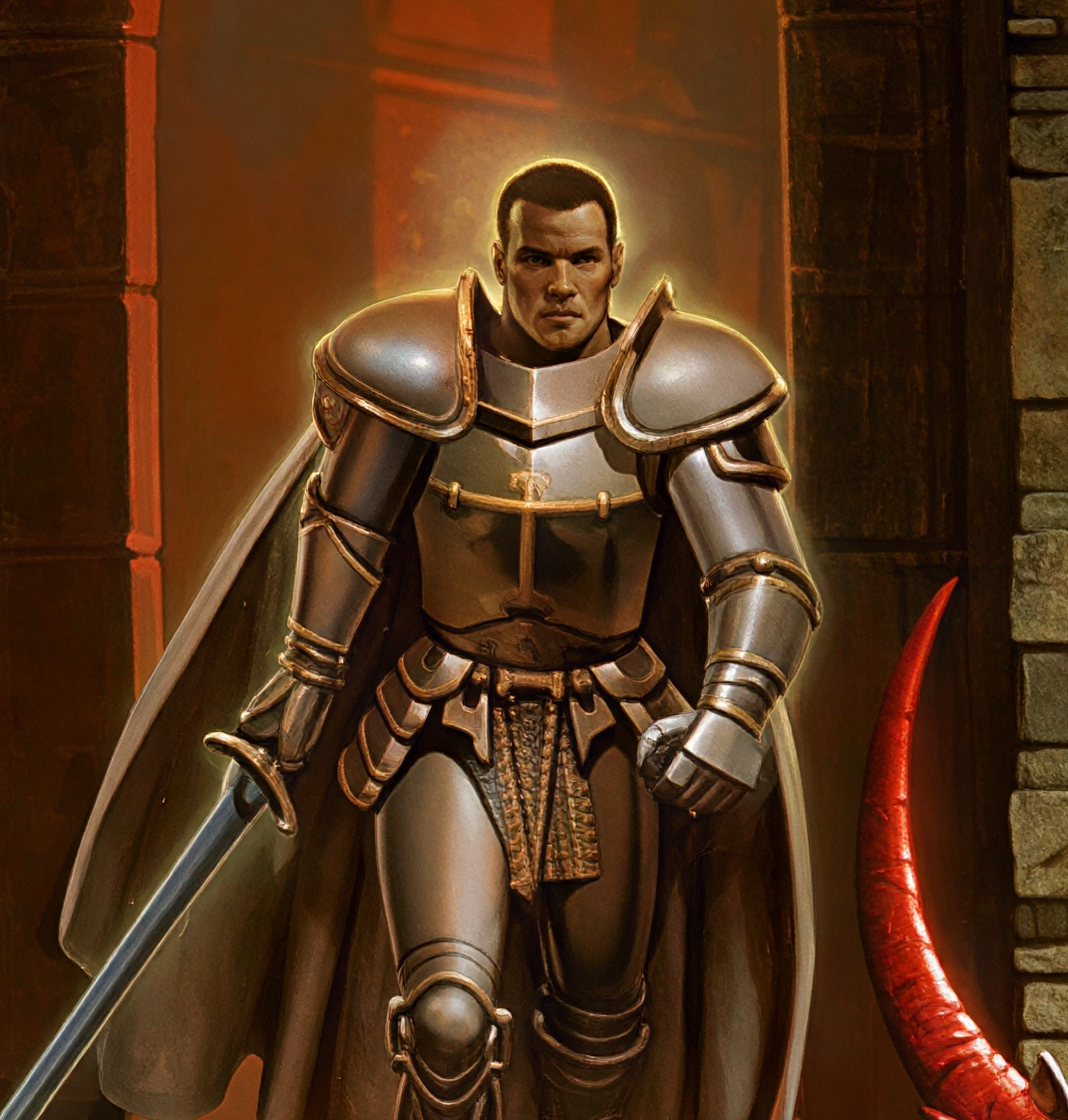
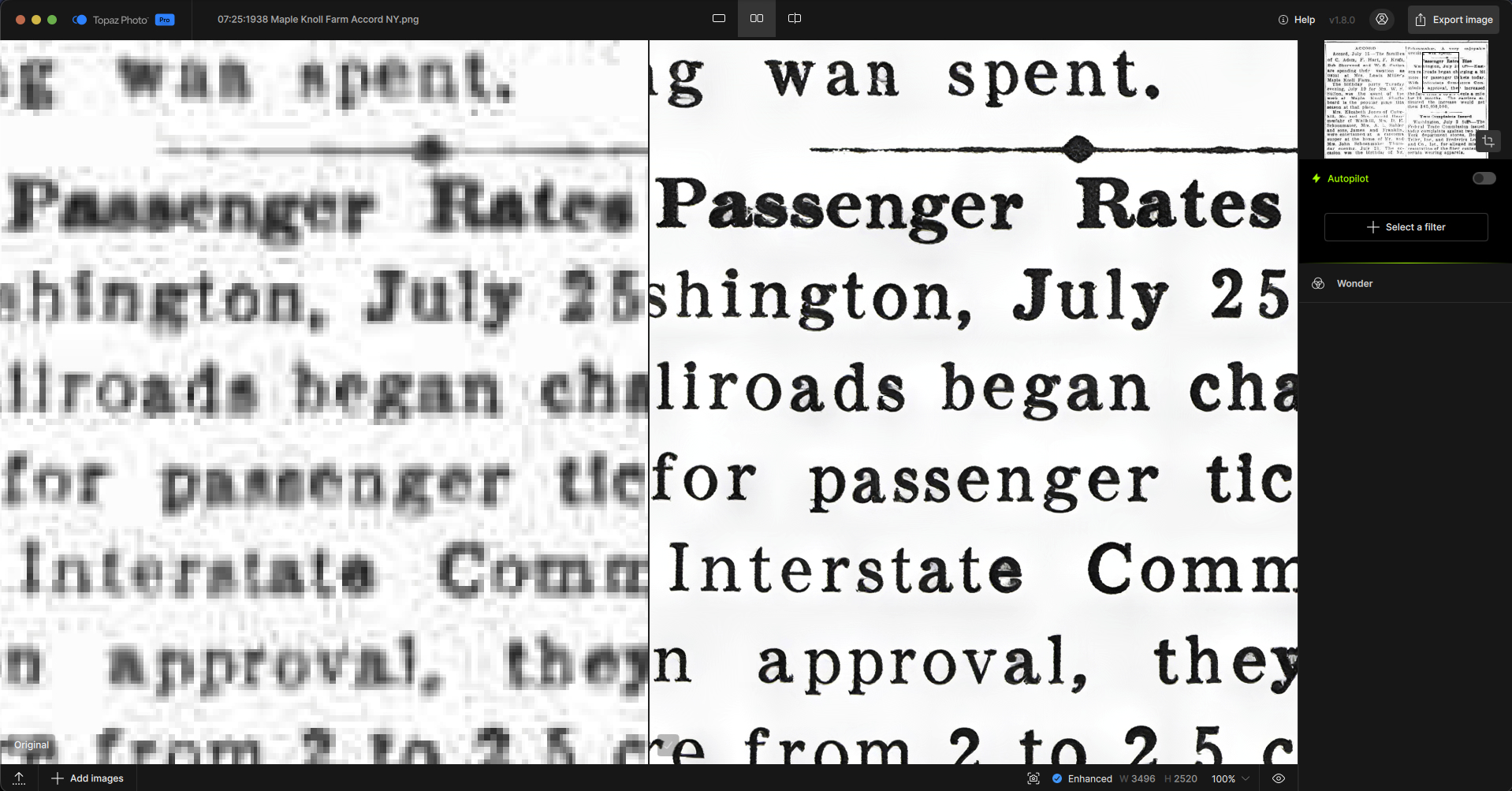
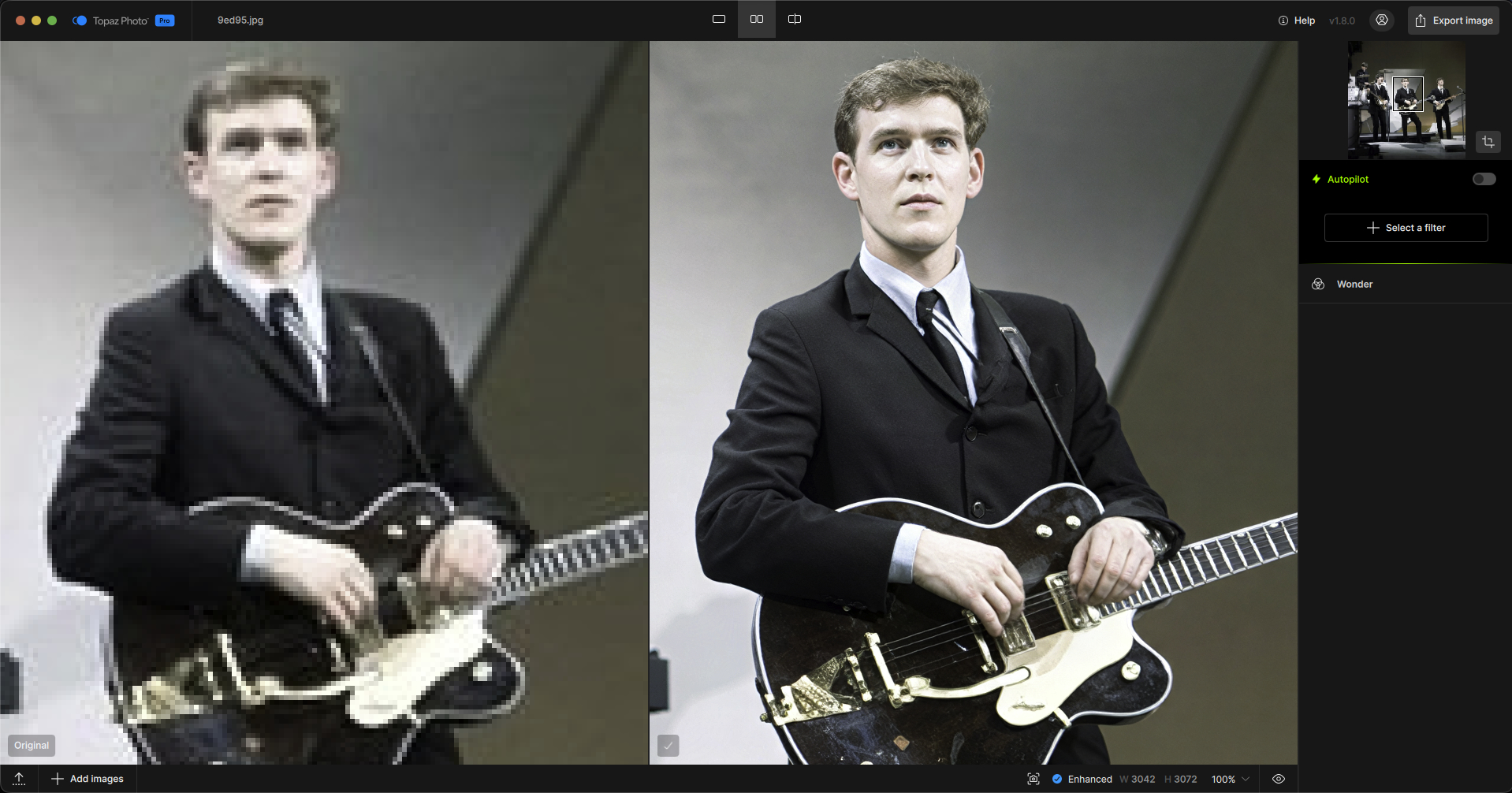
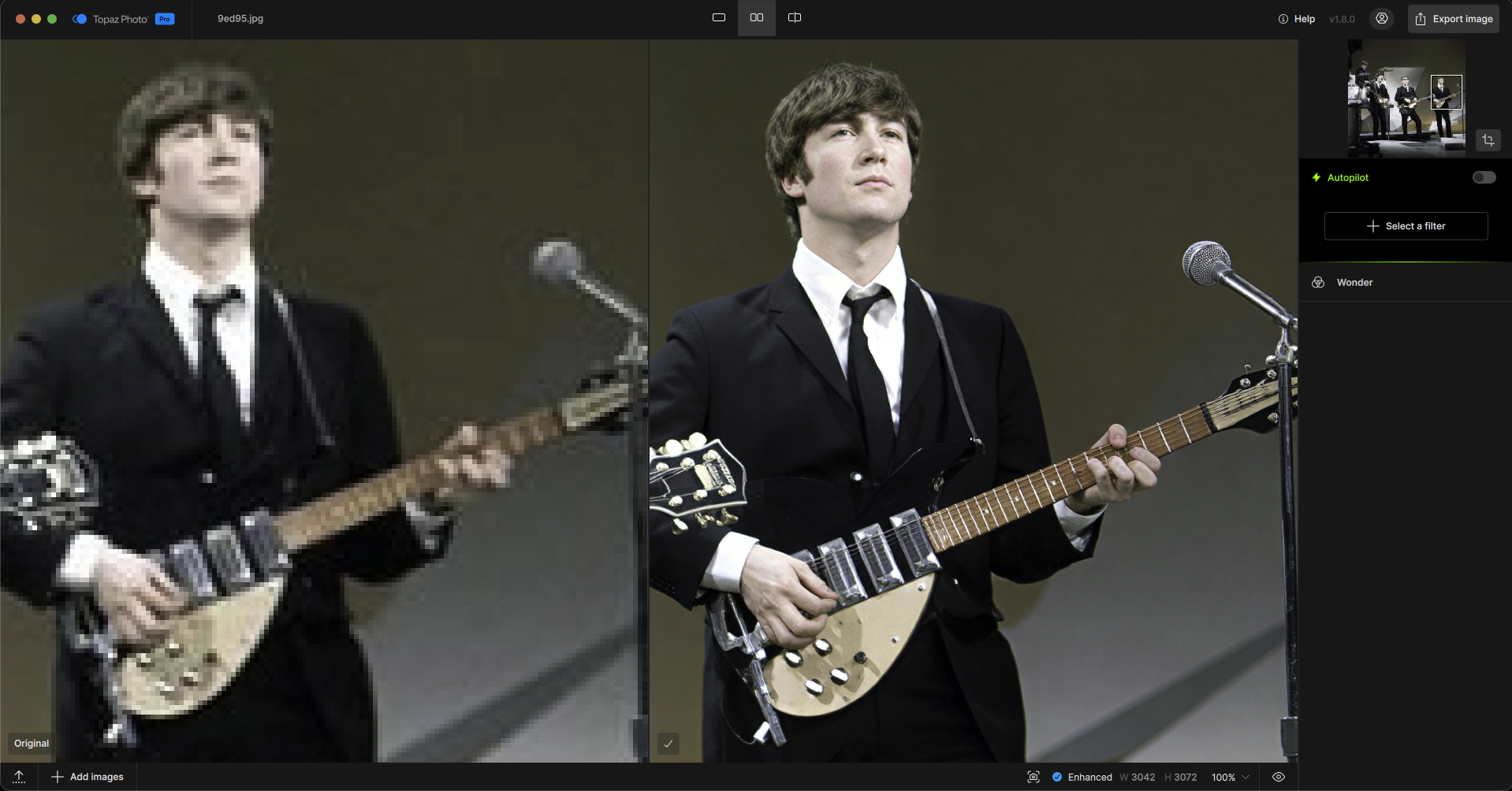
Our most advanced all-in-one image enhancement model, Wonder 4 is now available in the cloud in Topaz Photo! It can upscale images and automatically reduce noise, blur, compression artifacts, and image damage, while bringing back facial detail, all in one step.
It’s especially useful for low-resolution or older photos, damaged scans, and images that look noisy, blurry, or compressed. It also works with high-resolution images when you want an all-in-one enhancement.
Compared with Wonder 3.5, Wonder 4 handles more fixes together in one pass and analyzes each part of the image to apply the corrections it needs. It also chooses the enhancement strength automatically, so there are no Low, Medium, or High settings to adjust. The result is a more cohesive enhancement that preserves natural texture.
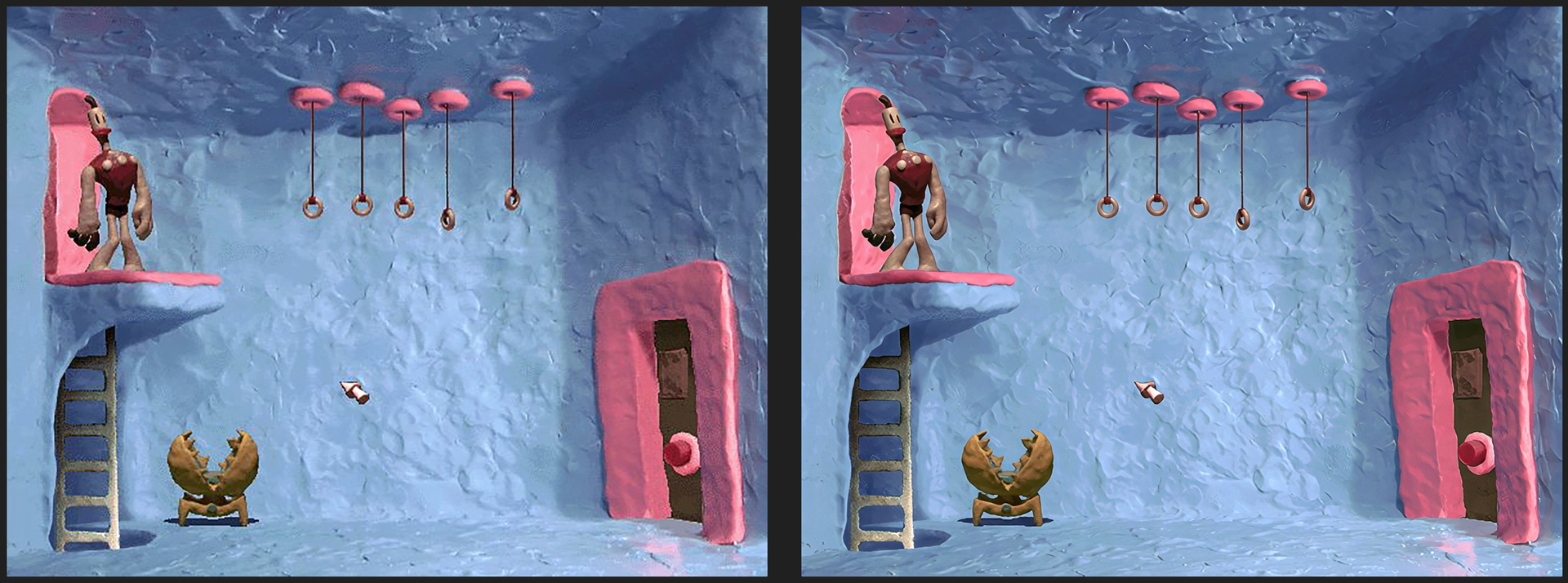
I’ve done family photos with real people, but it also works well with old game screenshots. I’ve been trying for years to upscale screenshots from The Neverhood. This is the best I’ve ever seen. It can still be improved…you can see some graininess in the wonder image on the ladder specifically, but it retains a lot of the quality with the upscale and overall produces a nice image!
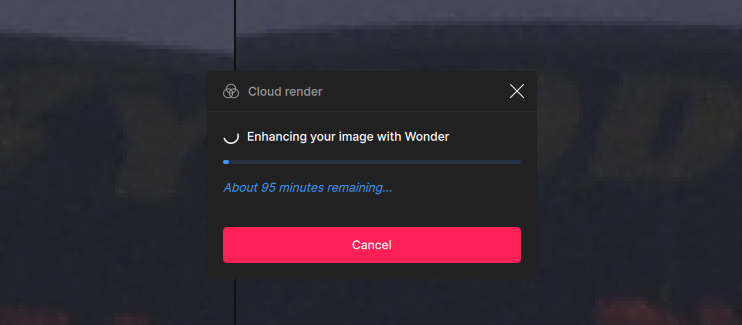
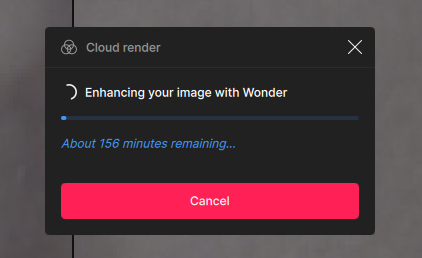
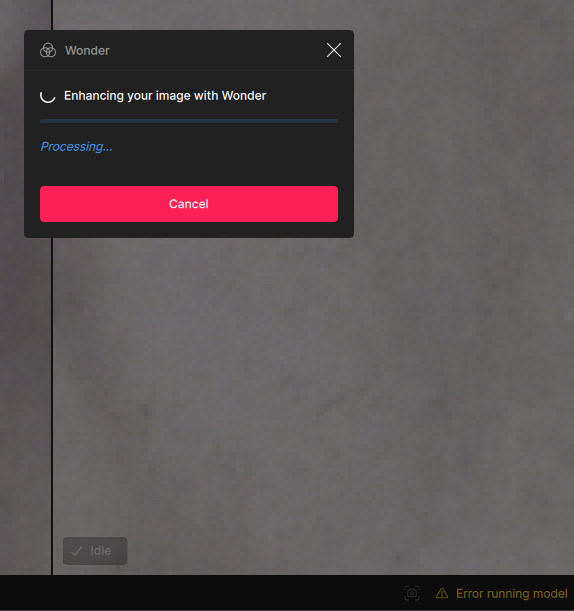
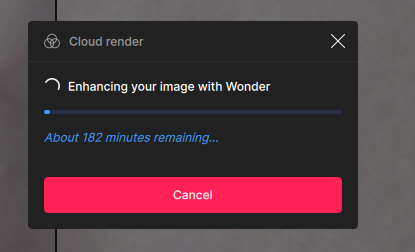
Thanks for the update. My first try upscaling with Wonder 4 is proving problematic, though. Although the application estimates some 29 seconds to process the upscaling in the cloud, actually the process takes forever and eventually ends in an error (“error running model”).
I use Topaz REALISM on CLOUD for AI generated images and the run always includes 4 upscales in each of the ‘strengths’, and then a careful eye across each to reject ‘wrong face’ or ‘withered skin’, but almost always in a first run can get something that I like. I did wonder (pun intended) if WONDER 4 has now ‘caught up’? If so, bring WONDER 4 Home a.s.a.p. as I already have RERALISM on the CLOUD. So, when?
@juancar.garvill - can you send over to support@topazlabs.com your app logs and we can have a look at what is causing this error. From the app > Help menu > Open logs folder and send to the Support email all the files in this folder.
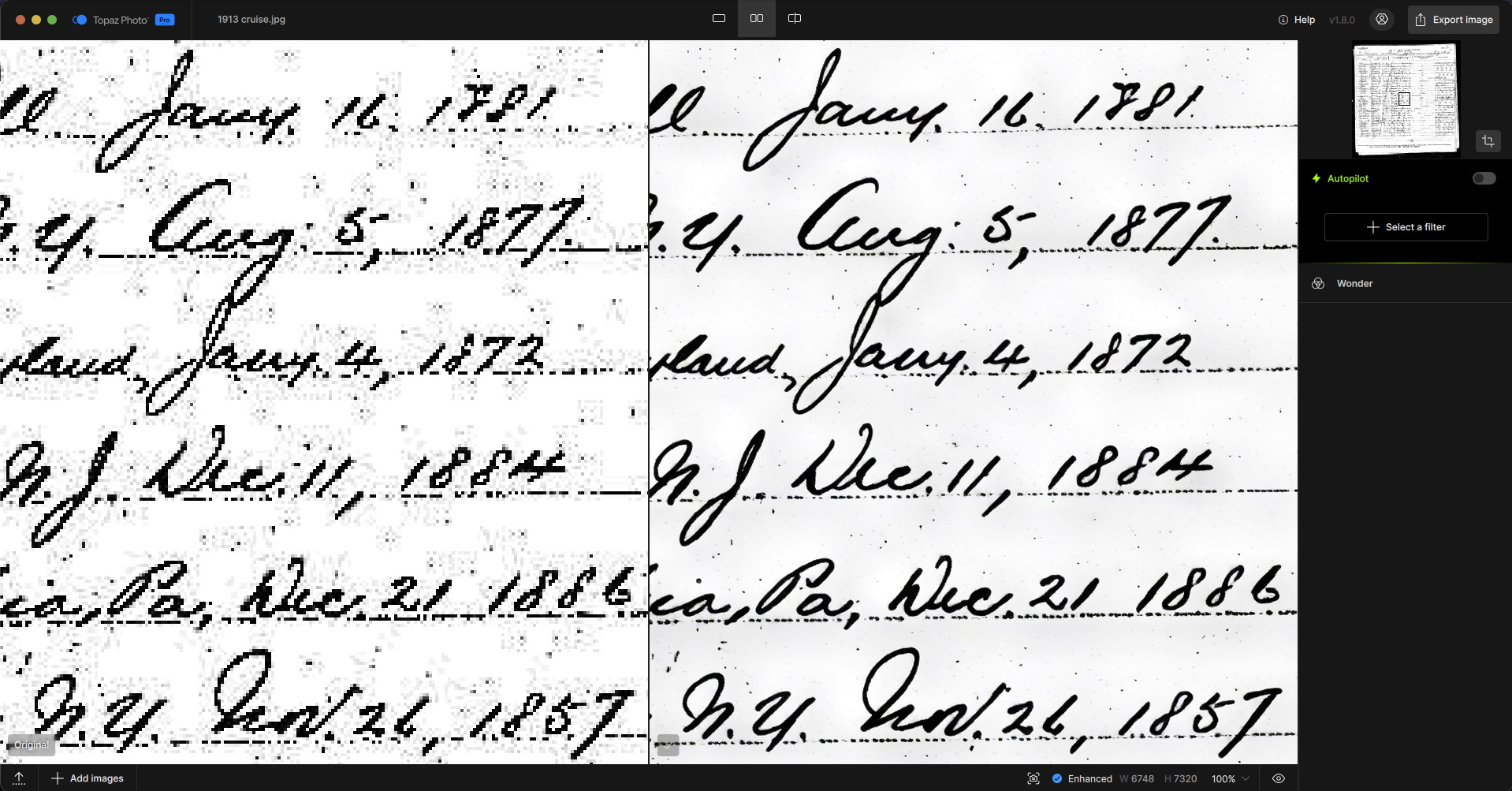
I’m getting wonderful results on older historical document images with default settings @ 4X (aside from occasional text rendering typos) but like juancar.garvill I am unable to process a 2004 digital image (even cropped).
We checked Juan’s logs with the development team, but they didn’t show any errors. We’ve asked him to send us the image that’s causing the issue, since we haven’t been able to reproduce it on our side and want to test with his file.
Since you seem to be experiencing the same issue (only happening on certain images), make sure to include the 2 images giving issues along with your logs in your email so we can test it as well.
Wonder Broken upscales X4 no matter what I choose, either specifically or using the other X buttons. I have already reported it via the app and sent logs, etc. I have already tried a reboot; no luck, so I have uninstalled and cleaned the registry before attempting a clean install. I will update the forum when that is done.
@david_austin - thanks for flagging. This is an issue we are able to reproduce, and I have added your contact information on the development team ticket we have for this and will update on your email thread once a fix is released.
It definitely handles text well, but only marginally so vs 3.5. Still notice it makes square dots in fonts rounded, esp with very low res sources, and even that is not consistent. Sometimes in the same text it keeeps them square then rounds them off.
For anyone experiencing Photoshop plugin issues (Mac only), installation errors, or issues with generative models, the development team has just released a patch in Topaz Photo v1.8.1.
Make sure to install this update and test again.
If any issues remain after updating to v1.8.1, send the details along with your application logs to support@topazlabs.com so we can investigate and relay the findings to the development team.