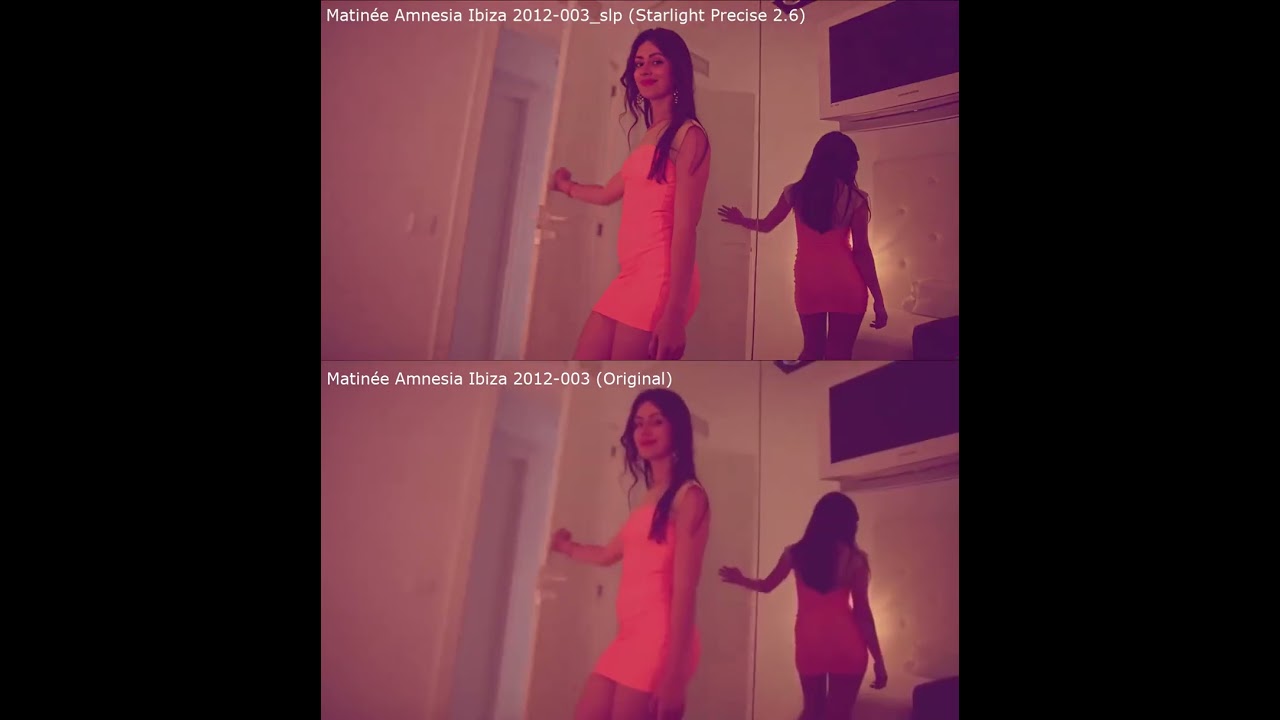
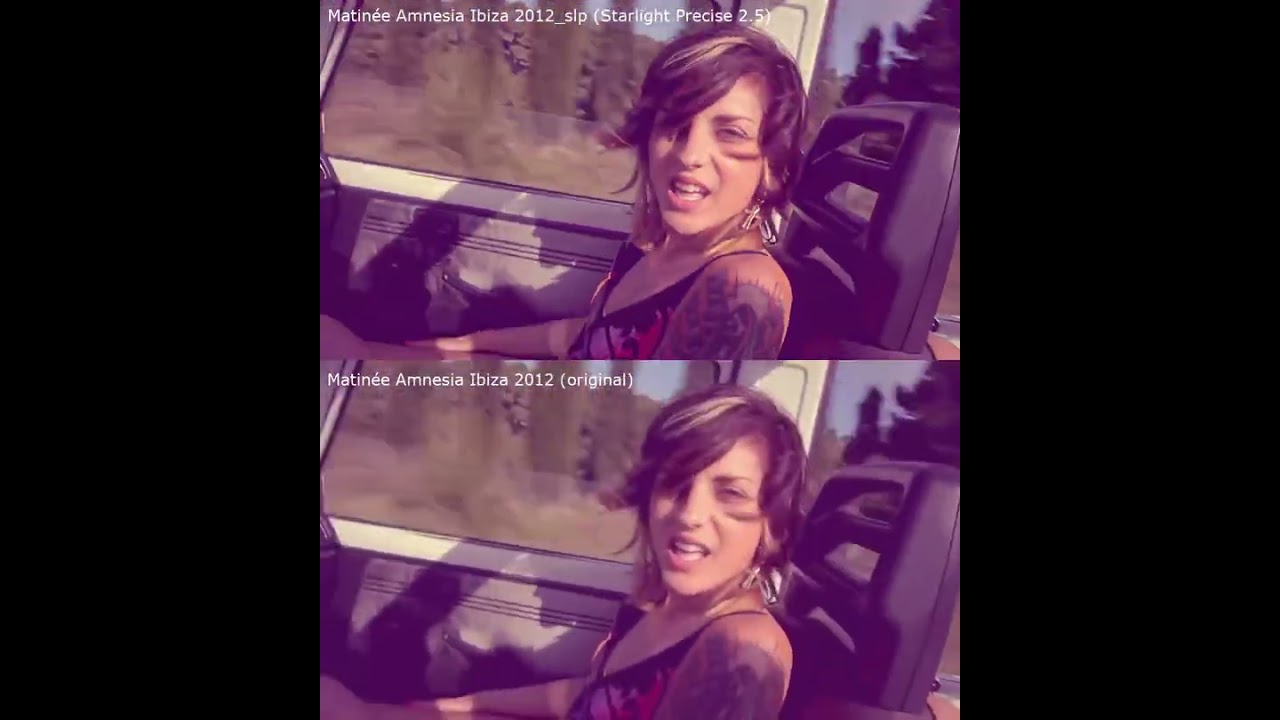
I’m seeing a white‑screen artifact when processing a 1280×720 clip using Starlight Precise 2.6. The issue appears as full‑frame white flashes at specific timestamps.
Example 1:
Source clip 1:
Matinée Amnesia Ibiza 2012‑003.mkv
Artifact timestamps:
00:16
00:25
00:29
I’ve uploaded a side‑by‑side comparison video showing the original vs processed output. Logs are attached for review. (I can share these source clips as well if needed)
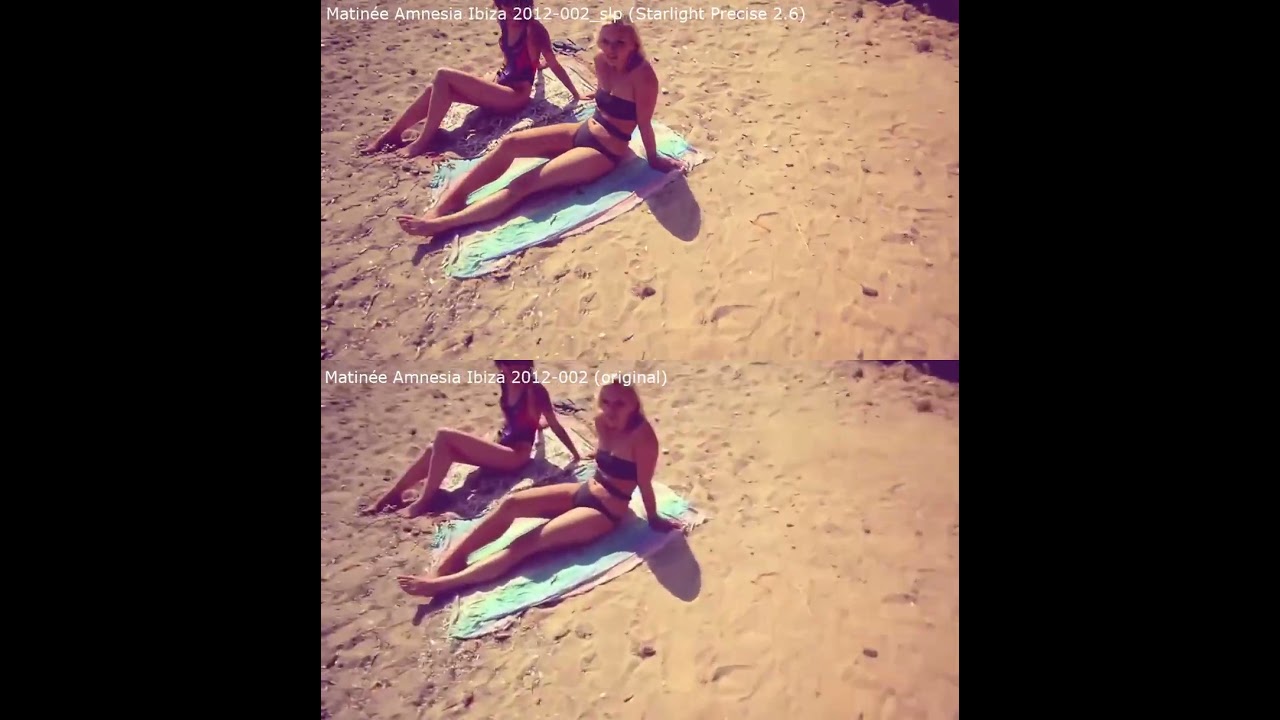
UPDATE (Example 2): It happened again with another clip. I believe this occurrence is included in the same log, since I saved the log while this clip was still processing. The white‑screen artifact appears on this video as well at the 00:08 and 00:16 mark.
Thank you for sharing the videos and the logs, the team is actively looking into this as we had another user see a similar situation when using the model and 3x upscaling on their videos with a Radeon 7900XT card.
Thanks for the update. Just to clarify, my GPU is actually a Radeon 7900XTX (24GB VRAM), not the XT (20GB VRAM) model. Mentioning it in case it helps correlate the issue across RDNA3 cards.
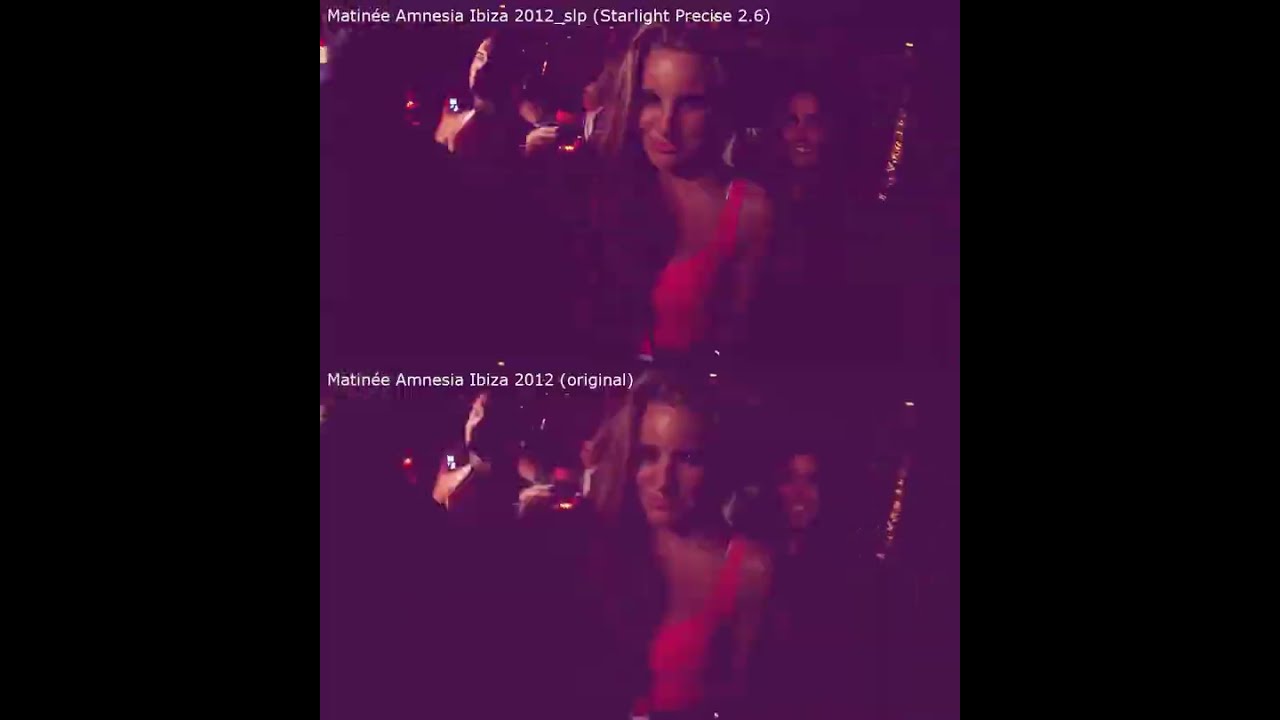
EXAMPLE 3 (Full project completed): Examples 1 and 2 were taken before the project finished, so here is the fully completed project. It does show the white artifact on every segment of the project:
White Artifact occurs at time stamps (within Example 3):
00:00
00:08
00:41
00:51
01:09
01:17
02:17
02:26
02:30
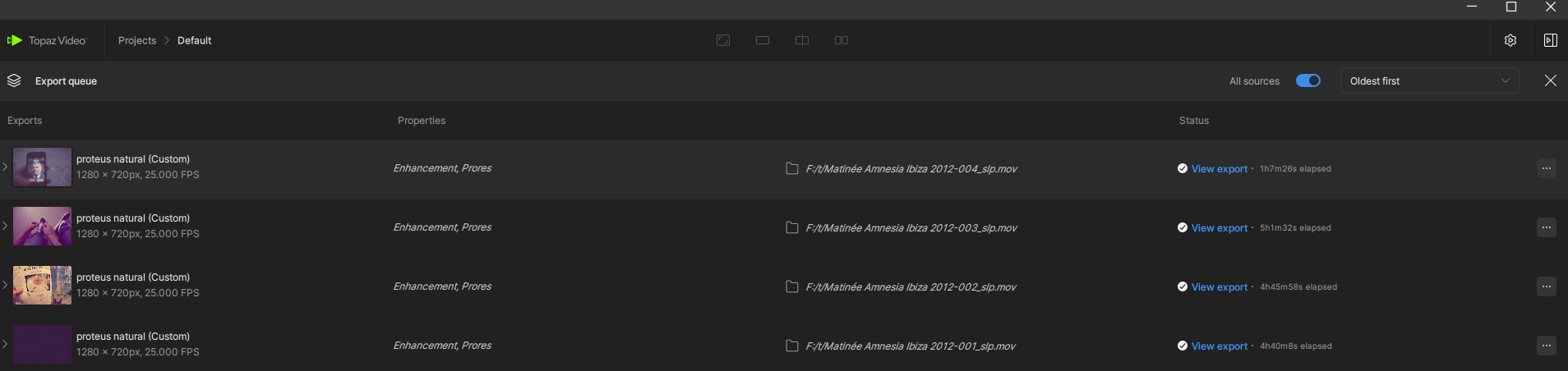
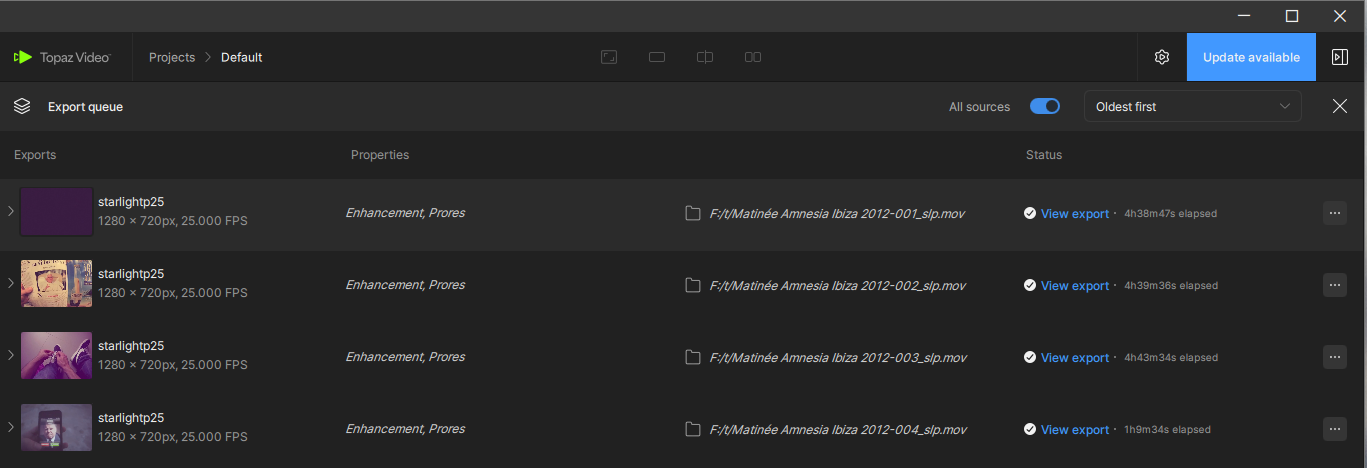
Screenshot of how long it took this project to complete, it was broken down into 1 minute sections. (ignore the “Proteus Natural” project name — this project is actually Starlight Precise 2.6 on Topaz 1.7.0)@kyle.topazlabs - Are these Export completion times normal for a Starlight Precise 2.6 project on a 7900xtx?
Yep, I’m the Radeon 7900-XT user who experienced this using X3 upscaling with SLP 2.6. My tests at Minimum and 3X have not exhibited this phenomenon.
I think you’ll find that the AMD GPUs will be distressingly far behind Nvidia due to their architectural differences. I bought my 7900-XT two years ago hoping that they’d overcome the obstacles, but when Starlight Mini local processing hit the scene last summer, I bought a 5070 Ti - at MSRP! - and am very glad I did.
UPDATE: Example 4: I rolled back to Topaz 1.6.1, and Starlight Precise 2.5 definitely behaves better. The issue still happens, but only briefly, and only at specific timestamps. Here are the moments where it still appears:
00:30
00:45
00:48
02:24
Example 4 Link:
Support log after completing project in the previous version of topaz: 1.6.1 and using Starlight Precise 2.5:
Also screenshot of duration it took to complete the exact same project using Topaz 1.6.1 and Starlight Precise 2.5, and it appears to be roughly the same performance:
I found a partial workaround for the artifacting issue. Splitting projects into much smaller chunks reduces the problem for a lot of files. The issue still happens, and sometimes I have to reprocess a segment a few times before it comes out clean with no white artifacts, but the method does work to a degree.
Older versions of Starlight — especially Starlight Precise 2.5 — handle these tiny segments more reliably, so the workaround is more effective there. The limitation is that it only works when the keyframes fall inside the chunk boundaries. If the keyframe spacing is too large, the trick breaks down completely.
Performance on my 7900XTX also varies a lot depending on the source. Some clips run noticeably faster, others stall heavily, so it’s difficult to compare my numbers directly with NVIDIA users because the deviations between sources are huge. The only thing I can say with confidence is that NVIDIA’s performance in Starlight Precise is currently much stronger than AMD’s by a large margin. AMD can run it, but even removing outliers, NVIDIA still appears significantly faster.
Because of these limitations, it’s difficult to scale this workflow on my 7900XTX. I’ll likely end up buying an NVIDIA GPU in the near future and run my 7900XTX alongside it until AMD support improves. It also gives me a chance to see how the workflow behaves on both sides of the field.