I have a MacBook Pro with an M4 Max and 48GB of RAM, and every time I use Starlight Precise, I’m only getting around 0.1–0.2 FPS. At that speed, it feels practically unusable for me. For example, a clip at 2000×800, 60 FPS, and 8 seconds long took about an hour and a half to process.
I feel it can and should be able to run at around 0.3-0.5 FPS or higher, but based on my testing so far, I haven’t been able to reach that speed even with my M4 Max. Because of that, I don’t think Starlight Precise is even practical for any Mac use until performance can be optimized using apples gpu/cpu. If y’all could fix this as soon as possible, that would be highly appreciated.
Yes, that is the speed. I have the same M4 Max. This gives you plenty of time to philosophize about the speed. I have done several calculations and it looks like it take 120 to 160 seconds to render 1 Second in Precise IF you choose the minimum output size and use 24-25 frames.
I can strongly recommend to reduce the frame rate to 24-25 before with an external video converter. If you stay with 30 Frames, it could easily cost you one hour or more of render time. AND: rotate vertical videos to landscape for conversion. That makes the output size smaller and saves time.
I get that 60fps will make it longer, but with 24fps I get the same performance, and it still takes like 30 minutes to an hour, which is still unusable in most cases. Also, when you say convert a file externally, can you elaborate more about that?
When the conversion is 0.1 fps, that means it takes 10 seconds for 1 frame. If you have 25 frames, it takes 25 x 10=250 seconds (4m 10s) rendering time for 1 sec footage. If you have 30 frames, it takes 300 seconds (5m) for 1 second of footage. If you have 60 frames, it takes 600 seconds (10m) for 1 s of footage.
I mostly use Apple Compressor with these quality settings. Sorry, I cannot switch it to English.
I always use ProRes for 2 reasons: Not too loose any quality during several conversions and it’s the codec that works best on Macs.
You can also use the free software Handbrake. It’s amazing and it offers ProRes, too, since a couple of months.
Yeah, but does compressing it make it render faster? That’s my real problem, because even if it’s 24 fps, if the clip is 30 seconds is unusable in most cases. I just wanted to know how to make it render faster or to let them know that there needs to be a change to the model for it to be useful.
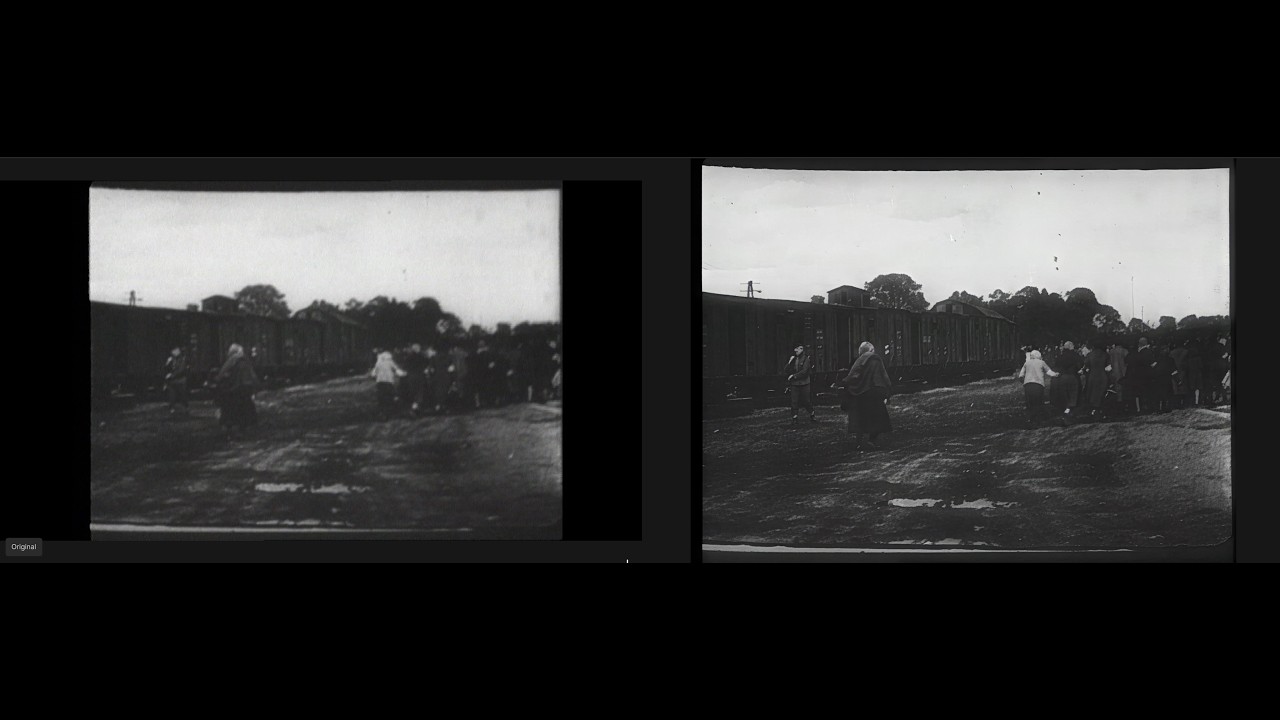
_slp is designed for making impossible restorations possible. It’s not made for everyday enhancement. So, I am fine with it taking a while. I have quickly edited a short video with some examples of impressive results with slp. Watch it in at least half the size of your screen to see the difference properly.
The devs and research team are working on improving performance as they can. Part of the situation with Mac systems is the unified RAM and getting it to handle the heavy task of running the diffusion model. The more frames and the larger the resolution, the slower it will be. Some users have opted to use the model at only a 1x or 2x upscale value and then do a second pass with a faster model like Gaia for further upscaling if needed.
Yeah, I understand that lower-end Macs would obviously get worse performance, but with 48GB of RAM and around 37GB of GPU memory, I feel like I should be getting better performance in most cases. My Mac is already a pretty high-end computer, so getting only 0.1–0.2 FPS seems unusually low, especially for the hardware I’m using.
Actually this should be an advantage especially with the Ultra chips having massive bandwidth to the total of the RAM and not needing shared RAM (which absolutely kills performance on NVidia systems if used).