Ever since Starlight Mini was released I have consistently had an issue with doing 2x upscales of 1080p content where the output gets warped slightly.
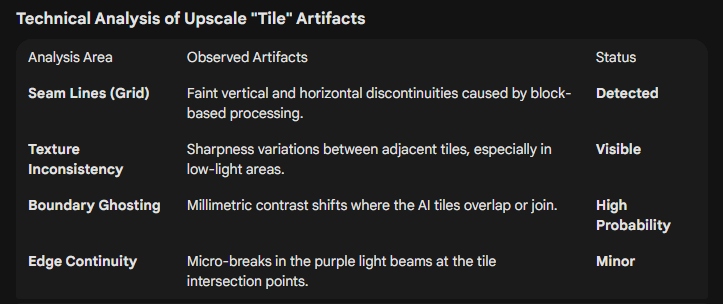
It looks like a tiling artifact, by which I mean I suspect that under the hood the video is being broken up into smaller tiles and pieced back together at the end, but that the reassembly isn’t quite aligned properly.
This comparison shows what I’m talking about: https://slow.pics/c/IBD01pTB
Image 1 is from the original and Image 2 is from Starlight Mini. You can toggle between images 1 and 2 by pressing 1 and 2 on your keyboard.
Images 3 and 4 are from Starlight Precise 2 and Starlight Fast 2 cloud models. Neither of those models experience the tiling issue, but both of those models are far inferior to the results from Starlight Mini.
My results from Starlight Mini were produced using an RTX5090 with no memory limit. Latest result from was from the V1.2.0 beta, but I’ve seen this same issue in all versions of Topaz Video including Topaz Video AI so far.