FIXED: launcher files disappearing after exit — the root cause is found and removed: on every exit the launcher tried to clean up its temporary extraction folder, but in this installation type that folder IS its own _internal directory — so files that were not in use were deleted (admin rights made the deletion succeed). The launcher now only cleans real temporary folders, never its own files. If your _internal folder is already damaged: run this Setup again and choose Add or re-install files (repair).
_internal folder self-repair — at every start the launcher checks the integrity of its _internal folder; if files have gone missing, it restores them automatically and tells you to run the Setup → REPAIR if it repeats. (Fixes the “files disappear from _internal” issue reported on the forum.)
Delete auditing — when you run cuDNN Patch/Revert from Program Files, file-deletion auditing is enabled on the app folder: if anything deletes launcher files, the Windows Security log records exactly which process did it. (This will identify the cause of the disappearing-files issue.)
The screenshot you sent last helped identify the cause of the issue—thank you for that. Please install the new version. I hope the problem does not recur; as a new feature, the program will now check for missing files upon startup and either repair them automatically or run the setup.
Every time I begin an export, the model loading immediately errors out. I’ve sent logs as well as making sure that everything is installed and ran as admin. This does not happen with the Topaz SPL Tuning Launcher application. What could be the problem?
I received two error emails from the same person today; is this related to your system? The error states that “Yes” was not selected in the UAC prompt when attempting to apply a patch—meaning it required administrator permission, but that option wasn’t chosen. If possible, please attach a screenshot of the error here. Is the model loading error occurring within Topaz itself? If so, it has nothing to do with my application; it indicates that Topaz isn’t downloading the models correctly. Try launching Topaz normally and performing an operation—does it work fine?
─ LAST ERROR ──────────────────────────────────────────────────────────── SLP Lite — cuDNN patch failed
install failed — RuntimeError: administrator rights were declined (UAC) — click Patch again and accept the UAC prompt
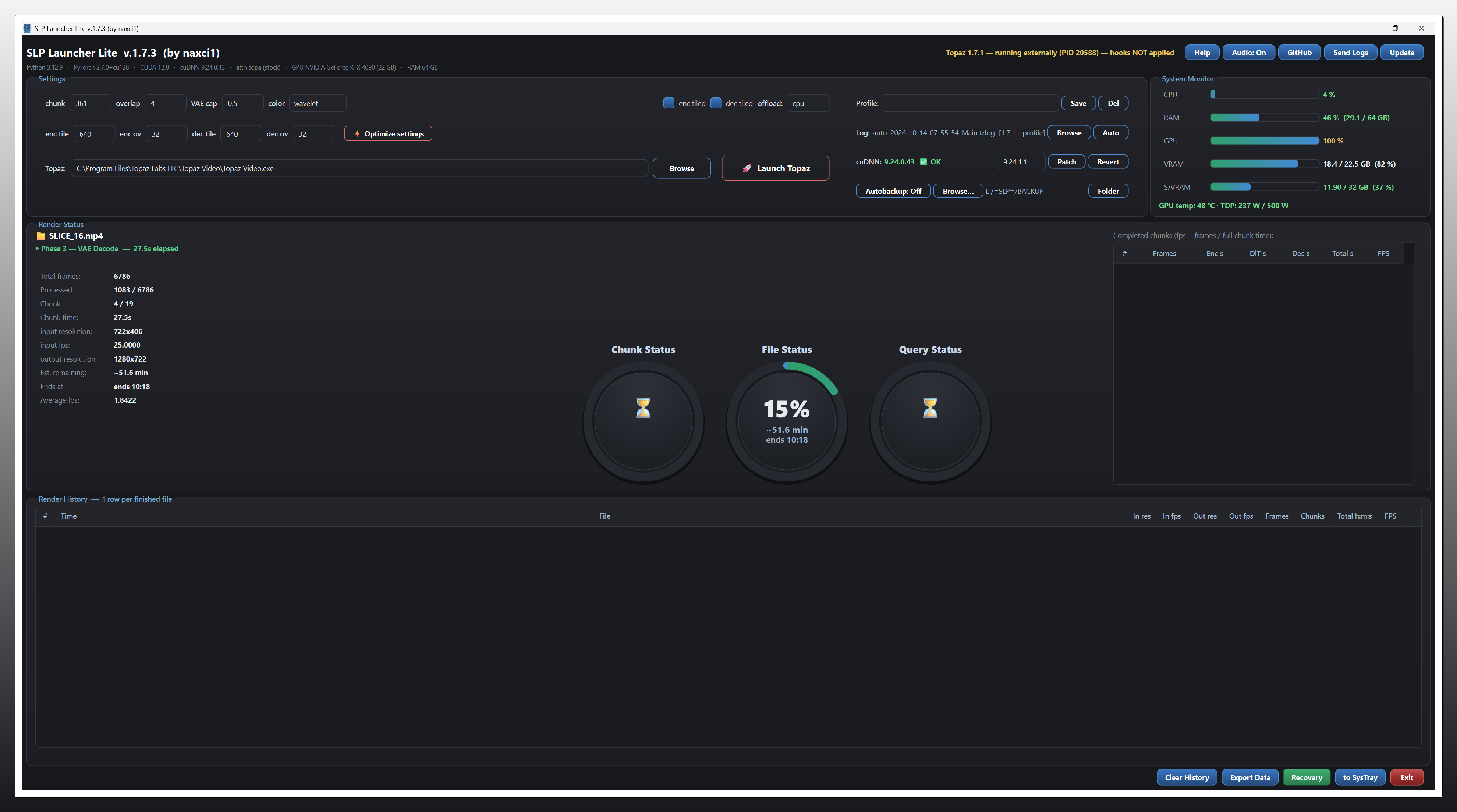
Audio alerts (On by default) — new Audio: On/Off button in the header (next to Help). When On: your custom sound plays when each render finishes, and a completion sound plays when the whole queue is done. Toggle anytime — no restart needed. The custom alert sounds are included with the Setup automatically; to use your own, simply replace file_done.mp3 / query_done.mp3 in the sounds folder.
Autobackup cleanup — when a render finishes and the launcher moves to the next video, the previous video’s backup file is deleted from the backup folder automatically: the finished video no longer needs its backup (the final output exists).
Queue status now shows the currently-rendering video — “1/11” while the first of eleven videos renders, “11/11” while the last one renders. The count stays correct even after a Topaz restart.
Render status clarity — while a render is running but the log markers have not appeared yet, the status shows “Render running” (green) instead of “waiting”.
Windows 11 fix: cuDNN Patch / Revert now works on systems where the previous method silently failed — the elevation was reworked to a direct, visible launch (one UAC prompt, no hidden nested PowerShell). Fixes the “administrator rights were declined” error reported on Windows 11 insider builds even after clicking Yes on the UAC prompt.
I started playing with it last night and the system specs you’ve shown in your message look like the error messages were probably mine, considering the timing.
I repeatedly tried to update the cuDNN with the built-in update button, and each time selected ‘Yes’ when the window popped up. But it wasn’t a UAC prompt, it was a different box. (I don’t remember what it said.)
I finally had success by shutting down the app and restarting it, explicitly selecting Run as Administrator. The cuDNN update completed successfully at that point and everything seems to work fine.
I see that there’s another app update today - will apply that when my current render finishes.
I VERY much appreciate seeing the framerate display!