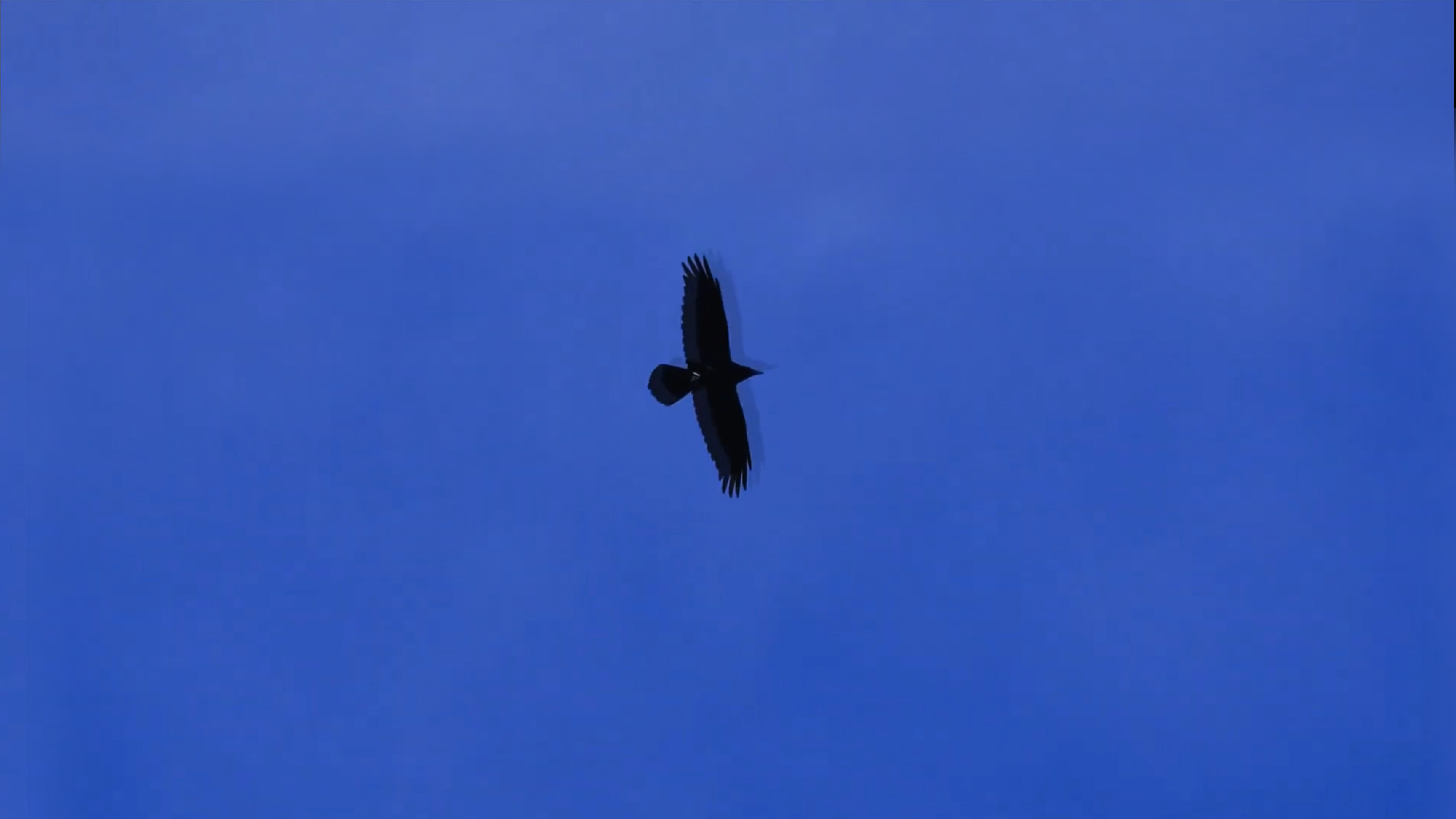
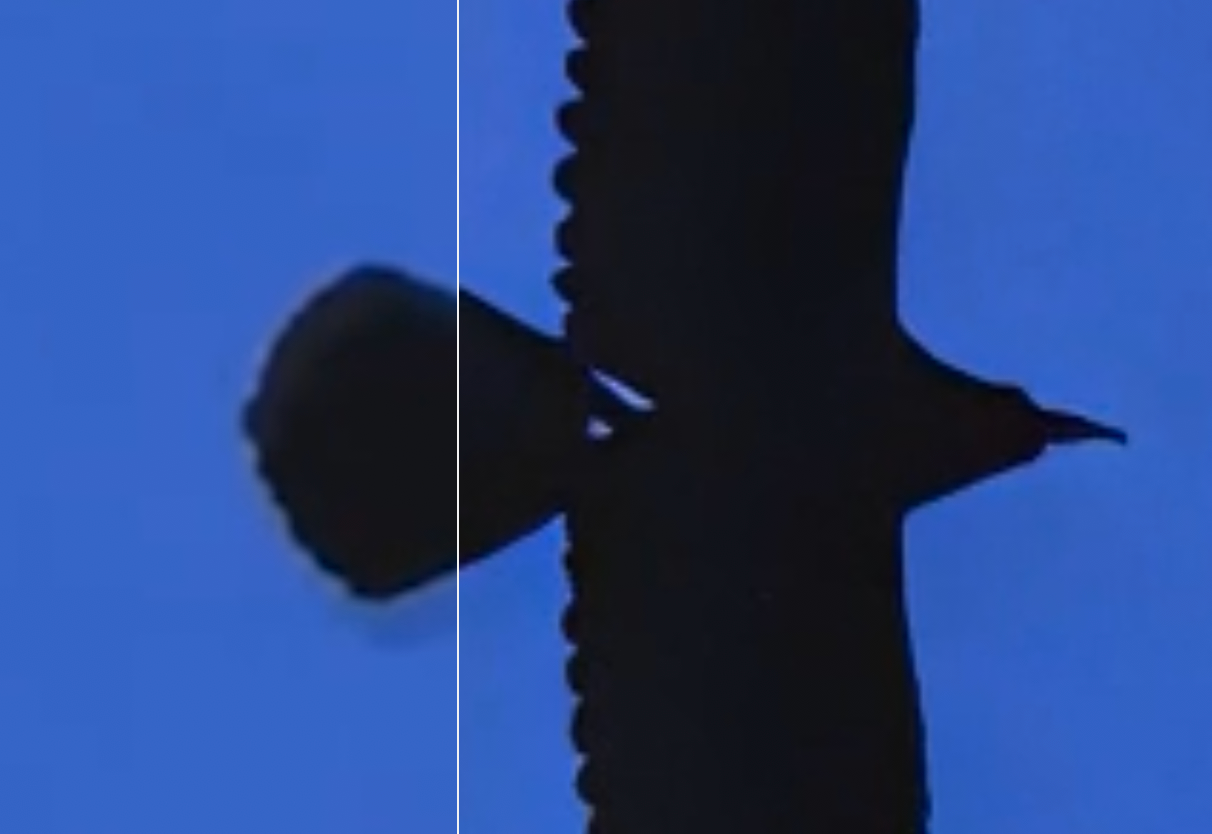
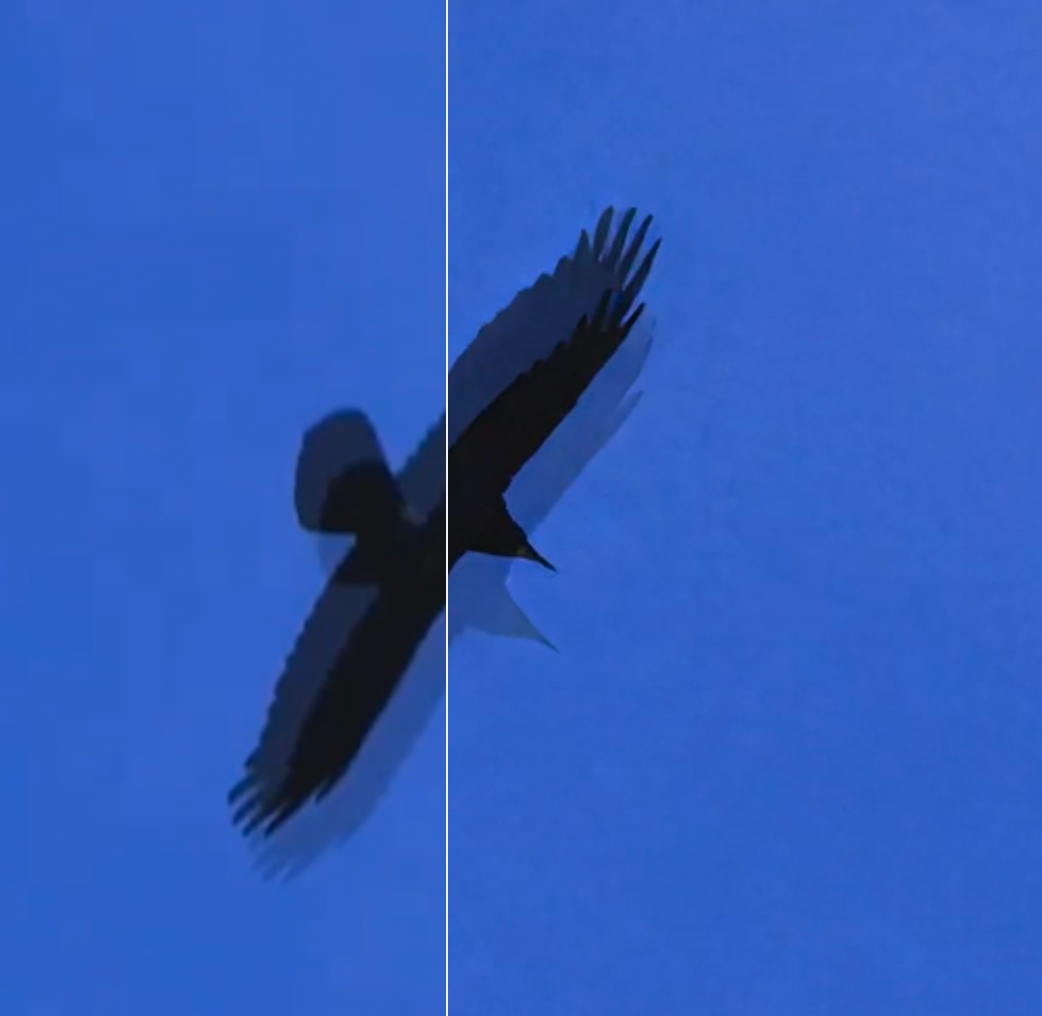
I’d like to de-ghost a video of raven flying against a blue sky (see attached frame).
In Topaz, I’ve tried a bunch of things (Stabilization? Motion deblur?) but I’m not seeing results. I also have Premier Pro if that helps.
My source is a youtube video and I cannot contact the owner, so unfortunately I cannot return to an earlier source. I think (hope) this is a relatively simple case as the subject is essentially a silhouette against the background .
Any advice appreciated.
Thanks
-Eric
Can you share the input file for testing?
You can securely submit your file(s) to our Dropbox using the link below. Please be sure to send me a note to let me know you sent something and include the file name.
Submit File to Dropbox
You may try Iris low quality with focus fix enabled, or starlight sharp.
Thanks Margaux. I uploaded file via the dropbox link.
Appreciate the help!
I recommend Starlight Precise 2.5. It was able to help with some of the minor ghosting, however, some of the more major ghosting it wasnt able to fully resolve. As shown in the screenshots.
Thank you Margaux! That’s great.
I wonder if some of that major ghosting could have occurred on frames inserted when I upsampled the orig from 30fps to 60fps.
Should I use starlight precise 2.5 BEFORE any other mods on the original video?
(I’m guessing the answer is yes)
Yes I’d recommend trying enhancement first to see how that helps!