Share us your Starlight Mini speed for this video

Hello everyone,

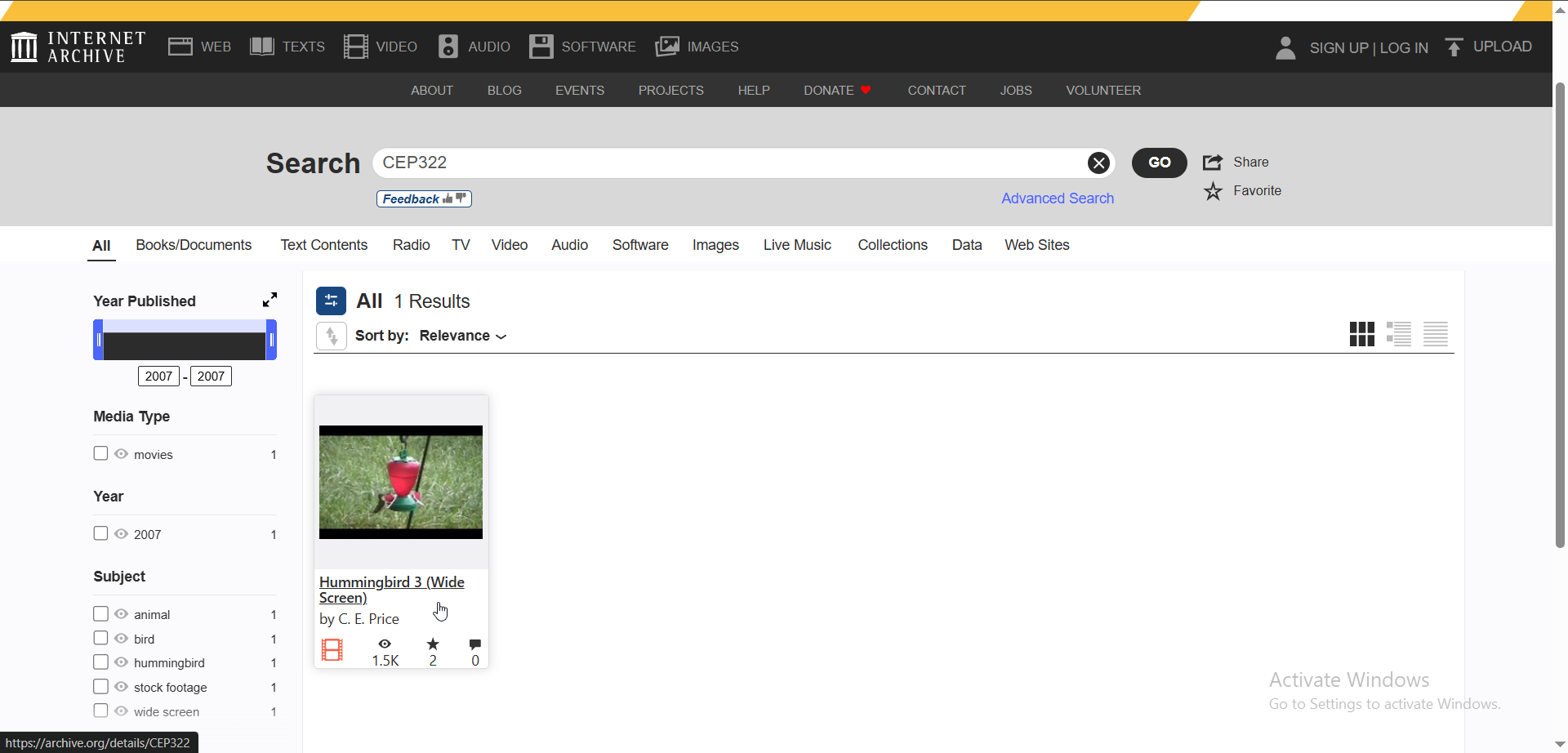
As we know, there isn’t a clear or reliable benchmark for Starlight Mini, so I decided to suggest a video through which we can all test its speed. The video is only 5 seconds long and can be accessed from this source:

Dropbox link for test video

I think it’s important to mention your device specifications:

  1. GPU
  2. CPU
  3. RAM, and whether XMP is enabled or not

As for me, my device specs are:

  1. RTX 3070
  2. Ryzen 5 5600X
  3. RAM speed is 2133 MHz, and XMP is disabled. The total RAM is 32 GB (4 sticks, each 8 GB).

Personally, at 3x speed, it took me 56 minutes.

for 2x upscale - 23 min 56 sec

Note: Please, when reporting your speed, do not use the computer for anything else so we can ensure accurate performance results.

sorry if any thing not ok in english because is used chatgpt to translate

2 Likes
  1. GPU - RTX 5060 Ti
  2. CPU - Intel Ultra 7 -265k
  3. RAM - 64GB 5600

SL Mini export set to 3x upscale - 35 min 15 sec

2 Likes
  • GPU - RTX 4070 Ti Super 16GB (PCI-e 3.0)
  • CPU - Intel Xeon E5-2698 v4 x2
  • RAM - 256GB 2400 MHz (16 x 16GB)

SL Mini export set to 2x upscale - 12 min 15 sec
SL Mini export set to 3x upscale - 24 min 53 sec
SL Mini export set to 4x upscale - 51 min 0 sec

1 Like

GPU - RTX 3070

CPU - 2x Xeon Gold 6132

RAM - 192 Gb 2133MHz (24x8)

SL Mini export set to 3x upscale - 1 hr 6 min 51 sec

Not breaking any speed records, but not too shabby for a 6 year old GPU in a 10 year old workstation.

1 Like

GPU - RTX 3060

CPU - i7-8700k

RAM - 64 GB 2133 MHz

SL Mini export 3x upscale - 1 hr 19 min 42 sec

1 Like

thank you all

i did test for 2x upscale - 23 min 56 sec

GPU - RTX 3070 8GB

CPU - ryzen 5 5600x

RAM - 32GB 2133 MHz (4 x 32G)

My 2x came in at 10 min 36 sec.

3x taking 6x longer than 2x is mind boggling.

1 Like

System:
5060ti
9900K
32GB RAM

3x 37 min 6 sec
2x 16 min 12 sec

1 Like

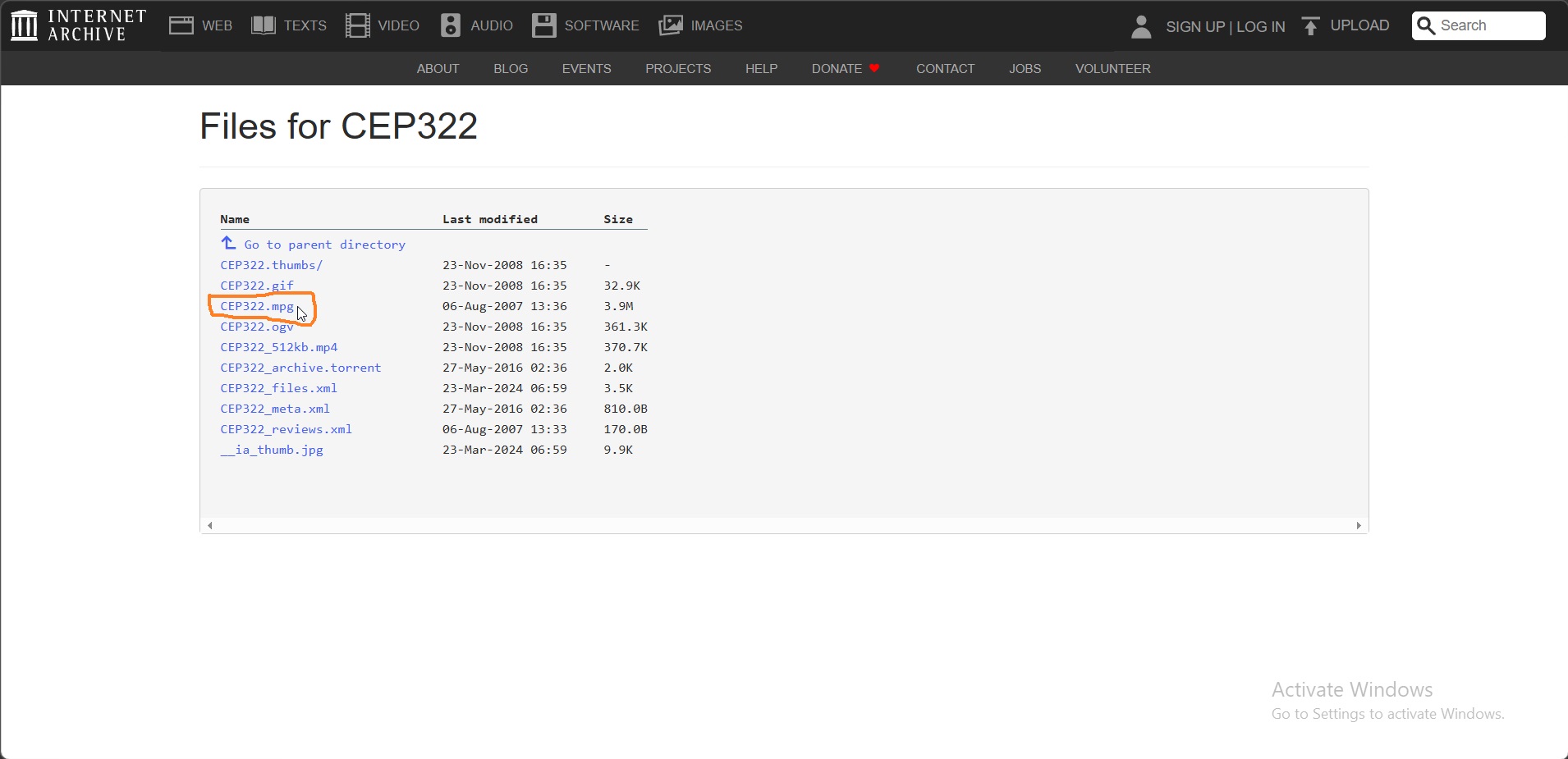
Note: We tested the speed using the video named
CEP322.mpg – resolution is 720 × 480

However, it seems that the Topaz website is now automatically displaying the video named
CEP322_512kb.mp4 – resolution is 426 × 240

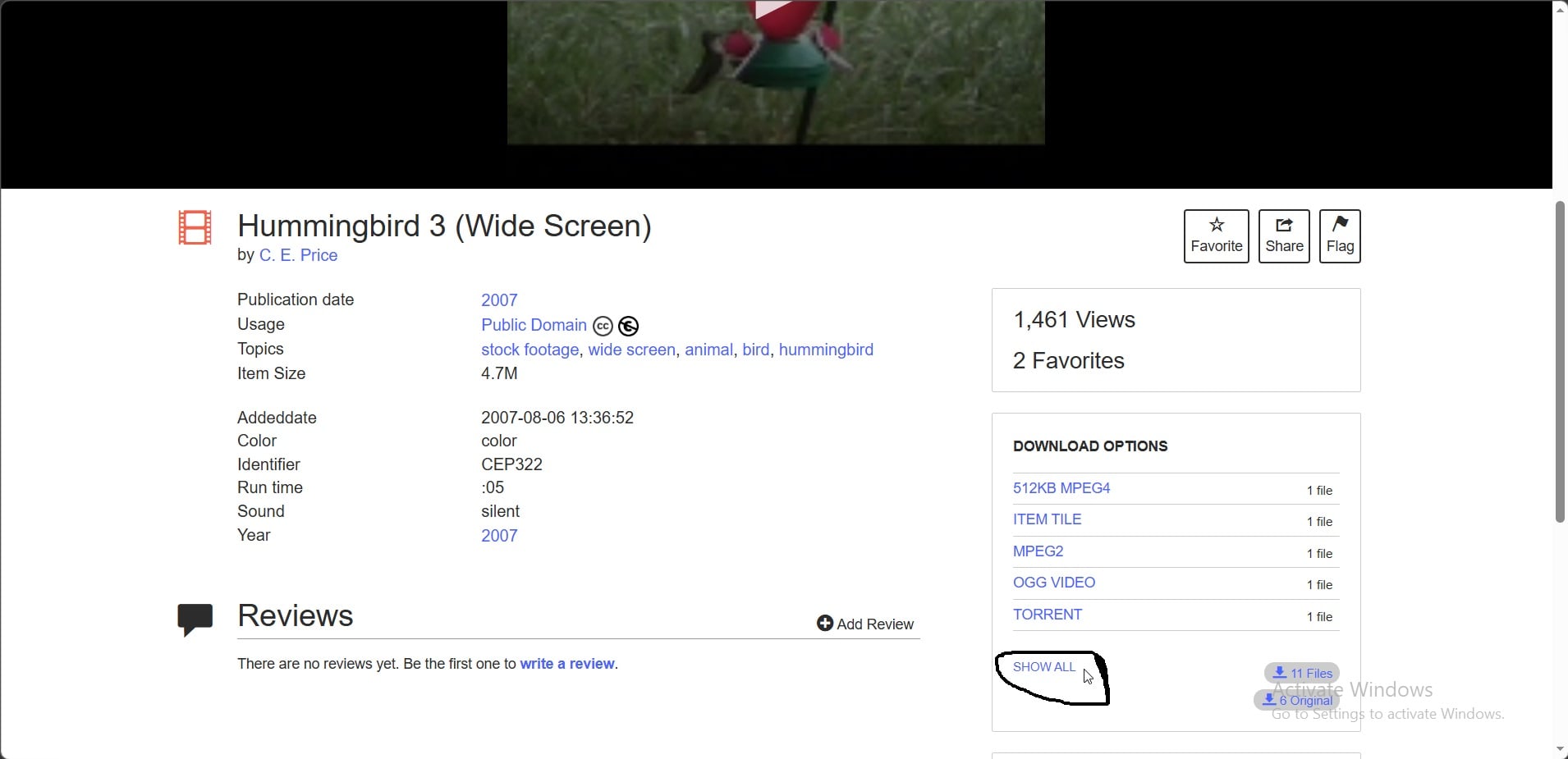
Unfortunately, it appears that I can no longer edit the post, but you can go to the website archive.org and then type CEP322

After that, go there step by step.

For me, it’s fine to test the speed using this video CEP322_512kb.mp4, but the important thing is that you let us know that you tested the speed using it.

Thank you.

Using the smaller file…

GPU is 5070-Ti

CPU is 9800X3D

RAM is 64GB DDR5-6000

3x was 3 min 42 sec

4x was 8 min 22 sec

1 Like

You are making your own benchmark thread quite messy already… :stuck_out_tongue:

Should not have put that smaller video into the mix also…

1 Like

Yes, you are right, and I apologize for that. I wanted to edit the post, but unfortunately I couldn’t. Even the link I had shared disappeared and was replaced with this video, and it seems this happened automatically. So now, unfortunately, we are faced with a situation where anyone who visits will download this video CEP322_512kb.mp4 and test the speed using it. The only thing I could do was to point this out.

Anyway, I kindly ask everyone who reads this to test the speed using the video CEP322.mpg, not CEP322_512kb.mp4.

1 Like

Brother, is there anything you can do about this issue? We would like the speed to be tested only using the video CEP322.mpg, not CEP322_512kb.mp4. If you can do something, please do, and if not, that’s okay—we can leave the topic as it is for now.

I removed the video that got linked in. That should help clear up the issue and I have included a dropbox link directly to the MPG file for everyone.

3 Likes

Yeah that small file had me feeling like something was wrong, since it only took like five minutes.
Here’s with the correct file.

  • GPU - RTX 3080 ti
  • CPU - AMD R9 5900X
  • RAM - 32GB 3600 (4X8GB sticks, XMP enabled.)

SL Mini export set to 3x upscale - 30 min 39 sec

We started with 3x, then did 2x, so I thought might as well throw 4x in.

52 min 38 sec

4x takes less time than 3x? Huh?

Check the resolution of the resulting file. 52 mins seems way too fast for a 3070…
3x being much slower than 2x seems logial, as you only have 8GB VRAM. 3x and 4x will want more of it to work smoothly…

The resolution checks out. I set this up last night and then went to bed, so I wasn’t there to see it finish. I’m guessing that the elapsed time counter is wrong. I already know the ETA countdown timer is hopelessly unreliable.
1 Like

Laptop
Processor 275HX
64GB RAM
5070TI

2x 15:50
3x 34:16
4x 1:24:53

1 Like